
May 26, 2026
Clinic Appointment System and Admin Panel
Plan a clinic appointment system with doctor schedules, queues, patient communication, permissions, reports, and safe admin workflows for India.
Read articlePublished Updated
Compare clinic appointment software with hospital management software: booking rules, module scope, cost drivers, sample-data demo checks and pilot readiness.
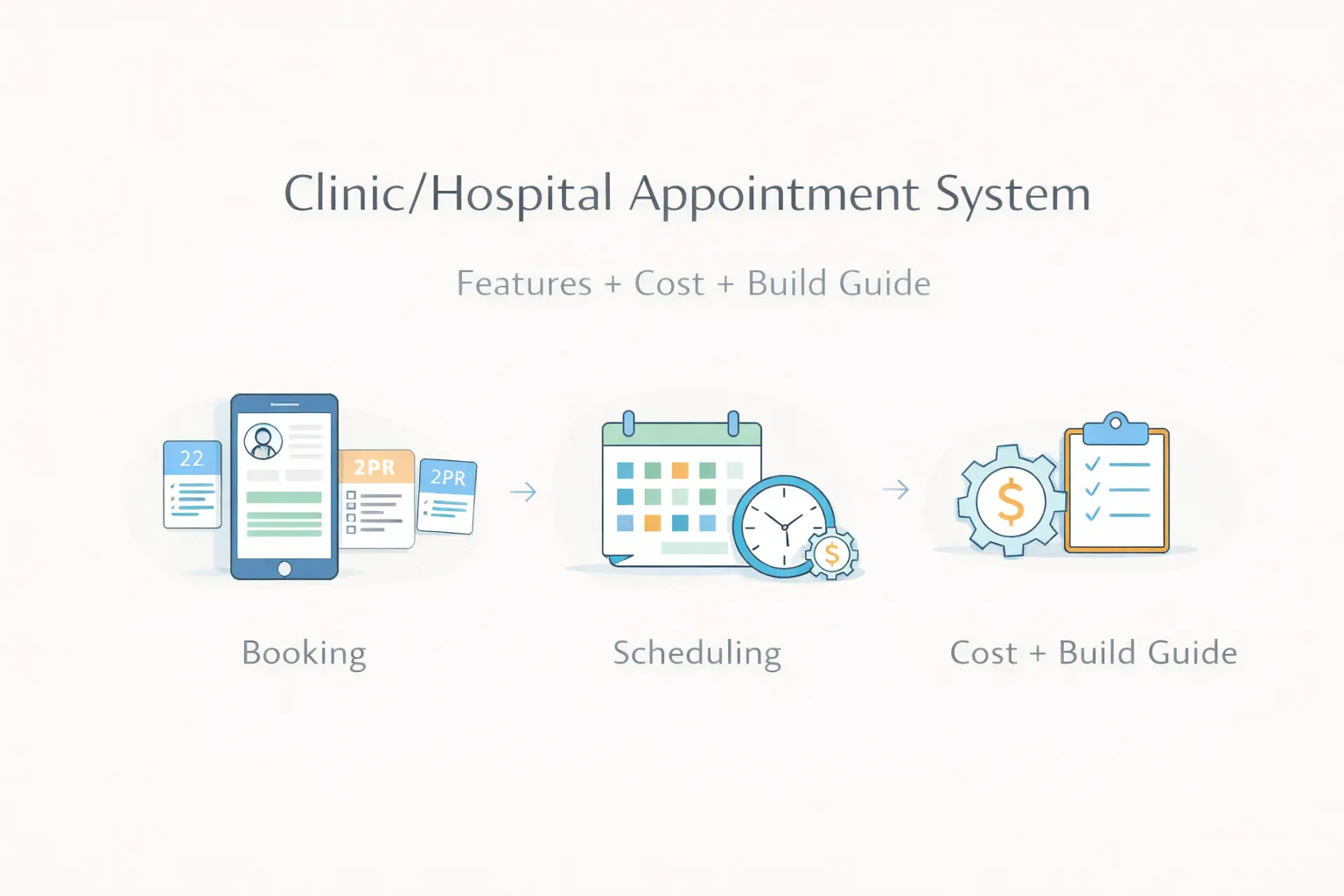
Many clinics and hospitals still handle appointments through phone calls, WhatsApp chats, notebooks, or loosely managed spreadsheets. That works only till patient volume is low. Once multiple doctors, time slots, follow-ups, reschedules, and front-desk coordination enter the picture, confusion starts quickly.
A proper appointment system reduces that confusion. It helps patients book more clearly, helps staff manage schedules faster, and gives owners a better view of slot usage, doctor load, and missed appointments.
This guide explains how to choose the appointment scope, compare it with hospital management software, and prepare a written estimate and acceptance checklist. Scheduling is one workflow; connected billing, lab, pharmacy and other departments need their own review.
For most clinics and growing healthcare setups, a useful appointment system should include:
| Requirement | Scope to evaluate | What to demonstrate |
|---|---|---|
| Online booking and a front-desk queue | Clinic appointment system | Doctor availability, duplicate-slot handling, reschedule and cancellation |
| Registration plus several departments | Hospital management software | A synthetic patient journey through the selected departments and billing |
| Existing software that needs a connection | Integration or migration assessment | Exact source and target, access rules, failure handling and validation |
For the available VASUYASHII scope, review hospital management software and pilot planning. It starts with a local demonstration and a facility-specific review. It is not a promise of immediate production use in any hospital.
Use the hospital software pilot checklist to record what was shown, what needs configuration and what remains outside scope. Cost and delivery dates require a written estimate for the selected workflow.
When appointments come from phone, walk-in, and WhatsApp together, double-booking becomes common.
Some doctors need fixed slots, some need flexible queues, and some work only on selected days. Weak systems cannot handle that cleanly.
Many clinics lose repeat visits simply because there is no clean reminder or follow-up status flow.
Owners often do not know which doctor is fully booked, which slots are underused, and how many bookings are actually converting into visits.
Related reading:
The patient should be able to choose doctor, date, slot, and visit type without confusion.
Admins should control availability by day, shift, break, leave, and special timings.
Useful statuses usually include booked, confirmed, arrived, in consultation, completed, cancelled, and no-show.
The front desk should see today's queue, upcoming appointments, patient contact details, and quick actions in one place.
If reminders are required, agree consent, timing, templates, provider fees and failure handling. Check delivery in the selected setup; sending a reminder does not guarantee attendance.
Important reports include doctor-wise bookings, no-show rates, daily load, source of bookings, and repeat patient trends.
An appointment configuration, a custom booking application and a hospital-wide implementation are different purchases. Do not compare a subscription fee with a custom development total unless the included work and recurring costs are clear.
| Cost component | Questions for the proposal |
|---|---|
| Product setup or configuration | Which doctors, branches, roles and appointment rules are included? |
| Custom development | Which workflow gaps require new screens, logic or reports? |
| Migration and integrations | Which systems, formats, validation steps and failure cases are covered? |
| Hosting and operations | Who handles access, backups, restore checks, monitoring and incidents? |
| External services | Which messaging, payment or other provider charges are separate? |
| Training and support | Which teams are trained, what support is covered and how are changes priced? |
VASUYASHII confirms commercial terms after reviewing the selected scope. This guide does not establish a fixed package price or a hospital deployment quotation.
Launch the core appointment engine first:
Add communication and process improvements:
Add integrations if the clinic really needs them:
Choose the implementation around the existing systems and support team. Evaluate booking concurrency, server-side permissions, correction history, data export and restore behavior. Confirm supported browsers, hosting responsibility and the specific messaging or external interfaces before selecting frameworks.
A technology name alone does not establish secure access, reliable scheduling or production readiness.
The estimate depends on these decisions, data readiness and any external approvals. A local demonstration can be available before the hospital-specific production work is complete.
The biggest cost drivers are:
A small clinic usually does not need a complex hospital ERP on day one. It needs a clean patient booking flow, doctor availability, appointment status, reminders, and a front-desk dashboard. A multi-doctor hospital may also need departments, queue control, billing links, reports, and role permissions.
Phase one should make daily work easier:
For custom workflows, start with web application services, software development, and contact.
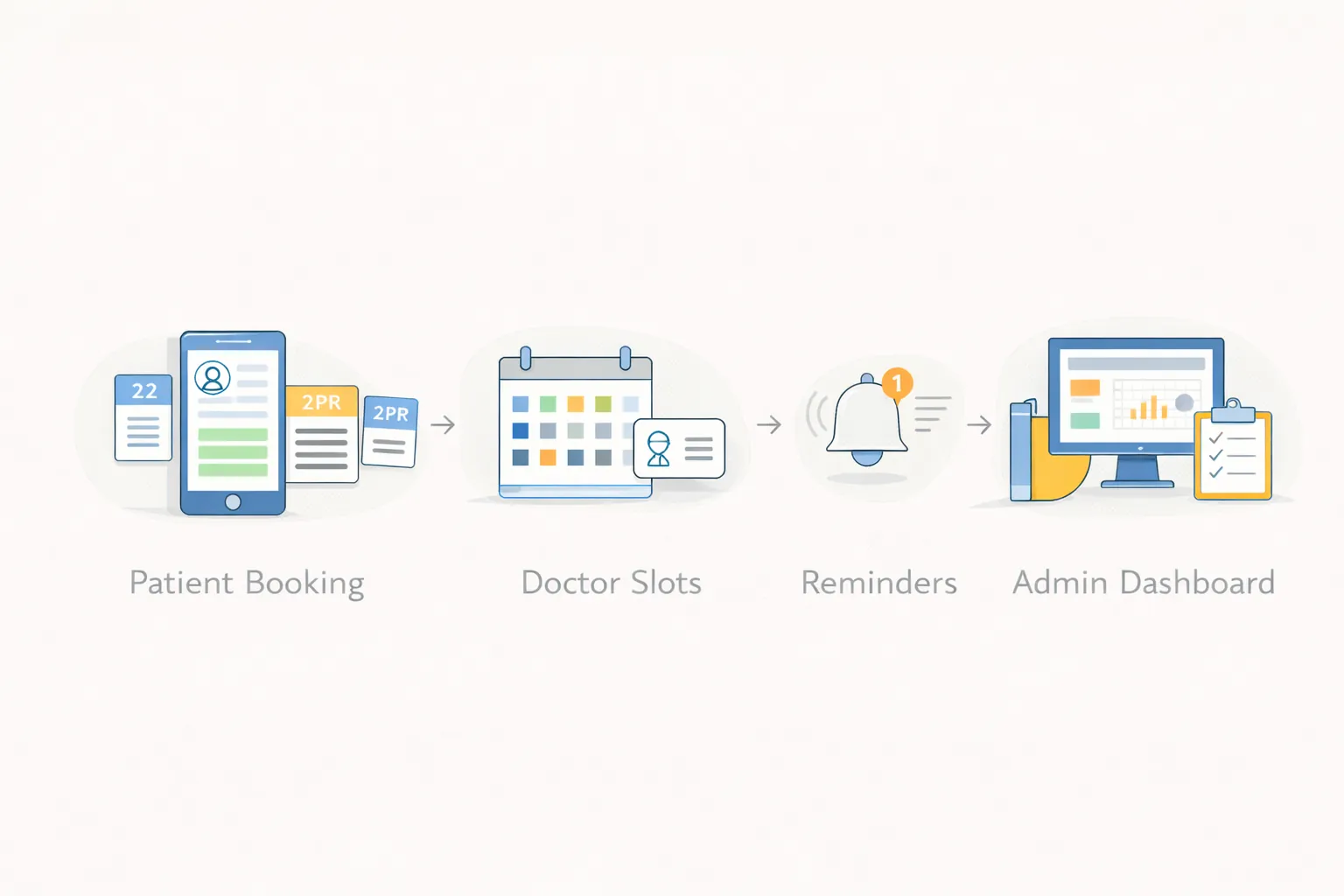
The workflow illustration above explains a possible scheduling journey. It is not a screenshot of a deployed clinic system or evidence of patient outcomes.
Use Synthetic Patient A, Doctor A and a sample appointment in a designated test environment. These are checks to perform, not results already verified for a customer.
| Check | Ask the reviewer to observe | Record separately |
|---|---|---|
| Competing bookings | Two test users request the same slot | Confirmed behavior and any unresolved conflict |
| Rescheduling | Move the appointment and inspect the old slot and reminder status | What changes automatically and what requires staff action |
| Department handoff | Follow one agreed registration-to-department journey | Supported modules and any manual re-entry |
| Restricted access | Attempt a disallowed action with a separate test role | Actual denial, not just a hidden navigation item |
| Operational fallback | Rehearse a sample export or restore and an unavailable-provider scenario | Responsible role, recovery result and remaining gaps |
Keep completed evidence private. The blank pilot worksheet can support a hospital-system walkthrough request; the public enquiry needs only a non-sensitive summary.
| Role | Typical actions | Restricted actions |
|---|---|---|
| Patient | Request, view, reschedule or cancel own appointment | View another patient's details |
| Front desk | Create and manage bookings, mark arrival | Change platform security settings |
| Doctor | View assigned schedule and visit status | Access unrelated branch schedules unless approved |
| Clinic admin | Configure doctors, slots, holidays and reports | Platform-level access outside the clinic |
| Owner | Review operational reports and branch performance | Clinical record changes without defined authority |
Permissions should be enforced in backend APIs and tested with separate accounts. Hiding a menu item is not sufficient access control. The OWASP Authorization Cheat Sheet is a useful engineering reference.
These rules usually affect cost more than the calendar screen itself. A fixed 15-minute slot system is simpler than one where duration changes by procedure, doctor, room and equipment.
Use an explicit state model such as requested, confirmed, arrived, in progress, completed, cancelled and no-show. Record actor, time and reason for important transitions. Do not overwrite a cancelled appointment as if it never existed.
For rescheduling, decide whether the original slot remains in history, whether reminders are cancelled and re-created, and which user receives confirmation. Reports should use the same status rules as the dashboard.
Collect only the information needed for scheduling. A first booking form may need name, contact route, doctor/service, date and an optional short reason; it should not become an unreviewed medical-record form.
Define consent, access, retention, export, deletion and breach-response responsibilities with qualified legal guidance. India's Digital Personal Data Protection Act, 2023 is an official legal reference, but this article is not legal or clinical advice.
Avoid placing patient names, phone numbers or visit reasons in analytics events, URLs or application logs. Separate operational analytics from personal records.
Test at least these scenarios:
Launch one branch or workflow first when rules are still changing. Keep a manual fallback for the initial period and record every override that the software does not yet support.
If your clinic is managing appointments through calls and chats only, the best next step is to map slot logic, front-desk tasks, and reminder flow before choosing software.
The estimate depends on whether you need product configuration, custom scheduling or connected hospital modules. Ask for separate setup, development, migration, hosting, messaging and support costs after the workflow review.
Yes. A clean booking flow can be provided through the website or an internal booking panel.
Yes. Doctor-wise slots, days, and leave logic are common requirements.
Not always. Some clinics keep billing separate in phase one and connect later if needed.
They can be scoped with a selected messaging provider. Confirm consent, templates, delivery behavior, fees and what staff should do when delivery fails.
Reliable slot logic, admin control, and low-friction booking.
Yes, but hospital workflows often need more roles, departments, and scheduling rules.
Agree a schedule after reviewing doctor and branch rules, configuration, integrations, data readiness and acceptance checks. A demo date is separate from a production launch date.
For the operational design behind the feature list, use the clinic appointment and admin-panel guide. It covers practitioner capacity, queue states, patient identity, reminders, role boundaries, and launch acceptance.
Compare payment, cancellation, refund, and calendar cost drivers in the booking system cost guide before approving a custom build.
Use the broader appointment booking system planning guide when comparing clinic rules with salon, consultant or multi-resource scheduling.
If you want fewer booking errors, better doctor schedule control, and cleaner patient flow, the right next step is to define booking rules and daily admin actions before development starts.
Review hospital software and pilot planning for the available scope, review process and relevant enquiry.
Related Articles
May 26, 2026
Plan a clinic appointment system with doctor schedules, queues, patient communication, permissions, reports, and safe admin workflows for India.
Read article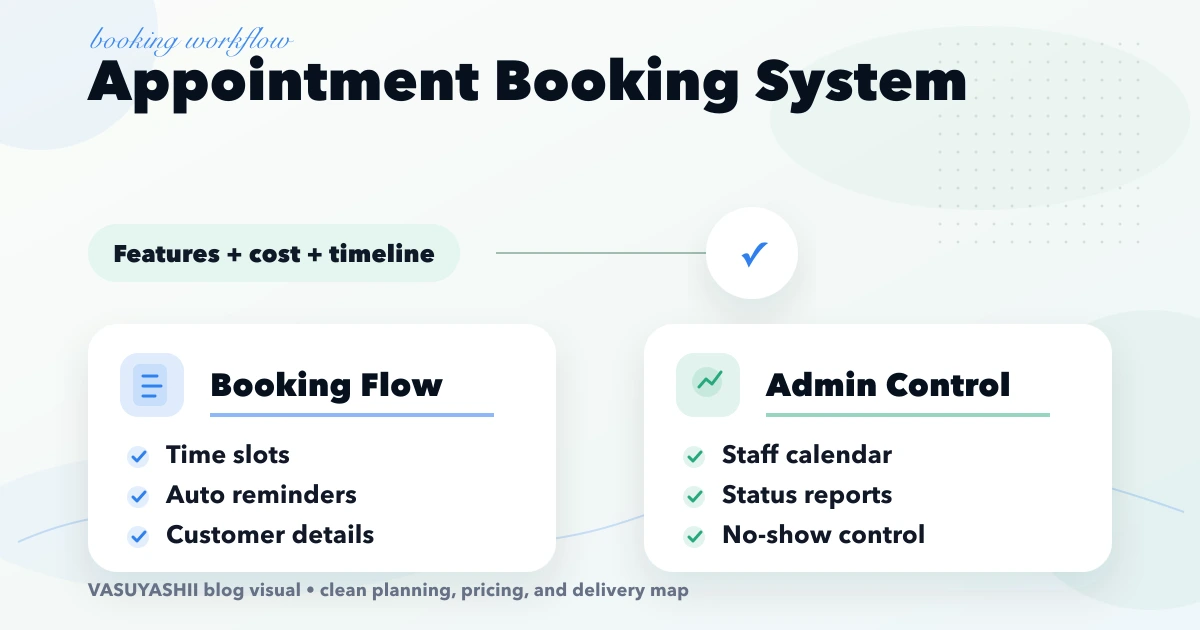
April 17, 2026
Plan an appointment booking system with slot rules, reminders, payments, admin controls, cost ranges, and rollout steps for Indian businesses.
Read article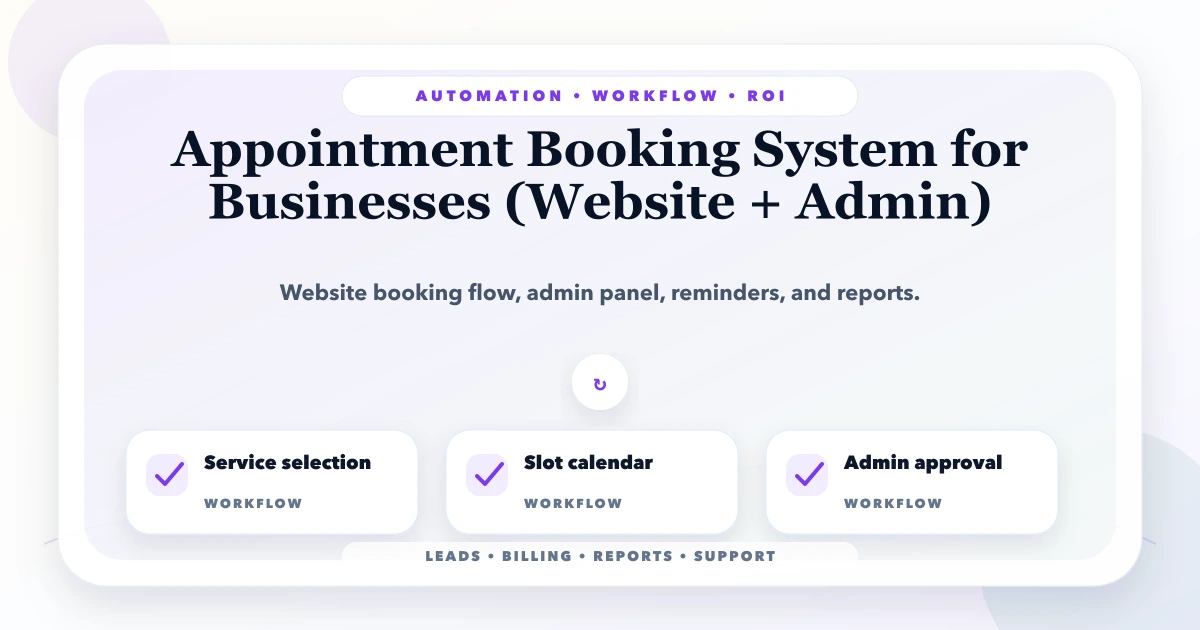
May 22, 2026
Plan an appointment booking system with slot rules, staff calendars, reminders, payments, cancellations, admin controls, costs, and launch checks.
Read article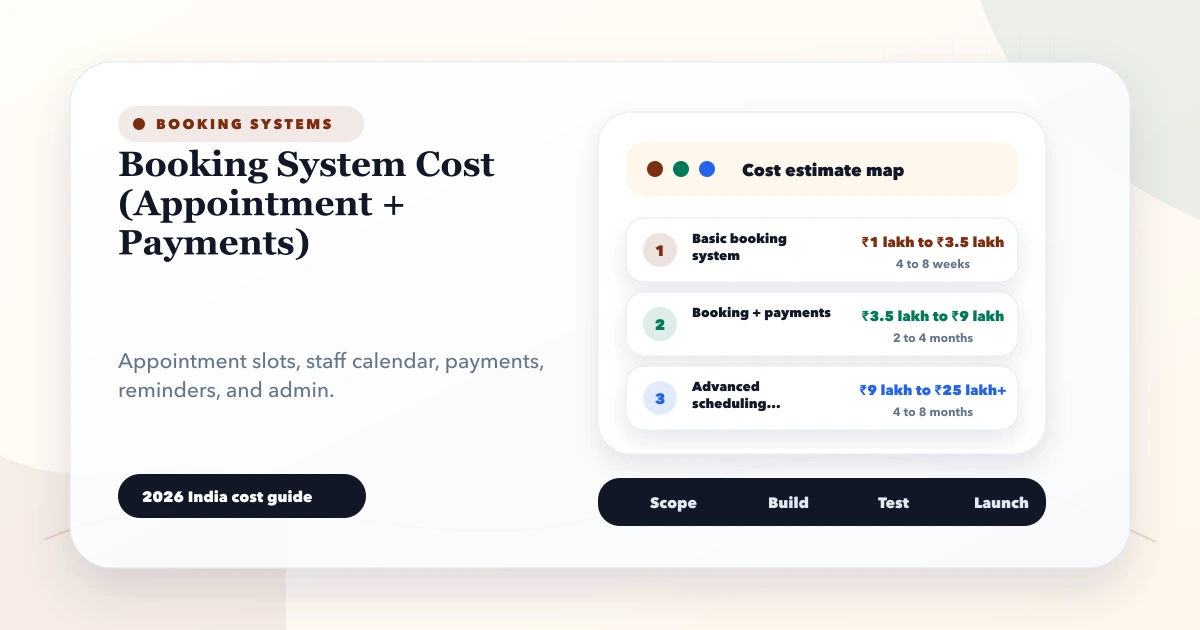
May 28, 2026
Estimate booking system cost from appointment rules, staff calendars, payments, reminders, cancellations, refunds, reports and integrations.
Read article