VASUYASHII

Mobile App Development

We design and build fast, reliable, and offline-ready mobile applications for Android and iOS that solve real business problems.

Our mobile app work is planned around the real user: customer, owner, staff member, delivery person, field executive, or warehouse operator. We define the daily action first, then build the right screens, backend API, notifications, reports, and sync behavior around that workflow.

For Indian SMEs, this often means simple stock scanning, field updates, booking management, customer notifications, or owner dashboards connected to a secure web backend.

We also confirm store release needs, support ownership, update process, and whether a Mac/Windows desktop workflow is needed beside the mobile app.

That keeps the mobile experience connected to the full business system instead of becoming a separate tool the team forgets.

Request Free Demo
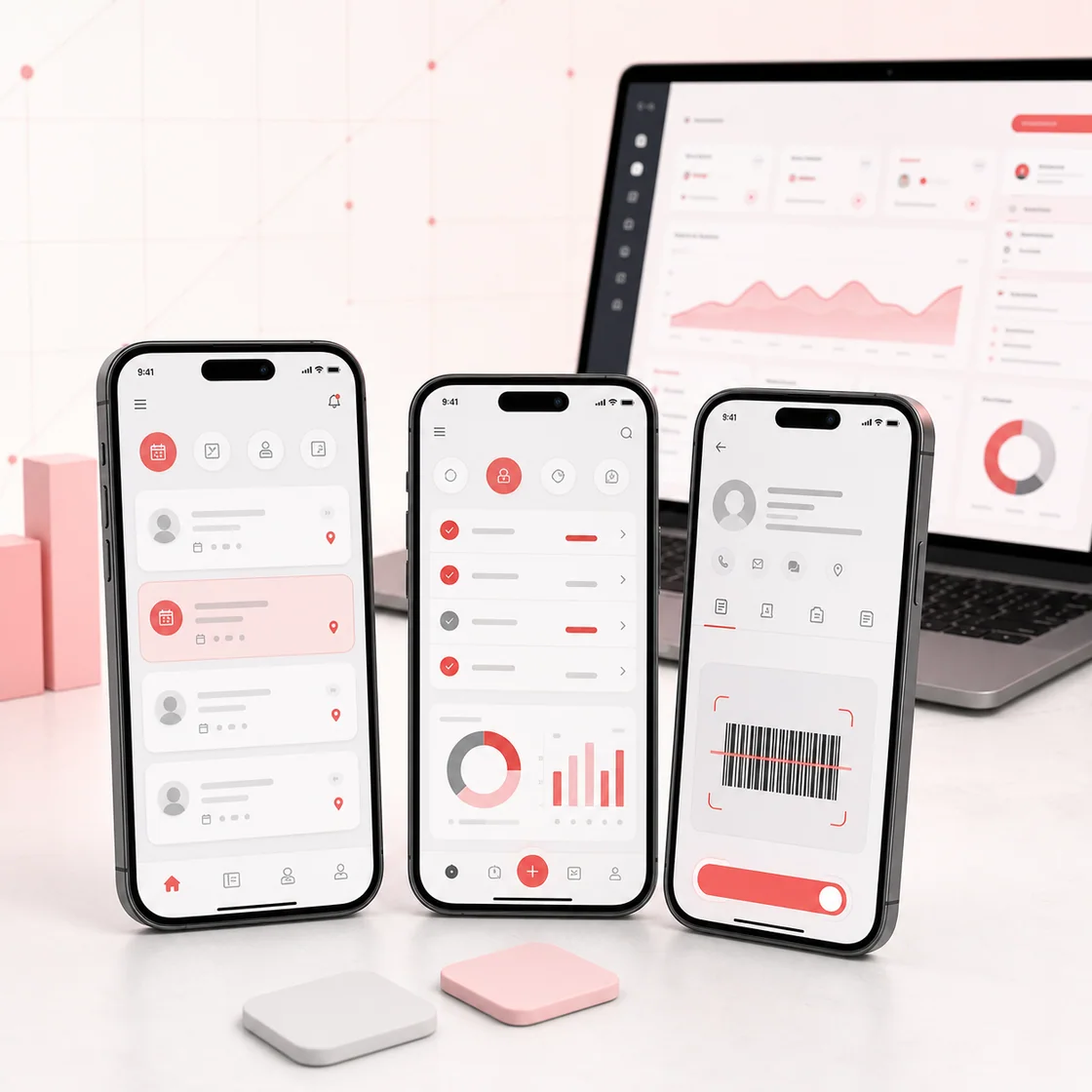
Mobile booking, field workflow and barcode application screens

App Planning

Build the mobile app around the workflow that happens most.

A mobile app should not be created only because competitors have one. It should make a repeated business action faster: capturing leads, scanning products, updating delivery status, checking stock, booking appointments, sending notifications, or giving customers a simple account area. This is why our planning starts with user roles, offline needs, device permissions, API data, and the reports the owner needs after the app is used.

Field team and staff apps

Useful for sales teams, delivery staff, technicians, supervisors, and branch teams that need to update records while working outside the office. The app can capture customer details, visits, stock movement, photos, notes, attendance, or service status and sync the data back to the main system.

Barcode, QR, and inventory apps

Mobile apps are strong for barcode scanning, QR-based workflows, stock counting, inward/outward entries, delivery challans, warehouse checks, and product verification. This is helpful for retailers, distributors, hardware shops, warehouses, and businesses where desktop entry slows the team down.

Customer and booking apps

A customer-facing mobile app can support bookings, order status, payment links, notifications, service history, loyalty flows, and support requests. We keep the first version focused so users get a fast experience instead of a heavy app with rarely used features.

Delivery Flow

A practical release plan for business mobile apps.

Mobile app projects fail when the first version tries to become a marketplace, CRM, ERP, customer portal, and reporting tool at once. We keep the first release narrow enough to test properly and connect it to the backend systems that actually matter.

1. Define whether the app is for customers, staff, owners, or a mixed workflow.
2. Map the core daily action such as booking, scanning, order update, stock entry, payment, or report view.
3. Decide online-only, offline-first, or mixed sync behavior before development starts.
4. Plan login, roles, device permissions, notification rules, API access, and data safety.
5. Build the first release around the most repeated workflow and test it with real sample data.
6. Connect the app to the web dashboard, backend API, reports, and support process after launch.

What We Build

Android Apps (Kotlin)

High-performance Android apps with native capabilities and smooth UX.

Flutter Apps

Cross-platform apps for Android and iOS with a single codebase.

Offline-first Apps

Apps that work seamlessly even without internet connectivity.

Scanner & QR Apps

Barcode scanners, QR ordering, and camera-based business apps.

Mobile Experiences Built for Business

Clean UI, powerful functionality, and scalable architecture.

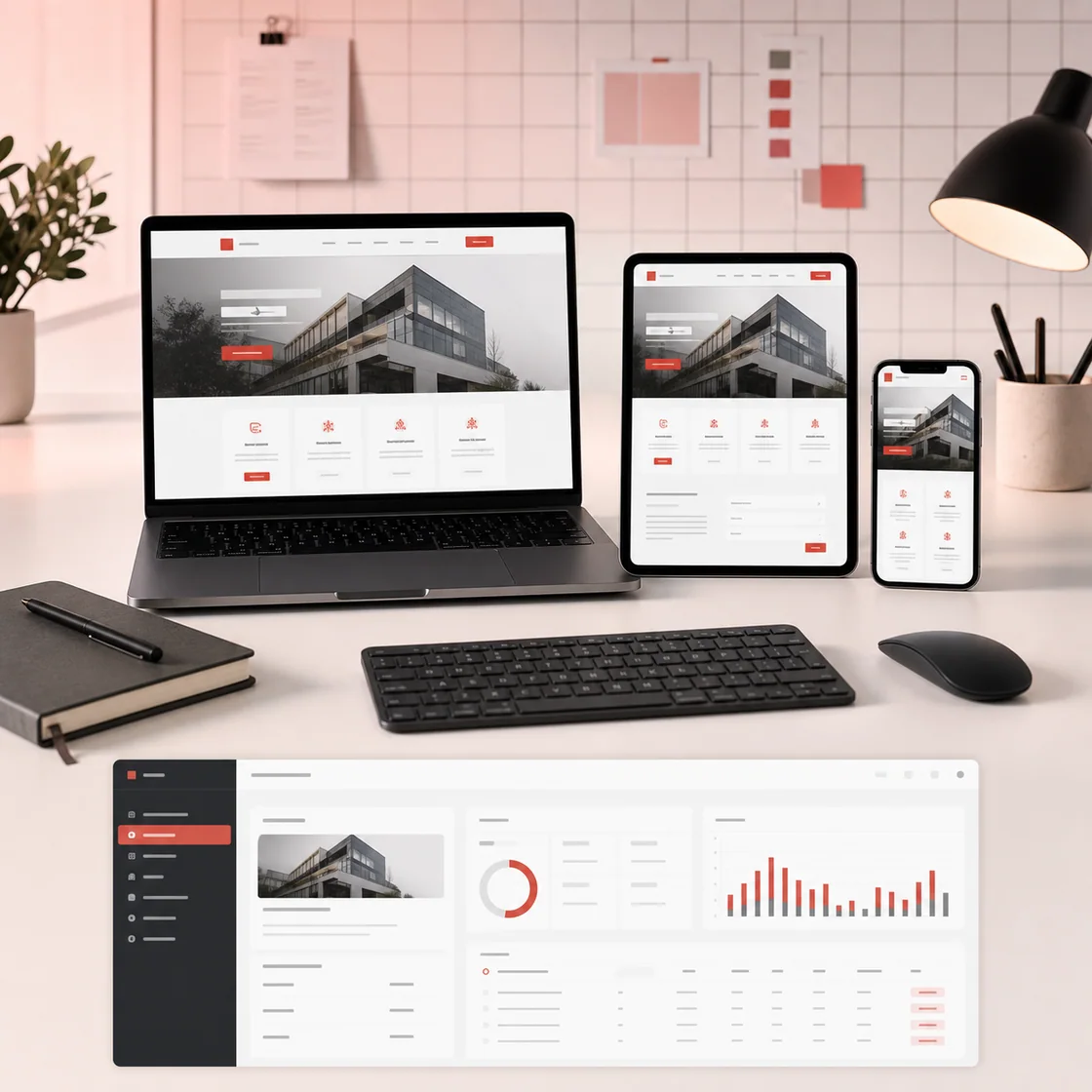
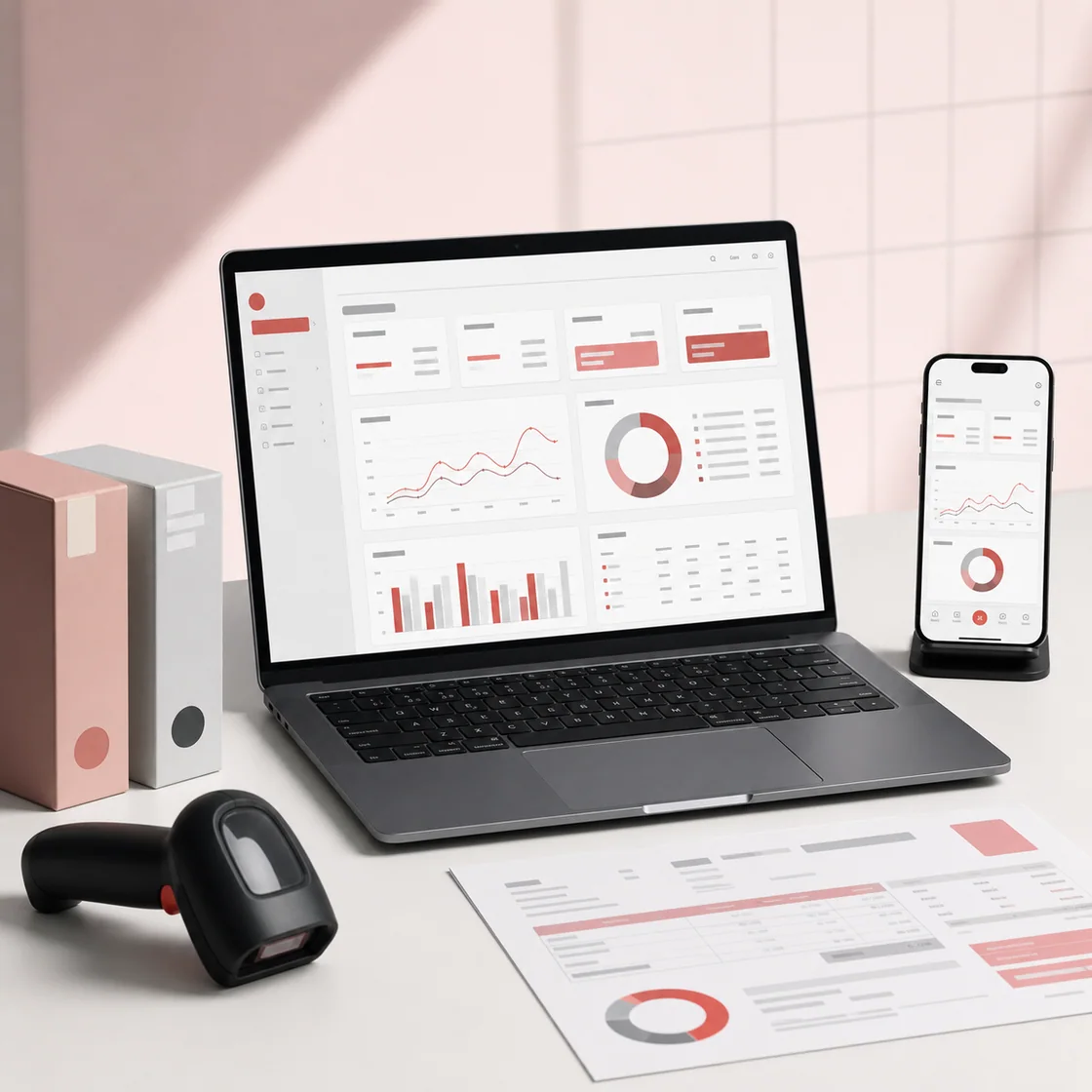
Mobile booking, field workflow and barcode application screensResponsive software displayed across laptop, tablet and mobileBusiness dashboard and connected mobile application workspace

FAQs

Mobile app questions we clarify before quoting.

Should my business start with a mobile app or web app?

Start with a web app when admins need dashboards, reports, data entry, and management screens. Start with a mobile app when the main users are customers, field staff, delivery teams, scanners, or people who need quick access from phones.

Can the app work without internet?

Yes, if offline-first behavior is planned from the start. Offline apps need local storage, sync rules, conflict handling, and clear user messages so the team knows what is saved locally and what has reached the server.

Do you also provide backend and dashboard development?

Yes. A serious business mobile app usually needs a backend API, admin panel, reports, user management, and support tools. We can connect the app with a custom web app, CRM, inventory system, or VASUYASHII Business Suite where suitable.

What should be avoided in the first release?

Avoid adding every possible feature before users test the core workflow. A focused app with login, main action, sync, reports, and support is easier to launch, train, and improve than a large app with unclear daily use.

Let’s Build Your Mobile App

Share your idea and get a free demo before you commit.

Request Free Demo