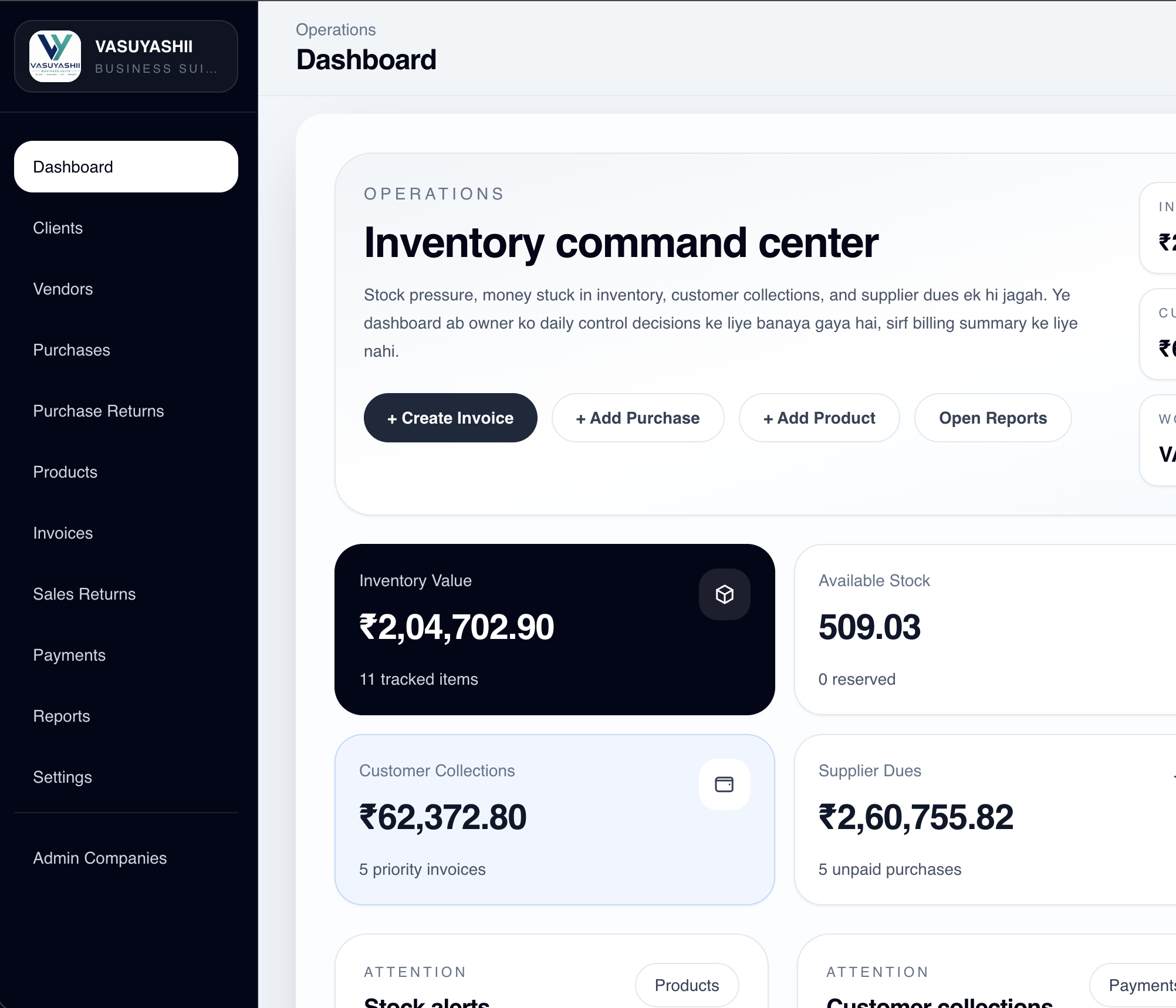
Review product setup, low-stock visibility, sales-linked movement, returns and your barcode or label workflow using sample items.
Traders & wholesalers
Connect supplier purchases, product records and customer sales. Ask to demonstrate quantity pricing, credit and distribution requirements where needed.
Garments & footwear
Discuss size and colour variants, SKU or barcode structure and variant-wise stock before importing the catalogue.
Electronics & spare parts
Review serial traceability, returns and warranty-related records only with the relevant module and agreed workflow.
Expiry-sensitive stock
Batch, expiry, FEFO, quarantine and recall requirements need an exact demonstration. Do not infer regulatory compliance from generic inventory features.
Manufacturing & advanced operations
BOM, work orders, material issue, WIP, finished goods and costing are separately scoped modules, not assumptions within the standard inventory plan.
Choose depth after the movement is proven.
We separate current browser-product foundations from advanced tracking and industry-specific requirements.
Current foundations
Products and daily stock records
Product master, prices, tax-ready fields, stock visibility, purchases, invoices, returns and reports within the current Business Suite scope.
Confirm in the demo
Your tracking depth
Barcode hardware, variants, multiple locations, transfers, reservations, stocktake, batch, expiry, serial and advanced procurement workflows.
Separate scope
Complex operations and integrations
Manufacturing, marketplace sync, custom approvals, unusual costing, on-premise deployment, complex migration and signed app rollout require written assessment.
Start with control. Add depth when needed.
Prices cover the software subscription. Your quotation names the included modules, hosting and deployment work.
For teams that need more stock and access control.
1 company · 5 users
₹9,999/year₹999/month option
Everything in Starter
Warehouse workflows
Batch & serial tracking
Advanced business reports
Staff access controls
6 hours/year operational assistance
First year with onboarding: ₹11,998
Industry / Enterprise
For complex locations, procurement, manufacturing or integrations.
Custom quote
Demonstrate the required movements, migration and reports before modules and implementation are priced.
Written acceptance scope included
Software subscription only. Hosting, deployment and applicable taxes are additional. Standard onboarding is ₹1,999 one-time. A one-time licence for a defined version and modules can be quoted separately. It does not include lifetime hosting, support or future upgrades.
Choose where your records live.
Match access, backup and maintenance responsibilities to your business. Software pricing and infrastructure are separate.
Managed cloud
Use the browser workspace without maintaining an office server. Hosting, backups, monitoring and restore support are defined separately.
Deployment quote
Your private server
Discuss compatible customer-controlled infrastructure. Security, access, backup and maintenance responsibilities must be agreed.
Compatibility assessment
On your premises
A suitable local server can be assessed. Hardware, power, storage, network and recovery remain part of the implementation decision.
Separate implementation
Questions before your first stock import.
Confirm product structure, movements, locations, permissions and reconciliation responsibility before rollout.
What does inventory management software track?
It keeps product records and supported stock movements connected with purchases, sales, returns and reports. Start with one sample item and reconcile every movement before migrating the full catalogue.
Can I manage SKU, barcode and product variants?
Product records can include SKU or barcode, HSN/SAC, units, tax details, sale and purchase prices and stock-ready fields. Size, colour, alternate-unit and other variant workflows depend on the selected configuration. Scanner, printer and label compatibility must be tested with your actual hardware.
Does inventory connect with billing and purchases?
Supported Business Suite workflows connect products with purchases, invoices, returns and stock records. The demonstration should show the source document behind every quantity change. Custom approval, costing or integration rules may require a separate scope.
Can it track multiple warehouses or locations?
Warehouse or location-wise stock can be scoped where the relevant module is included. Transfers, reservations, pick lists, access rules and branch consolidation must be demonstrated for the proposed version before rollout.
Can it track batch, expiry or serial numbers?
Batch, expiry and serial tracking require the applicable Business plan or separately confirmed module. Demonstrate receipt, allocation, return and correction cases using sample records before accepting the workflow.
Can I import my existing product list?
Standard onboarding includes import of up to 500 agreed records from a clean CSV. Duplicate cleanup, unit conversion, opening-stock reconciliation and complex historical migration are separate implementation work.
Is hosting included, and can I use my own server?
Listed prices are for software only. Hosting, deployment and applicable taxes are additional. Managed cloud, a compatible customer-owned server or an assessed on-premise setup can be discussed with backup, security and maintenance responsibilities defined in writing.
Is this a fully offline inventory application?
No ready-made fully offline edition is promised. A local-server deployment can be assessed separately. Hardware, power, storage, network, backup and maintenance responsibilities must be agreed; installing a desktop wrapper alone does not create an offline database system.
Reconcile one sample item with us.
Tell us how products enter, move and leave your business. We will demonstrate the relevant workflow and explain any custom scope.