
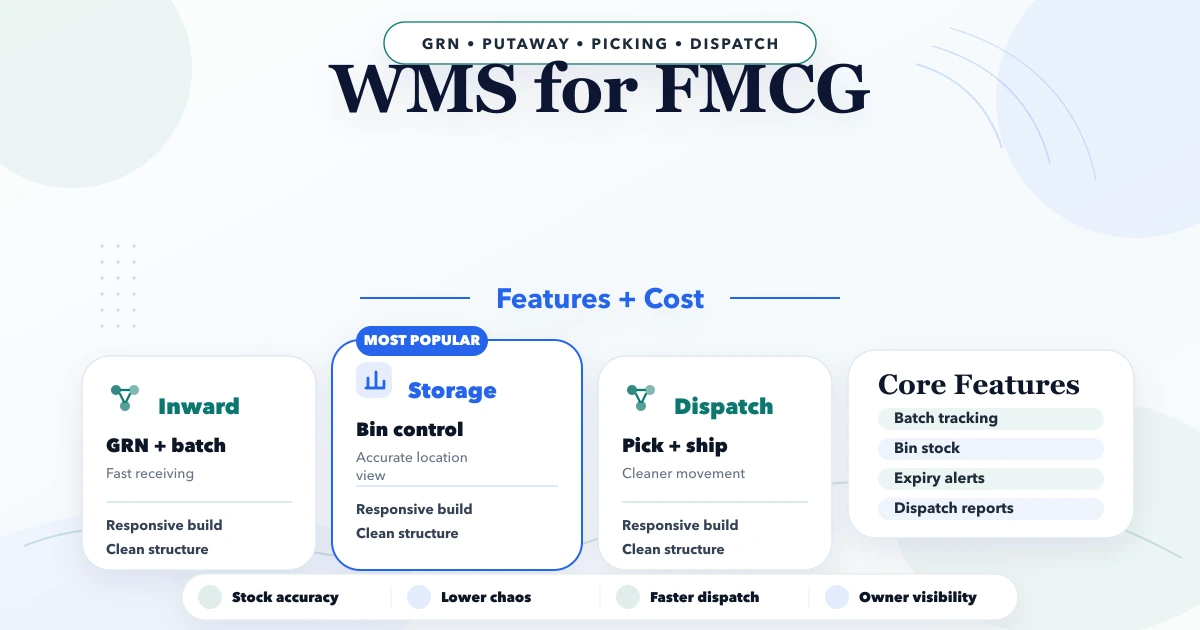
April 21, 2026
WMS for FMCG: Features, Workflow and Cost
Plan an FMCG warehouse management system with batch, expiry, FEFO, barcode, dispatch, reports, cost ranges, and a phased rollout.
Read articlePublished Updated
Compare inventory software setup with custom development in India. Check stock movements, returns, warehouse needs, costs and demo acceptance before choosing.
Inventory problems usually show up as delayed dispatch, stock mismatch, urgent supplier calls, or the classic line: "system mein kuch aur hai, godown mein kuch aur." When stock data is not reliable, purchase planning, sales commitments, and cash flow all get affected.
Inventory management software development for small businesses should focus on visibility and control, not enterprise-level bloat. Most SMBs need a clean stock ledger, purchase and issue records, reorder logic, branch-wise visibility, and reports that can be trusted during daily operations.
This guide explains how to compare an existing inventory product with a custom build, test stock movements using sample data, and scope the costs and rollout. The feature list is a requirements checklist, not a claim that every item is included in VASUYASHII Business Suite.
If your business is still managing stock through Excel, manual registers, or disconnected billing software, inventory software can reduce stock mismatch, improve reorder planning, and make branch-level reporting far easier. For small businesses, the best build is usually a focused system that handles stock in, stock out, purchase linkage, reorder alerts, and usable reports.
You do not need an oversized ERP to get value. You need the right core:
If stock is connected with sales, dispatch, or billing in your business, also review purchase and sales management systems and warehouse management systems for small businesses.
Inventory software is usually the best fit for distributors, retailers with back-office stock, spare-parts businesses, clinics with consumable inventory, small manufacturers, and service companies that need reliable stock for fulfilment. It is especially useful when owners want to stop asking staff for manual stock confirmation every day. If your business has one or more stock locations, repeat inward and outward movement, or frequent reorder confusion, phase-one inventory software can create fast operational clarity.
Start by comparing your daily workflow with the current VASUYASHII Business Suite inventory scope. The browser product brings product records, billing, purchases, returns and stock visibility together. Review its current plan, exclusions and demo before deciding whether configuration is enough.
| Requirement | Evaluation route |
|---|---|
| Product records, purchases, sales, returns and current stock | Demonstrate the existing product using one sample item and linked documents |
| Importing item masters or changing a document layout | Confirm supported formats, setup work and the reconciliation responsibility |
| Warehouse transfers, reservations, batch/expiry, serial numbers or variants | Demonstrate each specific workflow in the proposed version; mark any unverified requirement as pending |
| Manufacturing, marketplace connections or unusual approval rules | Assess a separately scoped custom software build or integration |
Separate firms and separate stock locations are different requirements. Multi-company access does not itself prove multi-warehouse, batch, expiry or manufacturing support. Do not infer current availability from a roadmap or a generic feature list.
Inventory is one of the first business functions where hidden inefficiency becomes expensive. Even when revenue is growing, poor inventory visibility can quietly lock cash in slow-moving stock, increase missed sales, and create friction between sales, purchase, and operations teams.
A good system should make every stock movement traceable. That means product master, units, categories, supplier linkage, purchase entry, stock issue, stock transfer, adjustments, and reporting all need consistent structure. Once that is in place, the software stops being a passive register and starts becoming a control tool.
For many SMBs, the biggest gain is confidence. When the owner or operations manager can trust stock numbers, decision-making gets much faster.
Before talking about features, define the operational job of the software. Inventory software can sit at different levels:
This is for businesses that need item master, stock in/out, current availability, low-stock alerts, and branch-wise stock view. It is suitable for wholesalers, small manufacturers, repair operations, clinics, and retail back offices.
This adds supplier records, purchase orders, goods receipt, inward quality checks, and basic rate tracking. It is useful when procurement planning matters as much as stock counting.
This connects stock with sales, dispatch, billing, or warehouse tasks. It is ideal when inventory is not isolated and directly affects fulfilment speed or customer commitments.
The right scope depends on how tightly inventory affects sales and service. If the business needs end-to-end operational visibility, ERP software for small businesses may be the longer-term direction, but most teams should still start with a clean inventory core.
Use the following list to discuss your requirements. Record each relevant feature as included and demonstrated, needing configuration, needing a separate build, or out of scope.
Once the base is stable, businesses often add barcode scanning screens, purchase approvals, sales-order reservation, dispatch planning, expiry alerts, or integration with billing and invoice software.
Use a synthetic item with a distinct code and one agreed unit. Reuse it across the demonstration so stock changes can be reconciled against their documents.
| Check | Ask to see | Evidence needed |
|---|---|---|
| Starting quantity | Item setup and opening stock | A clear starting balance and unit |
| Purchase | A sample receipt or purchase using the agreed workflow | The stock increase and its source document; partial receipts are a separate requirement |
| Sale and return | A sample sale followed by the selected return flow | Quantity after each step, with a traceable document and no unexplained duplicate movement |
| Physical count | A sample mismatch and the agreed correction process | Authorised correction, reason and visible record of the change |
| Reporting | Stock and movement views for the same item and period | Quantities reconcile; ask separately which valuation and ageing methods are available |
| Special needs | Required warehouse transfer, batch, expiry, serial, barcode or channel sync | A demonstration of that exact workflow, rather than an assumption based on another module |
Download the blank inventory demo checklist. It contains evaluation questions, not completed test results. Keep completed worksheets and business records private, and use sample data for public demonstrations.
If your stock records are growing but visibility is still weak, it usually means the problem is workflow design, not just data entry.
First separate existing-product costs from new development. Location count, transaction volume, data cleanup and special stock rules affect the work required, but they do not establish a universal price.
| Cost area | What to compare |
|---|---|
| Product subscription or licence | Modules, user/company/location limits, billing term and renewal conditions |
| Setup and migration | Item cleanup, units, opening balances, import format and reconciliation |
| Custom work | Missing movements, approvals, reports, integrations and acceptance criteria |
| Devices and connections | Supported scanners/printers, required hardware and third-party charges |
| Ongoing operation | Hosting, backups, restore, support, training and later change requests |
For the existing VASUYASHII product, see the Business Suite annual plan and scope. Ask separately about onboarding, migration, configuration and custom requirements. No standard custom-development price or annual support charge is quoted in this guide.
Request separate one-time and recurring lines, applicable taxes, usage limits and exclusions. Identify what the product plan already includes so hosting or support is not counted twice. Compare renewal cost and data-export terms as well as the initial payment.
Scope expands when warehouse, procurement, sales and accounting requirements are added before the stock workflow has been demonstrated. Start with the movements and reports your team needs, then price each missing workflow explicitly.
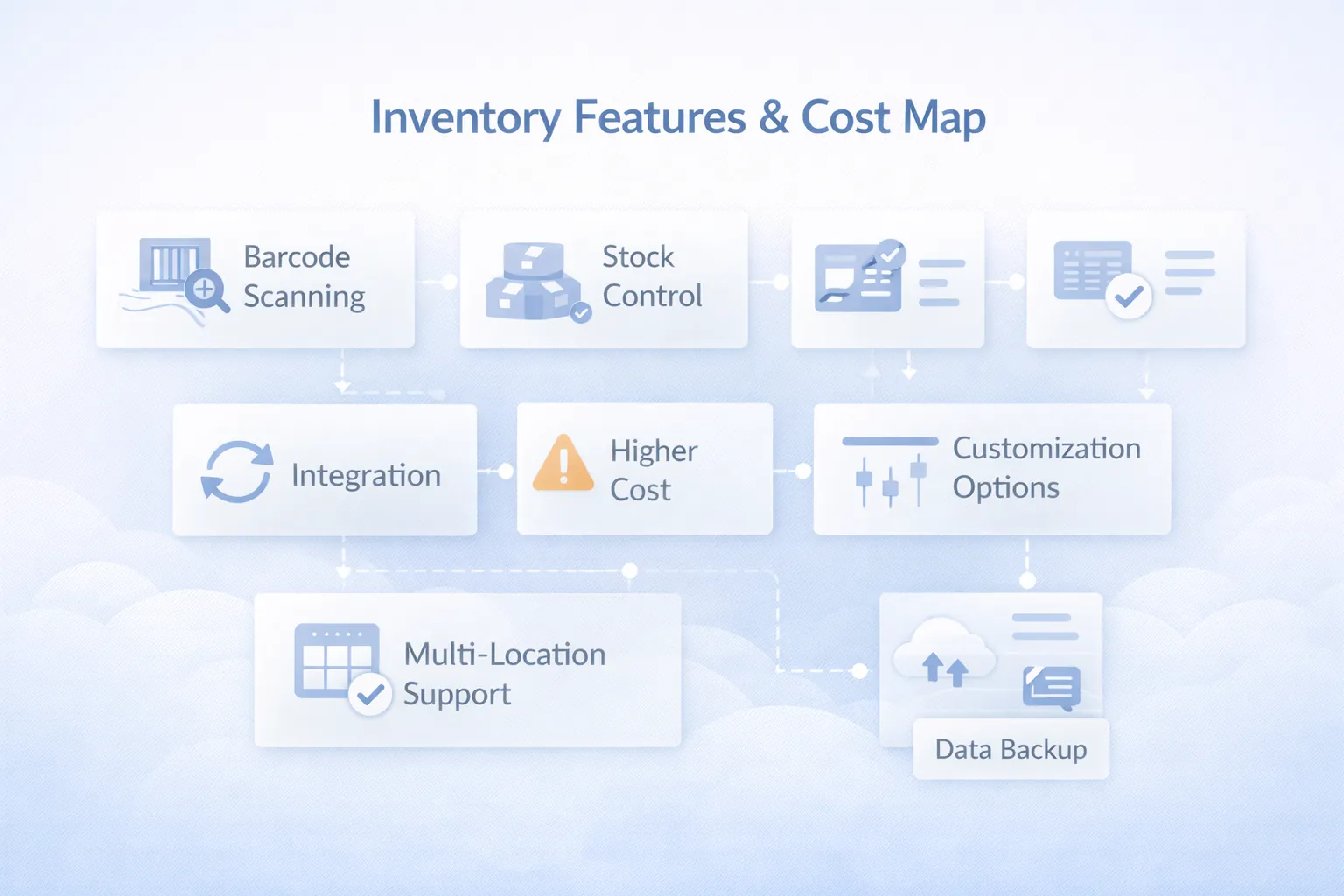
This is a planning illustration, not a product screenshot. Barcode scanning, multi-location workflows, integrations and recovery behavior each need demonstration in the proposed scope.
Evaluate reliable stock updates, traceability and report behavior before choosing a framework. For a custom build, ask the provider to explain how the architecture supports the agreed requirements.
If you expect inventory to connect with website orders, marketplace orders, or shipping flows, keep future order management system development in mind while planning the data model. The ecommerce inventory sync guide explains reservations, duplicate-event protection, returns and reconciliation between those systems.
Product configuration and a new inventory build need different schedules. Agree milestone dates after checking item-master quality, starting quantities, locations, required movements and integrations.
Projects go faster when item coding is already clean. They slow down when product names, units, or categories are inconsistent across teams.
These are the biggest factors affecting final budget:
The right inventory system should reduce daily doubt. If the team still needs manual verification for every stock question, the software is not solving the core problem.
Inventory projects become smoother when the business first agrees on:
Then build phase one around those rules. Do not start with advanced automation if the base stock discipline is not yet defined. Once the ledger is reliable, you can safely expand into WMS workflows, reorder planning, vendor comparisons, or stronger ERP-style reporting.
Software should improve stock discipline, not simply digitize confusion. If your old method allowed delayed updates and unclear ownership, reproducing that exactly in software will not fix the business problem.
Duplicate item names, inconsistent units, and vague categories create reporting trouble immediately. A strong item master is boring work, but it is one of the highest ROI parts of the project.
When all stock is shown as one number, teams start making wrong commitments. The system should clearly separate usable stock from damaged, reserved, or pending-inspection inventory.
Barcode support is useful, but it does not automatically solve process gaps. If stock movements are not being recorded reliably, scanning only makes the same messy process faster.
Manual adjustments are sometimes necessary, but they should not be invisible. Adjustment reasons, user identity, and timestamps must be visible, otherwise trust in the entire system falls apart.
Compare an existing product plan with a separately scoped custom build. The quote should identify locations, movement rules, data migration, special tracking, integrations and recurring charges. This guide does not establish a universal starting price.
A barcode field alone does not prove scanning support. Ask to see the exact scanner or camera, label format, item lookup and stock action you need in the proposed product version.
Yes. Inventory software focuses on stock records and control. WMS goes deeper into bin locations, picking, packing, and warehouse operations.
Usually yes if sales directly consume stock. But it is better to connect after core stock records are behaving correctly.
A simple purchase-and-sale workflow may fit, but production can require BOMs, consumption, wastage, job work and finished-goods tracking. Demonstrate and scope those requirements separately; the current Business Suite page excludes manufacturing BOM.
Confirm dates after the scope and data-readiness review. Configuration, custom movements, migration, integrations and staff acceptance are separate milestones; there is no fixed rollout duration promised here.
Importing a messy item master and hoping software will clean it automatically. Product structure quality matters a lot.
Yes, when login controls, backups, logs, and role permissions are implemented properly. Centralized cloud access usually improves visibility and support.
Three domain guides expose the inventory states a generic feature list can miss: purchase and sales returns, multi-branch transfers, and repair center parts control.
If your team is still checking stock by phone call, manual register, or delayed spreadsheet update, the business already has a process gap worth fixing.
Related Articles
April 21, 2026
Plan an FMCG warehouse management system with batch, expiry, FEFO, barcode, dispatch, reports, cost ranges, and a phased rollout.
Read article
May 15, 2026
Plan garment shop inventory software for style-colour-size variants, barcode billing, purchases, transfers, returns, stocktakes, reports, costs, and rollout.
Read article
May 9, 2026
inventory system developer near me: pricing, checklist, FAQs, trust signals, and practical SEO steps for Indian SMB owners.
Read article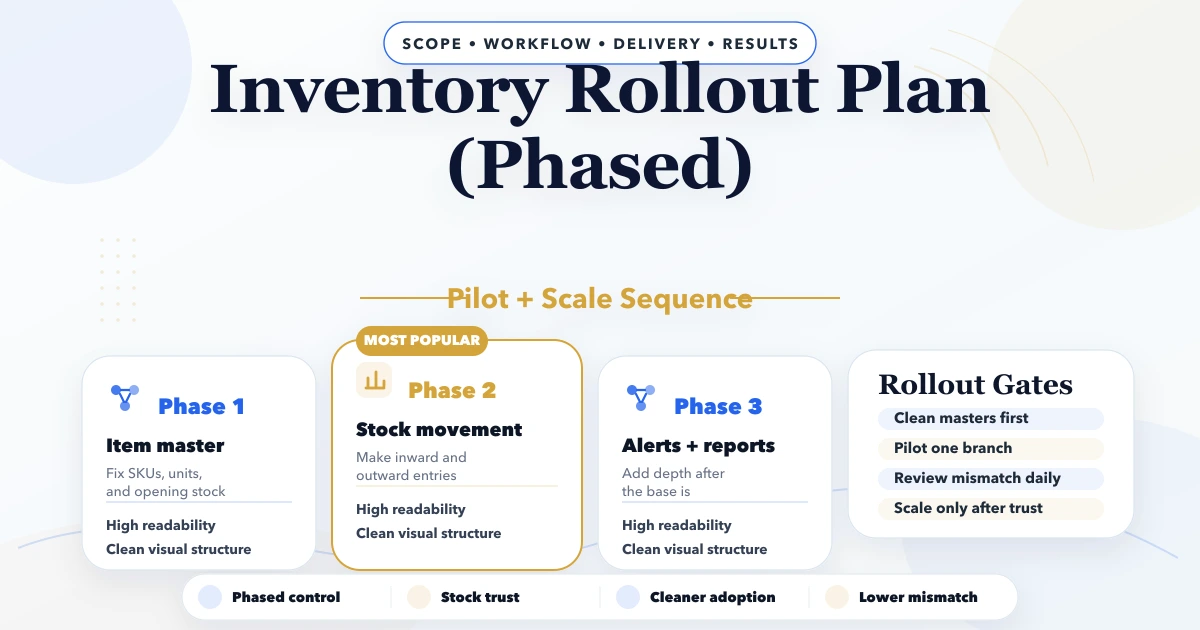
April 25, 2026
Inventory rollout plan phased: modules, stock migration, pricing, timeline, and rollout checklist for Indian businesses in 2026.
Read article