
March 26, 2026
Purchase and Sales Management System for SMEs
Purchase and sales management system guide for SMEs with features, pricing in India, timeline, tech stack, and rollout advice for daily operations teams.
Read articlePublished Updated
Cloud-based software for SMEs in 2026: why it is better for access, updates, reporting, integrations, and growth than older offline business software setups.
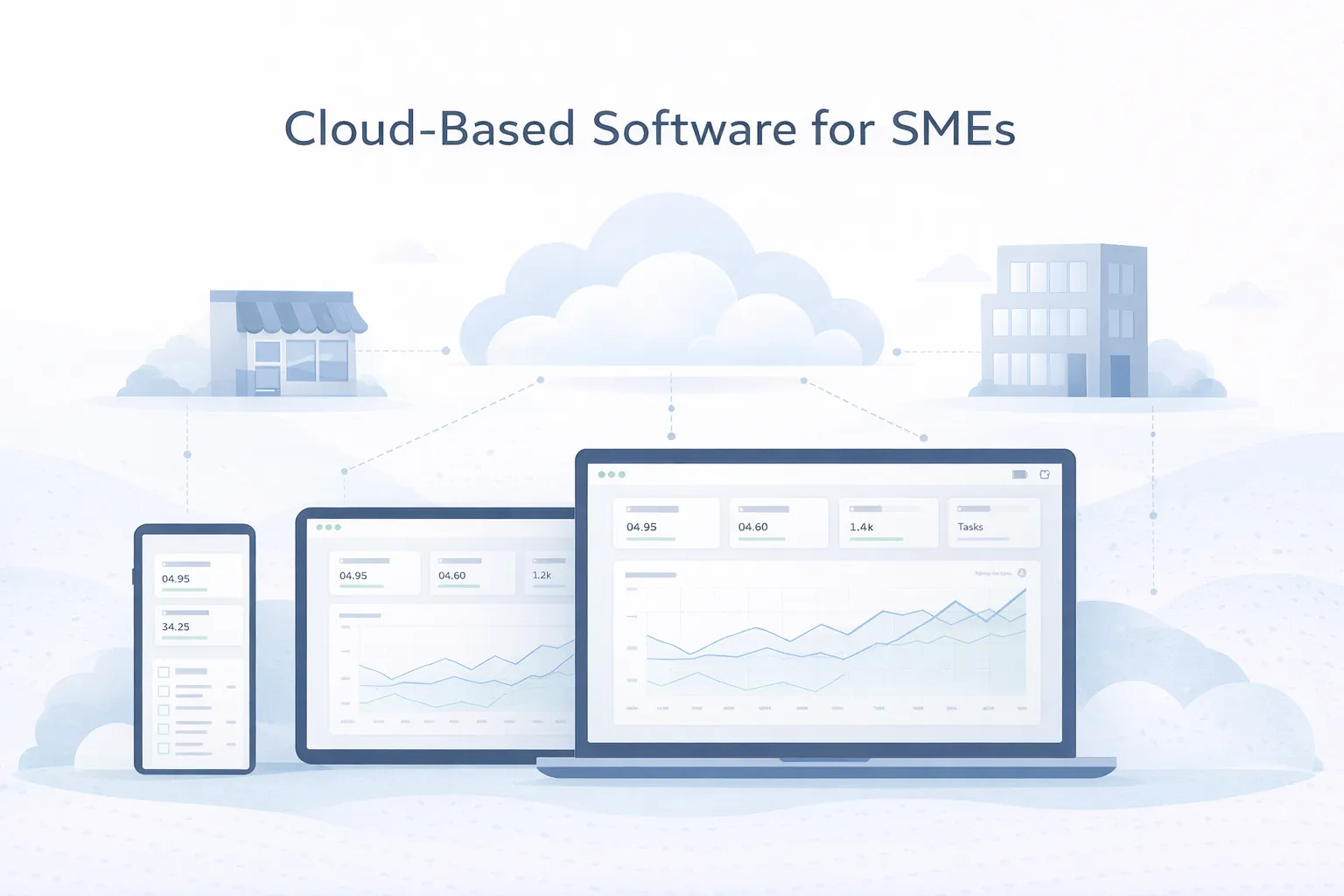
Many SMEs still run important operations on offline software, local files, or partial tool stacks that only work well from one machine or one office. That creates friction as teams grow, travel, open branches, or need faster visibility into what is happening daily.
In 2026, cloud-based software is attractive not because it sounds modern but because it solves practical problems: remote access, easier support, centralized records, faster updates, and more consistent reporting across the business.
This guide covers:
Cloud-based software gives SMEs a practical way to access systems from anywhere, reduce local maintenance overhead, and keep teams working from one live source of truth instead of scattered copies.
Start with a workload and risk review: users, locations, connectivity, sensitive data, recovery needs, integrations, and exit requirements. Cloud is a delivery model, not an automatic improvement to a weak process.
The decision matters because software is not just an expense line. It affects how quickly teams act, how reliable management data feels, and how easily the company can grow without rebuilding its operational habits every year.
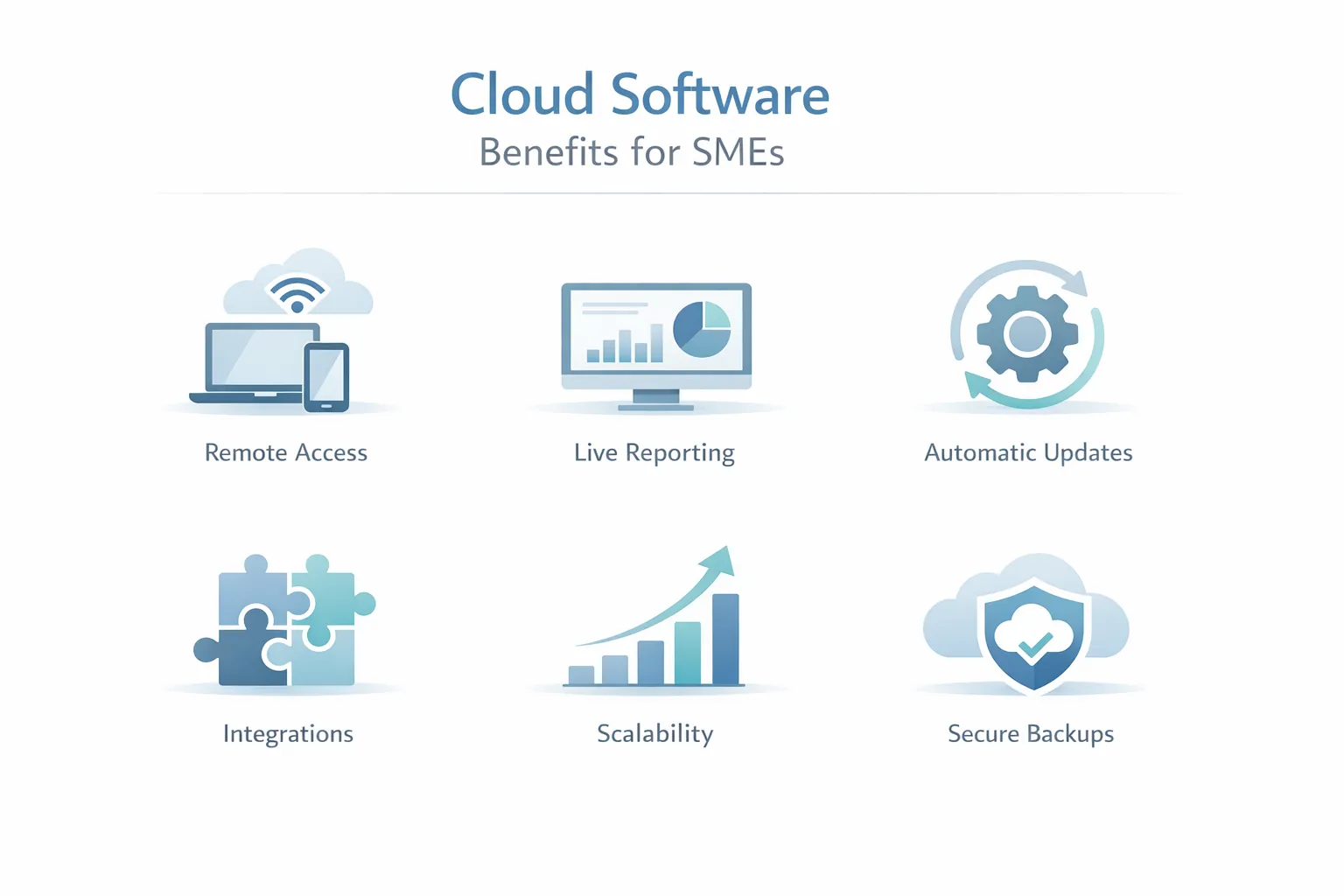
SMEs often need managers, branch teams, field staff, or owners to access the system from different places without depending on one local machine. This changes the outcome because access flexibility is one of the clearest reasons cloud software creates operational value.
Local software often requires device-specific installs, manual updates, and scattered troubleshooting. Cloud systems centralize much of that complexity. This changes the outcome because lower maintenance overhead frees up time and reduces small recurring disruptions.
When reports depend on consolidating multiple files or waiting for branch updates, decisions slow down. Cloud software improves visibility because everyone works on the same live dataset. This changes the outcome because centralized reporting is a major advantage for growing companies.
Cloud does not automatically mean perfect security, but it can provide better backup routines, managed infrastructure, and access controls than many ad hoc local setups. This changes the outcome because security quality depends on implementation, but cloud usually improves operational discipline.
CRM, payments, messaging, analytics, and dashboards are easier to connect when the software is already web-based and API-friendly. This changes the outcome because integration readiness makes cloud software more adaptable as the business evolves.
SMEs need systems that can handle more users, more branches, or new workflows without full replacement every time the business expands. This changes the outcome because cloud-based architecture usually offers a cleaner path for scaling and iteration.
A sound cloud implementation defines identity, authorization, backups, recovery, monitoring, exports, support ownership, and what staff should do during an outage. Hosting choice alone does not provide those controls.
Users should be able to log in securely from the right devices and see the right views for their role without complex local setup.
This removes friction from day-to-day usage and onboarding..
One shared system makes it easier to trust numbers, statuses, and histories because teams are not working from different copies of the truth.
Managers get faster visibility and fewer reconciliation headaches..
Cloud products make it easier to release fixes and improvements centrally instead of updating each machine or office manually.
That shortens support cycles and keeps teams on the same version..
Cloud software can usually connect more naturally to CRM, payment gateways, email, WhatsApp, or analytics systems.
This creates better workflow continuity than isolated local software..
SMEs still need role controls, activity history, and dependable backup policies even when the system lives in the cloud.
Operational trust comes from governance, not just from hosting location..
Moving to cloud software often means cleaning old data, training teams, and introducing a better process rather than just importing records.
A smoother transition improves adoption and reduces early resistance..
| Decision area | Questions to answer | Minimum evidence before rollout |
|---|---|---|
| Access | Which roles, devices, branches, and locations need access? | Permission matrix and device/session test |
| Data | Which records are sensitive and how long are they retained? | Data inventory, owner, and deletion/export rule |
| Recovery | What data-loss window and recovery time can the business tolerate? | Backup schedule plus tested restore record |
| Connectivity | Which tasks stop when internet or provider access fails? | Documented outage procedure or approved offline boundary |
| Integration | Which APIs, files, or messages are operational dependencies? | Failure handling, rate-limit, and retry plan |
| Exit | How will complete data be exported and verified? | Sample export and vendor-exit checklist |
Restore capability must be tested with representative sample data before it can be treated as recovery evidence. A backup interface alone does not prove a recovery time, backup success rate, infrastructure certification, customer deployment or compliance status.
NIST SP 800-145 provides a stable definition of cloud computing and its service and deployment models. Use the official NIST cloud definition to separate actual cloud characteristics from marketing language.
Cloud systems can help owners and managers see leads, pipeline status, and branch activity in one place instead of waiting for updates from multiple files.
The source records, refresh timing, and branch permissions still need validation.
Businesses with movement across locations may benefit when stock, dispatch, and status updates are visible centrally.
Reconciliation rules are still required when scanners, imports, or integrations fail.
Cloud tools are useful when teams assign work, track progress, and need authorized users to see updates from different locations.
Visibility depends on staff adoption and accurate status updates; the platform cannot supply those automatically.
SMEs often consider cloud software because leaders want more current access to numbers without weekly file consolidation.
Before launch, reconcile each management total against a known dataset and define its refresh interval.
A growing SME with two branches, field staff, and a remote owner loses control when data stays on one office computer. Cloud-based software helps when sales, inventory, service, billing, or reporting must be visible from multiple locations without sending Excel files every evening.
The best cloud setup is not only hosting. It should define users, permissions, backups, reports, and support. A branch manager may need stock and sales views. The owner may need consolidated reports. Staff may need mobile-friendly task updates.
Useful next links: software development services, integrations, services, and contact.
Bring the current system, user locations, data categories, backup expectations, integrations, and outage constraints. That is enough to assess whether SaaS, custom cloud software, or a hybrid phase is safer.
Moving software online does not fix unclear workflows, permissions, or reporting definitions. Migration should improve the operating model, not just location.
Cloud access makes role planning more important because more people may use the system from more places. Test least-privilege access and account removal.
Old records, duplicate fields, and inconsistent formats create problems when moved directly into a live system. Reconcile record counts and critical totals before cutover.
Cloud software depends on connectivity and provider availability. Decide which work pauses, which data can be captured later, and how staff receive outage instructions.
Even a technically sound system can fail when ownership, training, and support are unclear. Pilot with a small group and record support issues before wider rollout.
Cloud software is not automatically cheaper, safer, faster, or more reliable than every local setup. Subscription growth, internet dependence, provider outages, data-location requirements, API limits, and vendor lock-in can change the decision. Compare total operating responsibility, not only the monthly price.
Require a complete export path, deletion terms, account-recovery procedure, backup responsibility, and migration plan. VASUYASHII does not claim certified availability, security compliance, or measured savings for the interface shown above.
Cloud-based software often reduces hidden operational cost more than it reduces direct software cost. The biggest savings usually come from easier support, better visibility, fewer manual consolidations, and faster updates across the team.
For SMEs comparing cloud and older software models, Benefits of SaaS for Businesses and SaaS vs Traditional Software are useful supporting reads because they frame the operational trade-offs clearly.
The best migration path is usually phased: pick a workflow or module where shared access and live data matter most, move that first, then expand once the team is comfortable and the data model is stable.
Because it usually improves access, reporting, updates, and support while reducing dependence on local machines or fragmented files.
Not always upfront, but it often reduces hidden operational costs such as manual consolidation, local maintenance, and delayed decision-making.
It can be very secure when access controls, backups, monitoring, and good implementation practices are in place. Cloud does not remove the need for security discipline.
Usually the workflow where shared access and live data matter most, such as CRM, operations tracking, service updates, or management reporting.
Weak data cleanup and poor team onboarding are common risks. If the data is messy or the process is unclear, adoption becomes harder.
Yes. In many cases that is one of its key advantages because browser-based systems are usually easier to connect with modern APIs and automation tools.
It depends on how standard or unique the workflow is. Standard needs may fit SaaS well. Unique operational processes often justify custom cloud software.
Share the workload, current data, user locations, integrations, recovery need, and exit requirement. We can use that evidence to define a phased cloud decision.
Related Articles
March 26, 2026
Purchase and sales management system guide for SMEs with features, pricing in India, timeline, tech stack, and rollout advice for daily operations teams.
Read article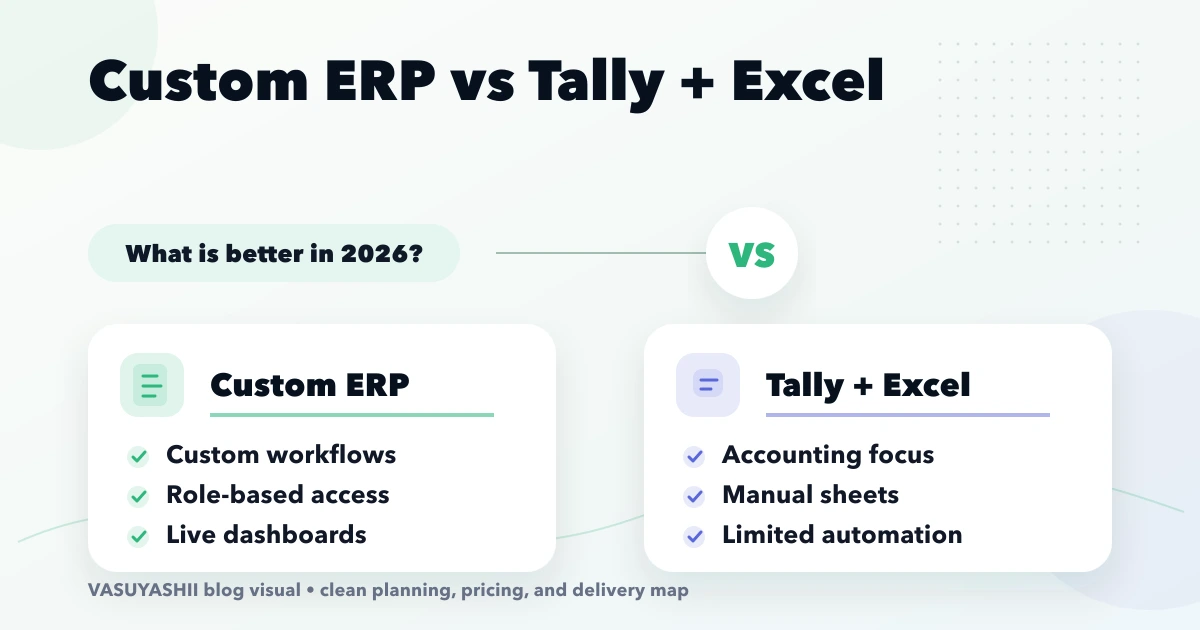
April 15, 2026
Compare custom ERP with Tally and Excel for Indian SMEs using workflow ownership, controls, integration, migration, cost, rollout and adoption criteria.
Read article
March 26, 2026
Vendor and client management software guide with CRM-lite features, pricing in India, tech stack, timeline, and rollout advice for growing SMB teams today.
Read article
March 22, 2026
Compare SaaS and traditional software across cost, ownership, updates, security, offline use, data control, customisation, and exit planning.
Read article