
March 22, 2026
SaaS vs Traditional Software: 2026 Buyer Guide
Compare SaaS and traditional software across cost, ownership, updates, security, offline use, data control, customisation, and exit planning.
Read articlePublished Updated
Evaluate SaaS benefits and trade-offs across cost, deployment, access, updates, security, integration, data ownership, vendor risk and business fit.
Software as a Service can help a business start faster, share one system across teams and avoid maintaining every part of the technology stack itself.
Those benefits are conditional. Subscription cost can grow, internet access may be required, integrations can fail and the business may depend on a vendor for availability, data export and product direction.
This guide helps Indian small and medium businesses evaluate SaaS as a buying model. It is not a claim that SaaS is always cheaper, safer or better than custom software.
Use the SaaS versus traditional software comparison when the business is deciding between a subscription product and software it operates or licenses differently.
SaaS is software operated by a provider and accessed over the internet, usually through a subscription or usage-based plan.
The provider typically manages:
The customer still remains responsible for correct use, user access, data quality, internal process and vendor evaluation.
SaaS is not one feature set. A CRM, billing system, project tool and HR platform can all use the SaaS model.
Evaluate:
A business may avoid:
This can reduce initial effort, but not always lifetime cost. Compare the total subscription, implementation, migration, training, integration and support cost.
A mature SaaS product can be configured faster than custom software can be designed and built.
Faster start depends on:
A complex migration can delay even an off-the-shelf platform.
Teams can work from one current system instead of emailing files.
Potential improvements:
The product must still enforce permissions and company scope correctly.
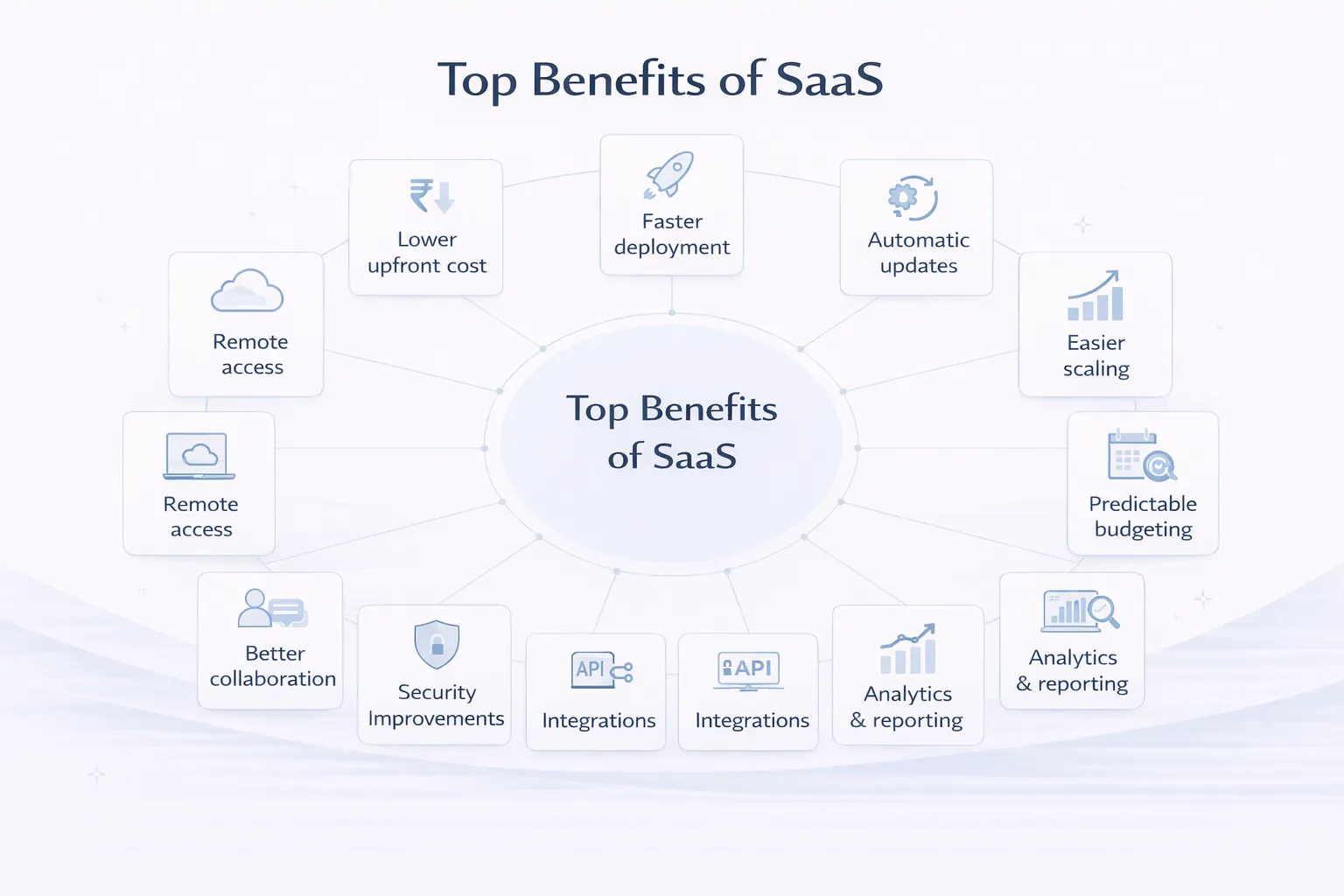
Users can receive fixes and features without installing each release manually.
Trade-offs:
Ask how the provider announces material changes and handles rollback or compatibility.
Many SaaS products allow additional users, storage or modules.
Check:
Scaling from five to fifty users may change the economics substantially.
A SaaS tool can encourage one process across teams:
This is helpful when the product’s model fits. If the business has a legitimate unique workflow, forced standardisation can create workarounds.
Common SaaS products may offer integrations with:
Verify whether integration is:
“Integrates with X” does not explain scope.
Subscription billing can make monthly or annual planning easier.
Create a three-year estimate:
| Cost | Year 1 | Year 2 | Year 3 |
|---|---|---|---|
| Subscription | |||
| Setup/migration | |||
| Integrations | |||
| Training | |||
| Support | |||
| Data/storage growth | |||
| Exit/export |
Include renewal increases and exchange-rate exposure where relevant.
SaaS can centralise operational data and standard reports.
Confirm:
A dashboard is not automatically accurate. Data entry and calculation rules still matter.
Standard support can reduce dependence on one developer.
Review:
Support availability is not the same as resolution time.
The provider controls the platform, roadmap and service operation.
Exports may be limited, incomplete or difficult to import elsewhere.
Cloud access depends on connectivity and provider uptime.
Custom rules may not fit.
Cost can rise with users, modules and usage.
Customers may not control when updates arrive.
The provider protects its platform, while the business must protect accounts, permissions and usage.
| Decision | SaaS often fits when | Custom may fit when |
|---|---|---|
| Workflow | Standard | Distinct and valuable |
| Start | Fast | Discovery/build acceptable |
| Budget | Subscription preferred | Investment justified |
| Integration | Supported | Custom or deep |
| Control | Provider model acceptable | More control required |
| Data | Export terms acceptable | Special isolation needed |
| Change | Common roadmap fits | Business-led roadmap needed |
Read custom software versus SaaS for a broader build decision.
Ask:
Do not treat a logo or generic “bank-grade security” statement as proof.
Before purchase, test export:
Document:
The best time to plan exit is before onboarding.
A wholesaler may need billing, stock, purchases, customer dues and PDF sharing.
A SaaS product may fit if:
Custom work may still be needed for a special dealer portal, pricing approval or external integration. A hybrid approach can connect SaaS and custom components.
VASUYASHII Business Suite follows a multi-company SaaS model for GST billing, inventory, purchases, payments, expenses, reports, PDF invoices and secure WhatsApp sharing.
It is positioned as ERP-lite for Indian SMEs, not a full enterprise ERP or full accounting replacement. Current and roadmap modules must remain separately labelled. This product context demonstrates how SaaS benefits and boundaries can be communicated; it does not prove that SaaS is the correct choice for every business.
Review the VASUYASHII Business Suite and its live demo route for current product information.
Evaluate that live product against your own records, user roles, export needs and operating process before treating its module list as proof of fit.
Score each item 1–5:
| Area | Question |
|---|---|
| Workflow fit | Does the product support the real process? |
| User fit | Can staff use it with reasonable training? |
| Data | Can records be imported and exported? |
| Integrations | Are required connections supported? |
| Security | Are controls and responsibilities clear? |
| Reliability | Are uptime and incident terms credible? |
| Support | Does service match business impact? |
| Cost | Is three-year cost acceptable? |
| Roadmap | Are critical needs current, not promised? |
| Exit | Can the business leave safely? |
No. It often reduces initial effort, but lifetime cost depends on users, usage, integrations, migration and support.
It can be operated securely, but assess provider controls and customer responsibilities. No delivery model is automatically secure.
Some products offer limited offline features, while many require connectivity. Verify the exact workflow.
Yes. APIs, webhooks or automation may connect them, subject to provider limits.
Dependence that makes switching costly because of data, workflow, integrations or contracts.
Often it is worth testing a suitable SaaS product before funding a custom build, unless the unique workflow creates strategic value.
Compare total cost, limits, security, support, data export, integrations and exit, not only monthly price.
Assess whether the process can change, an integration can fill the gap or custom software is justified. Avoid unsupported workarounds.
For a SaaS product, business system or integration decision, review web application development, software development, integrations or share the workflow.
Related Articles
March 22, 2026
Compare SaaS and traditional software across cost, ownership, updates, security, offline use, data control, customisation, and exit planning.
Read article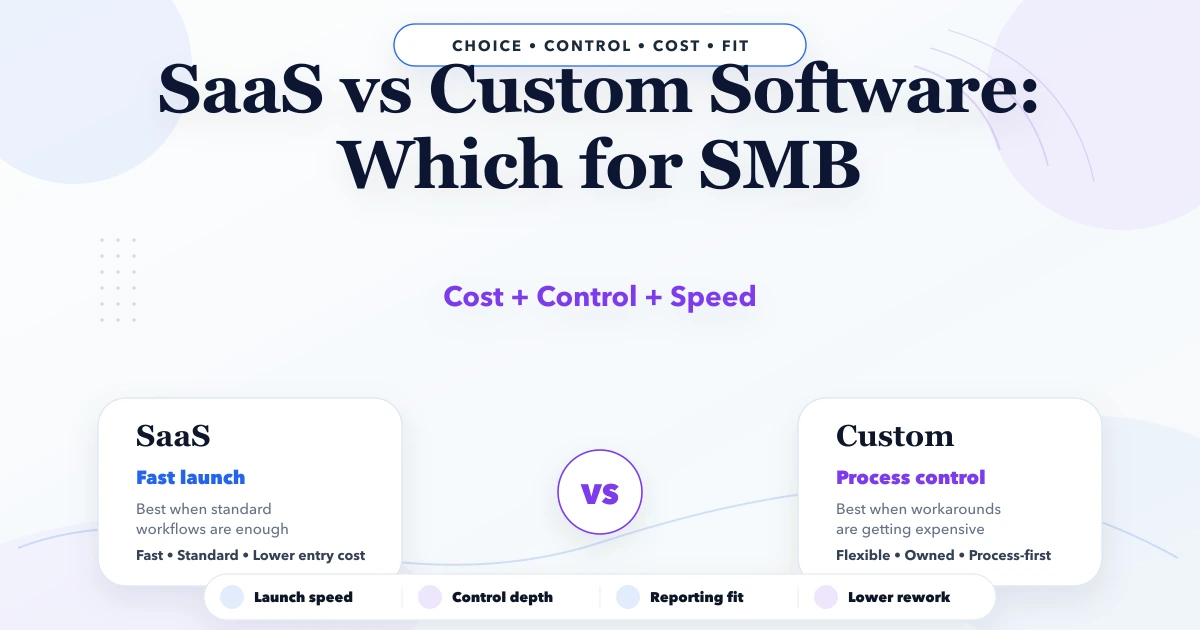
April 25, 2026
SaaS vs custom software for SMB: costs, fit, rollout trade-offs, timeline, tech stack, and decision checklist for Indian businesses in 2026.
Read article
March 25, 2026
Internal tools development guide for companies in 2026: use cases, workflow benefits, cost logic, and how custom systems improve control and team speed.
Read article
March 22, 2026
Plan secure SaaS architecture with tenant isolation, authentication, database patterns, billing, jobs, caching, observability, and practical scaling decisions.
Read article