
April 19, 2026
SaaS Security: Authentication and Tenant Isolation
Plan SaaS authentication, server-side authorization, tenant isolation, role tests, session controls, audit logs, backups, and incident-ready operations.
Read articlePublished Updated
Use this SaaS security checklist for tenant isolation, authentication, authorization, secrets, uploads, logging, backups, incident response, and testing.
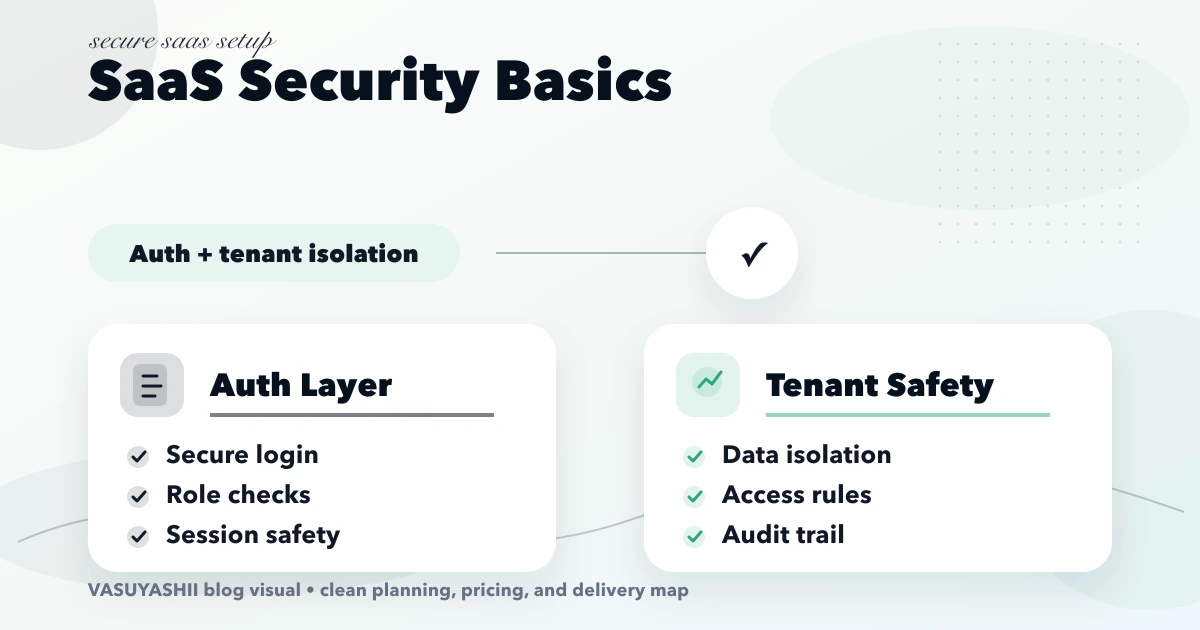
SaaS security begins with tenant boundaries and continues through every request, query, cache key, file path, background job, export, log, backup, and support action. Authentication alone is not enough. A signed-in user may still access the wrong company if resource ownership is not checked consistently.
This checklist is a practical engineering baseline, not a security certification or substitute for threat modelling, professional testing, legal review, or incident planning appropriate to the product and data.
Decide what a tenant represents: company, school, clinic, franchise, or customer account. Document user membership, invitations, company switching, suspended tenants, support access, and offboarding.
OWASP's Multi-Tenant Security Cheat Sheet recommends validating tenant ownership at the data-access layer and avoiding shared cache or resource lookup without tenant context.
Do not build custom cryptography or token formats without specialist need and review.
Authorization must run on every request. Use capability, tenant/branch scope, record ownership, and state. Admin should not become a bypass around all data policy.
Examples:
OWASP's Authorization Cheat Sheet recommends least privilege, deny by default, permission checks on every request, appropriate logging, and authorization tests. Use the permission matrix template to turn requirements into test cases.
HttpOnly, appropriate SameSite cookies when cookies are the design;Document what happens when a user's tenant membership is removed while a session is active.
| Control | Acceptance test |
|---|---|
| Tenant scope | Tenant B cannot read Tenant A record by guessed ID |
| Relationship scope | Child object cannot reference parent in another tenant |
| Uniqueness | Business key is unique within intended tenant/company scope |
| Transactions | Multi-step financial/stock update commits or rolls back together |
| Soft deletion | Deleted records remain hidden without bypassing ownership |
| Migration | Schema changes preserve isolation and rollback plan |
Database row-level security, separate schemas, or separate databases can add defence in depth depending on architecture. None removes the need for application-level policy and tests.
Scanning a repository helps, but review deployment history, CI logs, backups, and copied environment files too.
A public predictable PDF URL can bypass otherwise strong dashboard security.
The webhook integration guide covers retry and reconciliation patterns.
Security headers help but cannot compensate for missing authorization or unsafe queries.
Security logs should capture authentication events, permission failures, tenant switches, privileged changes, sensitive exports, support access, webhook failures, and configuration changes. Include actor, tenant, action, time, result, and request correlation without logging passwords, tokens, full payment data, or unnecessary personal information.
Protect logs from unauthorised alteration and access. Define retention, alert rules, and an owner who actually reviews high-risk events. The audit log guide distinguishes operational activity from accountable change history.
A backup that has never restored is an assumption, not a recovery capability.
Test behaviour, not only scanner output:
OWASP's Authorization Regression Testing Cheat Sheet specifically describes cross-tenant and role-demotion tests. Add these to automated regression coverage and schedule independent assessment based on risk.
Define who receives alerts, how access is contained, how evidence is preserved, how customers are informed under applicable obligations, and who approves recovery. Keep emergency contacts and provider procedures outside the unavailable production system.
Tenant offboarding should cover access termination, export, deletion/retention, backups, API keys, custom domains, webhooks, and confirmation. Do not retain data indefinitely by default.
VASUYASHII treats tenant scope, backend permission checks, auditability, backup restore, and failure handling as design requirements rather than post-launch add-ons. Our implementation review uses two seeded tenants and attempts cross-tenant reads, writes, searches, exports, files, cache hits, and background jobs through direct API requests. The expected result is explicit denial without leaking whether the other tenant's record exists.
This is an engineering approach, not certification or proof that a specific application is secure. Review software development, web applications, or contact us for a scoped security review.
Not always. Roles may need tenant, branch, ownership, relationship, and record-state attributes. A simple role name can become difficult to manage as exceptions grow.
No universal architecture fits all products. Shared tables, schemas, or databases have different isolation, cost, operations, and recovery tradeoffs. Choose through threat modelling and enforce/test tenant scope regardless.
MFA reduces account-takeover risk but does not fix broken authorization, cross-tenant queries, exposed files, unsafe webhooks, or vulnerable dependencies.
Run automated checks continuously and focused manual/independent assessment according to product risk, major architecture changes, new sensitive workflows, and compliance obligations.
Only under a documented model with minimum permissions, business justification, time limits, approval where appropriate, visible audit, and customer expectations.
Tenant isolation, authentication/recovery, server-side authorization, secrets, private files, backups, monitoring, and repeatable security tests provide a practical initial baseline.
Use the SaaS authentication and tenant-isolation guide to turn this checklist into testable identity, data-scope, recovery, and incident controls.
Seed two test tenants and attempt every read, write, export, file, cache, and background-job path across the boundary. Record failures as release blockers. Contact VASUYASHII for a focused SaaS security scope.
Related Articles
April 19, 2026
Plan SaaS authentication, server-side authorization, tenant isolation, role tests, session controls, audit logs, backups, and incident-ready operations.
Read article
May 17, 2026
web app security checklist for SMEs: practical 2026 guide with checklist, cost, roadmap, tools, mistakes, FAQs, and next steps for Indian SMBs today safely.
Read article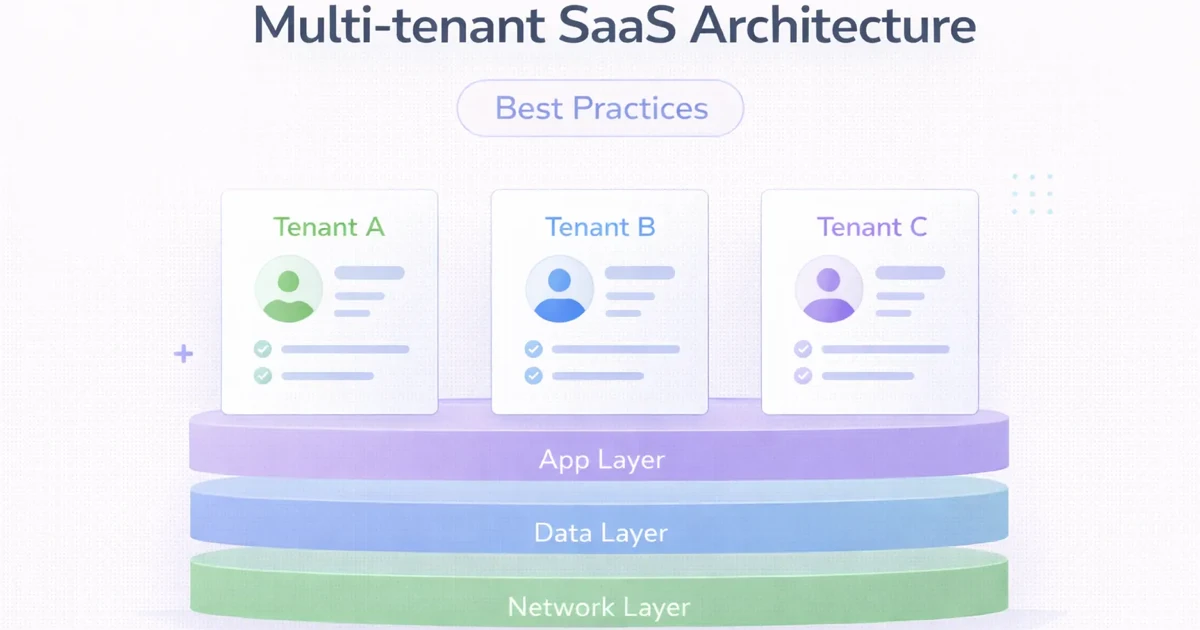
March 31, 2026
Multi-tenant SaaS architecture best practices for 2026: tenancy models, isolation, billing, observability, and what to decide early.
Read article
May 17, 2026
Build a business app backup strategy with clear RPO, RTO, scope, encryption, off-site copies, retention, restore drills, evidence, and ownership.
Read article