
May 17, 2026
Audit Logs for Admin Panels: Security Guide
audit logs for admin panels: practical 2026 guide with checklist, cost, roadmap, tools, mistakes, FAQs, and next steps for Indian SMBs today safely today.
Read articlePublished Updated
Design audit logs for business software with actor, action, object, before-and-after values, request IDs, retention, access, export, and privacy controls.
By Tushar C., Founder of VASUYASHII Published: May 23, 2026 | Reviewed: August 3, 2026
An audit log is a chronological record of material business actions: who performed an action, what record was affected, when it happened, where the request came from, what changed, and whether it succeeded. It helps teams investigate disputes, correct operational errors, review access, and reconstruct important sequences.
Audit logs are not the same as website analytics, debug output, or raw server logs. Each serves a different purpose and should not be mixed into one unlimited data store.
| Field | Purpose |
|---|---|
| Event ID | Stable reference for investigation and duplicate prevention |
| Timestamp | Server-recorded event time with timezone |
| Actor | User, service account, integration, or system job |
| Action | Clear verb such as invoice.approved or user.role_changed |
| Object | Record type and stable record ID |
| Company or tenant | Business boundary for multi-company systems |
| Before and after | Material changed fields, safely represented |
| Reason | User-entered or system reason where required |
| Request/correlation ID | Connects related API, job, and integration activity |
| Outcome | Succeeded, rejected, failed, or reversed |
| Source context | Application area, device/session reference, or integration |
Do not use only prose such as "Tushar updated data." Structured events support filters, exports, alerts, and consistent interpretation.
| Record type | Main question |
|---|---|
| Audit log | Who changed or approved this business record? |
| Security log | Is access or system behaviour suspicious? |
| Transaction record | What commercial or inventory event occurred? |
| Application log | Why did the software fail or behave unexpectedly? |
| Analytics event | How is an interface or funnel being used in aggregate? |
OWASP notes that process monitoring, audit, transaction, and security event logs often have different purposes and should be designed accordingly. Its official Logging Cheat Sheet is a useful engineering reference. NIST's SP 800-92 provides broader log-management guidance.
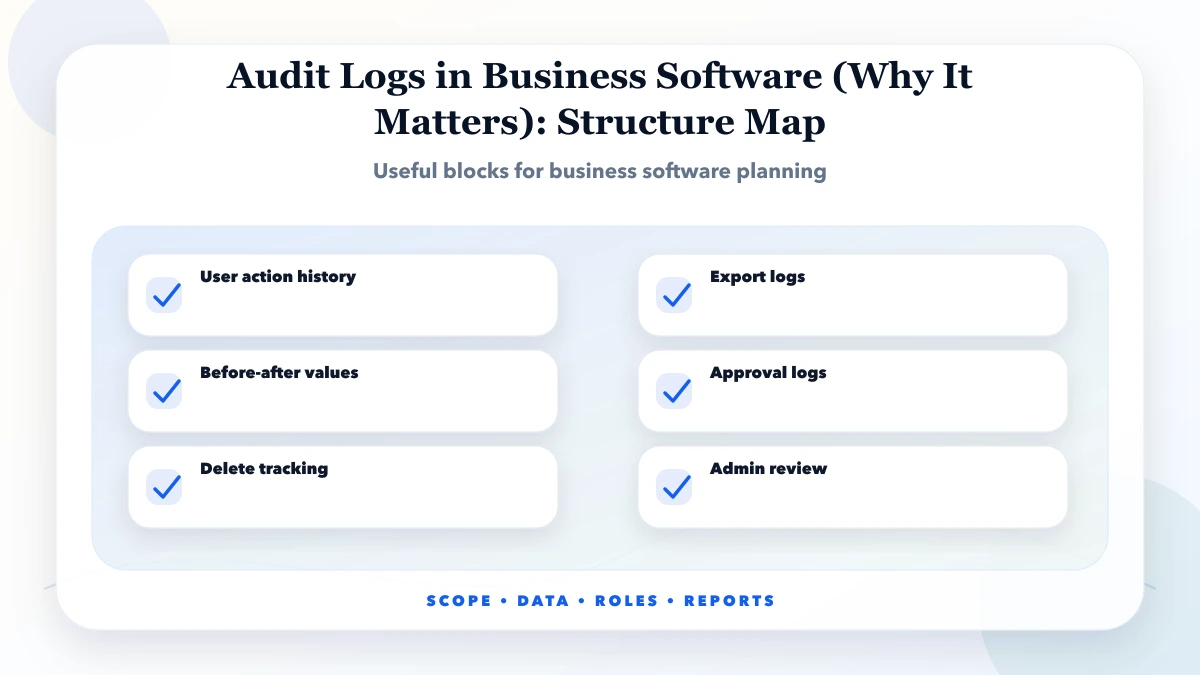
Prioritise actions that affect money, stock, permissions, identity, configuration, or irreversible communication.
Audit at an accepted business action or material state change. Logging every form input event creates noise, increases privacy exposure, and makes investigations harder.
For an update, store a safe diff:
action: invoice.status_changed
object_id: inv_1042
actor_id: user_17
before: { status: "draft" }
after: { status: "approved" }
reason: "Owner approval"
request_id: req_...
outcome: "succeeded"
Mask or omit secrets, passwords, OTPs, access tokens, full payment credentials, and unnecessary personal data. For large documents, store hashes or references instead of copying the entire payload into the log.
Application users should not edit or delete audit events through ordinary screens. Use append-oriented storage, restricted write paths, database permissions, backups, and monitoring for retention or export operations.
This does not make a log mathematically tamper-proof. Be accurate about the control. Higher-risk systems may require immutable storage, cryptographic chaining, external log shipping, or specialist compliance controls.
In a multi-company product, every event needs a tenant or company boundary. A user switching companies must not see another company's audit records unless explicitly authorised.
Useful roles include:
The role-based access guide explains permission design. Audit access itself should be logged because exports can contain sensitive operational information.
VASUYASHII Business Suite currently presents company-scoped invoices, products, purchases, payments, expenses, reports, returns, and administrative operations. Use an invoice walkthrough with sample records to identify the actions and status changes that need traceability. It does not claim that every advanced audit-log control described here is already implemented or independently certified.
Review the current product boundary on VASUYASHII Business Suite. A requirement document should identify exactly which product events need retained history.
An audit screen should support filters for:
Show a readable summary and a structured detail view. Link from a business record to its history and from an event back to the record, subject to permissions.
For incident review, a timeline should combine related events without changing their original timestamps. Preserve both event time and receipt time when asynchronous integrations can arrive late.
Longer is not automatically better. Retention depends on business purpose, risk, legal obligations, storage, investigation needs, and personal-data minimisation.
Define retention by event class:
| Event class | Example decision |
|---|---|
| Permission and access | Retain for security review period |
| Financial document action | Align with business and statutory record needs |
| Inventory adjustment | Retain through reconciliation and audit periods |
| Debug detail | Shorter operational period unless attached to an incident |
| Analytics | Aggregate and minimise according to measurement purpose |
Document deletion or archive jobs, exceptions for active investigations, and who can change the policy. Obtain legal and compliance advice for the actual business; this guide does not prescribe statutory retention.
Some events justify a review alert:
Alerts need thresholds and owners. A notification on every ordinary update creates fatigue and hides important signals.
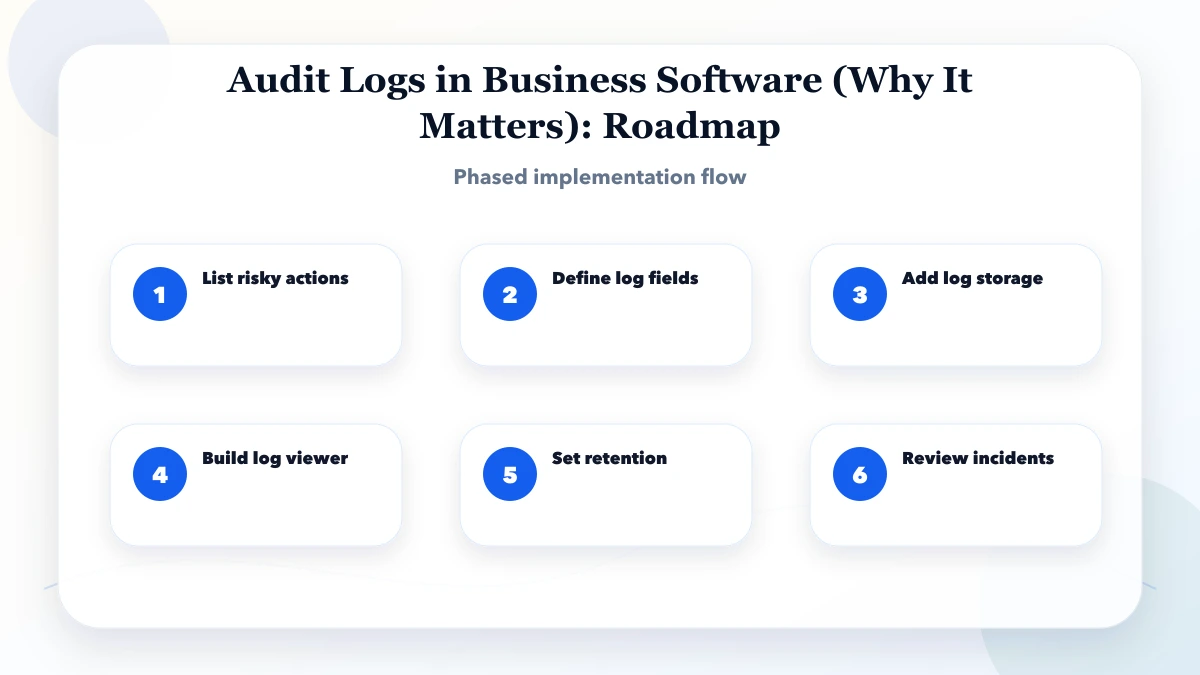
List material actions by module, actor, object, required fields, sensitivity, and retention.
Create consistent action names, request IDs, company boundaries, write permissions, and a searchable store.
Add record history, filters, safe export, review notes, and operational runbooks.
Add alert rules, external log handling where justified, retention jobs, restore tests, and periodic access review.
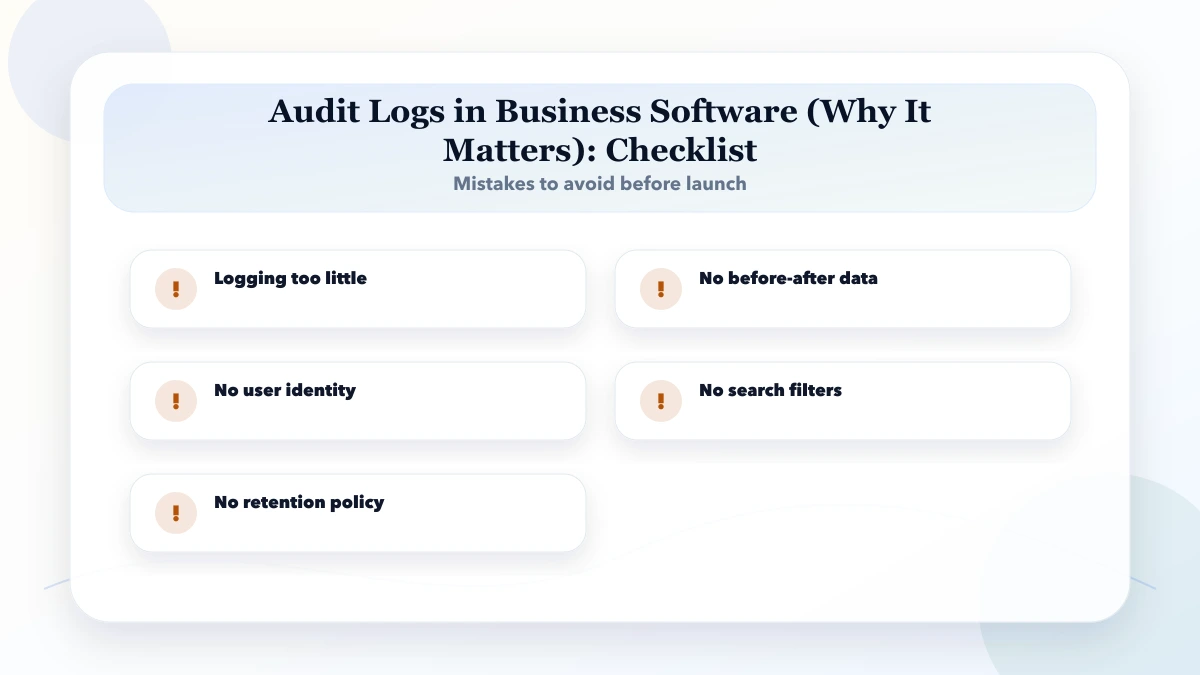
Logging only successful actions: Failed and rejected attempts can be essential to investigation.
Storing full request bodies: Secrets and personal data leak into a widely accessible log.
Using changing names instead of IDs: History cannot reliably identify the actor or object.
No tenant boundary: Multi-company data becomes visible across customers.
Letting admins delete events: The record loses its independent value.
Keeping everything forever: Cost and privacy risk rise without a defined purpose.
Audit logs help reconstruct activity; they do not by themselves prevent fraud, prove compliance, or guarantee non-repudiation. High-risk and regulated systems may need specialist controls, independent review, immutable storage, central security monitoring, and formal retention policy.
This article is technical and operational guidance, not legal or compliance advice.
No. Audit logs explain material business actions and actors. Application logs primarily help diagnose software behaviour. They can share correlation IDs but need different access and retention.
Users can see relevant record history when permissions allow. Administrative, cross-tenant, security, and export events should have more restricted access.
Do not silently edit it. Append a correction, reversal, or annotation linked to the original event so the history remains understandable.
Only when justified by a defined security or operational purpose, with appropriate notice, access, retention, and legal review. Do not collect them automatically without purpose.
There is no universal period. Define it by event purpose, business need, risk, applicable obligations, and data-minimisation requirements.
Start with permission changes, financial status changes, stock adjustments, imports/exports, configuration, and critical integration events using a shared structured schema.
List the ten actions that would be hardest to explain during a dispute or incident. Define actor, object, before/after, reason, outcome, and retention for each. Then include them in the software requirement template or discuss a scoped business software implementation.
Related Articles
May 17, 2026
audit logs for admin panels: practical 2026 guide with checklist, cost, roadmap, tools, mistakes, FAQs, and next steps for Indian SMBs today safely today.
Read article
May 27, 2026
Secure admin access with MFA, role-based permissions, protected sessions, recovery controls, audit logs, re-authentication and employee offboarding.
Read article
May 23, 2026
Build a fast, secure data entry panel with validation, drafts, bulk import, approvals, audit logs, permissions, and measurable operator productivity.
Read article
May 19, 2026
Plan a business data migration with source mapping, trial imports, record reconciliation, cutover checks, tested recovery and clear sign-off ownership.
Read article