
May 8, 2026
How to Migrate from Excel to Software Step by Step
Migrate Excel data to business software with a controlled plan for cleanup, field mapping, pilot imports, reconciliation, cutover, and rollback.
Read articlePublished Updated
Plan a business data migration with source mapping, trial imports, record reconciliation, cutover checks, tested recovery and clear sign-off ownership.
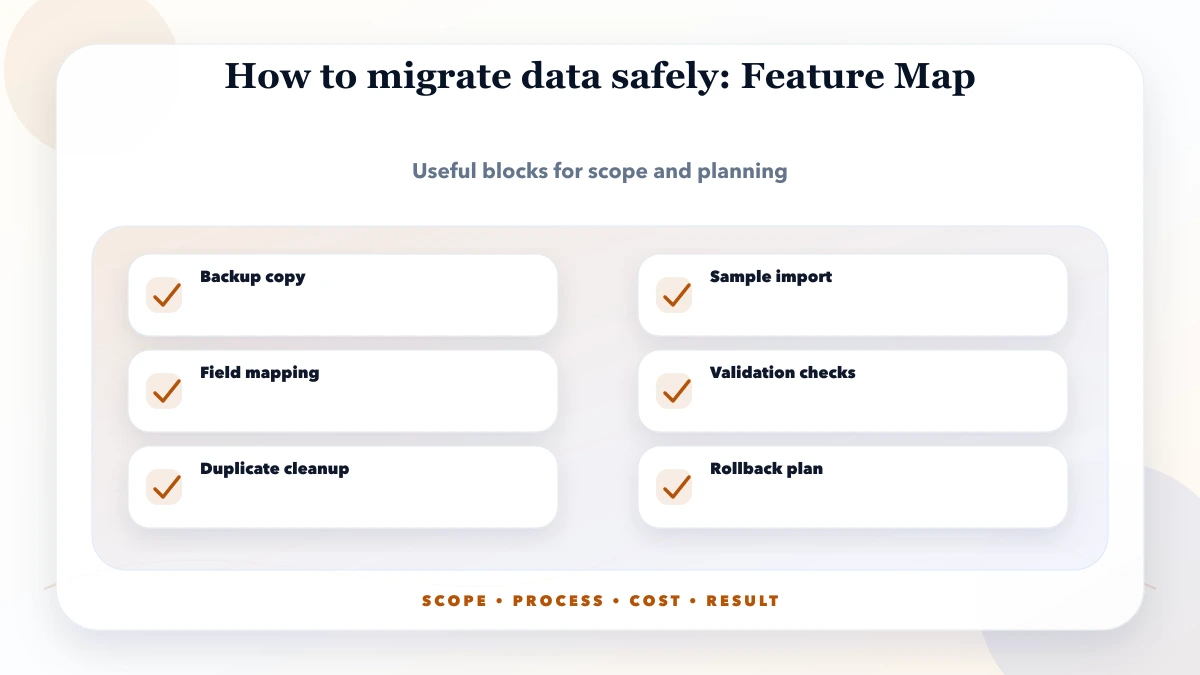
A safe business data migration starts with an agreed source of truth and ends with evidence that the new system holds the right records and supports the required work. Inventory the sources, approve the mapping, rehearse the import, reconcile the results and test recovery before cutover. An import success message alone does not prove that balances, relationships or attachments are correct.
This guide is for businesses moving records from an old application, database or export into a new system. It focuses on the checks needed before accepting the move. For workbook cleanup, formulas and spreadsheet-specific import steps, use the Excel-to-software migration guide.
About the examples: The tables below are planning templates with synthetic values. They are not client records, completed migration results or a claim that a particular product includes every listed capability. Adapt the checks to the source, target and agreed scope.
Before choosing an import tool, agree on what must move, what may remain archived, who can approve changes and what evidence will permit go-live. Name a business data owner as well as the technical implementer. A developer can check that an import ran; an accounts or operations reviewer must confirm that the resulting records mean the right thing.
Use this sequence:
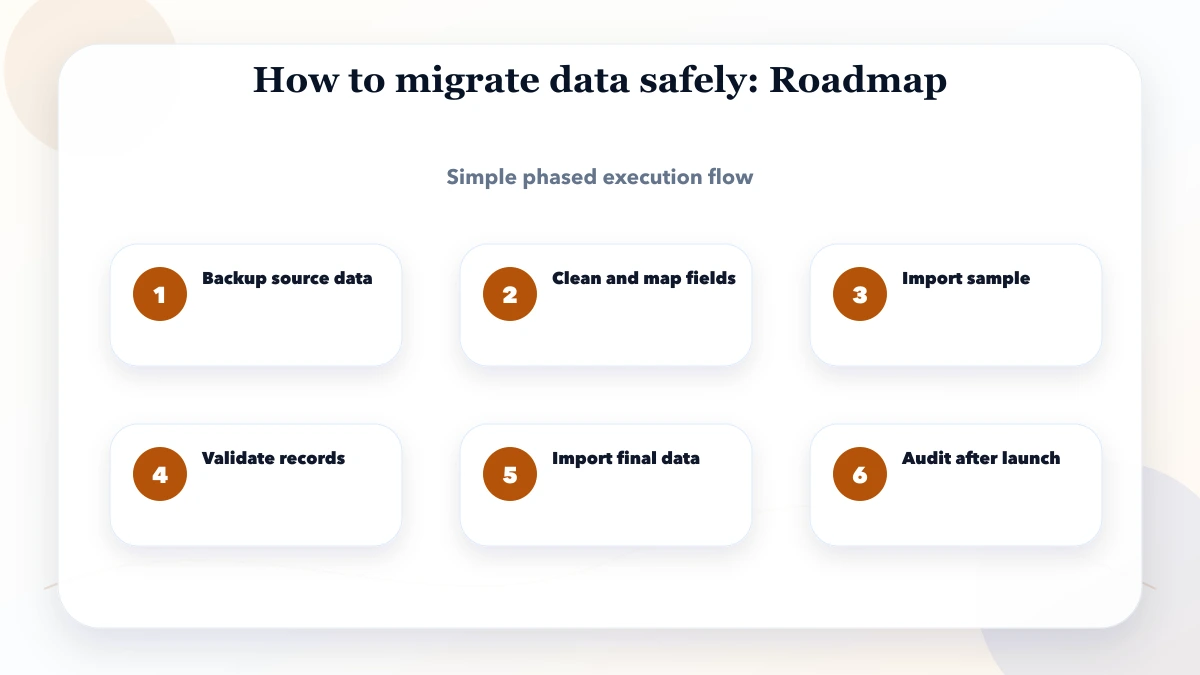
The illustration summarises the stages. The acceptance and recovery checks below determine whether it is appropriate to move between them.
A customer list, unpaid invoice, stored document and calculated report need different migration rules.
| Data group | Decision to record | Acceptance owner |
|---|---|---|
| Configuration | Units, currencies, statuses and settings required by the target | System owner |
| Master records | Customers, suppliers, products and stable identifiers | Department owner |
| Open transactions | Unpaid invoices, pending orders, active work and opening balances in scope | Accounts or operations reviewer |
| Historical transactions | Date range, detail and whether history moves or stays in a searchable archive | Business owner |
| Attachments | Required files, record links and access restrictions | Record owner |
| Derived reports | Reports to rebuild from trusted records instead of importing as transactions | Report owner |
For each source, record its system, responsible role, approximate volume, export format, last update and relationship to other sources. If two systems disagree, assign someone to resolve the conflict before import. Keep an explicit exclusion register for records outside scope; exclusion must not silently become deletion.
Microsoft's migration-planning guidance distinguishes configuration, master and open-transaction data and describes mappings, dependencies and ownership. Those distinctions are useful references even when the destination is not Dynamics 365.
Preserve a dated source export and an appropriate system backup before transformation. Record what each contains and how it can be restored. A CSV export may omit attachments, audit history, permissions or configuration; it is not automatically a complete backup.
Use access-controlled storage and an agreed transfer method. Restrict access to the people who need the records, and agree how working copies will be retained or removed after acceptance. Public examples and initial discussions should use synthetic or appropriately redacted samples. Do not place customer exports in public file links or send production passwords through an enquiry form.
Test restoration in an isolated environment before relying on the backup. Record the result, required access, software version and missing elements. The business should understand the recovery limits before choosing a cutover window.
A mapping specification explains how a source value becomes a target value, including required fields, transformations, relationships and rejected records. Version it so the rehearsal and final import can be traced to approved rules.
Synthetic mapping example: These are illustrative fields and values, not a production schema.
| Source field and example | Target or rule | Check before acceptance |
|---|---|---|
| Legacy account ID: SAMPLE-001 | Preserve as a unique external reference | One source identity maps to one approved target identity |
| Status: On Hold | Map to the agreed target status | Business owner approves what the new status permits |
| Open balance: blank | Reject for review if required | An unknown balance is not silently converted to zero |
| Order account: SAMPLE-001 | Link through the approved account mapping | No order points to a missing or incorrect account |
| Document: SAMPLE-DOC-01 | Retain its link to the owning record | Correct file can be opened by the intended role |
Define dates, time zones, decimal precision, units and character encoding where relevant. Keep source identifiers separate from display names: similar customer names may belong to different businesses. Route uncertain duplicate matches to a reviewer and record approved merges so reconciliation can explain the reduced count.
Import order also matters. A transaction may require its customer, product or configuration record first. Frappe's Data Import documentation gives examples of required fields, import warnings, parent/child records and identifiers used for updates. These are tool-specific examples; confirm the equivalent behaviour in the actual destination.
Choose representative trial data rather than only the easiest records. Include missing required fields, duplicates, unusual characters, old dates, linked transactions and attachments when in scope.
The rehearsal should answer:
Keep trial work isolated from production. Review scheduled jobs, outbound emails, SMS, webhooks and payment actions so testing cannot trigger unintended business activity. Use supported integration test environments or controlled substitutes and record what was not tested.
Save the mapping version, import version, trial identifier, counts and error report. Unresolved critical discrepancies should block acceptance even if the tool reports that the upload completed.
Reconciliation explains how approved source records correspond to target records. Counts are one check; they do not establish that fields, balances or relationships are correct. Two datasets can have the same number of rows and still disagree on important values.
| Check | Compare | Pass condition to agree |
|---|---|---|
| Record coverage | Approved input against accepted, rejected, merged and excluded records | Every input record has an explained outcome |
| Identifiers | Source-to-target identity mapping | No unexplained duplicates or missing identities |
| Business totals | Balances or quantities by account, product, location or period | Match under documented transformation and rounding rules |
| Relationships | Parent/child and cross-record links | Links refer to the correct target identities |
| Attachments | Required file list against target files and record links | Agreed files are readable and attached correctly |
| Permissions | Users attempting allowed and restricted actions | Access matches the approved role rules |
| Workflows | Agreed business examples using migrated data | Users can complete the required work and verify its result |
Record the expected result, actual result, evidence reference, reviewer and unresolved exception for each check. Do not hide differences within a broad tolerance; explain intentional conversions or rounding rules and who approved them.
AWS DMS data validation distinguishes transferring data from comparing source and target values, and reports mismatches or records that cannot be validated. A small migration can use simpler comparison tools, but it still needs an explicit validation result.
Cutover is when the new system becomes authoritative for the agreed workflows. Decide whether source writes will stop or a supported process will capture changes made during migration. Avoid an undefined period in which both systems accept transactions independently.
A runbook records the task sequence, owner, expected duration, completion evidence and stop condition:
Include dependencies such as connected systems, reports and scheduled work. AWS pre-cutover guidance covers rehearsal, downtime, rollback and runbooks with task owners and sequence. Choose a method suited to the system; zero downtime should not be assumed.
A rollback plan needs more than “restore the backup.” Record who makes the decision, its triggers, the latest safe return point, expected disruption and how restored data will be verified.
Synthetic decision example: An agreed control balance differs after the final import, and the cause cannot be resolved within the approved window. The business acceptance owner pauses go-live. The technical owner follows the rehearsed recovery procedure, and the reviewer verifies the restored state before operations resume.
Once users have created new transactions in the target, restoring an older snapshot can lose their work. Decide in advance how those transactions will be captured, reconciled and safely replayed, or whether a controlled correction is preferable. A simple restore is not a complete plan for this situation.
Keep the old system or archive available for agreed verification and retention needs. Retirement should have its own acceptance decision after dependencies and access to required history are checked.
There is no dependable migration price or duration based only on row count. An estimate should state assumptions about source systems, data quality, relationships, historical depth, attachment volume, transformations, rehearsals, downtime constraints and reviewer availability.
Ask the quotation to separate extraction, cleanup, mapping, trial imports, reconciliation, cutover, training and agreed support. Identify who resolves incorrect source data and what happens if new formats or exceptions are discovered. A protected sample review and mapping exercise can clarify the work before committing to the full move.
Prepare the software requirement template, then connect migration scope to the software handover checklist and staff training plan. For CRM-specific fields and cutover considerations, see the CRM implementation guide.
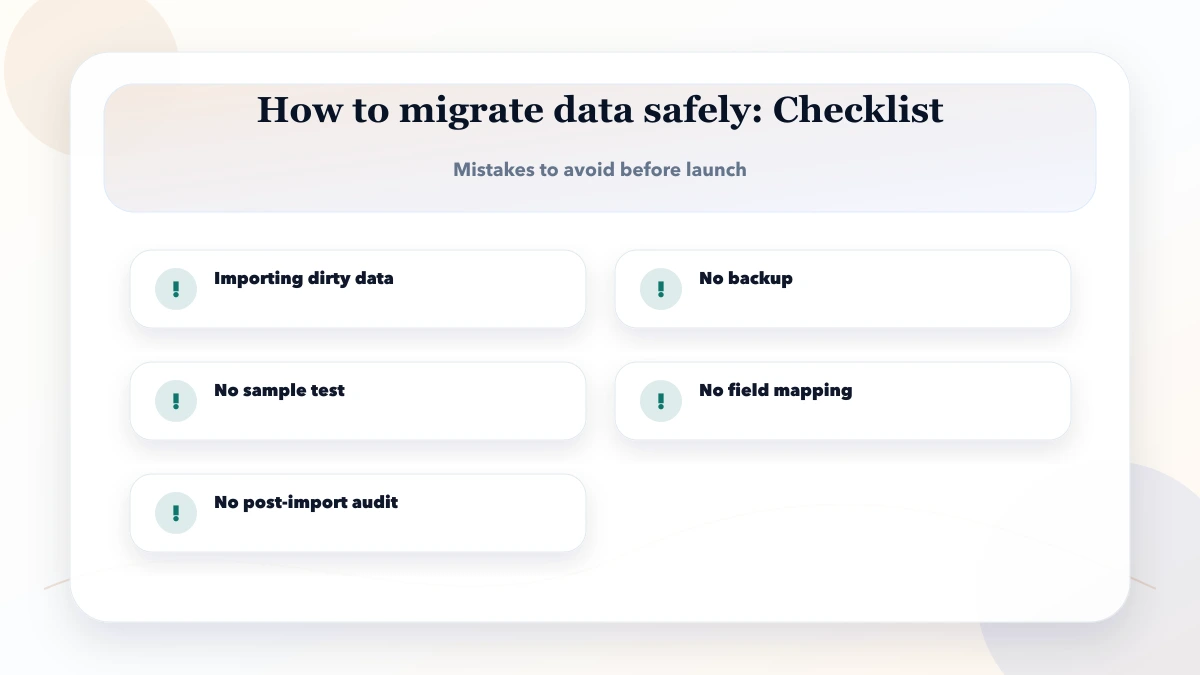
Before acceptance, record:
Keep migration evidence accessible to authorised reviewers. Use custom software services to discuss the wider system scope and web application services when workflows or portals are also being rebuilt.
Not necessarily. Agree which master records, open transactions, history and attachments the new system needs and what remains in a usable archive. Record the reasons and verify required history can still be retrieved. Retention obligations need advice appropriate to the business and record type.
No. Check identifiers, relationships, grouped business totals, attachments, permissions and representative workflows. Explain excluded, rejected and merged records separately.
Keep an error report with a reason and responsible reviewer. Correct the source or mapping, rehearse the correction and confirm that a retry does not duplicate accepted records. Critical unresolved records should block the agreed acceptance gate.
The technical owner confirms execution and recovery evidence. The business data owner or relevant department reviewer confirms the records and workflows. Name the person with final go-live authority before cutover starts.
Yes, when phases have clear ownership, dependencies and an authoritative system for each workflow. Define how records shared between phases stay consistent and how changes are reconciled.
Share the source and target systems, data groups, approximate volumes, history requirements, important reports and acceptable disruption. Use synthetic examples to explain fields. Do not submit customer exports, passwords, tokens or private documents in a public enquiry.
VASUYASHII can review migration requirements as part of an agreed custom-software scope. Source access, target behaviour, cleanup ownership, acceptance criteria and cutover support must be confirmed before an estimate or delivery commitment.
Related Articles
May 8, 2026
Migrate Excel data to business software with a controlled plan for cleanup, field mapping, pilot imports, reconciliation, cutover, and rollback.
Read article
May 17, 2026
Build a business app backup strategy with clear RPO, RTO, scope, encryption, off-site copies, retention, restore drills, evidence, and ownership.
Read article
May 23, 2026
Design audit logs for business software with actor, action, object, before-and-after values, request IDs, retention, access, export, and privacy controls.
Read article
May 17, 2026
Learn database indexing through CRM, billing, inventory, and reporting queries, with composite-index order, trade-offs, EXPLAIN checks, and rollout steps.
Read article