
March 28, 2026
CRM Pricing in India for Small Businesses (2026)
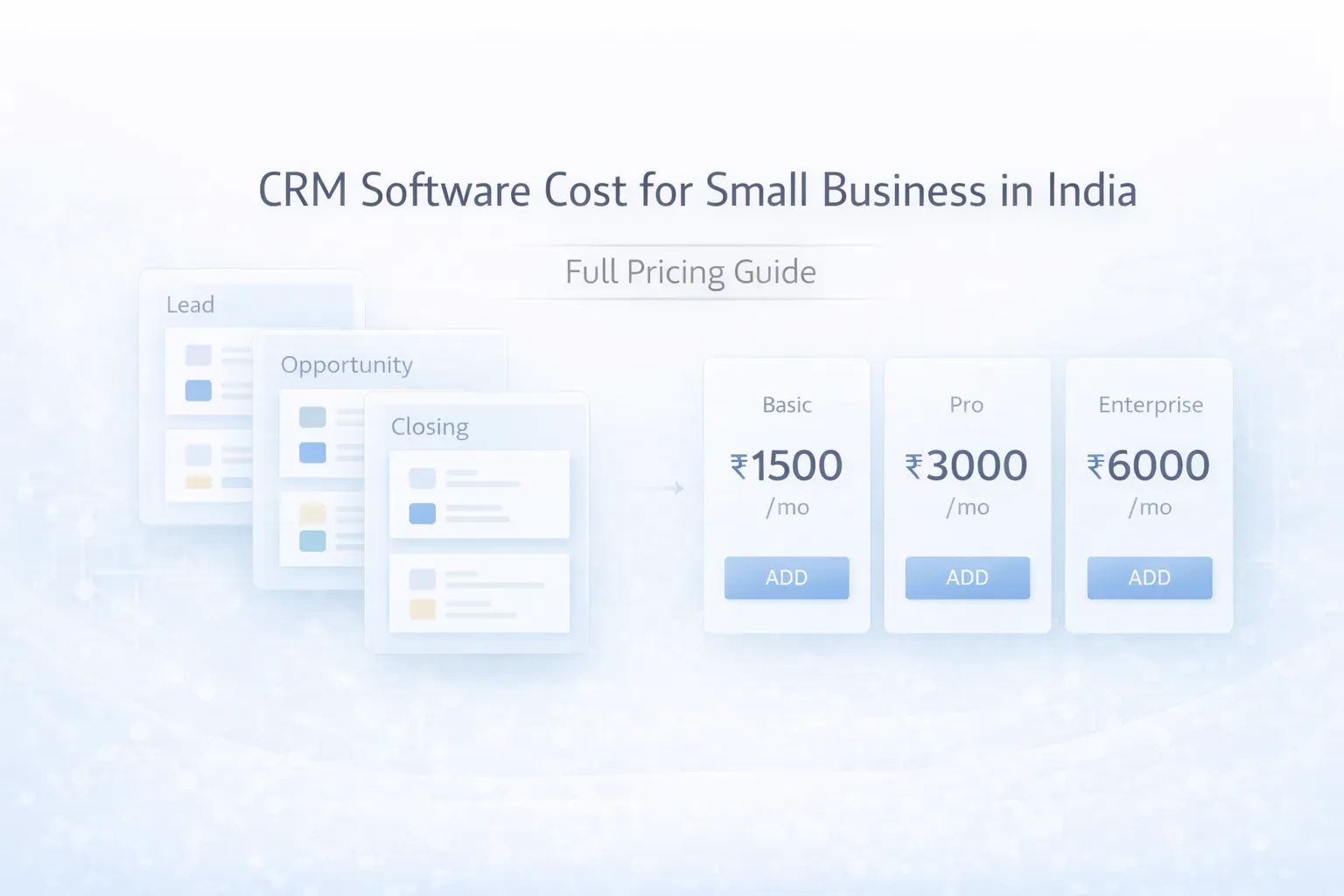
Compare CRM pricing in India for small businesses, including SaaS plans, setup costs, custom build ranges, modules, integrations, and buy-vs-build checks.
Read articlePublished Updated
CRM implementation timeline for small business: phased plan, costs, roles, automations, common delays, and launch checklist for Indian SMBs.
By Tushar C., Founder of VASUYASHII Published: April 25, 2026 | Reviewed: August 3, 2026
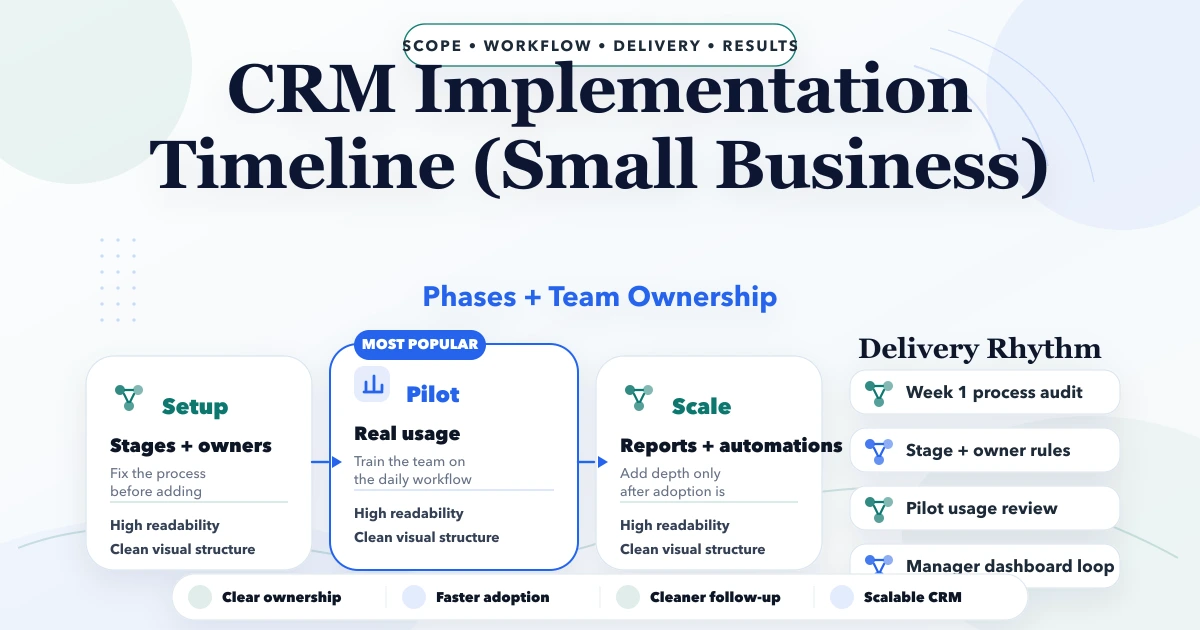
A small-business CRM can launch safely in four to eight weeks when the first release has one sales pipeline, named owners, clean lead data, a limited migration, and weekly adoption review. The timeline becomes longer when the team tries to automate an undefined process, migrate every historical spreadsheet, or customise the CRM before users complete a basic lead-to-close workflow.
This guide treats CRM implementation as an operating change, not a software installation. The goal is reliable ownership and follow-up: every qualified lead has a source, stage, next action, responsible person, and traceable outcome.
| Phase | Typical duration | Exit condition |
|---|---|---|
| Process and data discovery | 3-5 working days | Pipeline, owners, fields, sources, and reports approved |
| Configuration and sample migration | 5-8 working days | One complete test dataset works end to end |
| User testing and training | 3-5 working days | Named users pass role-based scenarios |
| Controlled go-live | 5-10 working days | New leads enter one system and exceptions are resolved |
| Stabilisation and automation | 10-20 working days | Adoption is stable and automation failure paths are tested |
An accelerated timeline is possible for a small team with clean data and standard processes. A multi-branch business with complex permissions, telephony, WhatsApp, payment, ERP, or marketing integrations should use a phased plan.
Implementation needs three owners even in a small company:
One person may hold more than one role, but the responsibilities must be explicit. The developer or CRM vendor should not decide what "qualified," "proposal sent," or "lost" means for the business.
Map the current journey from enquiry to outcome. Use real examples from forms, calls, WhatsApp, referrals, marketplaces, and repeat customers.
For each stage, define:
| Stage | Entry rule | Required next action | Exit evidence |
|---|---|---|---|
| New | Contact details captured with a source | First response | Contact attempt logged |
| Qualified | Need, fit, timeline, and authority understood | Discovery or demo | Qualification notes completed |
| Proposal | Scope and commercial offer shared | Follow-up date | Proposal reference stored |
| Decision | Buyer is reviewing or negotiating | Decision action | Won, lost, or nurture outcome |
| Won | Commercial acceptance recorded | Handover | Project or onboarding owner assigned |
| Lost | Defined loss reason selected | Optional future follow-up | Closure reason and note saved |
Avoid stages such as "hot," "warm," or "important" unless they have measurable rules. Otherwise reports reflect opinion rather than process.
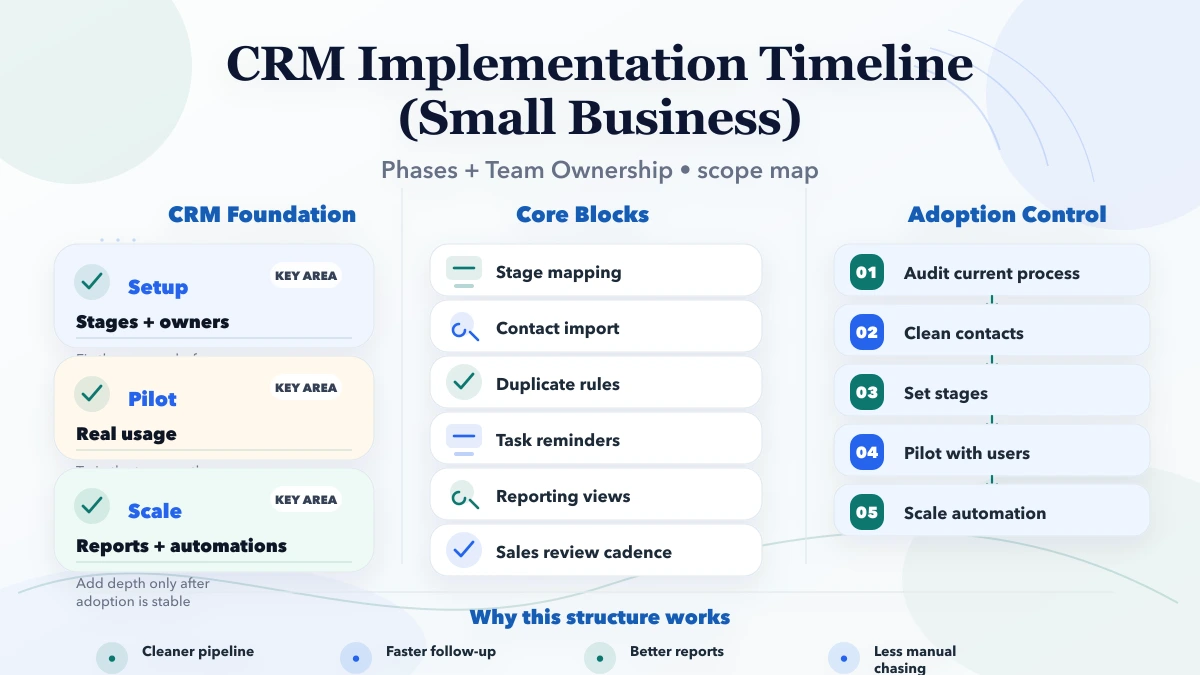
Create a field dictionary before importing anything. It should state the field name, purpose, type, owner, valid values, mandatory stage, and source.
Minimum lead or opportunity fields often include:
Do not upload unnecessary identity documents, payment data, or long chat histories because they happen to exist. India's Digital Personal Data Protection Act establishes obligations around digital personal data; implementation should collect data for a defined purpose and apply suitable access and retention controls. Review the official DPDP Act text with appropriate legal advice for the actual use case.
Build with 20-50 representative records before a full import. Include duplicates, missing phone numbers, old opportunities, multiple contacts at one company, and records owned by former employees.
Test role boundaries:
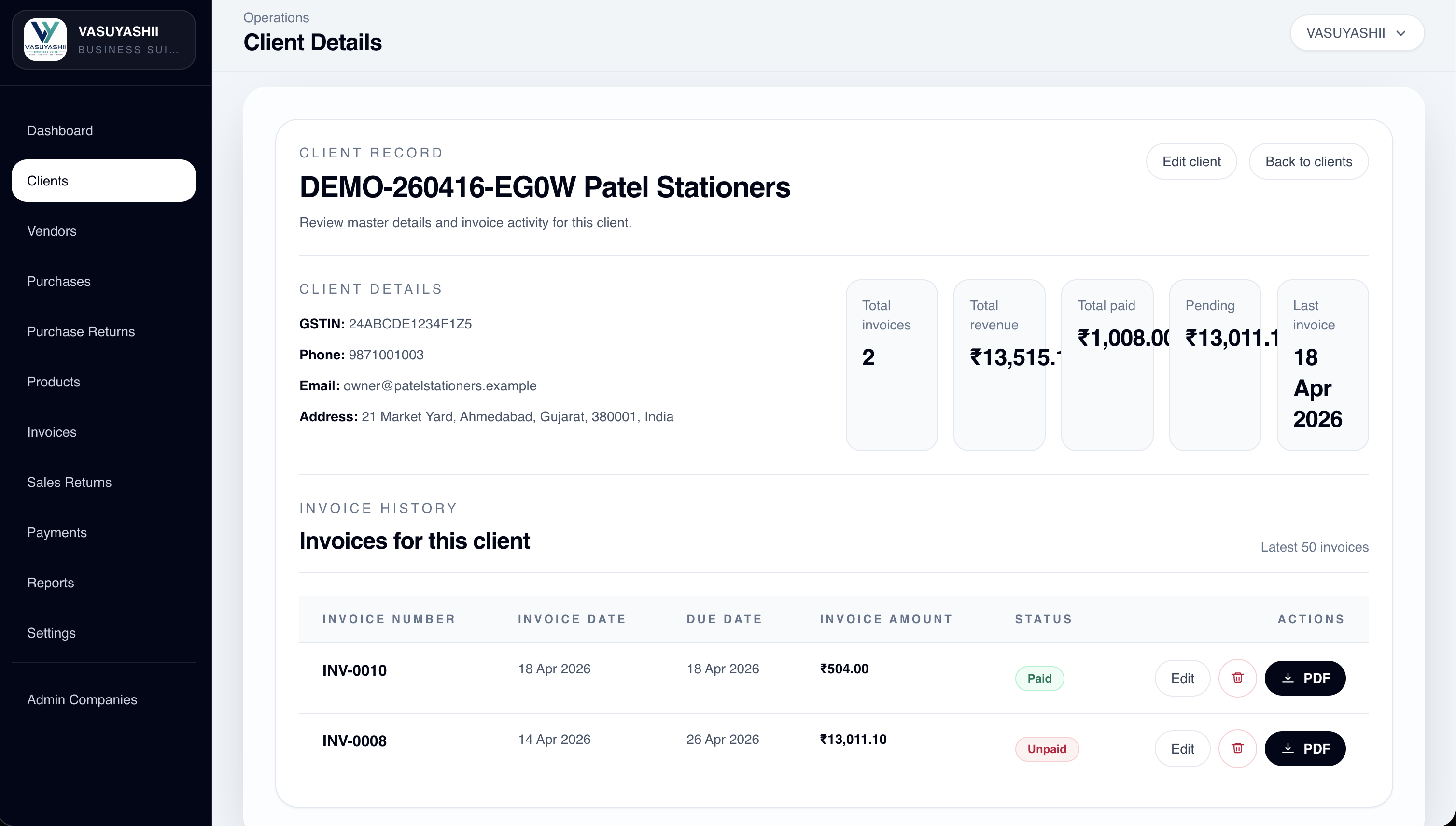
The screenshot below is a current VASUYASHII Business Suite client-details interface. It is first-party evidence of how contact details and transaction context can be organised in one business application. It is not presented as a complete CRM implementation or as a customer outcome.
Use four migration states:
Migration acceptance should compare more than row totals. Check owner distribution, stage totals, open value, duplicate rate, missing mandatory fields, and a random sample of records. Keep a rollback or restore point.
Do not ask users to "explore the CRM." Give each role concrete scenarios:
Record failed steps, severity, owner, and retest result. Go live only after the critical journey works and the business owner accepts the definitions.
A sales user needs a ten-minute daily operating routine, not a tour of every setting:
Managers need a separate routine: ageing, no-next-action records, owner workload, stage conversion, loss reasons, and forecast assumptions. Administrators need duplicate, permission, import, and audit procedures.
Choose a date after which every new lead enters the CRM. Do not allow the new system and a parallel spreadsheet to become equal sources of truth. Keep the old files read-only for a defined transition period.
During the first ten working days, review:
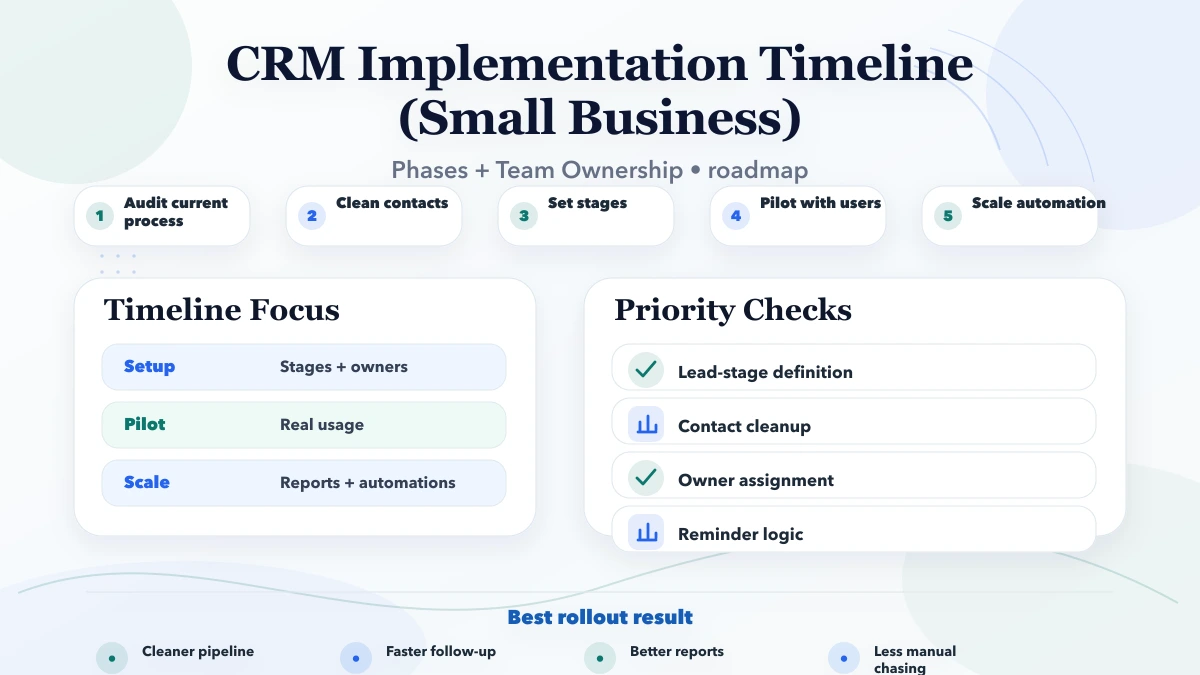
Automate stable rules. Useful examples include assigning leads by territory, creating a follow-up task after qualification, notifying a manager when a high-value lead has no action, and sending a confirmed handover after a win.
Every automation needs:
An automatic WhatsApp or email should not fire from an ambiguous stage change. Confirm consent, template, recipient, and business purpose. For cross-system work, review API integration services and the webhook integration guide.
The implementation cost depends less on the number of screens than on process and data complexity.
| Driver | Lower effort | Higher effort |
|---|---|---|
| Pipeline | One standard sales flow | Multiple products, teams, or approval paths |
| Data | One clean sheet | Many sources, duplicates, missing owners, attachments |
| Users | Small co-located team | Branches, external agents, layered permissions |
| Integrations | Manual import/export | Forms, telephony, WhatsApp, ERP, payments, marketing |
| Reports | Activity and pipeline basics | Forecasting, attribution, cohort or custom management views |
| Change | Standard configuration | Custom modules and role-specific workflow development |
Ask for a quote that separates discovery, setup, migration, integration, training, go-live support, and recurring support. The small-business CRM build-versus-buy guide helps decide whether configuration or custom development is appropriate.
Track behaviour that indicates data reliability:
Do not reward raw login counts. A user can log in without maintaining useful records. Also avoid presenting early pipeline reports as revenue forecasts until stage rules and data quality are stable.
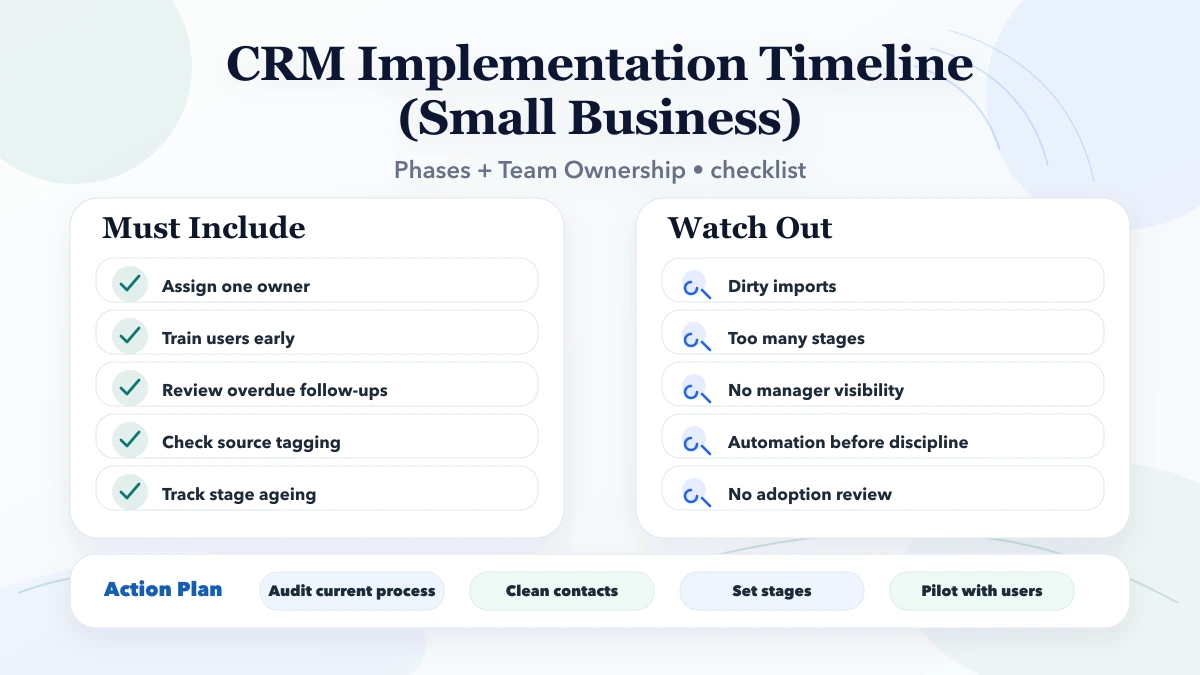
Undefined stages: Configuration starts while managers still disagree about the sales process.
Importing everything: Years of unusable data delay a system meant for current follow-up.
No data owner: Users correct the same field in different ways.
Automation first: Messages and tasks amplify bad data before the process is stable.
Parallel systems: The spreadsheet remains the real source and the CRM becomes reporting theatre.
No post-launch review: Adoption problems are discovered months later.
This timeline assumes a small or medium team and a focused first release. Regulated data, complex call-centre operations, large migrations, many business units, custom mobile apps, or extensive ERP integration need more discovery and testing. The article is operational guidance, not legal or data-protection advice.
About four weeks for one clean pipeline, a small team, limited data, standard configuration, and no complex integration. Faster delivery is possible only when owners and definitions are already ready.
No. Prioritise active customers, open opportunities, recent qualified leads, and records required for ongoing service. Archive other data with a documented access method.
After users consistently maintain stages, owners, and next actions. Automating an unstable process creates faster errors.
Ideally they should become read-only at go-live. Keep an archived copy for reconciliation, but do not let two systems accept competing updates.
A named internal owner should control users, fields, duplicates, imports, and configuration. The vendor can support the system, but business definitions remain an internal responsibility.
Unassigned leads, missing next actions, overdue work, ageing by stage, loss reasons, duplicates, adoption by role, and integration failures.
Run a 60-minute discovery session using ten real leads. Approve the stage rules and data dictionary before selecting automation. For a focused implementation scope, use the requirement template and then request a CRM discussion.
Related Articles
March 28, 2026
Compare CRM pricing in India for small businesses, including SaaS plans, setup costs, custom build ranges, modules, integrations, and buy-vs-build checks.
Read article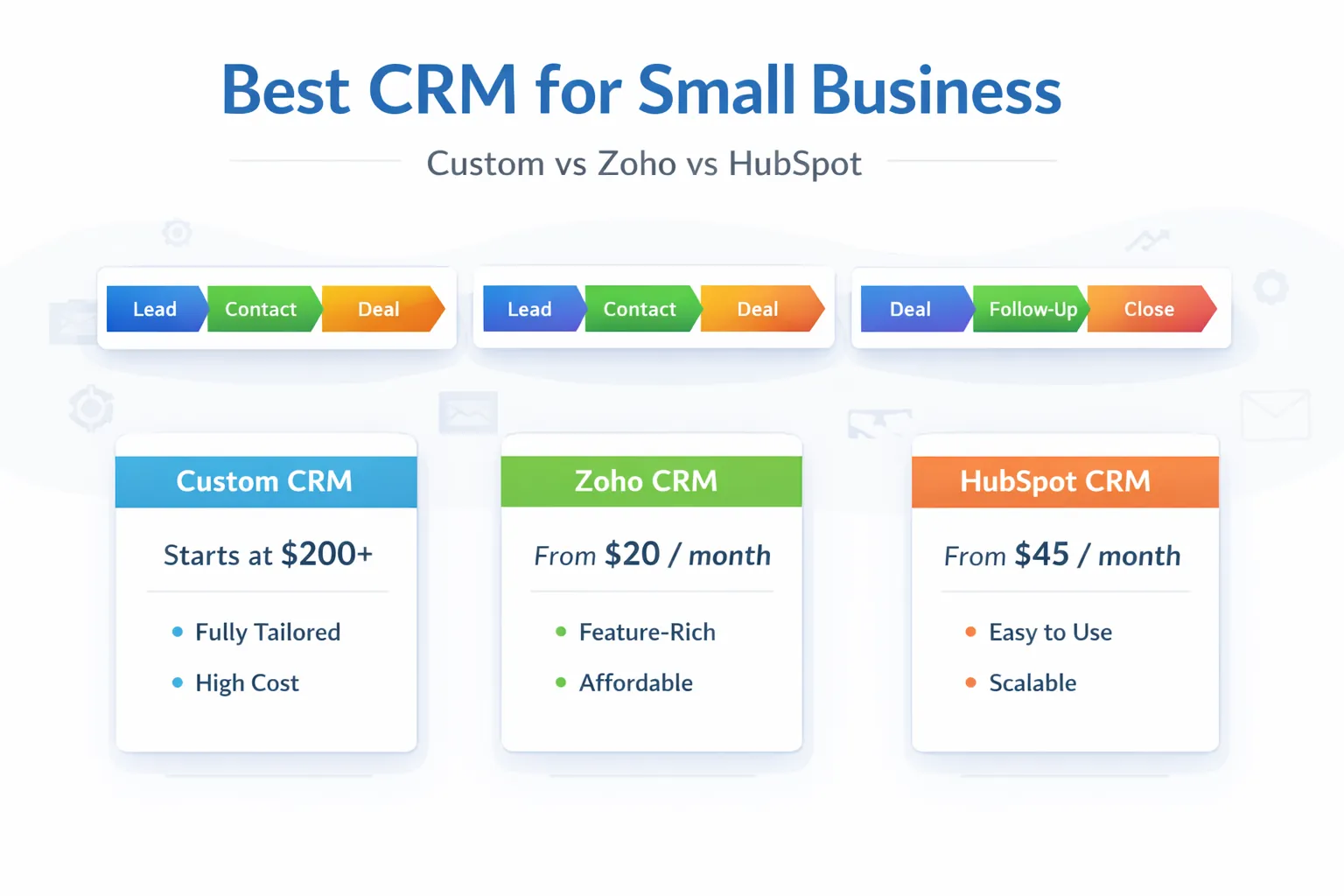
March 29, 2026
Best CRM for small business in India: custom CRM vs Zoho vs HubSpot, pricing snapshot, fit by business type, and how to choose in 2026.
Read article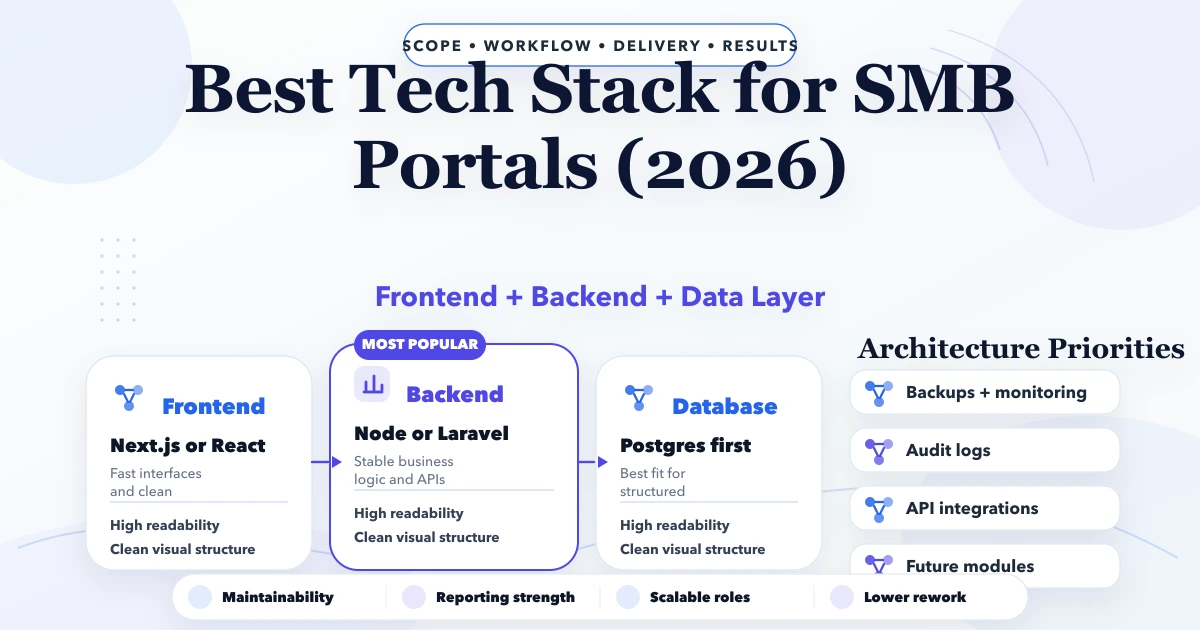
April 26, 2026
Best tech stack for SMB portals in 2026: frontend, backend, database, auth, reporting, and rollout decisions for business web portals.
Read article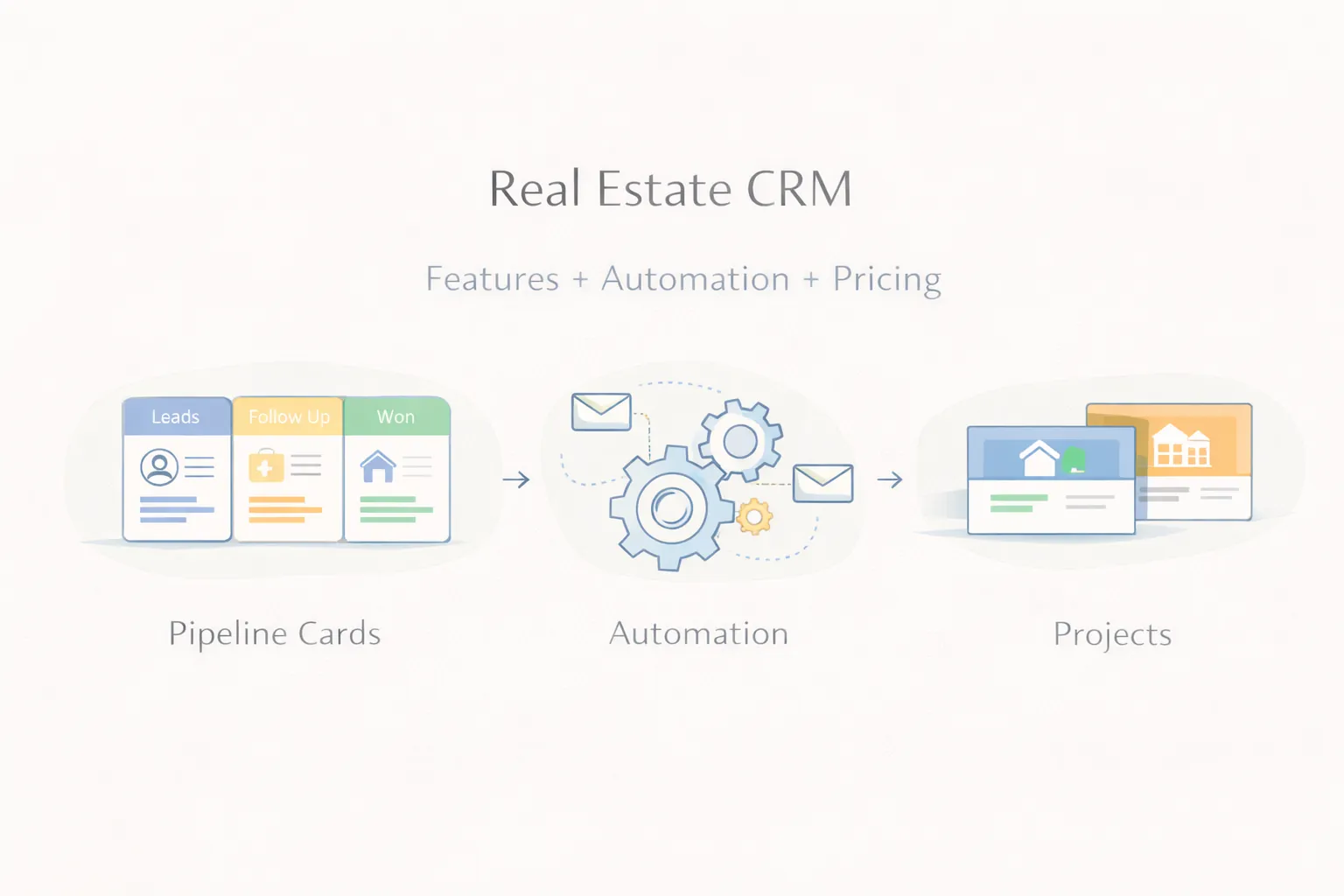
March 30, 2026
Plan a real estate CRM with lead capture, project matching, site visits, follow-ups, automation, reports, pricing, and rollout guidance.
Read article