
March 29, 2026
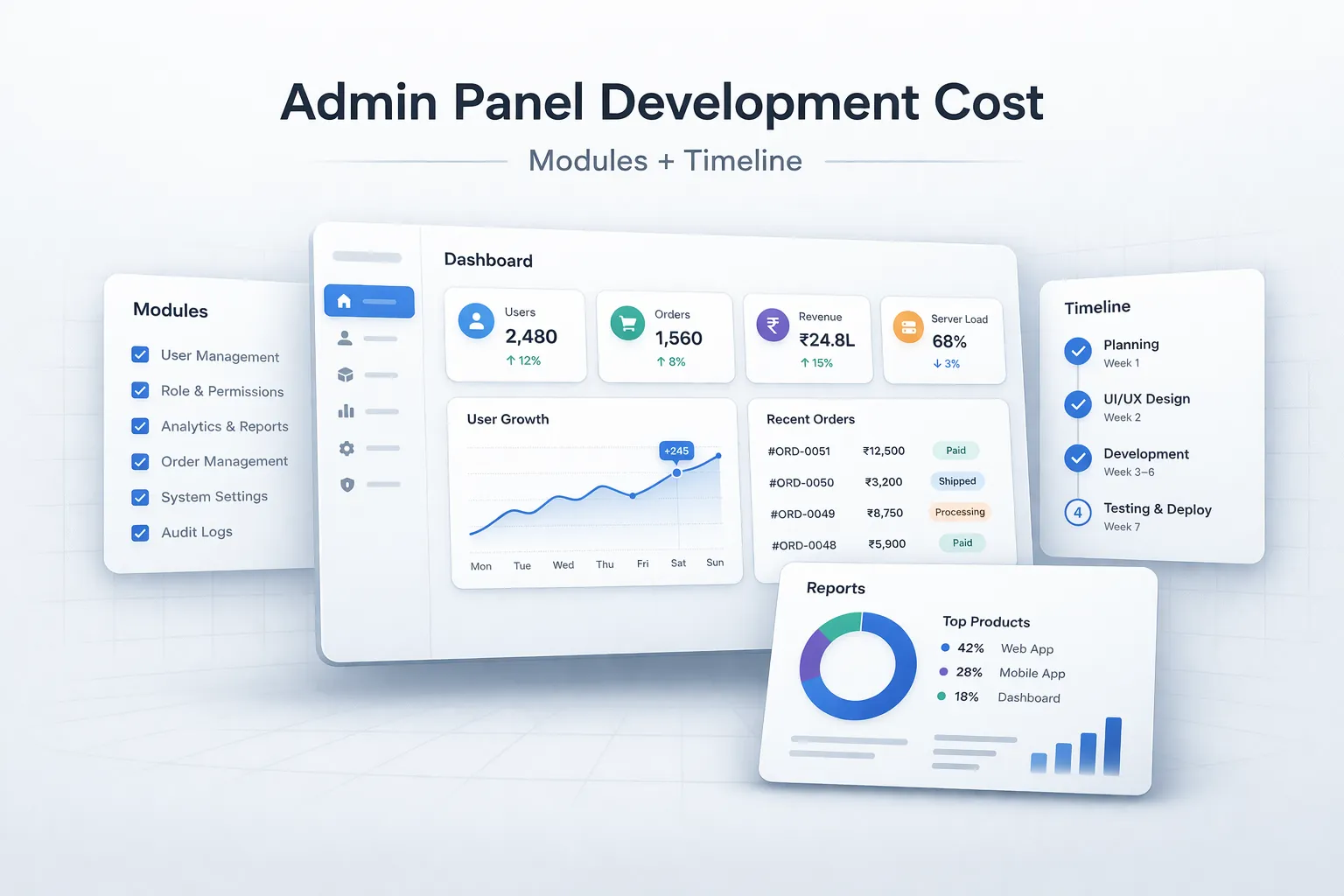
Admin Panel Development Cost in India: Modules & Timeline
Estimate admin panel development cost by modules, user roles, reports, approvals, integrations, security, timeline, and phased delivery in India.
Read articlePublished Updated
Plan CRM admin screens around sales jobs, queues, permissions, approvals, audit history, reports, bulk actions, and operational exception handling.
A CRM admin panel should help sales and operations teams decide what to do next. It is not a collection of charts around a contact database. The strongest designs are organised around queues, record context, controlled actions, permissions, and exceptions.
This guide explains the screens a practical custom CRM may need, what each screen should answer, and which modules can wait until the core workflow is reliable.
A useful first release normally needs: sign-in and workspace context, dashboard with actionable queues, lead list and detail, accounts/contacts, deals or opportunities, activities, quotation or handoff controls, user/role settings, reports with definitions, and audit history for sensitive changes. Design list, detail, and action patterns consistently so staff can learn the system quickly.
Review custom software development when the CRM must follow a unique workflow. A ready-made CRM may be better when the process is standard and configuration can satisfy most needs.
Interview each role about decisions and repeated work. A salesperson may need to see new enquiries, today's follow-ups, stale deals, and contact history. A manager needs unassigned leads, overdue tasks, stage ageing, approval requests, and workload balance. Finance may only need billing references and payment status.
Write each need as a job:
These jobs become screens, queues, and actions. Generic modules such as "Analytics" are too vague to scope.
| Area | Primary user | Question it should answer |
|---|---|---|
| Home/queues | Everyone | What requires my attention now? |
| Leads | Sales | Which enquiries are new, overdue, duplicate, or unqualified? |
| Contacts/accounts | Sales and support | Who is this customer and what is the history? |
| Deals | Sales and managers | What can progress, close, or become risky? |
| Activities | Sales | What calls, meetings, and follow-ups are due? |
| Quotes/approvals | Sales and approvers | Which commercial actions need review? |
| Handoffs/orders | Operations | Which won deals are ready for delivery? |
| Reports | Managers | Where is the process slowing or converting? |
| Administration | Owners/admins | Who can access what and how is the system configured? |
| Audit/exceptions | Admin/support | What failed or changed, and who owns resolution? |
Keep navigation role-aware. Hiding irrelevant modules reduces cognitive load, but backend permissions must still block restricted access.
The first screen should surface actions such as:
Summary metrics can sit above or beside these queues, but every number needs a clear definition and a click-through list. "Open pipeline: Rs 30 lakh" is not trustworthy unless users know which stages, currencies, date rules, and permissions are included.
The list is a work surface, not a decorative table. Include only fields needed for comparison and action: lead name, organisation, source, owner, status, age, next action, due time, and a useful qualification signal.
Recommended controls:
Bulk actions should show the number selected, validate permissions, explain partial failures, and create audit events when risk is material.
The detail screen should answer four questions: who is this, why are they here, what happened, and what is next?
A practical layout contains:
Do not hide important changes inside editable text. Ownership, stage, contact details, and closure reasons may need separate controlled actions.
Use accounts when the customer relationship belongs to an organisation with multiple people, locations, or opportunities. Use contacts for individuals and their communication details.
The account view may show open deals, contacts, active services, invoices or payment status, support notes, and a consolidated activity timeline. Define duplicate and merge rules carefully; an automatic merge can combine unrelated people who share a generic office number.
A pipeline board is useful only when stage criteria are understood. It should show value, expected close date, age in stage, next action, owner, and risk indicators. Dragging a card should not bypass required fields, approvals, or business rules.
The deal detail needs stakeholder context, product/service lines, commercial value, stage history, files, activities, quotation versions, approvals, and handoff readiness.
For the underlying process, read CRM automation from lead to invoice. The admin panel should make those states and exceptions visible rather than invent another workflow.
Activities should connect to the relevant lead, contact, account, or deal and include owner, due time, outcome, and follow-up. A separate activity list can show Today, Overdue, Upcoming, and Completed.
Calendar sync may be useful, but it introduces permissions, duplicate events, cancellation rules, and provider failures. A reliable internal task queue is often a better MVP than two-way calendar sync.
If the CRM supports quotations, display version, status, value, expiry, approval state, recipient, and related deal. Issued versions should remain auditable. Discounts, special terms, and scope changes may require approval.
A won-deal handoff screen should verify billing details, final scope, commercial version, delivery owner, dates, dependencies, and customer contacts. Operations can accept or return the handoff with a reason.
Start with reports tied to operational decisions:
| Report | Definition needed | Decision supported |
|---|---|---|
| First response | Start/end timestamps and business hours | Staffing and SLA |
| Source conversion | Original source and conversion event | Marketing allocation |
| Stage ageing | Entry time and current stage | Pipeline intervention |
| Win/loss | Qualified cohort and close reason | Offer and sales process |
| Activity completion | Due versus completed and outcomes | Follow-up discipline |
| Handoff quality | Accepted versus returned and reason | Sales-operations alignment |
Give users filters, date basis, export permission, and metric definitions. Avoid ten charts that calculate similar concepts differently.
Plan both action permission and record scope. A rep may edit leads assigned to them but view a shared account. A manager may reassign team records. Finance may view invoice status but not export the complete contact database.
Test permissions with a matrix:
The API must enforce the same rules as the interface. The role-based access security guide provides a deeper checklist.
Record actor, time, object, action, previous/new value where appropriate, and request context for sensitive changes. Audit data should be searchable and protected from ordinary editing.
An exception console should expose failed imports, duplicate conflicts, rejected messages, API timeouts, and reconciliation mismatches. Give each exception a status, owner, retry action, and resolution note.
Our implementation review treats these operational screens as part of the MVP. We walk through how an admin would resolve one wrong assignment, one duplicate, one failed integration, and one permission complaint. This first-party scoping method reveals missing controls before they become production support work.
Keep configuration narrow in the first release. Useful settings may include users, roles, lead sources, closure reasons, pipeline stages, SLA thresholds, notification templates, import templates, and integration credentials or connection status.
Every configurable field increases testing combinations. If only a developer can safely change a value during the pilot, document it rather than building a universal settings engine prematurely.
Sales staff often use the CRM from a phone between meetings. Prioritise new-lead view, contact/call action, notes, next task, status update, and basic deal context. Dense reports and configuration can remain desktop-first.
Use stable button sizes, readable labels, responsive tables or list cards, and clear offline/error feedback. Test on the actual device sizes used by staff.
Only enough to complete the chosen sales workflow and support it safely. Leads, contacts/accounts, deals, activities, basic administration, and actionable reports are a common baseline, but the business process should decide.
Yes, if it surfaces decisions and queues. A dashboard made only of totals can wait; users can start from a well-designed work list.
Often a controlled archive, merge, or close action is safer. If deletion is needed, restrict it, explain consequences, and retain an appropriate audit trail.
Core sales actions can be responsive. Complex configuration and reports may remain desktop-oriented. Test the workflows employees actually perform away from a desk.
Share roles, current process, lead sources, pipeline states, required fields, approvals, integrations, migration volume, reports, mobile needs, and security constraints.
Prepare screenshots or examples of the current lists and spreadsheets, then contact VASUYASHII. The first deliverable should be a role-and-workflow map, not a visual dashboard concept.
Approve each CRM screen only when it helps a user find work, understand context, perform a controlled action, resolve an exception, or make a defined management decision. That discipline creates an admin panel employees can operate every day.
Related Articles
March 29, 2026
Estimate admin panel development cost by modules, user roles, reports, approvals, integrations, security, timeline, and phased delivery in India.
Read article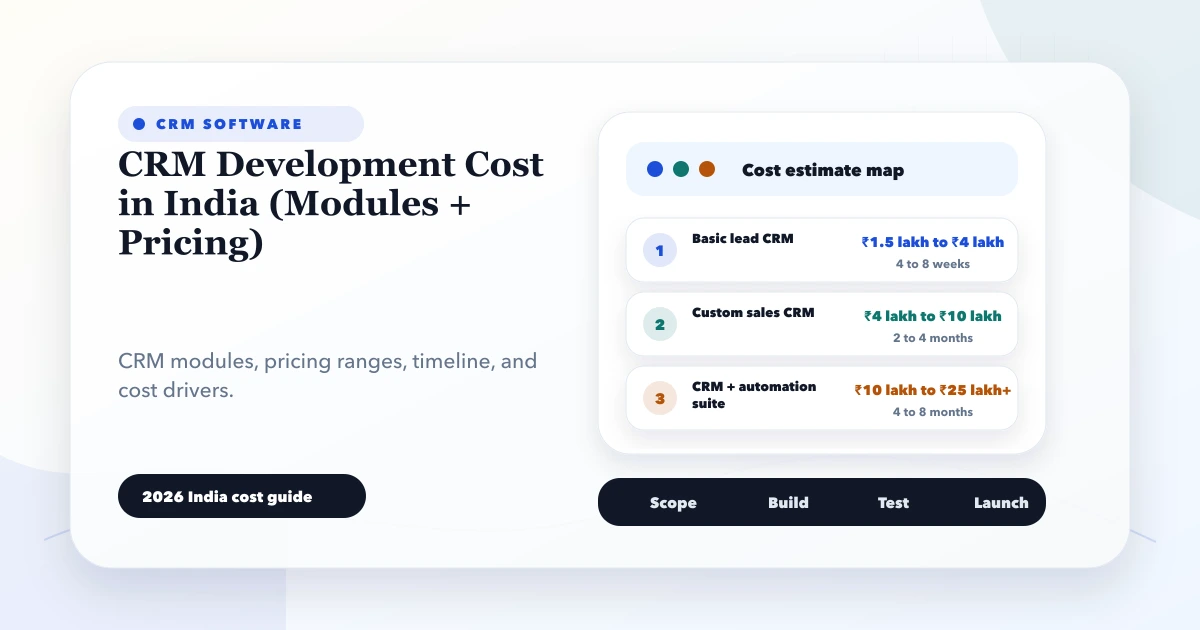
May 28, 2026
CRM development cost in India: 2026 India pricing guide with modules, timeline, cost drivers, mistakes, quote checklist, and practical planning ranges.
Read article
May 22, 2026
Automate business reports with validated data, scheduled snapshots, WhatsApp or email delivery, failure alerts, access controls, and audit logs.
Read article
May 22, 2026
Design a reliable CRM workflow from lead capture to deal, quotation, invoice, payment, handoff, retries, approvals, and sales reporting.
Read article