
April 29, 2026
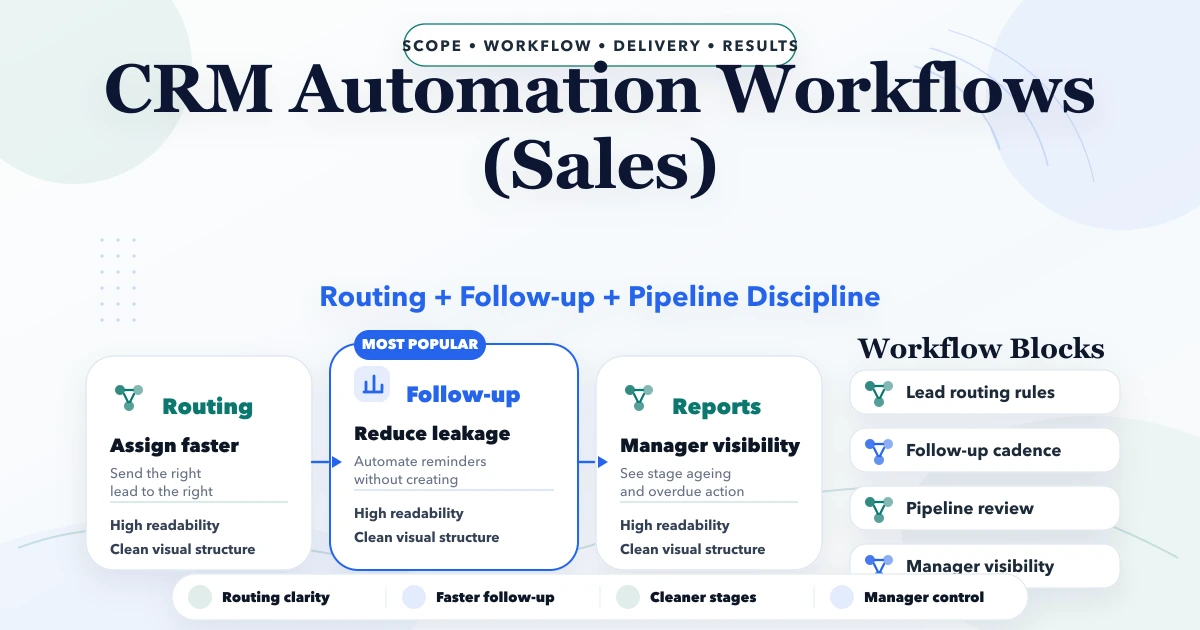
CRM Automation Workflows (Sales)
CRM automation workflows for sales with lead routing, follow-up rules, task logic, reporting, pricing, and implementation guidance for SMBs.
Read articlePublished Updated
Design a reliable CRM workflow from lead capture to deal, quotation, invoice, payment, handoff, retries, approvals, and sales reporting.
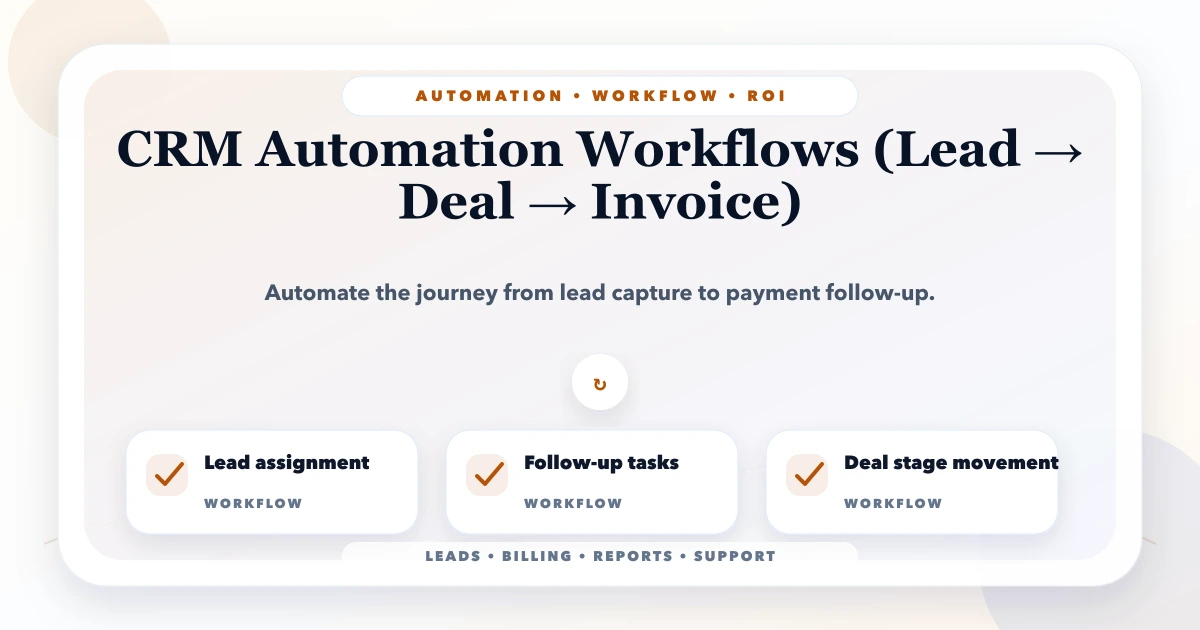
CRM automation should move responsibility and data through a sales process without hiding what happened. The goal is not to send more messages. It is to ensure that a lead has an owner, the next action is visible, the commercial offer is controlled, a won deal reaches operations, and invoice or payment status can be reconciled.
The reliable way to design this system is as connected states with explicit handoffs. When automation is built around vague labels such as "hot lead" or "follow up soon," teams still depend on memory and spreadsheets.
Start with a single pipeline and automate only four things: lead capture and deduplication, assignment and response SLA, stage-based next actions, and the controlled handoff from an approved deal to quotation or invoice. Add WhatsApp, email, payment, and accounting connections only after every system has a clear owner and reconciliation rule.
For a custom workflow, review CRM and business software development. For WhatsApp, payment, email, or webhook connections, use integration planning.
Teams often use lead, contact, account, opportunity, quotation, and invoice interchangeably. The software cannot.
| Object | What it represents | Owner | Important rule |
|---|---|---|---|
| Lead | Unqualified enquiry | Sales queue or assigned rep | May be duplicate or unsuitable |
| Contact | A known person | Account owner | Can have multiple enquiries |
| Account | Customer organisation | Relationship owner | Can contain several contacts |
| Deal | A qualified commercial opportunity | Sales rep | Has value, stage, probability, next action |
| Quotation | Versioned offer | Sales plus approver | Price and terms must be controlled |
| Order/project | Delivery commitment | Operations owner | Starts only after approved handoff |
| Invoice | Financial demand | Finance | Should not be edited like a quotation |
| Payment | Receipt or settlement event | Finance | Must reconcile to an invoice/account |
Keep these records connected by stable IDs. Copying a customer's name between modules creates duplicates and reporting errors.
Leads may arrive from website forms, phone calls, WhatsApp, referrals, advertisements, marketplaces, or manual entry. Normalise the source into a standard record with original source detail preserved.
Minimum capture fields usually include name, phone or email, source, requirement, consent or contact context, created time, and assignment status. Do not make the public form so long that good prospects abandon it; collect deeper qualification after the first response.
The first automation can:
Never silently discard a lead because assignment failed. The exception queue is part of the workflow.
Each open lead needs one visible next action with an owner and due time. A sequence can suggest call, email, or WhatsApp tasks, but it should stop when the prospect replies, opts out, becomes unsuitable, or moves to a different stage.
A useful follow-up record captures outcome, notes, next action, date, channel, and reason when the lead is closed. "No response" should not be a permanent stage; define how many attempts occur and when the lead moves to nurture or closed-lost.
For channel design, read the email and WhatsApp follow-up automation guide. Consent, template approval, quiet hours, and opt-out handling remain business responsibilities even when a tool sends the message.
Qualification criteria should reflect the business. A software project may require fit, decision-maker access, budget range, problem urgency, and a realistic start window. A distributor may require location, volume, product range, credit approval, and delivery capability.
When a lead qualifies, automation can create a deal and copy only the required context. The deal should contain:
Do not overwrite the original lead source when another campaign touches the same contact. Preserve first-touch and current opportunity source separately if both matter.
Quotation automation becomes risky when every sales rep can change price, tax, scope, discount, and terms without traceability. Use approved items or service lines, version numbers, validity dates, tax rules, and an approval threshold.
| Trigger | Automated action | Human control |
|---|---|---|
| Deal reaches proposal stage | Create draft quotation from selected lines | Rep verifies quantity and scope |
| Discount exceeds threshold | Route to approver | Approver accepts or rejects with reason |
| Quote is issued | Lock issued version and send secure PDF/link | Rep confirms recipient |
| Customer requests change | Create a new version | Old version remains auditable |
| Quote expires | Create review task | Rep decides extension or closure |
An accepted quotation is not automatically an invoice in every business. Define whether an order, project, purchase order, advance payment, or service-delivery confirmation must exist first.
A "won" button should create a handoff checklist, not only celebrate the sale. Required data may include final scope, commercial version, customer contacts, billing entity, tax details, delivery address, promised dates, payment terms, dependencies, and internal owner.
Operations should accept the handoff or return it with missing information. That creates accountability and prevents sales notes from becoming an unofficial delivery contract.
Our implementation review uses a handoff replay: sales and operations walk through one recently won deal and identify every clarification that happened outside the CRM. Those gaps become required fields, approvals, or tasks only when they are repeated and material. This first-party method avoids turning every exception into permanent form complexity.
The CRM may create an invoice through a billing system, or it may only display invoice status returned by finance software. Choose one system of record.
If an invoice is created through an API:
Payment webhooks should update payment records, not directly rewrite deal history without validation. The payments and orders webhook guide explains retries, signatures, and duplicate events.
One possible sales pipeline is:
new -> contacted -> qualified -> discovery -> proposal -> negotiation -> won/lost
But stages should describe verifiable business progress, not activity. "Follow-up" is a task, not a buying stage. Define entry and exit criteria for each stage. For example, a deal enters proposal only when scope and pricing inputs are complete, and exits when a versioned quotation is issued.
Automation must expose failures to a named queue. Common exceptions include:
For each exception decide owner, priority, retry rule, user-visible status, and escalation time. A green "automation enabled" switch is not operational evidence.
Sales reps should not necessarily export all customer data, approve their own large discounts, edit paid invoices, or reassign every account. Managers may need pipeline and approval access without finance permissions. Finance may need invoice and payment views without private sales notes.
Permissions should be enforced in APIs as well as menus. Sensitive changes such as ownership, price, stage reversal, export, deletion, and payment reconciliation should create an audit event.
Measure the process, not only total leads:
Define every metric precisely. "Conversion rate" can mean lead-to-qualified, lead-to-won, or quote-to-won, and those answer different questions.
Automate capture, assignment, response deadlines, and overdue next-action visibility. These controls usually create more value than a long message sequence.
No. It can move data, schedule work, enforce controls, and expose delays. People still qualify needs, build trust, negotiate, approve exceptions, and manage relationships.
Only when the CRM is the approved billing system or connects safely to one. If finance software owns invoice numbering and tax logic, the CRM should request and display the result rather than duplicate that logic.
Normalise phone and email, check open contacts/accounts, and provide a review queue. Do not auto-merge records when ownership or identity is uncertain.
No. Use it when customers prefer the channel and the business can manage consent, templates, replies, failure handling, and data security.
Contact VASUYASHII with one current sales journey, the systems involved, user roles, approval rules, and the reports managers need. A workflow review should happen before an automation quote.
Automate only after the business objects, ownership, states, and exceptions are clear. The strongest CRM workflow gives every open item an owner, every transition a rule, every external action a reconciliation path, and every manager a trustworthy view of what needs attention.
Use the quotation and invoice CRM guide for quote versioning, conversion, payment allocation, and audit controls. If WhatsApp is the primary enquiry channel, validate consent, shared ownership, handoff, and failure handling through the WhatsApp CRM guide.
Related Articles
April 29, 2026
CRM automation workflows for sales with lead routing, follow-up rules, task logic, reporting, pricing, and implementation guidance for SMBs.
Read article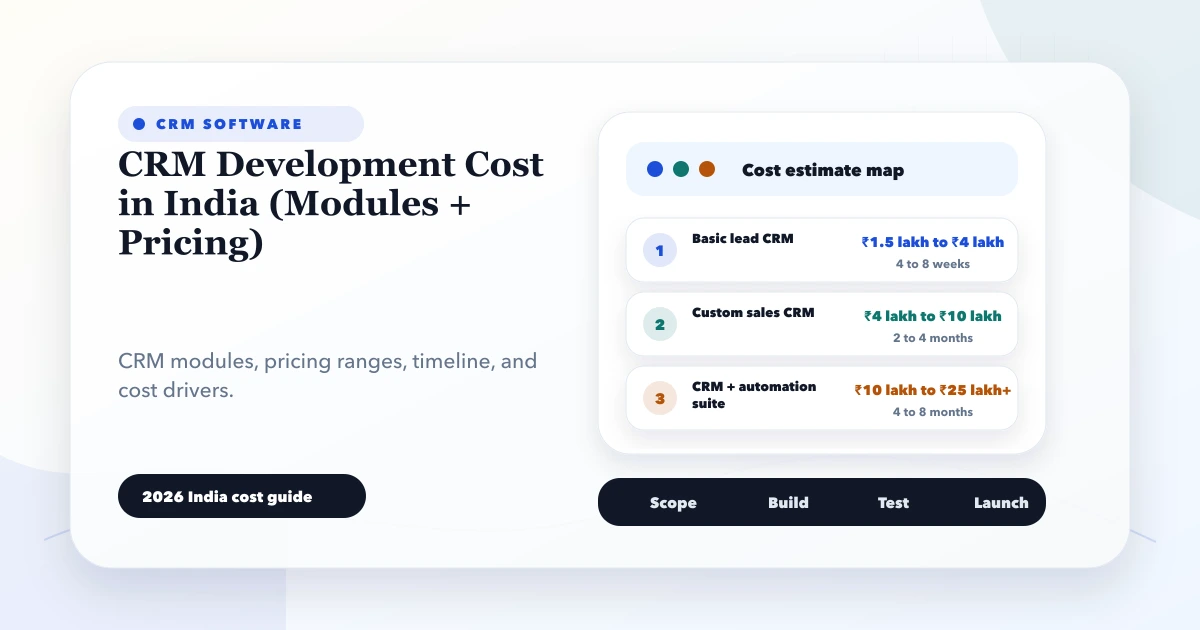
May 28, 2026
CRM development cost in India: 2026 India pricing guide with modules, timeline, cost drivers, mistakes, quote checklist, and practical planning ranges.
Read article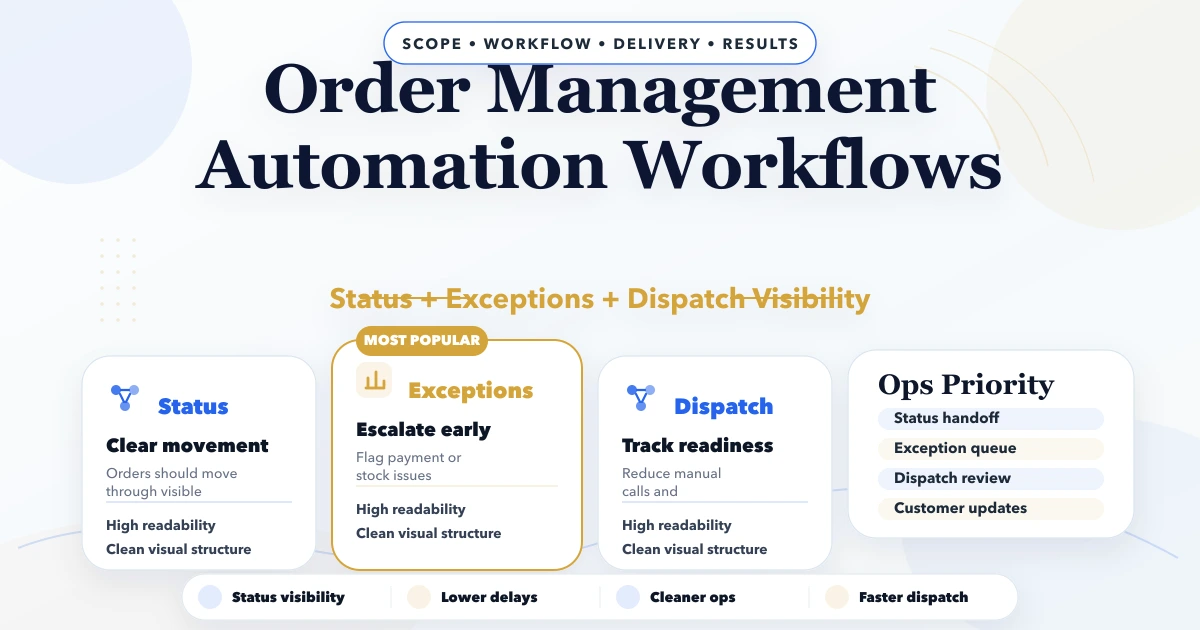
April 29, 2026
Order management automation workflows with status control, billing, stock sync, routing, pricing, and rollout guidance for SMB operations.
Read article
May 23, 2026
Plan CRM admin screens around sales jobs, queues, permissions, approvals, audit history, reports, bulk actions, and operational exception handling.
Read article