
June 2, 2026
Small Business Billing + GST Invoice System
Small business billing and GST invoice system guide with invoice fields, GST rules, payments, reports, inventory links, and checklist.
Read articlePublished Updated
Build an invoice and payment-link workflow with due tracking, partial payments, webhooks, receipts, reconciliation and practical controls for Indian SMEs.
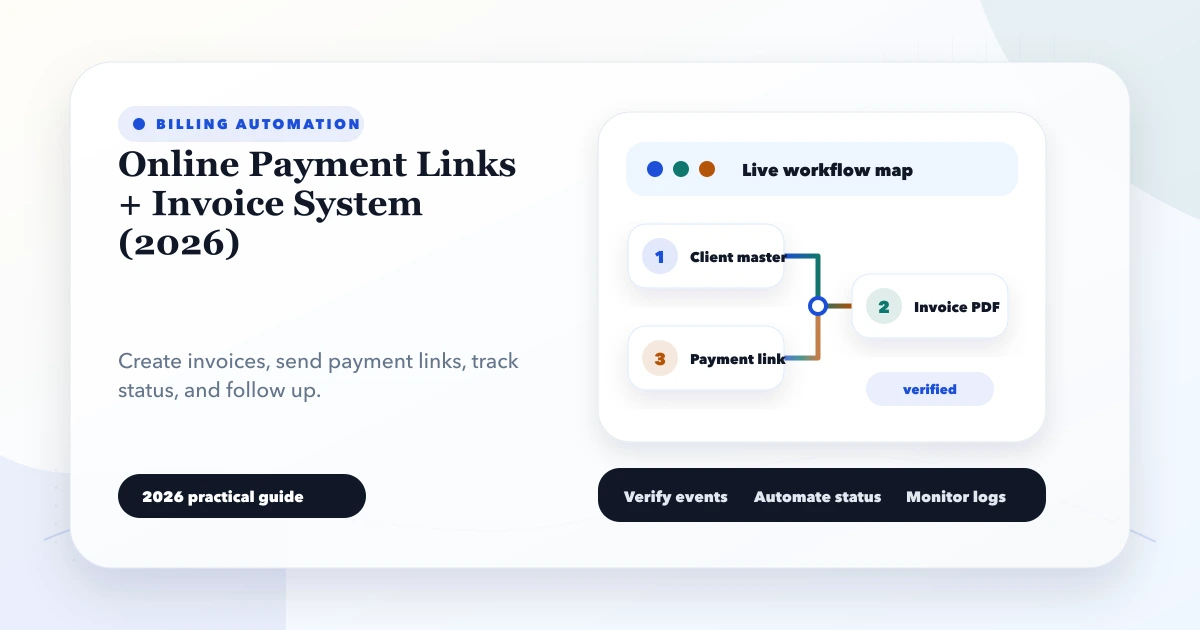
An online payment link becomes useful only when it is connected to the correct invoice, customer, amount, due date, and payment record. Sending a standalone link may collect money, but it does not automatically answer the questions an accounts team asks later: Which invoice was settled? Was tax included? Was this an advance or full payment? Did the customer pay twice? Does the bank settlement match the application?
This guide explains how Indian service firms, wholesalers, coaching businesses, clinics, and other SMEs can design an online payment links invoice system that keeps receivables understandable. It focuses on the billing workflow rather than on comparing gateway brands.
A reliable system creates an invoice or payment request first, generates a provider payment link against an internal reference, verifies the final payment through a server-side webhook, records the transaction in an append-only payment ledger, and then updates the invoice balance.
The browser's success screen is not enough to mark an invoice paid. A customer can close the tab, refresh the page, or reach a return URL before the provider's final event arrives. The server should remain the source of truth.
An invoice describes what the customer owes. A payment link is a collection method. Keeping them separate allows one invoice to have:
A practical data model can include:
| Record | Important fields |
|---|---|
| Invoice | invoice number, customer, issue date, due date, taxable lines, total, balance, status |
| Payment request | invoice ID, provider link ID, requested amount, expiry, status |
| Payment transaction | provider payment ID, amount, method, verified time, raw event reference |
| Allocation | payment ID, invoice ID, amount allocated |
| Refund | payment ID, provider refund ID, amount, status, reason |
Do not overwrite the original amount whenever a new event arrives. Store transactions and allocations so the team can reconstruct what happened.
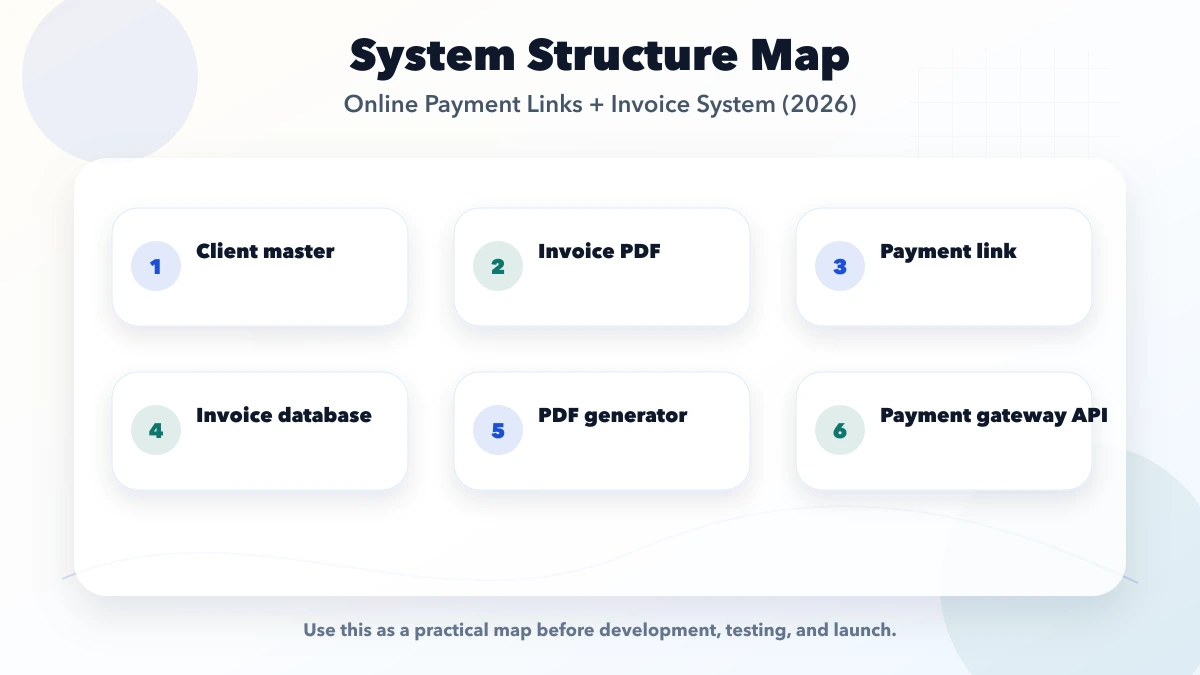
Use explicit states instead of one paid: true/false flag.
Invoice states
draft: being prepared;issued: approved and sent;partially_paid: some amount allocated;paid: balance is zero after verified allocations;overdue: issued, unpaid, and past due;cancelled: withdrawn according to the business process;refunded: money returned after payment, if this is how the business reports it.Payment-request states
created;sent;expired;paid;cancelled.Transaction states
pending;captured or succeeded;failed;refunded;partially_refunded.Map provider-specific terms to internal states in one adapter. That prevents Razorpay or Stripe terminology from spreading through every report and screen.
Validate the customer, billable items, quantity, rates, tax treatment, due date, and company details. Invoice numbering and statutory treatment should follow the advice of the business's accountant or tax professional; software should not silently guess tax rules.
Send the invoice ID as an internal reference or metadata value. Save the provider's returned link ID and URL. Never trust an amount supplied only by the browser.
Both Razorpay Payment Links and Stripe Payment Links document hosted collection flows. Provider capabilities, supported methods, account requirements, and fees can change, so confirm them against the active merchant account before implementation.
The system can place the link inside:
Show the invoice number, merchant identity, amount, and expiry near the link. Customers should know what they are paying for before opening checkout.
The provider calls a protected webhook endpoint. Verify the signature using the original request body and the configured secret. Save a unique event ID before processing.
Create the transaction only once. Match it using the internal invoice reference, not a customer name or phone number. Allocate the verified amount and recalculate the invoice balance.
After verification, update the portal, generate a receipt or refreshed statement when required, and send the confirmation. If PDF generation or WhatsApp delivery fails, the payment must still remain recorded.
Compare application transactions with provider payments, refunds, fees, and settlement reports. “Paid in the app” and “settled in the bank” are different checkpoints.
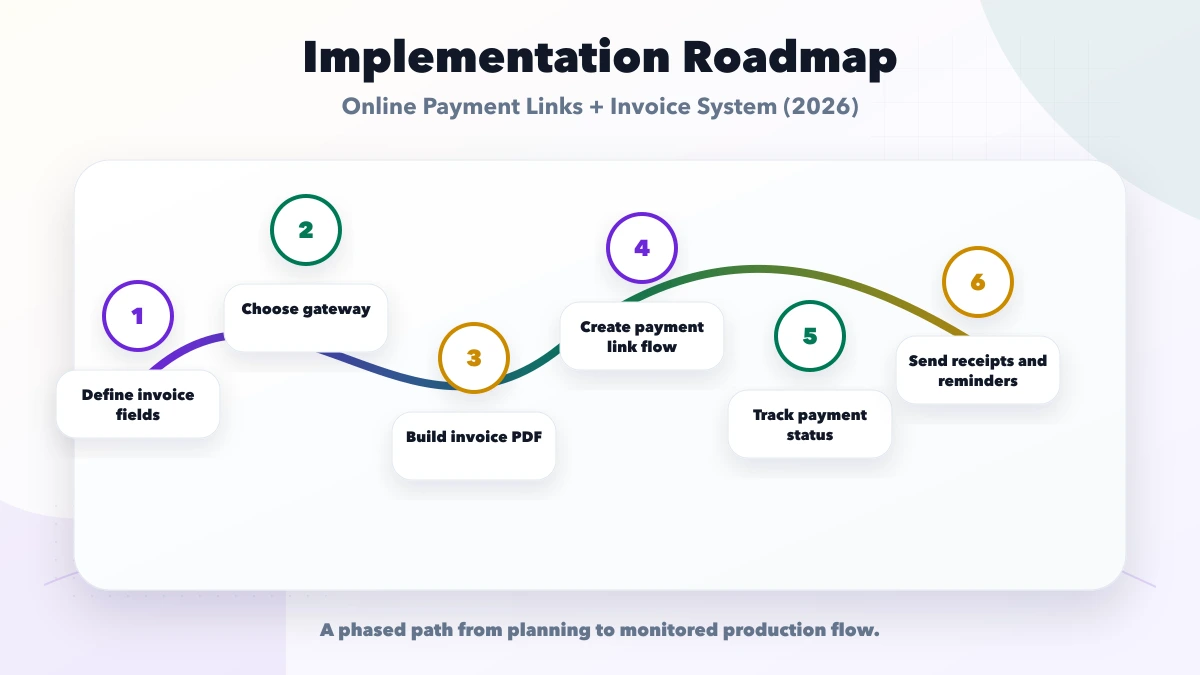
Consider a packaging supplier that quotes ₹80,000 plus applicable tax for a custom order. The buyer pays a 30% advance and the balance before dispatch.
A clean flow is:
Without allocation records, teams often change invoice totals, create duplicate receipts, or lose the relationship between advance and final payment.
Decide these rules before development:
For most small businesses, fixed payment requests against a known amount are easier to reconcile than unrestricted customer-entered amounts. Flexible collection can be added when the ledger and allocation screens are ready.
Payment providers may retry events. Network timeouts may also cause the application to repeat an API request. Protect the system at several levels:
The result should be one financial effect even when the same notification arrives multiple times.
An invoice reminder engine needs business rules, not just a daily scheduler. A useful sequence could be:
Store consent and channel preference. Keep the invoice number and amount in the message, but avoid exposing sensitive customer or transaction data. For a secure invoice-sharing pattern, see the invoice automation and PDF sharing guide.
The owner usually needs a short operating view:
An accounts user also needs filters by customer, invoice, payment method, branch, date, and status. Reporting requirements should influence the data model from the beginning.
Use the broader integration service architecture when billing must connect with a CRM, ERP, WhatsApp provider, or accounting export.
There is no safe fixed price without scope. Cost depends on:
A small proof of concept can validate invoice-to-link-to-webhook flow first. A production billing module should then add permissions, reports, recovery tools, monitoring, test cases, and deployment controls. Businesses needing a complete custom workflow can review web application development or the billing and inventory capabilities in VASUYASHII Business Suite.
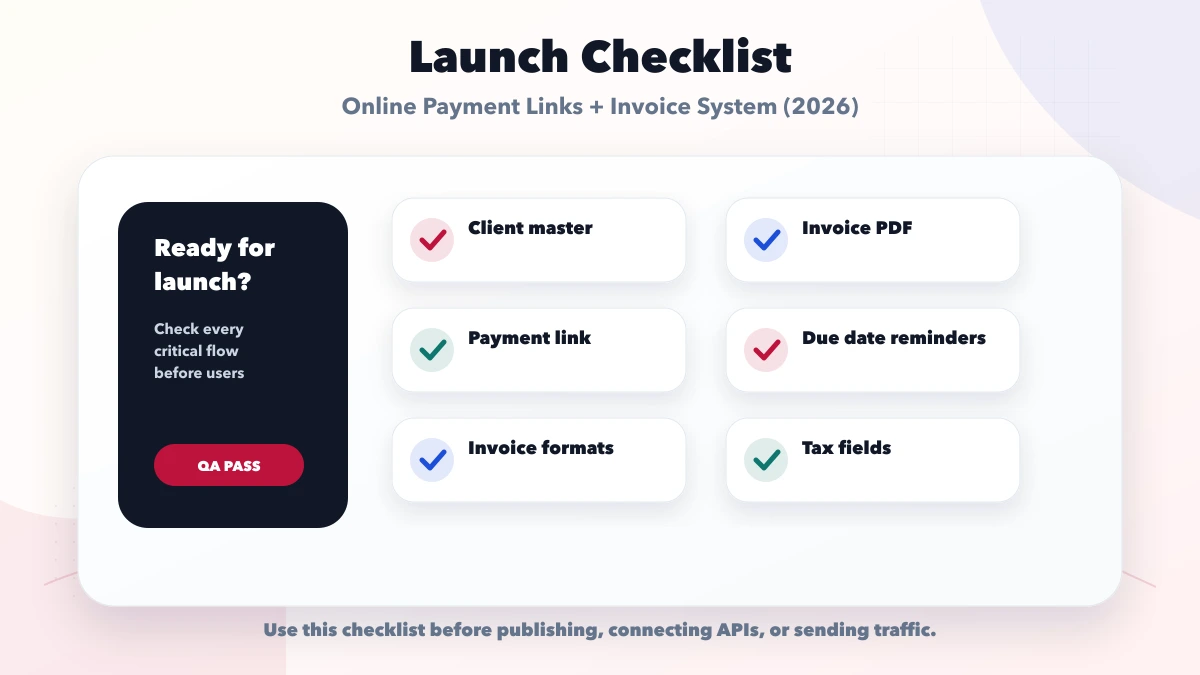
Before launch, verify:
The return page improves customer experience. It is not authoritative payment confirmation.
Money may arrive, but the accounts team cannot reliably match it to an invoice.
This destroys the original receivable. Record an allocation instead.
A successful customer payment can still have a separate settlement timeline, fee, dispute, or refund.
Trigger customer communication only after the internal payment transaction is verified and committed.
It is possible for some collection cases, but invoice-specific links or references produce cleaner reconciliation and customer support.
For invoice collection, yes. For advances, bookings, or deposits, the system may first create a payment request tied to an order or quotation and later follow the accountant-approved billing process.
Yes, if the provider flow and internal allocation model support it. Define minimum amounts, expiry, reminders, and the effect on the invoice status.
The second event should be recognised by its unique provider event or payment ID and produce no second allocation.
No. Payment confirmation, receipt, and tax invoice are different business documents. Confirm the required document flow with a qualified professional.
Yes, subject to provider and WhatsApp messaging rules. Use approved templates where required, keep the content minimal, and send only after valid customer consent.
The value of an online payment links invoice system is not the payment button. It is the traceable relationship between what was billed, what was requested, what was verified, what remains due, and what eventually settled.
Start with one controlled receivables flow, prove reconciliation and recovery, and then add reminders, customer portals, refunds, and multi-company reporting. To plan the workflow around your current billing process, contact VASUYASHII.
Related Articles
June 2, 2026
Small business billing and GST invoice system guide with invoice fields, GST rules, payments, reports, inventory links, and checklist.
Read article
June 9, 2026
Restaurant website with online payment setup guide covering menu, cart, checkout, Razorpay or Stripe, payment links, orders, and checklist.
Read article
May 22, 2026
invoice automation system: practical 2026 guide with examples, INR cost, workflow setup, timeline, mistakes, FAQs, and Indian SME tips today safely with ROI.
Read article
May 27, 2026
Plan secure phone OTP login with expiry, resend limits, abuse controls, account recovery, session security and practical customer-versus-admin risk decisions.
Read article