
March 29, 2026
Payment Gateway Comparison: Razorpay, PhonePe or PayU
Compare Razorpay, PhonePe PG, and PayU using current official pricing pages, onboarding, checkout, webhooks, refunds, settlements, support, and reconciliation.
Read articlePublished Updated
Plan Razorpay or Stripe website checkout with server-created orders, verified webhooks, idempotency, refunds, reconciliation, security and launch testing.
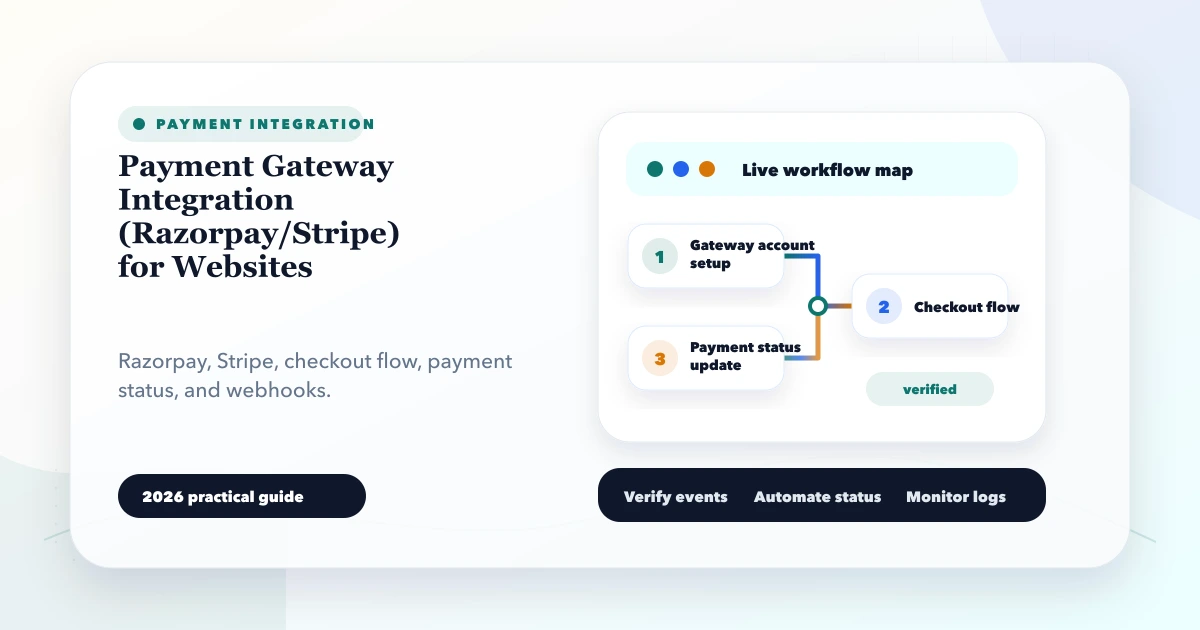
A checkout that opens and shows “Payment successful” is not yet a reliable payment integration. The business also needs a trusted order amount, server-side verification, duplicate-event protection, refunds, settlement reconciliation, customer communication, and a recovery path when any step fails.
This guide explains payment gateway integration for websites using Razorpay or Stripe as practical examples. It is for ecommerce stores, booking platforms, service businesses, course sellers, and SaaS teams that need a production checkout rather than a payment-button demo.
The safe architecture is:
Never let the frontend alone decide that an order is paid.
Provider selection should follow the merchant account, customer geography, currency, payment methods, subscription requirements, payout operations, support, and total integration needs.
| Decision area | Questions to ask |
|---|---|
| Customers | Mainly Indian, international, or both? |
| Payment methods | Cards, UPI, net banking, wallets, recurring mandates? |
| Currency | Which present and future currencies are required? |
| Product type | One-time product, booking, invoice, deposit, or subscription? |
| Operations | Who handles refunds, disputes, and failed payments? |
| Settlement | What reports must accounts reconcile? |
| Platform | Single merchant or marketplace-style money movement? |
| Compliance | What does the provider require from the business? |
Do not pick a provider from a logo comparison. Open the required merchant account, verify eligibility, and confirm current official pricing and supported features before estimating development.
The browser may send product IDs, quantities, coupon codes, or booking choices. The server must load the valid price, recalculate tax or fees according to the approved business rules, validate inventory or availability, and produce the final amount.
If the browser sends ₹1 for a ₹10,000 order, the server should reject or ignore the amount.
Create an internal order before opening checkout. Give it:
payment_pending status;Then create the provider object and save its ID against the internal order.
Use the provider's supported checkout flow. Avoid collecting raw card details unless the business has a specific, reviewed requirement and the compliance capability to handle it.
The browser can receive a public checkout identifier. Secret API credentials remain on the server.
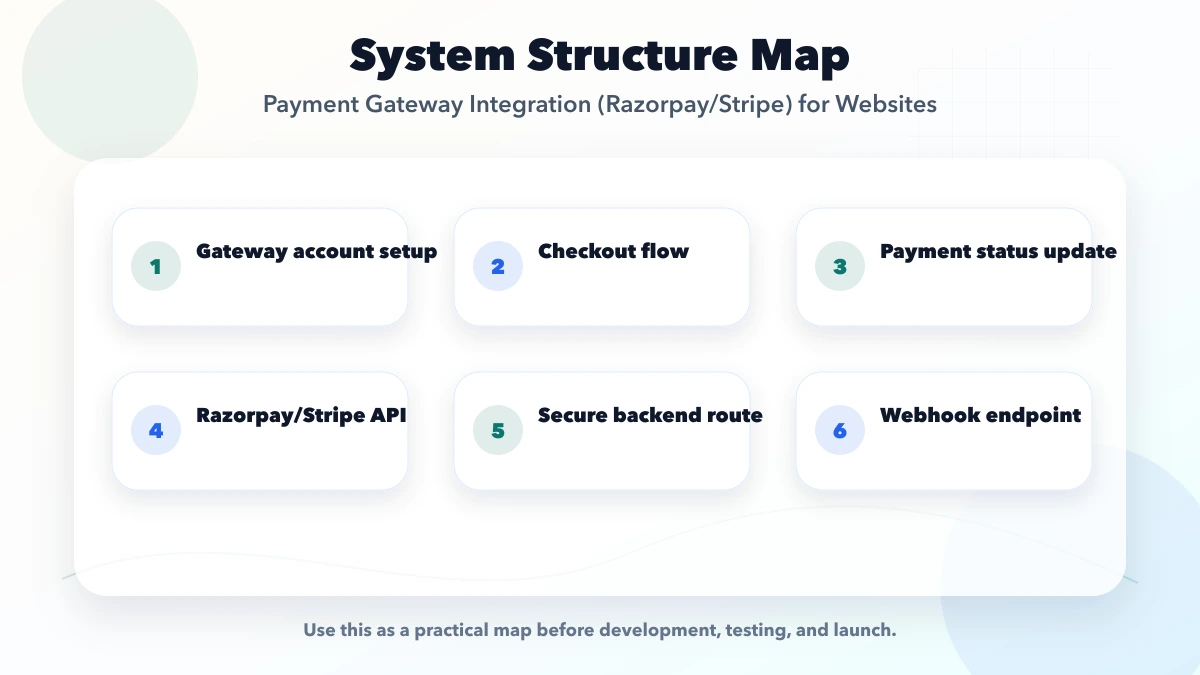
These two mechanisms serve different purposes.
Browser callback or return URL
Webhook
Razorpay's webhook documentation and Stripe's webhook documentation both describe signature verification and event delivery considerations. Follow the exact provider instructions, including use of the raw request body where required.
A single paid boolean hides operational detail. Use explicit internal states such as:
created;checkout_opened;pending;authorised;captured or succeeded;failed;cancelled;partially_refunded;refunded;disputed.Not every provider or payment method follows every state. Build an adapter that maps provider events into the states your business actually understands.
Keep the order state separate from payment state. A paid order may still be awaiting stock allocation, booking confirmation, manual review, or shipment.
Process each incoming event through a small, auditable sequence:
Store enough event metadata to investigate failures, but do not log secrets or unnecessary payment data.
Webhooks can be delivered more than once. Customers can double-click. Your server can time out after the provider accepted a request.
Use:
“Exactly once” is achieved operationally by recording and deduplicating attempts, not by assuming the network delivers once.
A diagnostic clinic sells a prepaid health package.
payment_pending is created.If the slot expires before payment verification, the system needs a defined recovery rule: restore the slot, offer a new slot, or trigger a refund review. That business decision must exist before launch.
The current VASUYASHII Business Suite scope includes invoice, payment, due, PDF, and secure WhatsApp-sharing workflows. Direct payment-gateway automation is not presented as a universal built-in feature; it is scoped separately when a business needs it. This published boundary is why the integration should connect through stable invoice and payment records instead of silently turning a checkout callback into an accounting result.
Refunds are a workflow, not just an API call.
Define:
Create a refund record before calling the provider and update it from authoritative responses or events. Avoid deleting the original payment.
Payment success means the customer's transaction succeeded. Settlement means funds are transferred according to the provider's process. Accounts teams need both.
A reconciliation view can compare:
Run a daily exception report. A payment should never disappear merely because the customer message or invoice-generation step failed.
For a wider API and event architecture, see API integration services for CRM, ERP, WhatsApp and payments.
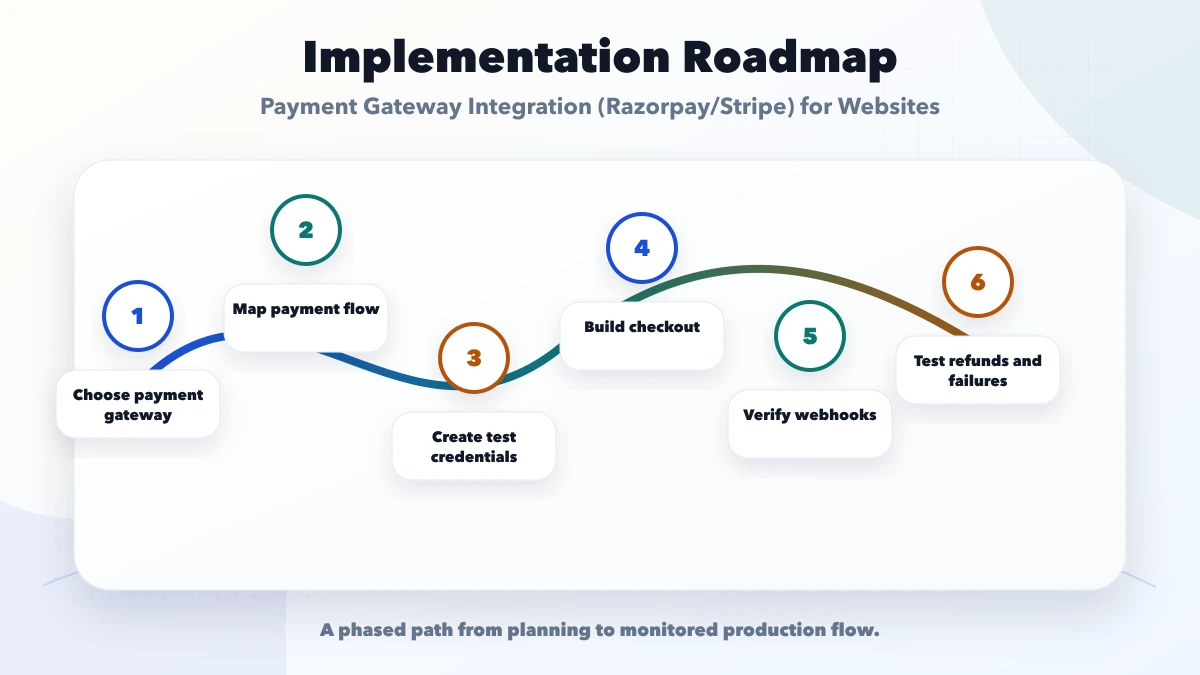
Map product, price, tax, availability, cancellation, refund, receipt, fulfilment, and settlement ownership.
Create the merchant test account, credentials, callback URLs, webhook endpoint, and event mapping.
Implement orders, transactions, event deduplication, logs, and exception queues before adding optional messaging.
Add search, manual retry, refund approval, reconciliation, and customer support visibility.
Use a limited audience or product, monitor every event, reconcile daily, and expand only after the failure paths work.
Development cost depends on:
Provider transaction charges are separate from implementation and maintenance. Verify current commercial terms directly with the provider.
If the requirement is only invoice collection through hosted URLs, the simpler online payment links and invoice system guide may be a better starting point.
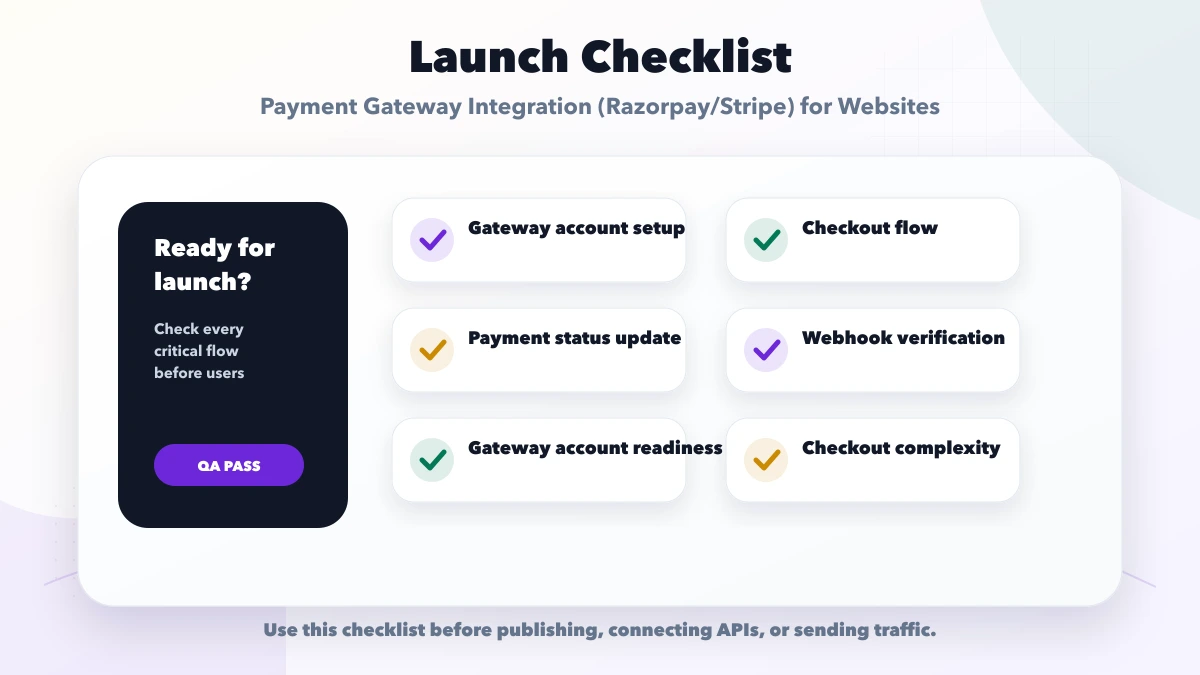
It can be skipped or manipulated. Use verified server events.
The payment then lacks a reliable business reference.
Commit the state and enqueue downstream work. Providers expect a timely response and may retry.
This can create duplicate bookings, emails, invoices, or inventory movements.
Technical success does not guarantee that internal orders, provider transactions, refunds, and settlements agree.
It depends on business eligibility, customer geography, required methods, currency, recurring payments, support, and current provider availability. Validate the exact merchant use case.
The backend should own final verification and state changes. The frontend can display the result returned by the backend.
Keep the order pending, let the status page poll or refresh safely, and process the event when it arrives. Add a reconciliation job for events that never arrive.
Send it after the internal verified payment state commits. Use a queue so messaging failure does not affect payment recording.
If the payment triggers an order, booking, invoice, subscription, or access grant, you need a durable internal record and audit trail.
Subscription billing introduces mandates, renewals, failed payments, plan changes, cancellation, proration, and entitlement rules. Treat it as a separate scoped workflow.
Reliable website payments come from state management and operations, not from the checkout popup alone. Keep prices trusted, create internal orders first, verify webhooks, deduplicate events, separate fulfilment, and reconcile settlements.
To scope a payment flow around your existing website, booking system, or business application, review integration services or contact VASUYASHII.
Related Articles
March 29, 2026
Compare Razorpay, PhonePe PG, and PayU using current official pricing pages, onboarding, checkout, webhooks, refunds, settlements, support, and reconciliation.
Read article
May 27, 2026
Automate WhatsApp payment confirmations with verified webhooks, approved templates, deduplication, secure receipt links, delivery tracking and fallbacks.
Read article
June 9, 2026
Restaurant website with online payment setup guide covering menu, cart, checkout, Razorpay or Stripe, payment links, orders, and checklist.
Read article
May 21, 2026
website contract checklist: practical 2026 guide with checklist, pricing, timeline, risks, tools, FAQs, and Indian business tips today safely before launch.
Read article