
June 9, 2026
Restaurant Website with QR Ordering: Pages and Features
Restaurant website with QR ordering guide covering menu pages, table QR flow, order dashboard, WhatsApp, payment options, and feature checklist.
Read articlePublished Updated
Restaurant website with online payment setup guide covering menu, cart, checkout, Razorpay or Stripe, payment links, orders, and checklist.
A restaurant website with online payment is an order system, not a payment button added to a digital menu. The menu, serviceable area, cart rules, taxes, delivery or pickup choice, payment status, kitchen acknowledgement, cancellation policy, and customer notification must describe the same order.
This guide explains how an Indian restaurant, cafe, bakery, or cloud kitchen can launch a direct-order flow without creating duplicate orders or accepting money for an order the team cannot fulfil. It separates a payment-link pilot from a complete gateway integration and shows what must be verified before launch.
By Tushar C. (Founder, VASUYASHII). Reviewed by VASUYASHII Editorial for practical website planning, product catalogs, menus, WhatsApp flow, payment setup, RFQ forms, local SEO, and lead generation.
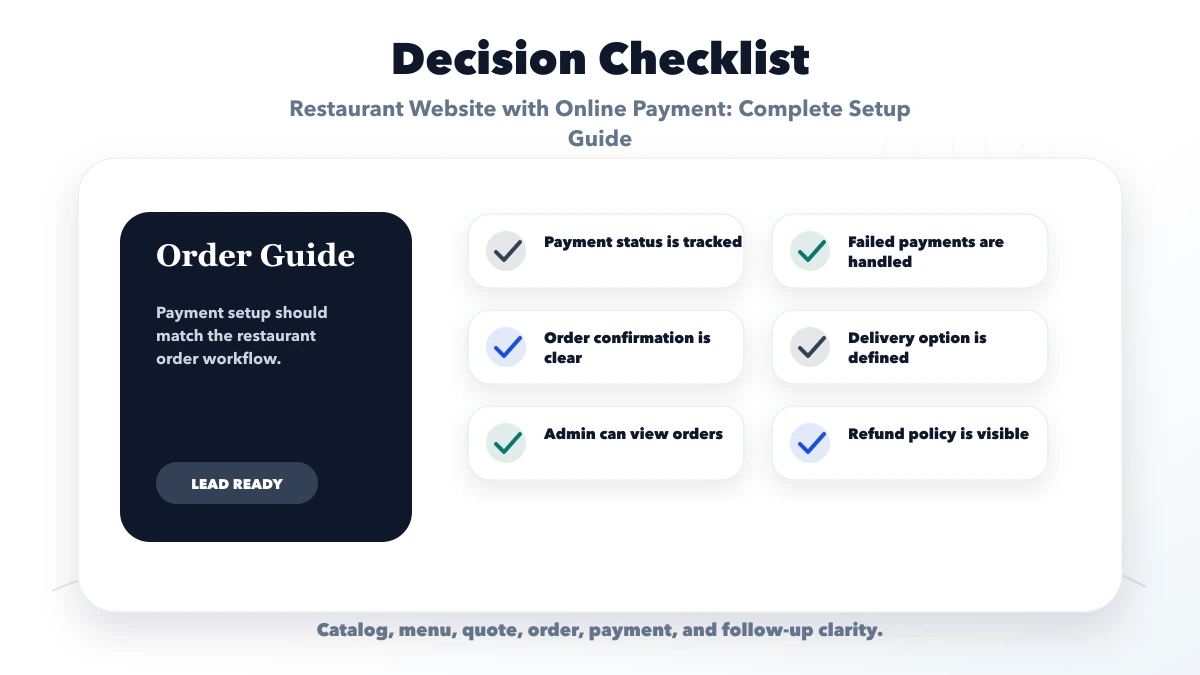
A restaurant website with online payment should include menu, cart, customer details, delivery or pickup options, payment gateway or payment link, order confirmation, admin dashboard, and refund or failure handling.
A restaurant can lose orders when payment, delivery, and confirmation are unclear. A stable setup connects menu, checkout, payment, and order status properly.
The practical target is a website that reduces repeated questions and captures better enquiries through form, call, WhatsApp, order flow, payment, or RFQ.
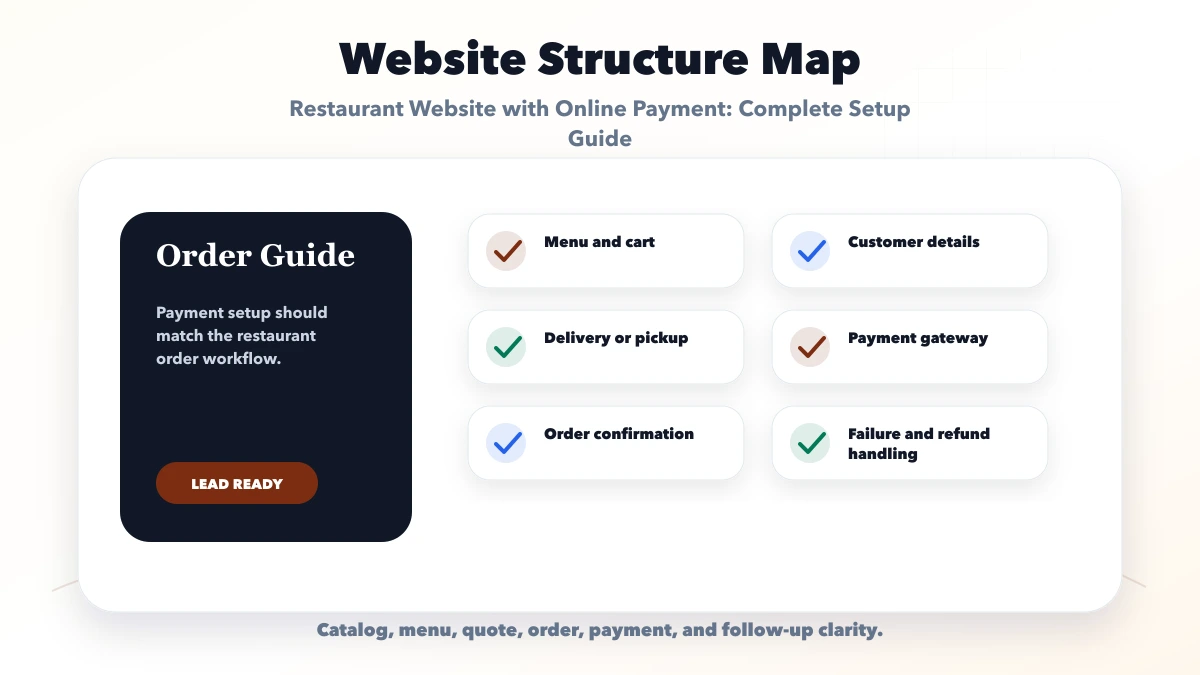
Each check should connect to a real buyer action. If a section does not support trust, search visibility, contact, ordering, or follow-up, it should be simplified or moved.
| Website area | What to include | Why it matters |
|---|---|---|
| Order layer | Menu, cart, customer data | Builds checkout |
| Payment layer | Gateway, links, status | Collects money |
| Ops layer | Dashboard, confirmation, support | Manages orders |
The right structure depends on the business model. A wholesaler, distributor, hardware shop, restaurant, cafe, bakery, and cloud kitchen should not all use the same page plan.
Use this roadmap to build one useful launch version first. After launch, improve pages based on enquiries, orders, search data, sales questions, and customer feedback.
A payment link is suitable for a controlled pilot where staff confirms the order first and then sends a link. It reduces development work, but the restaurant must manually connect payment, order, and fulfilment records. It is not a substitute for a cart when customers expect instant ordering.
Integrated checkout is appropriate when menu availability, taxes, delivery charges, coupons, order status, and payment confirmation must work automatically. The website should create an internal order before opening the gateway. That order ID becomes the reference used during payment verification, kitchen processing, refunds, and support.
| Setup | Best for | Main limitation |
|---|---|---|
| Staff-sent payment link | Small pilot, catering deposit, custom cake | Manual reconciliation |
| Hosted gateway checkout | Direct restaurant orders | Needs server verification and order states |
| Pay at pickup/delivery | Local trust-based ordering | Cancellation and no-show risk |
| Mixed payment options | Established ordering operation | More testing and reporting rules |
Payment and fulfilment move separately. A reliable model records at least:
draft, placed, accepted, preparing, ready, completed, cancelledpending, authorized, captured, failed, refunded, partially_refundedA payment-success screen in the browser is not enough to mark an order paid. The backend should verify the gateway response and process signed webhook events. Duplicate events must be safe to process, and the final state should be checked against the gateway when events arrive late or out of order. Razorpay’s official documentation explains webhook validation and testing and its standard web integration flow.
A customer selects two meals for pickup at 8:00 PM. The website creates order R-1042 with a pending payment, then opens checkout. The first attempt fails, so the order remains pending and inventory is not permanently deducted. The customer retries and payment is verified. Only then does the system send the kitchen ticket and confirmation.
If the kitchen rejects the order because an item is unavailable, staff should not edit the paid amount silently. The system needs a substitution or refund path, an internal note, and a customer notification. This exception flow is what separates a dependable restaurant system from a checkout demo.
For delivery, validate the address or serviceable pin code before payment. For pickup, display branch, slot, and preparation estimate clearly. Never accept payment first and reveal an unsupported location afterwards.
The owner dashboard should compare placed orders, verified payments, failed attempts, refunds, and settlement references. Staff need a searchable order number and customer phone reference. Access to refunds and manual “mark paid” actions should be restricted and logged.
At launch, test successful payment, failure, retry, duplicate webhook, delayed webhook, refresh after payment, cancellation, partial refund, unavailable item, and lost network after checkout. Also place real low-value test orders on mobile devices rather than relying only on sandbox screenshots.
A direct website gives the restaurant control over menu presentation, customer experience, first-party order data, and repeat-order communication. It does not automatically replace delivery marketplaces. Marketplaces may still provide discovery and delivery operations that a small restaurant cannot reproduce economically.
Decide the role of each channel. Direct ordering may be best for repeat customers, pickup, nearby delivery, catering, and loyal local demand. A marketplace may remain useful for new-customer discovery and wider delivery. Keep menu names, taxes, availability, and cancellation policies consistent enough that staff can operate both without confusion.
Do not publish a claim that direct ordering is always cheaper for the customer. Payment fees, packaging, delivery partners, discounts, support effort, and refunds all affect the real cost per completed order. Compare channels using completed-order contribution, not just commission percentage.
Use separate access for counter staff, kitchen staff, managers, and owners. Kitchen users need order items and preparation notes, not refund controls or full customer exports. Counter staff may confirm pickup; only approved managers should issue refunds or change sensitive payment states.
Protect customer phone numbers, addresses, and order history. Use secure connections, restricted admin access, audit logs, backups, and server-side authorization. Do not expose gateway secrets in frontend code, and do not store raw card details in the restaurant system. Review the web app security and RBAC guide when defining admin permissions.
Most local food orders begin on a phone, so the cart must remain stable when the keyboard opens, the customer switches apps, or the payment flow returns to the browser. Keep checkout fields short and use clear input types for phone, pin code, and address. Preserve the order if payment fails so the customer can retry without rebuilding the cart.
Track menu view, add to cart, checkout start, payment success, payment failure, and completed order as separate events. A high checkout-start rate with a low verified-payment rate points to a different problem than a menu with very few cart additions. Connect these events to the lead and conversion tracking setup while keeping payment values and personal data out of unsafe analytics fields.
| Responsibility | Owner before launch |
|---|---|
| Menu, prices, tax and availability | Restaurant manager |
| Gateway account and settlement details | Business owner |
| Order and webhook verification | Development team |
| Kitchen acceptance and exception SOP | Operations lead |
| Refund approval and customer communication | Authorized manager |
| Daily reconciliation and failed-order review | Accounts or owner |
The system is ready only when each owner knows the fallback. If the printer fails, the kitchen still needs an order queue. If the gateway is unavailable, the website needs a clear alternative instead of accepting an unverified order.
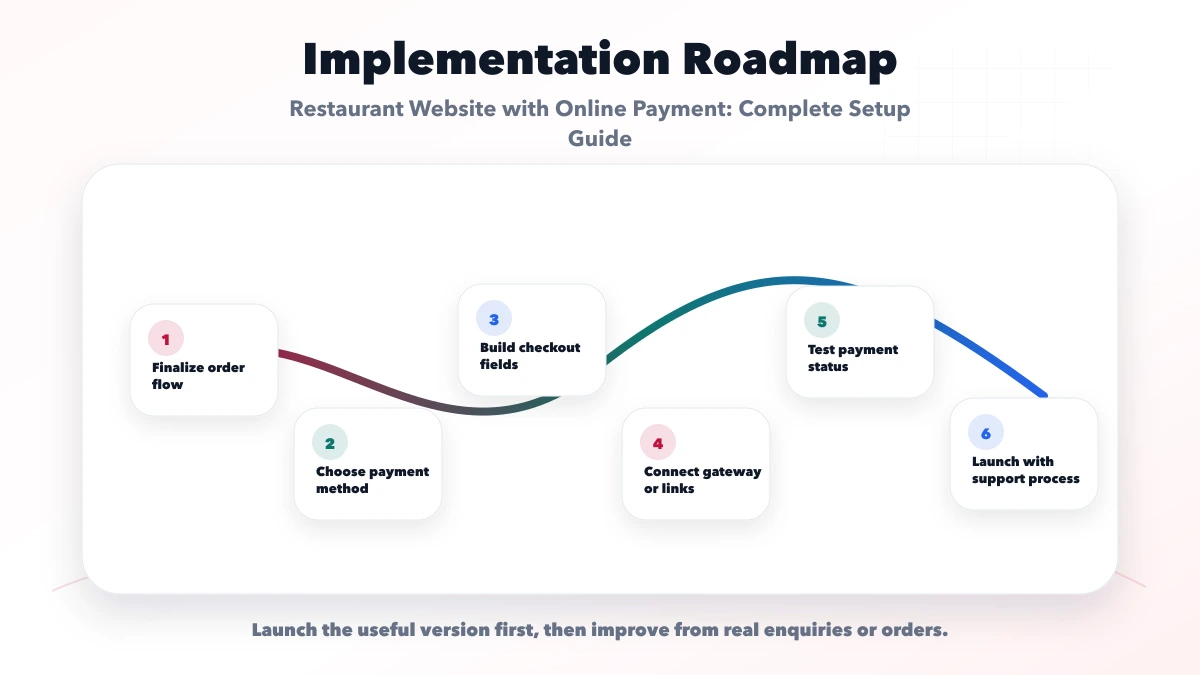
These checks prevent the most damaging launch gap: money is collected but the order cannot be identified, accepted, fulfilled, changed, or refunded through a controlled process.
VASUYASHII would first map products or menu items, target buyers, page structure, proof, CTA, WhatsApp or RFQ flow, payment needs, SEO metadata, and handover needs. Then we would build the website in a focused phase instead of adding unnecessary complexity.
Useful links: web application services, software development, integrations, services, and contact.
Avoid judging a website only by design screenshots. Leads usually improve when catalog/menu clarity, trust proof, CTA, tracking, and follow-up work together.
Yes. They can use payment gateways, payment links, or integrated checkout depending on scope.
Razorpay, Stripe, PhonePe, PayU, and other options can work depending on business setup and location.
Yes, if online orders must be tracked, accepted, prepared, or reported.
Yes. Payment links can be a practical first phase before full checkout integration.
Yes. We can build menu, checkout, payment, and order management flows.
If the website starts with menu discovery and structured enquiries rather than full checkout, use the cloud kitchen menu-to-WhatsApp plan to define serviceability, confirmation, and order-status boundaries.
If you want a practical plan for restaurant website with online payment, VASUYASHII can help with scope, design, development, SEO setup, lead flow, launch, and maintenance.
Related Articles
June 9, 2026
Restaurant website with QR ordering guide covering menu pages, table QR flow, order dashboard, WhatsApp, payment options, and feature checklist.
Read article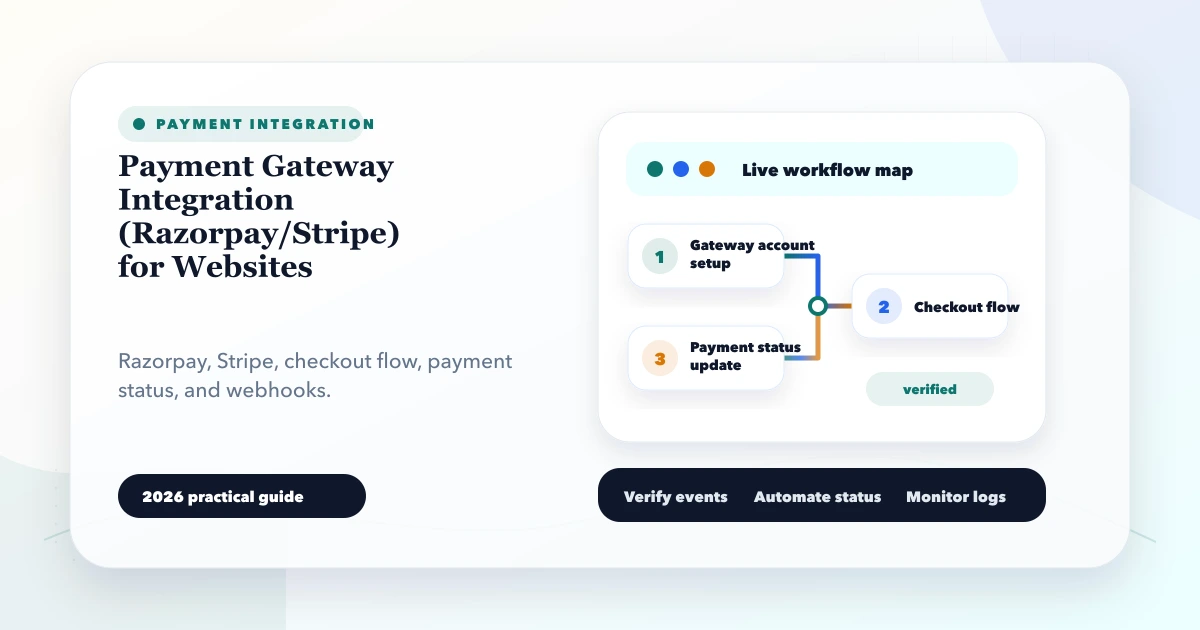
May 27, 2026
Plan Razorpay or Stripe website checkout with server-created orders, verified webhooks, idempotency, refunds, reconciliation, security and launch testing.
Read article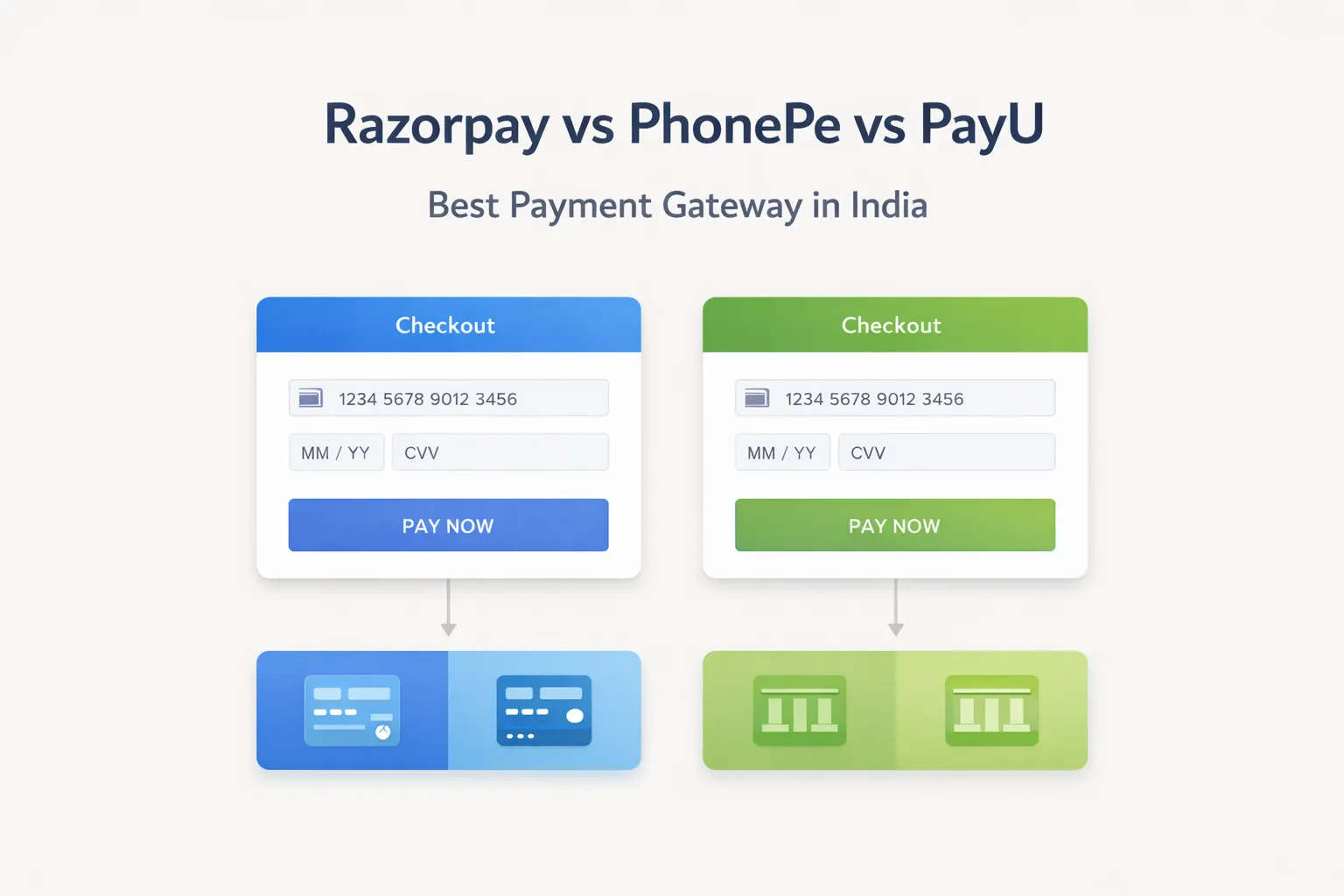
March 29, 2026
Compare Razorpay, PhonePe PG, and PayU using current official pricing pages, onboarding, checkout, webhooks, refunds, settlements, support, and reconciliation.
Read article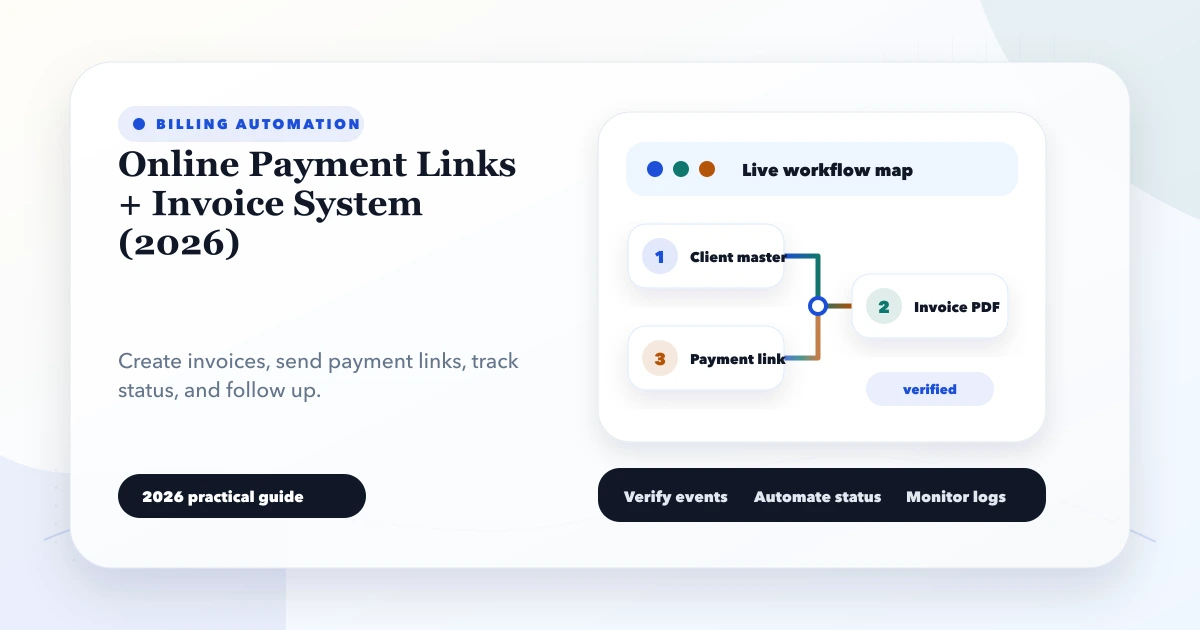
May 27, 2026
Build an invoice and payment-link workflow with due tracking, partial payments, webhooks, receipts, reconciliation and practical controls for Indian SMEs.
Read article