
June 9, 2026
Bakery Website: Catalog and Order Enquiry
Bakery website development with product catalog, cake order enquiry, WhatsApp flow, custom order form, offers, local SEO, and checklist.
Read articlePublished Updated
Website development for medical stores with medicine catalog, WhatsApp order flow, prescription upload, local SEO, contact details, and checklist.
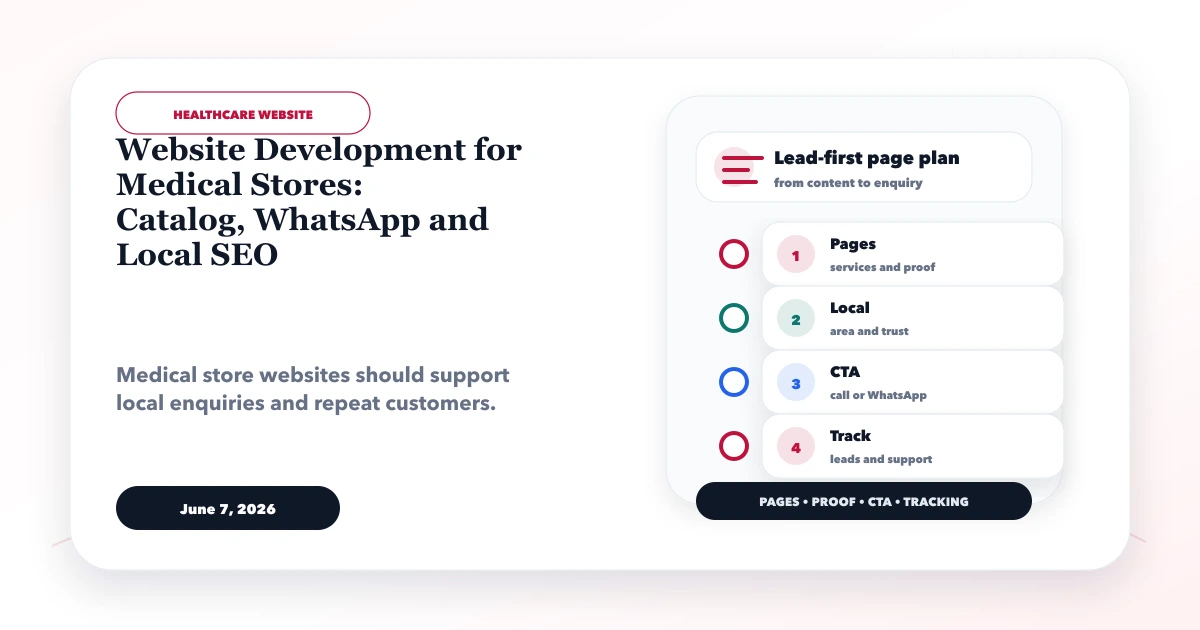
This guide explains website development for medical stores for medical stores and pharmacies that want local visibility, catalog enquiries, WhatsApp orders, and customer contact flow. It focuses on practical website planning, page structure, trust signals, SEO basics, lead capture, and a clean handover.
By Tushar C. (Founder, VASUYASHII). Reviewed by VASUYASHII Editorial for practical website planning, local SEO, lead generation, contact flow, and small business website delivery.
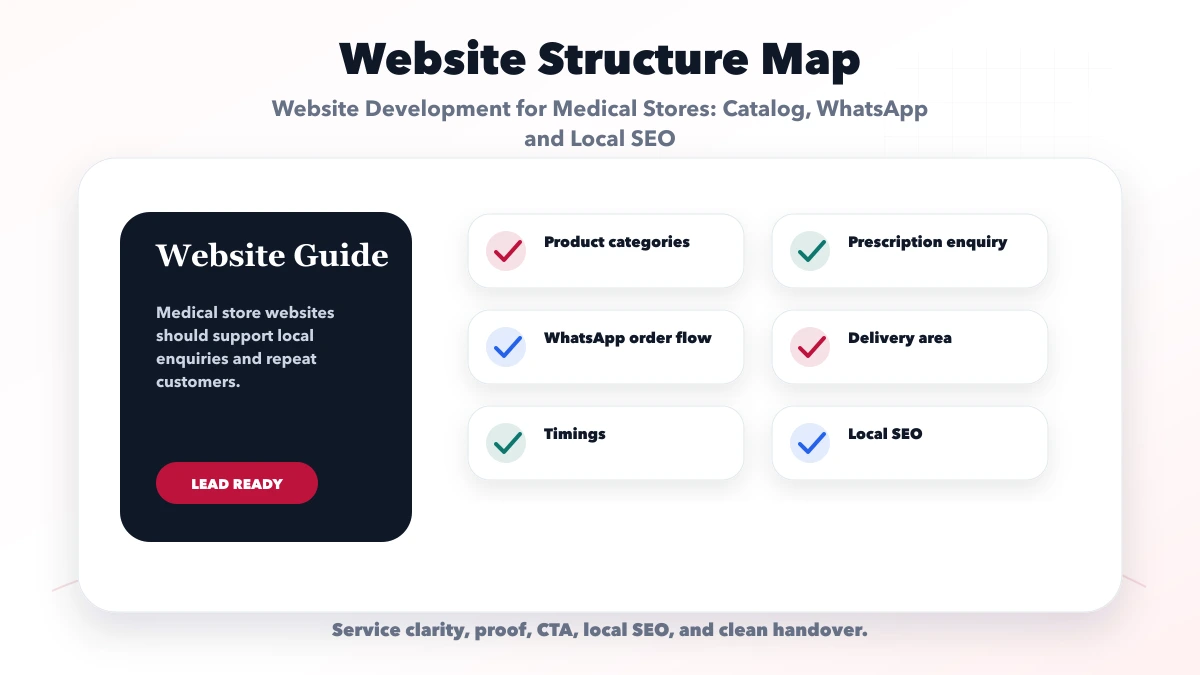
A medical store website should include store details, product categories, prescription upload or enquiry flow, WhatsApp CTA, delivery area, timings, contact details, and local SEO.
Customers may search for nearby pharmacy, delivery, or product availability. A website can help them contact quickly without needing full ecommerce on day one.
Choose the operating model before selecting features:
| Model | Website responsibility | Human responsibility |
|---|---|---|
| Information site | Show store details, services, hours, and contact | Answer availability and service questions |
| Enquiry catalog | Let users find broad product categories and send an enquiry | Confirm item, prescription requirements, price, and fulfilment |
| Controlled ordering | Collect permitted order details through an approved workflow | Validate prescription and compliance before fulfilment |
A website should not imply that every medicine can be purchased without review. Product availability, pricing, delivery eligibility, and prescription handling must match the store's licences, current operations, and professional advice.
Healthcare and pharmacy operations are regulated and sensitive. Before launch, the store owner should obtain professional legal, pharmacy, and privacy guidance for its exact business model and jurisdiction. The website team should not decide which medicines require a prescription or what medical claims are permitted.
The launch checklist should confirm licensed business identity, reviewed product categories, the prescription-validation process, serviceable delivery area, privacy notice, retention period, deletion process, and escalation path for unsafe or incomplete requests.
Avoid diagnosis, dosage advice, guaranteed outcomes, fabricated doctor endorsements, and claims that the website replaces a pharmacist or medical professional.
The product model should support operations without exposing unnecessary health data. Depending on professional review, useful fields may include product or category name, manufacturer, pack information, stock status wording, permitted price information, and enquiry action.
Do not use a public catalog as the inventory source of truth unless the systems are integrated and updates are reliable. "Available" can become misleading if a counter sale depletes stock while the website remains stale. Safer labels can be "Check availability" or a timestamped status that the store can maintain.
Create category pages around genuine customer navigation, not hundreds of thin SEO pages. Store services, wellness categories, equipment, and permitted non-prescription products may need different content and review rules.
A prescription can contain personal and health information. If upload is included, treat it as a restricted workflow:
Email attachments or open cloud links may be operationally simple but can create uncontrolled copies. The store should approve the final data flow and breach-response process.
| Website area | What to include | Why it matters |
|---|---|---|
| Store profile | Location, timings, contact | Builds trust |
| Catalog layer | Categories and availability enquiry | Guides users |
| Order layer | WhatsApp, call, upload | Captures requests |
WhatsApp can support availability questions, but the prefilled message should remain minimal: store branch, product category, and request type. Ask the user not to send sensitive health information until the store explains the approved channel.
A controlled flow is:
Do not claim the WhatsApp click itself is an accepted order.
Local visibility starts with accurate business information. The website, eligible Google Business Profile, invoices, and major citations should agree on the business name, address or service-area setup, phone number, and opening hours.
Build one useful store page per genuine branch. Include real access information, landmark or directions, services actually offered, holiday-hours process, accepted contact channels, and an embedded map only when it represents the correct location. Do not create city pages for places the store does not serve.
Before launch, test with safe dummy records:
Repeat tests on mobile and slower networks because many local customers will arrive from a map result or WhatsApp.
Assign an owner for store hours, branch details, service areas, catalog categories, policies, and promotional claims. Each content type should have a review interval and an approval role. A developer should not be expected to decide whether a healthcare statement remains compliant.
Maintain a change record for high-risk content. When a product, policy, licence detail, or delivery condition changes, update the website and any linked Google Business Profile information together. Remove expired promotions rather than leaving misleading pages indexed.
For educational articles, show the author or reviewer where appropriate, cite reliable sources, and avoid converting general health information into individual advice. The article should direct users to qualified professionals for diagnosis and treatment.
If online payment or delivery is introduced, define when an enquiry becomes an accepted order. The system should handle unavailable products, substituted items, failed payments, cancelled delivery, refunds, and rejected prescriptions without ambiguous status.
Do not collect payment for an item that the store cannot legally or operationally fulfil. Show fees, delivery limits, cancellation terms, and customer-support routes before confirmation. Use a payment gateway rather than storing card details.
The order record should connect customer communication, validation, payment status, and fulfilment without exposing sensitive information to unauthorized staff. Add role permissions and audit history when multiple employees handle the workflow.
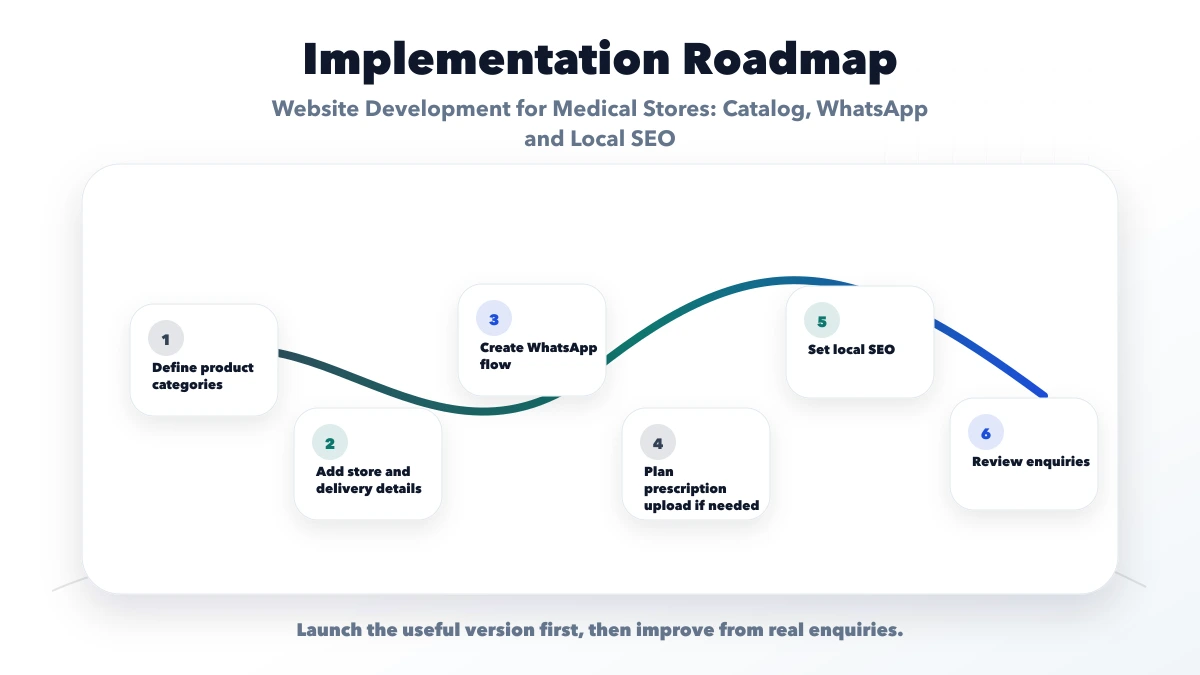
Start with the smallest safe operating model:
| Phase | Scope | Exit test |
|---|---|---|
| 1 | Store information, categories, contact, local basics | Customers reach the correct branch and staff can update facts |
| 2 | Structured availability enquiries and lead tracking | Requests have clear ownership and status |
| 3 | Approved upload or controlled ordering | Security, validation, failure, and deletion tests pass |
| 4 | Inventory, payment, or delivery integrations | Reconciliation and exception handling work |
Budget for content maintenance, security updates, backups, monitoring, staff training, and third-party fees, not only initial design. Integration work should begin only after the store can maintain accurate source data.
VASUYASHII can design a catalog, enquiry workflow, secure upload architecture, local store page, and integration plan. This article is not pharmacy, medical, privacy, or legal advice, and it does not claim a deployed pharmacy client case study. Final compliance, medicine classification, prescription validation, and fulfilment decisions require the store's licensed professionals and advisors.
Useful links: web application services, software development, integrations, services, and contact.
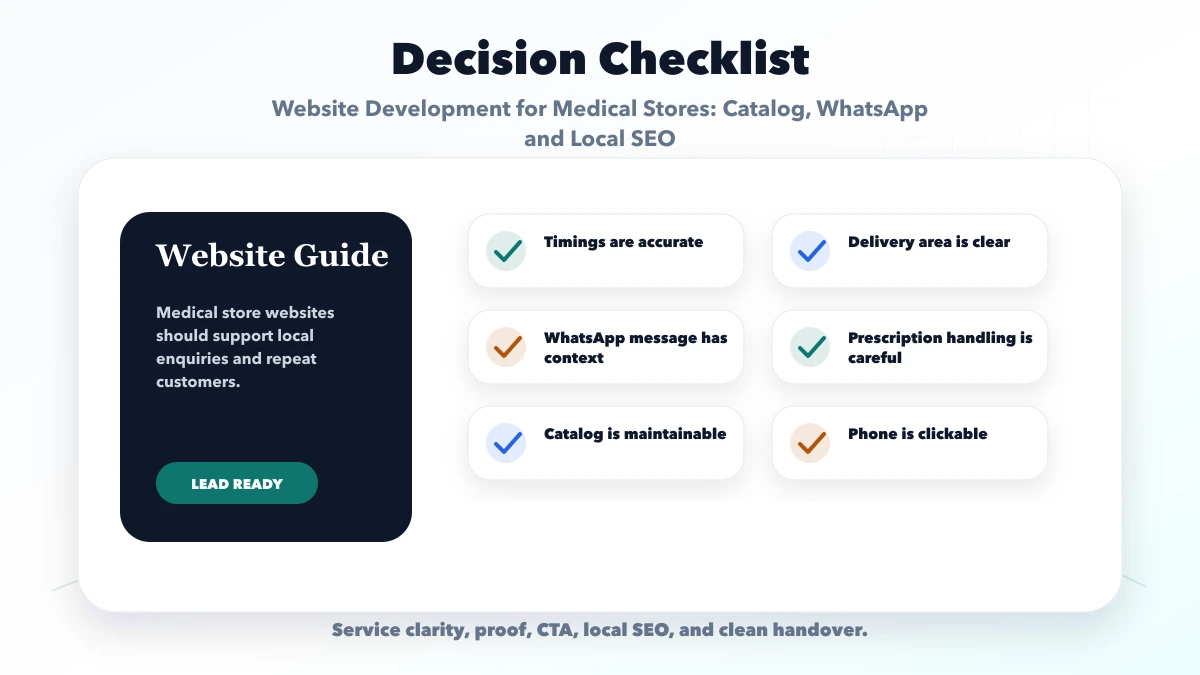
Include store details, product categories, delivery area, timings, WhatsApp order CTA, and contact details.
Not always. Many can start with catalog and WhatsApp order enquiries.
Yes, but privacy and secure handling should be planned carefully.
Yes. Local search visibility can help nearby customers find the store.
Yes. We can build catalog and WhatsApp-enabled websites for medical stores.
If you want a practical plan for website development for medical stores, VASUYASHII can help with scope, design, development, SEO setup, lead flow, launch, and maintenance.
Related Articles
June 9, 2026
Bakery website development with product catalog, cake order enquiry, WhatsApp flow, custom order form, offers, local SEO, and checklist.
Read article
June 9, 2026
Plan a cloud kitchen website with a reliable menu, service-area checks, WhatsApp ordering, payment choices, local SEO, order tracking, and clear operations.
Read article
June 7, 2026
Plan a doctor website with clear profiles, services, appointment requests, patient-safe content, local discovery, privacy controls, and measurable enquiries.
Read article
June 9, 2026
Plan a cafe website with an updateable menu, dated offers, table and event enquiries, genuine local proof, map accuracy, and measurable contact actions.
Read article