
June 9, 2026
Hardware Shop Website: Local SEO and Catalog
Website development for hardware shops with local SEO, product pages, WhatsApp enquiry, service area, category catalog, and checklist.
Read articlePublished Updated
Plan a cafe website with an updateable menu, dated offers, table and event enquiries, genuine local proof, map accuracy, and measurable contact actions.
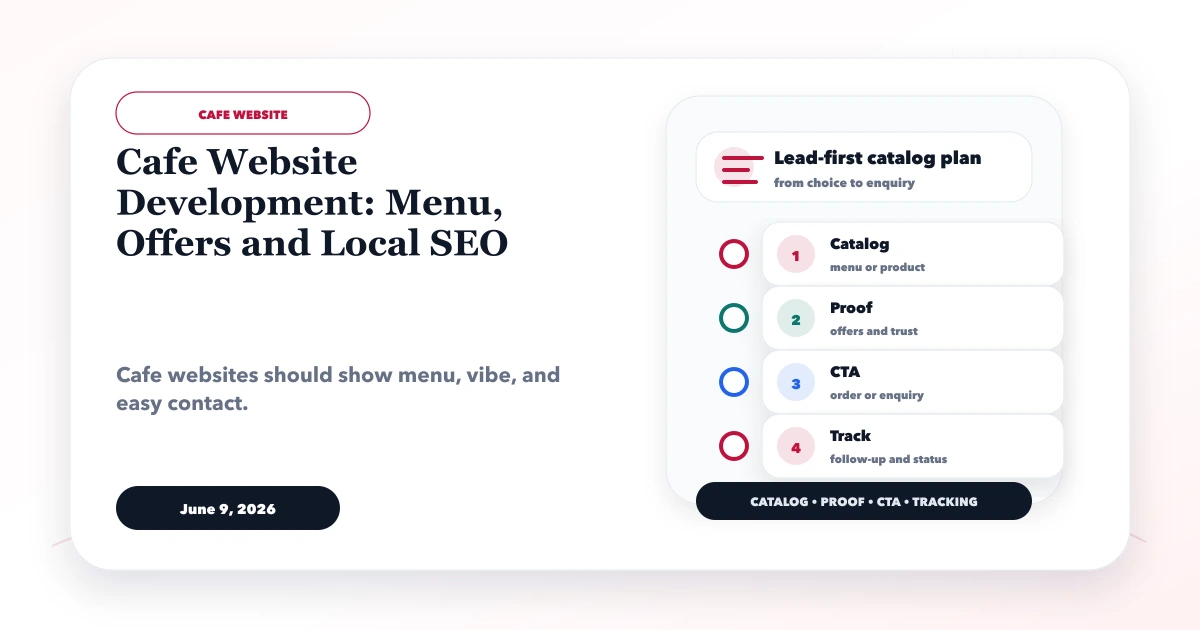
Useful cafe website development connects three decisions: what is available, why the place fits the visit, and what the customer can do next. Someone searching on a phone may want today’s timings, menu prices, dietary options, ambience, directions, a table enquiry, or details for a small event.
A cafe website should not be a slower duplicate of Instagram. It needs controlled menu data, accurate local information, dated offers, real photography, and contact actions the team can fulfil.
By Tushar C. (Founder, VASUYASHII). Reviewed for menu information, local discovery, enquiry design, mobile experience, claim safety, and operational handover. Examples are planning scenarios and do not represent a fictional cafe as a real client.
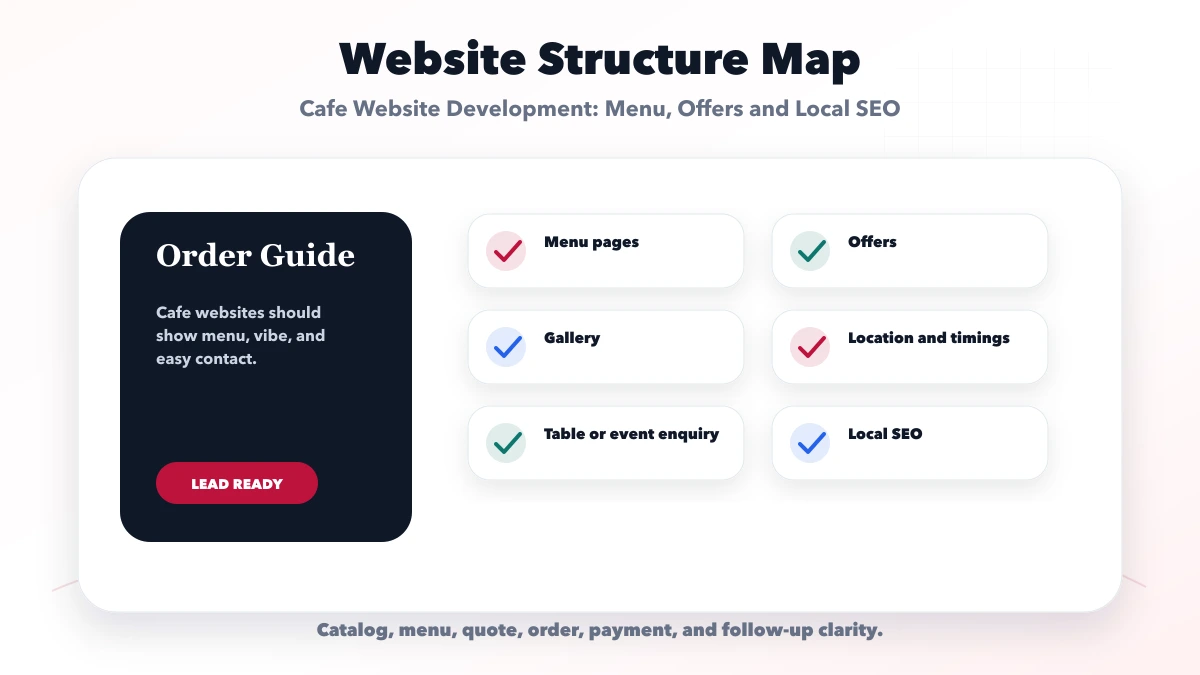
A strong cafe website should include:
The website must match the cafe’s real service model. Do not show reservation or delivery features that staff cannot operate.
Cafe visitors arrive with different needs:
| Intent | Immediate information | Best next action |
|---|---|---|
| Visit now | Open/closed, map, parking, seating | Get directions / call |
| Check menu | Items, prices, dietary notes | View full menu |
| Meet or work | Seating, Wi-Fi policy, power, noise | Ask about availability |
| Celebrate | Capacity, package, timing, deposit | Event enquiry |
| Order | Service area, method, minimum, timing | Start approved order flow |
| Discover locally | Real photos, reviews, neighborhood context | Visit or save details |
The homepage should route these needs rather than forcing every visitor into one WhatsApp conversation.
An image or PDF menu is difficult to search, read, and update on mobile. Use structured HTML for primary menu information. A menu item can include:
The website should not claim “allergen-free” unless operations can guarantee it. Use wording such as “contains” or “ask staff about ingredients and cross-contact” based on the cafe’s approved policy.
If prices change often, define one data owner and update process. Do not maintain separate uncontrolled prices on the website, PDF, delivery listing, and printed menu without reconciliation.
Every offer should show:
Expired offer pages should be removed from prominent navigation or updated with a clear status and a current alternative. An old discount appearing in Google can create disputes at the counter.
Use the term that matches operations.
A simple table enquiry can ask date, time, guests, name, phone, seating/access need, and optional note. The confirmation must state whether the table is booked or awaiting response.
Do not accept instant reservations if staff does not maintain table availability. A false confirmation is worse than a manual process.
For birthdays, meetups, workshops, or small corporate gatherings, ask:
Explain capacity, deposit, cancellation, outside-food, decoration, and noise policies before payment. Packages should identify inclusions rather than advertise only a starting price.
A cafe may use:
Each level has different responsibilities. A WhatsApp message is not a confirmed order. A payment link must map to an order and refund process. A live system needs item availability, modifiers, taxes, delivery/pickup rules, status, and failure handling.
The restaurant QR ordering guide covers deeper ordering requirements. Use integration services only after the operating flow is clear.
Keep the business name, address, phone, category, map pin, and timings consistent across the website and public profiles. Add special-hour updates for holidays or maintenance.
Useful location content includes:
Do not create pages for nearby areas where the cafe has no branch. One strong branch page with accurate details is better than copied “best cafe in…” pages.
Show the actual product and space clearly. Use a consistent shot list:
Compress images, use modern formats, reserve dimensions, and provide descriptive alt text. Avoid loading a large autoplay video before essential menu and location information.
Measure the actions connected to operations:
Do not judge the site from page views alone. Compare whether enquiries include the date, group size, location, or order context staff needs.
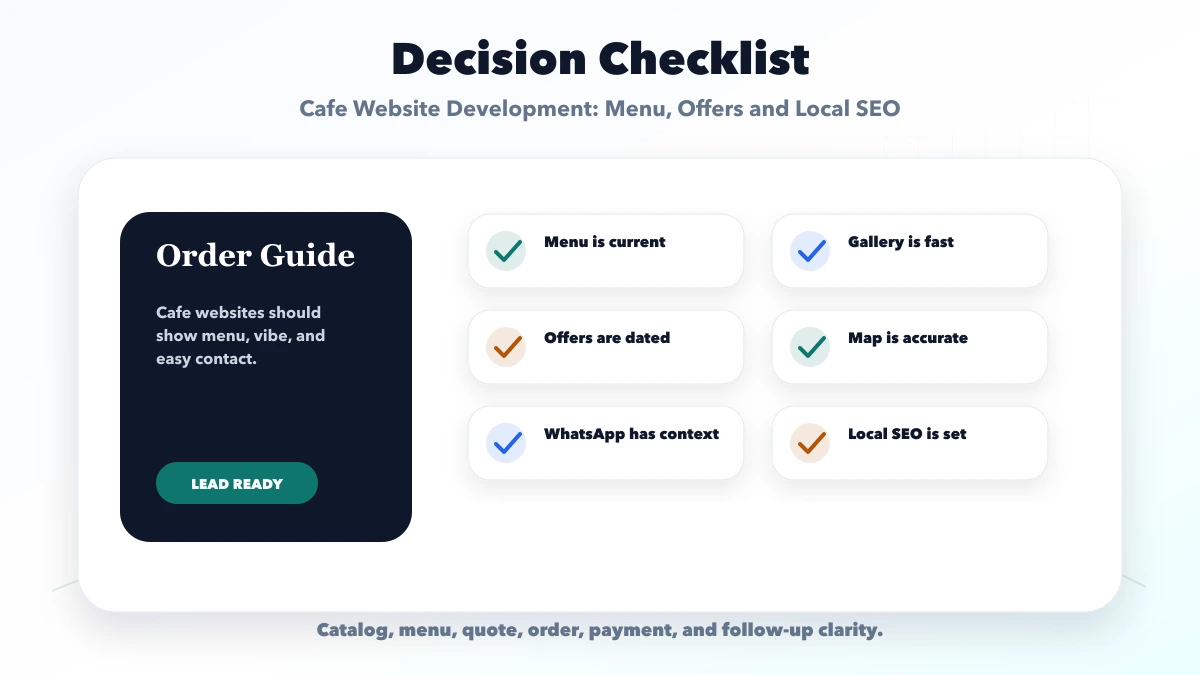
Posts are hard to scan and prices become stale. Keep a controlled website menu and use social media for promotion.
PDFs can remain a secondary download, but primary items should be accessible in HTML.
Every offer needs expiry and ownership. Remove expired promotions from important pages.
If staff must approve a request, say so before and after submission.
Create branch pages only for real branches with unique information and proof.
Large photographs can hide the information a mobile visitor needs immediately. Optimize and prioritize the first useful image.
A website can publish menu and location information and collect enquiries. Live table inventory, POS, kitchen tickets, order status, payments, inventory, loyalty, or multi-branch reporting are separate systems.
VASUYASHII can assess a scoped web application or software development project, but these modules should not be implied by a basic cafe website.
Yes, when the team can keep them current. State taxes or service charges clearly and reconcile prices across channels.
No. Use accessible HTML for the current menu. A downloadable PDF can remain an optional secondary format.
Yes, but the message should include date, time, guests, and name. Make clear that the request requires confirmation unless availability is live.
No. Choose ordering only when menu ownership, availability, payment, fulfilment, refund, and support processes are ready.
Maintain accurate business details, genuine photos, current timings, useful branch information, real reviews, and a fast mobile page. Avoid copied area pages.
Yes. VASUYASHII can scope the menu, location, enquiry, analytics, and approved integration flow. POS and operations modules require separate discovery.
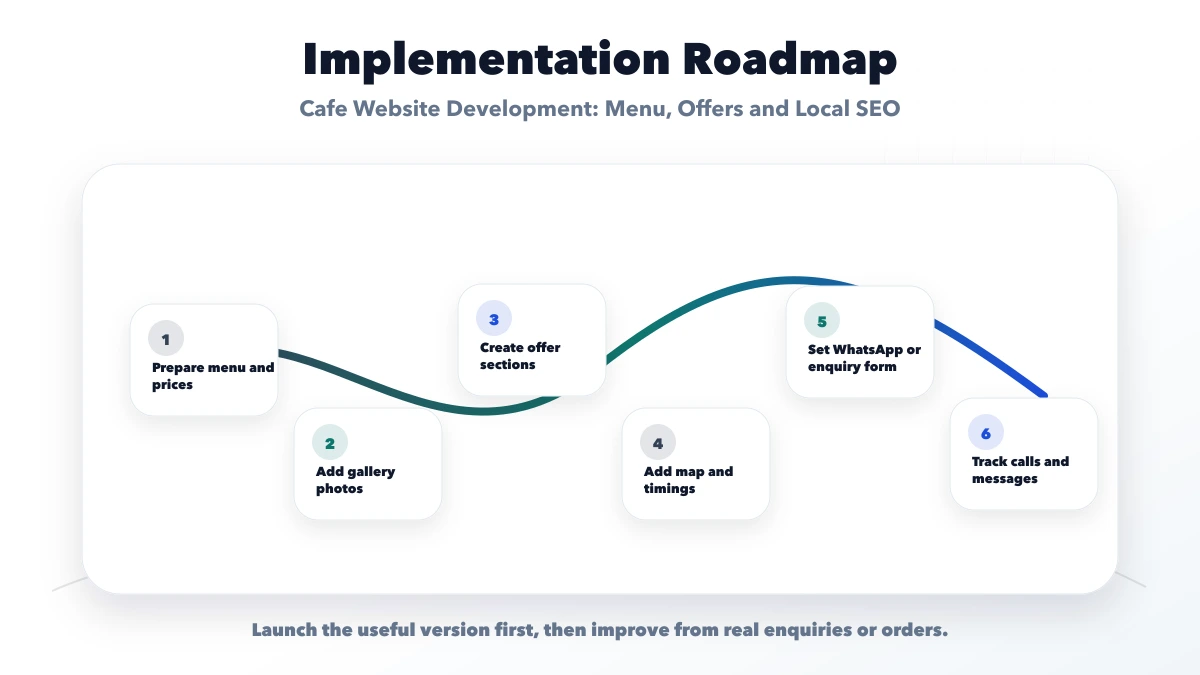
Gather the current menu, prices, offer rules, location details, service model, original photos, enquiry policy, and data owner before development. This makes the website reliable after launch.
Related Articles
June 9, 2026
Website development for hardware shops with local SEO, product pages, WhatsApp enquiry, service area, category catalog, and checklist.
Read article
June 9, 2026
Plan a cloud kitchen website with a reliable menu, service-area checks, WhatsApp ordering, payment choices, local SEO, order tracking, and clear operations.
Read article
June 11, 2026
Plan stable local service URLs with parent hubs, genuine location pages, self canonicals, direct redirects, crawlable links, and sitemap consistency.
Read article
June 7, 2026
Website development for medical stores with medicine catalog, WhatsApp order flow, prescription upload, local SEO, contact details, and checklist.
Read article