
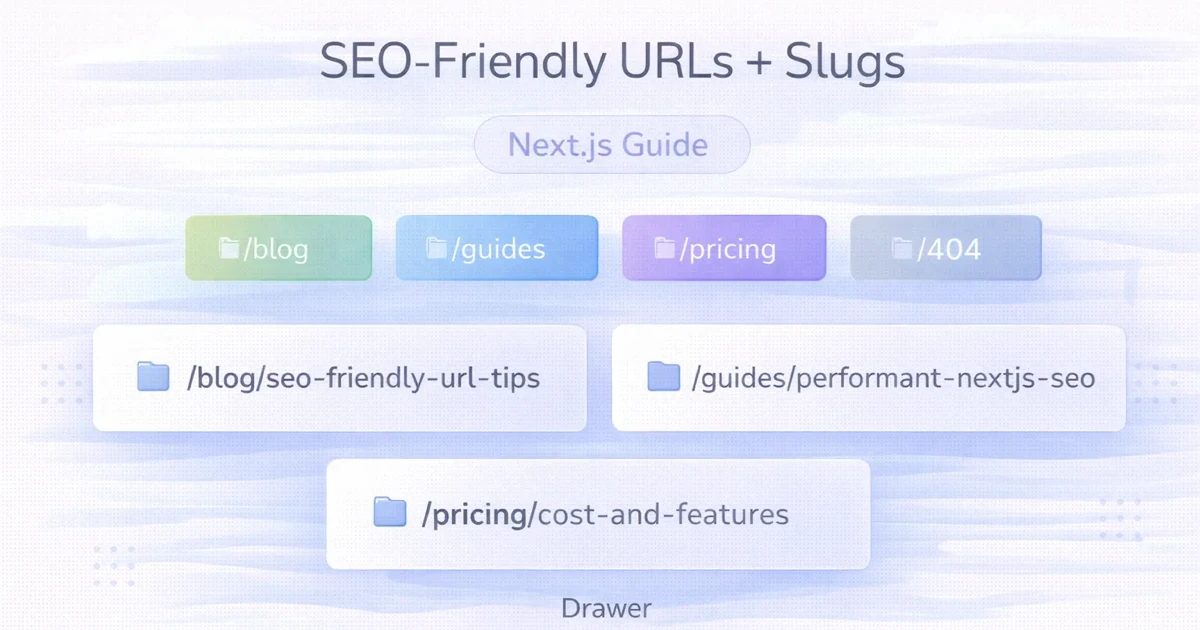
April 2, 2026
SEO-Friendly URLs and Slugs in Next.js
Create durable SEO-friendly URLs in Next.js with readable slugs, stable route rules, canonical metadata, redirects, parameter control and build validation.
Read articlePublished Updated
Plan stable local service URLs with parent hubs, genuine location pages, self canonicals, direct redirects, crawlable links, and sitemap consistency.
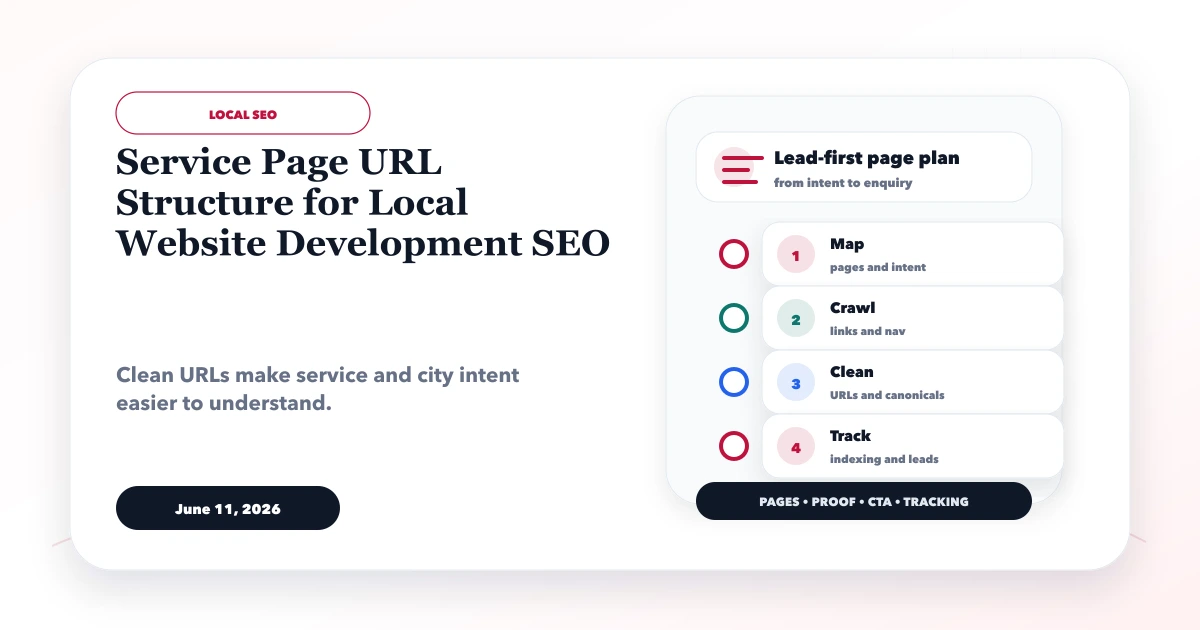
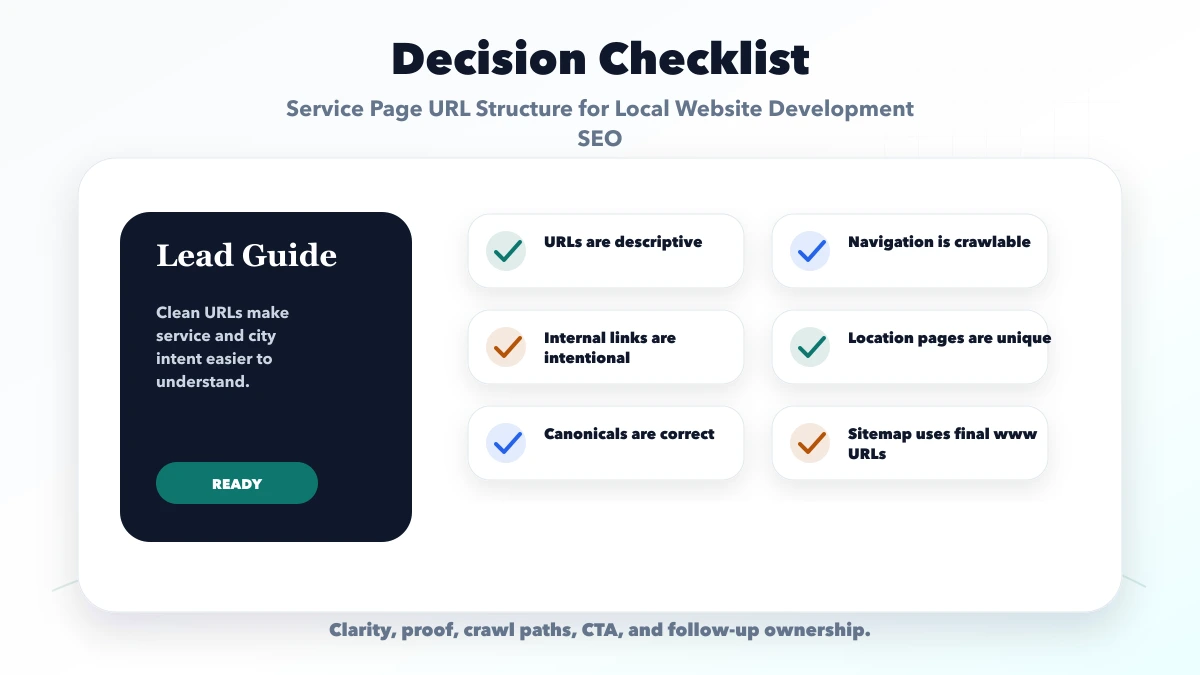
A clean service page URL structure for local website development SEO makes ownership obvious: which page explains the main service, which page targets a genuine location need, and which supporting article answers a narrower question. The URL should remain stable while content improves.
URL architecture cannot rescue copied city pages. It supports strong content, crawlable internal links, consistent canonicals, and safe migrations.
By Tushar C. (Founder, VASUYASHII). Reviewed against the current VASUYASHII final-www architecture, static sitemap behavior, parent-hub model, and location-content safeguards. This guide does not recommend changing live slugs without migration evidence.
Use short, lowercase, descriptive, stable URLs. Give every core service one parent page. Add a location URL only when the business genuinely serves that area and the page can provide unique local value. Keep each indexable page self-canonical, link it from crawlable HTML, include only final canonical URLs in the sitemap, and redirect retired URLs directly to the approved destination.
Do not rename working URLs merely to insert another keyword or year.
Three common structures can work:
/services/website-development
/services/website-development-delhi
/locations/delhi/website-development
The right choice depends on the existing site, number of services, number of real locations, navigation, CMS, and maintenance process. Google does not reward a folder name by itself.
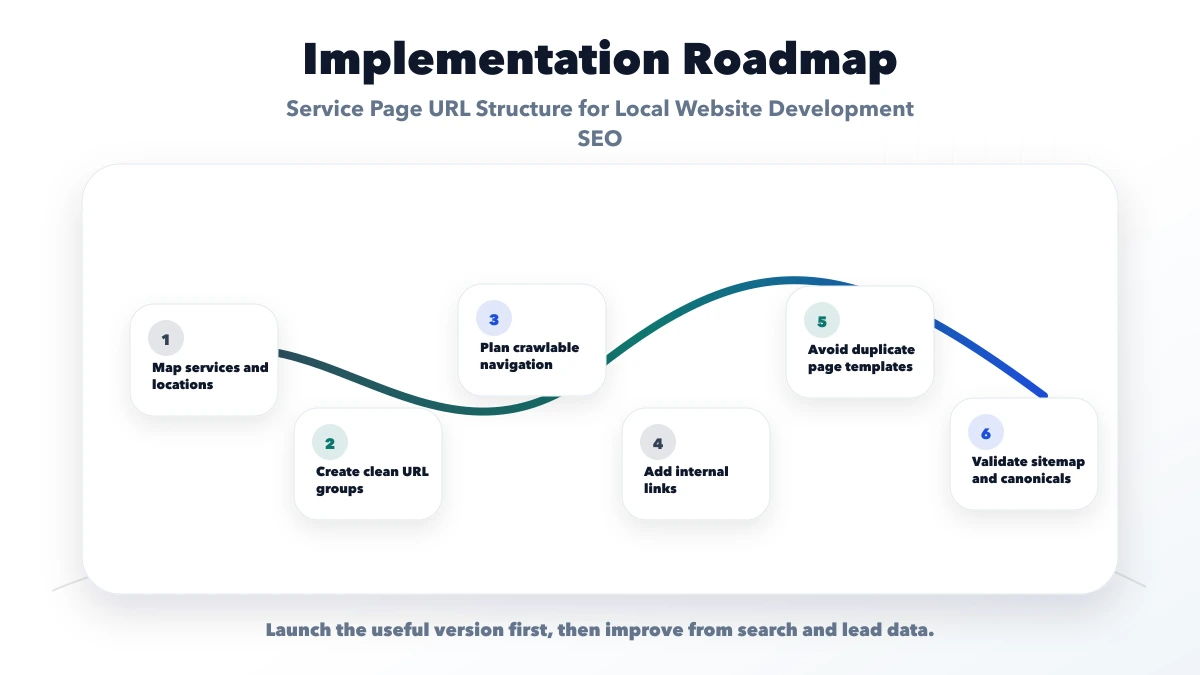
Choose one pattern that keeps important pages understandable and stable. Avoid mixing several structures for equivalent intent.
A practical architecture can be:
| Page role | Example purpose | Internal-link responsibility |
|---|---|---|
| Main service | Website development | Links to subservices, proof, contact, genuine locations |
| Regional hub | Website development in Delhi NCR | Explains regional coverage and links to real city pages |
| City/service page | Website development in Delhi | Unique city intent, proof, process, and service context |
| Supporting guide | Website planning checklist | Answers a narrower question and links to service/hub |
| Case study | Relevant completed project | Provides inspectable evidence and links to service |
The parent page should remain the strongest general answer. City pages should not compete for the same broad keyword with copied introductions and identical CTAs.
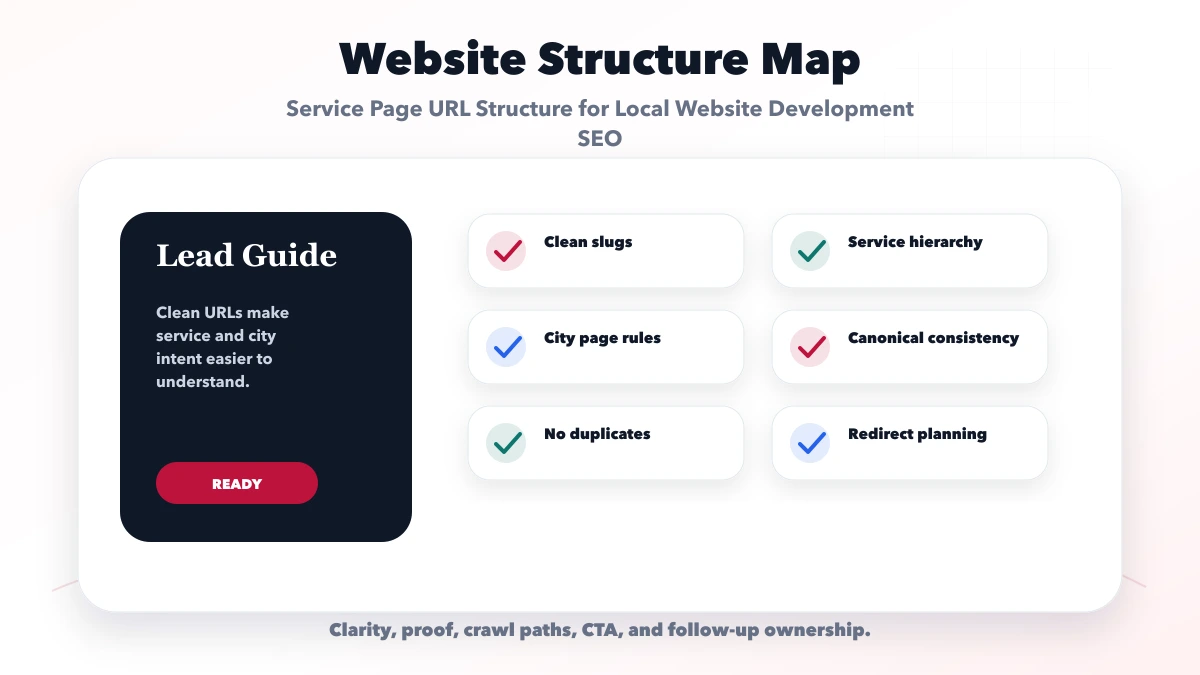
Prefer /services/web-applications over uppercase, spaces, parameters, or unclear IDs for a public service page.
Remove filler words only when meaning remains clear. Do not compress a URL into an abbreviation users cannot interpret.
Hyphens are conventional word separators in readable web paths. Avoid underscores and mixed styles.
A stable service page usually does not need -2026. Update the content and lastModified when the offer changes. Use dated URLs only when the event, report, or edition is genuinely time-specific.
Filters and tracking parameters should not create uncontrolled indexable duplicates. Define canonical, crawl, and parameter rules based on the platform.
Changing a URL can lose signals, create chains, break links, and generate reporting noise. Change it only for a clear architecture or accuracy reason and implement a direct permanent redirect.
Create a location page when most of these are true:
Do not create the URL only because a keyword tool lists a city. The service-city page anti-spam guide gives a content test.
/services/website-development
/services/website-development-delhi
/services/website-development-noida
This is easy when the site has a small number of priority services and each location page is service-specific.
/locations/delhi
/locations/delhi/website-development
/locations/delhi/web-app-development
This can work for a multi-location business with a real location hub and several genuinely delivered services per branch.
/website-development-company-in-delhiA flat URL can still rank and should not be changed merely to look organized. Improve internal hierarchy through navigation, breadcrumbs, hubs, and links unless migration value is clear.
The folder is a management choice; page quality and relationships matter more.
Every unique indexable service or location page should normally declare itself as canonical. Canonical, Open Graph URL, structured-data URL, sitemap entry, and internal absolute references should agree on the final host and path.
For VASUYASHII, the current final canonical host is:
https://www.vasuyashii.comThe sitemap uses final-www URLs, while non-www requests redirect to the final host. This avoids submitting redirected variants for indexing.
Do not canonicalize several weak city pages to a parent as a substitute for deciding whether those pages should exist. Improve, merge, redirect, or de-prioritize only after reviewing current GSC queries, links, leads, and service evidence.
When an approved URL changes:
Avoid redirect chains such as old HTTP URL to HTTPS apex to HTTPS www to a new path. Configure domain-level redirects to reach the final host/path in the fewest hops the platform allows.
A URL in the sitemap is discoverable, but important pages should also be reachable through crawlable HTML links.
Use:
Avoid relying on JavaScript-only controls that do not produce anchors, or pagination that makes priority pages dozens of clicks deep.
The internal linking plan for service pages provides a supporting framework.
Include final canonical, indexable URLs that return successful responses. Exclude:
Pagination can remain crawlable even when it is not prioritized in the sitemap. The sitemap is not a replacement for site architecture.
For a service business with genuine Delhi NCR coverage:
/services/website-development-delhi-ncr   parent regional service hub
/services/web-applications                primary web-app service
/blog/website-development-cost-in-delhi-2026   supporting cost intent
/projects                                 evidence hub
/contact                                  conversion destination
The pages should link according to intent. A cost guide points to the relevant service hub and contact. The hub points to proof and selected guides. Project evidence points back to the service delivered.
Do not publish every possible locality before proof and operational coverage exist. VASUYASHII currently keeps new city/near-me publishing paused while older location clusters are differentiated and reviewed with GSC evidence.
An established flat URL can remain valid. Improve architecture with links and breadcrumbs unless migration provides real value.
Folder structure does not make them unique. Add genuine local value or review consolidation with evidence.
Canonical is a signal, not a content strategy. Resolve page purpose and internal links.
Important pages need crawlable contextual links and parent hubs.
Update rules and internal links so requests reach the final host and path directly.
Large simultaneous URL, content, canonical, and navigation changes make diagnosis difficult. Use focused phases and validate each deployment.
No. It should be readable, stable, and sufficiently descriptive. Removing useful meaning only to shorten a path does not improve the page.
/services/ or /locations/?Either can work. Choose the pattern that reflects the real business and remains consistent. Do not migrate established URLs only for folder preference.
A unique indexable city page normally should be. If it is duplicate or no longer useful, make an evidence-based content, merge, redirect, or index decision instead of relying on canonical alone.
It can remain crawlable without sitemap priority. The important requirement is that posts and hubs are linked and their canonical URLs appear correctly.
Use one direct redirect where possible. Domain and hosting constraints can add hops, but avoid preventable chains and never create loops.
Yes. VASUYASHII can inspect routes, canonicals, sitemap output, redirects, internal links, and content clusters before proposing a focused migration or consolidation plan.
Before changing any public slug, collect current GSC performance, index status, backlinks, internal links, leads, and destination mapping. A stable imperfect URL is often safer than an unnecessary “SEO-friendly” migration.
Related Articles
April 2, 2026
Create durable SEO-friendly URLs in Next.js with readable slugs, stable route rules, canonical metadata, redirects, parameter control and build validation.
Read article
June 11, 2026
Build an internal linking plan for web development services using hubs, support posts, natural anchors, crawl-depth checks, link reports, and update rules.
Read article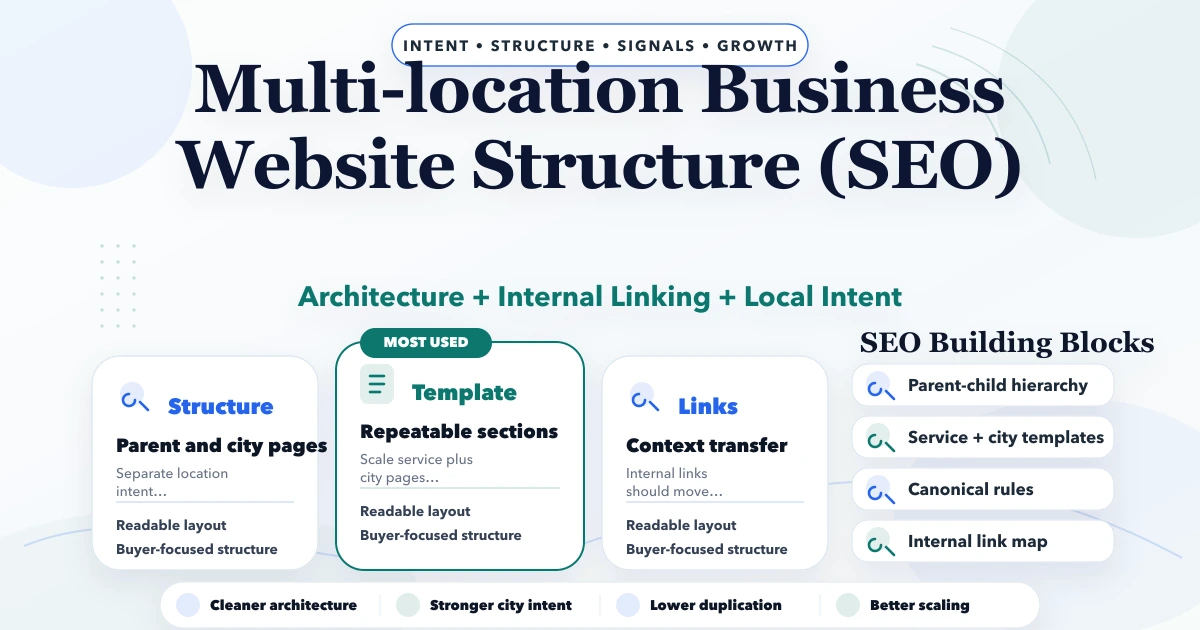
May 1, 2026
Multi-location business website structure for SEO: city-page architecture, internal links, canonicals, content rules, and rollout plan for 2026.
Read article
June 9, 2026
Plan a cafe website with an updateable menu, dated offers, table and event enquiries, genuine local proof, map accuracy, and measurable contact actions.
Read article