
April 16, 2026
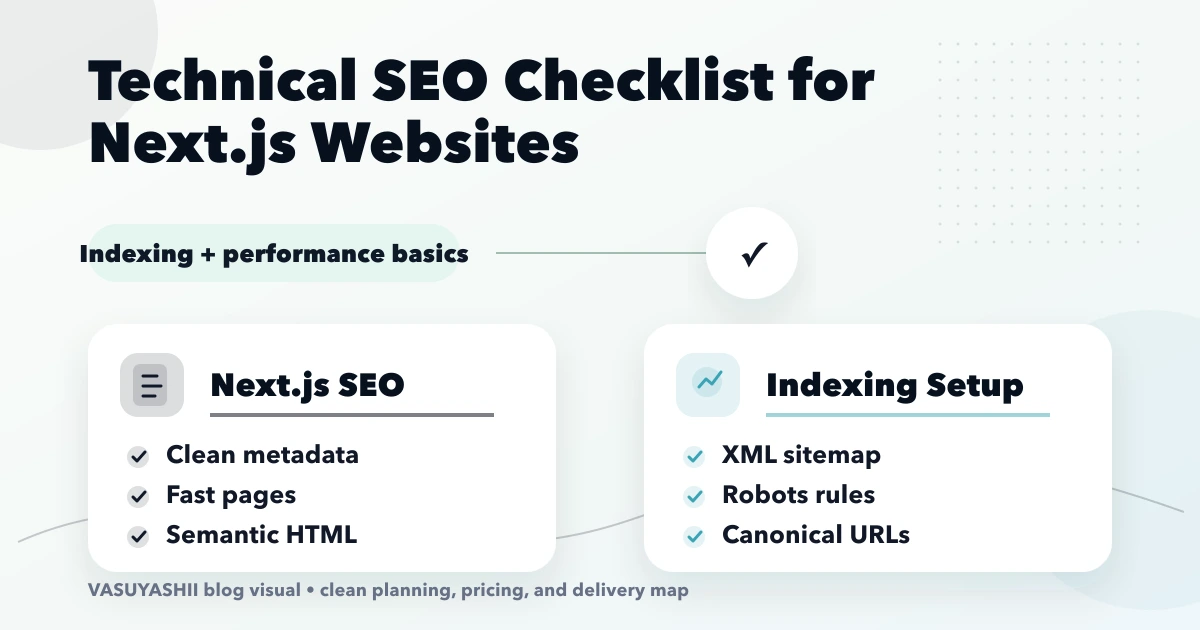
Technical SEO Checklist for Next.js Websites
Audit Next.js technical SEO for rendering, metadata, canonicals, sitemap, robots, redirects, structured data, internal links, images, and Core Web Vitals.
Read articlePublished Updated
Create durable SEO-friendly URLs in Next.js with readable slugs, stable route rules, canonical metadata, redirects, parameter control and build validation.
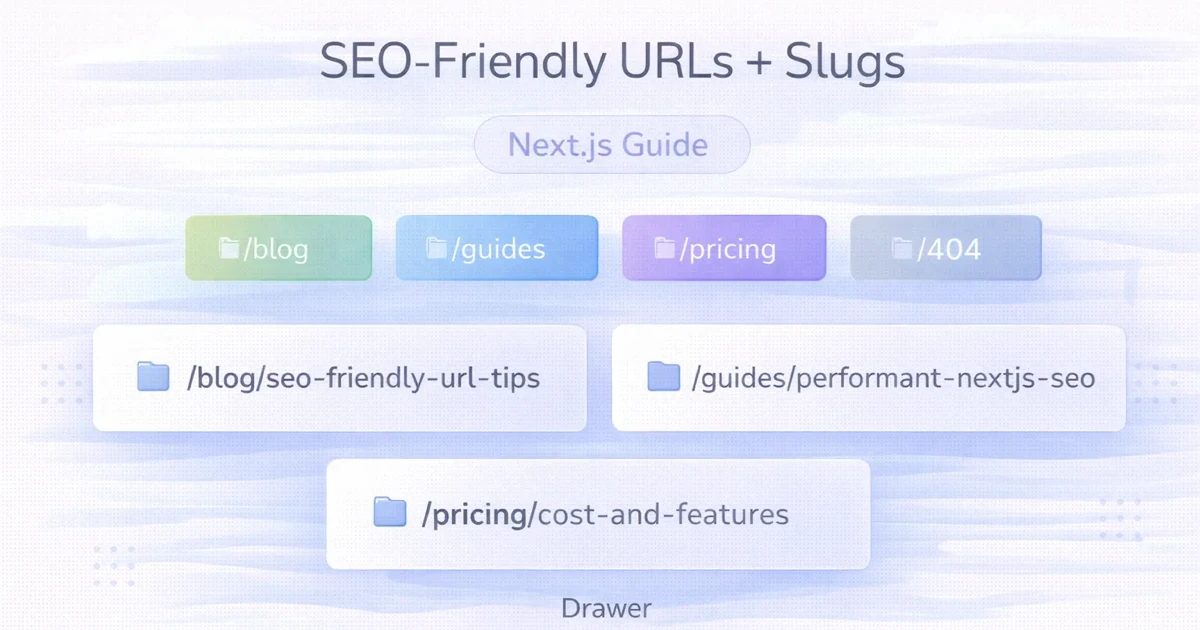
An SEO-friendly URL is readable, stable and connected to one clear piece of content. It should help users understand where a link leads and help the application avoid duplicate route variants.
In Next.js, URL quality depends on more than a slug function. Route folders, content identifiers, canonical metadata, redirects, sitemap generation, internal links and static parameters must agree on the same public URL.
Use:
Google’s current URL structure guidance recommends simple, descriptive URLs, hyphens instead of underscores and as few unnecessary parameters as practical.
Treat a published URL as an identifier, not a decorative label. Changing it can affect:
Use the title for editorial changes and the slug for stable identification. Change a slug only when the migration benefit is worth the redirect and monitoring cost.
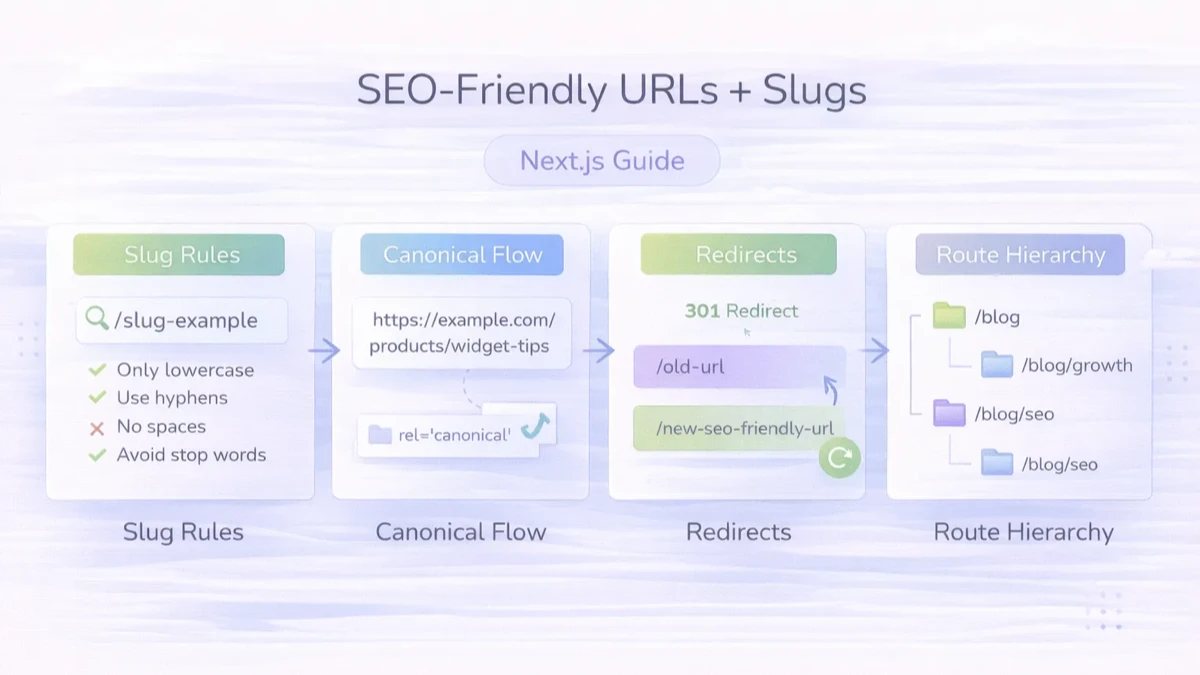
| Rule | Preferred | Avoid |
|---|---|---|
| Case | /blog/inventory-guide | /Blog/Inventory-Guide |
| Separator | /website-cost-india | /website_cost_india |
| Meaning | /services/web-applications | /page?id=42 |
| Length | Essential topic words | Full sentence and repeated categories |
| Dates | Only when useful to identity | Adding a year that forces annual URL changes |
| Characters | Letters, numbers and hyphens | Spaces, punctuation and unencoded reserved characters |
Do not remove words mechanically if the result becomes ambiguous. A concise phrase should still distinguish the page.
A small service website might use:
/
/services
/services/web-applications
/blog
/blog/seo-friendly-urls-slugs-nextjs
/contact
The hierarchy should reflect how users browse the site, but it does not need to encode every category.
Avoid routes such as:
/india/delhi-ncr/delhi/web-development/services/company/bestDeep keyword paths are hard to maintain and can signal an architecture built for queries rather than users.
For a file-based blog, keep the slug in frontmatter:
---
title: "SEO-Friendly URLs and Slugs in Next.js"
slug: "how-to-create-seo-friendly-urls-slugs-nextjs"
---
The parser should validate:
Do not silently publish two posts with the same slug.
Use a slug function for drafts or administrative input, then let an editor approve the public identifier.
export function toSlug(value) {
  return value
    .normalize("NFKD")
    .toLowerCase()
    .trim()
    .replace(/[^a-z0-9\\s-]/g, "")
    .replace(/[\\s_-]+/g, "-")
    .replace(/^-+|-+$/g, "");
}
This example is deliberately conservative and English-oriented. Products serving other languages need transliteration or Unicode rules appropriate to their users. Test empty results, duplicate slugs and very long inputs.
For a blog route at app/blog/[slug]/page.jsx:
export async function generateStaticParams() {
  const posts = await getAllPosts();
  return posts.map((post) => ({ slug: post.slug }));
}

export async function generateMetadata({ params }) {
  const { slug } = await params;
  const post = await getPostBySlug(slug);
  const url = `https://www.example.com/blog/${post.slug}`;

  return {
    title: post.title,
    description: post.metaDescription,
    alternates: { canonical: url },
    openGraph: { url },
  };
}
The page, metadata and structured data should read the same stored slug. Do not derive a second URL from the title inside generateMetadata.
An unknown slug should return a real not-found response:
import { notFound } from "next/navigation";

export default async function BlogPost({ params }) {
  const { slug } = await params;
  const post = await getPostBySlug(slug);

  if (!post) notFound();

  return <Article post={post} />;
}
Avoid serving a generic successful page for every unknown route. Soft 404 behaviour can waste crawl signals and confuse users.
Canonical metadata identifies the preferred URL among duplicate or similar variants. It does not repair a broken route architecture by itself.
For each indexable page:
200;noindex.See the Next.js canonical repair guide for full validation.
When a published slug must change:
Example:
// next.config.js
export default {
  async redirects() {
    return [
      {
        source: "/blog/old-inventory-guide",
        destination: "/blog/inventory-management-guide",
        permanent: true,
      },
    ];
  },
};
For static export or platform hosting, implement the redirect at the hosting layer supported by the deployment.
Choose:
https://www.example.com;Then make redirects, metadata and generated links agree. A redirect from HTTP apex to HTTPS apex and then to HTTPS www creates an avoidable chain. Configure the host layer to reach the final URL directly where possible.
Parameters are legitimate when they change application state, but unmanaged combinations can create many crawlable URLs.
Examples:
/products?category=shoes&sort=price
/search?q=inventory
/blog?page=2
For each parameter, decide:
Do not canonicalise every filtered page to a parent without checking whether the pages serve distinct search intent. Do not place search-result URLs in the sitemap.
Paginated archives should use crawlable links. Each page can self-canonical when it contains a distinct archive slice.
The sitemap does not need every archive page if article URLs are present and the archive remains crawlable. The correct choice depends on architecture and index value.
Common patterns include:
/en/services
/hi/services
Use consistent locale identifiers, translated or audience-appropriate slugs and hreflang where relevant. Do not automatically translate URLs without preserving a stable mapping.
Application links should:
Centralise route helpers when many modules create the same path:
export const blogUrl = (slug) => `/blog/${slug}`;Validate generated links during the build or rendered crawl. The crawlable navigation guide covers discovery.
Generate sitemap URLs from the same records used to create routes:
const baseUrl = "https://www.example.com";

return posts.map((post) => ({
  url: `${baseUrl}/blog/${post.slug}`,
  lastModified: post.lastUpdated ?? post.date,
}));
Reject duplicate slugs before sitemap generation. A sitemap should not contain redirects, non-canonical hosts, noindex pages or missing routes.
A cleaner-looking path is not automatically worth a migration. Existing URLs may already carry search history, internal links, external links, bookmarks and analytics continuity.
Before changing a public slug:
Do not reuse an old slug for unrelated content. If a migration changes many routes, deploy the redirect map with the new pages rather than leaving a period where both versions fail.
For an exported Next.js site, validate the generated files and the hosting redirect layer. Application logic can be correct while a CDN, domain or static-host rule still creates a chain.
Keep the old mappings as durable project knowledge. Removing a redirect merely because Google has recrawled the page can break old links that remain in documents, messages or third-party websites.
The current VASUYASHII blog stores public slugs in MDX frontmatter, generates static parameters from the content inventory and renders final-www canonical, Open Graph and structured-data URLs from the selected post.
The present build contains 616 blog routes and a 636-URL sitemap using https://www.vasuyashii.com. Batch validation checks duplicate sitemap entries, non-www URLs, broken rendered links and target metadata. This is implementation evidence, not a promise that Google will select every declared canonical immediately.
The automatic sitemap update guide explains inventory-driven generation.
Only when the year is part of the page’s durable identity. Otherwise update the content and metadata without forcing annual slug changes.
No. A URL should be concise but still descriptive and distinguishable.
Not mechanically. Remove words only when meaning and readability remain clear.
Yes, but add a relevant permanent redirect, update all signals and monitor the migration.
Use absolute final URLs for canonical metadata.
No. It is one signal. Google evaluates redirects, sitemap, internal links, content and other signals.
Document the final host, route hierarchy, slug ownership and parameter rules before adding more pages. For a Next.js architecture review, contact VASUYASHII.
Related Articles
April 16, 2026
Audit Next.js technical SEO for rendering, metadata, canonicals, sitemap, robots, redirects, structured data, internal links, images, and Core Web Vitals.
Read article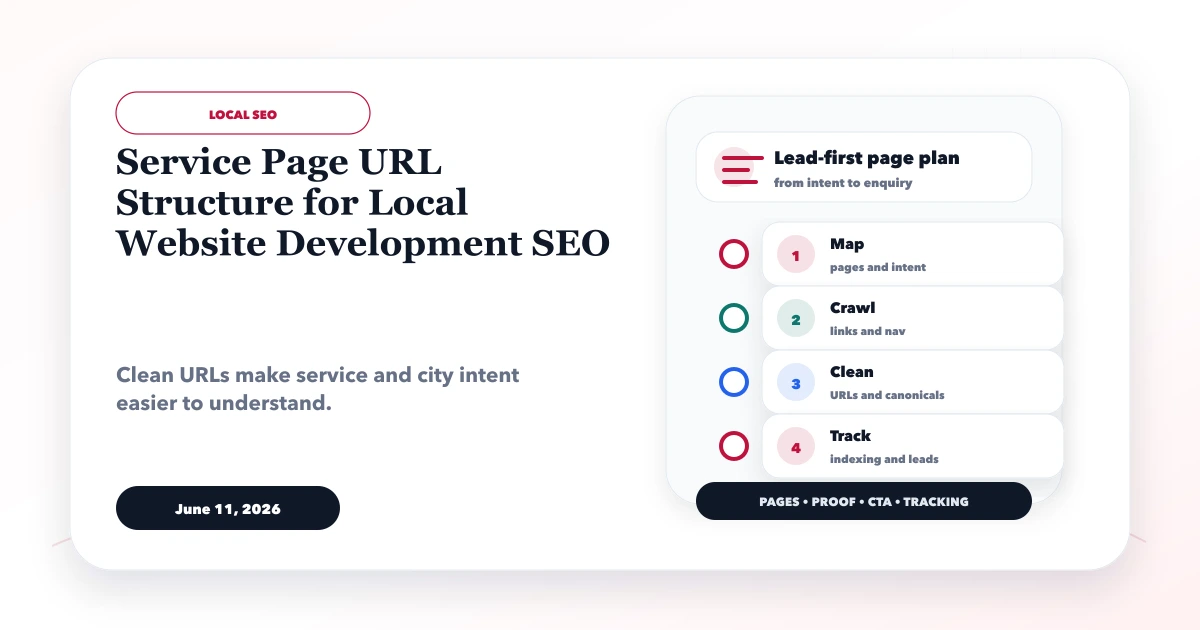
June 11, 2026
Plan stable local service URLs with parent hubs, genuine location pages, self canonicals, direct redirects, crawlable links, and sitemap consistency.
Read article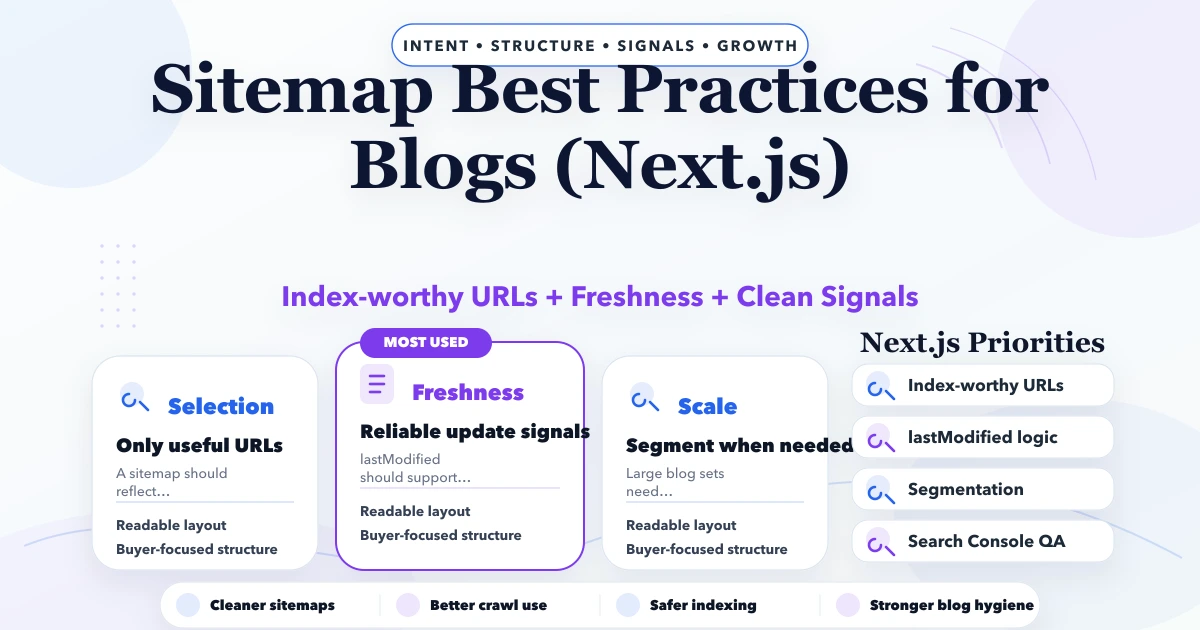
May 3, 2026
Sitemap best practices for blogs in Next.js: URL selection, freshness, segmentation, metadata, and technical SEO guidance for 2026.
Read article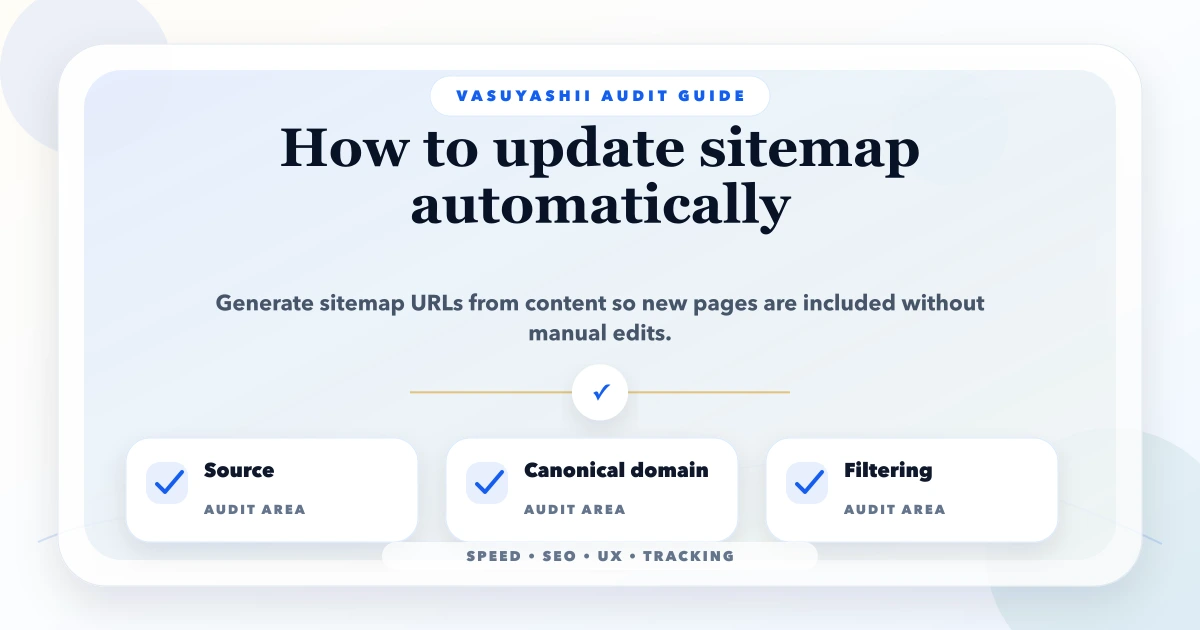
May 13, 2026
update sitemap automatically: practical 2026 audit guide with checklist, pricing, roadmap, mistakes, FAQs, tools, and next steps for Indian SMBs today.
Read article