
April 30, 2026
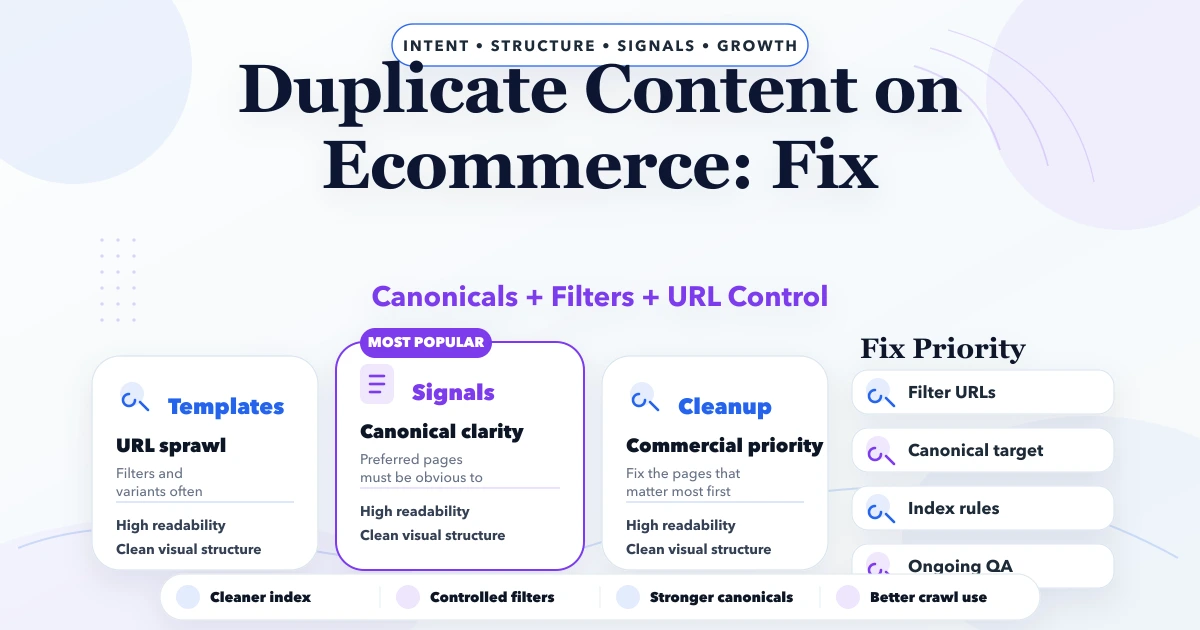
Duplicate Content on Ecommerce: Fix
Duplicate content on ecommerce fix guide with canonicals, filters, product variants, timelines, pricing, and cleanup strategy for stores.
Read articlePublished Updated
Fix Duplicate without user-selected canonical in Next.js by aligning rendered canonicals, redirects, sitemap URLs, internal links, parameters, and final HTML.
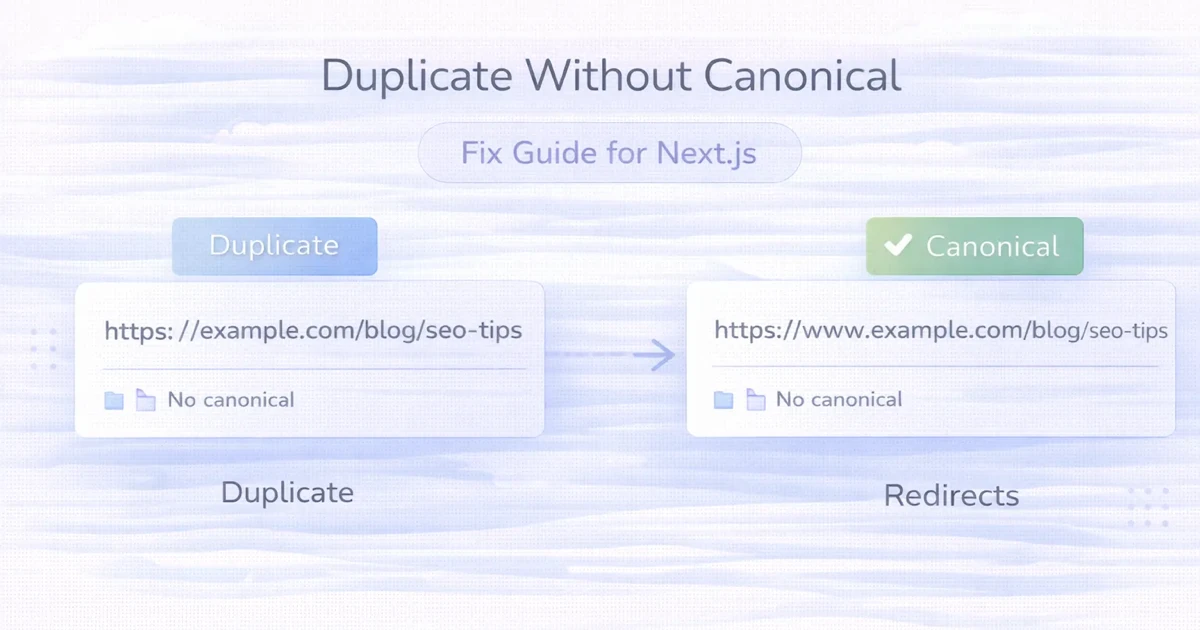
When Google Search Console reports Duplicate without user-selected canonical, Google has found similar URLs but cannot see a sufficiently clear preferred version. In Next.js, the cause is rarely one missing tag alone. The rendered canonical, redirects, sitemap, internal links, route output and page uniqueness must support the same decision.
In Next.js, common variants include HTTP and HTTPS, www and non-www, trailing slashes, query parameters, old slugs, duplicate route files and preview deployments.
Use this guide when the GSC issue already exists and you need to diagnose the affected URL family. For prevention before launch, use the separate Next.js duplicate-canonical prevention guide.
Use this order:
Canonicalisation signals are not a substitute for unique content.
Start with the exact URL listed in Search Console and classify why Google considers it a duplicate. The label describes Google's observation; it does not prove that adding a canonical tag is always the correct fix.
| What the affected URL represents | Correct direction | Verification evidence |
|---|---|---|
| HTTP, non-www, old slug or retired route | Direct permanent redirect to the final URL | One redirect hop; destination returns 200 |
| Tracking or sorting parameter showing the same primary content | Canonical to the clean URL and remove parameter links where possible | Parameter URL stays out of sitemap and internal navigation |
| Useful page with genuinely different intent | Keep it indexable and make it self-canonical | Unique first-fold copy, headings, internal anchors and supporting evidence |
| Accidental duplicate route or copied archive page | Consolidate or remove the duplicate route | Only the preferred URL remains discoverable |
| Declared canonical exists but Google selects another page | Strengthen content distinction and all canonical signals | User-declared and Google-selected canonical converge after recrawl |
In URL Inspection, record the user-declared canonical, Google-selected canonical, last crawl and referring sitemap before changing anything. After deployment, inspect the rendered HTML and response chain again. This prevents a content problem from being treated as a metadata-only problem.
Google describes canonicalisation as selecting one representative URL from a set of duplicate or very similar pages. Google may choose a different canonical from the one declared by a site because canonical annotations are signals, not absolute rules.
Google’s current guidance lists:
rel="canonical" as a strong signal;Signals can reinforce one another. See Google’s official canonical URL guidance.
http://example.com/pagehttps://example.com/pagehttps://www.example.com/pageChoose one final HTTPS host and redirect the rest directly.
/services/services/Configure one sitewide pattern. Do not let both serve separate 200 pages.
/products?sort=price/products?utm_source=email/blog?category=seoSome variants are useful states; others do not need independent indexing.
When a slug changes, the old URL may remain accessible through a route, host rule or stale static file.
/Blog/Guide/blog/guideURL paths can be case-sensitive depending on hosting.
An App Router page and legacy route may expose similar content. Temporary migration files can also remain.
Staging or Vercel preview domains should not compete with the production domain. Protect, noindex or otherwise control them according to deployment needs.
These require deliberate alternate/canonical logic. Do not point a genuinely different language page to an English canonical.
Search Console labels describe different observations:
| GSC label | Meaning to investigate |
|---|---|
| Duplicate without user-selected canonical | Similar pages found, no clear declaration |
| Duplicate, Google chose different canonical | Declared preference did not win |
| Alternate page with proper canonical | Alternate may be intentionally consolidated |
| Page with redirect | Source URL redirects; usually not indexable itself |
| Redirect error | Google could not follow the redirect reliably |
Do not force every alternate to index. First decide whether the alternate has unique value.
Create a table:
| Variant | Status | Canonical | In sitemap? | Internal links | Action |
|---|---|---|---|---|---|
| Final URL | 200 | Self | Yes | Primary | Keep |
| Non-www | 308 | Target | No | 0 | Redirect |
| HTTP | 308 | Target | No | 0 | Redirect |
| Old slug | 308 | Target | No | 0 | Redirect |
| Tracking parameter | 200 | Final URL | No | Avoid | Retain only if needed |
Test the response without relying on browser address-bar behaviour.
A preferred URL should:
robots.txt;noindex.Do not canonicalise a useful page to an unrelated parent merely to reduce URL count.
Use a permanent server-side redirect for a permanent move. Google recommends permanent server-side redirects where possible and treats them as a canonical signal. See Redirects and Google Search.
Requirements:
200;For the App Router, define a final production metadataBase and route-specific canonical.
export const metadata = {
  metadataBase: new URL("https://www.example.com"),
  alternates: {
    canonical: "/services/web-applications",
  },
  openGraph: {
    url: "/services/web-applications",
  },
};
For dynamic posts:
export async function generateMetadata({ params }) {
  const { slug } = await params;
  const canonicalPath = `/blog/${slug}`;

  return {
    alternates: { canonical: canonicalPath },
    openGraph: { url: canonicalPath },
  };
}
Validate the actual rendered/exported HTML. Source code that looks correct may still receive an incorrect slug or environment base.
Include:
200 indexable URLs;Exclude:
noindex pages;The sitemap does not override conflicting redirects or canonicals.
Every template and content source should link directly to the preferred URL:
Internal links to a redirect source create unnecessary crawling and weaken consistency.
Classify parameters:
| Parameter type | Example | Usual handling |
|---|---|---|
| Tracking | utm_source | Canonical to clean URL |
| Sort | sort=price | Usually canonical to base |
| Filter with no unique demand | color=blue | Avoid indexable combinations |
| Pagination | page=2 | Usually self-canonical if useful |
| Search result | q=term | Often noindex, case-dependent |
| Essential product state | variant ID | Product-specific decision |
Do not apply one rule to every parameter.
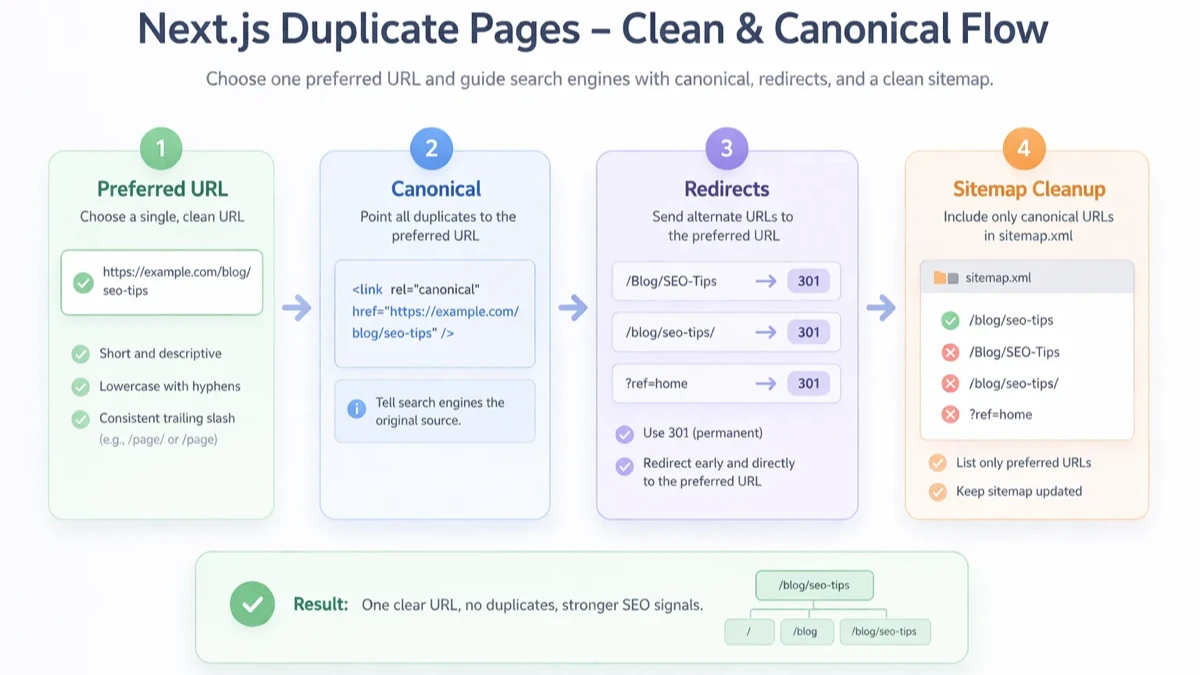
For an indexable page, align:
og:url;url in WebPage or Article;mainEntityOfPage;Structured data does not select canonical by itself, but contradictions create avoidable uncertainty.
404 or redirect.noindex on the canonical target.Use for duplicate or very similar pages that need to remain accessible.
Use when the old URL should no longer be a destination.
Use when a page may remain accessible but should not appear in search. It is not a canonical-selection tool.
Use 404 or 410 when content is intentionally gone and no relevant replacement exists.
After next build:
sitemap.xml;VASUYASHII uses https://www.vasuyashii.com as the final canonical base. The current local production export generates 636 unique sitemap URLs with no non-www entries.
Content batches preserve existing slugs and validate generated canonical, Open Graph and structured-data URLs. Retired project and portfolio URLs are handled as redirect utilities rather than sitemap content.
This is current implementation evidence. It does not guarantee Google will instantly recrawl or select every declared canonical.
Production redirect behaviour must still be checked after deployment because DNS, hosting and platform rules sit outside the generated Next.js HTML.
200.noindex.No. It is a strong signal, but Google considers multiple signals and page usefulness.
Redirect when the alternate no longer needs to remain accessible. Use canonical when the alternate serves a legitimate user purpose.
No. Some represent meaningful content or pagination. Classify parameters before applying rules.
Usually no when page two contains distinct list items and remains a useful crawlable archive. It can self-canonical.
Only if they are true duplicates and users should reach the main page. Unique city pages should not point to an unrelated location.
Timing depends on recrawl and processing. Validate production signals first and avoid repeated changes.
Use direct redirects as well. Align canonical, sitemap and internal links with the final host.
Only when the homepage is genuinely the closest replacement, which is uncommon. Use a relevant target or return a proper missing status.
For a Next.js canonical, redirect or sitemap review, explore web application development, SEO-oriented web development or share the affected URL variants.
Related Articles
April 30, 2026
Duplicate content on ecommerce fix guide with canonicals, filters, product variants, timelines, pricing, and cleanup strategy for stores.
Read article
March 30, 2026
How to fix Discovered - Currently Not Indexed in GSC: practical checks, crawl issues, content fixes, and what actually helps in 2026.
Read article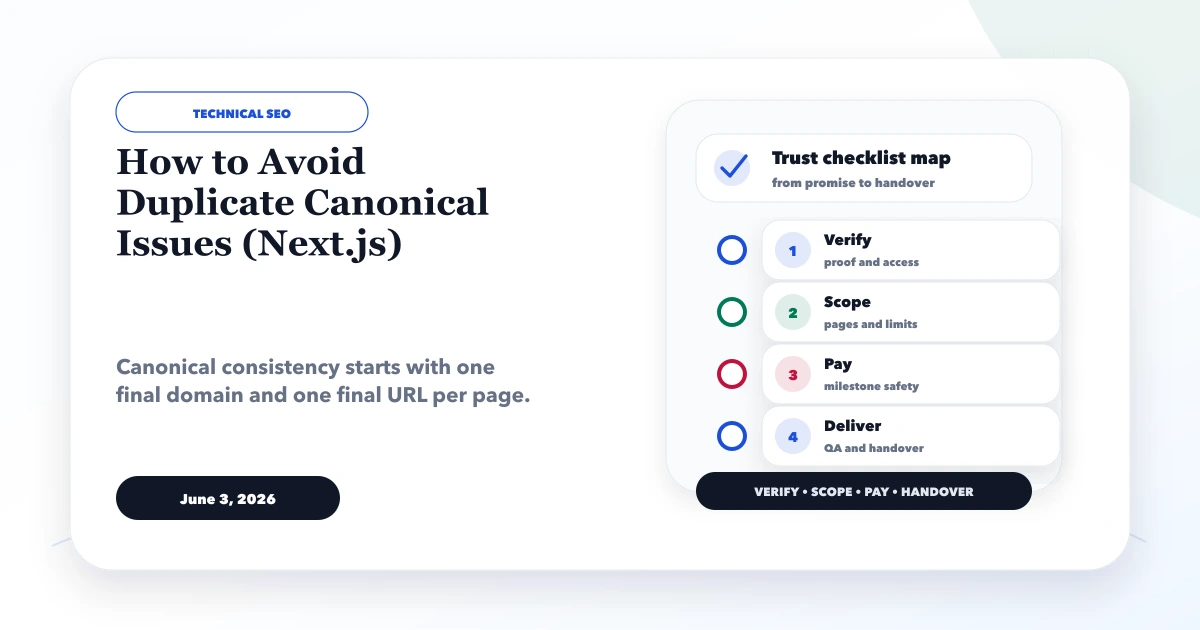
June 3, 2026
How to avoid duplicate canonical issues in Next.js with metadataBase, canonical URLs, sitemap, redirects, www consistency, and QA checks.
Read article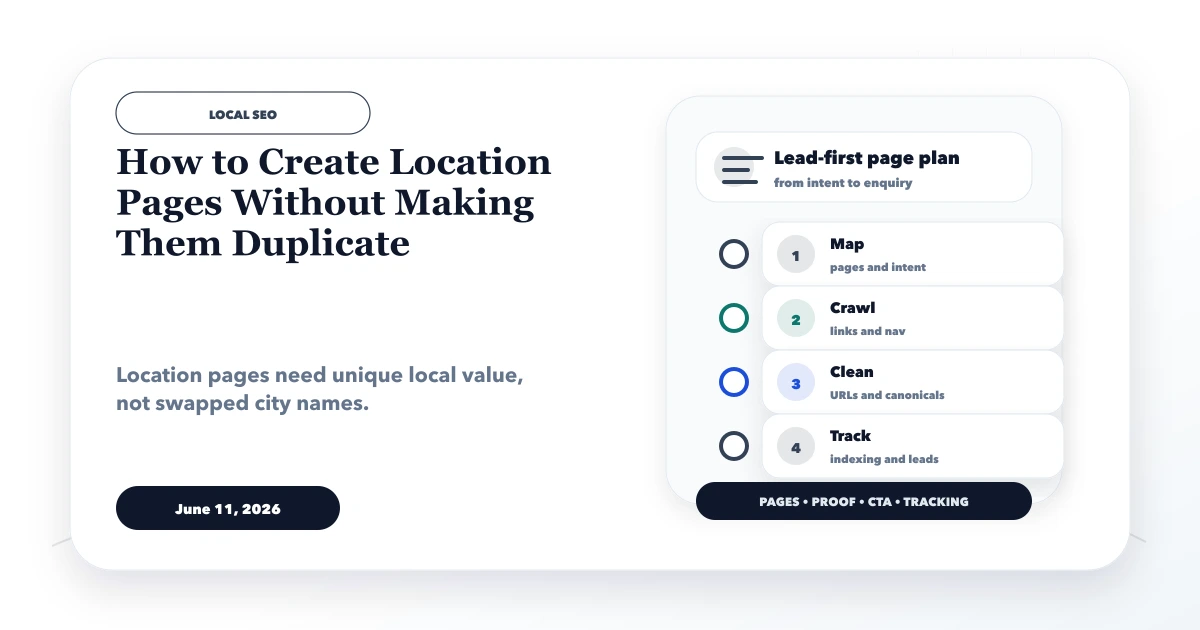
June 11, 2026
How to create location pages without duplicate content using unique local intent, services, proof, FAQs, internal links, and canonical checklist.
Read article