
April 29, 2026
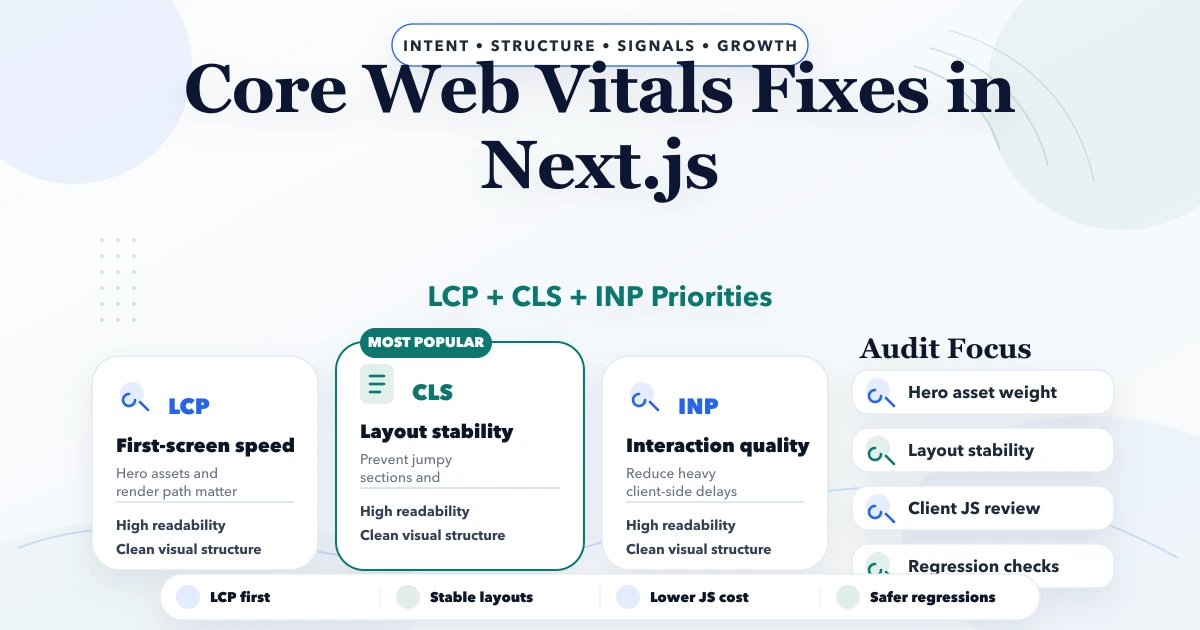
Core Web Vitals Fixes in Next.js
Core Web Vitals fixes in Next.js with LCP, CLS, INP, image, script, and layout guidance plus pricing and rollout advice for 2026.
Read articlePublished Updated
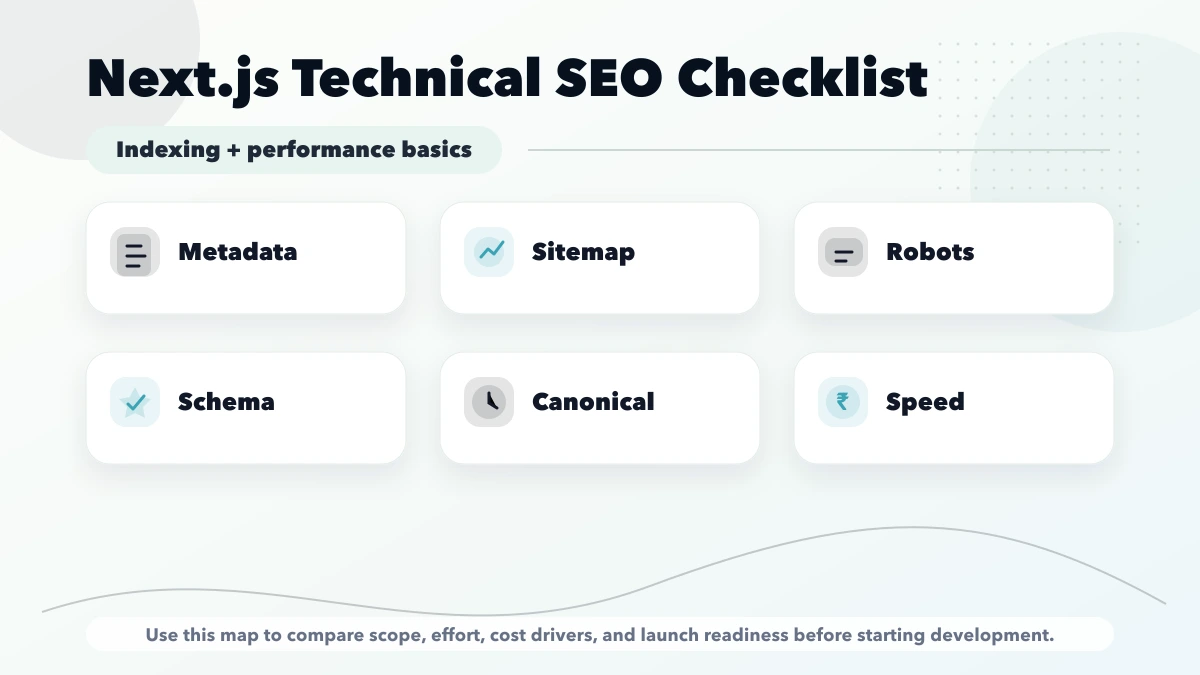
Audit Next.js technical SEO for rendering, metadata, canonicals, sitemap, robots, redirects, structured data, internal links, images, and Core Web Vitals.
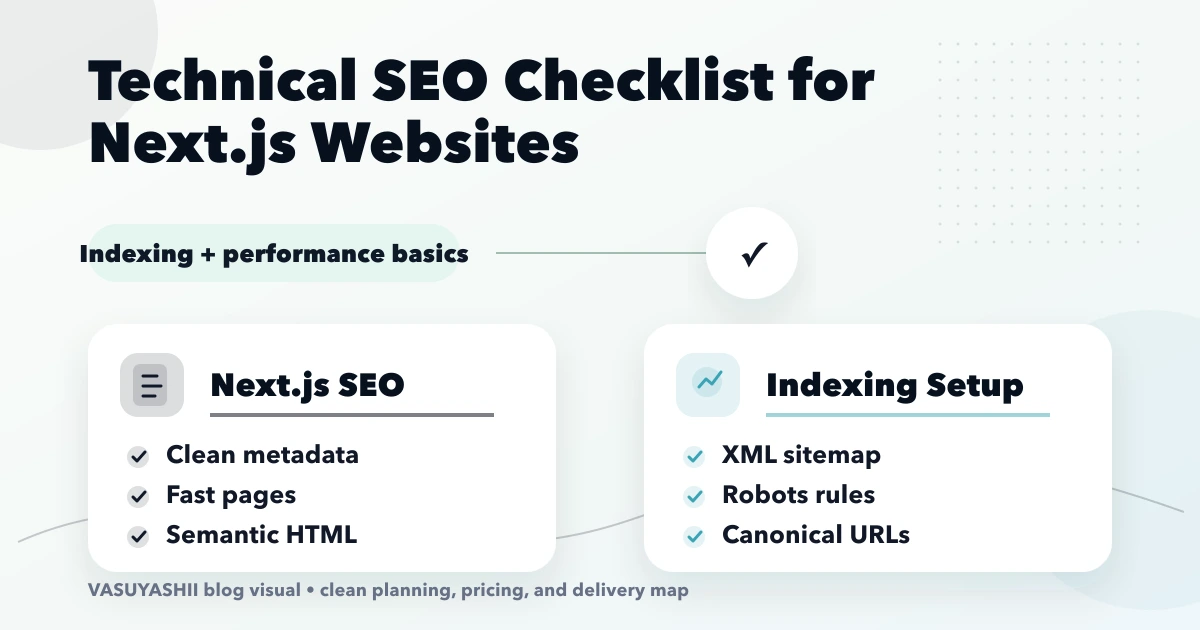
technical SEO checklist for Next.js websites is important for Next.js website owners, developers, and marketing teams who want crawlable, fast, indexable pages. A technical SEO checklist for Next.js websites should cover metadata, sitemap, robots, canonicals, rendering, speed, images, and structured data. This guide is for teams using Next.js for business websites, blogs, service pages, or landing pages. This guide is written for Indian SMB owners who want practical scope, cost, timeline, and decision clarity without generic theory.
By Tushar C. (Founder, VASUYASHII). Reviewed by VASUYASHII Editorial for practical scope, pricing, implementation clarity, and local business relevance.
Editorial note: Next.js sitemap and robots guidance was cross-checked against official Next.js documentation.
| Scope | Typical range |
|---|---|
| Technical SEO audit | ₹15,000 to ₹40,000 |
| Next.js SEO fixes | ₹40,000 to ₹1.2 lakh |
| Full SEO architecture cleanup | ₹1.2 lakh to ₹3 lakh+ |
Open the page source or exported HTML and confirm that the unique title, description, canonical, H1, primary copy, and important internal links exist without waiting for a client-side API call. Interactive widgets can hydrate later, but the information Google needs to understand the page should be present in the initial HTML.
For dynamic routes, verify that every intended slug is generated, returns 200, and has self-referencing metadata. A page should not be placed in the sitemap simply because a database record exists; drafts, empty templates, demos, and duplicate filters need an explicit indexing rule.
Choose one final protocol and hostname, then use it consistently in metadataBase, canonical metadata, Open Graph URL, structured data, sitemap entries, and internal absolute links. Test HTTP, HTTPS, www, and non-www variants with redirect following enabled.
The preferred result is one redirect to the final URL. Canonical tags do not replace redirects for host consolidation, and redirected URLs should not remain in the sitemap.
og:url, and schema URL.After deployment, inspect a small set of money pages and support articles in Search Console. Do not mass-request indexing for hundreds of weak or duplicated URLs.
Use field data for LCP, INP, and CLS when available. Lighthouse and lab tests help reproduce problems but cannot replace real-user INP. Identify the actual LCP element, reserve media dimensions, keep the primary heading visible on first paint, and reduce client JavaScript that runs before interaction.
Track changes against a baseline. A design change that looks polished but delays the hero, shifts content, or adds long tasks should be treated as a performance regression.
For implementation help, see web application development and Website Development Delhi NCR.
Serving Delhi NCR and nearby business regions including Ghaziabad, Noida, Delhi, Gurugram, Faridabad, and surrounding localities.
If this topic is part of your current business plan, start with a scoped phase-one version. That keeps cost controlled and makes the next decision based on real usage instead of assumptions.
Use the schema types for service business websites guide to select accurate entities. Then follow the Next.js JSON-LD guide for MDX blogs to generate, safely serialize and validate the final script. Verify canonical URLs, visible entity facts, JSON-LD parsing, Google feature eligibility, author data, dates, breadcrumbs and FAQ expectations.
Start with a short discovery checklist that defines users, workflow, required outputs, and success metric.
Yes. A phased build is usually safer because it keeps cost and adoption under control.
Avoid building too many advanced features before the core workflow is tested with real users.
Compare exact deliverables, timeline, ownership, support, and reporting instead of only the final price.
No. Custom development is useful when workflow, roles, reports, or integrations are specific to your business.
Yes, if the first phase is scoped around one clear business problem.
If you want a practical build plan instead of generic package labels, share your requirement and we will map the scope, timeline, and first phase clearly.
Related Articles
April 29, 2026
Core Web Vitals fixes in Next.js with LCP, CLS, INP, image, script, and layout guidance plus pricing and rollout advice for 2026.
Read article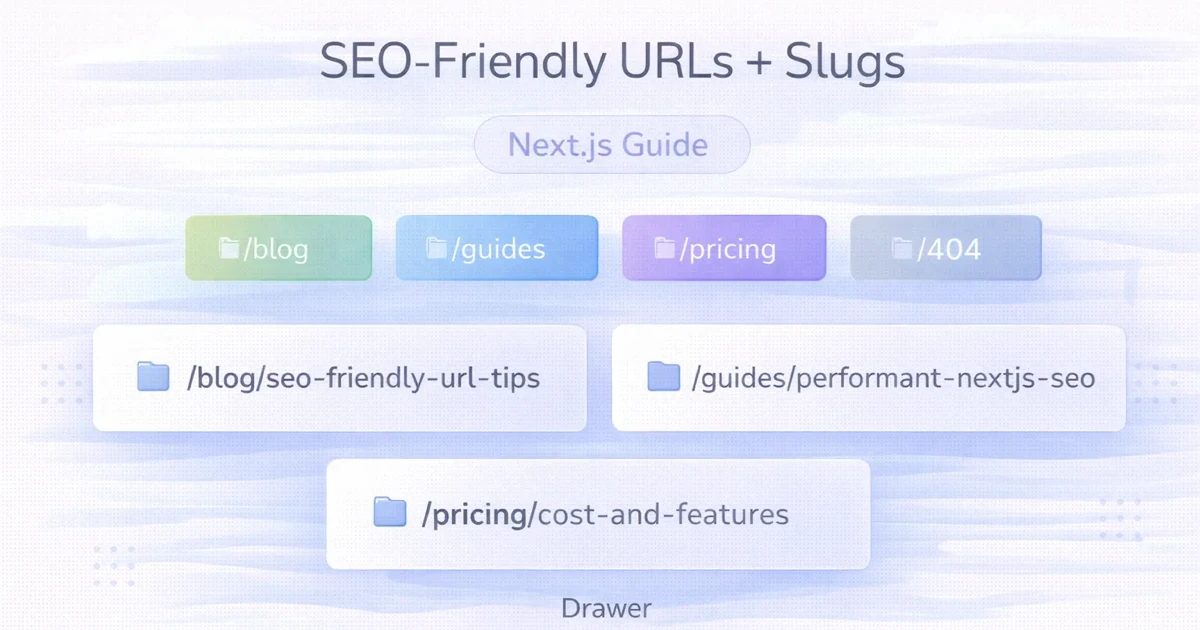
April 2, 2026
Create durable SEO-friendly URLs in Next.js with readable slugs, stable route rules, canonical metadata, redirects, parameter control and build validation.
Read article
May 13, 2026
Fix CLS in Next.js by reserving space for images, fonts, embeds, banners, async content, and animations, then validate changes with lab and field data.
Read article
May 10, 2026
Audit a service website across indexing, intent, content, internal links, local signals, performance, schema, lead tracking, and evidence-based priorities.
Read article