
May 3, 2026
Sitemap Best Practices for Blogs (Next.js)
Sitemap best practices for blogs in Next.js: URL selection, freshness, segmentation, metadata, and technical SEO guidance for 2026.
Read articlePublished Updated
Learn how to add safe JSON-LD schema to Next.js MDX blogs with matching canonicals, authors, dates, images, escaping, validation, and build checks.
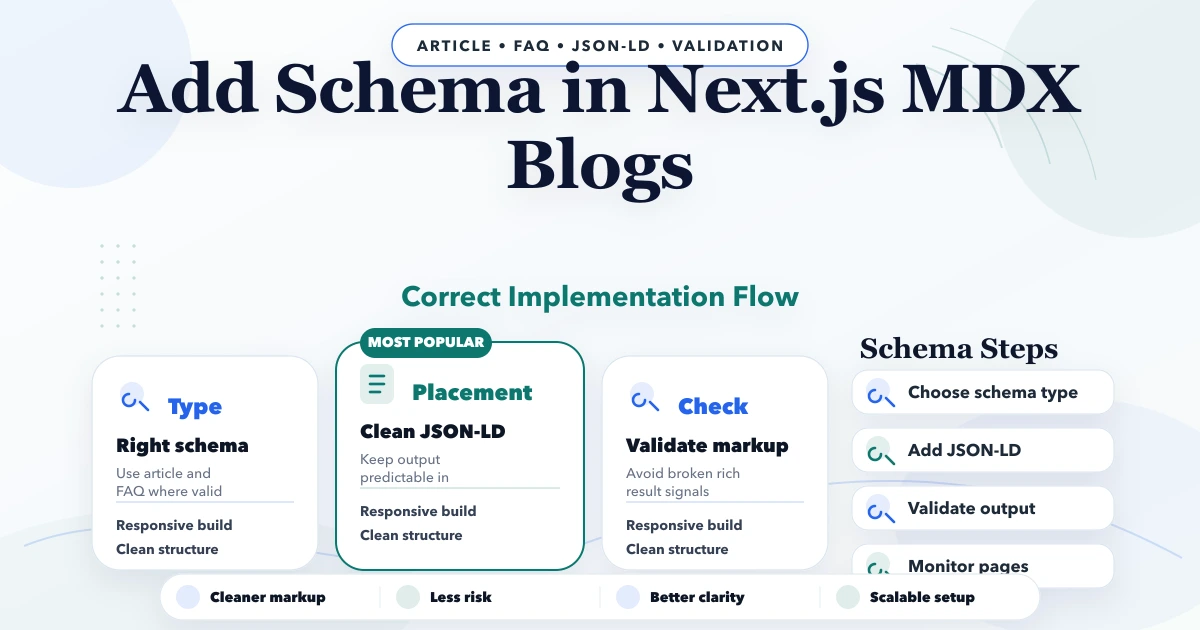
A safe Next.js JSON-LD implementation for MDX blogs generates one accurate BlogPosting or Article object from the same validated post data used for the visible page. The structured data URL, canonical, Open Graph URL, dates, author, headline, description, and image should agree. Serialize the object safely before placing it inside a script element, and do not create markup for reviews, FAQs, prices, authors, or business claims that are absent or unverifiable on the page.
This guide covers the implementation layer for a file-based App Router blog: data normalization, safe serialization, dynamic routes, validation, and generated-HTML checks. If you are still deciding which schema types match a service website, use the service-business schema selection guide first.
By Tushar C. (Founder, VASUYASHII). Reviewed by VASUYASHII Editorial against the current Next.js App Router and Google Search structured-data guidance available on September 17, 2026. Adapt code to your project's Next.js version, content parser, TypeScript rules, and deployment model.
Use this pipeline:
Person or Organization entity;< characters during serialization;Google recommends JSON-LD for most implementations, but valid markup does not guarantee a rich result. The structured data must represent visible page content and follow the relevant feature guidelines.
< with \u003c in Next.js JSON-LD?JSON.stringify() creates valid JSON, but JSON embedded inside an HTML <script> element also crosses an HTML parsing boundary. A less-than character from an untrusted title or description can begin HTML-like content and, in a dangerous payload, contribute to closing the script element.
For controlled MDX content, the minimum Next.js pattern is:
const safeJsonLd = JSON.stringify(jsonLd).replace(/</g, "\\u003c")

<script
  type="application/ld+json"
  dangerouslySetInnerHTML={{ __html: safeJsonLd }}
/>
Replacing < with its JSON Unicode escape preserves the value after parsing while preventing a literal less-than character from entering the script payload. This is an output-safety step, not schema validation. If untrusted users can edit the data, review a dedicated serializer, validation, Content Security Policy and the application's wider injection model.
The official Next.js JSON-LD guide documents this escaping concern. After rendering, parse the emitted script with JSON.parse and confirm the resulting object still contains the expected headline, URLs, author, dates and image.
Structured data gives machines explicit clues about a page and its entities. For a blog post, it can clarify the article headline, author, dates, publisher, primary image, and canonical page. It does not replace:
Google's general structured data guidelines state that markup should be original, relevant, visible to readers, accurate, and not misleading. A technically valid JSON object can still be ineligible if it describes content that the page does not show.
For a standard company blog, BlogPosting is usually a sensible specific type. Article is also valid for general editorial content. NewsArticle should not be used merely because a post has a date; it is intended for news content and has its own expectations.
Use one primary article object per post. Add other types only when they describe a real, visible entity or feature. For example, an Organization publisher or Person author can be nested or referenced. Avoid adding Product, Review, LocalBusiness, or FAQPage simply to chase rich results.
Do not build JSON-LD directly from unvalidated strings. Define the fields your blog parser guarantees:
type BlogPost = {
  title: string
  slug: string
  date: string
  lastUpdated?: string
  metaDescription: string
  author: string
  coverImage: string
}
Validation should reject or report:
If a required value is missing, it is better to fail the content check than publish invented schema defaults.
The site origin should come from one trusted constant or configuration. Normalize extra slashes and never derive the public canonical from an untrusted request host.
const SITE_URL = "https://www.example.com"

function blogUrl(slug: string) {
  return `${SITE_URL}/blog/${encodeURIComponent(slug)}`
}

function absoluteUrl(pathOrUrl: string) {
  return pathOrUrl.startsWith("http")
    ? pathOrUrl
    : new URL(pathOrUrl, SITE_URL).toString()
}
The same helper should feed:
alternates.canonical;openGraph.url;url;mainEntityOfPage.@id; andNext.js documents metadataBase as a way to resolve relative metadata URLs. Its current generateMetadata reference also notes that nested metadata objects such as openGraph are shallowly replaced by later route segments. When a blog route sets Open Graph data, include every field that page needs rather than assuming all nested parent fields will merge.
Keep the builder pure so it can be tested without rendering a React page:
function buildBlogPosting(post: BlogPost) {
  const url = blogUrl(post.slug)

  return {
    "@context": "https://schema.org",
    "@type": "BlogPosting",
    headline: post.title,
    description: post.metaDescription,
    image: [absoluteUrl(post.coverImage)],
    datePublished: post.date,
    dateModified: post.lastUpdated || post.date,
    mainEntityOfPage: {
      "@type": "WebPage",
      "@id": url,
    },
    url,
    author: {
      "@type": "Person",
      name: "Verified Author Name",
      url: `${SITE_URL}/authors/verified-author`,
    },
    publisher: {
      "@type": "Organization",
      name: "Example Company",
      url: SITE_URL,
      logo: {
        "@type": "ImageObject",
        url: `${SITE_URL}/logo.png`,
      },
    },
  }
}
Google's current Article structured data guide recommends connecting visible authors to useful author URLs and using the correct Person or Organization type. Do not put text such as "Written by" inside the author name. The visible byline and JSON-LD author should match.
The current Next.js JSON-LD guide recommends rendering a script in a page or layout. It also warns that plain JSON.stringify does not sanitize malicious strings. At minimum, replace < with its Unicode escape so content cannot close the script element.
function serializeJsonLd(value: unknown) {
  return JSON.stringify(value).replace(/</g, "\\u003c")
}

export default async function BlogPage({ params }: BlogPageProps) {
  const { slug } = await params
  const post = getPostBySlug(slug)
  const jsonLd = buildBlogPosting(post)

  return (
    <>
      <script
        type="application/ld+json"
        dangerouslySetInnerHTML={{ __html: serializeJsonLd(jsonLd) }}
      />
      <article>{/* Render the visible MDX article here. */}</article>
    </>
  )
}
If frontmatter or MDX content can be edited by untrusted users, review a stronger serialization approach and your application's complete content-security model. Do not assume a static-looking content field is safe forever.
Generate metadata from the same post record:
export async function generateMetadata({ params }: BlogPageProps) {
  const { slug } = await params
  const post = getPostBySlug(slug)
  const url = blogUrl(post.slug)
  const image = absoluteUrl(post.coverImage)

  return {
    title: post.title,
    description: post.metaDescription,
    alternates: { canonical: url },
    openGraph: {
      type: "article",
      url,
      title: post.title,
      description: post.metaDescription,
      images: [{ url: image, alt: post.title }],
      publishedTime: post.date,
      modifiedTime: post.lastUpdated || post.date,
    },
  }
}
Do not create a second title or description specifically for schema unless there is a documented reason. Multiple independently maintained values drift over time.
datePublished should represent the original publication date. dateModified should change when the page receives a meaningful content update, not when a build runs or whitespace changes.
A safe content workflow preserves the original date, updates lastUpdated after substantive editing, displays both dates where useful, updates structured data, and supplies an accurate sitemap modification date. Fake freshness can damage trust and makes audits unreliable.
Use an ISO-compatible date value and one timezone policy across content, metadata, schema, and sitemap generation.
Article images should be relevant, crawlable, indexable, and available at absolute URLs in structured data. Validate that each cover exists in the static output and has useful visible alt text. Do not point schema at a missing social image or a private storage URL.
Publisher data should use the real brand name, final canonical URL, and a stable logo. If the logo changes, update the source helper rather than editing hundreds of posts.
Visible FAQs can improve usability, but do not automatically add FAQPage schema to every article. Google limits FAQ rich-result eligibility and may change supported appearances. Even when markup is technically allowed, every question and answer must be visible and accurately represented.
For most business blogs, a clean BlogPosting plus visible question-and-answer sections is sufficient. Use the markup type that matches the page's primary purpose.
Allowing every author to paste raw JSON-LD creates duplicate scripts, invalid syntax, inconsistent domains, and security risk. Generate schema centrally from structured frontmatter.
Client-side window.location makes schema dependent on hydration and can preserve query strings or the wrong domain. Build the canonical on the server from trusted route data.
A layout plugin, page component, and MDX body may each add Article schema. Inspect the final HTML and keep one authoritative object unless multiple articles are genuinely present.
Do not add ratings, reviews, prices, FAQs, credentials, or organizations that the user cannot verify in the visible page. Google's guidelines require markup to represent the page.
A successful development page does not prove the exported HTML is correct. Build the site and inspect the generated artifact for every selected sample.
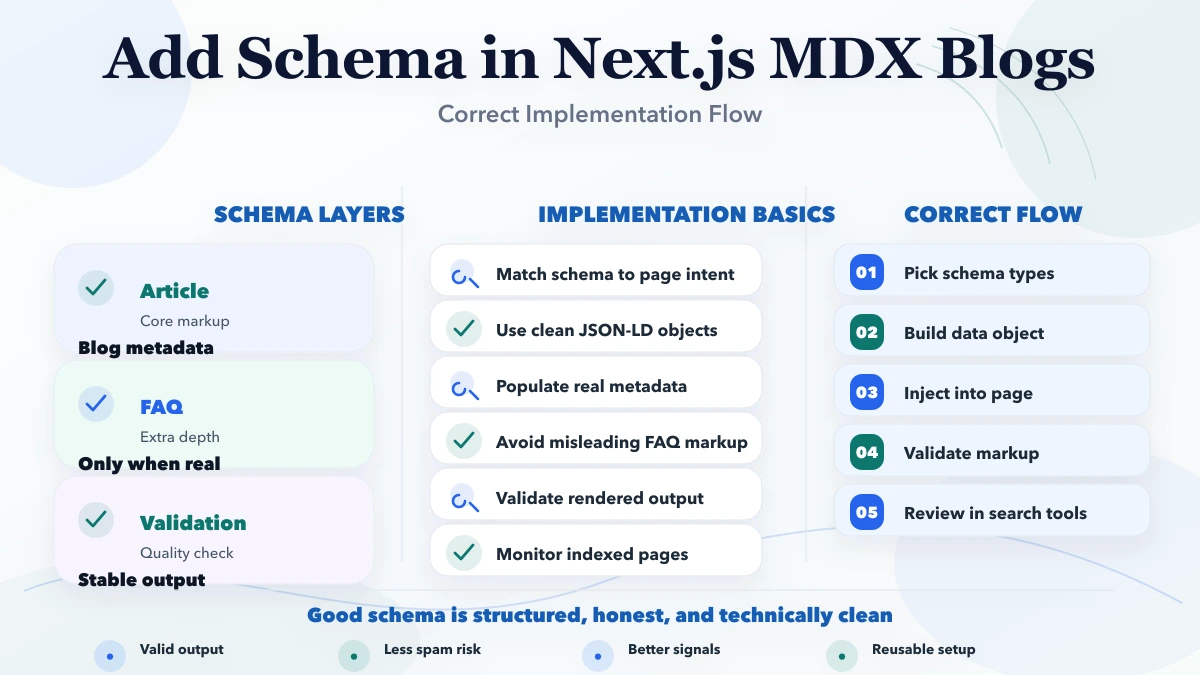
For every post, validate:
mainEntityOfPage equal canonical;dateModified is not earlier than datePublished;noindex appears on an indexable post.A small validation script can parse generated HTML, extract each JSON-LD script, run JSON.parse, and compare URLs. This catches errors that source-level tests miss.
Google says structured data can enable a search feature but does not guarantee display. Measure clean validation and accurate entity understanding, not only whether a rich result appears.
Current VASUYASHII blog implementation derives canonical, Open Graph, and article schema data from parsed content and the final https://www.vasuyashii.com domain. Content refreshes preserve public slugs and original dates, update modification dates only after meaningful changes, and validate generated output after a production build.
Related implementation guides include duplicate-without-canonical fixes in Next.js, duplicate canonical issues, automatic sitemap updates, SEO-friendly URL slugs, and technical website audits.
For implementation support, review web application development, custom software services, and integration services.
Use the schema types for service business websites guide to decide when Organization, LocalBusiness, Service, BreadcrumbList, BlogPosting and FAQPage are accurate, Google-supported, visible, and worth maintaining.
Store clean source fields such as title, dates, author, description, and image in frontmatter. Generate the JSON-LD centrally. Raw schema in each file is harder to validate and maintain.
BlogPosting better than Article?Both can describe editorial content. BlogPosting is a more specific type for a blog post. Choose the type that accurately represents the page and follow Google's Article guidance.
It can appear after client rendering, but a server-rendered page or layout is usually simpler and more reliable for static or server output. Keep content and metadata generation near the route's trusted data source.
< during JSON serialization?Untrusted text containing HTML-like content could otherwise interfere with the script element. Next.js explicitly warns about this risk in its JSON-LD guide. Review stronger sanitization when content is not fully trusted.
No. Add only markup that accurately matches visible content and a supported use case. FAQ sections can still help readers without FAQ structured data.
Inspect the final generated HTML, count application/ld+json scripts, parse their @type values, and identify multiple Article or BlogPosting objects describing the same page.
Structured data can help search engines understand content and can enable supported search features. It is not a direct guarantee of ranking improvement or rich-result display.
Audit one generated blog page from source to deployment. Compare the visible byline, dates, image, canonical, Open Graph URL, and JSON-LD values. Once that pattern is correct, automate the same checks for the full content library.
For the wider crawl, canonical, internal-link, and service-page structure, use the local SEO and website search hub.
Related Articles
May 3, 2026
Sitemap best practices for blogs in Next.js: URL selection, freshness, segmentation, metadata, and technical SEO guidance for 2026.
Read article
May 13, 2026
Choose accurate service-business schema: Organization, LocalBusiness, BreadcrumbList, Article and Service, with eligibility, testing, and audit rules.
Read article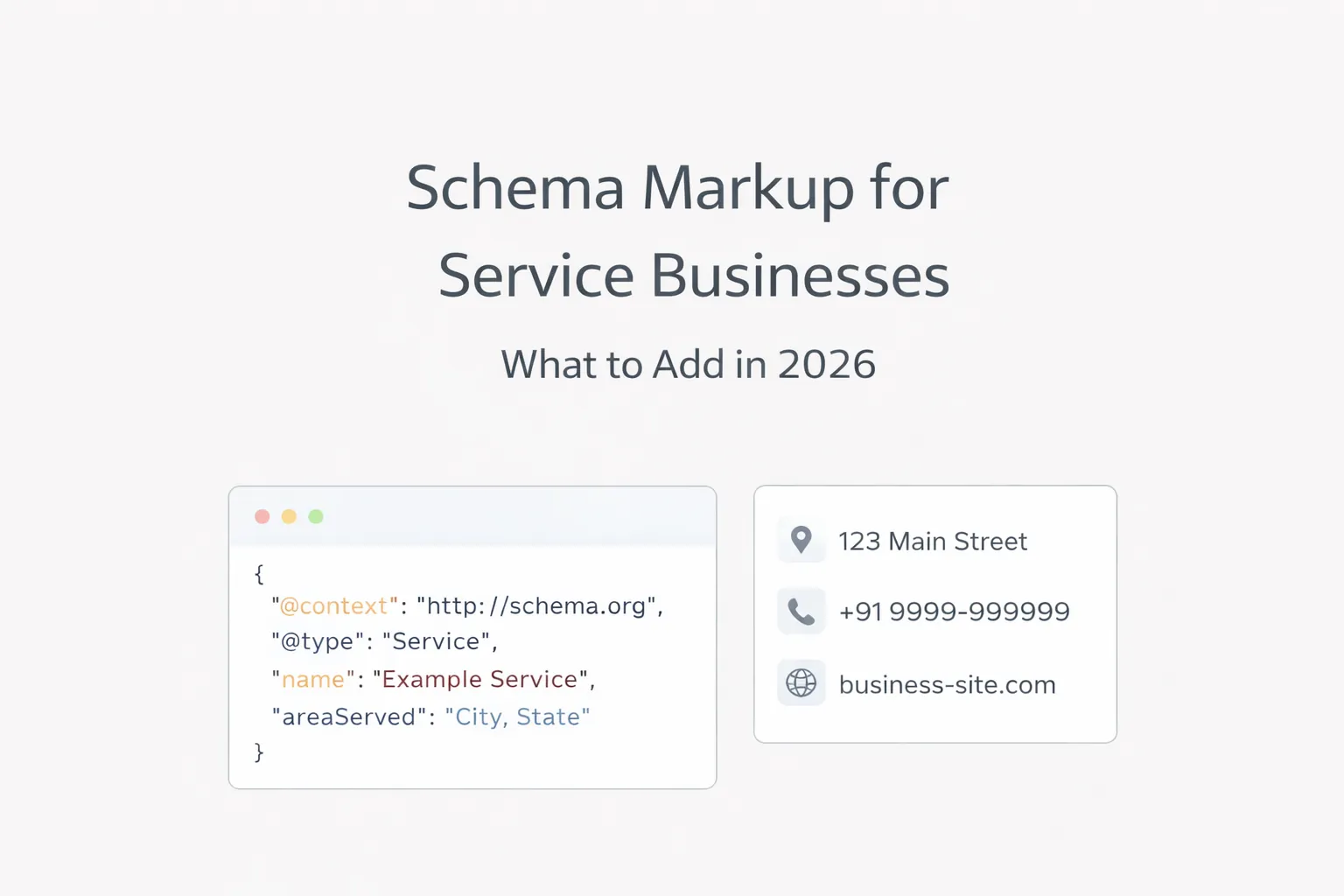
March 30, 2026
Choose valid schema for service websites using Organization, LocalBusiness, Service, Breadcrumb, Article and page-specific structured data without spam.
Read article
May 13, 2026
Build crawlable latest-blog links with stable dates, relevance, pagination, deduplication, meaningful anchors, hub support, and automated validation.
Read article