
April 22, 2026
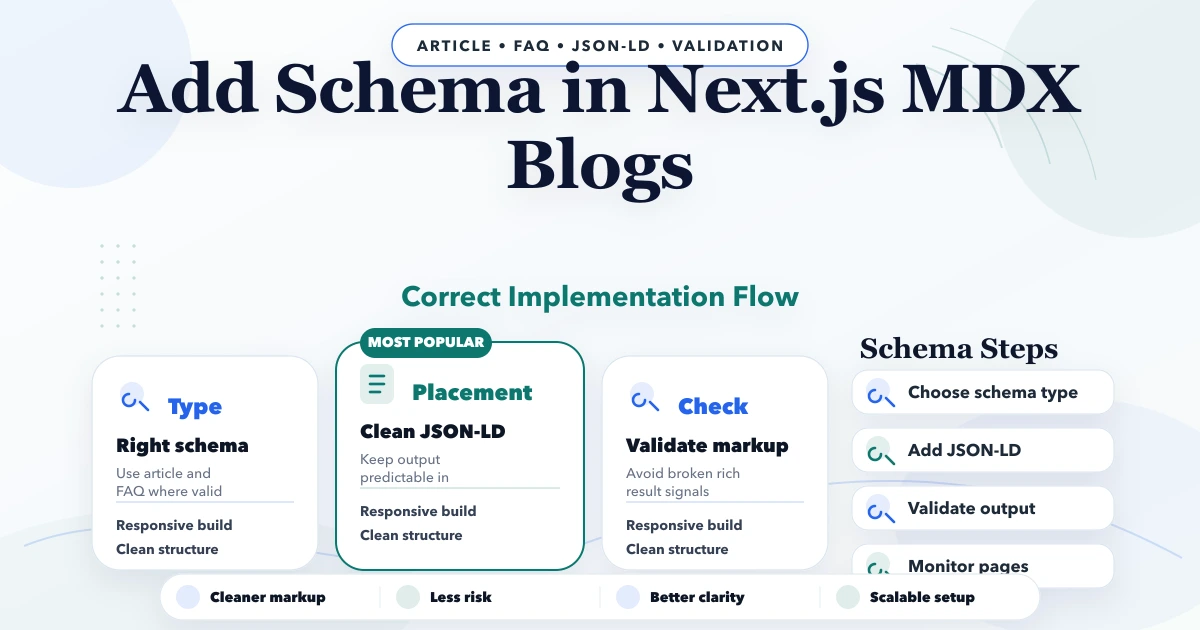
How to Add JSON-LD Schema in Next.js MDX Blogs
Learn how to add safe JSON-LD schema to Next.js MDX blogs with matching canonicals, authors, dates, images, escaping, validation, and build checks.
Read articlePublished Updated
Choose accurate service-business schema: Organization, LocalBusiness, BreadcrumbList, Article and Service, with eligibility, testing, and audit rules.
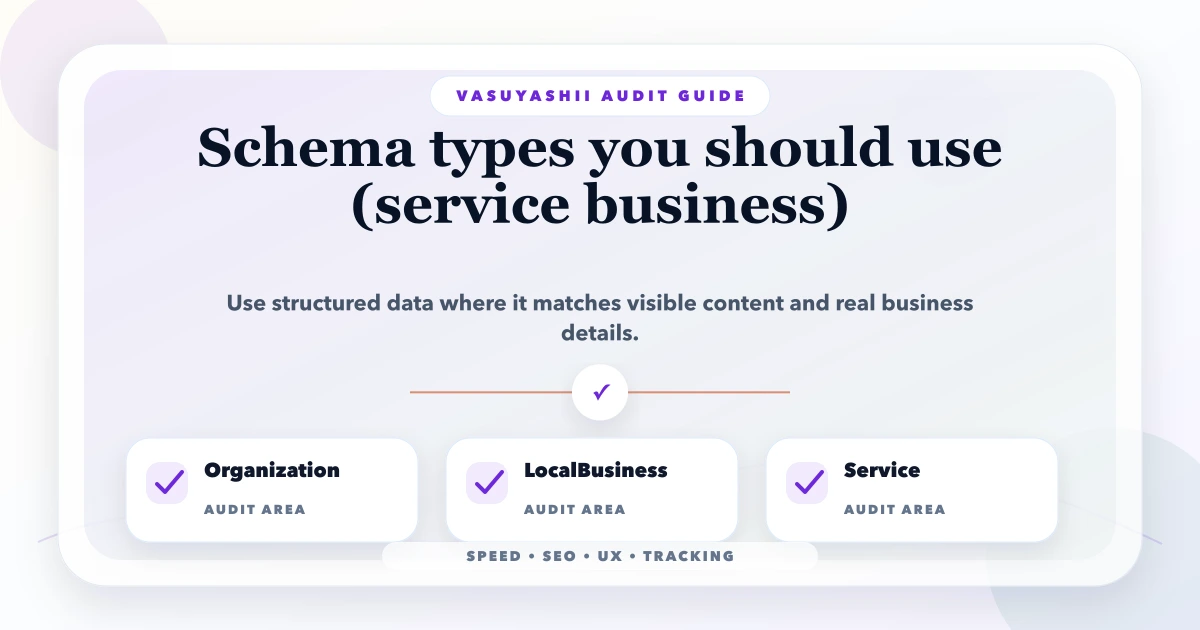
Schema markup should describe what a page visibly and truthfully contains. It should not be used to manufacture ratings, locations, prices, services, people, or FAQs that users cannot see. For most service-business websites, a small set of accurate JSON-LD entities is safer and more useful than adding every type found on Schema.org.
This guide explains how to choose between Organization, LocalBusiness, Service, BreadcrumbList, Article or BlogPosting, and FAQPage; how to connect entities; which claims need caution; and how to test a Next.js or other modern website. It distinguishes Schema.org vocabulary from Google Search rich-result eligibility.
By Tushar C. (Founder, VASUYASHII). Last reviewed against current Google Search Central structured-data policies and Schema.org vocabulary on July 20, 2026.
A typical service-business implementation may use:
Organization on the homepage or a primary business pageLocalBusiness subtype for each genuine physical locationBreadcrumbList where the visible or typical navigation path supports itBlogPosting or Article on editorial articlesService to describe a genuine service visible on a service pageFAQPage only when the page visibly contains one answer per question, while understanding that Google generally limits FAQ rich results to eligible authoritative government and health websitesNot every Schema.org type creates a Google rich result. Google says correct markup makes a page eligible for supported features but does not guarantee a special search appearance. Use the Google Search structured-data gallery as the current source for Google-supported features and Schema.org as the vocabulary reference.
Schema.org defines a broad shared vocabulary used by search engines and other systems. Google Search documents a smaller set of structured-data features with specific required, recommended, technical, and content rules.
This means Service can be a valid Schema.org type even though adding it does not create a guaranteed standalone Google service rich result. Similarly, valid JSON-LD can be ignored for a rich feature when the page, site, content, or type is not eligible.
Google's introduction to structured data recommends relying on Google Search Central documentation for Google behaviour and testing with the Rich Results Test. The business decision is therefore:
| Page | Primary type to consider | Use only when |
|---|---|---|
| Homepage or about | Organization | It describes the real organisation |
| Physical branch | Specific LocalBusiness subtype | The branch has a real address and business details |
| Service page | Service plus provider relation | The service is visible and genuinely offered |
| Blog article | BlogPosting or Article | The page is editorial content with accurate author and dates |
| Hierarchical page | BreadcrumbList | The breadcrumb represents a normal user path |
| FAQ section | FAQPage | One authoritative answer is provided by the site per visible question |
| Product or software offer | Product or SoftwareApplication only if appropriate | The page and properties meet the relevant feature rules |
Use the most specific type that remains accurate. A software consultancy is not automatically a Store; a service-area company without a walk-in branch should not invent a public address to use LocalBusiness.
Use Organization to identify the company and connect its official name, URL, logo, contact data, and real profiles. Google's current Organization markup documentation recommends placing it on the homepage or a single organisation page rather than repeating an inconsistent block everywhere.
Useful properties may include:
@id as a stable entity identifiername and genuine alternateNameurllogoemail and telephoneaddress, if appropriatesameAs profiles controlled by the organisationcontactPoint when it represents an actual contact routeDo not add social profiles that do not belong to the business. Do not put keywords in name. Keep the logo URL absolute and crawlable.
Example pattern:
{
  "@context": "https://schema.org",
  "@type": "Organization",
  "@id": "https://www.example.com/#organization",
  "name": "Example Services",
  "url": "https://www.example.com/",
  "logo": "https://www.example.com/logo.png"
}
The example is intentionally minimal. Add only verified properties the page and business support.
Use the most specific applicable LocalBusiness subtype for a genuine physical business location. Google's LocalBusiness documentation currently requires name and address for its rich-result eligibility and recommends useful details such as telephone, URL, hours, geo data, and the most specific business type where applicable.
For multiple branches, create one location page and entity per real branch. Use branch-specific:
Keep these values consistent with the visible page and external business profile. A Delhi service page is not a Delhi physical branch merely because the company serves Delhi.
Self-serving review markup is a common mistake. Google's local-business documentation says review and aggregateRating are recommended only for sites that capture reviews about other local businesses under the applicable review rules. Do not copy Google ratings into your own business entity markup or invent aggregate values.
<code>Service</code> can describe a genuine service, its provider, area served, service type, or offer catalog. It helps express relationships but does not guarantee a Google rich result.
Use it on a page whose main visible content explains that service. Suitable properties can include:
@idnamedescriptionurlprovider pointing to the organisation entityareaServed when the area is factualserviceTypehasOfferCatalog when the visible page presents the catalogoffers only when price and conditions are real and maintainedDo not add a long list of cities in areaServed without genuine service capability. Do not mark an internal future roadmap item as an available service. If a quote depends on scope, avoid a fake fixed Offer.
BreadcrumbList helps represent a typical navigation path. Google's breadcrumb documentation requires an ordered itemListElement with ListItem, position, and names, plus item URLs where required.
The structured trail should match how users understand the site, not blindly mirror every URL segment. For example:
{
  "@context": "https://schema.org",
  "@type": "BreadcrumbList",
  "itemListElement": [
    {
      "@type": "ListItem",
      "position": 1,
      "name": "Services",
      "item": "https://www.example.com/services"
    },
    {
      "@type": "ListItem",
      "position": 2,
      "name": "Web Applications"
    }
  ]
}
Keep canonical URLs consistent. Do not produce a non-www breadcrumb item when the page canonical is final www.
Use BlogPosting or Article for editorial pages. Google's Article structured-data documentation recommends properties that help identify headline, representative image, publication and modification dates, and all authors.
Important fields include:
datePublished preserving the original publication datedateModified changing only after meaningful updatesPerson or Organization with a useful identity URLDo not replace the original publish date every time a typo is corrected. Do not use a logo as the only article image when a relevant cover exists. The author shown in the markup should match the visible byline.
Google's author guidance says author.name should contain only the person's name, with job title stored separately. A visible byline such as "Tushar C. (Founder, VASUYASHII)" may therefore need parsing into name, jobTitle, and url in the generated JSON-LD rather than copying the entire display string into author.name.
Use FAQPage only when the business publishes one authoritative answer for each question and all marked questions and answers are visible on the page. Do not use it for a forum where users submit multiple answers; that is a different content model.
Google announced that FAQ rich results are generally shown only for eligible, well-known authoritative government and health sites. For most commercial service websites, FAQ markup may have no visible Google result even when valid. See Google's FAQ and HowTo rich-result change.
Therefore:
FAQPageYou may retain accurate FAQ markup for machine understanding, but its absence is not an SEO emergency for a commercial site.
Never create Review or AggregateRating from invented, selected, or copied numbers. The review must be genuine, visible, attributable under the relevant policy, and about an eligible subject.
Common unsafe patterns include:
Structured data does not make an unsupported claim safe. It makes the claim easier for machines to read.
Use stable @id values so pages can refer to the same organisation or location instead of defining inconsistent duplicates.
Example entity graph:
https://www.example.com/#organizationhttps://www.example.com/location/delhi/#localbusinesshttps://www.example.com/services/web-apps/#servicehttps://www.example.com/blog/post/#articleThe service can point to the organisation as provider. The article can point to the organisation as publisher. A webpage can identify its primary entity. Keep names, URLs, and IDs stable across builds.
Generate JSON-LD from the same server-side data used for visible content and metadata. This reduces disagreement between title, canonical, image, author, dates, and schema.
Implementation principles:
< characters from breaking the script contextFor the project-specific pattern, read how to add schema in Next.js MDX blogs.
Google's current general structured-data guidelines state that markup should represent the main visible page content, avoid misleading or irrelevant information, use up-to-date original information, and include complete required properties for the supported feature.
Audit consistency across:
PostalAddressopeningHoursSpecificationmainEntityA Rich Results Test pass checks syntax and supported properties. It cannot prove that a business claim is true or that the visible page is high quality.
application/ld+json blockStructured-data errors can appear across hundreds of pages when one template changes. Add generated-output checks to the release process.
https://www.vasuyashii.com or the site's real canonical host.@id values are stable.datePublished during every edit.VASUYASHII uses final-www canonical URLs, page-specific metadata, article data, and structured output generated from the content source. Schema work should remain tied to visible page truth and current Google documentation.
Use the local SEO and web development hub, website development services, or contact VASUYASHII with the page templates, current JSON-LD, Search Console enhancement reports, and the entities you need to describe.
Start with an accurate Organization entity and page types that match real content, such as BreadcrumbList and BlogPosting. Add LocalBusiness only for genuine locations and Service only for visible offered services.
Not as a guaranteed standalone Google feature. It is valid Schema.org vocabulary for describing services, but Google determines supported appearances through its Search gallery and feature rules.
It is usually enough to define it consistently on the homepage or primary organisation page and reference its stable @id where needed. Avoid inconsistent duplicated definitions.
Only when visible FAQs genuinely fit the type. Do not expect regular FAQ rich results for most commercial sites because Google generally limits that display to eligible authoritative government and health sites.
No. It confirms many technical requirements but not truth, relevance, content quality, indexing, or guaranteed search appearance. Compare markup with the visible page and feature policy.
Structured data helps systems understand content and can enable supported search features. Google does not promise a direct ranking increase merely for adding markup.
Implement fewer, complete, accurate entities connected through stable IDs. Validate the live generated page, follow the feature-specific Google guide, and treat schema as a representation of content rather than a substitute for content.
Related Articles
April 22, 2026
Learn how to add safe JSON-LD schema to Next.js MDX blogs with matching canonicals, authors, dates, images, escaping, validation, and build checks.
Read article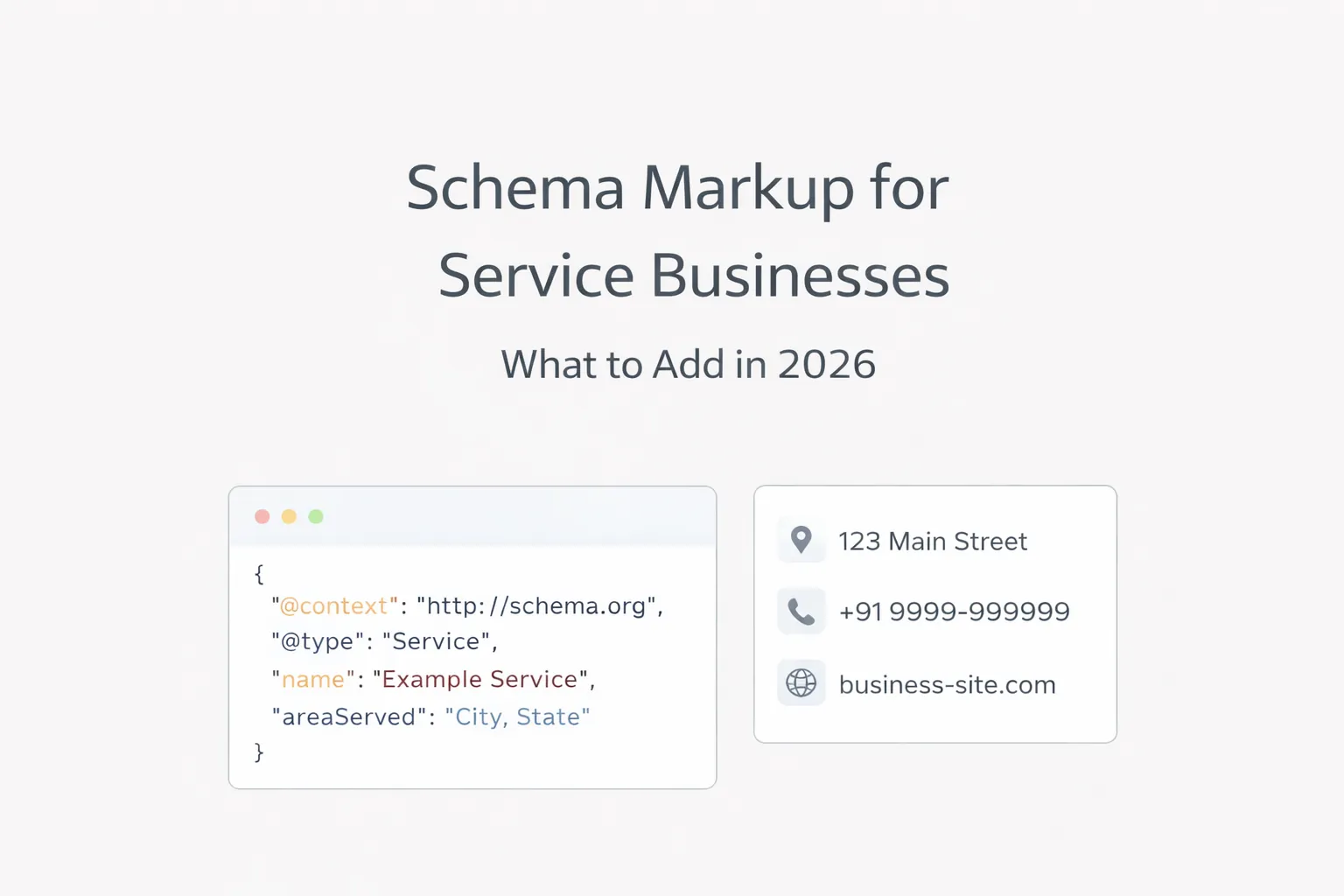
March 30, 2026
Choose valid schema for service websites using Organization, LocalBusiness, Service, Breadcrumb, Article and page-specific structured data without spam.
Read article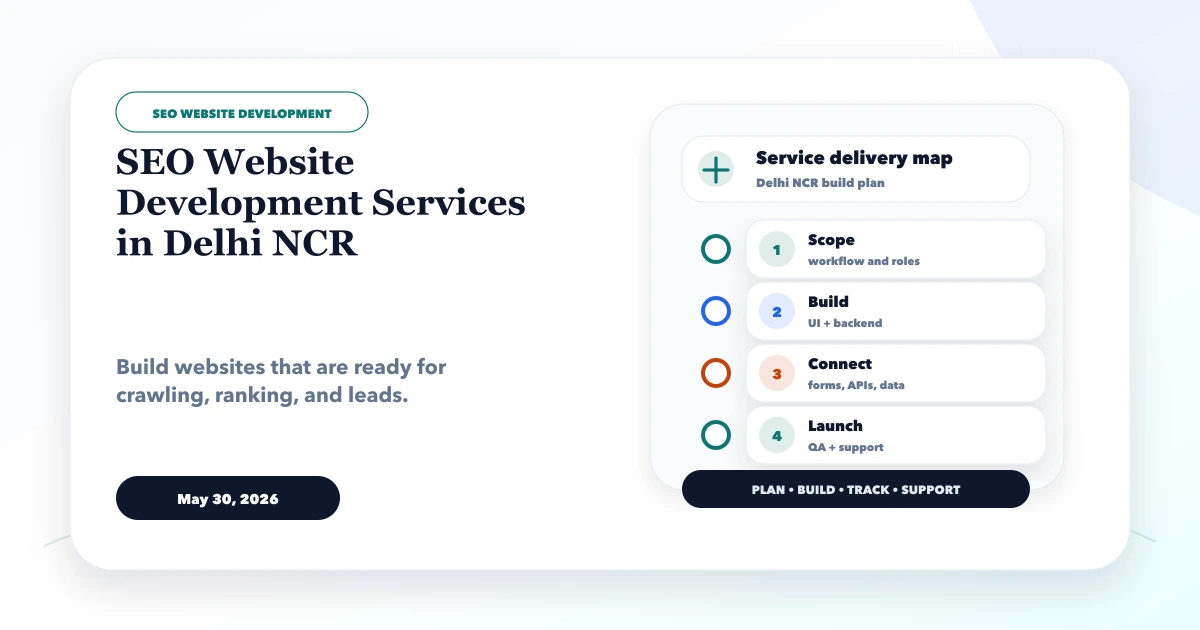
May 30, 2026
Scope SEO website development in Delhi NCR across architecture, rendering, metadata, structured data, performance, internal links and launch QA.
Read article
May 12, 2026
meta description writing formula: practical 2026 guide with structure, pricing, checklist, mistakes, FAQs, tracking tips, and next steps for Indian SMBs.
Read article