VASUYASHII

Web Application Development

We build secure, scalable, and business-focused web applications that help companies automate operations, manage data, and grow faster — without unnecessary complexity.

A web app is the right choice when users need to log in, manage records, see dashboards, upload data, approve work, track payments, or generate reports. We plan the application around user roles and business actions, not just screen count.

Request Free Demo
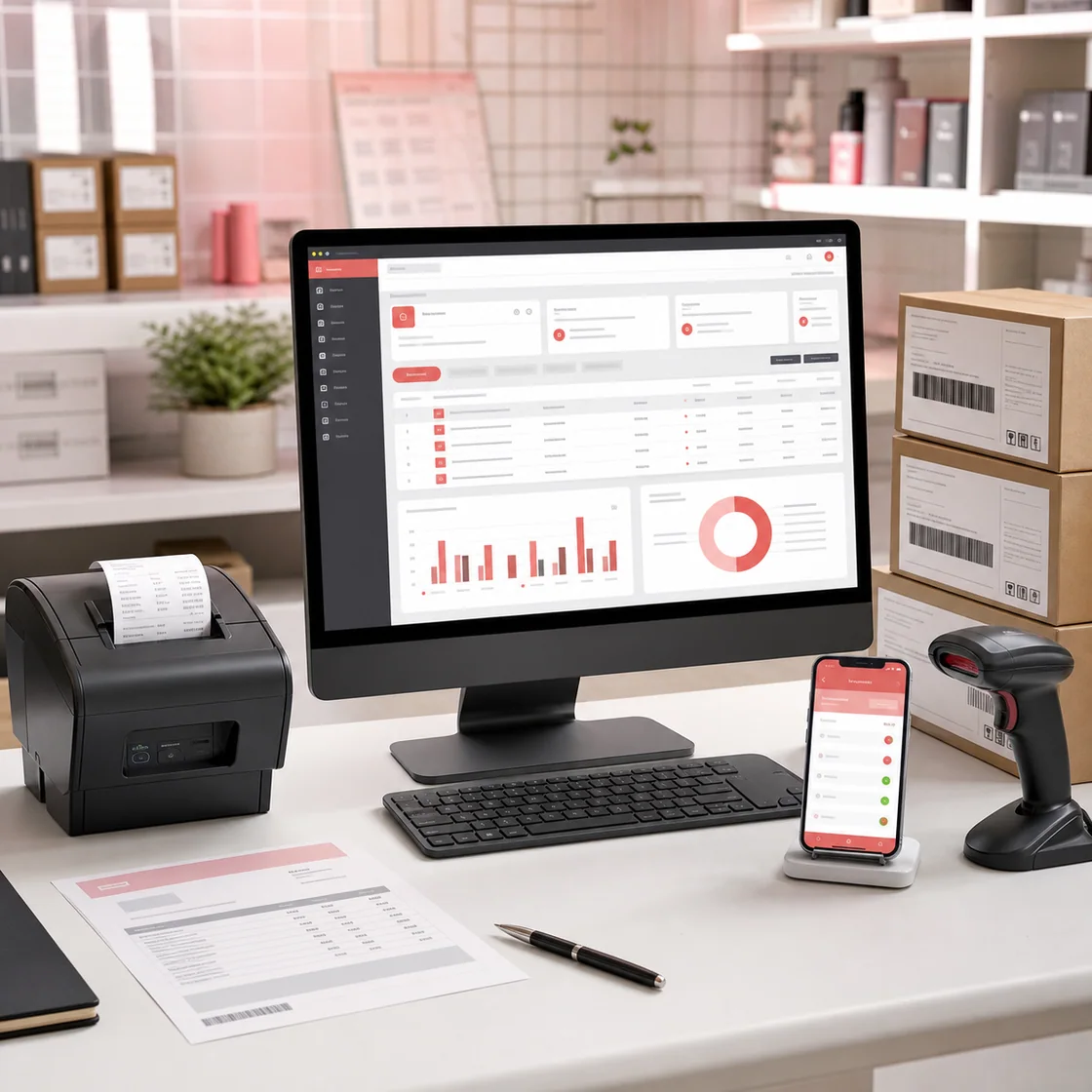
Business dashboard, mobile app, barcode scanner and invoice workspace

Web App Scope

Build from workflow, roles, and reports first.

Most web app quotes become confusing because the requirement is described as a list of screens. We start with the business flow: who logs in, what data they create, what action they take, what report the owner needs, and which notifications or integrations must happen automatically. This makes the project easier to estimate and easier to launch in phases.

Admin dashboards

Dashboards help owners and managers see leads, orders, payments, stock, dues, tasks, users, and reports without jumping between spreadsheets. We define dashboard cards, filters, permissions, and export needs before writing the first module.

Customer and vendor portals

Portals are useful when customers, vendors, dealers, or partners need login access to orders, invoices, tickets, catalogues, statements, or documents. A good portal reduces repeated support calls and gives each user only the data they should see.

SaaS MVPs and internal tools

For SaaS MVPs and internal tools, we keep phase one focused on the workflow that proves value. Billing, subscriptions, team access, analytics, and integrations can be added in planned phases instead of turning the MVP into a slow first build.

Related hubs

Plan the web app before estimating screens.

Use the web app hub for dashboards, portals, SaaS MVPs, user roles, reports, workflows, and cost planning before deciding the build scope.

What We Build

Business Software

Billing systems, invoicing, inventory management, ERP-style internal tools built specifically for your workflow.

Admin Dashboards & SaaS

Role-based dashboards, analytics panels, and SaaS platforms designed for scale and performance.

Automation-Driven Apps

Web applications connected with WhatsApp, email, and internal systems to reduce manual work.

Custom Web Solutions

Fully custom applications built from scratch for unique business requirements.

Modern Web Applications for Real Businesses

Clean dashboards, admin panels, and scalable web systems designed for growth.

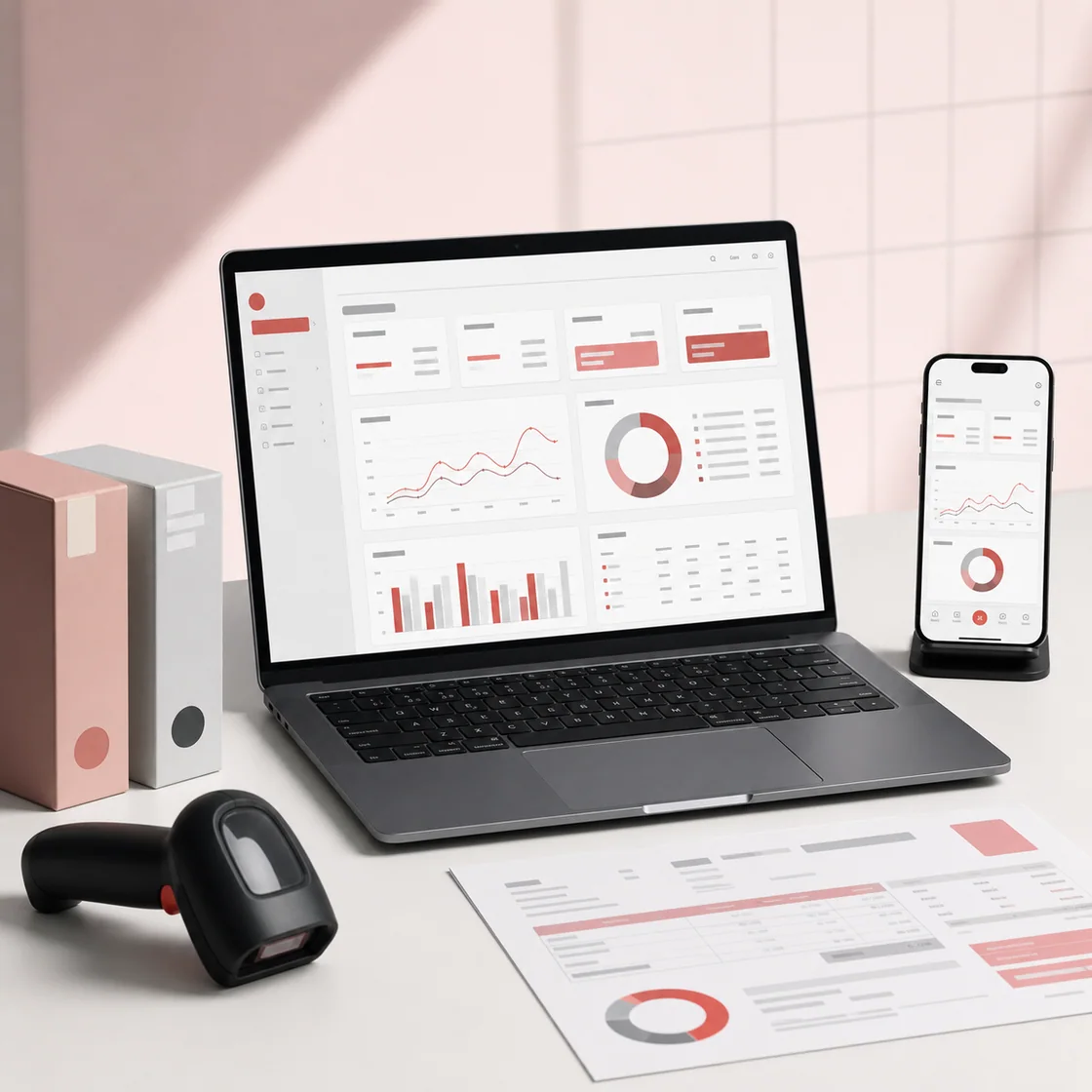
Billing and inventory software shown in a practical business workspace

Who Is This For?

  • ✔ Small & medium businesses looking to digitize operations
  • ✔ Startups building internal tools or SaaS products
  • ✔ Businesses replacing Excel or manual processes
  • ✔ Founders who want scalable systems from day one

Planning Checklist

Details we confirm before quoting a web app.

These checks protect the project from vague scope, missing permissions, weak reports, and hidden integration work. They also help decide whether a custom web app, ready Business Suite, or smaller automation phase is the better first step.

1. User roles: admin, staff, customer, vendor, manager, super admin, or public visitor.
2. Core records: leads, customers, products, invoices, bookings, tasks, payments, tickets, or reports.
3. Permissions: who can create, edit, approve, export, delete, restore, or view sensitive data.
4. Integrations: WhatsApp, email, payment gateway, Google Sheets, CRM, ERP-lite, or accounting export.
5. Reports: daily, weekly, monthly, owner dashboard, team performance, revenue, dues, and activity logs.
6. Launch support: training, bug fixes, backups, security review, speed checks, and future roadmap.

Our Approach

Free Demo First

You see a working demo or prototype before committing.

Scalable Architecture

Built to grow with your business, not break under load.

Long-Term Support

We support, maintain, and enhance your system post-delivery.

Technology Stack

We use modern, proven technologies to ensure performance, security, and scalability.

ReactNext.jsFirebaseNode.jsTailwind CSSREST APIs

FAQs

Web app questions buyers should answer early.

How do we decide the first phase of a web app?

We choose the workflow that gives the fastest operational value. For example, a lead dashboard may come before advanced reporting, or invoice creation may come before purchase returns. The first release should be useful in daily work.

Can the web app connect with WhatsApp or payments?

Yes. We can connect web apps with WhatsApp notifications, payment gateways, email, CRM tools, Google Sheets, and custom APIs. We confirm the trigger, data source, message template, and failure handling before development.

Will the web app be mobile responsive?

Yes. Admin-heavy screens are planned for desktop first, but key actions such as viewing reports, updating status, checking records, or approving tasks should work cleanly on mobile where the workflow requires it.

What makes a web app SEO-friendly?

The private app itself is usually not indexed. SEO comes from public service pages, demos, case studies, pricing guides, documentation, and hub pages that explain the problem and link users toward the right web app service.

Let’s Build Your Web Application

Discuss your idea and get a free demo before you decide.

Request Free Demo