
May 3, 2026
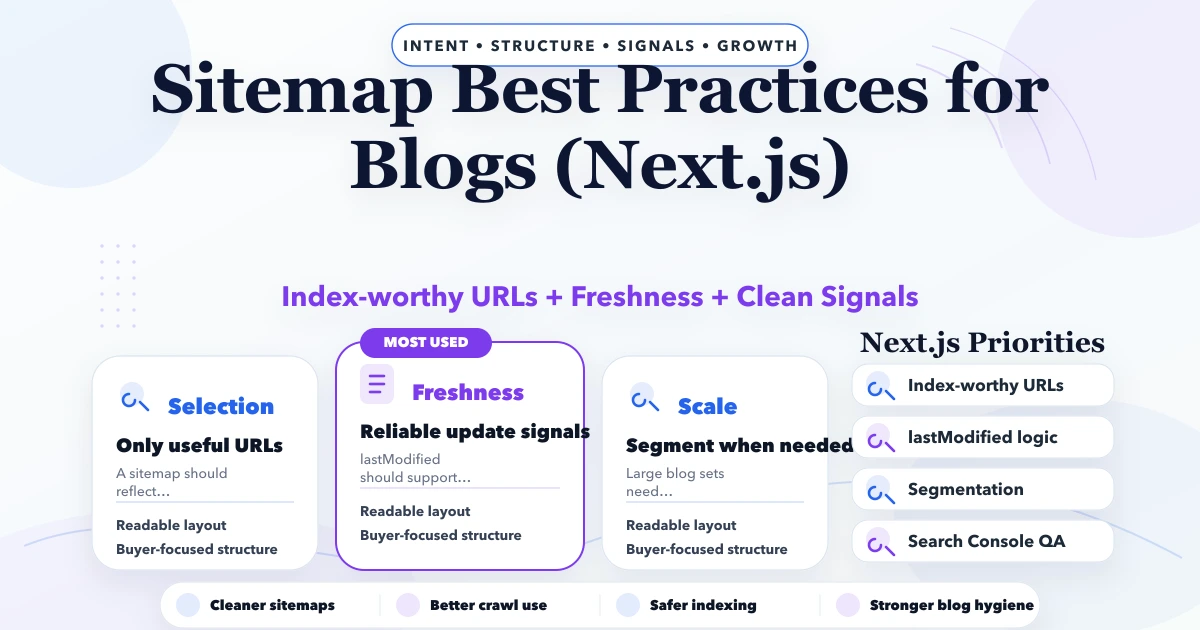
Sitemap Best Practices for Blogs (Next.js)
Sitemap best practices for blogs in Next.js: URL selection, freshness, segmentation, metadata, and technical SEO guidance for 2026.
Read articlePublished
update sitemap automatically: practical 2026 audit guide with checklist, pricing, roadmap, mistakes, FAQs, tools, and next steps for Indian SMBs today.
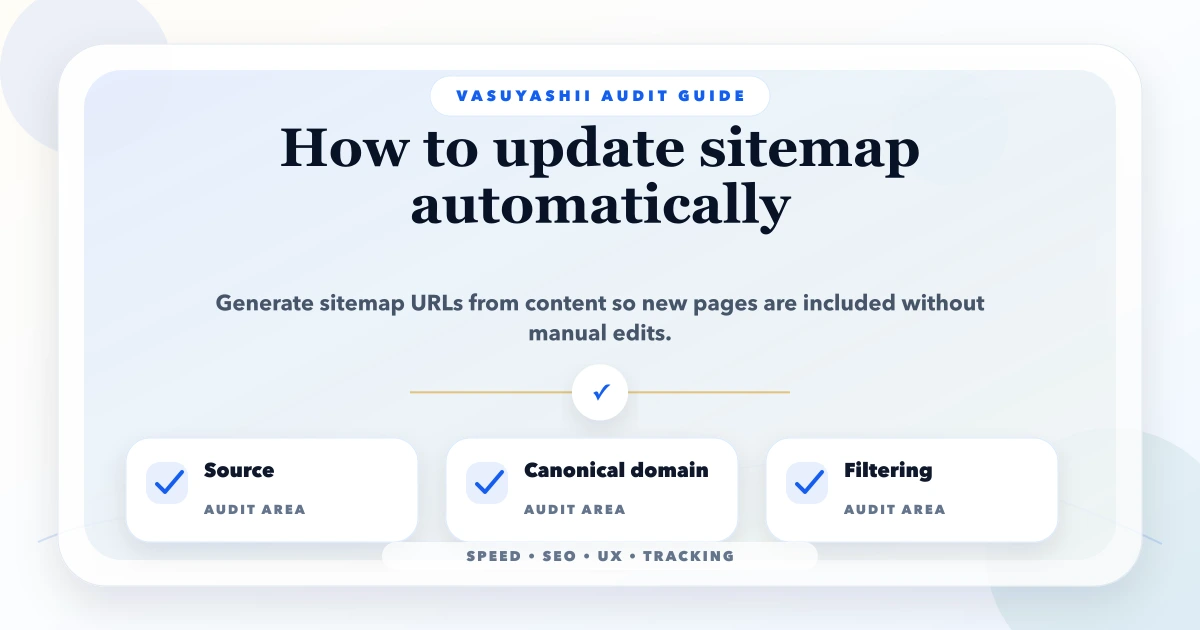
This guide on update sitemap automatically is for Next.js website owners and content teams publishing many blogs, service pages, city pages, portfolio pages, or product pages. It is written for Indian SMB owners who want practical fixes, not generic audit theory. You will learn what to check, how to prioritize fixes, what tools or setup to use, expected pricing in INR, and what mistakes to avoid before spending money.
The goal is simple: make the website, web app, mobile app, or SEO system faster, clearer, safer, and easier to measure. A good audit should not create confusion. It should tell you what is wrong, why it matters, what to fix first, and how you will know the fix worked.
By Tushar C. (Founder, VASUYASHII). Reviewed by VASUYASHII Editorial for field experience, SEO usefulness, technical accuracy, and practical implementation relevance.
Serving Delhi NCR and nearby business markets: Ghaziabad, Noida, Delhi, Gurugram, Faridabad, Meerut, Hapur, and remote clients across India.
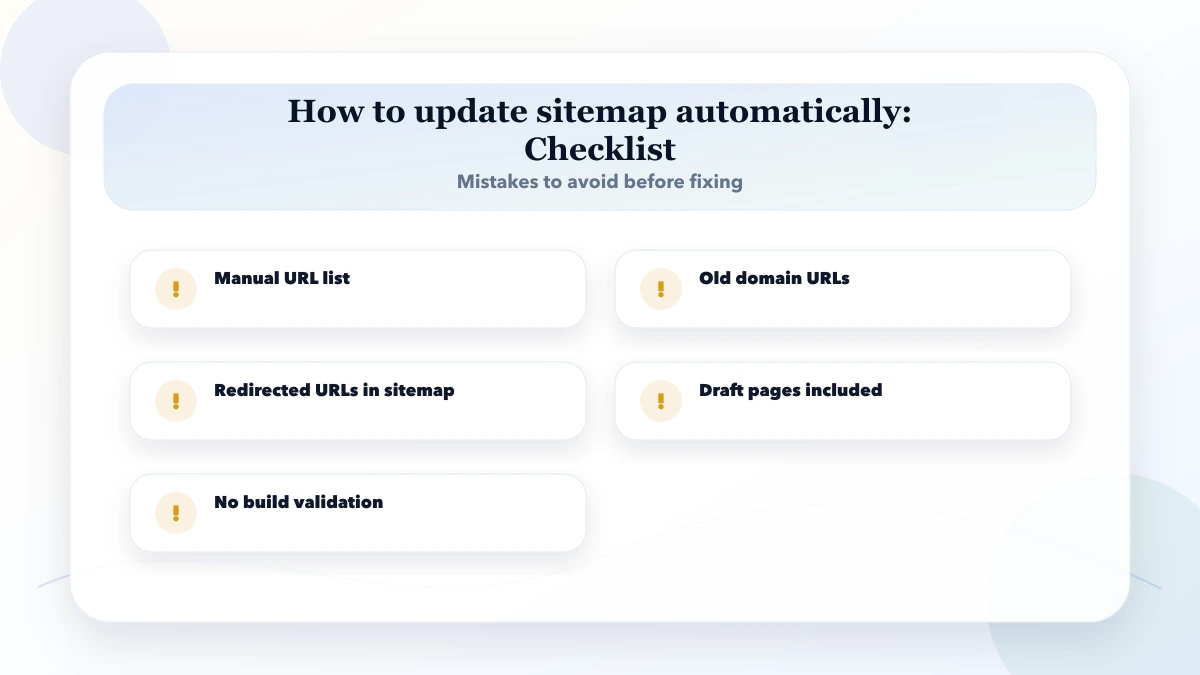
To update a sitemap automatically, generate sitemap entries from your route list, MDX content, CMS records, or database, use the final canonical domain, include lastModified, exclude drafts and redirects, and validate after build.
If you only have time for one action, start with the page or screen that already receives traffic, users, or enquiries. Fixing high-impact pages first gives faster business value than polishing low-traffic pages that nobody sees.
We have also noticed that audits become useful only when they are connected to business outcomes. A speed fix should improve load time or conversion. An SEO fix should improve crawlability, relevance, or clicks. A UX fix should reduce confusion. A security fix should reduce real operational risk.
Use this section as a practical audit structure. You can paste it into a spreadsheet, Notion page, developer task list, or client report.
For Indian SMBs, the audit should stay practical. Do not create a 100-point report if the team can only fix five things this month. A better approach is to group issues by impact: critical, high, medium, and later.
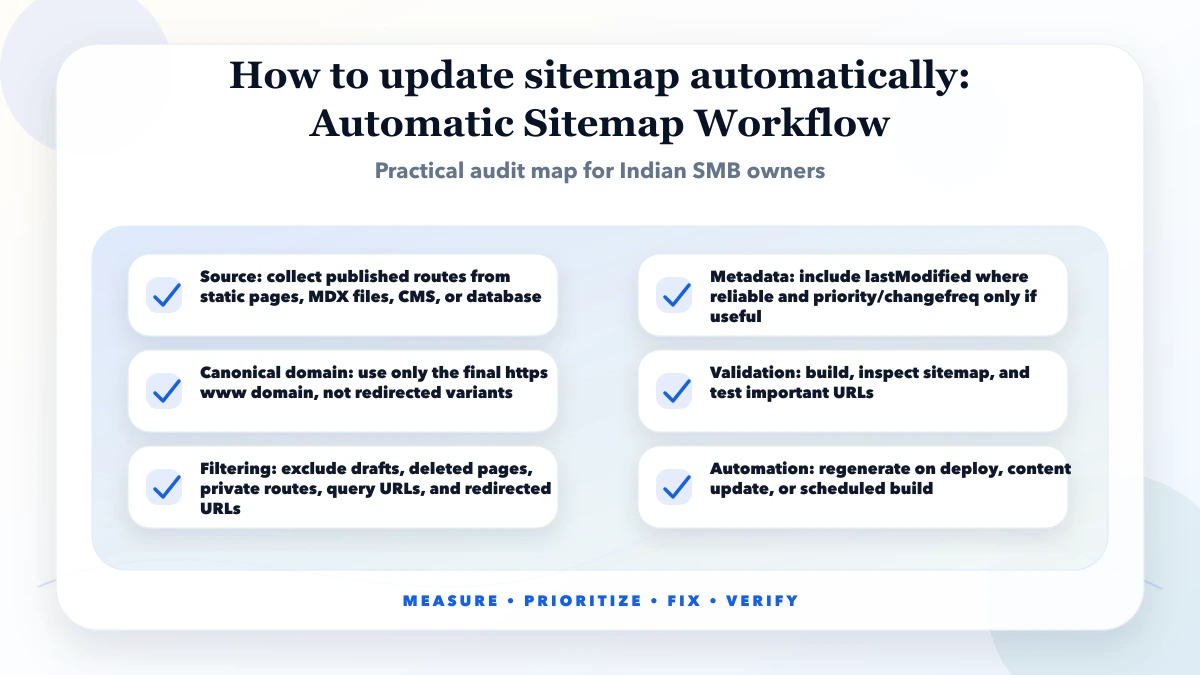
Good execution starts with measurement, not assumptions. Before changing images, scripts, metadata, schema, or layout, capture the current state. Keep screenshots, URLs, Lighthouse or PageSpeed reports, Search Console notes, analytics events, and lead-quality notes.
The next step is prioritization. Technical teams often want to fix everything, but business owners need the fixes that improve rankings, speed, leads, retention, or operational safety. Each issue should have a clear owner and success metric.
After deployment, check again. Many audits fail because fixes are implemented but never measured. If a slow image was fixed, compare bytes and LCP. If a CTA was changed, compare clicks and qualified leads. If a sitemap was automated, confirm the generated XML includes only final canonical URLs.
| Scope | Practical price range | Typical timeline |
|---|---|---|
| Sitemap audit | ₹3,000 to ₹10,000 | 1 day |
| Automatic sitemap setup | ₹10,000 to ₹35,000 | 2 to 5 days |
| Large sitemap system | ₹35,000 to ₹1.5 lakh+ | 1 to 3 weeks |
These are practical planning ranges. Real cost depends on page count, app complexity, data quality, codebase condition, number of integrations, and whether the work is only audit or audit plus implementation. Low-cost audits can be useful, but they should still include evidence and priority.
Do not skip the final measurement step. Without before-and-after checks, you cannot know whether the fix helped. For SEO and performance, use at least a short observation period after deployment because field data and search data take time to update.
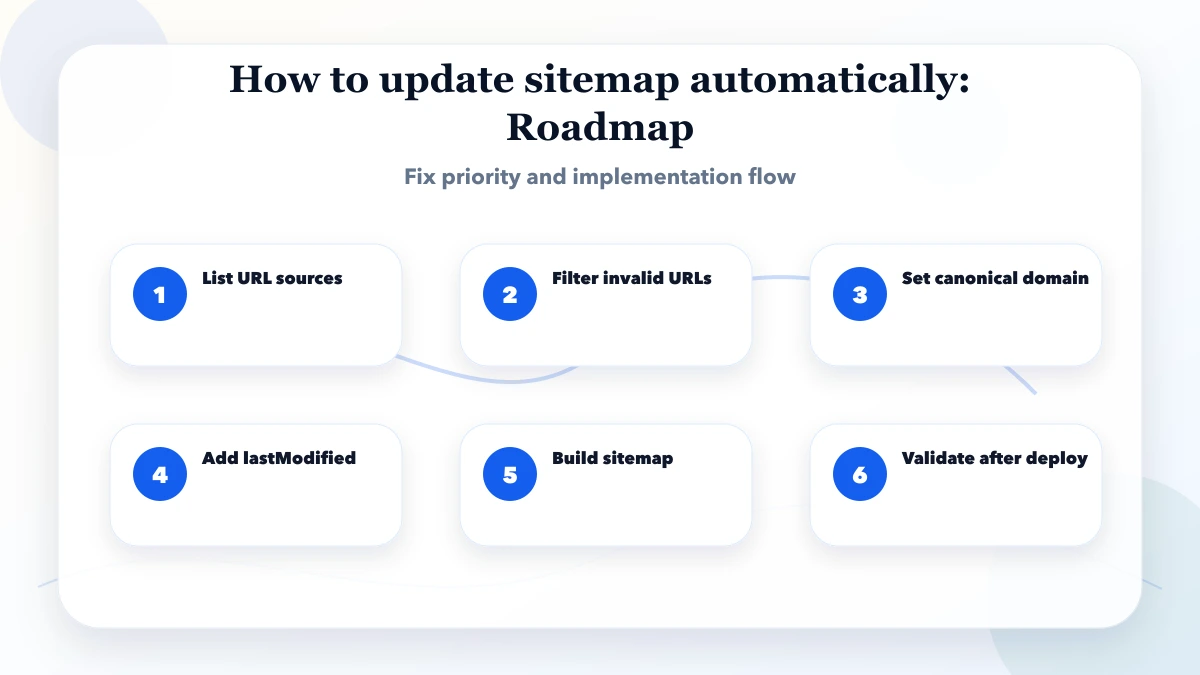
Tool choice depends on the project. A simple website may only need Search Console, GA4, Lighthouse, and manual mobile review. A web app may need staging, logs, test accounts, role matrix, and backup review. A larger system may need monitoring, dashboards, and release checklists.
These drivers decide the final business impact. A technically perfect page can still fail if the offer is unclear. A fast app can still fail if the workflow is confusing. A sitemap can still be weak if it includes redirected or low-quality URLs.
The biggest mistake is treating audits as one-time paperwork. Websites and apps change every month. New blogs, images, scripts, plugins, forms, and content updates can create fresh problems. Build a simple monthly checklist so issues do not pile up.
Next.js documents app/sitemap.ts in its sitemap file convention and supports generated sitemap entries.
If you want to fix this properly, start with one high-impact page or module first. Audit it, improve it, measure the result, then repeat the same process across the rest of the website or app.
Start small but measure seriously. If your website gets enquiries, begin with pages that already generate impressions, WhatsApp clicks, or calls. If your app supports staff operations, begin with the workflow that creates the most support calls or data mistakes.
For Delhi NCR businesses, speed and mobile UX matter because many visitors open pages on mobile data while comparing multiple vendors. A page that looks fine on office Wi-Fi may still feel slow to a buyer in the real world. Test on a normal phone, not only a large desktop screen.
For technical SEO fixes, avoid shortcuts. Do not add schema that does not match visible content. Do not put redirected URLs in the sitemap. Do not lazy-load important content in a way that search engines or users cannot access. Clean implementation is safer than quick tricks.
Use a simple score before approving work: business impact, user impact, SEO or security impact, fix effort, and confidence. Give every issue a score from 1 to 5. A high-impact issue with low effort should be fixed first. A low-impact issue with high effort can wait.
For example, a broken form, missing WhatsApp tracking, huge hero image, sitemap with old URLs, or role-permission leak deserves higher priority than minor color polish. This keeps the audit commercial, not cosmetic.
After scoring, convert the top items into a short sprint. Each sprint should include the fix, owner, expected output, and verification method. This prevents endless audit discussion and moves the business toward measurable improvement.
Yes, especially if you publish blogs, local pages, products, or portfolio pages regularly.
No. Include only final canonical URLs that should be indexed.
They are optional. Accurate URL and lastModified are usually more useful than guessed values.
Yes. The App Router supports sitemap files that can generate entries dynamically at build time.
Usually not required for simple blogs, but image sitemaps can help image-heavy sites.
Inspect generated XML, validate canonical domain, ensure important URLs are present, and monitor Search Console.
If you want a practical audit and fix plan for your website, web app, mobile app, images, Core Web Vitals, schema, sitemap, or internal links, VASUYASHII can help you identify what matters and implement it cleanly.
Related Articles
May 3, 2026
Sitemap best practices for blogs in Next.js: URL selection, freshness, segmentation, metadata, and technical SEO guidance for 2026.
Read article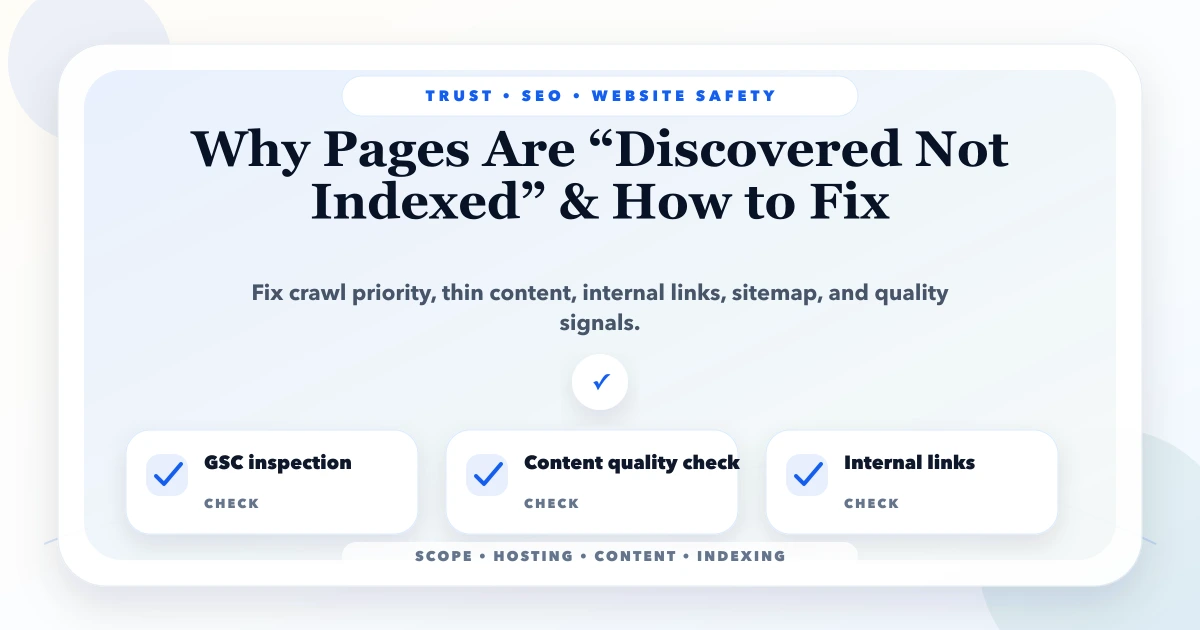
May 21, 2026
Discovered Not Indexed fix: practical 2026 guide with checklist, pricing, timeline, risks, tools, FAQs, and Indian business tips today safely before launch.
Read article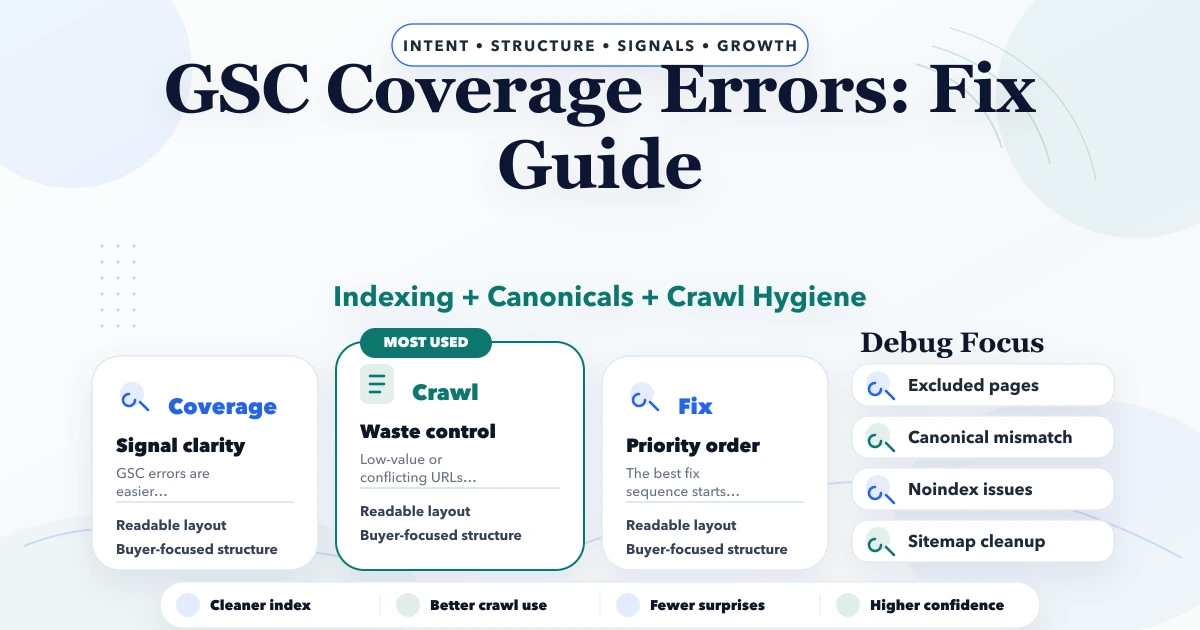
May 3, 2026
GSC Coverage errors fix guide: excluded pages, crawl issues, canonicals, noindex, sitemap fixes, and practical troubleshooting steps for 2026.
Read article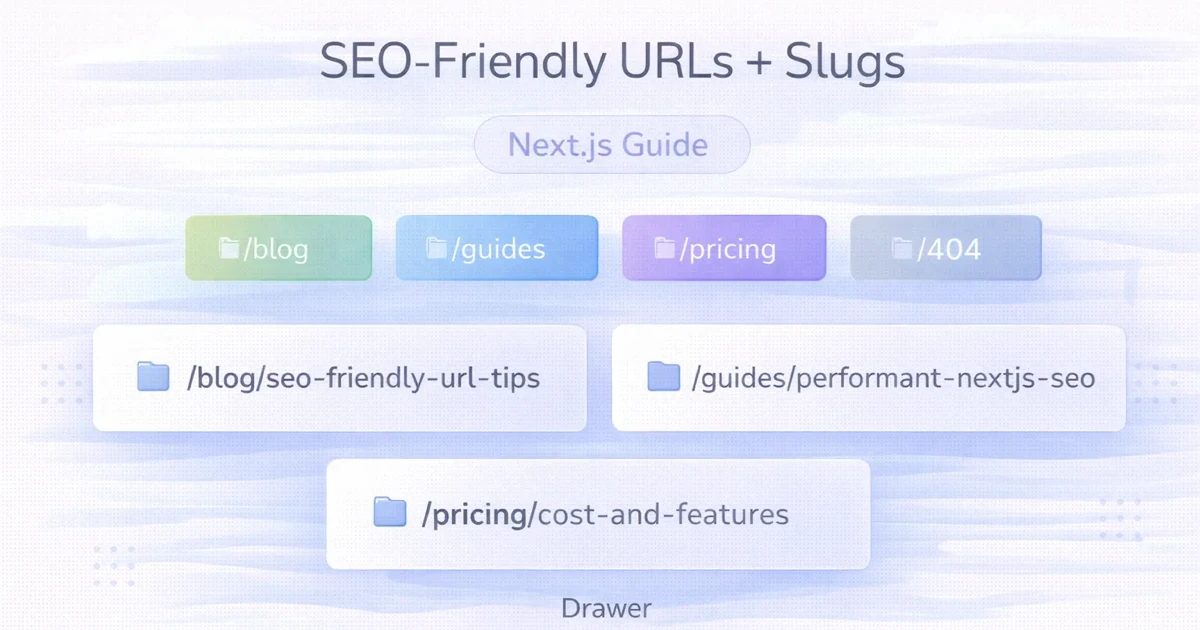
April 2, 2026
Create durable SEO-friendly URLs in Next.js with readable slugs, stable route rules, canonical metadata, redirects, parameter control and build validation.
Read article