
April 21, 2026
Improve Indexing Speed Without GSC Submission Spam
Improve Google indexing by fixing crawl access, canonical signals, sitemap dates, internal links, rendering and content quality before requesting recrawl.
Read articlePublished Updated
Google Search Console indexing guide for 2026: how to get pages indexed faster without spam, common issues, checks, and practical workflow.
When a page is not indexed, the rest of the SEO work has limited value. You can improve headings, add schema, publish images, and write a strong CTA, but the page cannot bring organic search traffic until Google decides to keep it in the index.
The mistake many businesses make is treating Google Search Console like a submit button. They publish a page, request indexing, wait one day, and then start looking for shortcuts. That workflow usually misses the real issue: page quality, crawlability, canonical consistency, internal links, or weak site structure.
This 2026 guide explains a safe indexing workflow for service websites, ecommerce sites, and software companies that want faster indexing without spam, mass pings, or low-quality page generation.
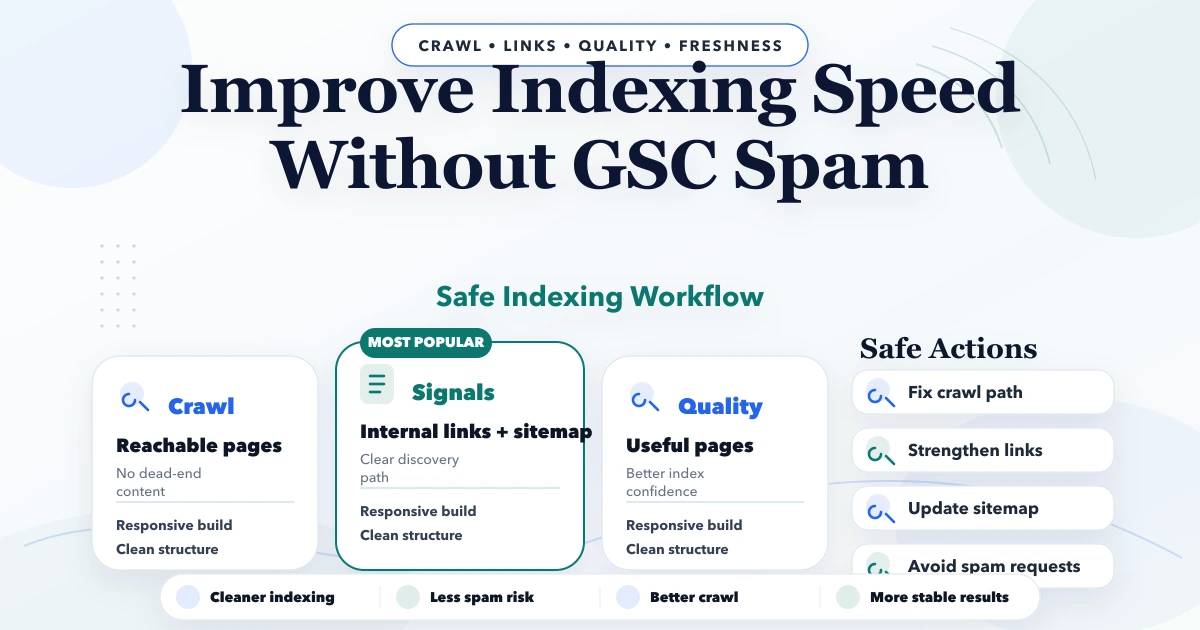
The fastest safe way to get a page indexed is:
If the page is weak, duplicate, thin, blocked, or disconnected from the site structure, repeated index requests will not solve the problem.
A small software company in Delhi NCR publishes three new pages: one pricing guide, one service page, and one generic blog copied from a template. The pricing guide gets internal links from the software service page and related articles. The service page is in the sitemap and has a clear canonical. The generic blog has no strong links and looks similar to older posts.
Google may index one page quickly, delay another, and ignore the weak one. That does not mean Search Console is broken. It means Google is evaluating each URL differently based on access, usefulness, uniqueness, and site signals.
Indexing is not the same as crawling or ranking.
Googlebot finds the page and reads it.
Google decides the page is worth keeping in the search index.
Google decides where that page should appear relative to other pages.
This distinction matters because many indexing problems are actually quality or site-structure problems. Search Console can show you the symptom, but you still need to fix the cause.
Here is the practical workflow that works best without spam.
Is the page original, useful, well-structured, and aligned with the rest of the site? Thin pages, doorway pages, or duplicate service pages often struggle.
Confirm that:
robots.txtnoindexSitemaps help discovery, especially for newer pages. They do not force indexing, but they do improve the crawl process.
Pages that are isolated from the rest of the site are weaker indexing candidates. Add contextual internal links from service pages, blogs, or category pages.
For VASUYASHII-style service content, relevant pages may include web application services, software development services, integrations, project proof, and related blog guides.
This lets you see whether Google knows about the page and whether crawl or indexing issues exist.
The request tool is useful, but it should not be treated like a ranking button.
Relevant reads:
These are the issues seen most often.
If the page adds little value compared with the rest of the web or compared with your own site, Google may crawl it but not index it properly.
This happens a lot with city pages, service pages, or copied product descriptions.
If no other page on the site points to it, Google gets weaker signals about its importance.
A bad canonical can point Google somewhere else and effectively tell it not to treat this page as the main version.
Heavy scripts, weak server response, or broken rendering can reduce crawl clarity.
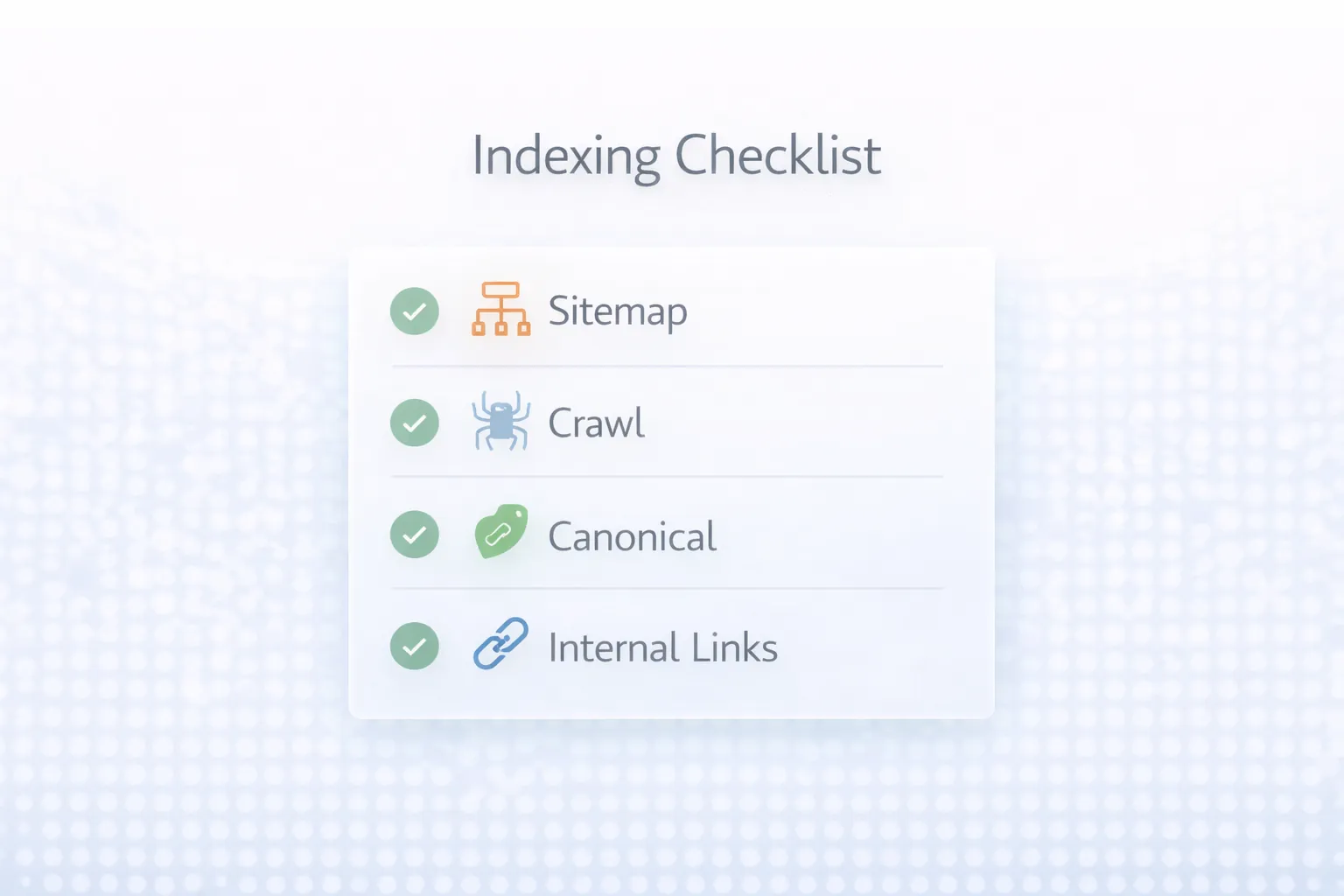
Before you panic about indexing, run this checklist.
200 OKnoindexThese checks solve a large percentage of indexing issues without resorting to spam tactics.
Before requesting indexing for a business page or blog, confirm:
https://www URL is in the sitemapFor example, an indexing guide should link to troubleshooting content, technical SEO content, and a service page where the reader can take action. That gives the URL a clearer place inside the site instead of leaving it as an isolated article.
It is worth saying clearly what not to do.
If you are hiring help for indexing issues or technical SEO review, these are typical pricing ranges.
₹5,000 to ₹15,000₹15,000 to ₹40,000₹40,000 to ₹1 lakh+The actual cost depends on whether the issue is one page, a site-wide technical pattern, or a broader content-quality problem.
Good indexing work usually uses a combination of:
Indexing is not a fixed-clock outcome, but practical expectations help.
That is why the goal should be indexing readiness, not only request submission.
If your pages are being published but not indexed consistently, the issue is usually a mix of technical clarity and page quality, not a missing "trick."
If you hire someone to fix indexing problems, pricing depends on:
The more the issue is structural, the more it becomes technical SEO rather than a simple indexing request task.
No. It only asks Google to review the page. Ranking depends on many other factors.
Only when the page is newly published or significantly improved. Do not treat it like a repetitive shortcut.
Usually because of weak quality, duplication, thin internal linking, or lower perceived value.
No. It helps discovery and crawl organization, but Google still decides what to index.
Not if they are weak or repetitive. Thin page volume usually hurts more than it helps.
Yes, indirectly. Better rendering and site performance make crawling and processing easier.
Trying spammy shortcuts instead of fixing site structure and content quality.
It is essential, but sometimes you also need crawl analysis, content review, and development fixes.
Yes, old non-www URLs can still appear in Search Console reports if Google discovered them earlier. The important fix is that the final canonical, sitemap, Open Graph URL, schema URL, and internal links all point to the https://www version.
If you want more pages indexed the right way, the next step is to audit technical blockers, improve page quality, and fix crawl structure before chasing shortcuts.
Related Articles
April 21, 2026
Improve Google indexing by fixing crawl access, canonical signals, sitemap dates, internal links, rendering and content quality before requesting recrawl.
Read article
March 30, 2026
How to fix Discovered - Currently Not Indexed in GSC: practical checks, crawl issues, content fixes, and what actually helps in 2026.
Read article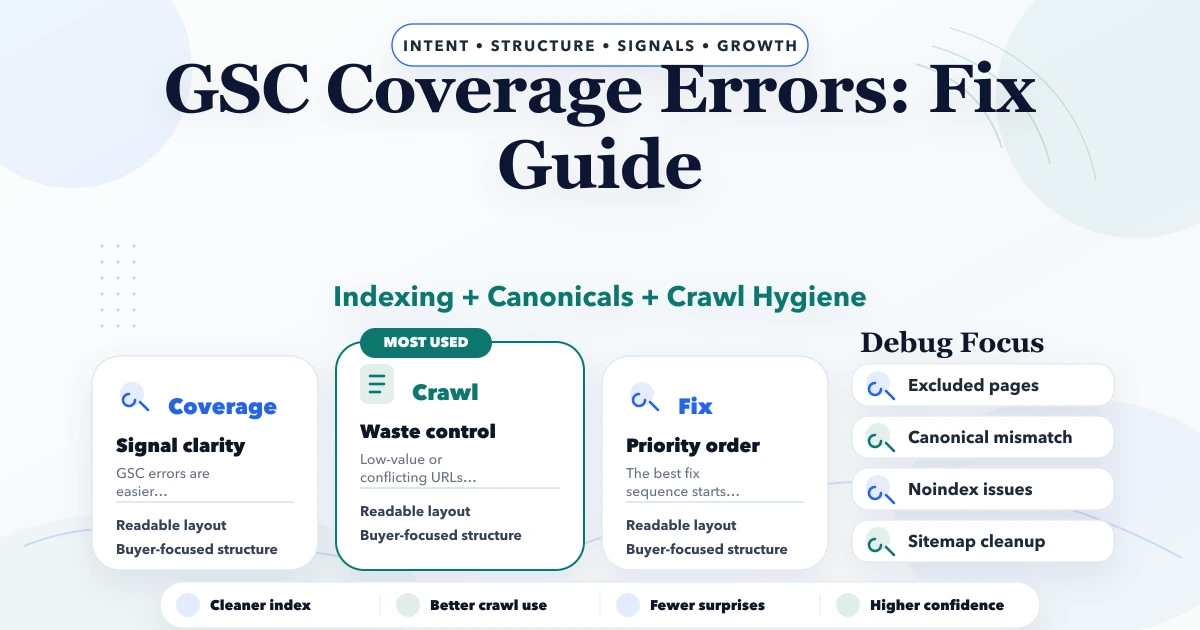
May 3, 2026
GSC Coverage errors fix guide: excluded pages, crawl issues, canonicals, noindex, sitemap fixes, and practical troubleshooting steps for 2026.
Read article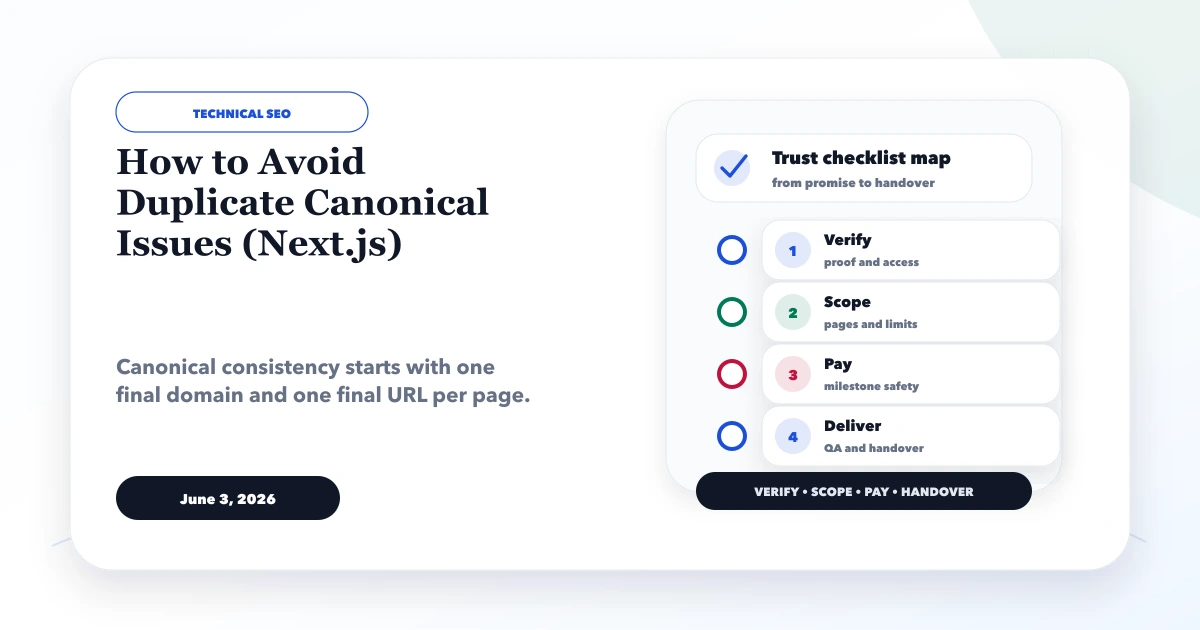
June 3, 2026
How to avoid duplicate canonical issues in Next.js with metadataBase, canonical URLs, sitemap, redirects, www consistency, and QA checks.
Read article