
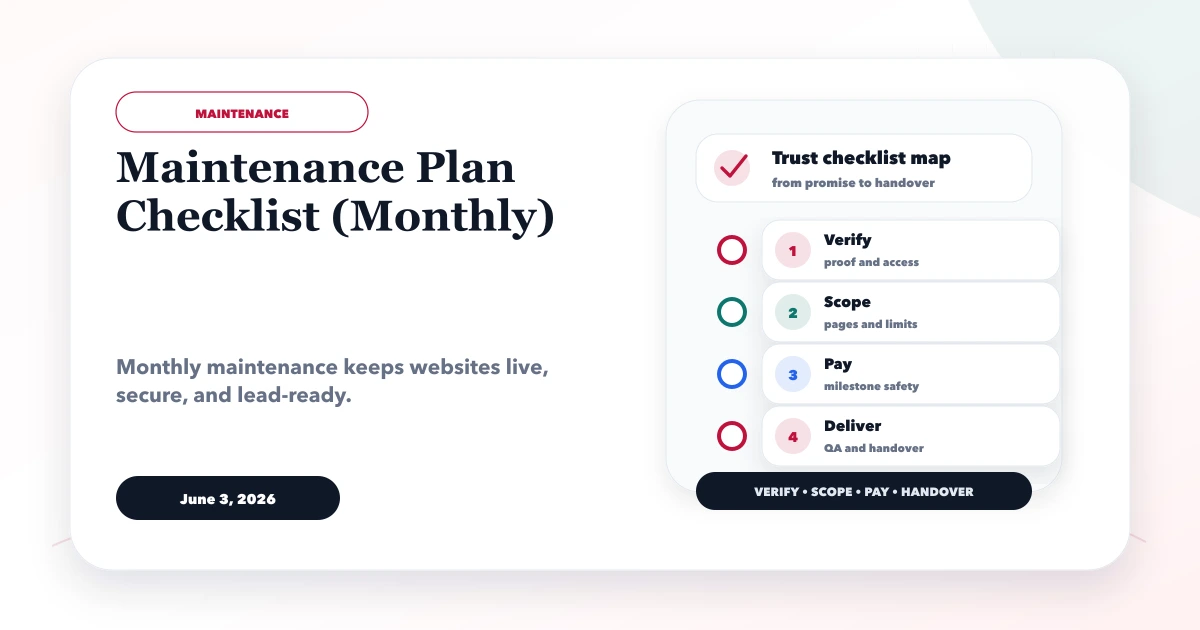
June 3, 2026
Monthly Website Maintenance Checklist + Report Template
Use this monthly website maintenance checklist, plan example and report template for backups, updates, forms, security, SEO, analytics and ownership.
Read articlePublished Updated
Website maintenance guide for 2026 with weekly and monthly checks for security, backups, speed, SEO health, content, uptime, and lead forms.
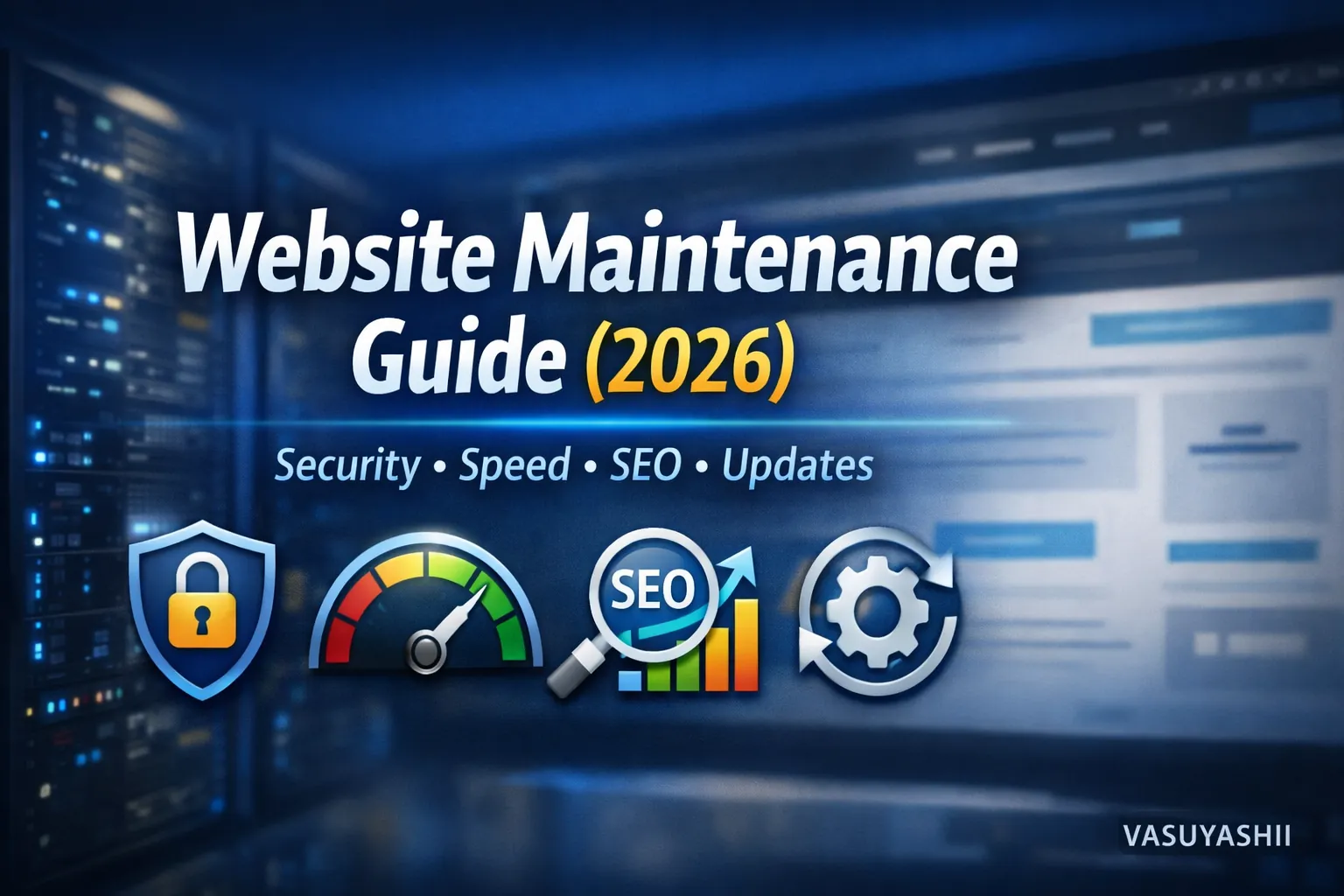
Most people think website work ends after launch. In reality, launch is only the beginning. In 2026, websites need ongoing maintenance to stay:
If you don’t maintain your website, you’ll start seeing problems like:
This guide gives you a simple, professional maintenance system with weekly and monthly checklists that any business can follow.
Website maintenance means regularly checking and improving:
Maintenance keeps your website working as a lead engine, not just a static page.
If you run a business website or web application, maintenance is non-negotiable. If you need professional web development systems, see: Web Applications Services
Bots attack daily. Plugins/dependencies become outdated. Maintenance prevents hacks.
Google updates happen, competitors publish content, rankings shift. Maintenance keeps your site relevant.
New scripts, new images, and content additions can slow pages. Regular checks keep speed high.
WhatsApp links, forms, email delivery—these can break and you won’t know until leads drop. Maintenance catches it early.
A good maintenance system has 4 pillars:
1) Security 2) Performance 3) SEO health 4) Conversion checks
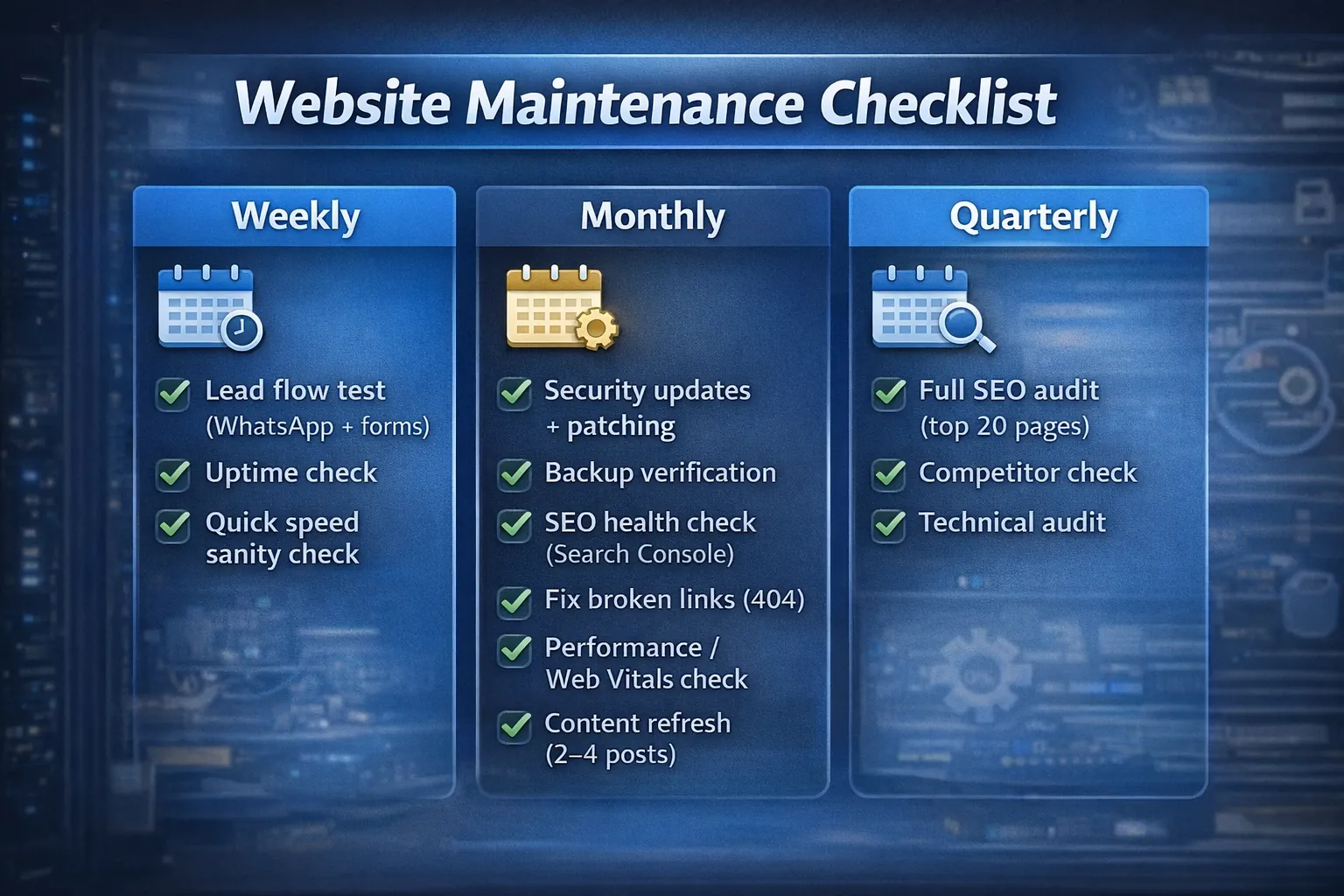
Do these quick tests:
If this breaks, your business loses leads immediately.
Make sure your site is live and loads normally. You can also use uptime monitoring tools (optional).
Open homepage and one blog on mobile data:
If you published blogs this week:
/blogIf WordPress:
If Next.js/custom:
Always backup before updates.
Backups are your insurance policy.
Search Console → check:
Performance report:
Broken links hurt SEO and UX. Check:
Use Lighthouse or PageSpeed for:
Fix common issues:
If you need deeper speed strategy: Website Speed Optimization Guide
Every month:
This prevents content decay and improves authority.
Search your main keywords and see:
Check:
Needs more frequent:
Big risk: plugin vulnerabilities.
Usually:
Custom sites can be easier long-term if built clean.
Web apps need extra maintenance:
If your web app runs business operations, maintenance becomes critical.
Every month check:
Conversion maintenance keeps leads consistent.
If you want conversion strategy: Website Conversion Optimization
1) No backups 2) Updating blindly without testing 3) Ignoring Search Console warnings 4) Never refreshing old blogs 5) Not testing forms/WhatsApp 6) Overloading site with scripts/plugins 7) No monitoring or alerts
/blogThis is enough for most business websites.
Website maintenance should produce records that an owner can verify. The current VASUYASHII homepage below is first-party evidence of the live responsive surface included in its own maintenance checks.
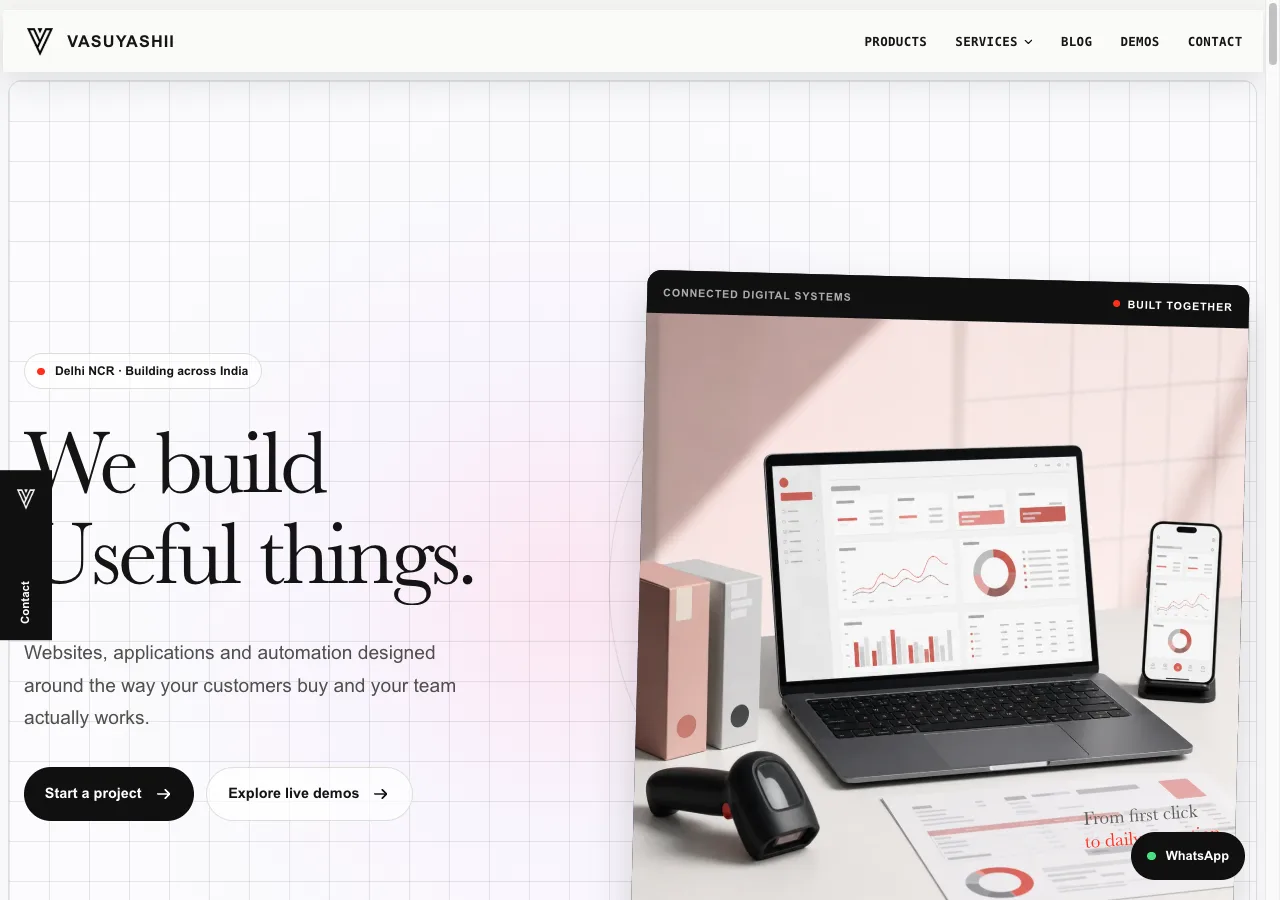
The live appearance alone does not prove form delivery, indexing, backup health or analytics accuracy. Those require separate checks. This screenshot is not a customer maintenance result.
| Check | Evidence to retain | Escalate when |
|---|---|---|
| Lead flow | Test time, page, route and confirmed response | Success state appears without delivery |
| Indexing | Sitemap count, canonical sample, GSC change | Priority URL is blocked or canonicalised elsewhere |
| Broken links | Crawl export and fixed URL list | Money page or navigation link fails |
| Performance | Template, device profile and metric result | LCP/interaction regression repeats |
| Security | Dependency/plugin update log | Critical advisory affects production |
| Backup | Backup timestamp and restore-test result | Restore cannot be completed |
| Content | Pages reviewed and decisions made | Commercial information is inaccurate |
| Analytics | Debug or Realtime event record | Confirmed lead event is missing or duplicated |
For WordPress, record core, theme and plugin versions before updates; use staging for risky changes; review backups; then test forms, checkout, login and caching. The official WordPress hardening guide provides useful security context, but following a checklist does not certify a site.
For a custom Next.js or similar site, review framework and package advisories, build output, route inventory, static/dynamic boundaries, environment variables, hosting configuration and third-party scripts. Test representative templates after deployment rather than only the homepage.
Both approaches need an owner, update window, rollback plan and dependency record. “No plugins” does not mean “no maintenance.”
Use the website security best-practices checklist to set daily, weekly, monthly, quarterly and change-triggered security checks around this maintenance process.
Backups are valuable only when the business can restore them. Define retention, storage ownership, recovery time and who is authorised to perform a restore.
Review the final sitemap, redirects, canonicals, noindex, broken links and newly published URLs. A sitemap helps discovery but does not guarantee indexing; see Google's sitemap guidance.
Refresh content when facts, prices, products, screenshots or search intent have changed. Do not update lastUpdated merely to make a page appear fresh. Google's people-first content guidance favours useful, original information over search-engine-first updates.
If you want your website to stay fast, secure, and SEO-healthy (especially with daily blogs), we can handle maintenance professionally.
👉 WhatsApp: Chat on WhatsApp 👉 Services: Web Applications Services 👉 Services: View our services 👉 Contact: Contact page
A business website needs regular maintenance because content, forms, tracking, security, and speed slowly drift. The site may still load, but leads can drop if contact forms fail or old service pages become outdated.
Monthly checks should include:
Use the business website hosting decision guide when maintenance problems come from unclear infrastructure, account ownership, backup, or recovery responsibilities.
For sites with dashboards or portals, maintenance should also include software development, integrations, and support planning.
General website care is not enough for an authenticated subscription product. The SaaS maintenance plan pricing guide adds severity levels, integration monitoring, data recovery, release controls, support capacity, and vendor handover.
Hosting responsibility is part of the maintenance boundary. Use the business website hosting guide for India to check backups, staging, account ownership, renewal cost, and exit readiness.
Weekly quick checks + monthly maintenance is a strong baseline.
Testing lead flow (WhatsApp + forms) and backups.
Yes. Broken links, indexing issues, speed drops, and content decay can reduce rankings.
Yes, if you follow a checklist. For complex web apps, professional support helps.
Speed drops, security risk increases, SEO performance declines, and leads can silently stop.
Turn these principles into assigned checks, evidence, escalation rules, and a monthly report with the monthly website maintenance plan checklist.
Related Articles
June 3, 2026
Use this monthly website maintenance checklist, plan example and report template for backups, updates, forms, security, SEO, analytics and ownership.
Read article
March 23, 2026
See indicative monthly website maintenance costs in India by site type, plus scope, backups, security, support hours, SLA, exclusions and ownership.
Read article
March 23, 2026
Compare website AMC cost and plans in India by updates, backups, restore tests, security, support SLA, reporting, ownership, exclusions and exit terms.
Read article
May 13, 2026
Build a safe lazy-loading strategy for blog images: protect the LCP image, set responsive sizes, prevent layout shift, test SEO, and verify real performance.
Read article