
June 3, 2026
Security Checklist for Business Websites
Security checklist for business websites with SSL, backups, admin access, updates, forms, permissions, headers, and monitoring.
Read articlePublished Updated
Use this 2026 website security best-practices checklist for access, forms, updates, backups, APIs, monitoring, WordPress and incident response.
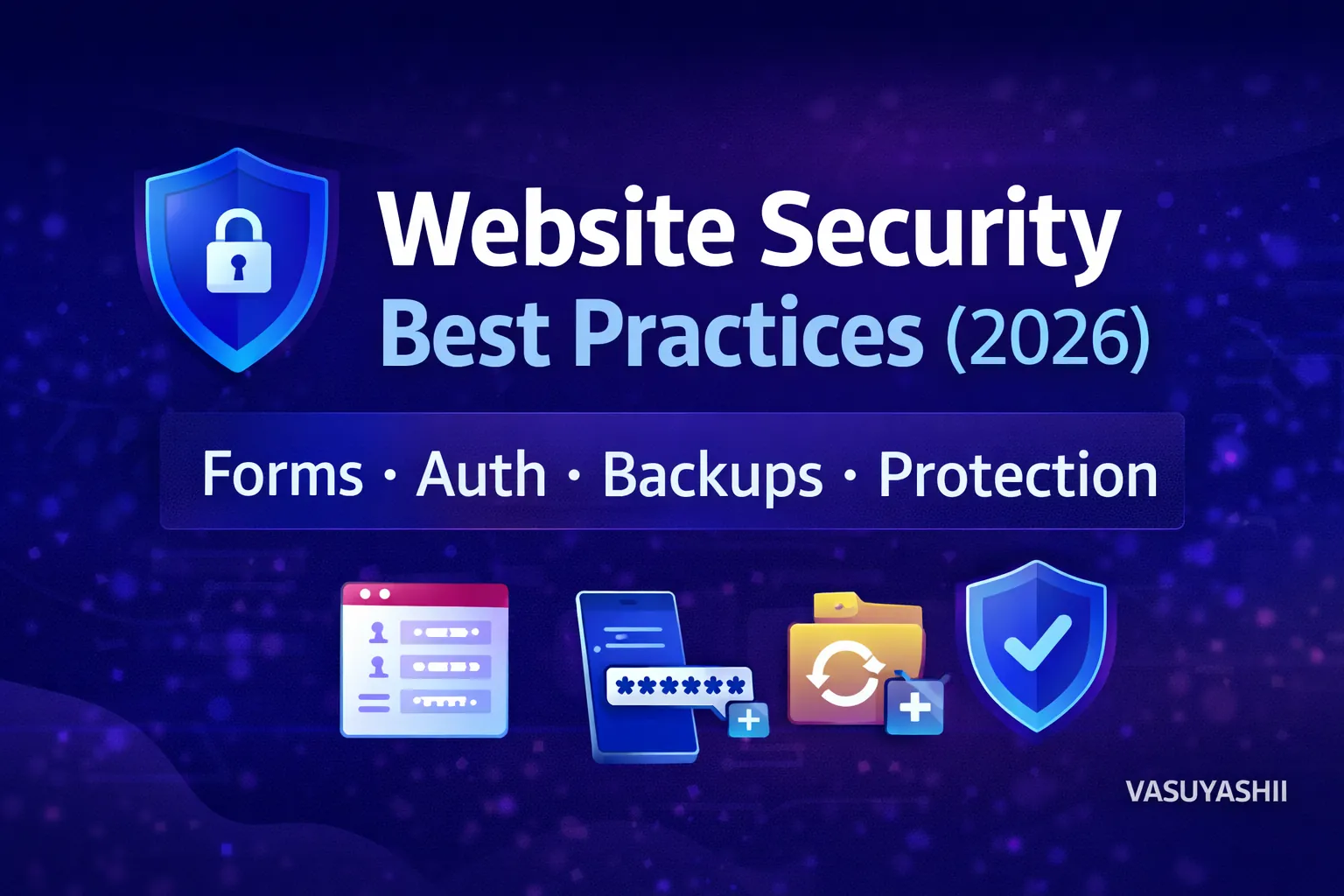
Website security is a continuing risk-management process. It covers the public website, administrator accounts, forms, dependencies, hosting, backups, APIs, third-party services and the people who control them.
HTTPS is necessary, but it does not protect a weak password, exposed API key, vulnerable plugin, broken authorisation rule or untested backup.
This guide gives Indian small and medium businesses a practical baseline for business websites, WordPress sites and custom web applications. It is educational guidance, not a guarantee that a system is secure or a substitute for a qualified security assessment.
Prioritise these controls:
Security work should be based on risk and evidence, not a badge or plugin count.
Website security maintenance should turn the checklist into assigned, repeatable work. The exact frequency depends on the website, data, integrations and business impact, but this is a practical starting point:
| Frequency | Checks | Evidence to retain |
|---|---|---|
| Daily or automated | Uptime, failed forms, suspicious login patterns, payment or API failures | Alert, incident ticket or monitoring record |
| Weekly | Backup completion, critical advisories, administrator changes, unusual traffic or errors | Backup log and short review note |
| Monthly | Software updates, account access, forms, security headers, third-party scripts and restore readiness | Version record, test result and named owner |
| Quarterly | Permissions, domain/DNS ownership, recovery contacts, data retention and incident runbook | Access review and recovery drill notes |
| After a material change | New forms, plugins, APIs, payment flows, roles, uploads or hosting configuration | Change-specific security acceptance result |
Do not postpone a known critical issue until the next scheduled review. A cadence creates accountability; risk and active incidents determine urgency.
Start with an asset inventory.
| Asset | Typical owner | Security question |
|---|---|---|
| Domain and DNS | Business owner | Who can transfer or modify it? |
| Hosting or cloud account | Business or technical owner | Is MFA enabled and billing current? |
| Website admin | Content/operations team | Does each user have an individual account? |
| Source repository | Development owner | Who can approve and deploy changes? |
| Database | Application owner | What personal or business data is stored? |
| Analytics and Search Console | Marketing owner | Are access and recovery details controlled? |
| Email and form inbox | Sales/operations | Who can read customer enquiries? |
| API and payment accounts | Business owner | Where are secrets stored and rotated? |
| Backups | Operations | Has restore been tested? |
Record account recovery methods and remove former staff or vendor access promptly. A business should not discover during an incident that its domain or hosting belongs only to an unavailable contractor.
The main risks are domain takeover, unsafe deployment access, vulnerable forms, third-party scripts and stale dependencies.
The attack surface includes WordPress core, themes, plugins, administrator accounts, file permissions, hosting and database access.
Add payment configuration, customer data, order workflows, plugins, webhooks and fraud-related risk.
Add authentication, authorisation, data isolation, APIs, file uploads, business logic, secrets, audit records and deployment pipelines.
Do not copy a checklist from one type and assume it covers another.
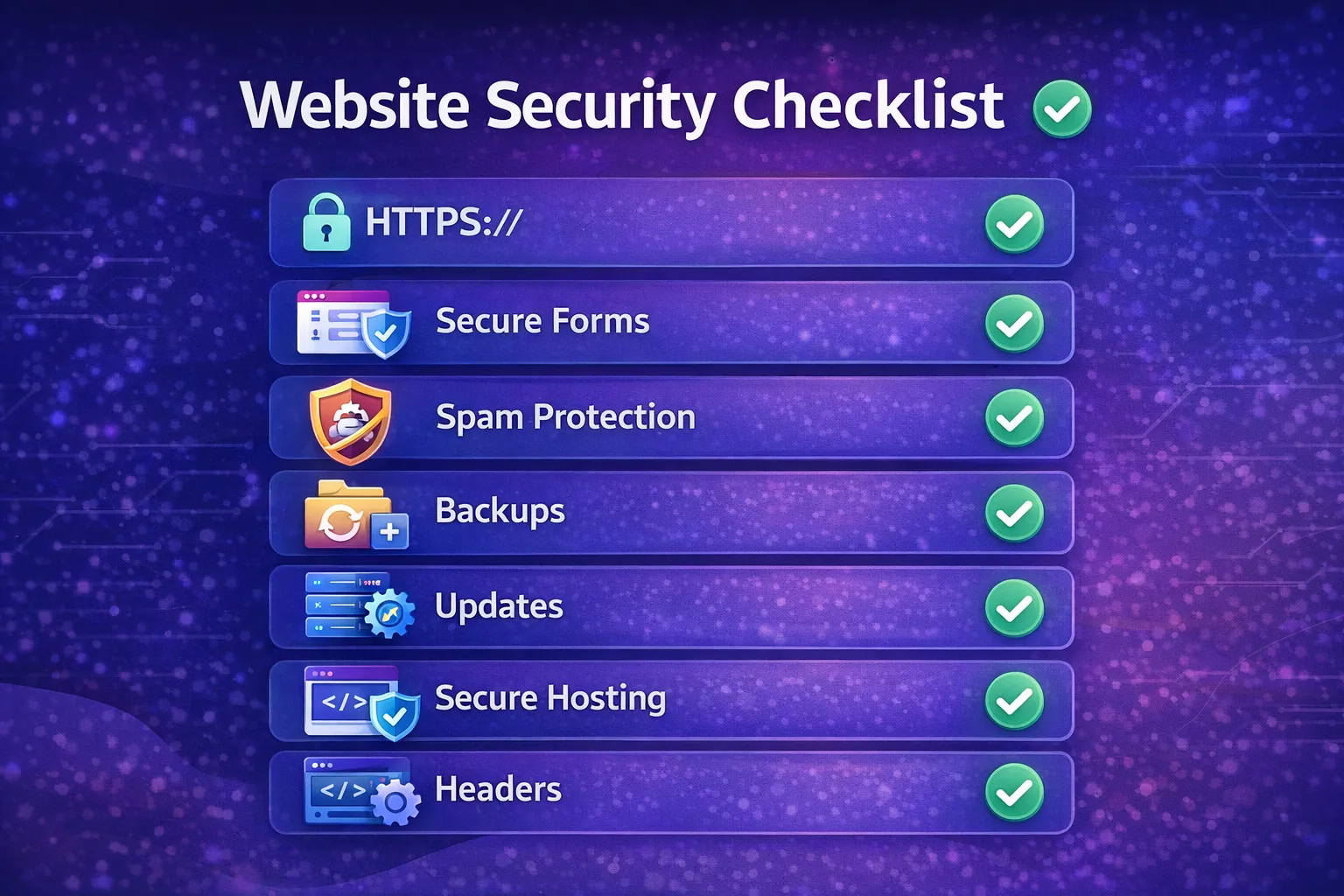
The domain is a critical business asset.
Apply the same controls to hosting, cloud, CDN and deployment accounts. Shared passwords sent through chat are difficult to revoke and audit.
HTTPS protects data in transit between the browser and server.
Verify:
Secure attribute;Consider HTTP Strict Transport Security after confirming every required subdomain supports HTTPS. A mistaken HSTS configuration can make a subdomain inaccessible, so deploy it deliberately.
Authentication proves who the user is.
Baseline controls:
Never store plaintext passwords. Custom systems should use established framework authentication and secure password hashing rather than a home-grown implementation.
The OWASP Authentication Cheat Sheet provides implementation guidance.
Authorisation decides what an authenticated user can do. It must be checked for every protected action and resource.
A hidden button is not access control. A user may call an API directly.
For each role:
In a multi-company application, changing an invoice ID must never reveal another company’s record. Company scope must be enforced in the backend query and business logic.
Use the OWASP Authorization Cheat Sheet as a technical reference.
Every form, URL parameter, uploaded file, API request and webhook payload is untrusted.
Server-side validation should check:
Browser validation improves usability but can be bypassed.
Prefer allowlists when the valid format is known. Encode output for its context and use parameterised database queries or framework ORM features. The OWASP Input Validation Cheat Sheet covers common patterns.
Forms can attract spam, automated abuse and data leakage.
Use:
Do not send sensitive form content to multiple unmanaged inboxes. Define retention and access. Never place secret keys in browser code to protect a form.
Secrets include database passwords, API keys, signing keys, payment credentials and service tokens.
A public key intentionally used in browser code is different from a private secret. Follow the provider’s security model and apply domain or API restrictions where supported.
Maintain an inventory of:
Review security updates and compatibility before release. Remove unused plugins, themes and packages because disabled or forgotten components may still increase risk.
For WordPress, follow the official WordPress hardening guidance and WordPress update documentation.
Updates should follow a controlled process:
Headers can reduce common browser-side risks.
Depending on the site, review:
frame-ancestors;Content Security Policy should match the resources the site actually uses. Begin with observation or report-only mode when appropriate, then tighten it. Copying a policy without testing can break analytics, payments, forms or embedded tools.
APIs require more than a hidden endpoint.
Do not trust a request simply because it came from the frontend.
For payment webhooks, verify the provider signature before changing payment or order state. Record event identifiers so a repeated delivery does not create duplicate actions.
File features require careful control.
Uploads:
Downloads:
A link that is difficult to guess is not a replacement for authorisation.
A backup is useful only if it can be restored.
Define:
Keep at least one backup isolated from the primary system where practical. Test restoration with a documented result. A daily “backup successful” email does not prove recovery.
For a business website, back up content, database, media, configuration and deployment information as applicable.
Collect actionable events:
Protect logs from unauthorised access and avoid recording passwords, tokens or unnecessary personal data. Set alerts only for events someone can investigate.
Uptime monitoring alone cannot detect a compromised but still-visible website. Add integrity, application and search monitoring according to risk.
Every chat widget, analytics tag, form provider, font, plugin and embedded tool adds dependency.
Review:
Remove tools that are not used. Limit privileged integrations and use separate accounts where possible.
A security plugin may support monitoring or hardening, but it cannot compensate for abandoned plugins, shared admin passwords or uncontrolled hosting access.
The OWASP Top 10:2025 is a useful awareness baseline, but it is not a complete test plan.
Define before an incident:
Do not immediately delete all logs or rebuild the server without preserving evidence. Escalate to qualified legal, privacy and security professionals when personal data or regulated obligations may be involved.
Before launch, verify:
Ask the delivery team to test:
These are starting scenarios, not a complete penetration test.
VASUYASHII can include security-oriented requirements such as role-based access, server-side validation, company-scoped APIs, secure deployment configuration and backup planning within an agreed web or software scope.
The exact controls, testing depth, compliance requirements, monitoring and incident support depend on the system and contract. A standard website package should not be represented as a formal security audit, penetration test or compliance certification unless that work is specifically performed by qualified parties.
No. HTTPS protects data in transit. It does not fix weak accounts, vulnerable software, broken permissions, unsafe forms or missing backups.
Review critical security updates promptly and maintain a regular update cycle. Test material changes before production when compatibility risk is significant.
Yes. Even a small site may depend on content, forms, configuration and domain settings. The backup scope and frequency should match business impact.
Combine server validation, rate limits, honeypots or challenges, request limits and monitoring. No single technique blocks every bot.
WordPress can be operated securely when core, plugins, themes, hosting, accounts and backups are maintained. Abandoned components and shared access increase risk.
Riskier systems handling payments, sensitive data, multi-tenant access or critical operations may benefit from independent testing. Scope it according to architecture and business impact.
Activate the incident plan, preserve evidence, restrict access carefully, rotate affected credentials, assess impact and involve qualified professionals. Avoid making untracked changes that destroy evidence.
No. Security reduces likelihood and impact through layered controls, monitoring, recovery and continuous improvement.
For a current business website or custom system, review web application development, software development and integrations. Share the system type, users, data sensitivity and required integrations through the contact page so security requirements can be scoped explicitly.
Related Articles
June 3, 2026
Security checklist for business websites with SSL, backups, admin access, updates, forms, permissions, headers, and monitoring.
Read article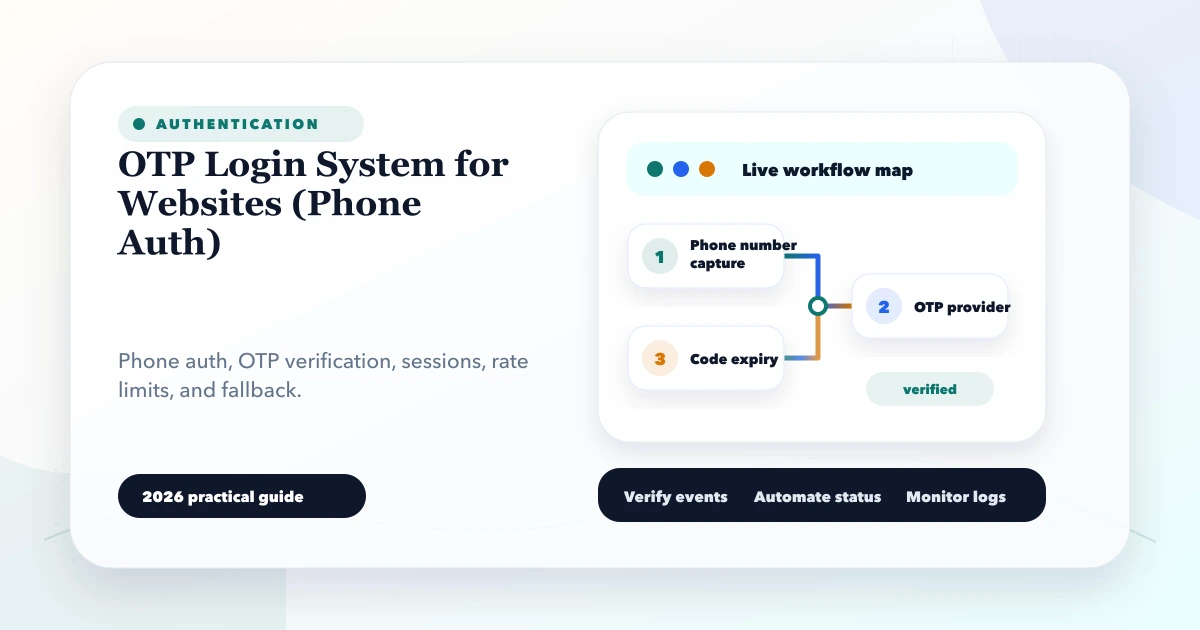
May 27, 2026
Plan secure phone OTP login with expiry, resend limits, abuse controls, account recovery, session security and practical customer-versus-admin risk decisions.
Read article
May 23, 2026
Build a fast, secure data entry panel with validation, drafts, bulk import, approvals, audit logs, permissions, and measurable operator productivity.
Read article
April 19, 2026
Plan SaaS authentication, server-side authorization, tenant isolation, role tests, session controls, audit logs, backups, and incident-ready operations.
Read article