
April 16, 2026
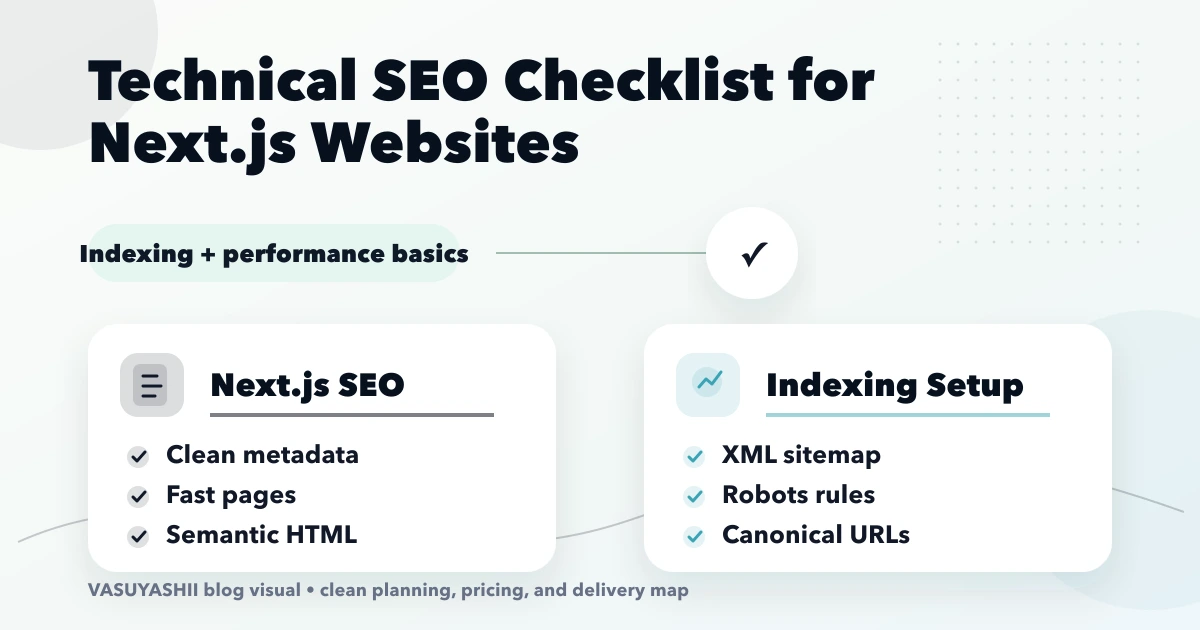
Technical SEO Checklist for Next.js Websites
Audit Next.js technical SEO for rendering, metadata, canonicals, sitemap, robots, redirects, structured data, internal links, images, and Core Web Vitals.
Read articlePublished Updated
Core Web Vitals fixes in Next.js with LCP, CLS, INP, image, script, and layout guidance plus pricing and rollout advice for 2026.
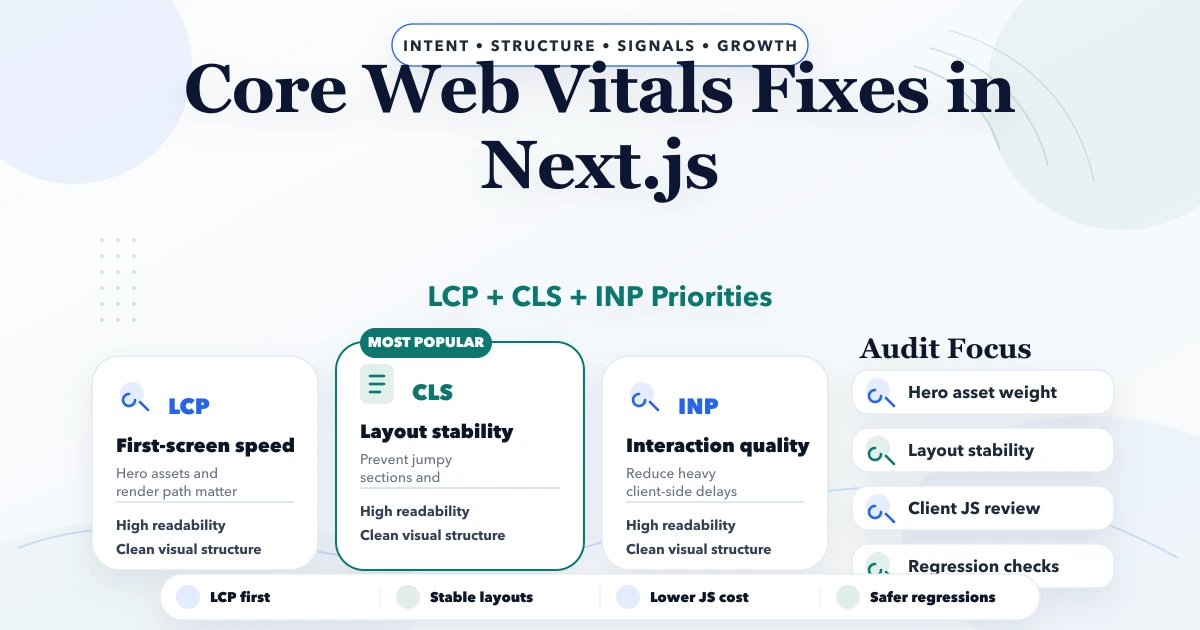
Core Web Vitals fixes in Next.js are most useful when they are tied to a specific template, business page, and conversion path. A blog page, city service page, ecommerce category, and admin dashboard do not fail for the same reason. One may have an oversized hero image, another may have shifting review cards, and another may ship too much client-side JavaScript before the first useful interaction.
For an Indian SMB website, the goal is not just a green Lighthouse score. The goal is that a mobile visitor from Delhi NCR can open the page quickly, read the offer without layout jumps, tap WhatsApp or contact, and trust the site enough to enquire. That is why this refresh focuses on route-level fixes, field-data thinking, and practical implementation order.
By Tushar C. (Founder, VASUYASHII). Reviewed by VASUYASHII Editorial for practical scope, pricing, implementation clarity, and local business relevance.
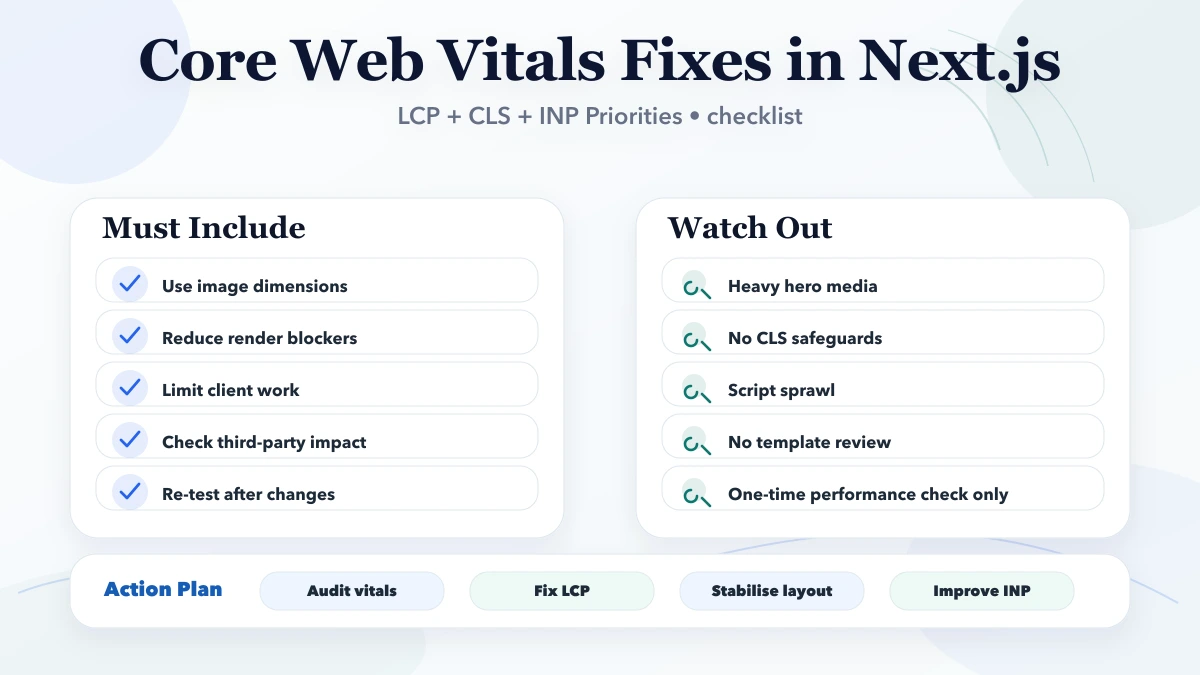
Core Web Vitals fixes in Next.js should focus on the biggest real bottlenecks first: LCP, CLS, INP, and script weight. Random micro-optimisations usually waste time if the page still has layout shifts, oversized media, and blocking client-side work.
| Scope | Price range | Timeline |
|---|---|---|
| Vitals audit + action plan | ₹15,000 to ₹45,000 | 2 to 5 days |
| Implementation cleanup | ₹45,000 to ₹1.5 lakh | 1 to 4 weeks |
| Performance + SEO engineering sprint | ₹1.5 lakh to ₹3.5 lakh+ | 4 to 8 weeks |
The important point is that this topic becomes more valuable when it is implemented with tracking and real business intent in mind. Otherwise it stays as content theory with little operational impact.
Imagine a Ghaziabad service company running ads and SEO traffic to a Next.js landing page. The desktop version looks polished, but most visitors arrive on mobile. The hero image is large, the trust logos load late, the WhatsApp button shifts after fonts load, and analytics scripts block the main thread. Search Console says Core Web Vitals need improvement, but the owner only sees fewer enquiries.
In that case, the correct fix is not "make the site faster" in a vague way. The page needs a route-level diagnosis:
This is why Next.js performance work should begin with the business-critical URL, not with a random global checklist.
Start with the templates that bring leads: homepage, service pages, city pages, pricing pages, and high-traffic blogs. For each template, check mobile field data where available, then compare with lab tests only to identify the likely cause.
Once these basics are clear, improvement becomes repeatable. A team can fix the service page template, reuse the pattern across city pages, and avoid reintroducing the same issue during future content or design updates.
Pricing depends on whether the need is audit-only, implementation-only, or a wider content plus technical fix. Many teams underestimate the effort because the visible change looks small while the real work sits in structure, testing, copy, analytics, and technical cleanup.
| Scope | Price range | Timeline |
|---|---|---|
| Vitals audit + action plan | ₹15,000 to ₹45,000 | 2 to 5 days |
| Implementation cleanup | ₹45,000 to ₹1.5 lakh | 1 to 4 weeks |
| Performance + SEO engineering sprint | ₹1.5 lakh to ₹3.5 lakh+ | 4 to 8 weeks |
If the page is business-critical, it is usually smarter to scope the implementation properly than to keep making tiny isolated changes without a clear framework.
A good timeline keeps diagnosis, implementation, and validation separate. That matters because many websites “change” often but do not really “improve” because the team never checks whether the change solved the actual bottleneck.
The right tools do not replace thinking. They help teams see what is happening faster, fix it more safely, and measure whether the result actually improved conversion or visibility.
When these drivers are acknowledged early, implementation decisions become much more rational. The team can then prioritise based on business impact rather than chasing every idea at once.
Use this checklist before approving a Core Web Vitals sprint:
For VASUYASHII-style service websites, the highest-value pages are usually homepage, service pages, contact flow, and high-intent blog posts. That makes performance work a revenue-support task, not only a developer cleanup.
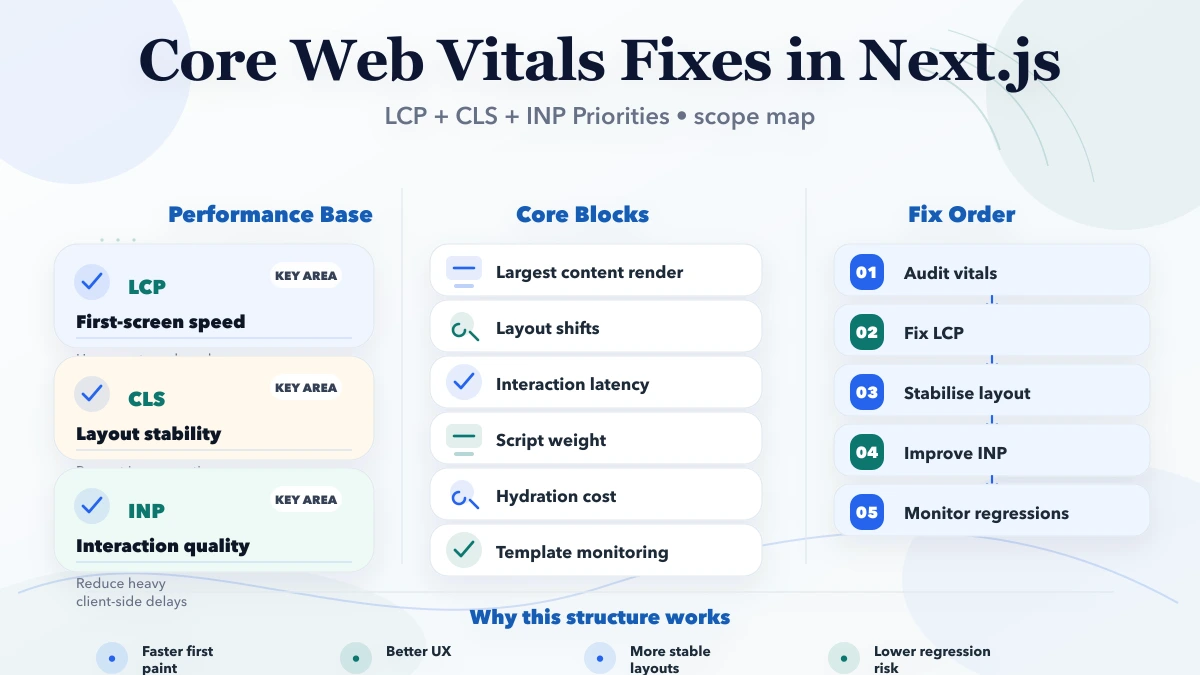
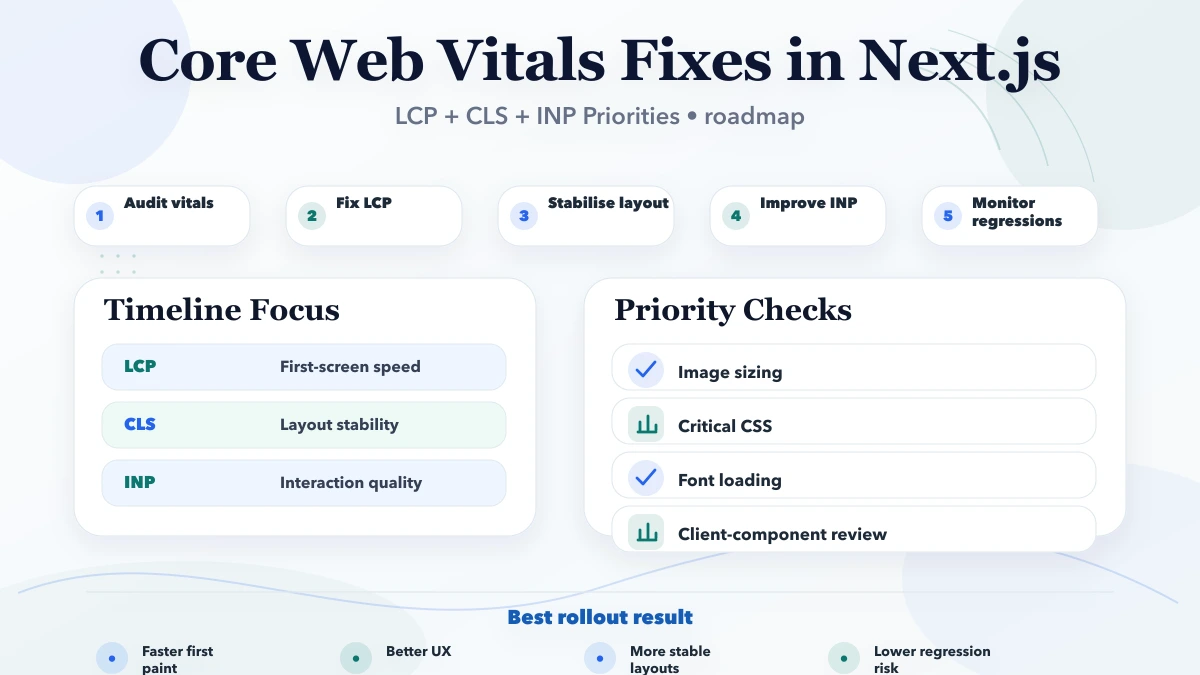
For most Next.js sites, LCP should be fixed first because it usually affects the largest visible content on the page and shapes the user’s first impression. Common LCP issues include oversized hero images, delayed font rendering, render-blocking assets, and heavy above-the-fold components. After that, CLS should be reviewed by checking image dimensions, ad or embed placeholders, layout instability, and font swap behaviour. Then INP can be improved by reducing heavy client-side work, shrinking long tasks, and simplifying interactive components.
This order works because it mirrors how users experience the page. First they wait to see the main content, then they get frustrated if the layout jumps, and finally they notice laggy interactions if buttons, tabs, or filters respond slowly.
Next.js gives useful tools, but they need disciplined usage. Use the image component correctly, keep critical sections light, lazy-load nonessential widgets, avoid unnecessary client components, and review bundle growth when adding analytics or animation-heavy libraries. Server rendering can help, but only if the page is not overloaded with client-side rehydration work afterward.
A strong performance review should also check third-party scripts. In many business sites, chat widgets, tag-manager sprawl, and unused marketing code damage Web Vitals more than the page content itself.
Web Vitals work should not end when the score improves once. Sites often regress after new banners, analytics tags, animations, or third-party widgets are added. That is why teams should recheck LCP, CLS, and INP after major marketing or design changes instead of assuming the site will stay healthy automatically.
A strong monitoring habit includes reviewing template-level changes, testing mobile experience, and checking whether new scripts affect the first render or interaction quality. This protects performance work from slowly being undone by day-to-day publishing decisions.
Most underperformance comes from fragmented execution. The page, tracking, copy, technical layer, and user path must support each other.
If your Next.js site has traffic but weak enquiries, start with the exact pages that bring visitors. VASUYASHII can review Web Vitals, page structure, scripts, image handling, internal links, and contact flow together so the fix supports both SEO and conversion.
Check the biggest template-level issues first: above-the-fold media, unstable layout containers, heavy scripts, and how much client-side code loads before the user can meaningfully interact.
Yes. They are not the only ranking factor, but they influence usability, crawling quality, and conversion performance. Better vitals usually support stronger user outcomes too.
Absolutely. Many performance problems come from analytics, chat widgets, experiments, or embedded tools rather than from the framework alone.
No. Start with the pages that matter most for traffic and revenue, then expand route by route. Prioritisation matters more than broad but shallow optimisation.
Code changes can be immediate, but field data and Search Console signals may take time to reflect. Expect a lag before Google’s reported experience catches up.
Yes. Blogs and landing pages often need image, layout, and content-block optimisation, while dashboards or app pages may need more JavaScript and interaction-focused cleanup.
Hydration-heavy components and unstable section sizing are common hidden issues. They may not look obviously broken, but they still hurt performance and user experience.
No. Keep publishing useful content, but do not ignore template-level issues. If every new blog or service page inherits the same slow image, shifting layout, or heavy script problem, the site keeps creating more pages with the same weakness.
Before changing Next.js configuration, identify what the visitor actually waits for. The why a good-looking website loads slowly guide maps late hero media, invisible text, third parties, and client animation to the relevant diagnostic path.
When the visible problem is movement rather than loading delay, use the focused Next.js CLS reduction guide to audit image geometry, fonts, embeds, banners, hydration, form errors, and animation.
When image requests are the main issue, follow the dedicated lazy-loading strategy for blog images to protect the LCP image while deferring below-fold diagrams and screenshots.
If you want this implemented properly instead of as another generic checklist, share the current website, key landing pages, Search Console issue, and traffic source mix. We can then map the right fix, timeline, and rollout clearly.
If route bundles or hydration dominate the trace, follow the JavaScript bloat diagnosis guide.
Related Articles
April 16, 2026
Audit Next.js technical SEO for rendering, metadata, canonicals, sitemap, robots, redirects, structured data, internal links, images, and Core Web Vitals.
Read article
March 18, 2026
Use this 2026 website speed optimization guide to measure Core Web Vitals, prioritize LCP and script fixes, improve images and fonts, and retest safely.
Read article
March 18, 2026
Build an SEO-friendly website with crawlable architecture, clean canonicals, fast mobile pages, structured data, internal links, and conversion tracking.
Read article
May 13, 2026
Fix CLS in Next.js by reserving space for images, fonts, embeds, banners, async content, and animations, then validate changes with lab and field data.
Read article