

March 30, 2026
Business Website Hosting Guide for India
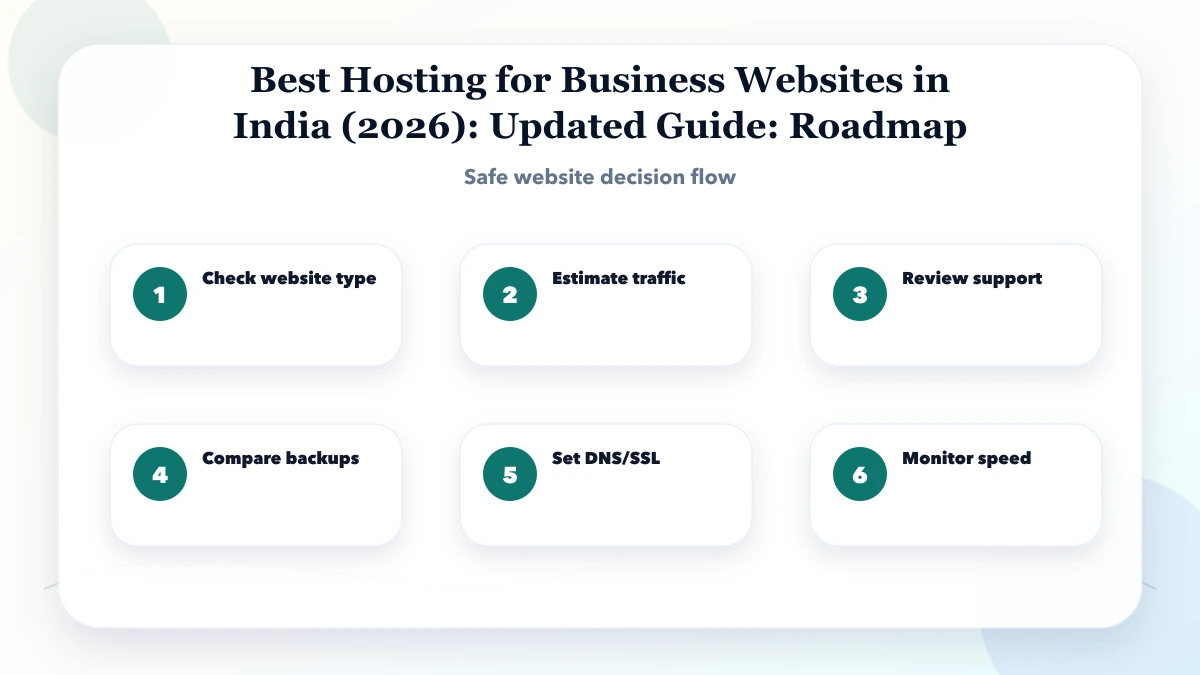
Choose business hosting in India by workload, region, backups, security, support, staging, ownership, migration, email boundaries, and total cost.
Read articlePublished Updated
Compare static, WordPress and cloud hosting for an Indian business website by editing needs, application features, maintenance, ownership and risk.
Static hosting, managed WordPress and cloud application hosting solve different business problems. The correct choice depends less on the provider logo and more on who edits the website, whether the website runs private logic, and who will maintain the technical environment after launch.
This is a comparison guide for Indian business owners deciding between those three hosting categories. For a broader operational checklist covering backups, DNS, staging, email boundaries and recovery, use the separate business website hosting guide for India.
Do not choose cloud infrastructure only because it sounds more powerful. Do not choose WordPress only because an editor is familiar. Do not choose static hosting if the proposed functionality needs a persistent backend.
| Decision factor | Static hosting | Managed WordPress | Cloud application hosting |
|---|---|---|---|
| Best for | Lead sites, brochures, public catalogs, documentation | Content-heavy sites edited through a CMS | Portals, SaaS, dashboards, workflows and APIs |
| Content update | Change source/CMS, rebuild and deploy | Edit and publish in WordPress | Depends on the application/admin panel |
| Persistent server | Usually no | Yes | Yes |
| Database | Not required for page delivery | WordPress database | Application-specific managed database |
| Maintenance | Build dependencies and deployment workflow | Core, theme, plugin, PHP and database maintenance | Runtime, app, database, jobs, logs and security |
| Scaling model | CDN delivery is usually straightforward | Caching plus server/database capacity | Architecture-specific scaling |
| Main risk | Feature mismatch or developer-only editing | Plugin conflicts and unclear maintenance ownership | Operational complexity and usage-based cost |
The table is a starting point, not a purchase recommendation. A website can also use a hybrid architecture, such as a static marketing frontend connected to a separately hosted business application.
A static website is generated into HTML, CSS, JavaScript and assets before a visitor requests a page. A CDN can serve those files without running a traditional application server for each visit.
The VASUYASHII marketing website uses a statically generated production build. Its release checks include route generation, sitemap validation, canonical URLs, form behaviour and direct production URL tests. That workflow is suitable evidence for a public lead-generation website; it is not proof that every business system should be static.
WordPress combines a content-management interface with a PHP application and database. It can be practical when a business team needs to publish pages, posts or catalog content without a source-code deployment for every edit.
Use the current official WordPress requirements when checking runtime compatibility. A host using the word “managed” may manage infrastructure while leaving theme, plugin and content problems to the website owner, so the support boundary must be written down.
Cloud application hosting is the relevant category when the product is an application rather than only a public website. A typical system may include a frontend, API, database, file storage, scheduled work, background jobs and external integrations.
Next.js supports multiple deployment approaches, so compare the architecture against the current Next.js deployment documentation. For a custom workflow, decide the application architecture through web application development before purchasing infrastructure.
A consultancy with service pages, case studies, a contact form and WhatsApp CTA may need only a static lead-generation website. The important work is content structure, local proof, form reliability, analytics and a deployment handover.
Likely choice: static hosting, unless the team requires a CMS editing workflow.
A distributor that changes catalog pages weekly may prefer WordPress when staff need direct publishing and the catalog does not require live inventory or customer-specific pricing. If inventory, dealer pricing or order approval becomes operational data, a separate application may be more appropriate.
Likely choice: managed WordPress for publishing, or a static frontend connected to a purpose-built catalog system.
A billing and inventory product has authentication, company-scoped data, invoices, stock, purchases, payments and reports. This is not ordinary website hosting. It requires application and database infrastructure, access controls, backups, logs and deployment discipline.
Likely choice: cloud application hosting with a managed database and explicit recovery plan.
Before comparing prices, assign each responsibility.
| Responsibility | Business owner | Developer/agency | Hosting provider |
|---|---|---|---|
| Domain ownership and billing | Accountable | May assist | Registrar service only |
| Content approval | Accountable | May structure/publish | Not responsible |
| Application/theme code | Owns deliverable | Builds and maintains by agreement | Usually not responsible |
| Platform availability | Reviews impact | Monitors/integrates | Responsible within service terms |
| CMS/plugin updates | Approves maintenance | Performs if contracted | Varies by managed plan |
| Backups and restore verification | Confirms requirement | Tests workflow if contracted | Provides only stated capability |
| Security incident response | Business decision owner | Application response if contracted | Platform response within scope |
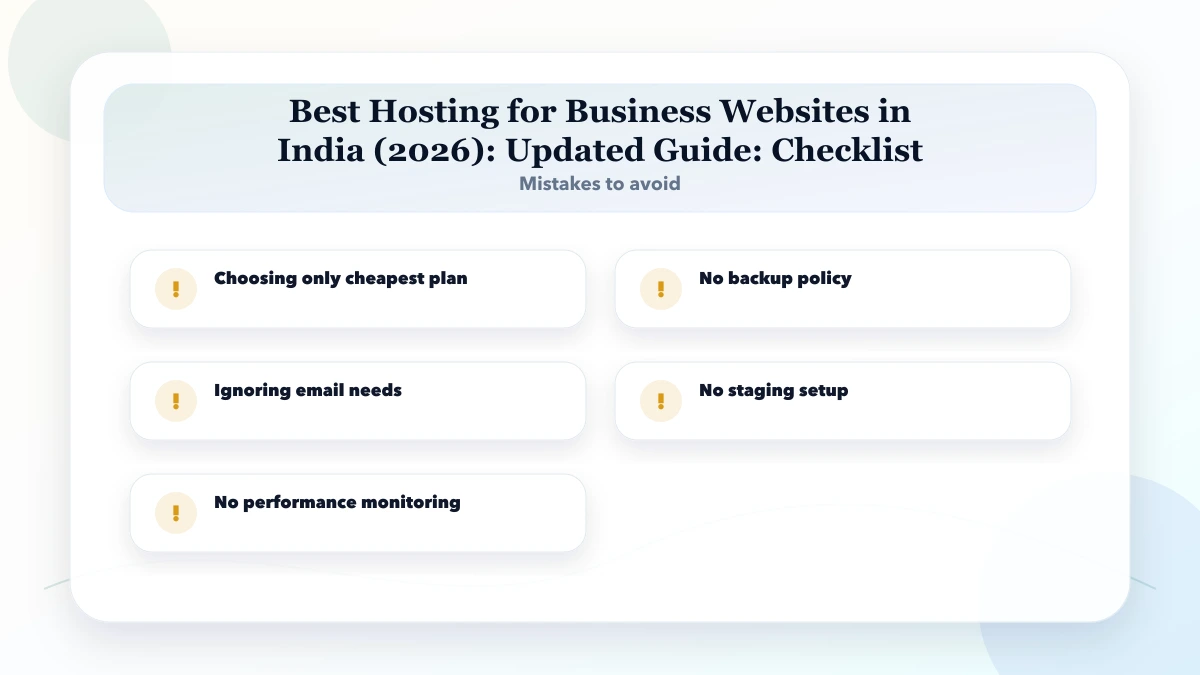
Ambiguous ownership causes more outages than the choice between two similar plans. Put names and response expectations beside each critical task.
Provider prices change, promotional periods expire and usage patterns vary. Compare cost categories instead of publishing a universal “cheapest” winner.
Request a twelve-month estimate with assumptions. The lowest first-year invoice is not necessarily the lowest operating cost.
Score each statement as yes or no:
Interpretation:
Yes. Search engines can crawl static HTML normally when URLs, content, metadata, sitemap, canonicals and internal links are implemented correctly. SEO results still depend on usefulness, authority and competition.
It can be better for an editor-led workflow, but editing convenience must be weighed against plugin, update, security and performance responsibilities.
No. Architecture, caching, database location, frontend weight and third-party scripts affect speed. More infrastructure does not automatically create a faster page.
Yes. A static marketing website can link to a separately hosted application. Clear domains, authentication, analytics and ownership are important in a split architecture.
Any option can be handed over well when accounts, source, data exports, DNS, deployment, backups and operating instructions are documented. Static sites often have fewer runtime components, while WordPress may be easier for content editors.
Not necessarily. Separating business email can reduce migration coupling. Record MX, SPF, DKIM and DMARC settings and test delivery after DNS changes.
First decide whether the requirement is a public website, an editor-managed CMS or a business application. Then compare plans inside the correct category.
Related Articles
March 30, 2026
Choose business hosting in India by workload, region, backups, security, support, staging, ownership, migration, email boundaries, and total cost.
Read article
May 21, 2026
Compare Vercel, Hostinger, and AWS by application type, deployment control, databases, scaling, support, security ownership, cost risk, and team capability.
Read article
May 21, 2026
WordPress security checklist for business websites: practical 2026 guide with checklist, pricing, timeline, risks, tools, FAQs, and Indian business tips.
Read article
June 3, 2026
Security checklist for business websites with SSL, backups, admin access, updates, forms, permissions, headers, and monitoring.
Read article