
May 21, 2026
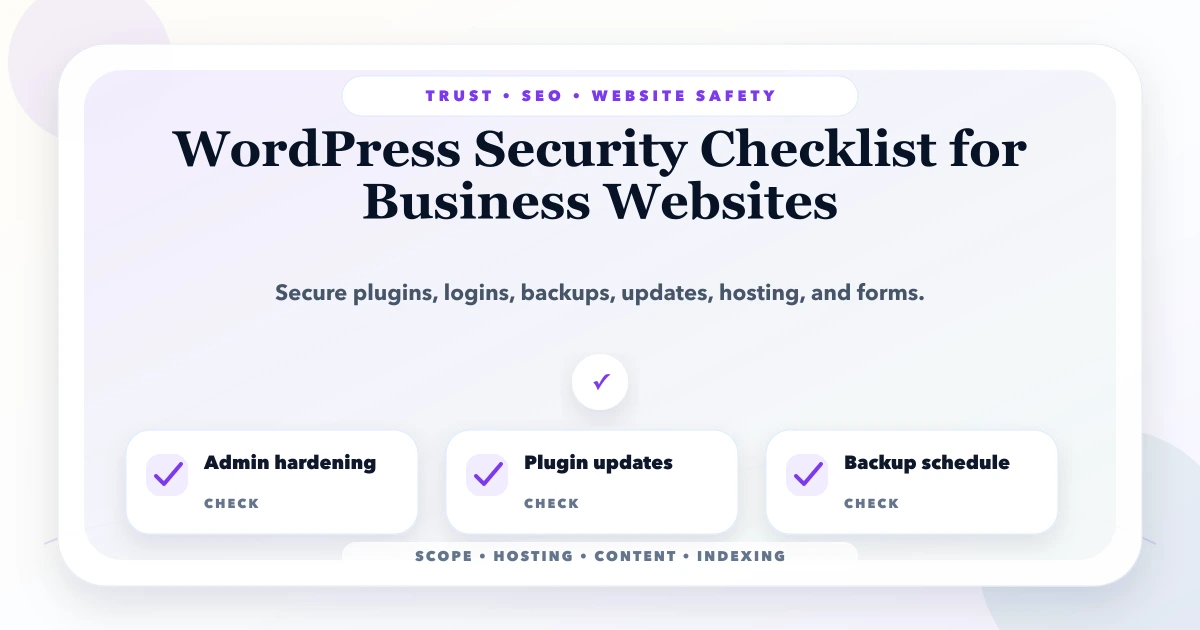
WordPress Security Checklist for Business Websites
WordPress security checklist for business websites: practical 2026 guide with checklist, pricing, timeline, risks, tools, FAQs, and Indian business tips.
Read articlePublished Updated
Security checklist for business websites with SSL, backups, admin access, updates, forms, permissions, headers, and monitoring.
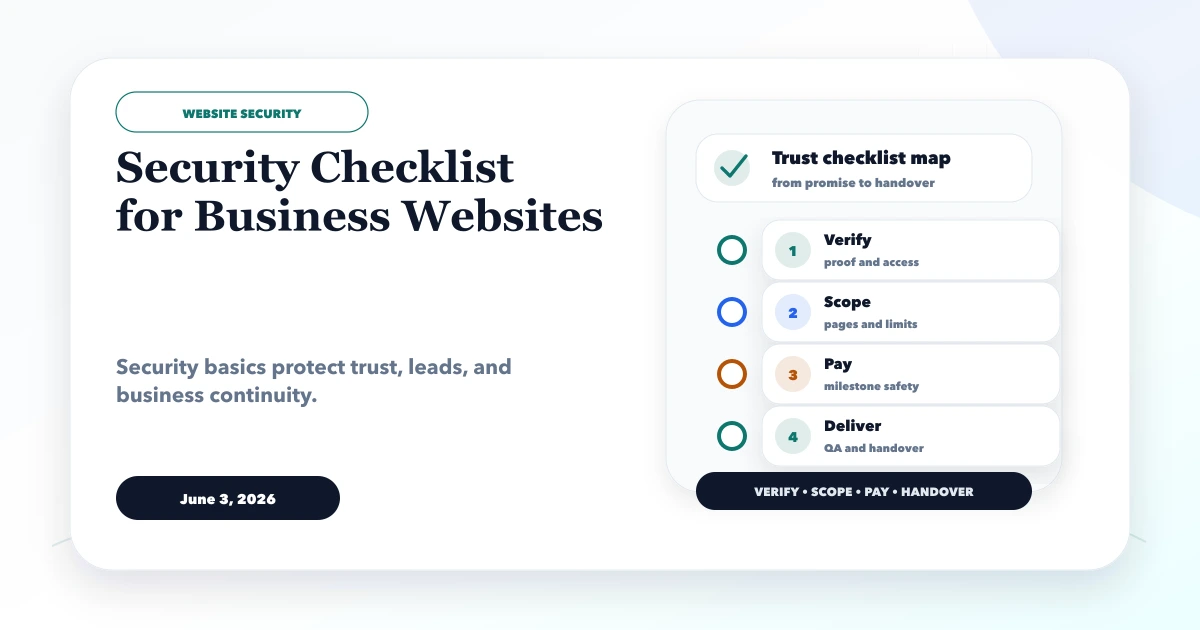
This security checklist for business websites separates visible checks from the controls that actually reduce risk. A valid SSL certificate is necessary, but it does not protect a reused administrator password, an exposed form endpoint, an untested backup, or an account that still belongs to a former vendor.
The correct checklist depends on what the website can do. A brochure website, a WordPress lead site, an ecommerce store, and a customer portal do not carry the same data or recovery risk. Start by identifying accounts, data, forms, third-party services, and the business impact of an outage. Then assign each control to a named owner.
By Tushar C. (Founder, VASUYASHII). Reviewed by VASUYASHII Editorial for practical website development, vendor verification, project scope, payment safety, launch QA, security, maintenance, and technical SEO.
A business website security checklist should include SSL, strong admin access, limited permissions, backups, dependency or plugin updates, form spam protection, secure hosting, security headers, uptime checks, and recovery planning.
A small business may think security only matters for large companies. Consider a service website where the domain sits in the founder's account, hosting belongs to an old agency, form enquiries are emailed to two employees, and no one has restored the latest backup. A compromised mailbox or expired vendor relationship can stop leads even if the website itself still loads.
The first security task is therefore ownership: record who controls the domain, DNS, hosting, source repository, analytics, forms, business email, and backup location. Store recovery methods outside the website account itself and remove access when a staff member or vendor leaves.
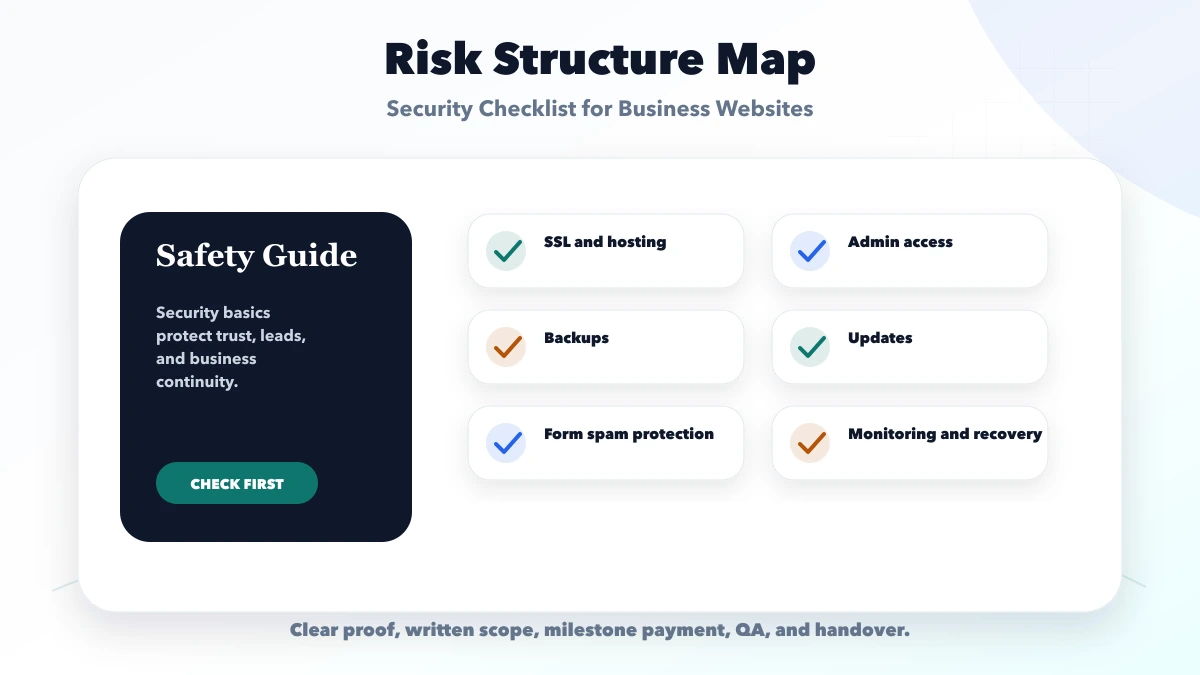
Each check should be specific enough to verify. Vague statements like "SEO included", "premium design", or "full support" should be converted into page names, fields, features, timelines, access details, or support limits.
| Area | What to verify | Safe action |
|---|---|---|
| Basic security | SSL, passwords, backups | Good for simple sites |
| Business security | Updates, spam control, monitoring | Good for lead websites |
| Advanced security | Roles, headers, audits, recovery plan | Good for web apps |
A safe workflow does not mean slow delivery. It means the project has enough clarity that both sides can move quickly without guessing.
| Website type | Main exposure | Minimum controls before launch |
|---|---|---|
| Informational site | Defacement, lost access, outdated software | Named account owner, MFA where available, updates, daily or weekly backup, restore instructions |
| Lead-generation site | Spam, leaked enquiries, fake submissions | Server-side validation, rate limits or anti-spam control, limited form retention, protected mailbox |
| Ecommerce or payment flow | Account takeover, false payment state, customer data exposure | Server-verified payment events, least-privilege roles, logs, tested recovery, provider security review |
| Customer or staff portal | Unauthorized records, role mistakes, session abuse | Strong authentication, authorization tests, audit logs, secure password reset, incident response owner |
Do not copy the most complex row into every project. A smaller site still needs disciplined ownership and recovery, while an authenticated application needs testing around identities, permissions, sessions, and sensitive records.
OWASP's Authentication Cheat Sheet and Authorization Cheat Sheet provide implementation-level guidance for authenticated systems. Use them as engineering references, not as a substitute for testing the website's actual roles and flows.
A form should collect only the information needed for the next business action. Validate fields on the server, constrain file types and sizes, avoid emailing sensitive uploads as open attachments, and define how long enquiries are retained. If a CRM, WhatsApp provider, payment gateway, captcha, analytics tag, or scheduling tool receives the data, document that dependency and its account owner.
Security headers can reduce exposure to common browser-side attacks, but they must be tested against the site's real scripts and embeds. Use the OWASP HTTP Headers Cheat Sheet to review controls such as Content Security Policy, frame restrictions, and transport security. Do not paste a strict policy into production without checking forms, analytics, fonts, and required integrations.
A backup is useful only when it can be restored. Record what is included: database, uploads, configuration, source, environment settings, and DNS details. At a planned interval, restore to a safe environment and confirm that pages, forms, accounts, and current records work.
For a practical incident drill, write five actions in advance: who disables compromised access, who preserves logs, who restores service, who communicates with affected users, and who verifies the fix. The OWASP Top 10 is a useful risk overview, but the recovery drill must still match the website's hosting and business process.
A useful review should not end with a generic score. Ask for a prioritized register containing the affected route or account, observed condition, business impact, recommended control, owner, and verification step. Separate confirmed findings from hardening opportunities and items that could not be tested.
For a small lead website, the first report might prioritize domain recovery, shared administrator access, failed form validation, and an untested backup ahead of cosmetic header improvements. For a portal, broken role enforcement or exposed records would take priority over a low-risk informational warning.
After fixes, repeat the original reproduction steps and record the result. Keep secrets, personal data, and exploit details out of public tickets. High-risk production testing should be authorized, scoped, and performed by a qualified security professional; this checklist is an ownership and QA baseline, not a penetration-test certificate.
Review again after major framework, plugin, hosting, authentication, payment, or integration changes. Security is a maintained operating responsibility rather than a one-time launch badge.
Include the review date and next review trigger in the handover document. A calendar reminder alone is insufficient when ownership changes; the domain and hosting account should also contain an up-to-date recovery contact. Confirm that support staff know where to report suspicious access or form behavior without posting credentials in ordinary chat.
Use this roadmap to keep risk controlled. For larger websites, add written approvals at each stage: scope, design, staging, launch, and final handover.
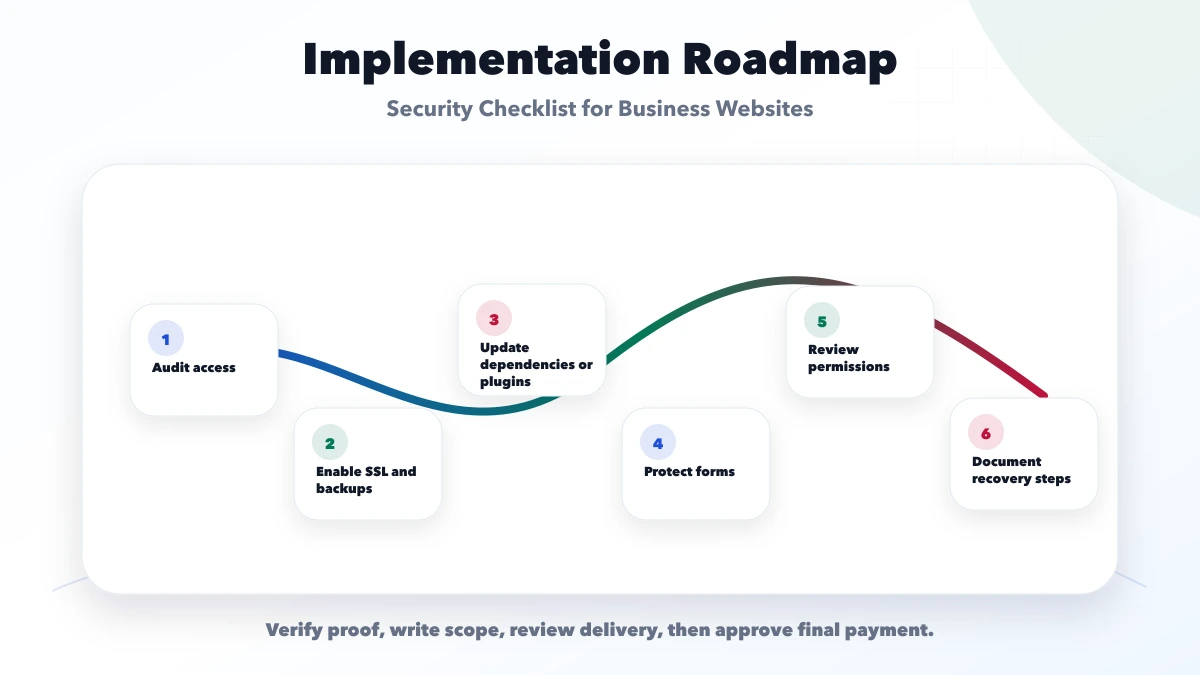
This checklist protects the project from avoidable disputes. It also gives the client a clear reason to approve, pause, or ask for clarification.
VASUYASHII would first map the business goal, scope, pages, proof, timeline, access needs, lead flow, SEO basics, and support expectations. Then we would create a phase-wise plan with clear deliverables.
Useful links: web application services, software development, integrations, services, and contact.
Avoid approving work only because it looks good in one screenshot. Real delivery includes working forms, mobile layout, SEO basics, access handover, tracking, support, and clear ownership.
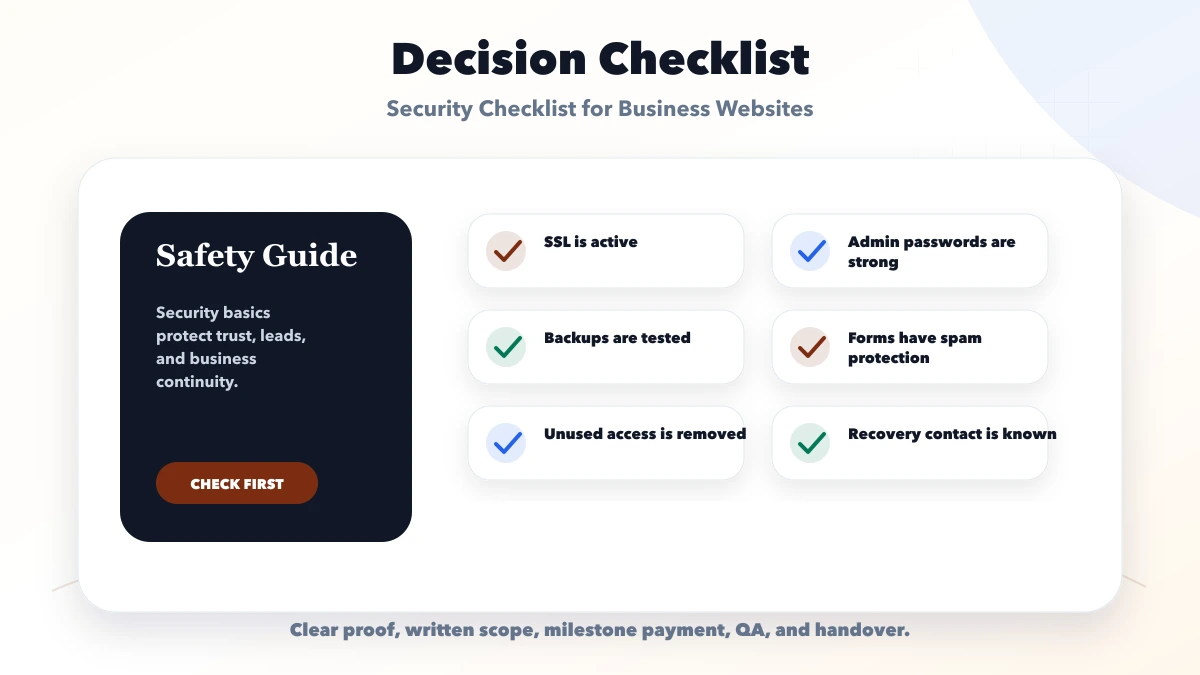
SSL, strong access, backups, updates, form protection, hosting security, monitoring, and recovery planning.
Yes. Small websites can still face spam, access misuse, expired SSL, and hacked pages.
It depends on update frequency, but business sites should have regular backups and restore checks.
WordPress needs plugin, theme, admin, and backup discipline. Custom sites need dependency and access discipline.
Yes. We can check practical website security, access, backups, forms, and launch risk.
If you want a practical plan for security checklist for business websites, VASUYASHII can help with scope, design, development, SEO setup, integrations, tracking, launch, and maintenance.
Related Articles
May 21, 2026
WordPress security checklist for business websites: practical 2026 guide with checklist, pricing, timeline, risks, tools, FAQs, and Indian business tips.
Read article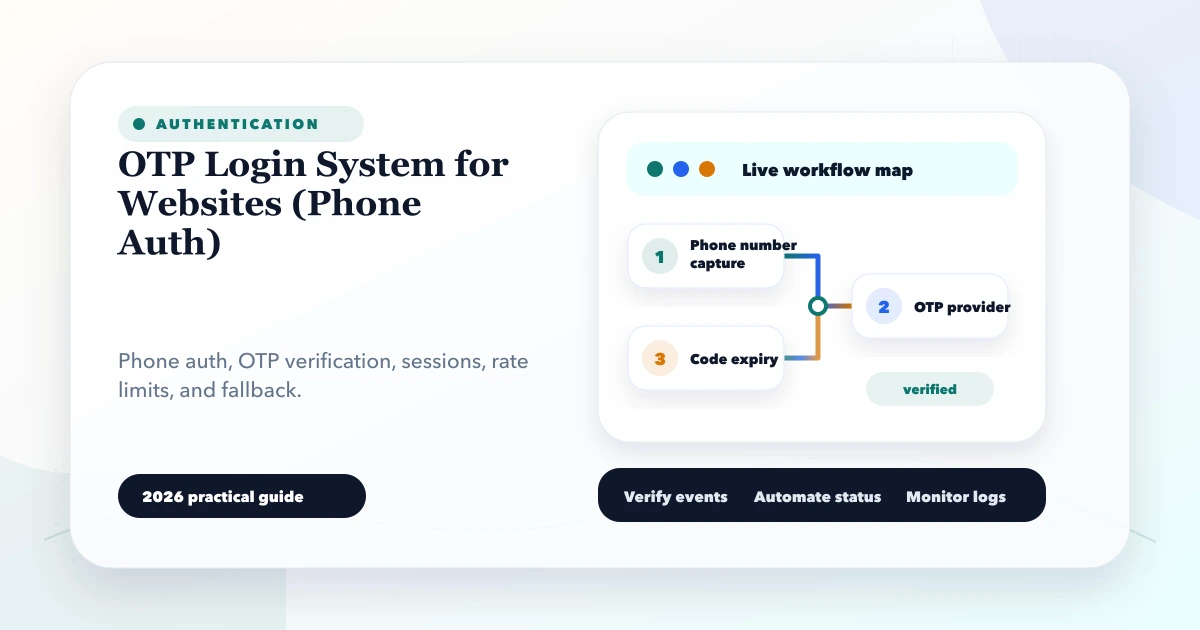
May 27, 2026
Plan secure phone OTP login with expiry, resend limits, abuse controls, account recovery, session security and practical customer-versus-admin risk decisions.
Read article
March 19, 2026
Use this 2026 website security best-practices checklist for access, forms, updates, backups, APIs, monitoring, WordPress and incident response.
Read article
May 21, 2026
Compare static, WordPress and cloud hosting for an Indian business website by editing needs, application features, maintenance, ownership and risk.
Read article