
June 3, 2026
Security Checklist for Business Websites
Security checklist for business websites with SSL, backups, admin access, updates, forms, permissions, headers, and monitoring.
Read articlePublished Updated
Plan secure phone OTP login with expiry, resend limits, abuse controls, account recovery, session security and practical customer-versus-admin risk decisions.
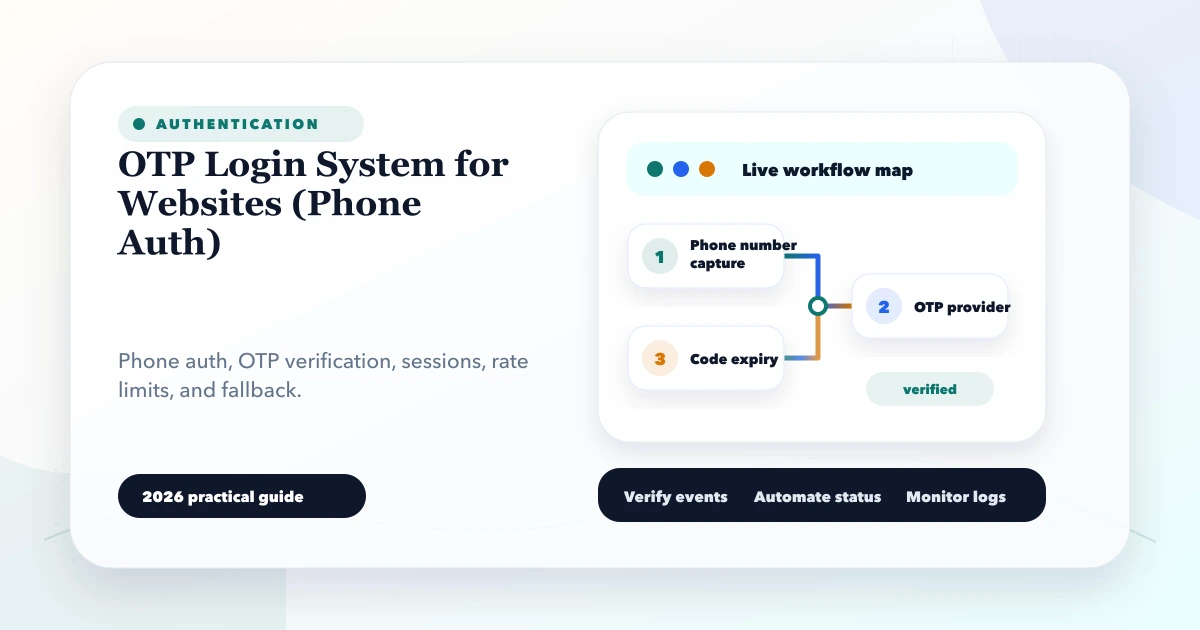
Phone OTP login removes the need for customers to remember a password, but it does not remove authentication risk. A production system must control who can request codes, how often they can try, how a verified phone maps to an account, what session is created afterward, and how access is recovered when the phone number changes.
This guide is for customer portals, booking systems, ecommerce accounts, field-service apps, and business web applications evaluating an OTP login system for websites. It separates convenient customer verification from high-risk administrator authentication, where stronger controls are normally required.
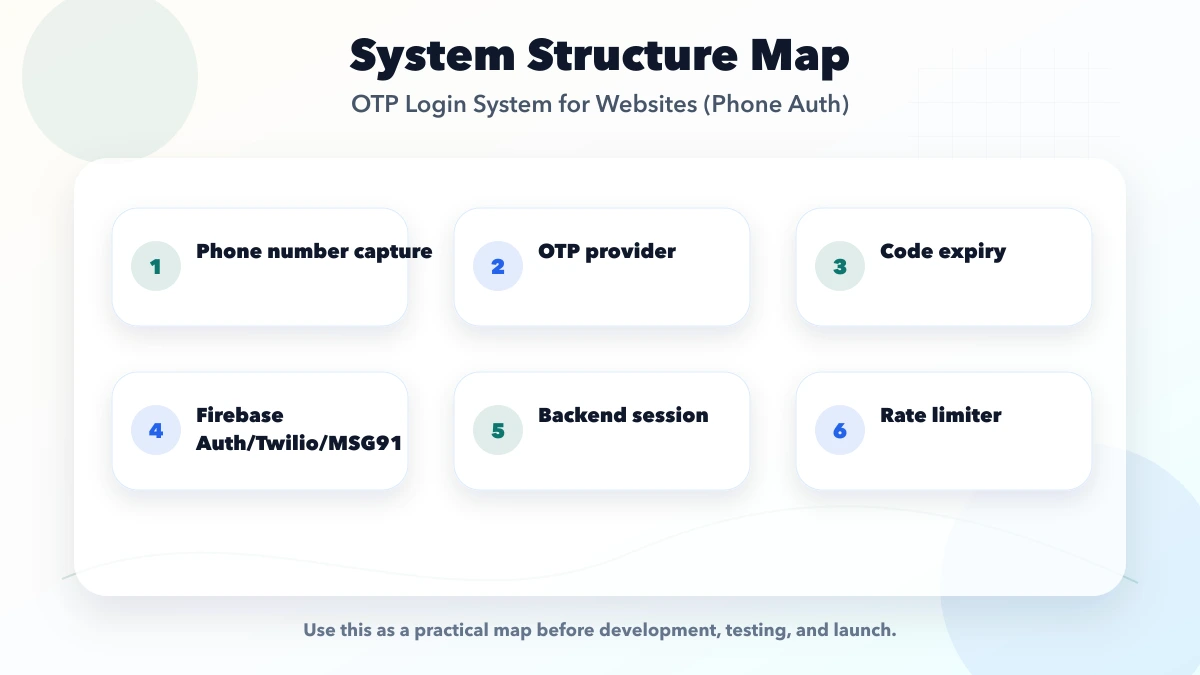
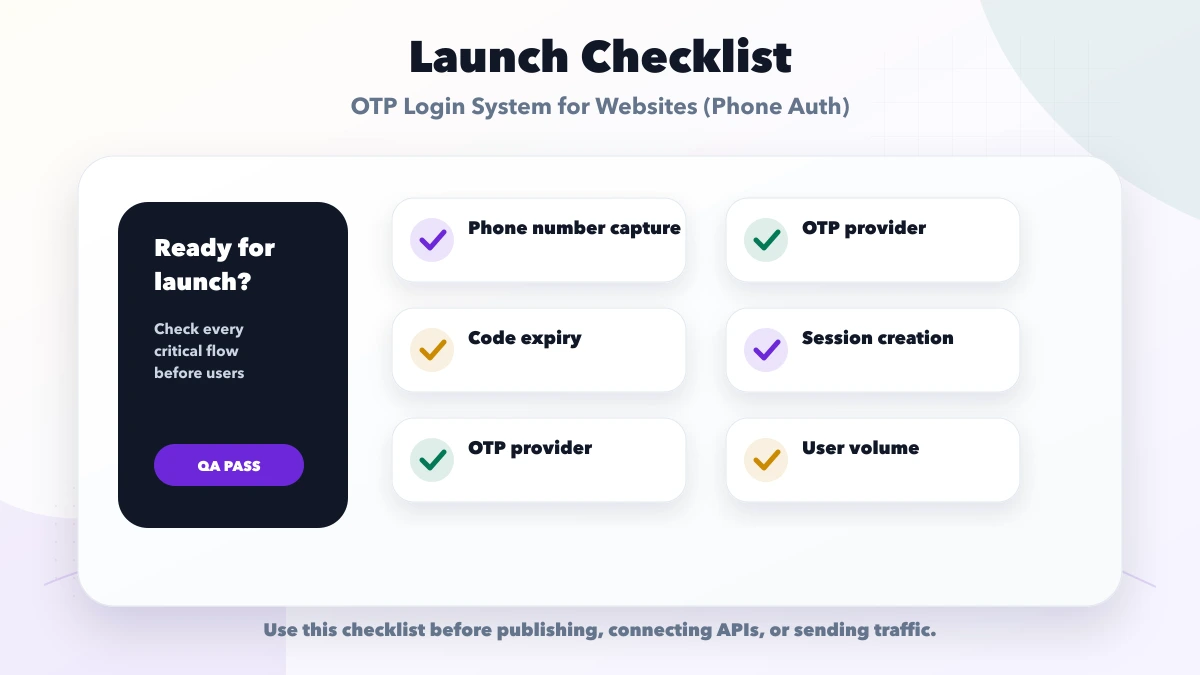
A secure OTP flow has four distinct stages:
The OTP provider only handles part of this process. Your application still owns account matching, consent, rate limits, roles, sessions, recovery, audit logs, and abuse response.
An SMS code proves that the user currently has access to a phone number. It does not prove:
This distinction matters. OTP may be appropriate for a customer checking a booking, while an owner exporting financial records should also pass stronger authentication or re-authentication.
Firebase's phone authentication documentation notes that phone-number-only sign-in is less secure than other available methods. NIST describes PSTN-based out-of-band authentication as a restricted authenticator in its Digital Identity Guidelines implementation resources. Treat SMS OTP as one control within a risk-based system, not as universal proof.
| Use case | Practical approach |
|---|---|
| Customer views own booking | Phone OTP may be reasonable with session limits |
| Customer places a low-risk enquiry | Verification may be enough without permanent login |
| Staff opens internal dashboard | Password/passkey plus MFA is stronger |
| Admin changes bank or payout details | Require recent re-authentication and MFA |
| Owner exports all customer data | Strong login, permission check, audit event |
| User changes registered phone | Verify old factor or use controlled recovery |
Do not reuse one “OTP verified” flag across every role. Authorisation must still check company, role, record ownership, and action.
Store numbers in one canonical international format. A user typing 09971461002, 9971461002, or +91 99714 61002 should not accidentally create three accounts.
The interface should:
Before calling the SMS provider, apply:
Return a neutral message such as “If this number can receive a code, it has been sent.” This reduces account enumeration.
Use a cryptographically secure random value when generating codes yourself. Store only a protected verifier or rely on a reputable managed authentication service. Give the code a short expiry and bind it to the specific login challenge.
Never log the OTP, expose it in analytics, or include it in frontend error reports.
Check the challenge, code, expiry, and remaining attempts as one operation. A new resend should invalidate or clearly supersede the previous challenge.
After several failed attempts:
After verification, decide whether to:
Do this on the server. Do not let the browser submit an arbitrary user ID after OTP verification.
The OTP should be consumed once. Then create a normal application session with:
Secure and appropriate SameSite settings;OWASP's Authentication Cheat Sheet and Session Management Cheat Sheet provide implementation guidance for authentication responses, session identifiers, cookie attributes, and re-authentication.
There is no single number suitable for every risk level, but the rules must be explicit and tested.
A starting policy might define:
Do not display a resend countdown while allowing the API to resend without limit. Frontend controls improve UX; server controls enforce security.
Phone numbers can move between people or devices. Design for:
For sensitive accounts, a phone change should require the old factor, a second verified factor, or a reviewed recovery process. Notify the old and new channels after a successful change. Add a cooling period before critical actions when risk is high.
Many login systems secure the main flow and leave support recovery weak. Define:
Support staff should not be able to bypass authentication based only on easily discoverable information.
A home-appliance service company lets customers view visits and invoices using phone OTP.
The safe design is:
This is safer than using the same OTP screen and role logic for customers, technicians, and company owners.
The current VASUYASHII Business Suite architecture uses authenticated, company-scoped APIs and team permissions for multi-company business data. This article does not imply that its owner or staff access currently uses SMS OTP. The relevant first-party lesson is the separation of identity, active company, and role: verifying a phone number alone must never select another firm's data or grant an owner permission.
A managed platform can handle delivery, verification, SDK integration, and abuse protections. It reduces custom cryptographic work but introduces provider configuration, pricing, quotas, and service coupling.
The application generates challenges and uses an SMS provider only for delivery. This gives more control but makes your team responsible for secure code storage, expiry, rate limits, anti-abuse logic, and session issuance.
For admin and staff systems, phone may be a second factor rather than the only login method. Passkeys or authenticator apps can provide stronger alternatives where supported.
Choose based on account risk, expected volume, regional delivery, compliance obligations, support capability, and the application's existing identity architecture. For broader implementation planning, review web application development services.
A phone number is personal data. Keep the collection purpose clear and avoid copying it into logs, URLs, analytics events, or third-party tools without a valid need.
Practical controls include:
Track events that help detect abuse without storing the OTP:
Use request IDs and masked identifiers. Alert on spikes, not on every normal failure.
Attackers call the endpoint directly. Rate limits must exist on the server.
The session should be created only after an unused, unexpired challenge is consumed successfully.
The number identifies an account candidate. Permissions must still evaluate role and resource ownership.
Provide session expiry, device visibility where useful, and revocation after password/phone/security changes.
Privileged accounts need stronger authentication, permission boundaries, and audit trails. See secure admin login best practices.
It avoids reused passwords but introduces telecom, delivery, SIM-swap, shared-phone, and recovery risks. Safety depends on the complete flow and the account's risk.
Use a short, documented period appropriate to delivery conditions and risk. The code should expire quickly and be single-use.
Prefer a new challenge or clearly invalidate the earlier code. The user and server should agree on which challenge is active.
It can participate in the flow, but SMS OTP alone is generally weak for privileged access. Add a stronger primary method or MFA, session controls, RBAC, and re-authentication.
Show a clear timer, allow controlled resend, avoid issuing many simultaneously valid codes, and offer a carefully designed fallback only when justified.
Not necessarily. The application should decide whether verified numbers can self-register, require an invitation, or map to existing records.
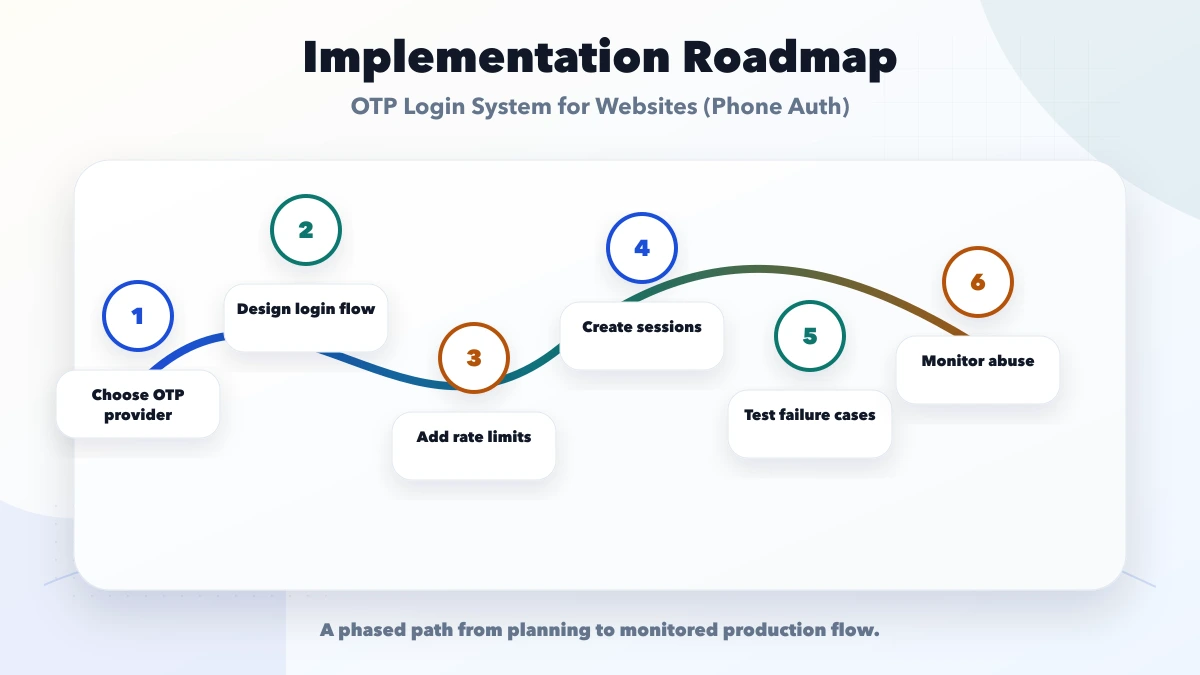
OTP login is a user journey, an abuse-control system, an account-matching rule, and a session-security boundary. Treating it as a six-digit input screen leaves the important decisions unresolved.
Start by classifying customer, staff, and admin risk. Then implement server-side limits, single-use verification, protected sessions, recovery, permissions, and monitoring. For a scoped authentication and portal plan, contact VASUYASHII.
Related Articles
June 3, 2026
Security checklist for business websites with SSL, backups, admin access, updates, forms, permissions, headers, and monitoring.
Read article
March 19, 2026
Use this 2026 website security best-practices checklist for access, forms, updates, backups, APIs, monitoring, WordPress and incident response.
Read article
May 21, 2026
WordPress security checklist for business websites: practical 2026 guide with checklist, pricing, timeline, risks, tools, FAQs, and Indian business tips.
Read article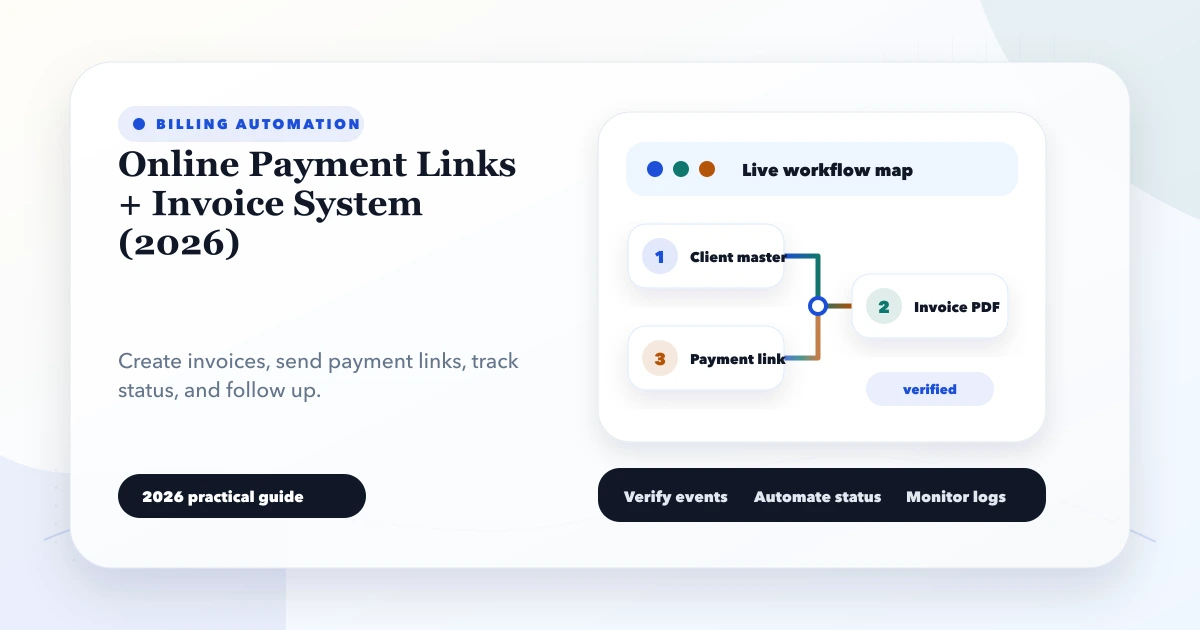
May 27, 2026
Build an invoice and payment-link workflow with due tracking, partial payments, webhooks, receipts, reconciliation and practical controls for Indian SMEs.
Read article