
May 23, 2026
Role-Based Access for Business Software
Design role-based access for owners, managers and staff with object, action and scope permissions, least privilege, audit logs and user lifecycle.
Read articlePublished Updated
Web app security guide to RBAC, least privilege, permission matrices, server-side authorization, audit logs, testing, and safer access reviews.
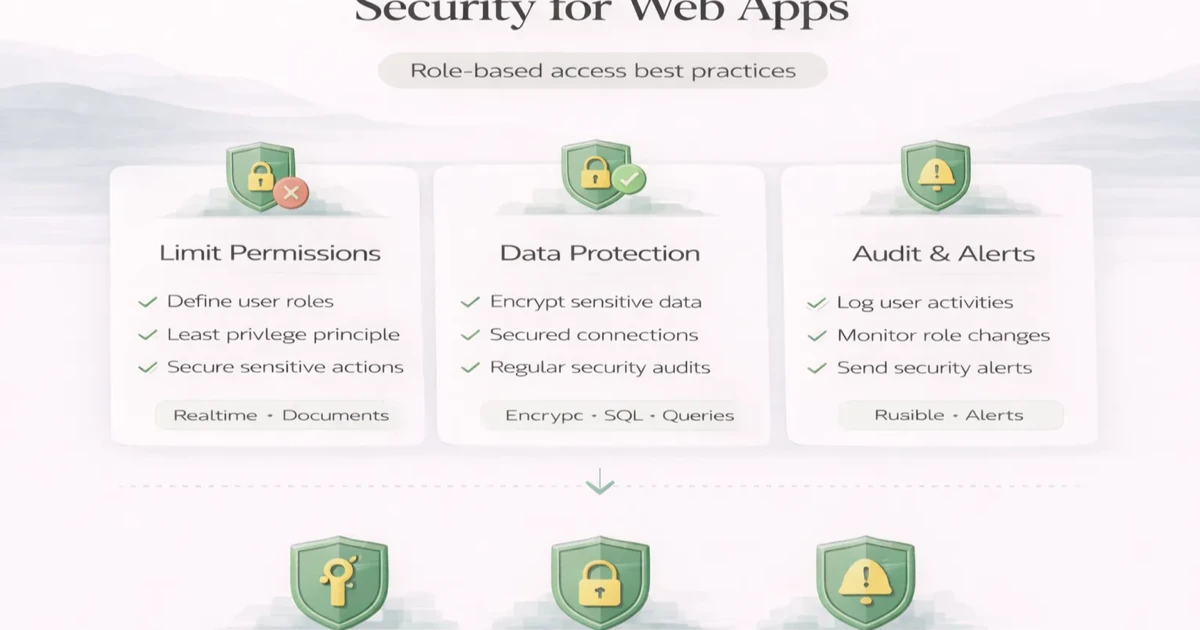
Access control is one of the most expensive places to be vague in a business app. A login screen proves identity; it does not prove that the signed-in user may view a record, export a report, approve a payment, or switch company data. Those decisions need explicit server-side rules and tests.
Role-based access control, or RBAC, helps organize permissions around defined roles. But RBAC only improves security if it is implemented carefully. A weak role model, UI-only checks, or unclear permission design can create risk even when the app looks secure on the surface.
This guide explains practical RBAC best practices for web apps, what common mistakes to avoid, and how to build safer access control into business software.
Good RBAC means:
The safest practical rules are:
RBAC should make the system safer and simpler to reason about, not more confusing.
For many business apps, access control applies to:
Typical roles:
The exact roles should come from actual business workflow, not random labels.
If a route, record, or action is sensitive, the safe default is no access unless it is explicitly allowed.
Give users only the permissions required for their actual job.
Never rely only on hiding buttons in the frontend. The backend must verify access on every protected request.
Do not bundle too many powers into one role. For example:
These should often be separate permissions.
Approvals, exports, deletions, and permission changes should have logs.
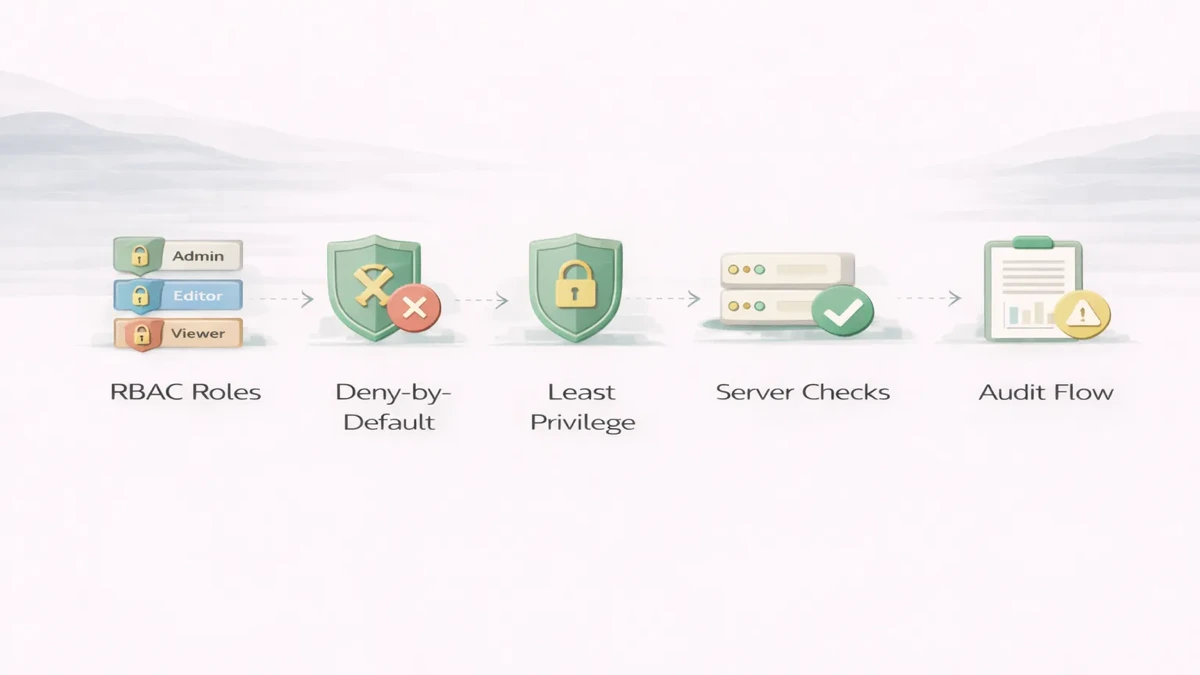
If the button is hidden but the API still accepts the request, the app is not secure.
Sometimes teams make one wide role that can do almost everything. That simplifies development in the short term but increases risk.
Some actions depend not just on role, but on ownership or department scope.
RBAC should be reviewed when workflows change. Otherwise old permissions stay wider than needed.
A secure web app checks authorization on the server for every protected request. Hiding a button in React, Flutter, or another client is useful UX, but it is not a security boundary. A user can still call an API directly unless the backend verifies company, role, record ownership, and action permission.
A practical authorization flow looks like this:
invoice.view, invoice.create, invoice.approve, and invoice.delete should be separate decisions when the business requires separation of duties.For an Indian distributor with three firms, a staff member may prepare an invoice but not change bank details, approve a credit note, restore deleted records, or view another firm's reports. The permission matrix must express those differences explicitly. Use the permission matrix template and the RBAC explainer before development begins.
Security also depends on rate limits, validation, backups, secrets, dependency updates, and incident visibility. The broader web app security checklist and web application audit guide help teams review those areas. A custom implementation can be scoped through software development services.
A role name is not enough to secure a business application. The permission decision should combine the active company, the requested module, the requested action, and any record-level boundary. A practical starting matrix can look like this:
| Role | Typical scope | Allowed examples | Restricted examples |
|---|---|---|---|
| Company owner | One owned company or approved companies | Manage users, settings, invoices, reports | Access another customer’s company |
| Manager | Assigned company and modules | Review reports, approve selected actions | Change ownership or platform settings |
| Operator | Assigned operational records | Create invoices, update products, record purchases | Export all data, change roles, delete history |
| Read-only reviewer | Explicit reports and records | View dashboards and approved reports | Create, edit, approve, export, or delete |
| Platform administrator | Platform support scope | Review tenant health through controlled tools | Enter company data without support authorization |
The VASUYASHII Business Suite documents multi-company separation and company-scoped team access where configured. That product boundary illustrates why tenant selection cannot be trusted only from a dropdown in the browser. The server must derive or verify the active company and apply it to every query and mutation.
Permission testing needs negative cases, not only successful actions. Before launch, verify that:
Convert each row of the permission matrix template into at least one allowed test and one denied test. This makes the matrix an enforceable product requirement instead of a spreadsheet that becomes outdated after launch.
Review access when a user joins, changes responsibility, leaves a company, or receives temporary approval rights. Schedule a quarterly review for privileged roles, exports, integrations, backup access, and platform-support accounts. The review should compare the documented matrix with actual backend policies and recent audit events.
Do not only ask whether a role still exists. Check unused permissions, dormant accounts, shared credentials, long-lived sessions, exceptions added during support incidents, and users attached to the wrong company. Record who approved each correction and when the next review is due. This turns least privilege into an operating process instead of a one-time development task.
Stronger access control affects scope in useful ways:
Typical implementation cost impact:
₹20,000 to ₹60,000₹60,000 to ₹2 lakh₹2 lakh+Timeline depends on:
In a multi-company app, permission to view invoices is not enough. Every request must also prove that the invoice belongs to a company the user may access. A valid record ID from another company must still return no data. The same boundary applies to exports, background jobs, file downloads, search results, notifications, and cached dashboard totals.
Release tests should create two companies with similar records, then attempt cross-company reads and updates using copied IDs. This is different from testing whether an accountant can delete an invoice. Role permission answers what a user may do; tenant scoping answers which company’s data the action may touch. Both checks must pass on the server.
Role-based access control should protect actions, data, reports, and admin settings. A secure web app should not only hide menu items; the backend must enforce permissions too.
Before launch, define:
RBAC should be scoped during web application services or software development, not added casually at the end.
If your web app has approvals, reports, exports, or sensitive records, do not treat RBAC as a finishing task. Access control design affects the backend, data model, and workflow quality from the beginning.
Not always. Some apps also need ownership-based or attribute-based rules, but RBAC is often the right starting layer.
Yes. Frontend helps UX, backend enforces real security.
Deny by default and grant only what is necessary.
Yes. Exporting data can be a sensitive action.
For approvals, admin changes, and high-risk actions, yes.
Sometimes, but in larger apps even admin functions may need separation.
Relying on UI hiding instead of server-side enforcement.
At architecture and workflow design stage, not only at the end.
If you want role-based access that supports approvals, reporting, and sensitive operations safely, define the permission matrix and protected actions before the backend grows around weak assumptions.
Related Articles
May 23, 2026
Design role-based access for owners, managers and staff with object, action and scope permissions, least privilege, audit logs and user lifecycle.
Read article
May 17, 2026
web app security checklist for SMEs: practical 2026 guide with checklist, cost, roadmap, tools, mistakes, FAQs, and next steps for Indian SMBs today safely.
Read article
May 17, 2026
Use this permission matrix template to define role, module, action, data-scope, approval, export and admin access for SaaS platforms and business web apps.
Read article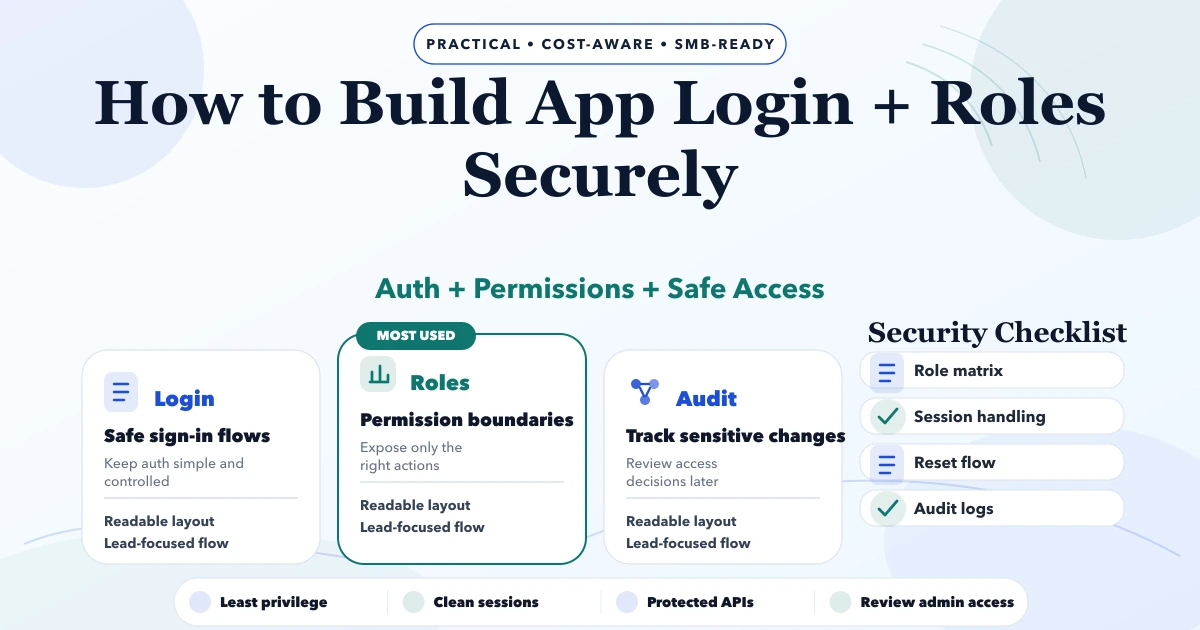
May 4, 2026
Build secure app login and roles with account lifecycle rules, safe sessions, backend authorization, tenant isolation, recovery, audit logs, and abuse tests.
Read article