
May 3, 2026
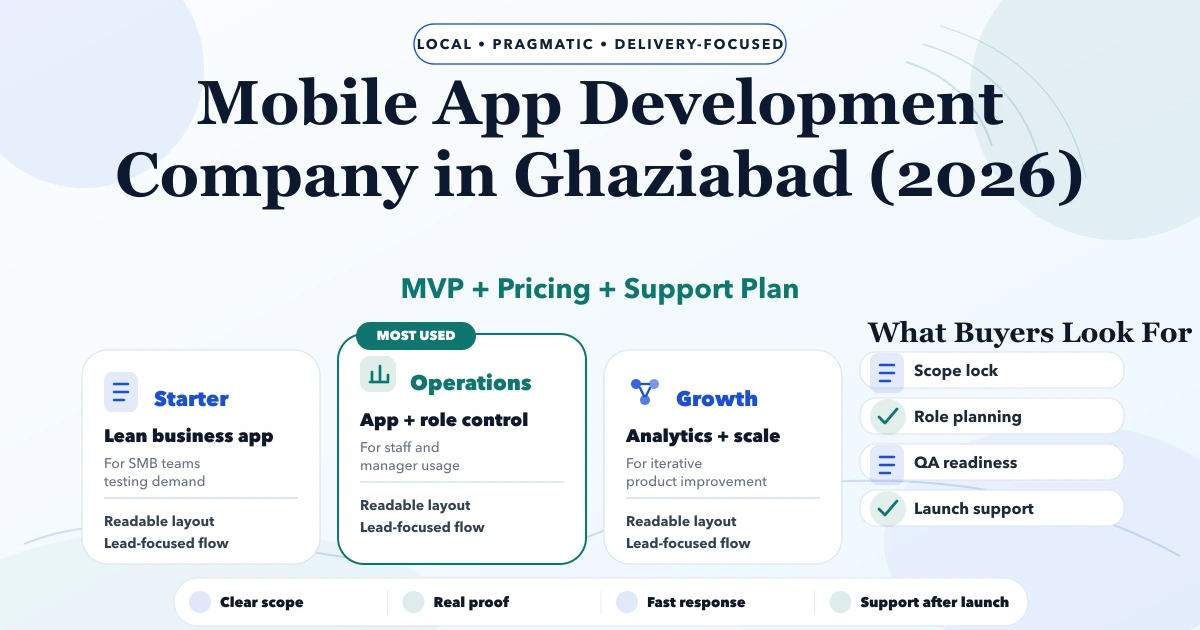
Mobile App Development Company in Ghaziabad (2026)
Mobile App Development Company in Ghaziabad (2026) guide with pricing, process, timeline, deliverables, proof links, and practical planning for businesses.
Read articlePublished Updated
Plan a Delhi NCR customer self-service app with account data, requests, documents, notifications, permissions, backend ownership, security, and rollout.
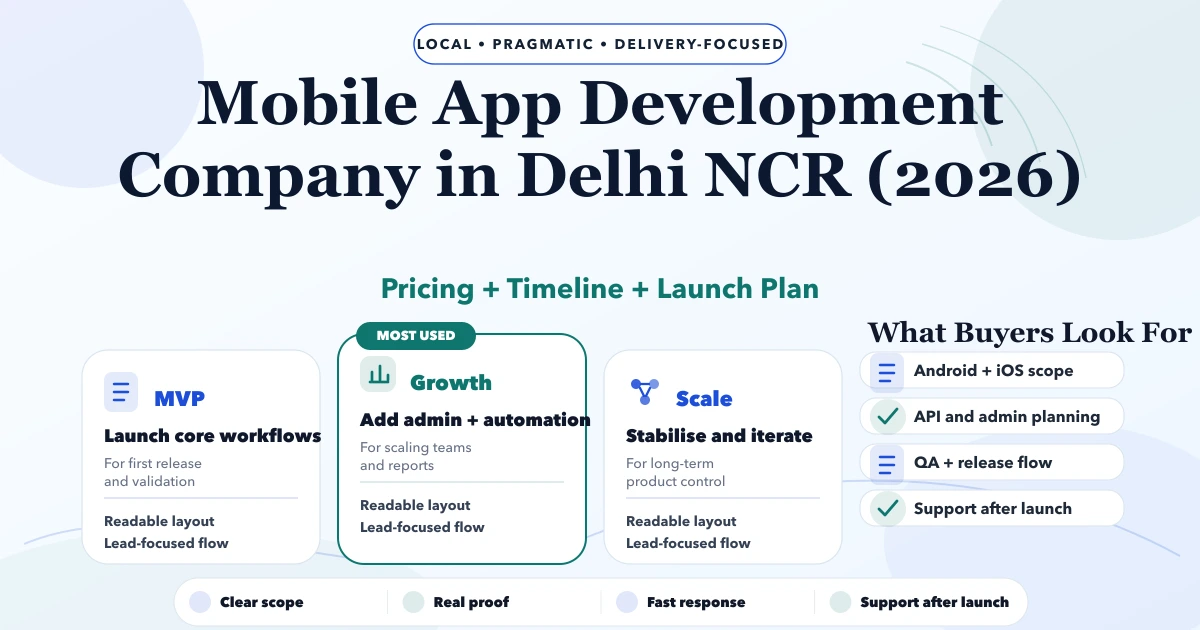
Service-area note: VASUYASHII is based in Delhi NCR and supports businesses remotely across India. A city-focused guide describes service and planning context; it does not claim a physical office in every location mentioned.
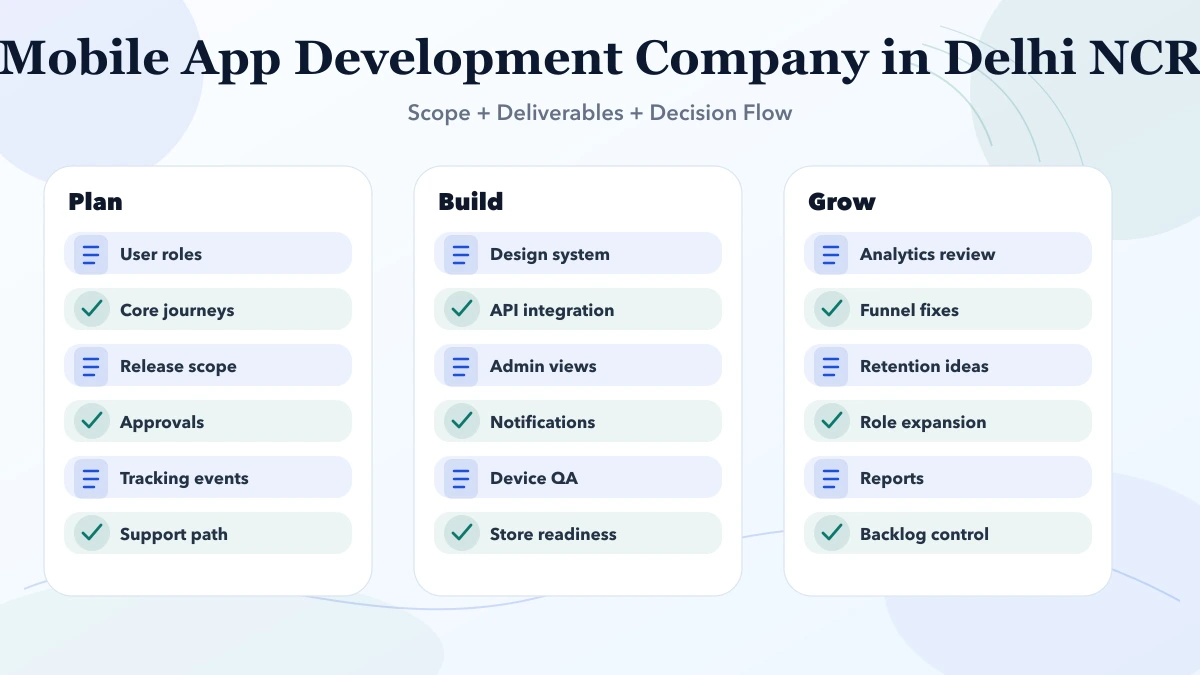
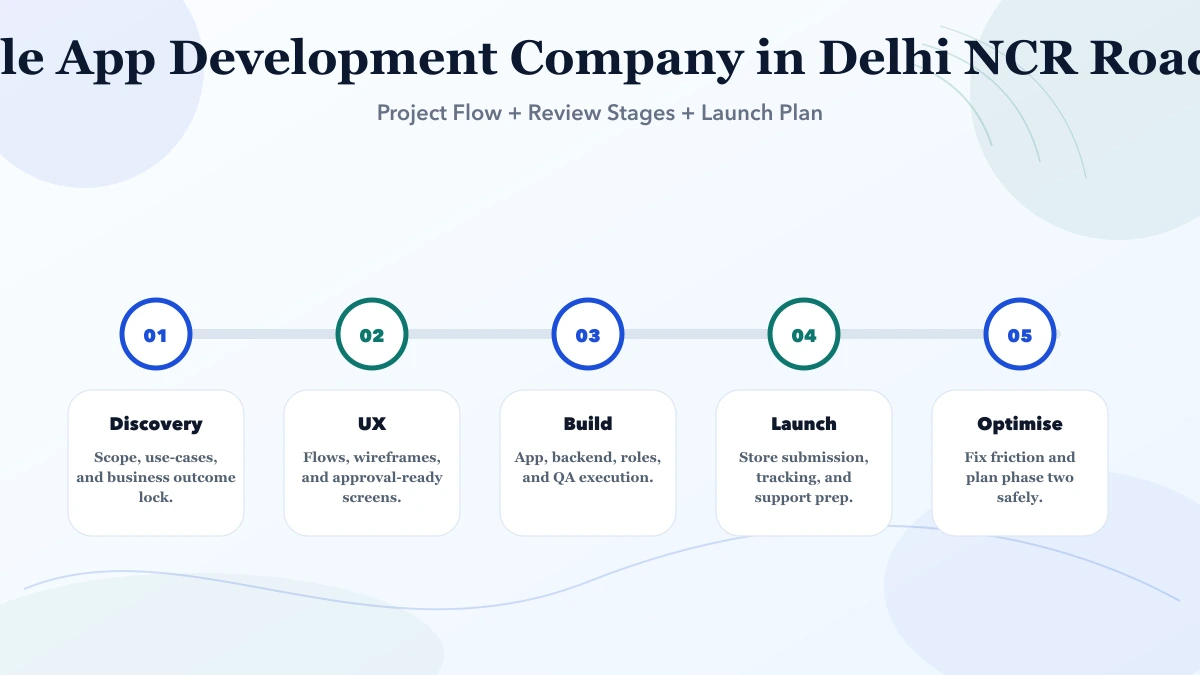
Explore the parent topic: Mobile App Development Services →A business comparing mobile app development companies in Delhi NCR may want customers to view account information, raise requests, access documents, track status, and receive relevant notifications. The visible app is only one layer; identity, permissions, backend records, support, and data ownership determine whether self-service is safe and useful.
This guide focuses on customer self-service mobile apps, distinct from the offline field-operations app covered in the Noida mobile app guide.
Choose a small set:
Do not copy every internal admin feature into the customer app.
Define:
Authentication proves identity. Authorisation decides which records that identity can access.
Test:
Use backend permission checks. Hiding a button in the mobile interface is not access control.
Imagine a service company whose customers repeatedly ask for invoice copies, payment status, and request updates through personal messages. Staff search multiple systems before replying.
A focused phase one can provide:
It should not expose internal notes, unrestricted files, or every accounting record.
Use states customers understand:
For each state, define:
Avoid meaningless “processing” status with no next expectation.
Customer documents may include invoices, quotations, reports, statements, or service records. Define:
Do not store permanent public links to private PDFs. Use authenticated or time-limited access as appropriate.
Notifications should be:
Separate transactional notifications from marketing consent. Do not send every internal status change to the customer.
Every important screen needs an error state:
Tell the customer whether data is current, cached, or unavailable. Do not show an old balance as current without a timestamp. For a timed-out request, provide a reference or safe retry rule so duplicate tickets are not created.
The backend should use idempotency or another duplicate-control mechanism for high-impact actions. Monitoring should distinguish app crashes, network failures, API validation, permission denial, and third-party outages.
Define support tiers:
| Issue | First owner | Escalation |
|---|---|---|
| Login/recovery | Customer support | Identity/security owner |
| Wrong account data | Operations | Backend/data owner |
| Missing document | Account team | Document/system owner |
| Failed request | Support | Product/engineering |
| Payment mismatch | Accounts | Payment/integration owner |
| Privacy concern | Designated owner | Management or adviser |
Support staff should not bypass permissions casually. Any administrative access or account correction should be auditable.
Mobile users do not all update at once. Record:
Test the new backend with the oldest supported app. A server release should not silently break installed versions.
Measure successful login and recovery, task completion, failed requests, document access, support escalation, notification action, customers returning to manual channels, and permission or privacy incidents.
If customers still call for the same information, examine accuracy, discoverability, trust, and support wording before adding more features.
For every screen, identify:
If invoices originate in another platform, the app should not maintain a conflicting copy. Integrate with the authoritative backend.
Choose a responsive web portal when:
Choose an app when:
A validated portal can precede a mobile wrapper or native app.
Threat-model account recovery and document access before launch.
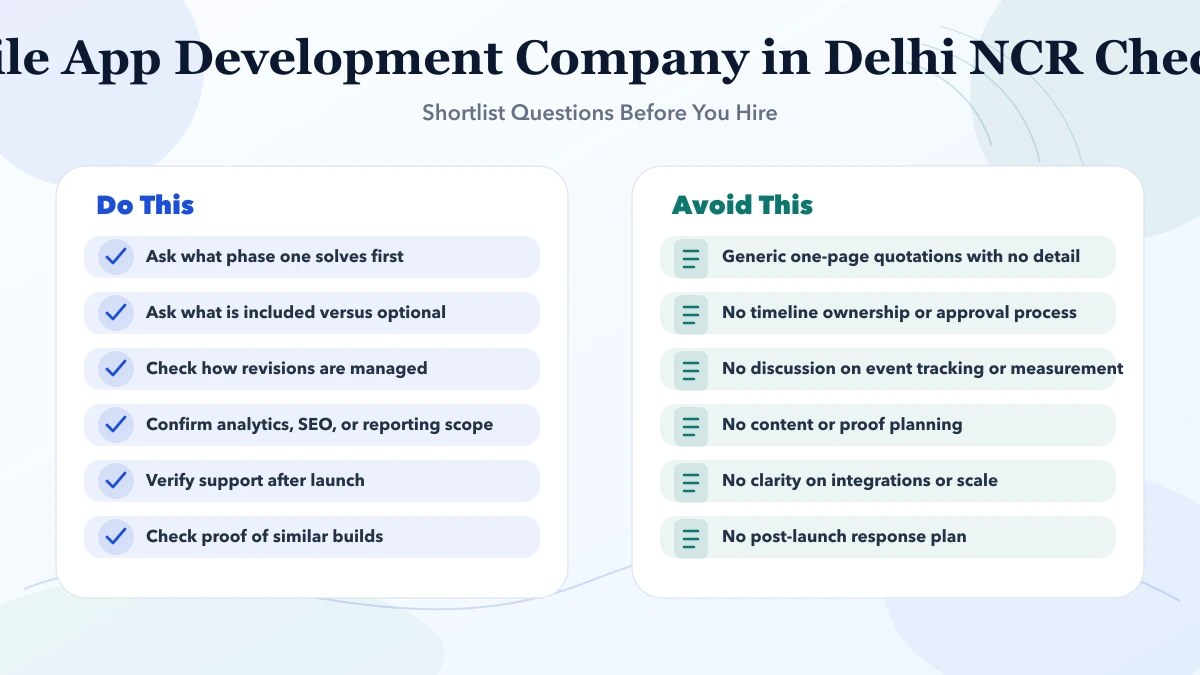
A controlled MVP could contain:
Defer loyalty, chat, referrals, broad analytics, and every document until core permissions work.
Pilot with a small group representing:
Acceptance tests must include unauthorised access attempts, duplicate submissions, expired sessions, lost device, account removal, and backend downtime.
Cost changes with:
Request separate estimates for discovery, backend, portal/app, integrations, pilot, release, and support.
The business should own:
Do not let production access depend on one developer's personal account.
Current VASUYASHII service scope includes mobile apps, web applications, and integrations. The delivery format should follow customer usage and backend readiness.
Define what happens when a customer closes an account, leaves a company, or requests correction. Separate deletion of the mobile login from retention of records the business must lawfully keep.
Test:
Use wording reviewed for the actual business and jurisdiction. The app should not promise immediate deletion when contractual or statutory records must remain, nor retain every item indefinitely without purpose.
Customer self-service also needs a safe exit. Define who can request closure, how identity is verified, which records must be retained for legal or operational reasons, what can be deleted, and how the customer receives confirmation. Closing an app account should not silently delete invoices, warranties, support history, or records the business must preserve.
Test the full path with a non-production account. Confirm sessions are revoked, notifications stop, exposed documents become inaccessible, support can see the correct status, and retained data follows the stated policy. A clear closure process improves trust and prevents a rushed support workaround from weakening authentication or company-scoped access.
No. A responsive portal may be enough for occasional use. Choose an app for repeated engagement or device capabilities.
Yes when the backend relationship and file access are securely verified.
OTP can support some flows but needs rate limits, expiry, recovery, provider security, and account-takeover controls.
Yes after invoice authority, amount, status, reconciliation, refunds, and webhook handling are defined.
Enough context to be useful without exposing sensitive account information on a lock screen.
Completed self-service tasks, reduced unresolved requests, document access success, support escalation, retention, and permission incidents.
List the three customer tasks that currently require the most staff effort. Review the delivery boundary on the mobile app development services page, then share the account model and backend source through contact to compare a portal and mobile-app phase.
Related Articles
May 3, 2026
Mobile App Development Company in Ghaziabad (2026) guide with pricing, process, timeline, deliverables, proof links, and practical planning for businesses.
Read article
May 3, 2026
Plan a Noida field-operations mobile app with offline data capture, task assignment, photo evidence, syncing, permissions, rollout, and support.
Read article
May 10, 2026
Compare app development quotations using a practical checklist for scope, platforms, backend, ownership, testing, releases, maintenance, and acceptance.
Read article
March 28, 2026
Mobile app development company in Noida: pricing, timeline, app types, process, and delivery expectations for businesses in 2026.
Read article