
May 3, 2026
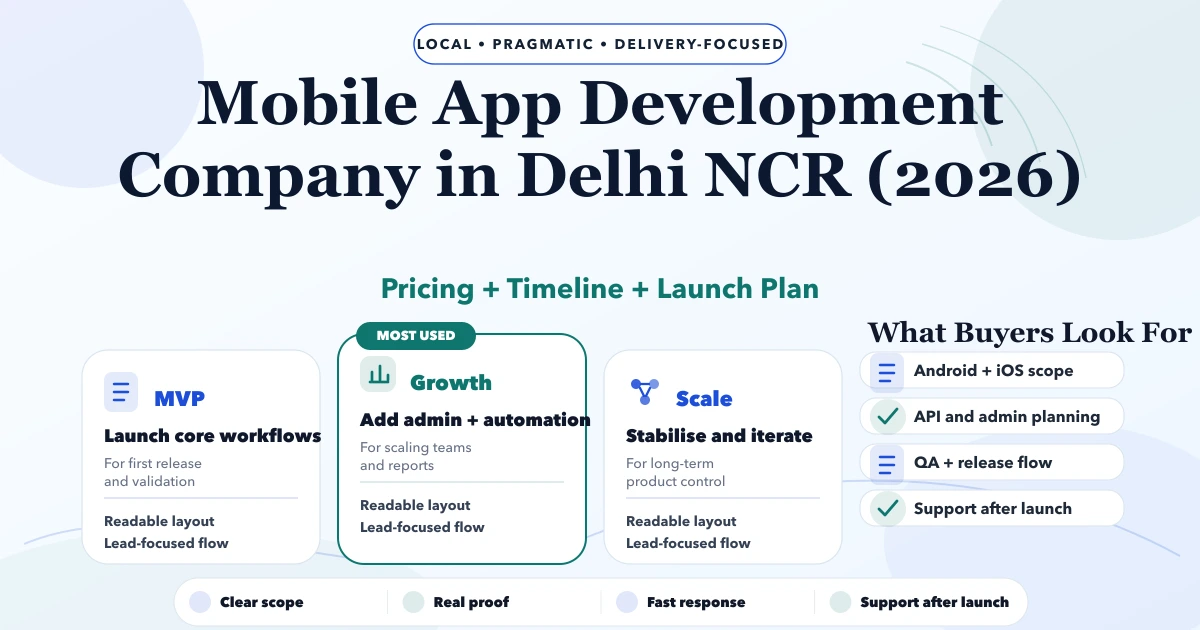
Mobile App Development Company in Delhi NCR (2026)
Plan a Delhi NCR customer self-service app with account data, requests, documents, notifications, permissions, backend ownership, security, and rollout.
Read articlePublished Updated
Plan a Noida field-operations mobile app with offline data capture, task assignment, photo evidence, syncing, permissions, rollout, and support.
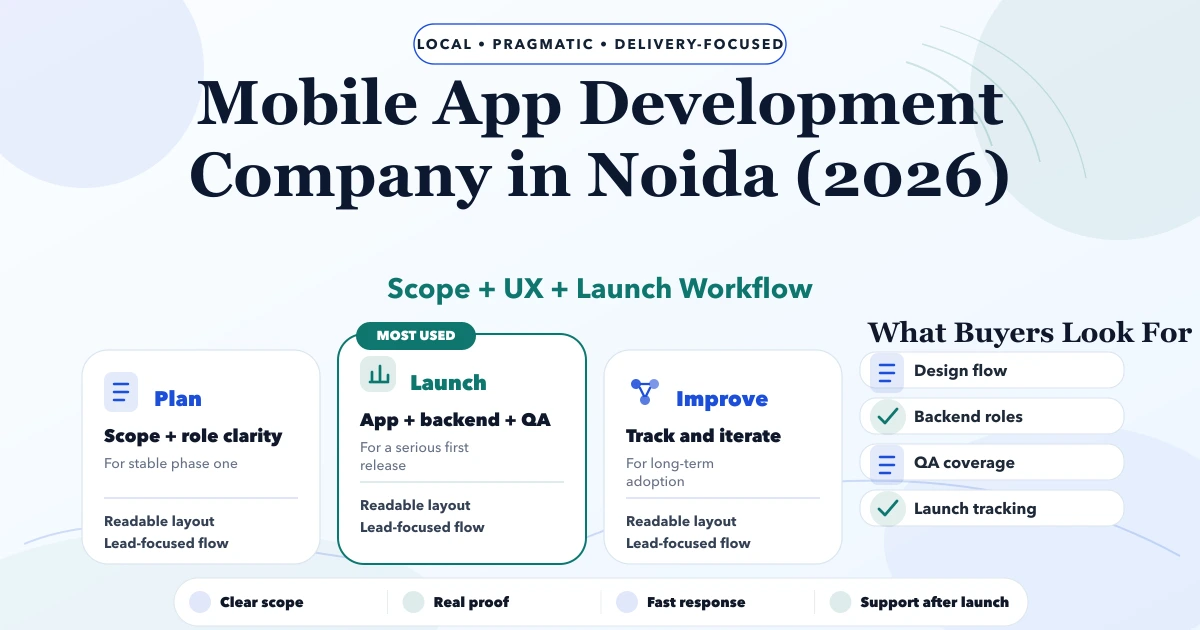
Service-area note: VASUYASHII is based in Delhi NCR and supports businesses remotely across India. A city-focused guide describes service and planning context; it does not claim a physical office in every location mentioned.
Explore the parent topic: Mobile App Development Services →A business comparing mobile app development companies in Noida may not need another consumer marketplace. Many practical app requirements come from teams working outside the office: sales representatives, inspectors, installers, delivery staff, technicians, or supervisors who must capture accurate data even when connectivity is unreliable.
This guide focuses on offline-first field operations apps. It explains task assignment, form design, photo evidence, GPS boundaries, syncing, permissions, pilot rollout, and the questions that distinguish a reliable operational app from a polished prototype.
Define what the user must decide or record at the work site:
An app should reduce uncertainty for the field user. If it merely copies every desktop field onto a smaller screen, adoption will be poor.
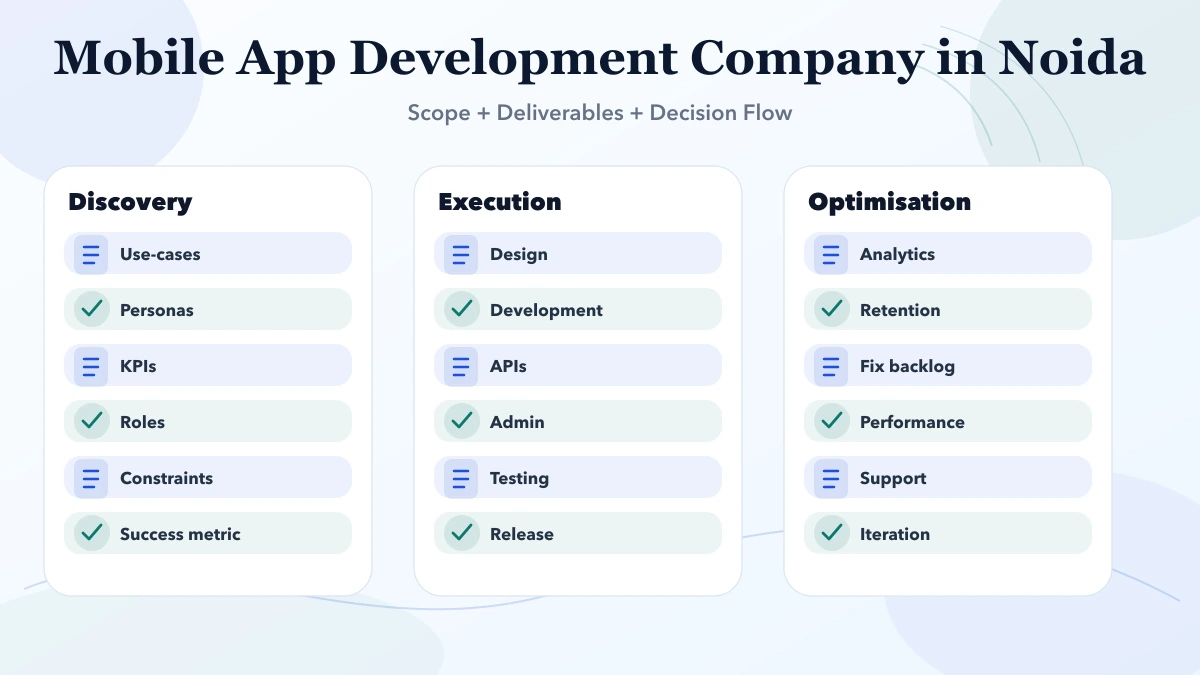
Create a state model:
Each state needs permitted actions, required fields, and a recovery path.
A production offline app needs rules for:
Ask the developer to demonstrate airplane-mode behaviour, failed sync, conflict resolution, and logout. A simple loading spinner is not an offline strategy.
Good field forms:
Use conditional questions. For example, an inspection marked “failed” may require a reason and photo, while a pass may require only a reading and confirmation.
Images can be useful but expensive and sensitive. Define:
Do not collect faces, IDs, signatures, or private premises without a legitimate business need and suitable consent and security controls.
Location may validate serviceability or arrival, but continuous tracking is not automatically justified. Decide:
| Need | Lower-risk approach |
|---|---|
| Confirm site | Capture location when user performs a defined action |
| Route planning | Use assigned address and navigation link |
| Serviceability | Check task coordinates against a permitted radius |
| Attendance | Use a transparent policy and limited event capture |
Tell users what is collected and why. Do not hide background tracking inside a generic permission request.
Common roles include:
Permissions should control both actions and data visibility. A technician may view assigned tasks but not every customer's records. A dispatcher may assign work without editing financial information.
The mobile app is only one part of the system. A useful architecture may include:
If the public requirement is mainly an internal workflow with a mobile interface, combine mobile app development with a properly scoped web application, rather than evaluating the mobile screen alone.
Consider a facility service company coordinating technicians across sites. Work arrives through phone calls and messages. Photos are hard to match to jobs, managers cannot distinguish pending sync from incomplete work, and customers ask for status.
A focused pilot could include:
Customer-facing tracking, invoicing, and advanced scheduling can remain later phases.
Choose:
The pilot should answer whether the workflow is usable and the data is reliable. It should not be judged only by stakeholder impressions during a Wi-Fi demo.
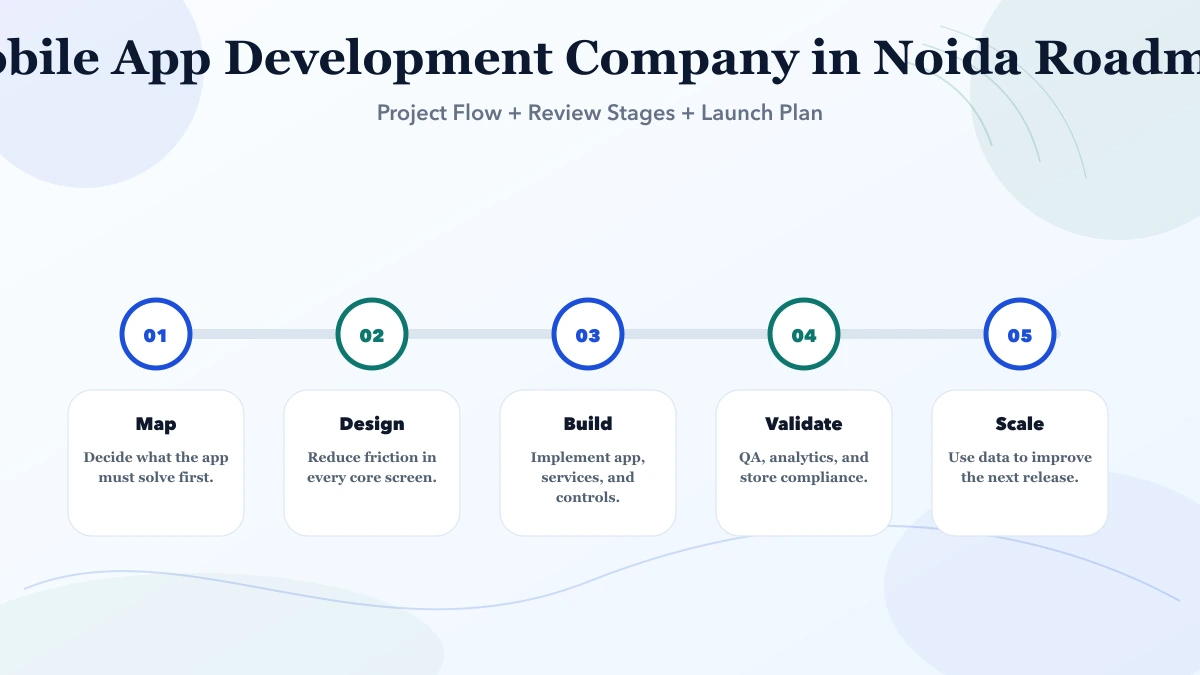
Validate states, fields, permissions, and screen sequence with sample data.
Implement authentication, APIs, local storage, queueing, conflict rules, and admin basics.
Install on selected devices, train users, monitor sync failures, and collect structured feedback.
Improve performance, accessibility, security, monitoring, release process, and support documentation.
Expand task types and users only after the core process remains stable.
The biggest drivers are:
Request separate estimates for discovery, prototype, backend, mobile app, admin, pilot, and maintenance. A single per-screen rate hides operational risk.
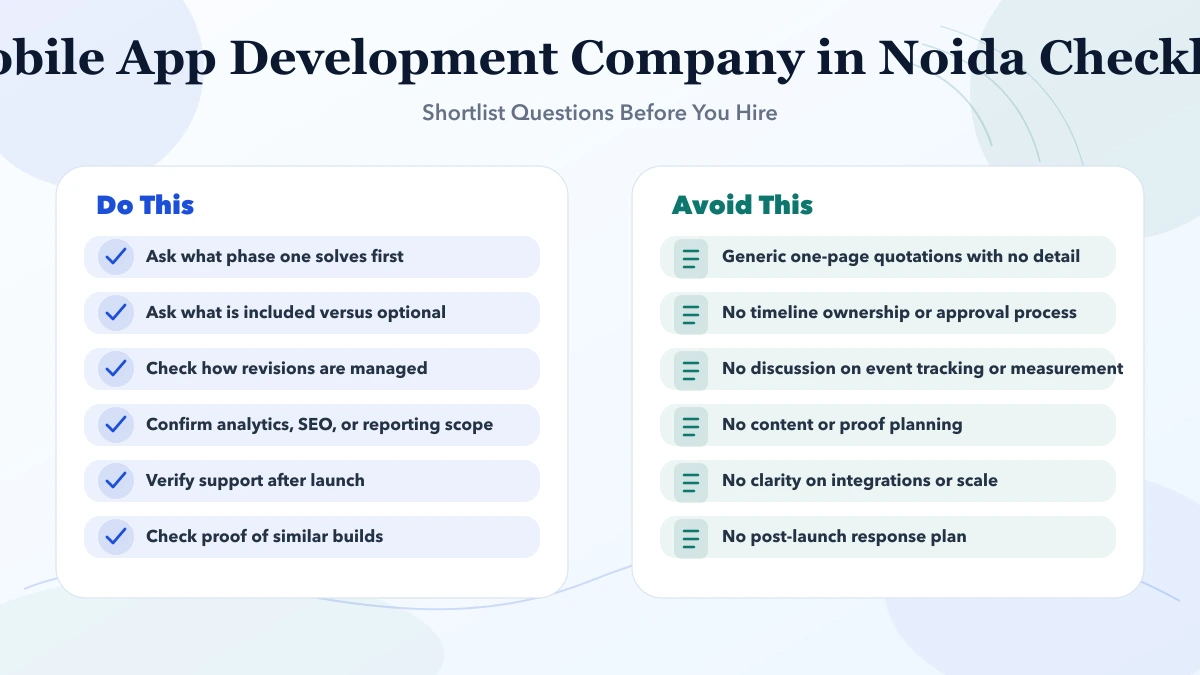
Ask the company to show:
The custom software use cases and cost guide helps compare this with a browser-based system when mobile hardware features are not essential.
Document the environment the app must survive:
| Area | Decision to record |
|---|---|
| Operating system | Minimum supported Android/iOS versions |
| Hardware | Camera, storage, memory, barcode, GPS requirements |
| Connectivity | Offline duration and expected network conditions |
| Distribution | Public store, managed devices, or approved internal method |
| Updates | Mandatory, optional, staged, or managed rollout |
| Support | User help channel and escalation owner |
| Lost device | Session revocation and local-data response |
| Monitoring | App crashes, API errors, and sync failures |
Keep a small supported-device list during the pilot. Test a low-memory device, a device with restricted storage, denied permissions, expired authentication, and a version upgrade. Do not assume every employee updates the operating system immediately.
Plan rollback for both mobile and backend releases. A new app version may depend on an API change, while older installed versions remain active. The backend should reject unsupported behaviour clearly rather than corrupting data.
Support instructions should tell users how to identify the task, app version, device, sync state, and error without sending customer data in a screenshot. This reduces diagnosis time and protects privacy.
Current VASUYASHII service scope begins with the state model, offline boundary, evidence requirements, device environment, and admin workflow. Integrations can then be evaluated through integration services. This is a planning approach, not a claim of a Noida office or guaranteed operational improvement.
Choose after reviewing device features, offline needs, background behaviour, team skills, and release requirements. Cross-platform can be practical, but it does not remove platform testing.
Yes when connectivity is dependable and camera, background, push, or local-storage needs are limited. Test the actual field environment before deciding.
Only the records and reference data needed for assigned work, with a clear refresh and expiry rule. Avoid downloading the entire database.
Define which system wins, whether users can review conflicts, and how rejected changes are recovered. There is no universal rule for every field.
Not always. Internal apps may use managed distribution, but device and security policies must be defined. Consumer apps usually require store compliance and account ownership.
Accepted task completion, form accuracy, sync success, time to recovery, support requests, and user completion rates, not only downloads.
Write one real task from assignment to accepted completion, including the offline failure path. Share that workflow through contact to discuss whether a mobile app, responsive web app, or phased combination is justified.
Related Articles
May 3, 2026
Plan a Delhi NCR customer self-service app with account data, requests, documents, notifications, permissions, backend ownership, security, and rollout.
Read article
May 3, 2026
Mobile App Development Company in Ghaziabad (2026) guide with pricing, process, timeline, deliverables, proof links, and practical planning for businesses.
Read article
March 28, 2026
Mobile app development company in Noida: pricing, timeline, app types, process, and delivery expectations for businesses in 2026.
Read article
June 1, 2026
Estimate website development cost in Noida using discovery, content, design, build, integrations, migration, recurring fees, maintenance, and ownership.
Read article