
March 25, 2026
Internal Tools Development for Companies (2026)
Internal tools development guide for companies in 2026: use cases, workflow benefits, cost logic, and how custom systems improve control and team speed.
Read articlePublished Updated
Learn custom business software development in 2026: practical use cases, cost drivers, delivery process, and when custom software is worth the investment.
Businesses usually reach custom software after outgrowing spreadsheets, CRMs used as workarounds, or several disconnected tools that no longer reflect how the company actually operates. At that point, the hidden cost is not only software subscription fees. It is missed follow-ups, duplicate data entry, delayed approvals, weak reporting, and managers making decisions from stale information.
In 2026, Indian SMEs increasingly expect systems that support mobile access, branch visibility, approvals, automated reminders, and faster reporting. Those needs do not always justify an enterprise platform, but they often justify a focused custom product built around the company's real workflow.
This guide covers:
Custom business software makes sense when your workflow, approval rules, reporting needs, or branch logic do not fit well inside generic off-the-shelf tools. The value comes from operational fit, not from custom code by itself.
Before requesting a build quote, document the current process, weekly volume, users, failure cost, required reports, and the specific gap in existing products. Custom development is defensible only when that gap matters enough to own the software lifecycle.
Custom software development is the process of designing and building an application around one organisation's specific users, workflow, rules, data, and reporting needs. It differs from packaged software, which offers a standard workflow to many customers, and from configuration, which changes settings inside an existing product without rebuilding its core behaviour.
The terms custom software, bespoke software, custom-written software, and custom application are often used for the same broad idea. Custom programming or custom coding describes the implementation work, but a complete business system also needs discovery, data design, permissions, testing, deployment, documentation, and support.
Examples include:
A spreadsheet with macros or a configured CRM can still be customised, but it is not automatically a fully custom application. The important distinction is how much of the workflow, data model, and lifecycle the business must own.
Custom software is most relevant when a stable, high-value process cannot be represented safely in available products. Typical signals are repeated data entry, side spreadsheets, manual approvals, branch-specific rules, reports assembled by hand, or employees depending on one person to know the current status.
It is not limited to large companies. A small business may justify one focused module if the workflow repeats often and the failure cost is meaningful. Conversely, a large company should still choose packaged software when the requirement is standard. Use the SaaS versus custom software guide before treating a custom build as the default answer.
Imagine a distributor with sales staff, warehouse users, purchase approvals, owner reports, and customer payment follow-up. The team uses Excel for stock, WhatsApp for approvals, a basic billing tool for invoices, and phone calls for status updates. No single person has the full view.
Custom business software becomes useful when one system can connect the repeating workflow: enquiry, quotation, approval, inventory check, invoice, dispatch, payment follow-up, and reporting. That is different from building a fancy dashboard. The goal is to reduce daily coordination cost and make the business easier to control.
The question is not whether custom software sounds impressive. The real question is whether it makes decisions faster, reduces repeated admin work, and gives the business control it cannot get from off-the-shelf tools.
For many small and mid-sized businesses, the strongest ROI comes from simple but important improvements: every task has an owner, every approval has a status, every payment follow-up is visible, and every report comes from the same data source. That kind of clarity often matters more than adding another module.
If the business process is only slightly different from standard SaaS tools, heavy customization may not be worth it. If the workflow is highly specific, the case for custom software becomes much stronger. This changes the outcome because workflow uniqueness determines whether custom build creates genuine value or unnecessary complexity.
A system that covers one focused process is very different from one that includes CRM, billing, dispatch, reporting, and approvals across several departments. This changes the outcome because module count affects scope, testing effort, and rollout planning.
Different branches, managers, and staff often need different permissions, reports, and approval thresholds. That adds important but non-trivial logic to the product. This changes the outcome because governance depth shapes both UX and backend rule complexity.
Moving from spreadsheets or existing software usually means importing data, syncing external tools, or maintaining reporting continuity during transition. This changes the outcome because migration work is a major cost driver because it touches both technology and business continuity.
Dashboards, filters, exports, and summary views are what turn raw data into managerial control. Businesses often underestimate how much value and complexity this layer adds. This changes the outcome because reporting depth changes whether the software feels merely functional or genuinely useful.
Custom software becomes part of daily operations, which means onboarding, documentation, and gradual adoption matter almost as much as code quality. This changes the outcome because teams only realize ROI when the system is actually adopted and trusted.
A strong project produces more than screens. It defines data ownership, permission rules, valid states, migration checks, recovery, support, and the decision that phase one must improve.
The project should begin by studying who does what today, where delays happen, and what information teams struggle to see or trust.
This keeps the software grounded in business value rather than abstract feature shopping. Discovery should produce workflow notes, user roles, report needs, edge cases, and a clear phase-one boundary.
Modules, shared data objects, permissions, and phase boundaries should be defined so the first version is useful without locking the product into weak foundations.
Better architecture makes later enhancements cheaper and safer. A clean data model also prevents the common problem where reports, permissions, and integrations become painful after launch.
Internal users usually care about speed, clarity, and fewer clicks more than visual novelty. Good UI follows the workflow instead of distracting from it.
That makes daily adoption easier and reduces training friction. For staff-facing tools, a simple list, filter, status, and action button can be more valuable than a decorative dashboard.
If the software must talk to CRM, billing, messaging, or spreadsheets, those flows need to be mapped before launch rather than improvised later.
Reliable integrations preserve continuity and reduce manual duplication. Common examples include WhatsApp notifications, payment status updates, Google Sheets imports, ERP sync, and CRM lead capture.
When the existing workflow depends on spreadsheets, use the Google Sheets to web app automation guide to decide whether Sheets should remain a reporting layer, connect one-way, or be replaced by the application database.
Managers need clean control over users, settings, history, and reporting so the system remains manageable after rollout.
This is what turns the software into an operational control layer instead of just a data entry tool. Owner-level reports should show exceptions, not only raw rows.
Teams need support during adoption, plus a path for bug fixes and small improvements once real usage uncovers edge cases.
A smoother rollout protects the project from early resistance and confusion. A pilot with a small team is often safer than forcing every branch or department to switch on the same day.
| Gate | Prefer packaged software when | Consider custom software when |
|---|---|---|
| Workflow | The process is standard and can adapt to the product | A stable, business-critical rule cannot be represented safely |
| Time | Rapid rollout matters more than ownership | Discovery and phased delivery are acceptable |
| Administration | The team can work within vendor roles and reports | Specific permissions, approvals, or reports are operational requirements |
| Integration | Supported connectors cover the real flow | Documented API or event gaps create repeated manual work |
| Lifecycle | Subscription and vendor roadmap are acceptable | The business can fund security, support, backups, and future changes |
| Exit | Vendor export is complete and usable | Data ownership and migration control justify the build |
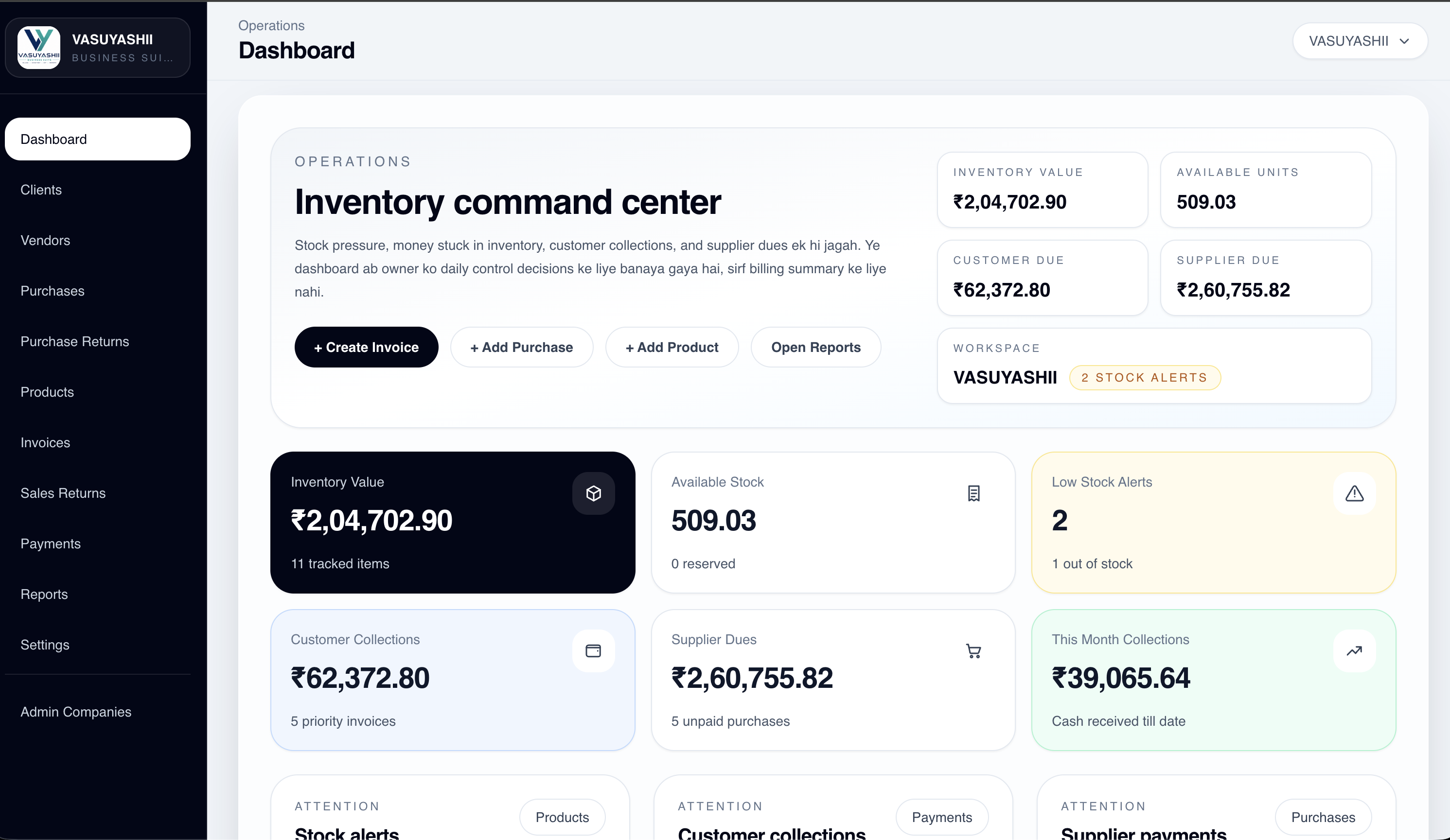
Business Suite is current first-party evidence that VASUYASHII has implemented a multi-module business application interface. It is positioned as GST billing, inventory, purchase, payment, expense, and business-management ERP-lite. The screenshot is not a customer case study, enterprise ERP claim, performance benchmark, or proof that custom software is the right choice for every SME.
NIST's Secure Software Development Framework is a useful primary reference for incorporating security practices across the software lifecycle. The exact controls should be proportionate to the system's data, users, integrations, and risk.
Businesses that assign jobs, track statuses, coordinate teams, and report outcomes often benefit from one custom control layer instead of scattered messages and sheets. This works well for repair companies, field service teams, clinics, agencies, and local service providers where task status changes daily.
The biggest gain is visibility and accountability: who owns the task, what is pending, what is delayed, and what needs manager attention.
When stock movement, approvals, vendors, and branch coordination matter, custom software can reflect the exact decision rules the business already follows. This is common for distributors, warehouses, retailers, manufacturers, and multi-branch businesses.
The payoff usually comes from fewer stock surprises, cleaner purchase approvals, faster dispatch visibility, and better owner reporting.
Custom products are useful when the business needs one place for requests, statuses, reminders, payments, and support records. This is relevant for appointments, classes, subscriptions, AMC service, and businesses where customer follow-up affects revenue.
Customer-facing reliability improves because teams work from one shared view and automated reminders reduce manual chasing.
Some companies primarily need software so managers can trust the numbers and history instead of consolidating reports manually every week. This can include daily sales reports, branch performance, payment aging, inventory movement, or approval history.
That turns reporting from a chore into a decision tool. It also reduces the risk of different teams presenting different versions of the same number.
Before choosing custom software, answer these questions:
If these answers are unclear, start with discovery before asking for a fixed quote. A good software development services discussion should turn this checklist into a practical first release.
Bring the current workflow, anonymized sample data, roles, exception cases, required report, and the packaged tools already evaluated. Those inputs make the build-versus-buy decision reviewable.
After selecting the phase-one use case, compare delivery risk with the custom software pricing model guide.
For SMEs that need a controlled pre-sale document flow, the quotation and estimate software guide defines masters, revisions, approvals, PDFs, acceptance, conversion, and reporting.
If the workflow is not central to business value, a custom build may become a distraction. Use configuration, process change, or packaged software where those options solve the real need.
Data rarely moves cleanly by accident. Define source ownership, field mapping, duplicate handling, reconciliation totals, and rollback before cutover.
Large replacement projects are harder to validate because too many workflows change at once. Keep systems of record outside phase one unless the replacement and rollback plan is explicit.
Define each management metric, source fields, refresh timing, and exception rule before dashboard design. A polished total is dangerous when its calculation is ambiguous.
Name a business owner for process rules, access approvals, data quality, acceptance, and change requests. Vendor support cannot replace internal decision ownership.
Custom software creates continuing obligations: security updates, hosting, monitoring, backups, support, privacy, user administration, and change control. It can cost more and take longer than a configured product, especially when scope or data is unclear.
Do not approve phase one on screen count alone. Acceptance should cover representative records, permissions, invalid actions, imports, reports, backups, error states, and support ownership. VASUYASHII does not claim a fixed ROI or customer outcome without measured project evidence.
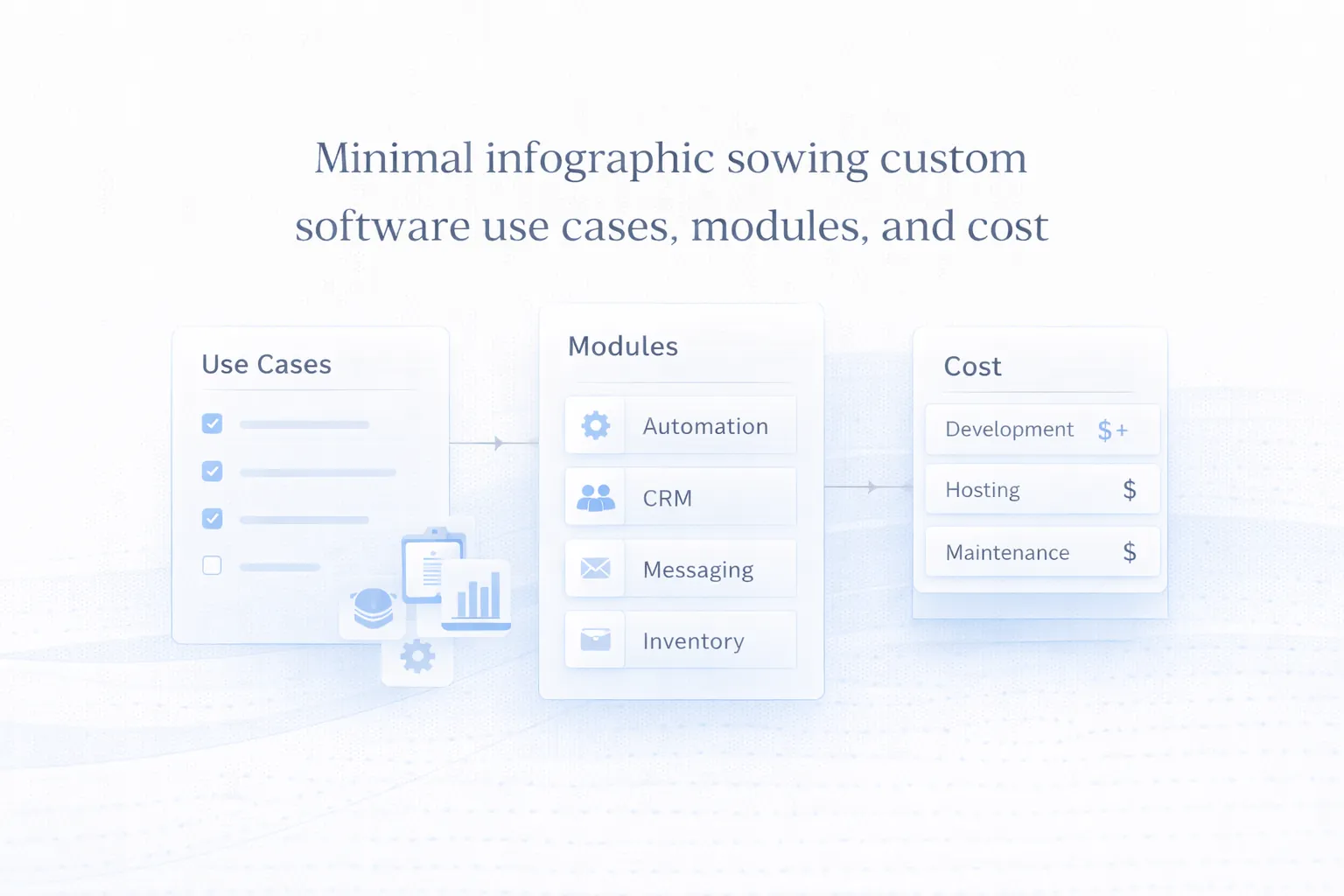
Custom business software cost is best understood in terms of modules, rules, and business impact. A focused internal workflow tool may be relatively compact, while a multi-department system with roles, reports, and integrations can move into a much higher budget bracket.
If you want context on software-style builds, Web Application Development Cost in India (2026) is highly relevant because many custom business systems are essentially web apps designed around company-specific operations.
The best cost control strategy is phased scope. Build the most valuable workflow first, prove adoption, and only then expand to secondary modules or broader branch coverage.
It is usually worth it when the workflow is central to operations, repeats often, and generic software causes real friction or visibility problems.
No. SMEs often benefit when they have clear recurring processes and want tighter control without paying for oversized enterprise platforms.
Yes. In fact, that is often the best approach. One focused workflow can deliver value faster and create a better basis for future expansion.
Because useful reporting requires strong data structure, filters, summaries, access control, and careful definition of what each number actually means.
Document the current workflow, user roles, approval points, reports you need, and which tools or spreadsheets are currently involved.
SaaS gives you a ready product built for many companies. Custom software is designed around your specific workflow, which offers more fit but requires a build project.
Weak workflow definition, too much scope in phase one, poor ownership after launch, and underestimating adoption or migration effort are common reasons.
Phase one should include one high-value workflow, core roles, essential reports, basic admin controls, and only the integrations required to make the workflow usable.
Share one high-value workflow, its users, current records, exceptions, reports, and the products already considered. We can turn that evidence into a bounded phase-one decision.
Related Articles
March 25, 2026
Internal tools development guide for companies in 2026: use cases, workflow benefits, cost logic, and how custom systems improve control and team speed.
Read article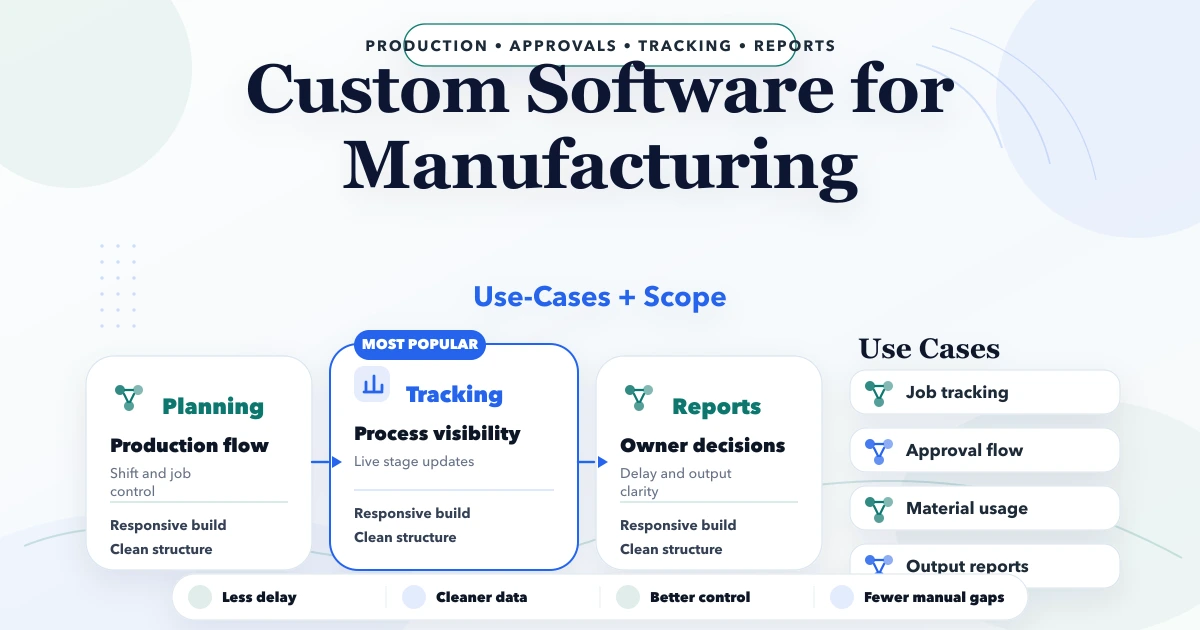
April 22, 2026
Evaluate custom manufacturing software for production tracking, material movement, quality, maintenance and reports with a phased Indian SME roadmap.
Read article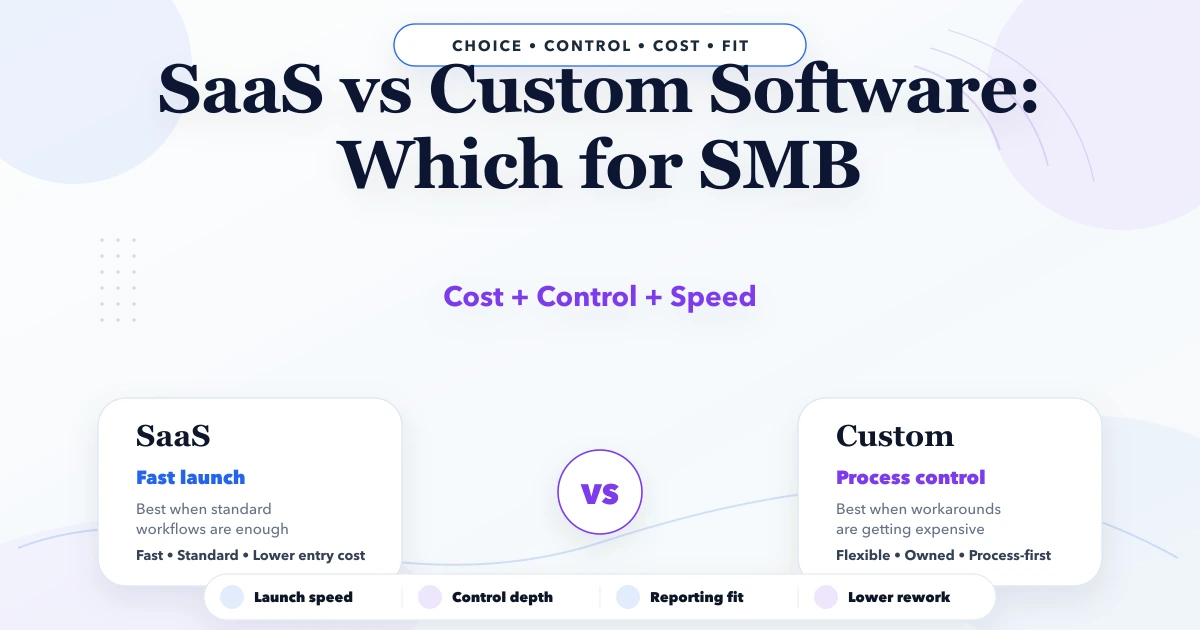
April 25, 2026
SaaS vs custom software for SMB: costs, fit, rollout trade-offs, timeline, tech stack, and decision checklist for Indian businesses in 2026.
Read article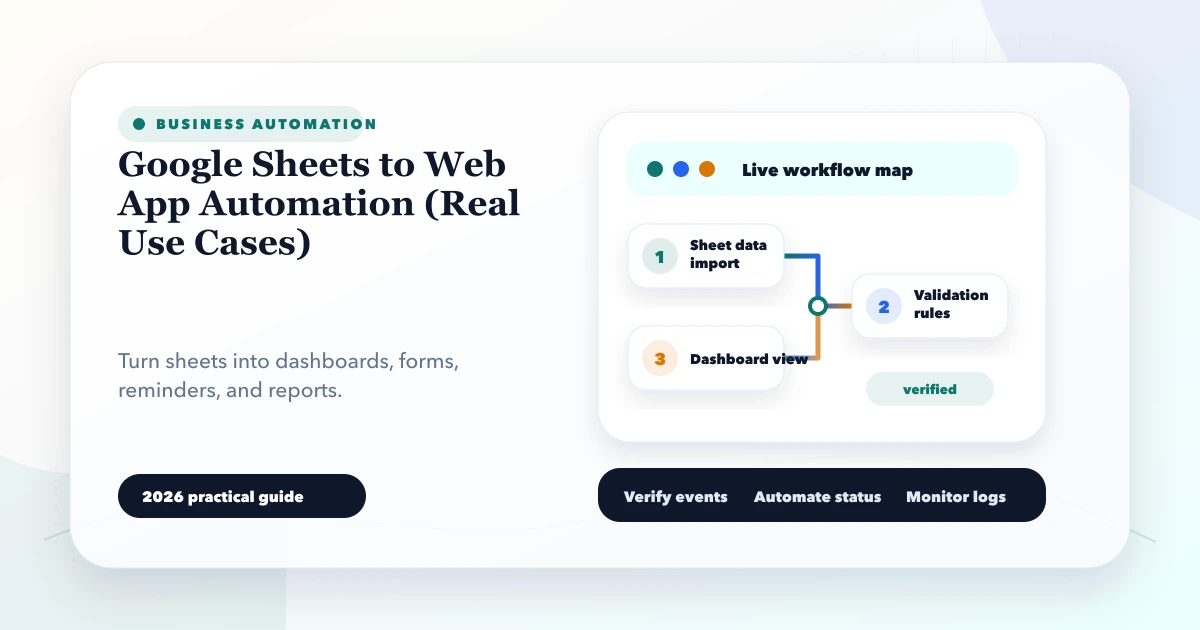
May 27, 2026
Learn when to connect Google Sheets to a web app, with Indian SMB use cases, data rules, sync patterns, security, migration steps, costs, and practical FAQs.
Read article