
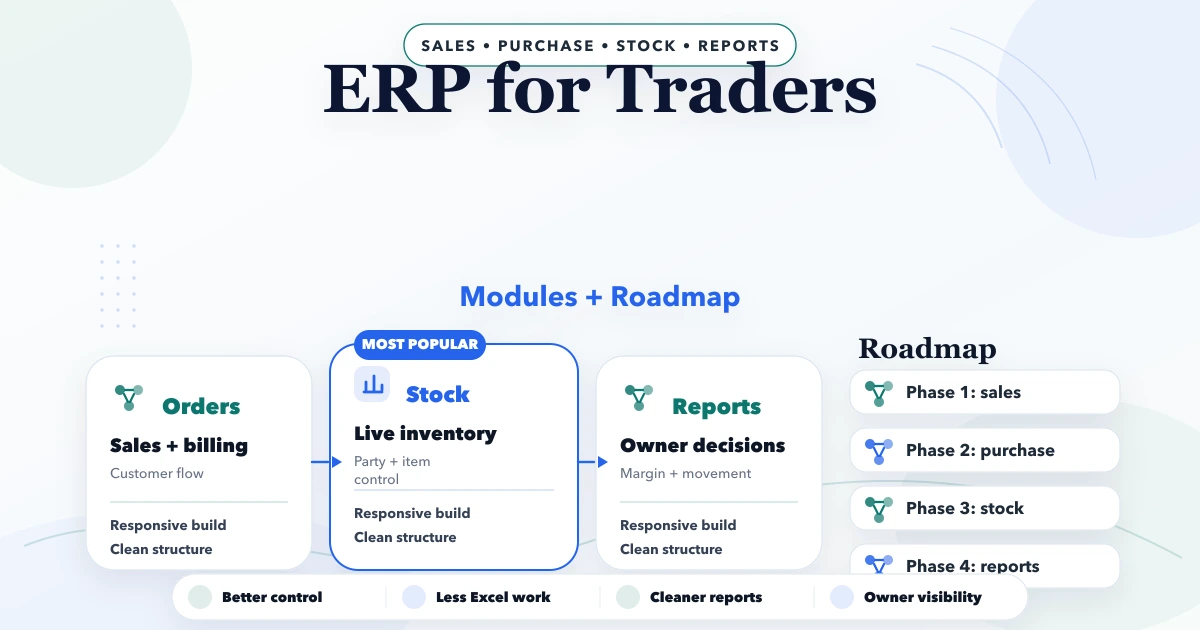
April 21, 2026
ERP for Traders: Modules and Implementation Roadmap
Plan ERP for traders with GST billing, inventory, purchases, payments, expenses, returns, reports, multi-company controls and a practical rollout roadmap.
Read articlePublished Updated
Use a phased small-business ERP implementation roadmap covering process ownership, master data, migration, pilots, controls, training, and go-live support.
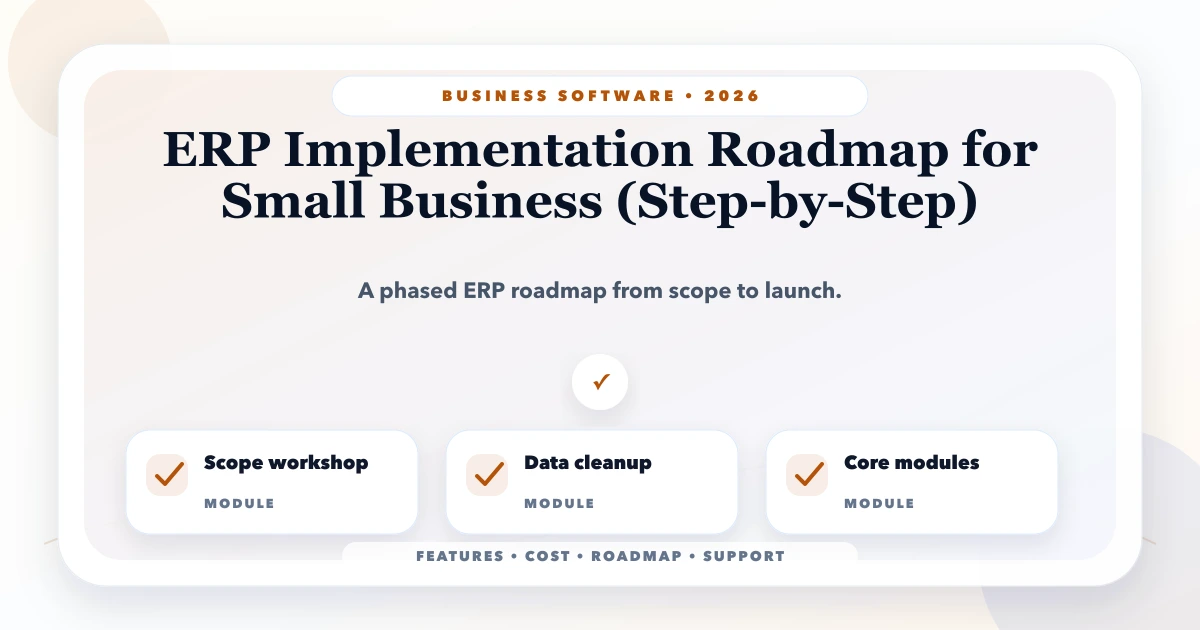
Small-business ERP implementation is an operating-change project supported by software. Buying modules does not standardise product codes, decide who may change prices, reconcile opening stock, or train branch staff. Those decisions determine whether the system becomes a daily source of truth or an extra screen beside spreadsheets.
For an Indian SME, the safest roadmap usually starts with a narrow business loop such as purchase-to-stock-to-sale-to-collection. It proves masters, transactions, permissions, and reports before adding more departments. A phased ERP-lite approach is often more practical than imitating a large enterprise rollout.
Replace "implement ERP" with measurable operating outcomes. Examples:
Also state what is outside the first release. Advanced accounting, payroll, manufacturing BOM, e-invoice/e-way bill integration, bank reconciliation, and complex CRM should not be implied unless explicitly designed and validated.
The VASUYASHII Business Suite is positioned as GST billing, inventory, purchase, payment, expense, and business management software for Indian SMEs, not as a claim to replace every enterprise or accounting system.
Each workflow needs one business owner who can approve rules and resolve conflicts. The software vendor cannot decide whether negative stock is allowed, when a purchase becomes final, or which manager approves a discount.
| Process | Business owner | Decisions to lock |
|---|---|---|
| Product master | Inventory/operations lead | SKU, unit, tax, barcode, status |
| Purchase | Procurement/accounts | order, receipt, bill, return flow |
| Sales and billing | Sales/accounts | price, discount, tax, credit controls |
| Inventory | Store/operations | movement, transfer, adjustment, stocktake |
| Payment and dues | Accounts/owner | allocation, write-off, follow-up |
| Reporting | Owner/finance | definitions, cutoff, reconciliation |
Process owners should sign off examples and exceptions, not just presentation slides.
Document one transaction from start to finish, including messages, spreadsheets, paper documents, approvals, and corrections. Capture normal and exception paths:
Do not copy every existing workaround into the new system. Label each step as required, policy choice, temporary workaround, or unnecessary duplication.
Masters are the foundation of every ERP transaction. Define ownership and unique keys for products, customers, vendors, units, tax rates, branches, users, and opening balances.
For products, decide how names, SKUs, barcodes, HSN/SAC, units, GST rates, sale prices, purchase prices, and stock status are governed. The product master guide covers effective pricing and controlled master changes.
Run these checks before migration:
pcs, piece, and PC;Archive is not the same as delete. Preserve records needed for history while preventing new transactions against inactive masters.
Write down which document creates which movement. For example:
The exact model may differ, but it must be consistent. Reports should derive from transactions rather than manually typed summary fields.
Create a permission matrix before development or configuration. Separate view, create, edit draft, approve, cancel, export, and settings rights. Apply company and branch scope to every API request.
Sensitive controls may include:
The permission matrix guide can be used as a starting worksheet.
Migration is not a single upload. Define source, cutoff, transform rules, dry run, validation owner, acceptance total, and rollback approach for each dataset.
Use at least two rehearsals:
Import a representative sample to discover format, duplicate, and relationship problems. Fix rules, not individual rows only.
Import the full dataset into a non-production environment, then reconcile counts and values: products, customers, vendors, stock quantity/value, open invoices, receipts, purchases, and balances in scope.
At final cutover, freeze or control old-system entry, capture deltas, import, reconcile, and obtain business sign-off. The data migration safety guide details batch IDs, checksums, and rollback evidence.
Choose one branch, team, or product group with enough real complexity but manageable volume. The pilot should run complete daily workflows, not a scripted demo.
Pilot acceptance should cover:
Do not expand simply because the screens look ready. Expand when transaction totals reconcile and users can handle known exceptions.
Training should follow tasks. Store staff practise receipts, transfers, adjustments, and stock counts. Sales staff practise customer selection, pricing, invoice, return, and payment status. Managers practise approvals, exception queues, and reports.
Provide short role-based procedures, sample data, and a support route. Record unresolved questions and update the process before go-live. A single two-hour demonstration is not adoption.
Create a go-live runbook with:
Keep the old system read-only where practical until the retention plan permits retirement. Avoid uncontrolled parallel entry because it creates two conflicting sources of truth.
During stabilisation, monitor failed transactions, correction rate, unallocated payments, stock adjustments, support tickets, slow screens, permission exceptions, and report differences. Classify issues as data, process, training, configuration, or software defect.
Only add the next module when core measures are stable. New features should not hide unresolved master or reconciliation problems.
Timeline depends on process count, number of companies/branches, data quality, integrations, custom rules, document formats, migration history, training, and sign-off speed. A focused ERP-lite rollout can be phased; a multi-branch migration with complex accounting or manufacturing scope is materially larger.
Ask for commercial estimates by discovery, configuration/custom development, migration, integration, reports, QA, pilot, training, cutover, and support. Include recurring hosting, monitoring, backup, messaging, PDF, and provider charges. Avoid quotes that list modules without assumptions and acceptance criteria.
For custom workflows, review the software development service. For connected APIs and provider events, use the integrations and automation service.
Adoption counts are useful, but they do not prove data quality. Pair usage with reconciliation and exception measures.
VASUYASHII would begin with one complete operating loop and a redacted data sample, then separate standard Business Suite capability from custom modules or integrations. This is a delivery approach, not a guaranteed implementation timeline or business result. See the Business Suite product page, review services, or contact us with the current workflow.
Start with the workflow causing the clearest operational loss and whose data can be reconciled. For many traders, that is product master, purchase, inventory, billing, payments, and dues as one connected loop.
Not necessarily. Migrate the history needed for operations, open balances, audit, and reporting under an approved retention plan. Older detail can remain in a secure read-only archive.
Only under a documented reconciliation plan. Uncontrolled long parallel running creates conflicting data. Prefer rehearsed migration, limited verification, and a clear source-of-truth date.
Neither is universally better. Configure a standard product when workflows fit. Use custom development for defensible, specific operations that cannot be supported safely through configuration or integration.
Business process owners should approve data and workflow readiness; technical owners should approve deployment, security, backup, and recovery. The vendor alone should not make the business acceptance decision.
Run daily stabilisation reviews, reconcile core totals, classify support issues, train gaps, and postpone expansion until the first workflow is dependable.
Map one purchase-to-sale-to-payment transaction, including a return and a correction. That single walkthrough exposes the masters, roles, states, and reports the first ERP phase must support. Contact VASUYASHII for a phased scope review.
Related Articles
April 21, 2026
Plan ERP for traders with GST billing, inventory, purchases, payments, expenses, returns, reports, multi-company controls and a practical rollout roadmap.
Read article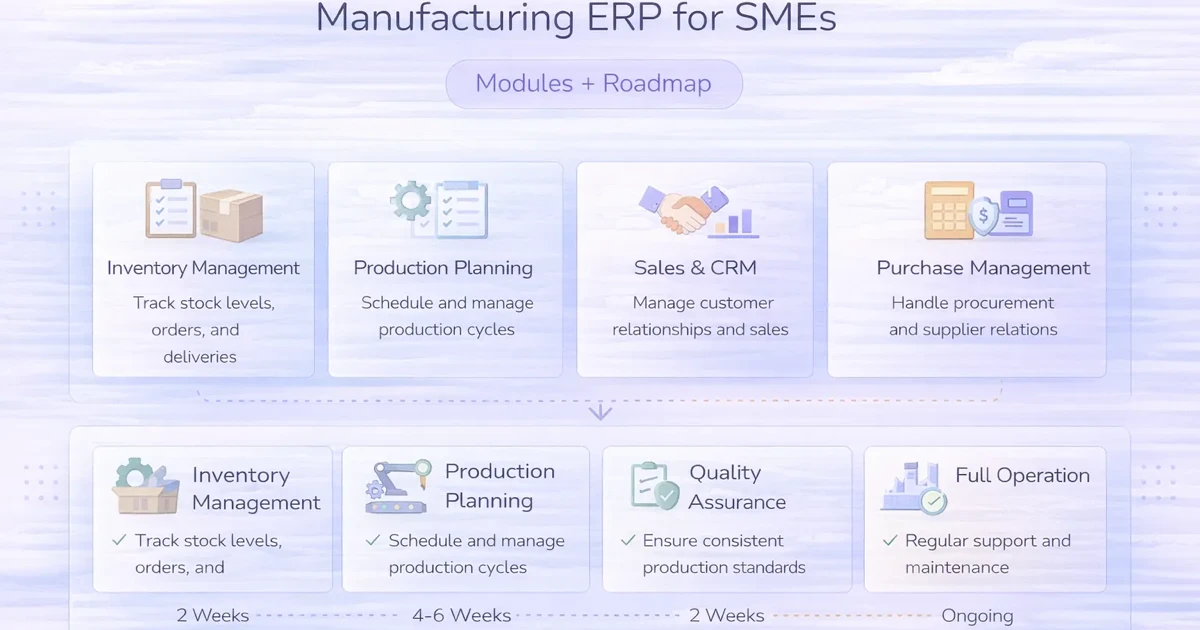
April 3, 2026
Manufacturing ERP for SMEs explained: compare core modules, rollout stages, integrations, costs, controls, and practical implementation decisions in 2026.
Read article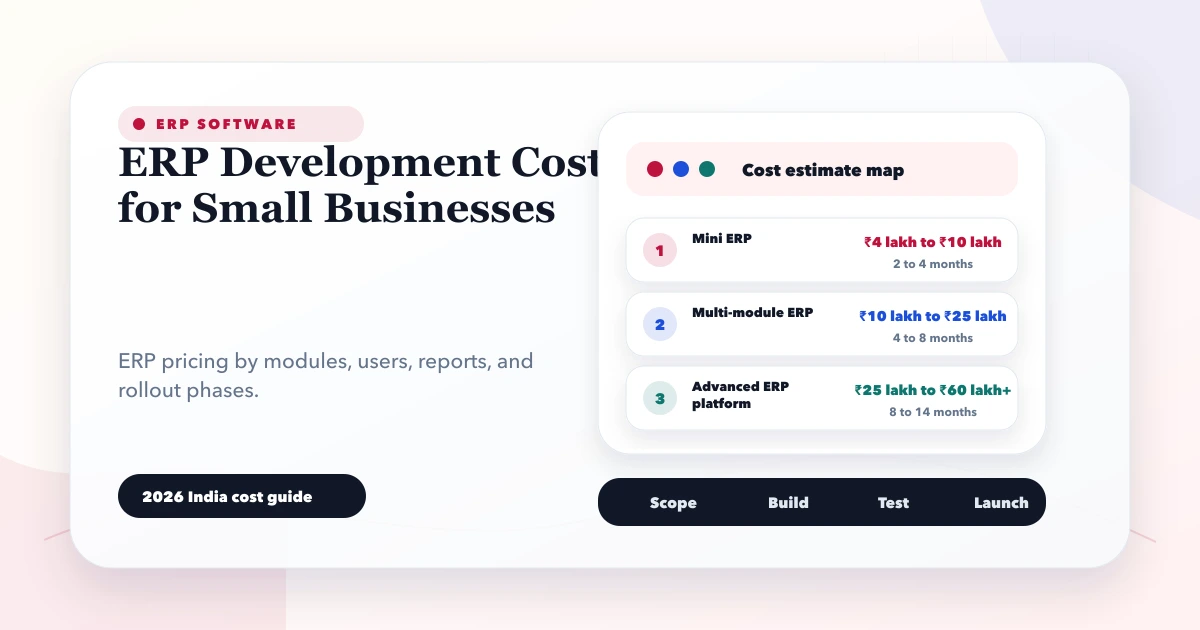
May 28, 2026
Estimate small-business ERP development cost using modules, roles, workflows, migration, integrations, reports, support, and phased delivery decisions.
Read article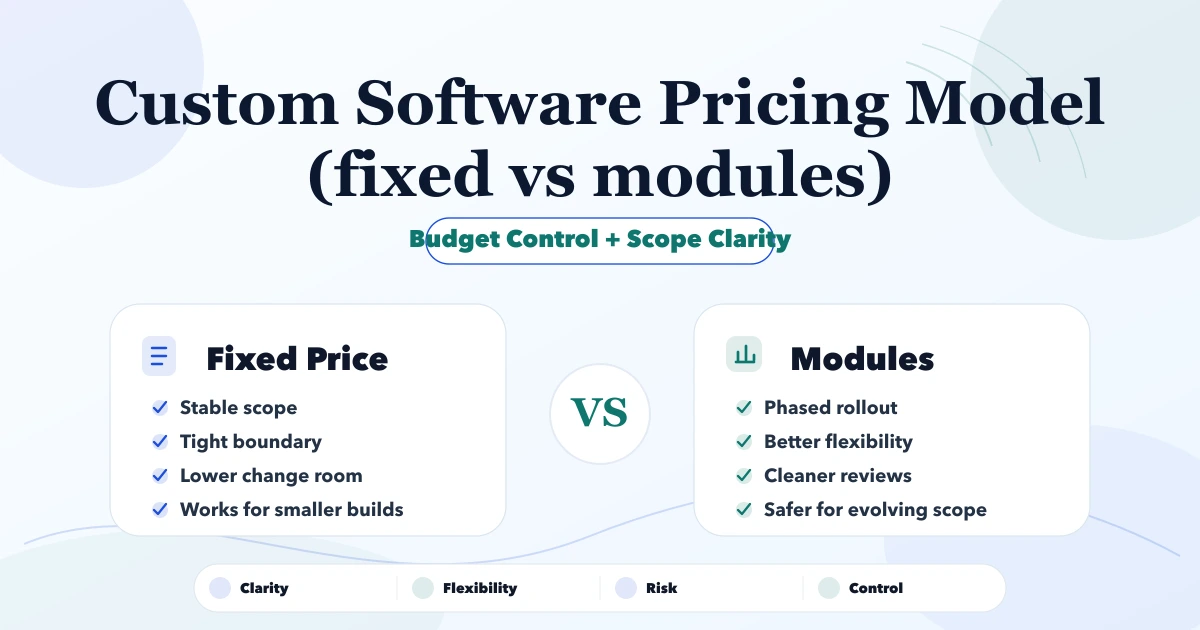
May 5, 2026
Compare fixed, modular, time-and-material, and hybrid custom software pricing with scope rules, cost drivers, change control, payment milestones, and examples.
Read article