
May 8, 2026
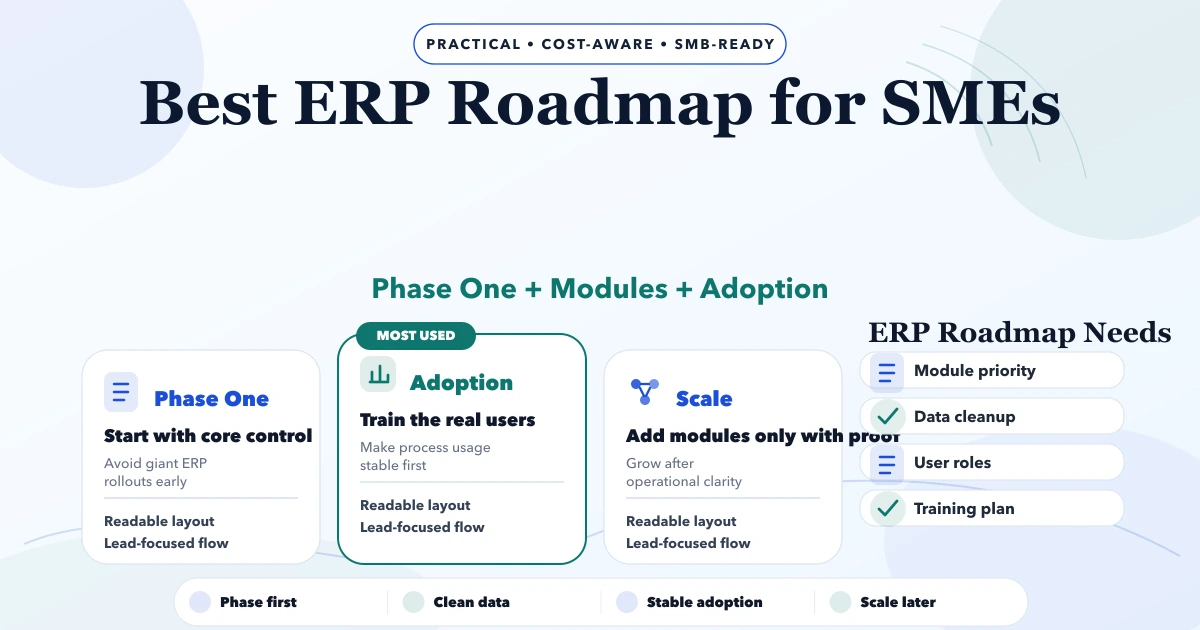
ERP Roadmap for SMEs: Phases and Controls
Plan an SME ERP roadmap across clean masters, transactions, permissions, migration, pilot, training, reports and controlled rollout without overbuilding.
Read articlePublished Updated
Plan ERP for traders with GST billing, inventory, purchases, payments, expenses, returns, reports, multi-company controls and a practical rollout roadmap.
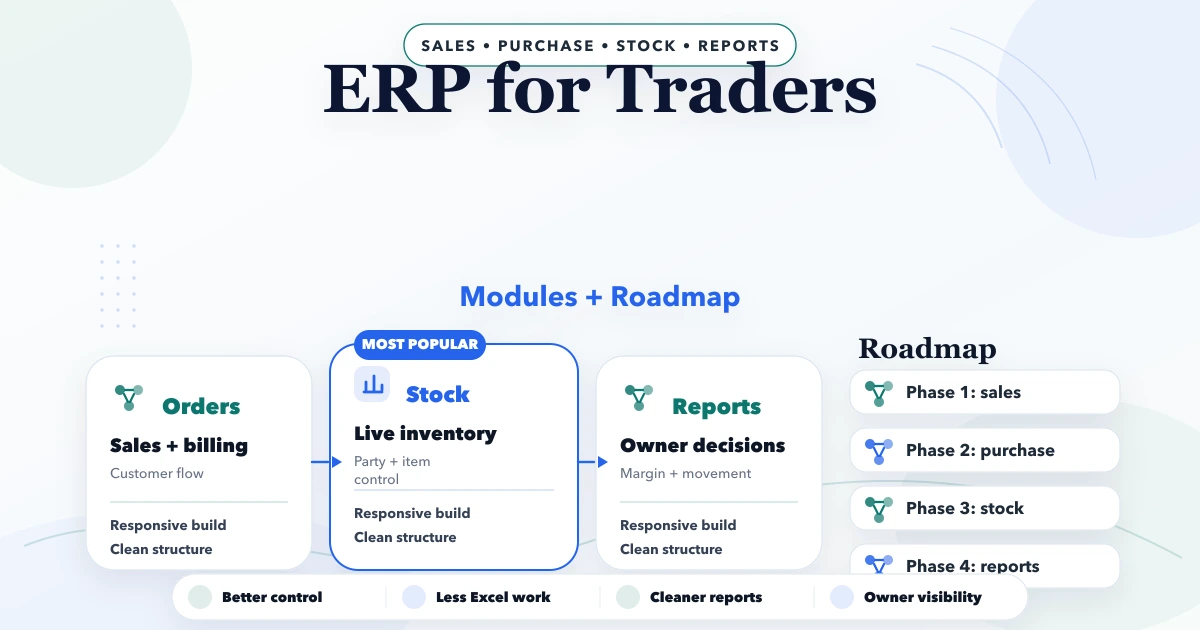
ERP for traders should create one controlled flow from product and party masters to purchase, stock, sale, payment, return, expense, and owner reporting. A small trading business does not automatically need a heavy enterprise ERP. It needs accurate daily operations, clear dues, usable stock visibility, business-owned data, and a rollout the staff can follow.
This guide is for Indian retailers, wholesalers, distributors, suppliers, hardware and electrical traders, garment and footwear businesses, stationery suppliers, mobile-accessory dealers, and FMCG operators. It explains the module order, control rules, implementation phases, cost drivers, and practical boundary between ERP-lite software and full enterprise systems.
By Tushar C. (Founder, VASUYASHII). Reviewed by VASUYASHII Editorial for billing, inventory, purchase, payment, multi-company, role, migration, and SME implementation workflows. Tax, accounting, statutory filing, and compliance decisions should be confirmed with the business's qualified accountant or tax professional.
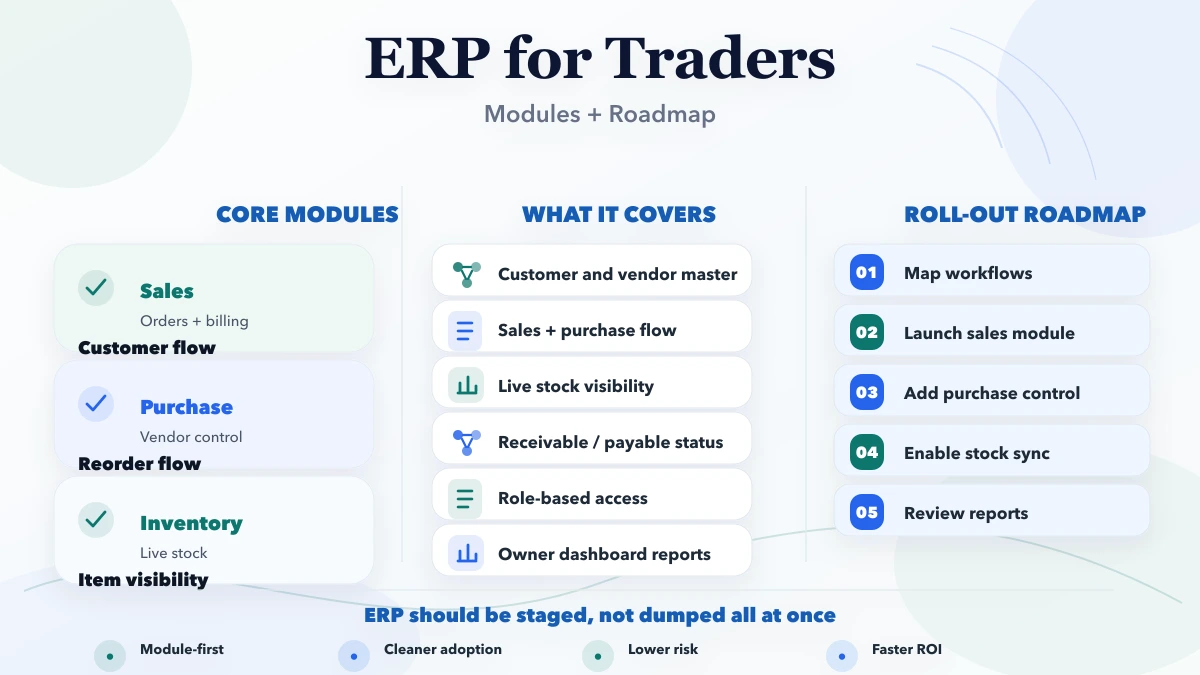
A practical trader ERP should begin with companies, users, customers, vendors, products, taxes, units, and opening balances. The first operational release should then cover purchase, stock movement, GST invoices, payment and due tracking, expenses, returns, and essential reports. Add advanced accounting, e-invoice or e-way bill integration, bank reconciliation, CRM, payroll, or automation only when the business has a defined need and the selected product actually supports it.
The rollout should be phased. Clean masters and one complete purchase-to-payment and sale-to-collection cycle are more valuable than twenty partially used modules.
Consider a hardware wholesaler operating two firms. Products have SKU, HSN, GST rate, unit, purchase price, and sale price. Purchases come from several vendors, sales are partly cash and partly credit, and customer payments may settle old invoices. Staff currently use billing software, spreadsheets, and handwritten stock notes.
The owner wants answers to five questions:
An ERP-lite system can address these operational questions without pretending to be a complete accounting or manufacturing suite. The key is consistent entries and company-scoped data.
Every transaction belongs to a company or firm. The system should define:
Hiding a menu item is not sufficient access control. Company and permission checks must be enforced by authenticated backend APIs. Users who leave the business should be disabled promptly without deleting transaction history.
Customer records may include name, phone, email, GSTIN, billing and shipping address, city, state, credit context, and transaction history. Vendor records need comparable identity and purchase information.
Define duplicate rules before import. The same party can appear under spelling variations, phone formats, or GSTIN errors. Decide which field is authoritative and who can merge or correct records.
Do not mix customers and vendors merely to reduce screens if reporting or permissions need them separately. A party that acts as both can be linked through a controlled model.
A product master for traders commonly needs:
Stock should change through traceable business events: purchase receipt, sales invoice, sales return, purchase return, transfer, adjustment, or opening import. Directly editing quantity without a reason destroys auditability.
For multiple stores or warehouses, track location-level stock only when every inward, outward, and transfer is recorded. Otherwise the software will display precise but unreliable numbers.
A purchase record connects vendor, date, document number, items, quantity, rate, discount, tax, total, payment status, and stock receipt. Decide whether stock updates on purchase entry, goods receipt, or approval. Businesses with purchase orders and partial receipt need separate states.
Purchase returns should reference the original vendor and items, reduce or reverse the appropriate stock, and preserve the reason. Do not silently edit the original purchase after goods have moved.
Invoice creation should support approved company details, customer, items, quantity, rate, discount, tax calculation, payment status, amount paid, amount due, and PDF generation. Numbering, cancellation, credit notes, and tax treatment must follow the business's approved process.
Sales returns need a controlled reference to the customer and returned items. Define whether the quantity is saleable, damaged, or held for inspection. A return should not automatically increase available stock when the item cannot be resold.
PDF and WhatsApp sharing should use secure public links when documents originate behind authentication. Do not expose private backend file URLs or allow one company to access another company's documents.
Record customer receipts and supplier payments with date, amount, method, reference, company, party, and allocation. Decide whether a payment can cover multiple invoices and how advances or partial payments are handled.
Important views include:
An ERP-lite due report is operationally useful, but it should not be represented as a complete accounting ledger unless double-entry accounting and reconciliation are actually implemented.
Expense records can capture date, category, description, amount, payment method, reference, and attachment. Use consistent categories and permissions. Decide whether expenses are informational or connected to a full accounting system.
Owner dashboards may compare sales, collections, purchases, stock, and recorded expenses, but labels such as "net profit" require carefully defined cost and accounting logic. If the system does not include complete accounting, use operational wording and document the calculation limits.
Reports should answer daily control questions:
| Report | Decision supported |
|---|---|
| Low stock | What needs review or replenishment? |
| Inventory value | How much working capital is held in stock? |
| Sales and invoice status | What was billed and what remains due? |
| Customer collections | Which accounts need follow-up? |
| Purchases and supplier dues | What was bought and what is payable? |
| Returns | Which products or parties create repeat issues? |
| Expenses | Where is recorded operating spend going? |
| User activity | Who performed important actions? |
Every report needs a written formula, date basis, company filter, and export rule. Dashboard totals should reconcile with detail records.
Businesses managing more than one firm may want shared convenience without mixed transactions. A safe model allows users to switch companies and, where approved, copy selected masters such as products, customers, or vendors. Invoices, purchases, stock movements, payments, dues, and reports should remain company-specific.
Copying a master does not mean future changes should sync automatically. Define whether the copy is independent or linked. Automatic cross-company updates can create GST, price, stock, and reporting errors.
Before adoption, confirm:
A backup is useful only if it can be restored and reconciled. Test restore with a controlled company dataset before relying on it for recovery.
A billing and inventory suite should not be called a complete enterprise ERP or full accounting replacement unless those capabilities are implemented and tested. Common separate or future modules include:
Buy based on current documented scope, not roadmap promises.
| Requirement | Better starting direction |
|---|---|
| Standard billing, stock, purchase, payment, and expense flow | Evaluate an existing ERP-lite product |
| Full statutory accounting and filing ecosystem | Evaluate proven accounting software |
| Manufacturing planning and shop-floor control | Evaluate manufacturing ERP or focused custom workflow |
| Unique approval, dealer, field, or reporting process | Consider custom software or integration |
| Current tools work but duplicate data entry is high | Evaluate API or file integration |
| Process ownership is unclear | Stabilize operations before building |
VASUYASHII Business Suite is positioned as GST billing, inventory, and business management ERP-lite for Indian SMEs. Its current public scope includes clients, vendors, products, invoices, purchases, returns, payments, expenses, reports, PDF templates, secure WhatsApp sharing, backup and restore, multi-company support, and team permissions where configured. Review the current product, live demo, and limitations on the VASUYASHII Business Suite page.
Document companies, users, product units, taxes, numbering, customer and vendor duplicates, opening stock, outstanding balances, and current reports. Assign one owner for each master.
Use one company, a limited product set, and representative users. Test purchase, stock, invoice, payment, return, expense, PDF, and reporting flows with normal and exception cases.
Compare opening values, purchases, sales, stock, and outstanding totals with approved source records. Resolve differences before full rollout.
Train users by role and provide short task-based instructions. Restrict direct spreadsheet updates once a process moves to the new system.
After stable use, evaluate payment links, WhatsApp reminders, ecommerce, barcode, CRM, accounting exchange, or custom reports. Add only integrations with clear ownership and failure handling.
Subscription pricing is usually lower-risk for a standard product. Custom ERP development costs more because the business funds discovery, architecture, workflows, permissions, migration, testing, deployment, and ongoing maintenance.
Key cost drivers include:
Ask for a phase-wise estimate with inclusions, exclusions, data responsibilities, acceptance criteria, infrastructure, support, and future change rates.
VASUYASHII would first compare the requirement with current Business Suite scope. If the standard ERP-lite flow fits, the work should focus on setup, data preparation, pilot, training, and support. If the business needs a unique workflow, we would separate that requirement into a custom software, web application, or integration scope instead of presenting it as already included.
Related guides include ERP development cost for small businesses, custom inventory software cost, billing and GST invoice systems, and purchase and sales management for SMEs.
Start with company and user controls, customers, vendors, products, tax and units, purchases, stock, invoices, payments, expenses, returns, and essential reports. Add modules only when the first flow is stable.
No. ERP-lite focuses on practical daily operations with lower complexity. A full ERP may include deeper accounting, manufacturing, HR, planning, procurement, compliance, and enterprise controls.
Yes, when the product supports multi-company access and enforces company-wise separation. Test switching, permissions, numbering, data exports, and reports before migration.
Only from an approved closing statement with a defined cut-off date. Reconcile totals and keep the source record. Do not import unverified spreadsheet balances.
Invoices and reminders can be shared through approved workflows. Protect private files, define consent and template rules where applicable, and keep an audit of what was sent.
Consider custom development when a valuable, repeatable workflow is specific to the business and cannot be handled safely through product configuration or integration. Document the process and exceptions first.
It should not be positioned as a full Tally replacement. Its current purpose is GST billing, inventory, purchase, payment, expense, report, PDF, sharing, and related business management. Advanced accounting remains separate unless explicitly added and documented.
Prepare a list of current firms, users, products, warehouses, monthly transaction volume, outstanding balances, required reports, and existing software. Compare that list with the live Business Suite scope before requesting customization.
Related Articles
May 8, 2026
Plan an SME ERP roadmap across clean masters, transactions, permissions, migration, pilot, training, reports and controlled rollout without overbuilding.
Read article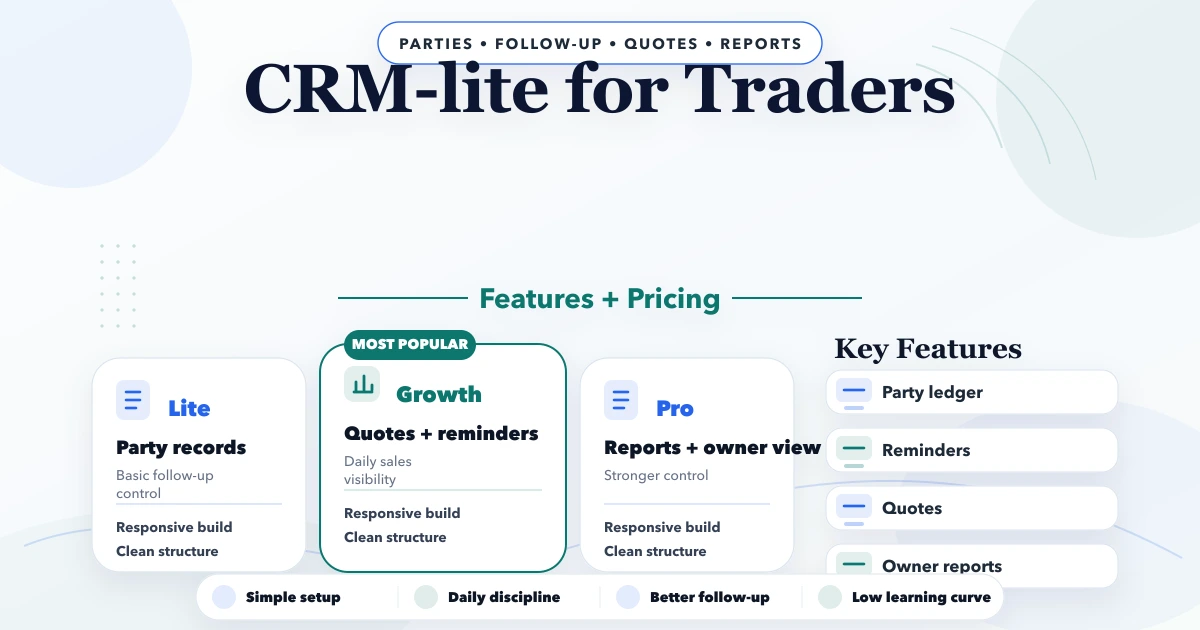
April 21, 2026
Plan a CRM-lite for Indian traders with customer history, follow-ups, quotations, WhatsApp, team roles, reports, realistic cost, and rollout steps.
Read article
May 24, 2026
purchase sales module ERP: practical 2026 guide with features, INR pricing, roadmap, tech stack, mistakes, FAQs, and Indian SME tips today safely for SMBs.
Read article
May 24, 2026
Use a phased small-business ERP implementation roadmap covering process ownership, master data, migration, pilots, controls, training, and go-live support.
Read article