
April 21, 2026
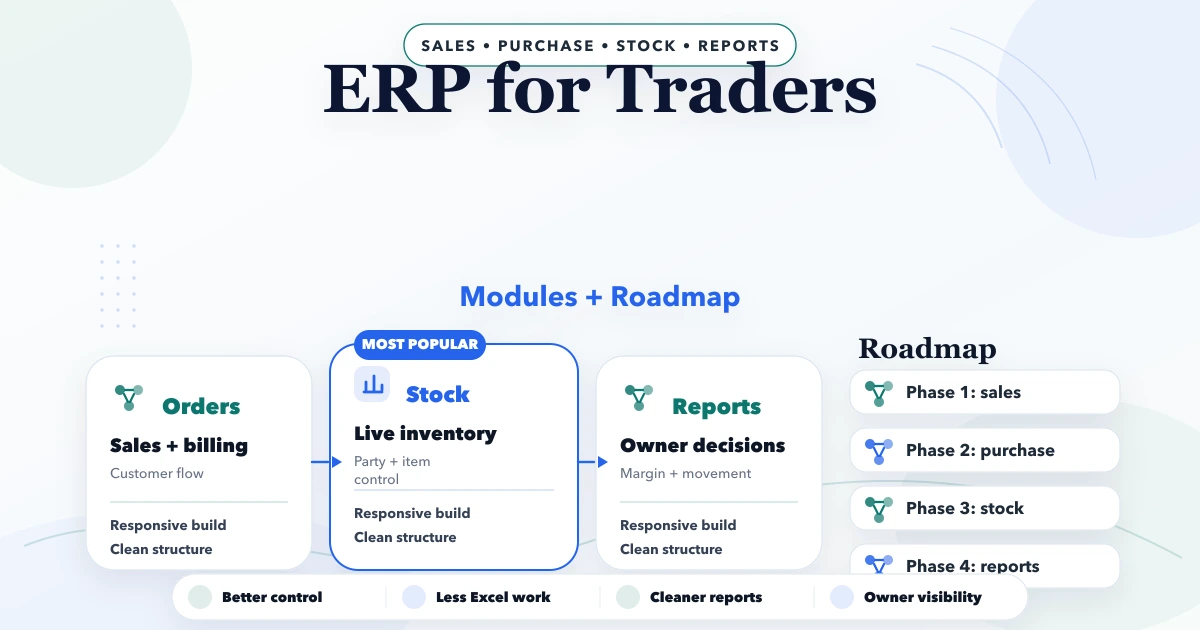
ERP for Traders: Modules and Implementation Roadmap
Plan ERP for traders with GST billing, inventory, purchases, payments, expenses, returns, reports, multi-company controls and a practical rollout roadmap.
Read articlePublished Updated
Plan a CRM-lite for Indian traders with customer history, follow-ups, quotations, WhatsApp, team roles, reports, realistic cost, and rollout steps.
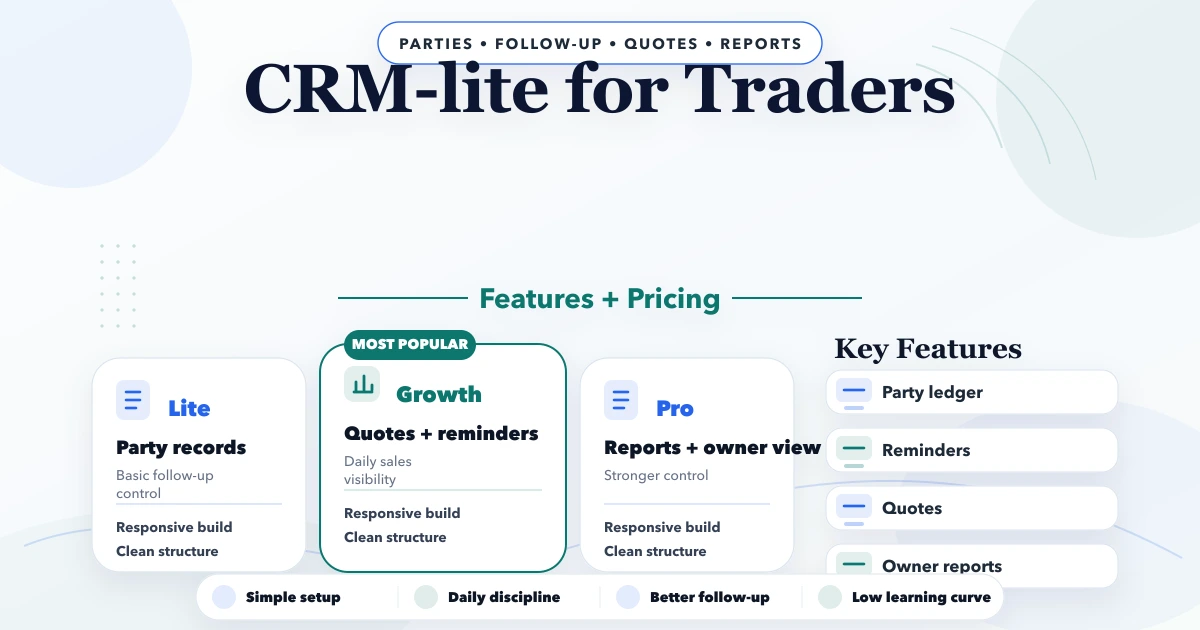
A trader rarely needs an enterprise CRM on day one. The immediate problem is usually simpler: enquiries are split across calls and WhatsApp, quotations are not followed up consistently, and the owner cannot see which customer needs attention. A CRM-lite for traders should solve that daily operating gap without forcing a small team to maintain dozens of fields.
The right first release follows the path from enquiry to next action. It can later connect with billing, inventory, or order systems, but it should not pretend that every customer record is automatically a sales opportunity.
By Tushar C. (Founder, VASUYASHII). This guide separates a sales-follow-up CRM from billing and inventory software. VASUYASHII Business Suite currently focuses on GST billing, products, stock, clients, vendors, purchases, payments, expenses, reports, PDF documents, and related business operations. Advanced CRM pipelines are not presented as an included enterprise CRM capability.
A practical trader CRM-lite should include customer and contact records, enquiry source, product interest, follow-up date, assigned owner, status, notes, quotation reference, reminders, and a simple pipeline report. Start with one team and one measurable workflow. Add WhatsApp automation, order sync, mobile use, or advanced reports only after staff consistently update the core records.
Suppose an electrical trader receives 35 enquiries in a week. Some ask for a single item, some need a bulk quotation, and some are existing customers checking repeat supply. Messages arrive through WhatsApp, phone calls, the website, and referrals. At the end of the week, the owner remembers the largest quote but cannot see the smaller enquiries that never received a second call.
In a CRM-lite, the sales executive creates or matches the customer, records product interest and expected quantity, assigns a next-follow-up date, and links the quotation. The owner sees overdue actions and open quotation value. The software does not decide whether the deal will close; it makes ownership and next action visible.
| Record | Essential fields | Why it exists |
|---|---|---|
| Customer | Business name, contact, city, GSTIN if required | One stable account identity |
| Contact | Name, phone, email, role | Multiple people can belong to one customer |
| Enquiry | Source, product/category, quantity context, date | Captures the buyer's current need |
| Follow-up | Due date, owner, channel, outcome, next action | Prevents memory-based selling |
| Quotation link | Number, amount, validity, status | Connects discussion to a commercial document |
| Activity | Timestamp, user, note, status change | Creates accountability |
Do not use a phone number as the only identity. Businesses may have several contacts, and one person may change numbers. Define duplicate rules for phone, email, GSTIN, and business name, with a manual merge action for uncertain matches.
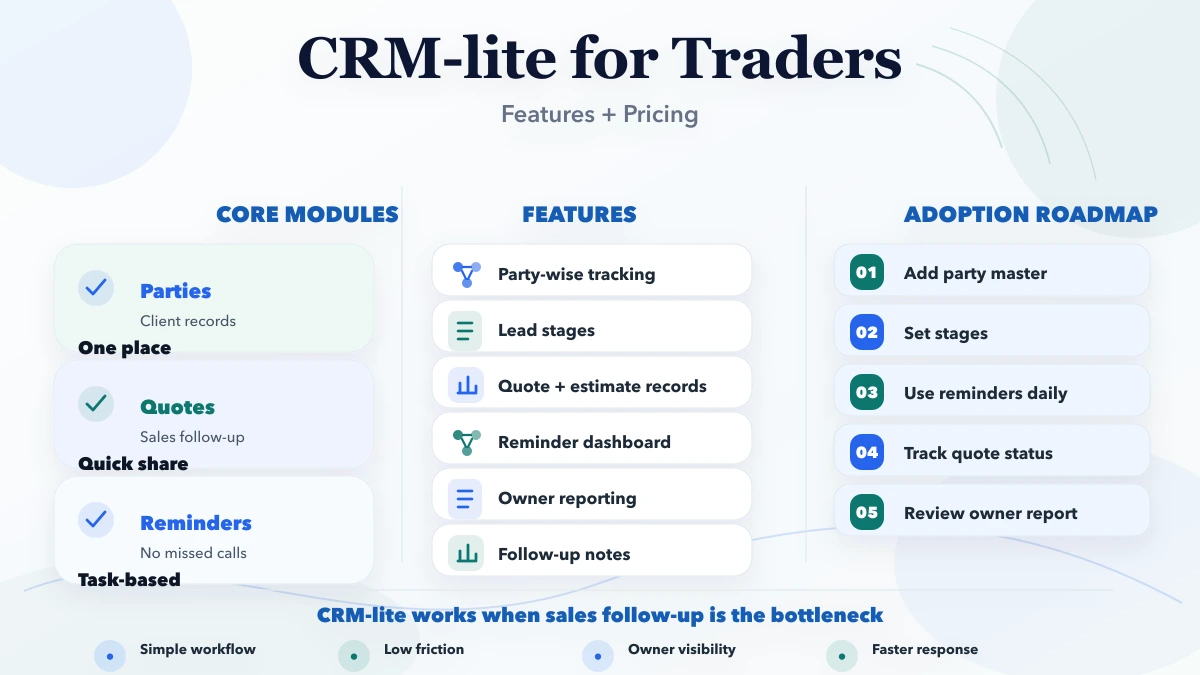
The form should take less than a minute for common cases. Product interest, quantity context, source, urgency, and next action matter more than a long profile questionnaire. Website forms can create an enquiry automatically, but calls and walk-ins still need a quick manual route.
Show today's actions, overdue actions, and unassigned enquiries. Let managers filter by executive, age, product category, source, and status. A reminder without an owner is not useful.
Use stages that match the actual business, such as New, Qualified, Quote Required, Quote Sent, Negotiation, Won, Lost, and On Hold. Define the condition for entering each stage. Avoid decorative pipelines with ambiguous labels.
Display enquiries, notes, calls, quotations, and selected order or invoice references in chronological order. Restrict sensitive notes by role. Keep edit history for important status and ownership changes.
Useful reports include new enquiries by source, overdue follow-ups, quote-to-order conversion, average first response, open opportunities by age, and reasons lost. Present both counts and definitions so staff interpret the numbers consistently.
WhatsApp is important for traders, but copying every chat into a CRM is not a strategy. Begin with click-to-chat links carrying customer or product context, approved message templates for reminders, and an activity record when staff send a message.
For API automation, obtain consent, use approved templates where required, store delivery status, and provide an opt-out process. Do not send sensitive prices, payment details, or documents through insecure public links. Integration services can connect events, but the business must still decide who is allowed to send what.
A CRM answers what is the next sales action? Billing and inventory answer what was sold, paid, purchased, or stocked? The records can connect, but they should not be collapsed into one unclear status.
For example, “Won” may create a draft order or handoff; it should not deduct stock unless an approved order workflow exists. An invoice can appear on the customer timeline without giving every sales user access to purchase cost or stock valuation.
If the main need is GST invoices, inventory, purchases, payments, and PDF sharing, evaluate the Business Suite. If the differentiator is a custom sales process, role model, or integration, use the custom software, CRM and ERP planning hub.
Illustrative planning bands for a custom CRM-lite are:
| Scope | Typical contents | Indicative build effort |
|---|---|---|
| Focused first phase | Customer, enquiry, follow-up, roles, basic report | 3 to 6 weeks |
| Connected CRM-lite | Quotation link, imports, notifications, dashboards | 6 to 10 weeks |
| Multi-team workflow | Multiple pipelines, approvals, APIs, mobile/offline needs | 10 to 16+ weeks |
Cost depends on user roles, migration quality, WhatsApp/API requirements, quotation integration, mobile behavior, reports, audit history, training, and support. A quote should list acceptance criteria rather than only a package name. Existing figures on the internet cannot replace a scope review.
Choose a ready-made CRM when the team can adapt to a standard pipeline and the required integrations are already supported. Choose a custom CRM-lite when the business has specific quotation, territory, product, approval, or reporting rules that create daily workarounds in generic tools.
Before building, run a two-week spreadsheet or no-code pilot with the proposed fields and stages. If staff cannot maintain the simplified process, more software will not fix adoption.
It handles the few customer and follow-up workflows the team uses daily, with limited roles and reports. “Lite” should mean focused, not insecure or incomplete.
Yes. Start with contextual click-to-chat and activity logging. Add the WhatsApp Business Platform only when consent, templates, ownership, and delivery-state handling are defined.
Usually no. A CRM can link quotations, orders, or invoices, but GST calculations, stock, purchases, payments, and accounting-related controls belong to the operational system.
Often five to eight are enough. Each stage needs a clear meaning and next action. More stages create reporting noise unless the sales process genuinely requires them.
Import active customers, current contacts, open enquiries, and recent quotation references. Archive or clean old records instead of moving every historical duplicate into the new system.
Measure first-response time, overdue follow-ups, enquiries with an owner, quotation progression, reasons lost, and staff adoption. More records alone do not indicate a better sales process.
Share ten recent enquiries, the current follow-up sheet, pipeline terms, user roles, and three owner questions. VASUYASHII can map a focused first phase without presenting billing software as a complete CRM.
Related Articles
April 21, 2026
Plan ERP for traders with GST billing, inventory, purchases, payments, expenses, returns, reports, multi-company controls and a practical rollout roadmap.
Read article
March 30, 2026
Plan a real estate CRM with lead capture, project matching, site visits, follow-ups, automation, reports, pricing, and rollout guidance.
Read article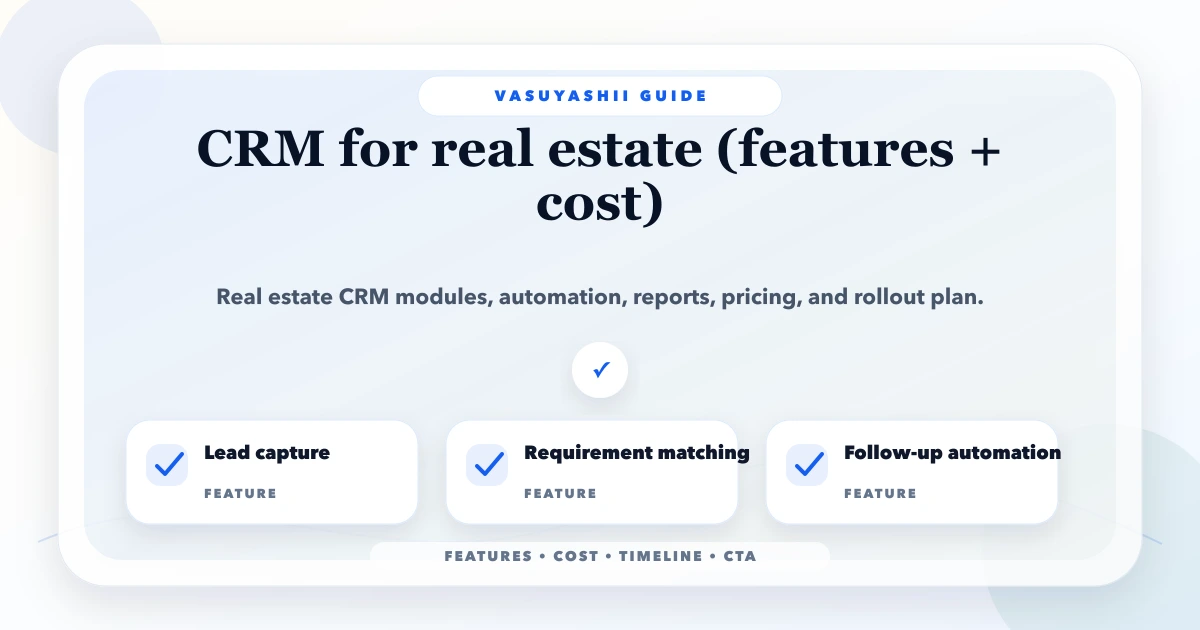
May 15, 2026
Compare real estate CRM features and cost in India, including lead sources, property matching, site visits, follow-ups, roles, reports and rollout phases.
Read article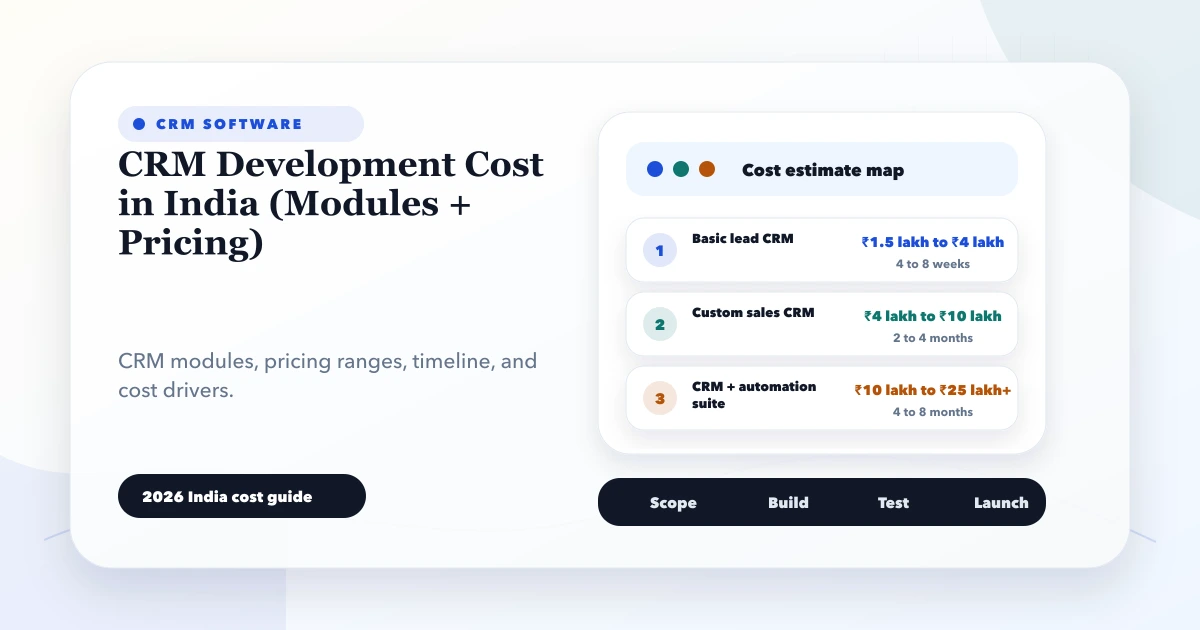
May 28, 2026
CRM development cost in India: 2026 India pricing guide with modules, timeline, cost drivers, mistakes, quote checklist, and practical planning ranges.
Read article