
May 15, 2026
Real Estate CRM Features, Workflow & Cost in India
Compare real estate CRM features and cost in India, including lead sources, property matching, site visits, follow-ups, roles, reports and rollout phases.
Read articlePublished Updated
Plan a real estate CRM with lead capture, project matching, site visits, follow-ups, automation, reports, pricing, and rollout guidance.
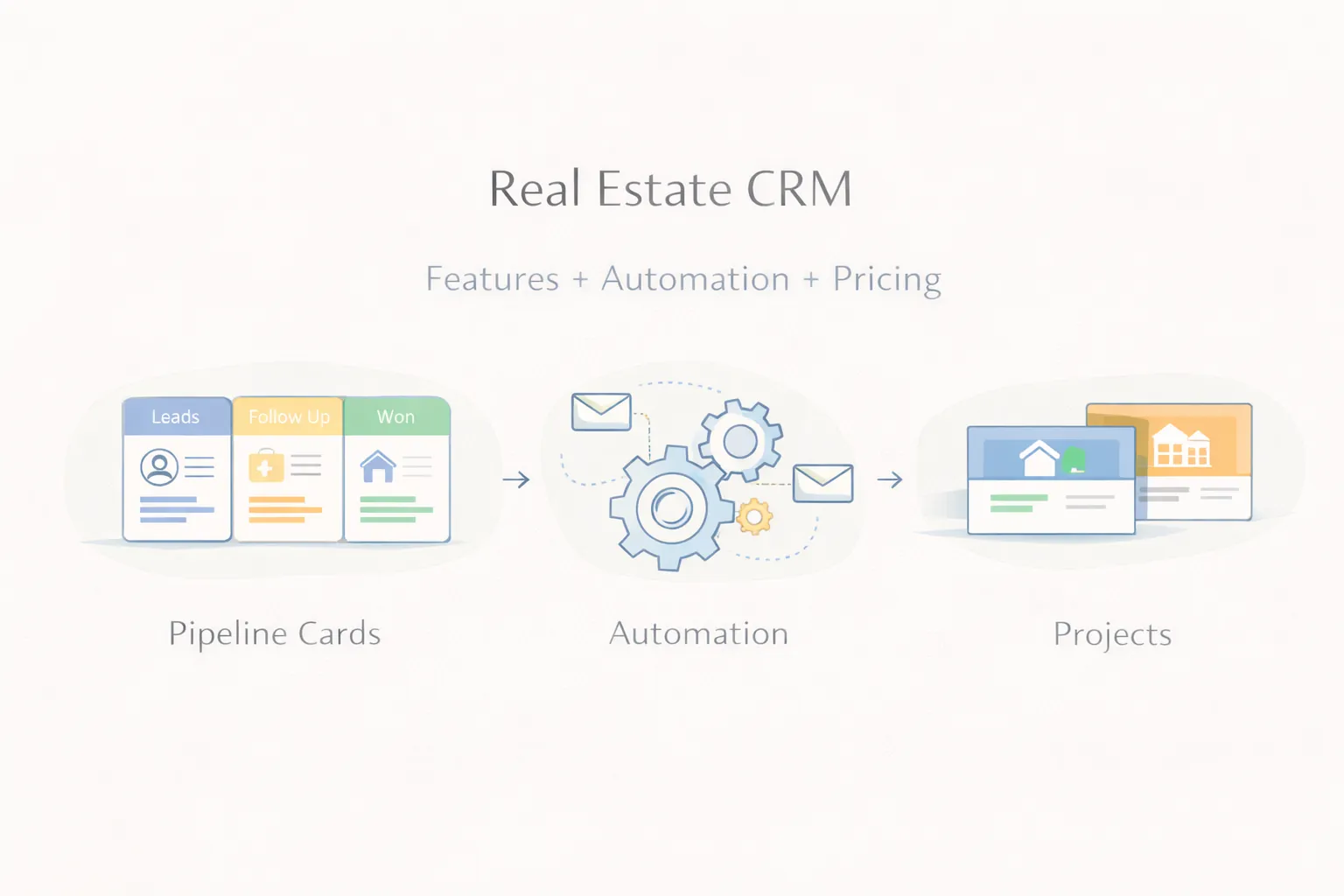
Real estate sales is rarely a one-call process. Leads come from property portals, Meta ads, Google ads, referrals, broker networks, and direct website enquiries. Then the actual work starts: assigning leads, checking intent, scheduling site visits, following up, and keeping the sales team disciplined.
That is why a generic contact list is not enough. Real estate businesses need a CRM that understands inventory, source tracking, visit management, and follow-up pressure. Without that, many leads go cold simply because the team cannot respond consistently.
This guide explains what a real estate CRM should include, where automation creates the most value, and what pricing usually looks like for brokers, consultants, and property companies in India.
A practical real estate CRM should help teams do five things well:
Typical pricing ranges:
₹1.5 lakh to ₹3 lakh₹3 lakh to ₹6 lakh₹6 lakh to ₹12 lakh+When leads come from many sources, teams often lose clarity on what is actually working.
The biggest loss usually happens after the first enquiry. Without reminders, statuses, and owner visibility, hot leads cool down.
A property lead is not just a name and phone number. The team also needs budget, location preference, unit type, and project interest.
Without proper reports, owners cannot easily see which salesperson follows up properly and which campaign source is creating real visits.
Related reading:
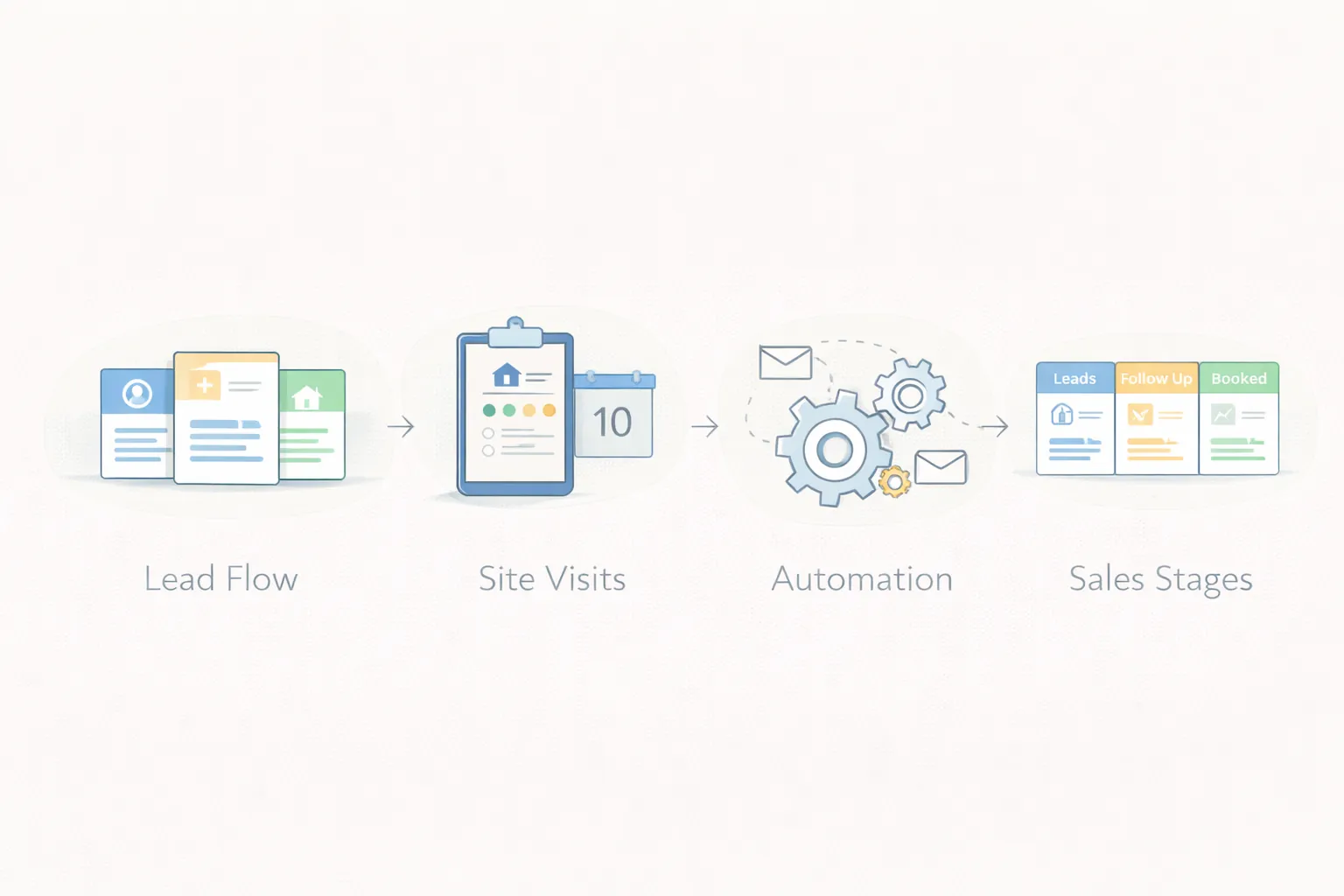
Leads should enter from forms, ads, landing pages, WhatsApp, and manual entries without duplication confusion.
The CRM should assign leads by project, salesperson, region, or rule-based logic.
Common stages include new lead, contacted, qualified, site visit planned, site visit done, negotiation, won, and lost.
The sales team should be able to attach each lead to relevant projects, unit types, and budget ranges.
Every call note, status change, visit update, and next step should be visible to managers.
Management needs quick visibility into lead sources, response speed, site visits, and closure ratios.
Assign new leads automatically based on city, project, or campaign source.
If a salesperson does not update or follow up in time, the system should flag it.
Site visit planning and reminders reduce missed opportunities.
Warm leads can receive structured messages, updates, or reminders instead of being forgotten.
₹1.5 lakh to ₹3 lakh
Good for:
₹3 lakh to ₹6 lakh
Good for:
₹6 lakh to ₹12 lakh+
Good for:
Next.js or React dashboard for sales and management viewsNode.js backend for workflow rules and automationPostgreSQL for leads, projects, visits, and user activityThe main cost drivers are:
If your sales team is following up through scattered calls and chats, start by mapping lead stages, assignment rules, and manager visibility before choosing a CRM.
Real estate leads move through discovery, qualification, property matching, site visit, negotiation, booking, documentation, and closure. The CRM should reflect this journey without forcing every lead through identical steps. A rental enquiry and a new-project investment lead may need different stages, fields, and response expectations.
Define stage entry evidence. “Site visit scheduled” should require property or project, date, owner, and customer confirmation. “Negotiation” should capture the unit, quoted amount, customer position, and next decision. Clear criteria make reports useful.
A brokerage receives leads from property portals, Meta ads, Google campaigns, website forms, channel partners, and referrals. The same buyer may submit several forms, creating duplicates assigned to different agents. Inventory information is stored in spreadsheets, so agents promise units that are no longer available.
A practical first release centralizes lead identity, source, project interest, budget, location, assigned agent, next action, and visit history. Inventory can begin as a controlled project or unit list with availability status. Commission accounting and advanced partner settlement can follow later.
Connect each source with campaign, form, and timestamp. Normalize phone numbers and email before matching. When a duplicate arrives, update source history and notify the current owner instead of silently creating a competing record. Allow authorised users to merge records while preserving activities.
Track first-response time from receipt, not from manual data entry. Integration failures should enter an error queue that managers can reconcile. Review API and messaging design through integration services.
Store project location, property type, possession status, price range, amenities, developer, and active inventory reference. A lead profile may include budget, preferred area, purpose, configuration, financing, and timeline. Matching should narrow options without pretending to replace agent judgement.
If unit-level inventory changes frequently, define which system owns availability and how often it syncs. Show the last update time and avoid presenting stale inventory as confirmed. Reserve or block actions require explicit expiry and approval rules.
A visit record should include project or property, date, time, meeting point, assigned agent, confirmation status, outcome, and next action. Send clear reminders, but allow agents to pause messages when the customer has already responded.
After the visit, prompt for structured outcome such as interested, considering alternatives, finance concern, price concern, not suitable, or follow-up date. Management can then distinguish genuine demand from visits that never progressed.
Agents need today’s follow-ups, new leads, overdue actions, upcoming visits, and active negotiations. Managers need source response time, qualification rate, stage conversion, visit-to-booking rate, pipeline ageing, agent workload, and loss reasons. Owners may need project-wise booking value and campaign performance.
Reports should drill down to records and use consistent definitions. Do not rank agents only by call count; activity without progression can create misleading incentives.
Automate lead acknowledgement, assignment, visit reminders, stale-lead alerts, and task creation. Keep pricing commitments, unit confirmation, negotiation, and legal statements under authorised human control. Templates should use verified project data and log what was sent.
For WhatsApp follow-ups, maintain consent and message context. Avoid aggressive sequences that harm trust or create spam complaints. Nurture should be relevant to the buyer’s location, budget, and timeline.
Cost changes with users, projects, unit-level inventory, lead sources, communication channels, partner workflows, dashboards, document handling, mobile use, and integrations. Separate development from message charges, ad-platform limitations, hosting, migration, training, and support.
Pilot with one project or sales team. Clean current active leads, define stages, train managers, and review data daily during launch. Measure response time, follow-up completion, duplicate rate, visit conversion, and stage freshness before expanding.
Compare the custom CRM and ERP approach, inspect services, and use the contact page to share your current lead sheet and workflow.
A real estate CRM needs project, inventory, visit, and follow-up structures that generic tools often handle poorly.
Smaller setups often begin near ₹1.5 lakh, while advanced systems cost more depending on workflow depth.
Yes. Lead capture from web forms and campaign sources is a common requirement.
Yes. Dashboards can show response time, follow-up consistency, and closure progress.
Very. Many real estate conversations shift to WhatsApp quickly, so proper tracking helps.
Yes. A CRM should ideally launch with core lead and follow-up flow first.
Yes, if that workflow is part of the scope.
Lead capture discipline, follow-up visibility, and clean statuses.
If you want cleaner lead routing, better visit tracking, and stronger sales visibility, the right next step is to define your pipeline and automation rules before build starts.
Related Articles
May 15, 2026
Compare real estate CRM features and cost in India, including lead sources, property matching, site visits, follow-ups, roles, reports and rollout phases.
Read article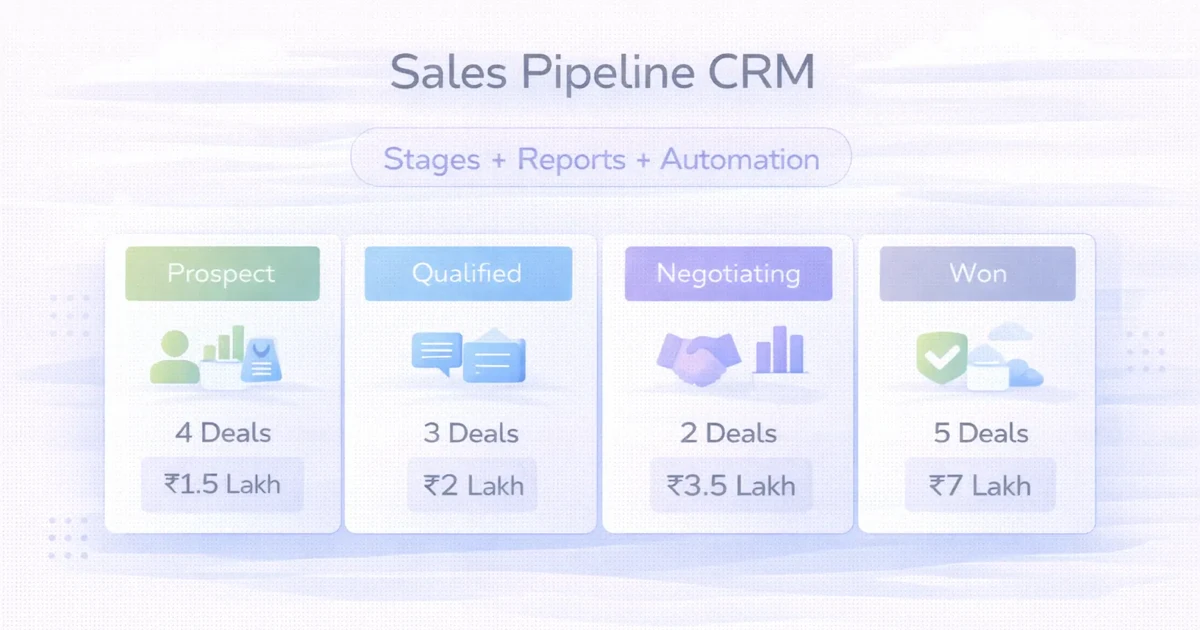
April 2, 2026
Design a sales pipeline CRM with clear stages, ownership, follow-ups, reports, automation, cost ranges, and rollout guidance for SMEs.
Read article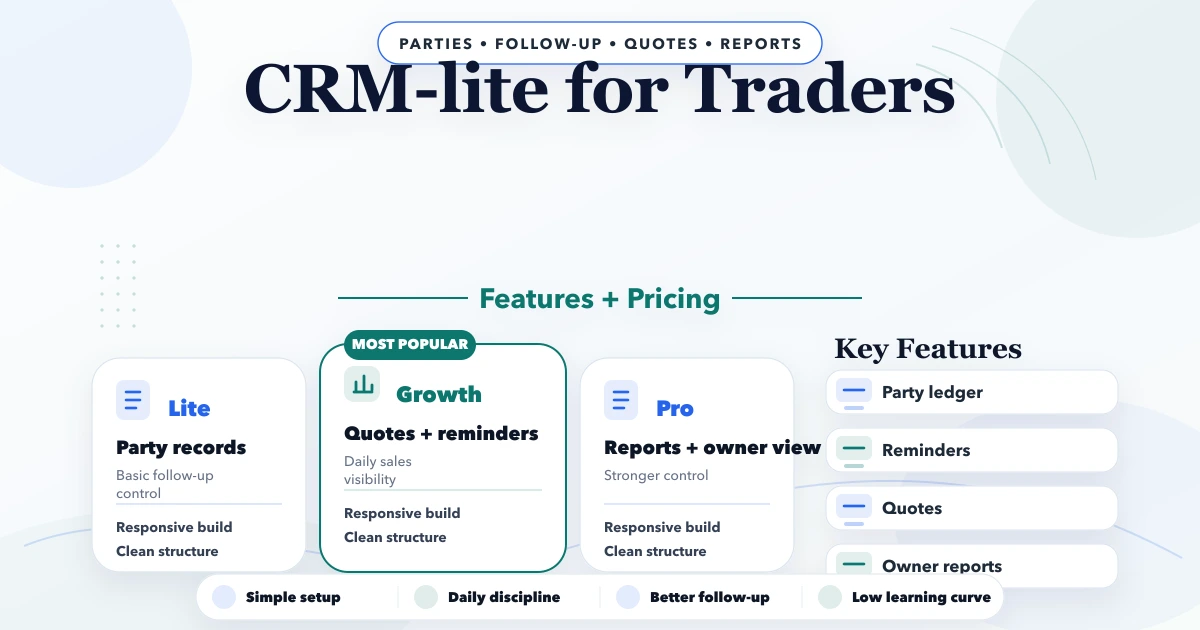
April 21, 2026
Plan a CRM-lite for Indian traders with customer history, follow-ups, quotations, WhatsApp, team roles, reports, realistic cost, and rollout steps.
Read article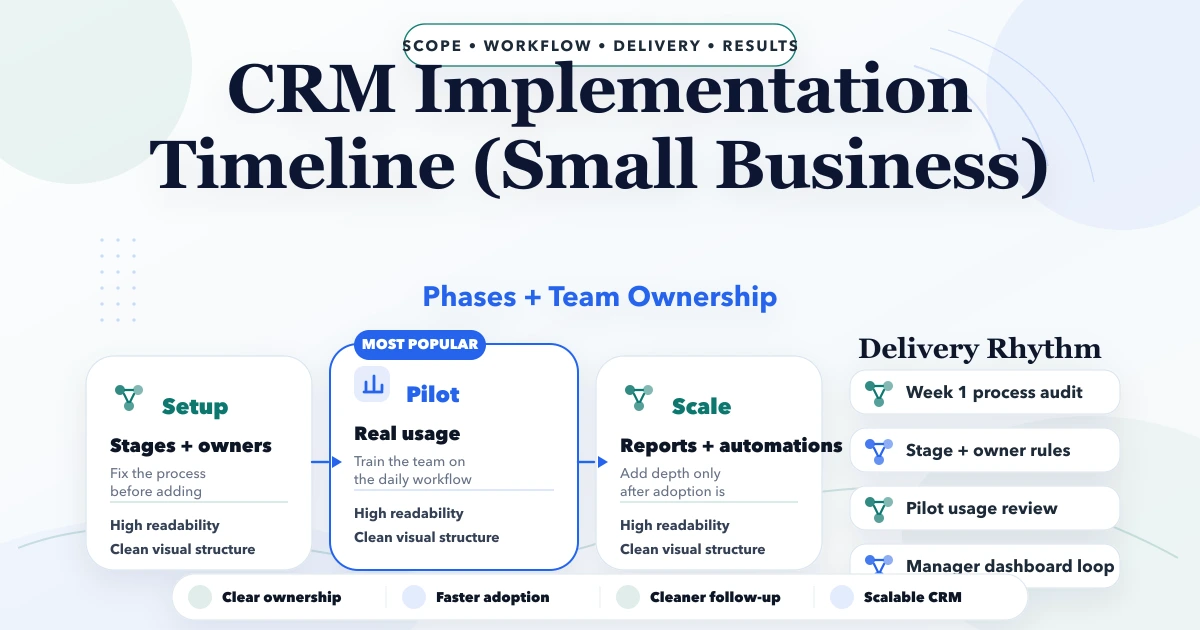
April 25, 2026
CRM implementation timeline for small business: phased plan, costs, roles, automations, common delays, and launch checklist for Indian SMBs.
Read article