
March 26, 2026
Custom CRM vs Zoho CRM (2026): Cost and Fit Guide
Compare custom CRM vs Zoho CRM for Indian SMEs by workflow fit, verified Zoho pricing, custom scope, integrations, ownership, timeline, and risk.
Read articlePublished Updated
CRM software development for small businesses: compare custom CRM vs SaaS, features, pricing in India, timeline, tech stack, and rollout tips for lead tracking.
For many small businesses, "CRM" starts as an Excel sheet, a shared WhatsApp group, and one person who remembers which lead needs a callback. That works for a while, but once enquiry volume grows, follow-ups get missed, deal stages become unclear, and owners stop trusting the pipeline numbers.
CRM software development for small businesses is not about copying big enterprise tools. It is about building or choosing a system that helps your sales process stay simple, visible, and repeatable. In the Indian SMB context, that usually means lead capture, reminders, quotations, customer history, and clean reporting without unnecessary complexity.
This guide explains when a small business should use SaaS CRM, when custom CRM makes more sense, what features matter, how much development usually costs in India, and how to keep the first version practical.
If your team has a standard sales process and you mainly need contact storage, basic pipeline tracking, and reminders, SaaS CRM is often enough in phase one. If your business has custom enquiry stages, quotation logic, branch-wise ownership, field sales workflows, or heavy WhatsApp-first communication, a custom CRM can give better long-term fit.
For most Indian SMBs, the smart decision is not "custom is always better" or "SaaS is always cheaper." The smart decision is to see where your current process breaks:
If you are still deciding whether a browser-based business tool is the right format, web application services and cloud-based software for SMEs give useful context before you lock scope.
This topic is especially relevant for founder-led businesses, growing sales teams, distributors, agencies, consultative service providers, and B2B companies where follow-up quality directly affects revenue. If enquiries come from multiple places and one missed callback can kill a sale, CRM discipline starts paying back quickly. It is also a strong fit for companies that want a lighter phase-one business system before moving into broader ERP software for small businesses.
Small businesses usually do not lose leads because the team is careless. They lose leads because the follow-up system depends on memory, personal chat history, or scattered records. Once enquiries come from website forms, referrals, Meta ads, calls, and repeat customers, lead movement becomes harder to track manually.
A good CRM should reduce response time, make follow-up visible, and give managers a clean snapshot of leads, open deals, closed sales, and overdue tasks. It should also help with basic process discipline. The goal is not more admin. The goal is fewer dropped conversations and clearer accountability.
In simple terms, CRM should answer four daily questions:
If your business needs a lighter contact-and-relationship tool rather than a full sales engine, vendor and client management software may be a better starting point.
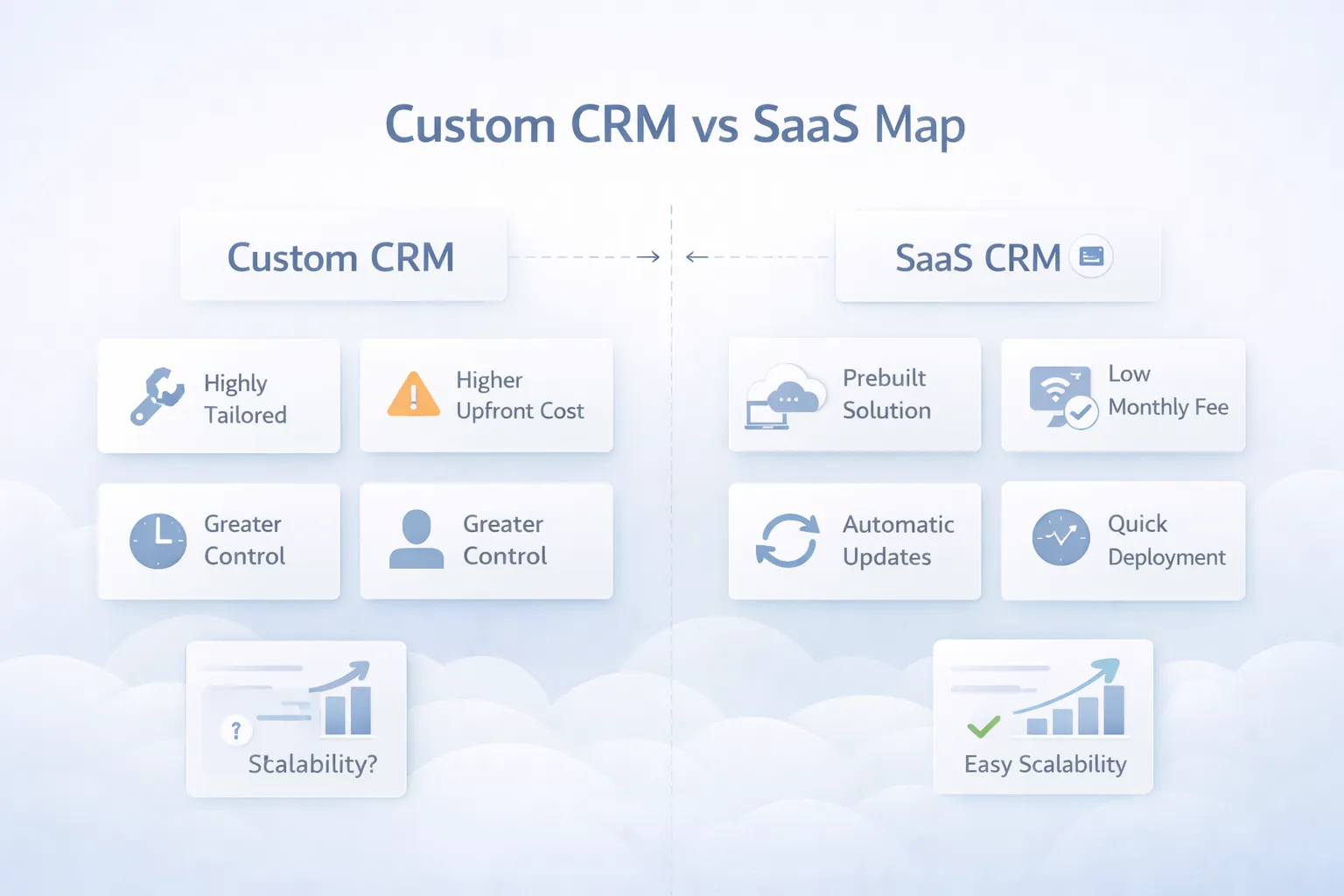
This is the main decision point, and it should be taken practically, not emotionally.
SaaS works well when your team can adapt to a standard pipeline, standard fields, and standard automations. It is best for businesses that want fast deployment, lower upfront spend, and less technical ownership. If your process is simple enough, paying monthly can be the correct move.
SaaS is usually a strong option when:
Custom CRM wins when your actual sales process has business-specific logic. For example, maybe you qualify leads differently by city, product line, dealer type, or project stage. Maybe quotations require approval rules. Maybe WhatsApp reminders, site visits, collections, or after-sales tasks are part of the same customer journey.
Custom CRM is usually worth considering when:
SaaS looks cheaper because the upfront amount is small. Custom CRM looks expensive because the build cost is visible on day one. But you should compare total fit, not just month one cost.
SaaS can become costly over time if you keep paying for users, add-ons, extra modules, and still need manual work outside the system. Custom CRM can become wasteful if you overbuild phase one and ignore actual adoption. So the better question is: which option gives cleaner workflow with the least ongoing friction?
If you are early and unclear, start with process mapping first. If your sales flow is mostly standard, begin with SaaS. If you already know your team needs custom quotation, follow-up, collections, or after-sales workflows, go custom with a focused phase one. Faltu complexity in the first release helps nobody.
For a brand-specific comparison, also read Custom CRM vs Zoho CRM: Which Is Better?.
These are the CRM features that usually matter for small business outcomes, not just for demos.
Phase one should stay focused. Later, you can add collections tracking, after-sales service tickets, payment reminders, customer portal access, or deeper integrations with billing and invoice software and order management systems.
Small businesses should compare custom CRM and SaaS by workflow fit, not only price. A standard sales process can use SaaS. A business with unique lead assignment, branch roles, payment follow-up, or WhatsApp automation may need custom CRM.
Before deciding, define:
For a module-by-module budget and implementation range, compare this checklist with the CRM development cost in India guide. For SaaS subscriptions, setup, migration, and small-team ownership cost, use the CRM pricing guide for Indian small businesses.
Useful links: software development services, integrations, services, and contact.
If you want help deciding whether your sales process should stay on SaaS or move to custom CRM, start with the workflow, not the tool list.
For Indian SMBs, CRM pricing should be judged against lead volume, team size, and the amount of manual follow-up leakage you are currently facing.
₹800 to ₹2,500 per user per month, plus onboarding or customization charges if needed.₹60,000 to ₹1.8 lakh per year when add-ons, automation, or WhatsApp tools are included.₹1.35 lakh to ₹2.4 lakhIncludes lead capture, contact records, pipeline, reminders, notes, and basic dashboards.
₹2.5 lakh to ₹4.5 lakhIncludes quotation flow, role-based access, source tracking, reports, and basic integrations.
₹4.75 lakh to ₹8 lakhIncludes branch-wise reports, custom workflows, WhatsApp or email automation, approval logic, and admin analytics.
For many SMBs, a focused custom CRM between ₹2.5 lakh and ₹4.5 lakh is the sweet spot if the sales process is already clear and actively used by the team. Below that budget, you often get a thin system. Above that budget, scope should be justified by process complexity, not by shiny extras.
The right CRM stack should optimize speed, maintainability, and easy iteration.
Next.js with responsive dashboards, tables, forms, and role-based navigation for sales staff and managers.Node.js API layer or Next.js server actions for lead workflows, reminders, and reporting logic.PostgreSQL for structured records such as contacts, deals, tasks, quotations, and audit logs.If your CRM also needs payment sync, WhatsApp, or ERP bridges later, API integration services for businesses becomes relevant very quickly.
A realistic CRM timeline for a small business is usually 4 to 10 weeks depending on how settled your sales process already is.
Timelines stretch when the business is still changing the process every week. The cleaner your internal sales rules are, the faster the CRM project moves.
These factors usually decide whether the project stays lean or becomes expensive:
The cheapest CRM is not the one with the smallest quote. It is the one your team will actually update daily.
CRM projects go wrong when businesses try to digitize every sales edge case immediately. A better phase one looks like this:
This approach gives cleaner data and better feedback. Once the base is stable, you can expand into collections tracking, site visit scheduling, customer portal access, or ERP software for small businesses if broader operations need to stay connected.
Yes, if your sales process is standard and you mainly need contacts, reminders, and a simple pipeline. It becomes limiting when your workflow depends on custom stages, approvals, or integrated quotation and service flows.
Choose custom CRM when the team is already using workarounds outside existing tools, or when your business-specific process is important enough that software fit affects revenue directly.
Yes. In fact, it should. A focused phase one with lead capture, tasks, notes, reports, and user roles is usually the right place to begin.
For SMB scope, custom CRM often starts around ₹1.35 lakh for a very lean MVP and grows to ₹4.5 lakh or more when quotation flow, reports, and integrations are involved.
Yes, if the communication flow is planned correctly and approved messaging rules are followed. Many SMBs get strong value from reminder and assignment alerts.
A focused build usually takes around 4 to 8 weeks. More complex role logic or cross-module integration can push it toward 10 weeks or beyond.
Only if the business actually benefits from that visibility. For many teams, it makes sense after the sales workflow is stable, not before.
Asking the team to fill too many fields without showing immediate value. If users do not get reminders, clarity, and faster follow-up in return, usage drops fast.
If your current setup is leaking leads, hiding follow-up status, or forcing your team to manage sales from chat and sheets, the next step is not a random tool trial. The next step is proper workflow scoping.
Property businesses can use the more specific real estate lead CRM pipeline guide to define qualification, matching, visits, ownership, and follow-ups.
Related Articles
March 26, 2026
Compare custom CRM vs Zoho CRM for Indian SMEs by workflow fit, verified Zoho pricing, custom scope, integrations, ownership, timeline, and risk.
Read article
June 2, 2026
Small business CRM build vs buy guide with custom CRM, SaaS CRM, Zoho-style tools, cost, workflows, reports, and decision checklist.
Read article
June 1, 2026
Custom CRM software cost in India with modules, pricing ranges, implementation timeline, integrations, reports, and quote checklist.
Read article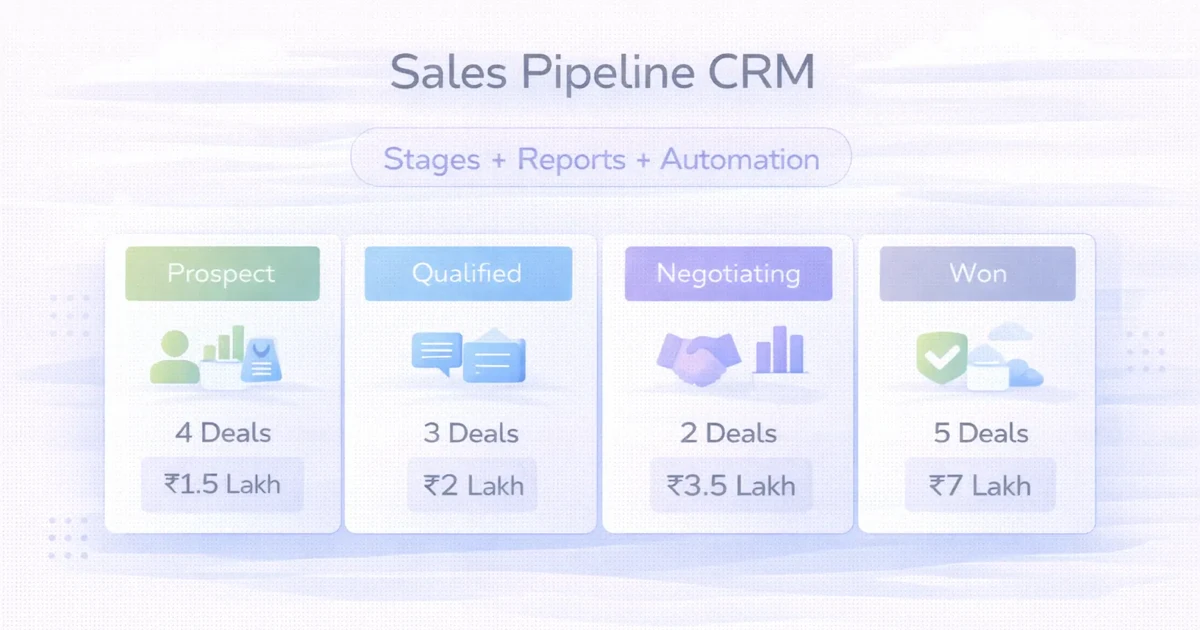
April 2, 2026
Design a sales pipeline CRM with clear stages, ownership, follow-ups, reports, automation, cost ranges, and rollout guidance for SMEs.
Read article