
March 26, 2026
CRM Software for Small Businesses: Build vs SaaS
CRM software development for small businesses: compare custom CRM vs SaaS, features, pricing in India, timeline, tech stack, and rollout tips for lead tracking.
Read articlePublished Updated
Small business CRM build vs buy guide with custom CRM, SaaS CRM, Zoho-style tools, cost, workflows, reports, and decision checklist.
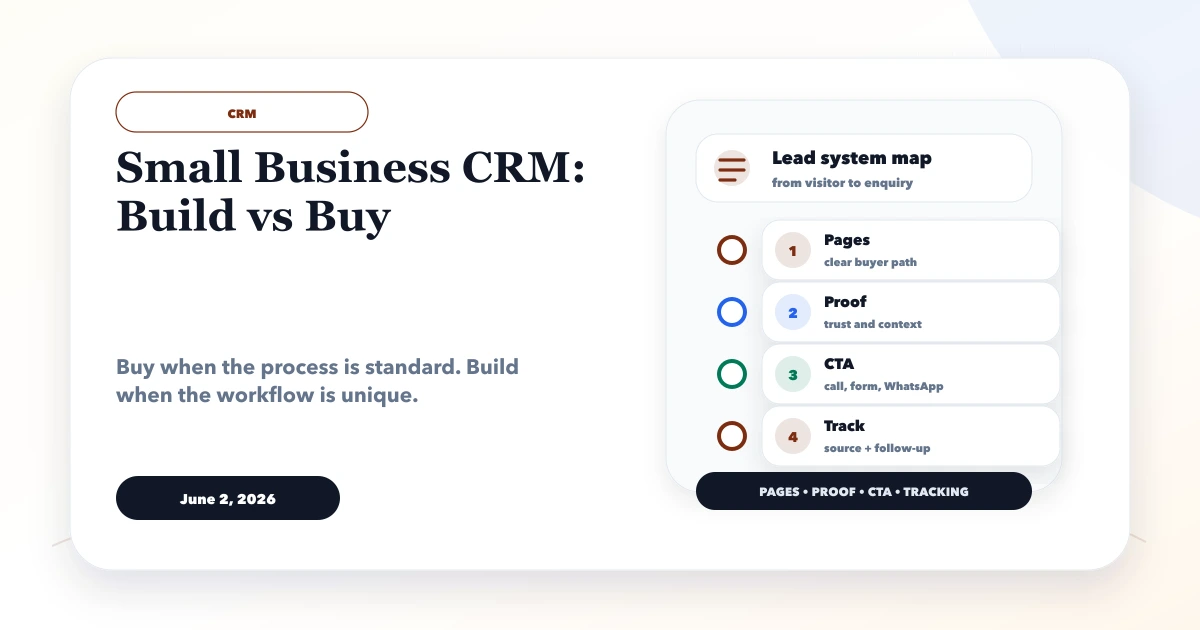
This guide explains small business CRM build vs buy for small businesses comparing custom CRM development with ready SaaS CRM tools. It focuses on practical pages, features, lead flow, business use cases, common mistakes, and what to check before building.
By Tushar C. (Founder, VASUYASHII). Reviewed by VASUYASHII Editorial for practical website development, small business CRM, inventory, billing, WhatsApp CTA, conversion strategy, and business software delivery.
Small businesses should buy a CRM when the sales process is simple and standard. They should build a custom CRM when lead assignment, follow-up rules, reports, permissions, WhatsApp workflows, or integrations are specific to the business.
A service business using simple lead stages may be fine with a ready CRM. A distributor, real estate team, clinic chain, or B2B service company may need custom fields, owner reports, staff permissions, WhatsApp alerts, and quotation or billing links.
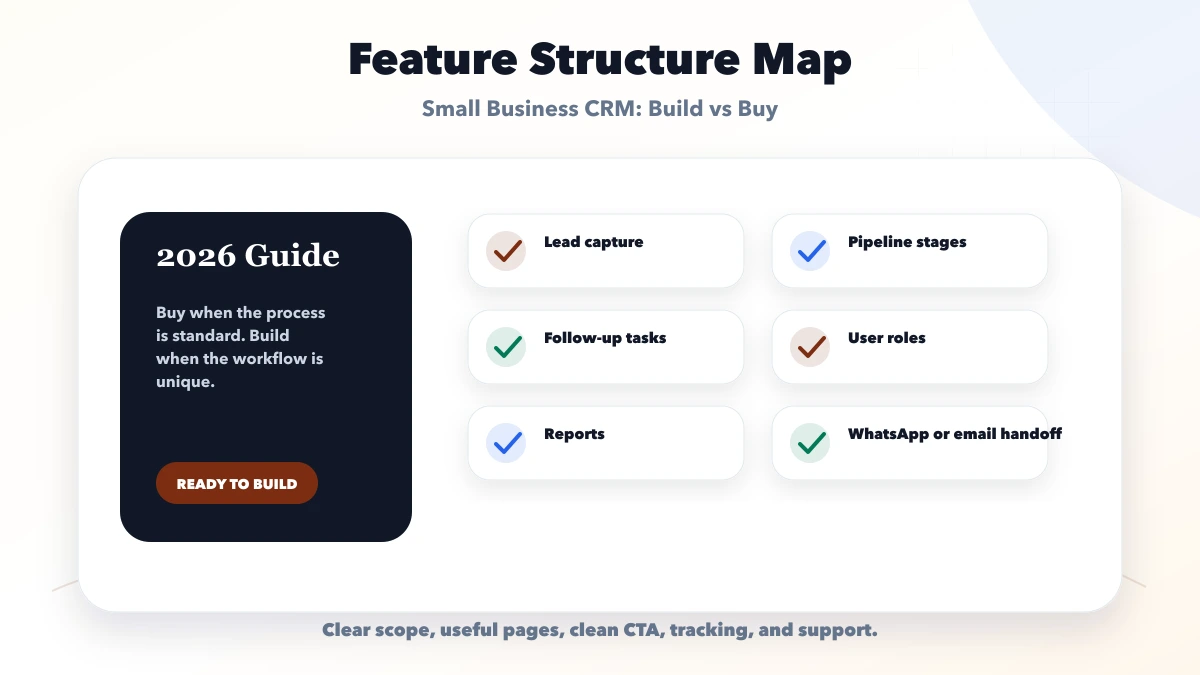
Before comparing products, map the work that happens between receiving a lead and closing or losing it. Include lead source, qualification, assignment, first response, next follow-up, quotation, approval, handover, and reporting. If the team cannot agree on those stages, software selection is premature.
| Setup | What to include | Best for |
|---|---|---|
| Buy SaaS CRM | Standard pipeline, basic users, quick setup | Best when workflow is simple |
| Customize SaaS CRM | Fields, automations, forms, dashboards | Best when process mostly fits |
| Build custom CRM | Unique roles, reports, integrations, ownership | Best when workflow is business-specific |
"Buy" does not mean zero implementation. A ready CRM still needs data cleanup, field design, role setup, pipeline configuration, integration checks, training, and an owner. "Build" also does not mean copying every spreadsheet into software. A custom first release should keep only the rules that improve ownership, reporting, or customer experience.
Use five jobs to test fit:
Score each shortlisted product on these jobs using actual scenarios. Avoid feature-list scoring where fifty unused features hide one missing critical workflow.
| Question | Buy/configure a CRM | Build a custom CRM |
|---|---|---|
| Sales process | Standard stages and common reports | Business-specific states, approvals, or ownership |
| Integration | Supported connectors are sufficient | Core ERP, portal, pricing, or operational APIs are unique |
| Permissions | Common admin/manager/agent roles | Record-, branch-, company-, or action-level rules |
| Launch urgency | Team needs a proven tool quickly | Workflow can be phased and validated before rollout |
| Product ownership | Vendor controls roadmap and export options | Business funds maintenance, security, and roadmap |
| Change frequency | Configuration handles most changes | Rules are a competitive or operational differentiator |
Choose configuration before custom code when it solves the process cleanly. Choose custom development when the missing rules create repeated manual work, unreliable reporting, access risk, or a poor customer handoff.
Create a two-year model for each option:
A lower monthly fee can become expensive if staff export data every week. A custom system can also become expensive if every small change requires a developer. Use a cost model tied to the workflow, not a generic "custom is cheaper" or "SaaS is safer" assumption.
Before signing or building, answer:
Do not migrate every old spreadsheet automatically. Define the source of truth, remove duplicates, normalize phone and email fields, map owners, and retain only useful history. Test a sample import and reversal before the full migration.
Run a pilot with one manager and a small user group using live but controlled workflows. Give them measurable acceptance tasks:
Record friction rather than adding features immediately. Fix field naming, stage definitions, permissions, and training first. Expand only when the pilot users complete the core jobs reliably.
Start with the fewest roles needed. Owners may see company-wide reports, managers may manage a team, and agents may access assigned records. Sensitive exports, deletions, bulk updates, integrations, and permission changes should have narrower controls and an audit trail.
Automation should support an owned process. A reminder without an assigned person still becomes noise. A WhatsApp or email workflow must respect approved templates, consent, opt-out handling, provider rules, and data minimization. Never put private customer details into analytics event parameters.
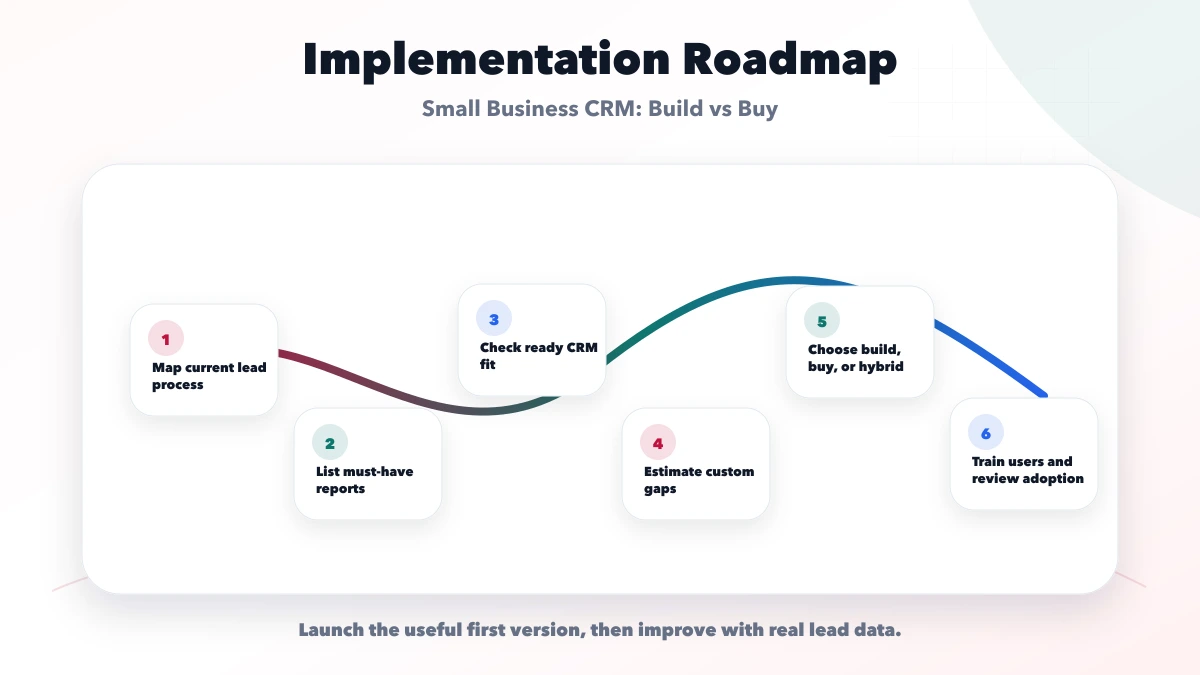
Phase one is ready when:
Useful links: web application services, software development, integrations, services, and contact.
VASUYASHII would begin with a workflow audit and a fit-gap sheet, then recommend buy, configure, integrate, or build. A recommendation should identify assumptions, excluded modules, data ownership, user responsibilities, and how success will be measured.
This guide is decision support, not a claim that one CRM model guarantees revenue or adoption. Cost and timeline depend on verified scope. Any demo is illustrative unless linked to an approved customer case, and integrations are confirmed only after provider access, API limits, and workflow tests are reviewed.
Keep a one-page decision record containing the chosen option, users, must-have jobs, rejected alternatives, assumptions, two-year cost, data owner, integration owner, pilot group, acceptance tests, and review date. This prevents the project from being judged later against features that were never part of the decision.
Review the record after the pilot and again after three months of real usage. Adoption problems may require process or training changes, while repeated product gaps may justify configuration or a focused custom module.
Compare products against three concrete jobs rather than a generic feature count: client and credit control, customer segmentation and communication eligibility, and owned follow-up reminders.
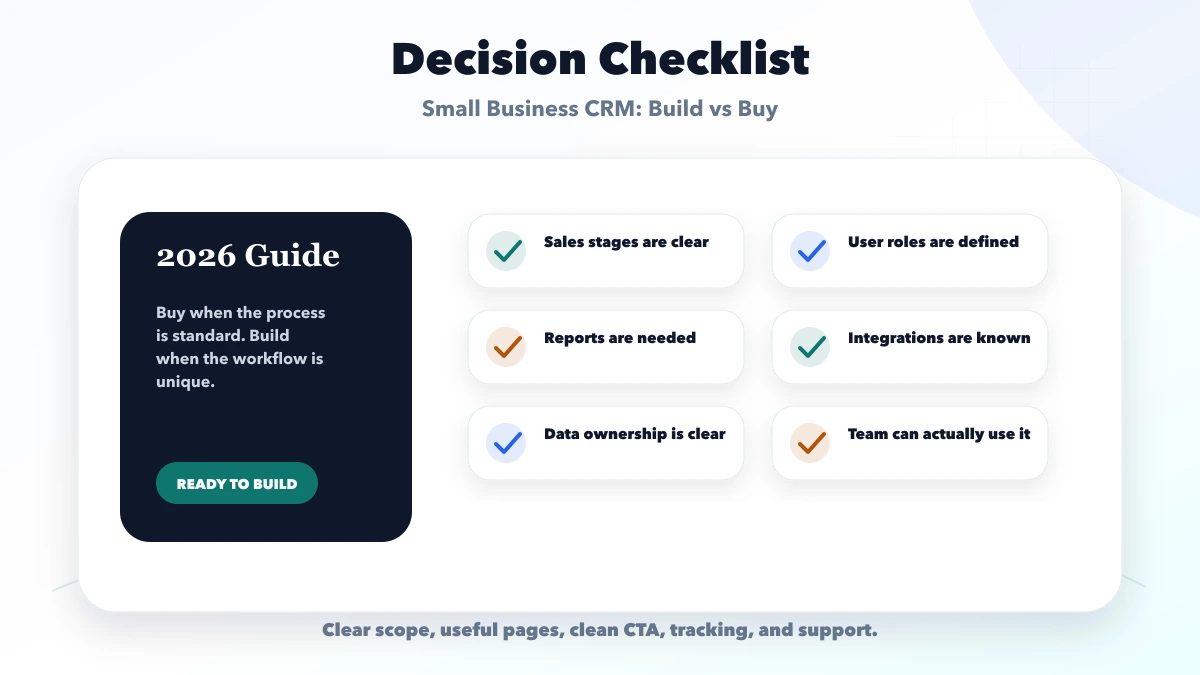
Buy if your workflow is standard. Build if your data, permissions, reports, or integrations are unique.
It costs more upfront, but can save time when standard CRMs force too much manual work.
Some can, but the workflow and compliance depend on the provider and setup.
Lead source, customer details, stages, follow-ups, user ownership, reports, and basic notifications.
Yes. We can audit your workflow and suggest buy, customize, or build.
If you want a practical plan for small business CRM build vs buy, VASUYASHII can help with scope, design, development, SEO setup, integrations, tracking, launch, and maintenance.
Related Articles
March 26, 2026
CRM software development for small businesses: compare custom CRM vs SaaS, features, pricing in India, timeline, tech stack, and rollout tips for lead tracking.
Read article
March 26, 2026
Compare custom CRM vs Zoho CRM for Indian SMEs by workflow fit, verified Zoho pricing, custom scope, integrations, ownership, timeline, and risk.
Read article
May 25, 2026
Compare Zoho CRM subscription cost with custom CRM build, migration, integrations, administration, ownership and five-year total cost.
Read article
May 22, 2026
sales pipeline automation for small businesses: practical 2026 guide with examples, INR cost, workflow setup, timeline, mistakes, FAQs, and Indian SME tips.
Read article