
May 8, 2026
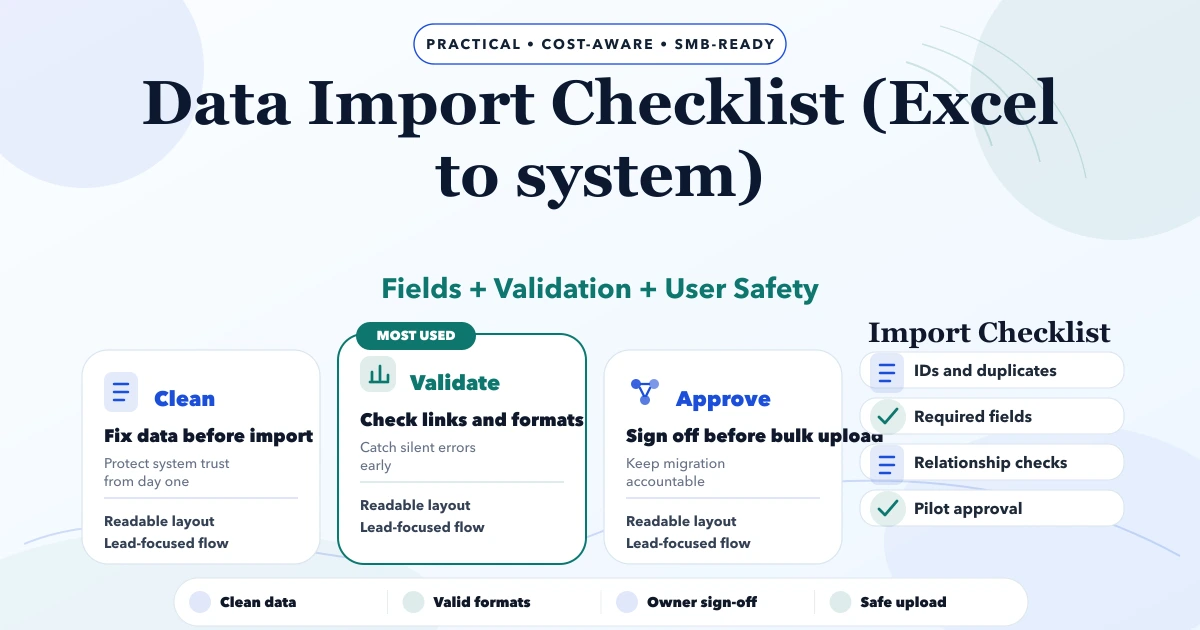
Excel to Software Data Import Checklist
Use this Excel-to-software import checklist to map fields, clean duplicates, validate rows, run a dry import, reconcile totals, and plan rollback.
Read articlePublished Updated
Migrate Excel data to CRM with source profiling, field mapping, deduplication, trial imports, reconciliation, cutover, rollback and validation.
CRM data migration is not an upload task. It is a controlled change in how the business identifies customers, owns leads, interprets pipeline stages, records activity, and reports results.
An Excel file can appear clean while hiding duplicate contacts, mixed date formats, departed owners, free-text stages, formulas, merged cells, multiple phone formats, inconsistent source names, and relationships stored only in someone's memory. Importing those problems quickly makes a new CRM difficult to trust.
The safe process is: inventory, profile, decide, clean, map, test, reconcile, cut over, validate, and support.
Before editing data, write measurable acceptance:
"The CSV imported without an error" is not a business acceptance criterion.
Create a source register.
| Source | Owner | Content | Approximate rows | Current use | Quality concern | In scope? |
|---|---|---|---|---|---|---|
| Sales leads.xlsx | Sales manager | Leads and follow-ups | 8,000 | Daily | Duplicate phones, mixed stages | Yes |
| Customers.xlsx | Accounts | Active customers | 2,400 | Weekly | Company/contact mixed | Yes |
| Old CRM export | Former admin | Historical opportunities | 12,000 | Reference | Missing owners | Selected history |
| WhatsApp labels | Individual users | Informal status | Unknown | Daily | Not structured | Manual review |
| Proposal folder | Sales team | Documents | 1,100 files | Reference | Filename mapping | Separate phase |
Include spreadsheets, old CRM exports, form databases, phone contacts, email tools, notebooks, shared drives, and individual files. Do not assume the largest spreadsheet is the source of truth.
Measure the starting condition:
Keep this profile as baseline evidence. Cleaning without a baseline can accidentally reduce data with no explanation.
The general Excel-to-system import checklist covers reusable file hygiene; this article focuses on CRM relationships and cutover.
Decide how the CRM represents:
Do not copy every Excel column into a custom CRM field. Some columns are temporary calculations, inconsistent notes, or old process artefacts. Keep a field only when it supports an approved workflow, report, integration, or retention requirement.
The lead management system guide helps define the target lifecycle before migration.
For every source field, record:
| Mapping decision | Example |
|---|---|
| Source | Mobile No. |
| Target | contact.phone_primary |
| Transformation | Remove spaces; add country code only under approved rule |
| Required? | Required for active lead unless email is valid |
| Allowed values | Normalised phone pattern |
| Blank behaviour | Route to exception; do not invent |
| Duplicate role | Candidate match key, not automatic merge alone |
| Owner | Sales operations |
| Validation | Sample and count invalid values |
Also document fields intentionally excluded and the reason. This prevents quiet scope expansion during import.
Assign or preserve a source key for every imported record. Do not rely on row number because sorting changes it.
Useful identifiers:
These keys support relationship mapping, duplicate analysis, reconciliation, correction, and rollback. They can remain internal rather than visible to daily users.
Trim unnecessary spaces and preserve meaningful legal or display names. Do not force every business name into person first/last-name fields.
Normalise punctuation and country context carefully. Preserve the original value in staging. A ten-digit number should not receive an assumed country code when the source includes international records.
Trim and lower-case for comparison, validate format, and do not invent missing addresses. Shared emails may be legitimate and require review rather than deletion.
Resolve whether values are day-month-year or month-day-year. Store time zone meaning for timestamps. Preserve created-at versus last-contact versus next-follow-up as separate concepts.
Map variants such as Noida, NOIDA, and Noida Sector 62 according to the intended field. A city field should not silently discard useful locality data; map locality separately where needed.
Map active users to stable target IDs. Reassign departed users through an approved rule while preserving original ownership in migration history if it matters.
Use several evidence levels.
Same normalised phone, email, GSTIN, or legacy ID.
Similar company name plus domain, city, contact, or address.
One person may have multiple opportunities, work at multiple companies over time, or share a business phone. Do not merge merely because one field matches.
Define a survivor rule for each field: most recently verified value, approved system of record, nonblank preferred source, or manual choice. Preserve all valid source references and record merge evidence.
Run automatic merges only for high-confidence rules that the owner approves. Route uncertain candidates to review.
Map old statuses to target stages using business meaning, not spelling alone.
Example:
| Old value | Target decision |
|---|---|
| New Lead | New |
| Call Back | Keep current stage; create next-call task |
| Hot | Qualified with priority only if criteria are met |
| Not Interested | Lost with controlled reason |
| No Response | Contact attempted or nurture based on last activity |
| Converted | Won only when approved evidence exists |
"Follow-up" is usually an activity, not a buyer stage. Convert future follow-up dates into tasks with owner and due date.
Historical activities can be expensive to migrate. Decide whether users need full history, a summary note, recent activity only, or a read-only archive.
Free-text notes may contain duplicate history, irrelevant comments, credentials, sensitive personal data, or unsupported formatting. Review retention and access before importing them wholesale.
For files, define:
Map consent source, timestamp, channel, and preference when available. Do not convert missing consent into a positive value.
Do not import directly from uncontrolled Excel files into production.
A staging process should:
Prefer scripts or structured import tooling for repeatable transformations. Manual spreadsheet cleaning can still be used, but every material rule should be documented.
Use a representative sample, not only the cleanest 100 rows. Include:
Ask users to perform real actions in the target CRM: search, open history, update stage, complete task, transfer owner, create proposal, and run reports.
Reconciliation should compare:
Every difference needs a reason. Keep the signed or approved reconciliation report with the migration record.
A cutover plan includes:
Rollback defines the point at which the team stops, how target batches are removed or isolated, how source work resumes, and who authorises the decision. A backup without a tested restore or decision rule is not a complete rollback plan.
For the first days and weeks, monitor:
Maintain an exception log with owner, severity, workaround, correction, and prevention. Do not let users independently create duplicate fixes.
A ten-user service company has one lead spreadsheet, one customer spreadsheet, website form data, and individual follow-up files. The first release needs active leads from the last twelve months, current customers, open opportunities, future tasks, source, owner, and selected notes.
The team inventories all files, chooses contact/account/opportunity relationships, maps twelve old stage labels into seven target states, routes uncertain duplicate companies to review, reassigns departed owners, imports a representative sample, and reconciles counts by source, owner, and stage.
Old closed opportunities and large proposal folders remain in a read-only archive for the first release. This is safer than delaying the useful CRM merely to migrate low-value history.
Our implementation planning keeps source baselines, mapping decisions, exception counts, trial evidence, and reconciliation results separate from the production import.
VASUYASHII can support data mapping, migration tooling, validation, CRM workflow, and custom software development. Where the target is Zoho or another SaaS product, the CRM pricing comparison helps include migration and administration in total cost.
After data scope is approved, use the small-business CRM implementation timeline to plan configuration, sample migration, user testing, controlled go-live, adoption review, and later automation.
For source connections, form imports, WhatsApp, ERP, payment, or reporting flows, review integration services. Share representative files with sensitive data removed, row counts, target CRM, required history, owners, stages, and launch constraints through contact.
Not automatically. Migrate data needed for active work, reporting, compliance, or customer context. Older low-value history can remain in a controlled read-only archive.
It depends on source count, data quality, relationships, history, files, target rules, trial results, and reviewer availability. Profile representative data before setting a timeline.
High-confidence exact rules can be automated with approval. Probable matches need review because shared phones, emails, names, and company relationships can be legitimate.
Place them in an exception report with reason and owner. Do not discard them silently or invent values merely to pass validation.
Reconcile counts, relationships, owners, stages, tasks, values, notes, and files according to scope. Then have users complete real workflows in the target system.
Usually it should first become read-only and be retained according to business, legal, and security requirements. Delete only through an approved retention process after migration acceptance and support stabilisation.
Related Articles
May 8, 2026
Use this Excel-to-software import checklist to map fields, clean duplicates, validate rows, run a dry import, reconcile totals, and plan rollback.
Read article
May 13, 2026
Audit a business web app across access control, workflows, data integrity, backups, UX, reports, integrations, performance, and release readiness.
Read article
May 25, 2026
Plan an education CRM for enquiry sources, course interest, counsellor ownership, demo classes, follow-ups, admissions, reports, and phased rollout.
Read article
May 25, 2026
Plan a quotation and invoice CRM that connects leads, quote versions, approvals, invoices, payments, reminders, permissions, and audit history.
Read article