
May 8, 2026
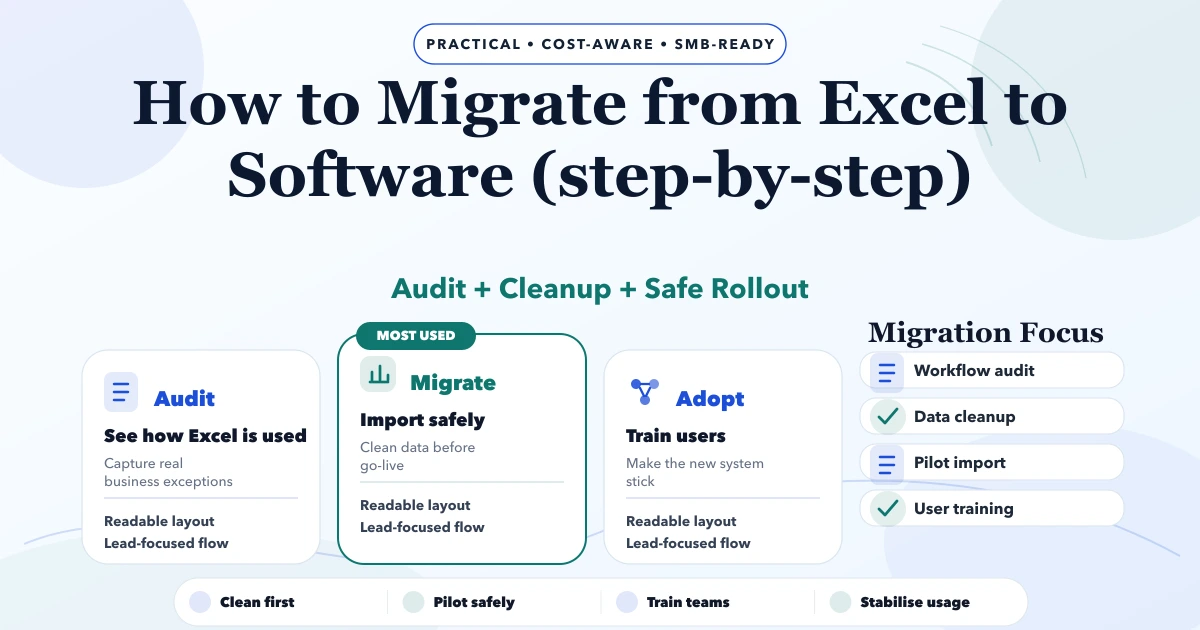
How to Migrate from Excel to Software Step by Step
Migrate Excel data to business software with a controlled plan for cleanup, field mapping, pilot imports, reconciliation, cutover, and rollback.
Read articlePublished Updated
Use this Excel-to-software import checklist to map fields, clean duplicates, validate rows, run a dry import, reconcile totals, and plan rollback.
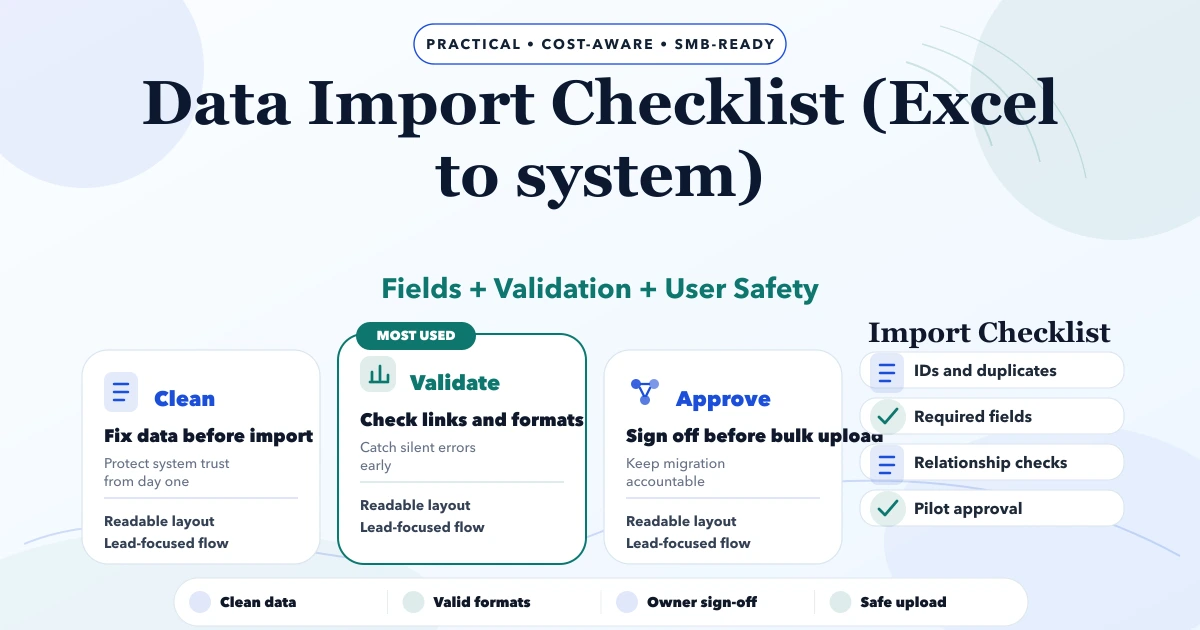
Moving business records from Excel into a CRM, inventory system, billing app, or ERP-lite platform is a controlled data operation, not a copy-paste task. The visible spreadsheet is only one part of the problem. Teams must decide what each column means, which values are authoritative, how duplicates are handled, and how the imported result will be reconciled.
This checklist is designed for customer, vendor, product, opening stock, price-list, invoice, payment, and other operational imports where a wrong value can affect daily work.
Never import the only copy of a spreadsheet directly into production. Preserve the source, create a versioned working copy, map every column to a target field, define validation and duplicate rules, load into staging, review an error report, run a small dry import, reconcile record counts and financial/stock totals, obtain business sign-off, and keep a rollback path.
For a custom migration or import tool, review business software development. The application team and a business owner should share responsibility; neither can validate meaning alone.
Write a simple scope table before cleaning data:
| Dataset | Source file/sheet | Target module | Business owner | Import order |
|---|---|---|---|---|
| Customers | customers.xlsx | Clients | Sales/finance | 1 |
| Vendors | suppliers.xlsx | Vendors | Purchase | 1 |
| Products | item-master.xlsx | Products | Inventory | 2 |
| Opening stock | stock-july.xlsx | Stock movements | Warehouse | 3 |
| Outstanding invoices | receivables.xlsx | Opening balances/invoices | Finance | 4 |
Do not add historical transactions simply because they exist. Ask whether users need searchable history, opening balances, compliance retention, or only active master data. Historical migration has greater reconciliation and support cost than a clean opening position.
Keep source files read-only with their received date and owner. Store a checksum or controlled copy if the migration is sensitive. Perform all cleaning in a separate working version and maintain a change log for material transformations.
The goal is to answer later: "Was this value present in the source, changed during preparation, rejected by validation, or transformed by the import?"
For each target field document:
For example, GSTIN may be optional for some customer types but must follow the approved format when present. State should not contain ten spellings for the same state if tax logic depends on it. SKU should not be generated casually if staff and labels already use an existing code.
Count and inspect:
Record this baseline. It becomes reconciliation evidence after import.
Duplicate does not always mean identical. Two rows may represent the same customer with different addresses, or two branches that share a phone number.
Use three outcomes:
Avoid using customer name alone as a unique key. Normalise phone, email, tax ID, SKU, and external source ID before matching. Keep the original source ID in the target system for traceability.
Import records in dependency order. Customers and products usually need to exist before invoices can reference them. Warehouses may need to exist before opening stock. Users and salespeople may need mapping before ownership can be assigned.
A common order is:
configuration -> users/roles -> customers/vendors -> products -> locations -> opening stock/balances -> open transactions -> history
If a transaction references a missing master, reject it with an understandable error rather than creating a silent placeholder that pollutes reports.
The import should not return only "success" or "failed." Produce row-level results with source row number, source ID, target ID if created, validation code, human-readable message, and final status.
| Status | Meaning | Action |
|---|---|---|
| Ready | Passed validation | Include in dry run |
| Warning | Importable but needs acknowledgement | Business owner reviews |
| Rejected | Required rule failed | Correct source or approve rule change |
| Duplicate review | Possible existing match | Merge/link decision |
| Imported | Target record created/updated | Include in reconciliation |
| Rolled back | Import reversed | Verify target state |
Keep a batch ID on every imported record or movement where the data model permits it. The batch creates a safe boundary for audit and rollback.
A dry run should parse and validate the complete file without committing production changes. It should show counts for ready, warning, rejected, duplicate, create, and update outcomes.
Then run a small representative batch in a test environment. Include normal rows and difficult examples: missing values, duplicate candidates, multiple tax rates, long descriptions, special characters, inactive records, and old dates.
Our implementation review asks the business owner to verify records in the actual target screens, not only an import summary. This first-party process catches unit, address, status, and relationship errors that a technically valid row cannot reveal.
For each dataset decide whether the import may:
An import should be idempotent where practical: rerunning the same approved batch should not create duplicates. Use stable source IDs and explicit update rules, not row position.
Record count alone is insufficient. Reconcile totals that matter to operations:
Finance, inventory, or sales owners should sign off the totals they understand. Technical staff should sign off processing, error handling, and repeatability.
Choose a rollback method before the final import:
Do not hard-delete accounting or stock effects if the application requires reversal documents. Test the rollback in staging. The related backup strategy for business apps covers restore ownership and recovery objectives.
Define a data freeze or delta process. If staff continue editing Excel while the import runs, decide how those changes reach the new system.
A cutover plan should list:
For a large migration, rehearse the complete run to estimate duration and expose environment differences.
Spreadsheets often contain phone numbers, addresses, tax IDs, pricing, salary, or financial data. Limit access, avoid sending files through uncontrolled personal channels, encrypt storage and transfer where appropriate, and delete temporary copies according to an agreed retention rule.
Never place production customer files in public tickets, chat links, or code repositories. Mask representative samples used for development when full values are unnecessary.
After cutover, clearly state which system is authoritative. Lock or archive old working sheets if users should no longer edit them. Train staff to recognise rejected records, duplicate warnings, sync states, and support contacts.
The staff software onboarding guide provides a practical role-based training approach. For imports connected to an ongoing API flow rather than one-time migration, review integrations and automation.
Usually not by default. Decide field by field whether blank means unknown, intentionally cleared, not applicable, or absent from the export.
Direct database writes can bypass validation, permissions, audit logic, stock movements, and financial controls. Use an approved application import service or carefully designed migration process.
Use reliable identifiers and a review queue for uncertain matches. Preserve source IDs and avoid automatic merges based on names alone.
Return a row-level error file, correct or approve the affected rows, and rerun safely. The successful and failed boundaries must be visible.
Only if it has been verified, can be restored within the allowed downtime, and covers every affected datastore. A batch-level reversal may be safer for a shared production system.
Yes. Contact VASUYASHII with masked sample files, target modules, record counts, required history, duplicate concerns, and sign-off owners. Do not send unprotected production data in the initial enquiry.
Approve a production import only when the team can explain every transformation, identify every rejected row, reconcile the totals that matter, and reverse the batch safely. Data quality is a business acceptance decision supported by technical controls.
Related Articles
May 8, 2026
Migrate Excel data to business software with a controlled plan for cleanup, field mapping, pilot imports, reconciliation, cutover, and rollback.
Read article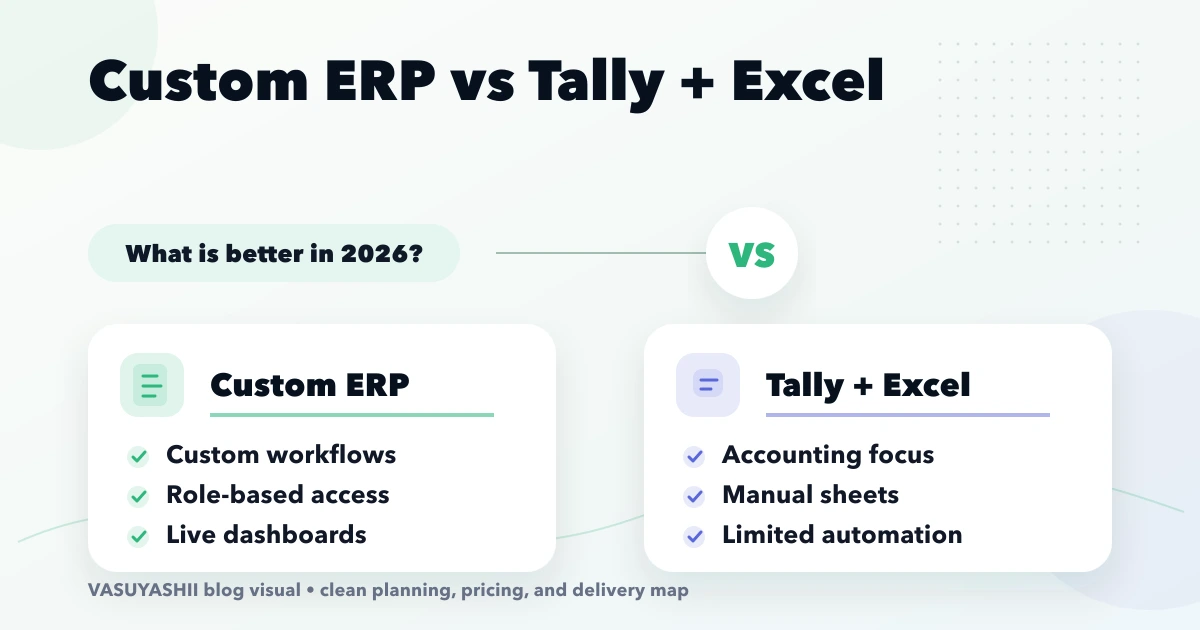
April 15, 2026
Compare custom ERP with Tally and Excel for Indian SMEs using workflow ownership, controls, integration, migration, cost, rollout and adoption criteria.
Read article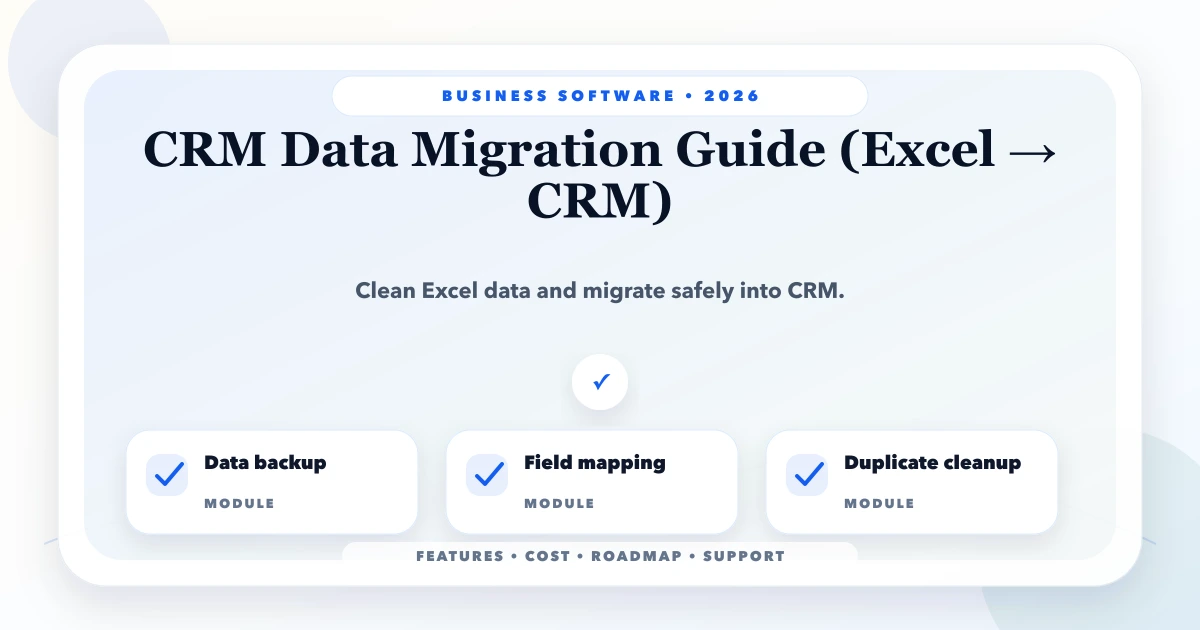
May 25, 2026
Migrate Excel data to CRM with source profiling, field mapping, deduplication, trial imports, reconciliation, cutover, rollback and validation.
Read article
May 19, 2026
how to write PRD for business software: practical 2026 guide with phases, INR pricing, checklist, roadmap, mistakes, FAQs, and SME implementation tips.
Read article