
May 8, 2026
Staff Training Plan for Software Rollouts
Create role-based staff training for new business software with practice scenarios, cutover support, adoption metrics, access safety, and clear ownership.
Read articlePublished Updated
Use a 30-day plan to train staff on CRM, billing, inventory, or ERP software with role-based practice, safe data, adoption checks, and support ownership.
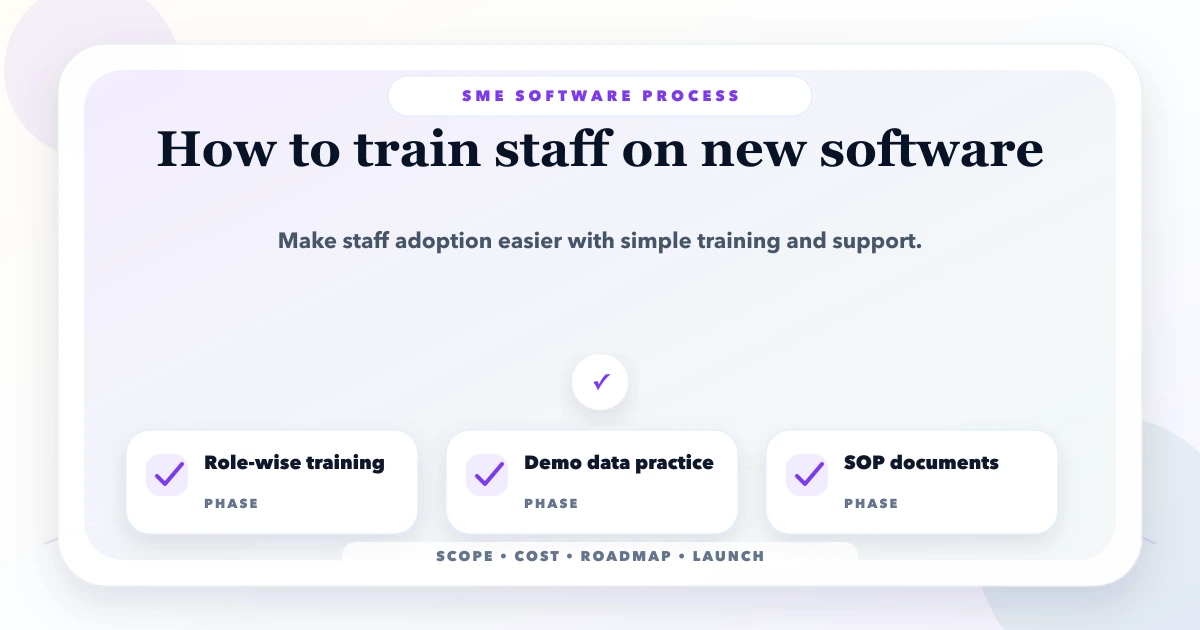
Train staff around their daily jobs, not around every menu in the software. A good rollout gives each role a small set of realistic tasks, a safe practice environment, a clear reason for the change, an escalation path, and time to build confidence before the old process is removed.
For an Indian SME introducing CRM, billing, inventory, ERP-lite, HRMS, or an admin portal, the training plan should begin before launch. The owner must define process rules; the software vendor can demonstrate the system, but cannot decide how the business should approve discounts, correct stock, assign leads, or handle exceptions.
Written by Tushar C., Founder of VASUYASHII, and reviewed against the current VASUYASHII implementation and handover process. This guide covers operational adoption. Regulated, safety-critical, accounting, or clinical workflows may require qualified trainers and additional controls.
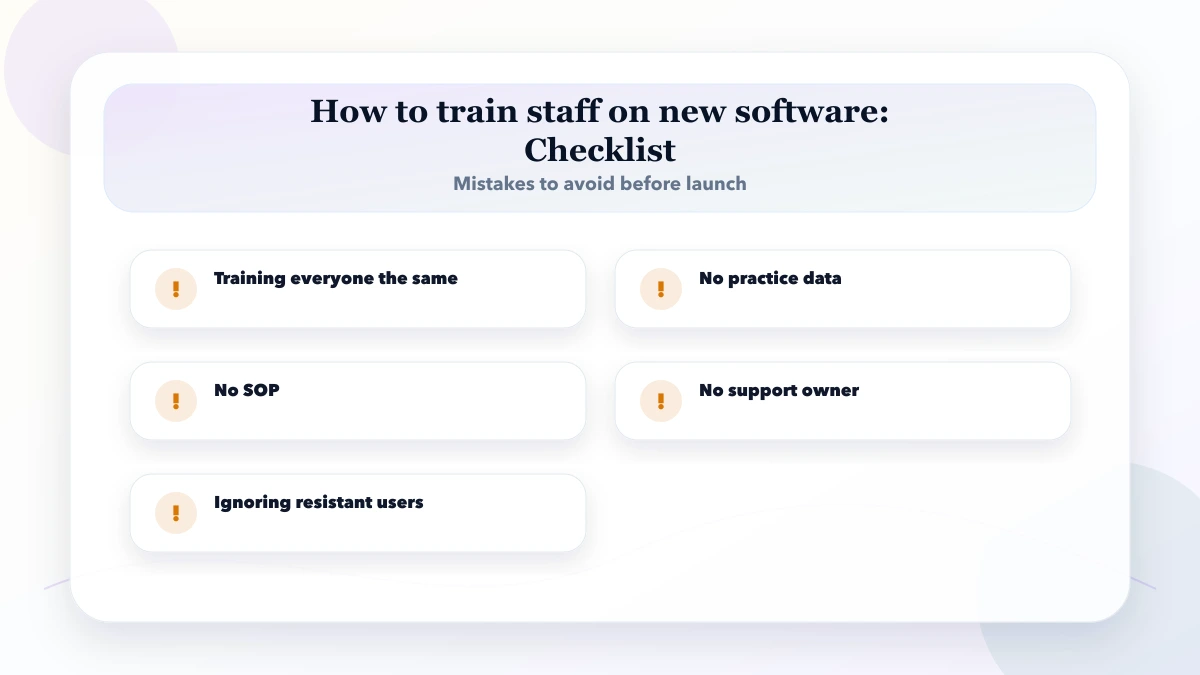
The usual failure is a single two-hour demo where everyone watches the administrator click through every screen. Staff leave without practising their own work, managers assume training is complete, and live mistakes begin on launch day.
Other common causes include:
Separate three problems: knowledge, workflow design, and system defects. Repeating training will not fix a button that fails or a process with contradictory approval rules.
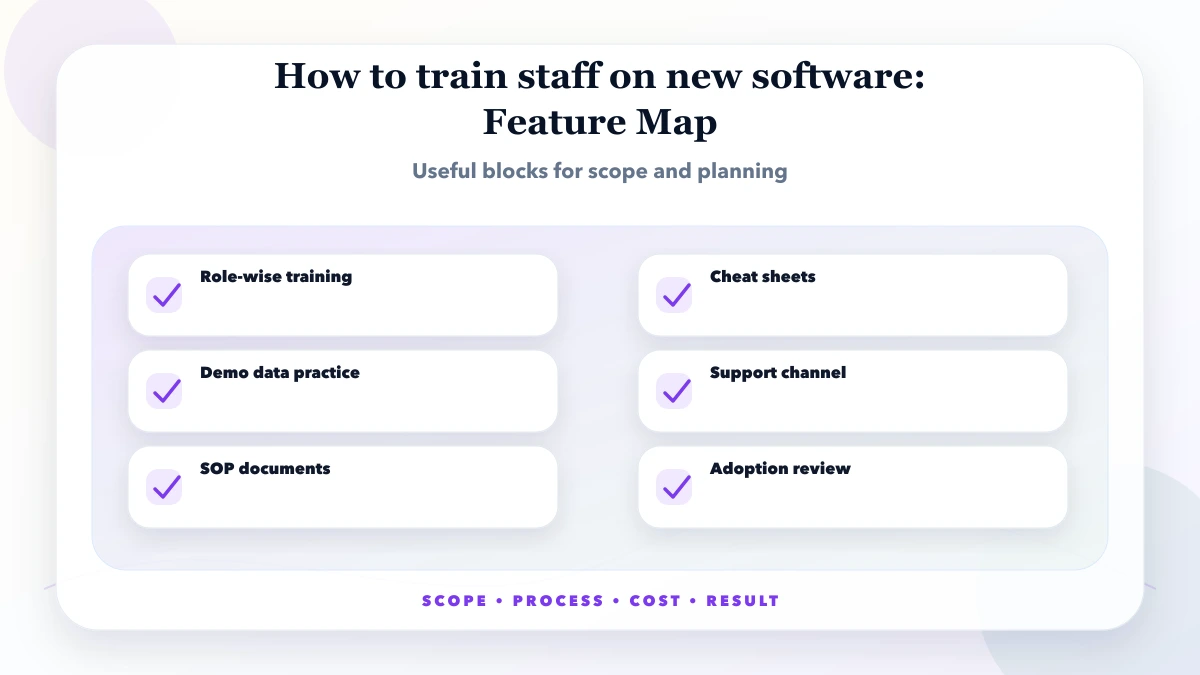
List roles down the left and critical tasks across the top. Mark whether each role creates, reviews, approves, corrects, exports, or only views data.
| Role | Must practise | Must not control | Completion evidence |
|---|---|---|---|
| Sales user | Add lead, set next action, update stage | Team-wide settings | Completes a lead cycle without help |
| Billing user | Create invoice, record payment, print PDF | Tax or numbering configuration | Reconciles one sample invoice |
| Inventory user | Receive stock, transfer, return, adjust with reason | Financial reports | Movement matches sample stock |
| Manager | Approve exception, monitor delays, review report | System credentials | Resolves one exception correctly |
| Administrator | Users, roles, masters, backup check | Unapproved business-policy change | Creates and removes a test user safely |
Train only the tasks required by the role. Extra information increases cognitive load and can expose sensitive functions.
Create a training or staging environment that resembles production without using unnecessary live customer data. Give every learner their own account with the correct role. Prepare sample customers, products, leads, invoices, and exceptions. Confirm that email, WhatsApp, payment, or API actions cannot accidentally contact real people.
Use realistic scenarios instead of random dummy values. A hardware distributor may practise an item with GST, a partial payment, and a sales return. A service company may practise a new website enquiry, ownership assignment, missed follow-up, and manager escalation.
Test the training steps on the same mobile devices, printers, browsers, barcode scanners, or network conditions staff will use. A desktop-only demo does not prepare field staff for a slow mobile connection.
Open with four points:
Avoid saying the new system will “automate everything.” Explain concrete outcomes: one lead owner, visible due dates, fewer duplicate product names, faster invoice retrieval, or a reliable stock-movement trail. Staff cooperate more readily when the reason is clear and management follows the same process.
For each task, show one clean example, let the learner repeat it, then give a different scenario without step-by-step prompts. Ask the learner to explain what they would do if the data is wrong or an approval is rejected.
Keep sessions role-specific and short. Forty-five to sixty minutes with practice is usually more useful than a long all-company presentation. Record only the stable core workflow; a short updated video is better than a polished recording that no longer matches the interface.
Normal tasks are only half the job. Staff need a safe response when:
Teach correction methods that preserve history. If staff learn to delete records or share an admin password whenever something goes wrong, training has created operational risk.
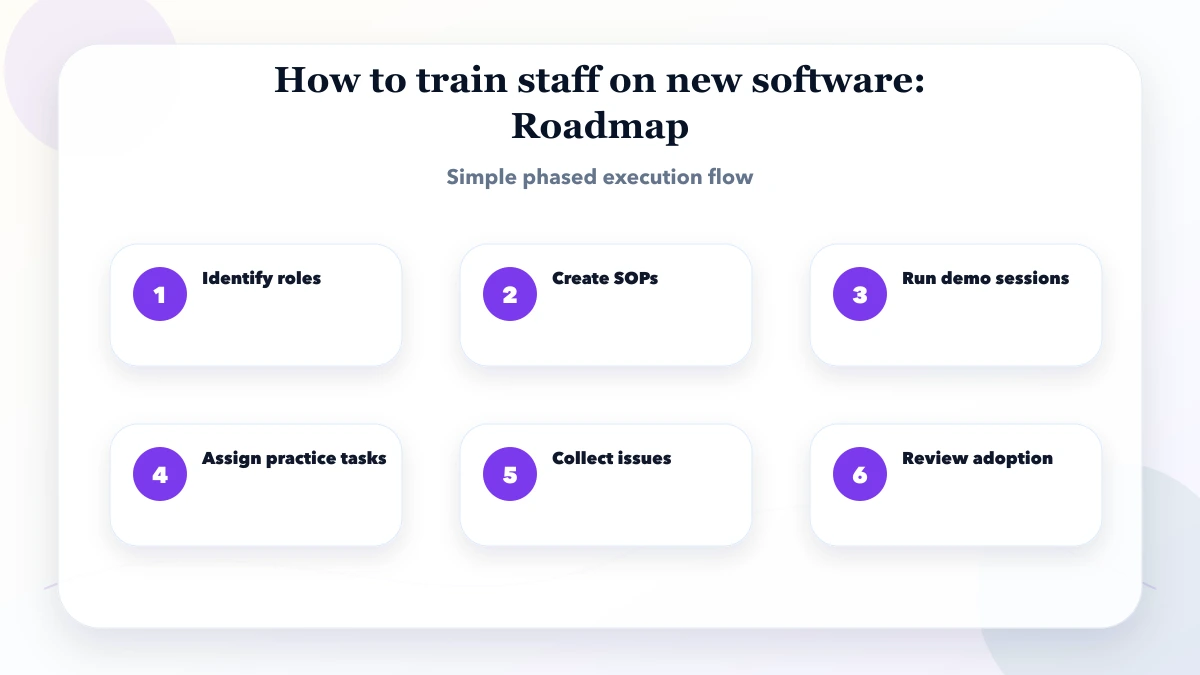
| Period | Training activity | Management decision |
|---|---|---|
| Days 1-5 | Role mapping, sample data, pilot-user training | Confirm process rules and permissions |
| Days 6-10 | Guided practice and UAT | Accept core flow or return defects |
| Days 11-15 | Small live pilot with daily support | Decide whether rollout can expand |
| Days 16-23 | Team rollout and role clinics | Remove conflicting unofficial methods |
| Days 24-30 | Adoption review and refresher sessions | Prioritise fixes using real usage evidence |
Do not pick pilot users only because they are enthusiastic. Include one experienced process user and one normal user who can reveal confusion. Keep the pilot scope narrow enough that mistakes can be corrected without harming daily operations.
An SOP should include the purpose, responsible role, prerequisites, numbered steps, expected result, common errors, escalation point, and revision date. Use screenshots for unfamiliar controls, but do not rely on screenshots alone because interfaces change.
Create one-page quick guides for frequent tasks and a separate administrator runbook. Store them in one location linked from the software or company knowledge base. Assign an internal owner who approves updates after releases.
For rollout continuity, connect this work to the software handover checklist and a documented maintenance plan.
Use process-level indicators that help the business, not surveillance for its own sake:
Tell staff what is measured and why. A low number may reveal missing training, poor workflow design, permissions, device constraints, or a software defect. Investigate before judging performance.
During the first two weeks, offer a predictable daily support window and one channel for issues. Ask users to include the task, screenshot, record reference, expected result, and actual result without sharing passwords or sensitive personal data.
Classify each issue as training, policy decision, data correction, software defect, access, or enhancement. This prevents every question becoming an urgent feature request. Publish resolved answers in the SOP or FAQ so the same issue does not require repeated one-to-one help.
Managers must stop accepting conflicting processes after the transition date. If the official system says a lead has no next action but the manager accepts a personal notebook, the team learns that adoption is optional.
Managers should also protect training time, respond quickly to policy questions, approve master data, and avoid changing rules mid-session. The vendor should not invent decisions about discounts, returns, credit limits, or approval authority.
If the system contains company-scoped data or multiple firms, users must practise switching context and verify the active company before creating a transaction. This is especially important for billing and inventory systems such as a business suite.
Keep a short training record that can be used during rollout and support:
This evidence separates attendance from operational readiness. It also shows whether a later problem came from unclear policy, missing product behaviour, incorrect access or incomplete practice.
Base it on role complexity, not one company-wide duration. A focused user may need two short sessions plus practice; an administrator may need several sessions covering configuration, access, reporting, and recovery.
Train and verify core tasks before launch, then provide guided support and refresher sessions after real use begins.
Ask which task is harder or riskier than before. Clarify the business reason, fix genuine friction, involve credible process users, and make management follow the same operating rule.
Record stable repeatable workflows, but also maintain short written SOPs. Long recordings become difficult to search and quickly go out of date.
Completion means the user can perform required normal and exception tasks with the correct role, not merely that they attended a session.
Training, SOPs, and rollout support can be defined within a scoped web application or software engagement. The roles, number of sessions, materials, and post-launch support should be written into the proposal.
Create the role-to-task matrix and identify five real scenarios before scheduling a demo. For help planning the rollout, use the custom software, CRM and ERP hub or contact VASUYASHII with your software type, user roles, locations, devices, launch date, and current process. Pair the training plan with a six-month software roadmap so adoption work has capacity and ownership.
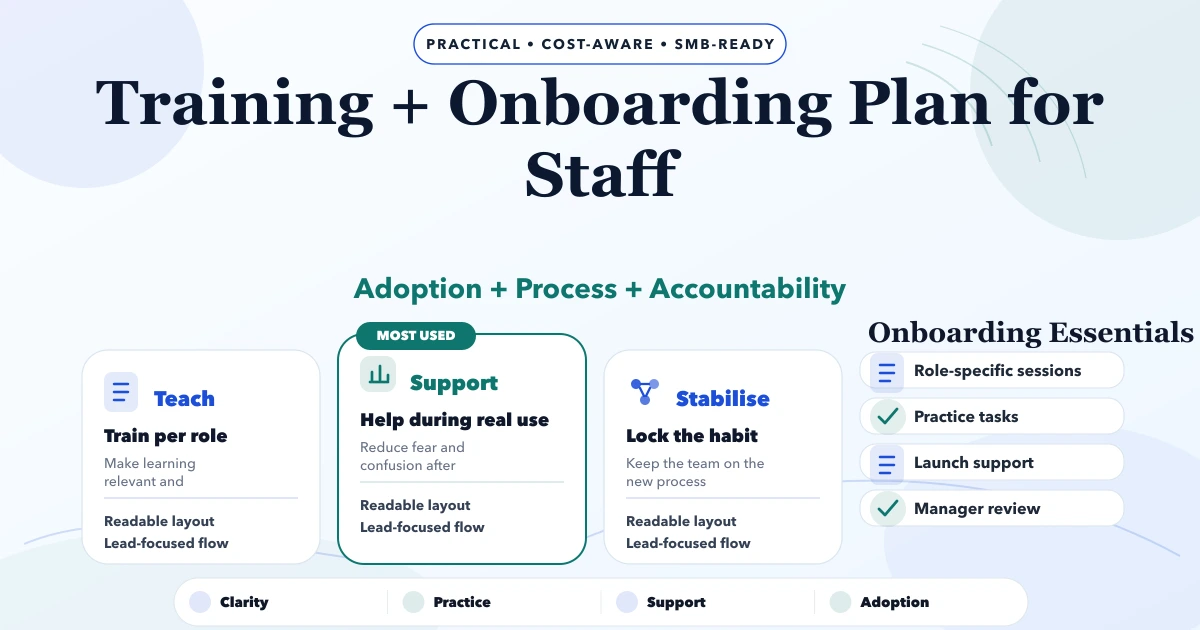
Use the companion staff training and onboarding plan to organise sandbox data, readiness checks, cutover support, issue triage, and new-joiner material.
Related Articles
May 8, 2026
Create role-based staff training for new business software with practice scenarios, cutover support, adoption metrics, access safety, and clear ownership.
Read article
May 19, 2026
Plan a six-month software roadmap for an SME using business outcomes, release gates, capacity limits, risk controls, adoption metrics, and monthly reviews.
Read article
May 23, 2026
Design role-based access for owners, managers and staff with object, action and scope permissions, least privilege, audit logs and user lifecycle.
Read article
May 19, 2026
how to write PRD for business software: practical 2026 guide with phases, INR pricing, checklist, roadmap, mistakes, FAQs, and SME implementation tips.
Read article