
March 28, 2026
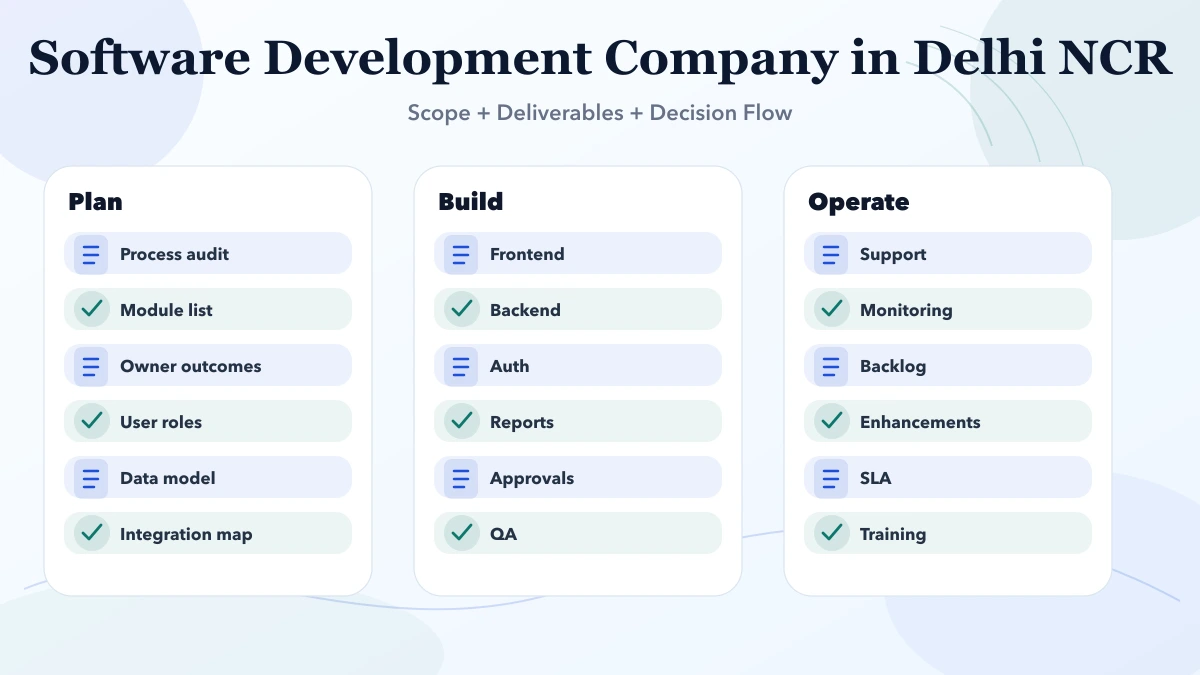
Software Development Company in Delhi NCR
Software development company in Delhi NCR: pricing, process, deliverables, timelines, and how businesses choose the right partner in 2026.
Read articlePublished Updated
Compare a software development company in Delhi NCR by workflow discovery, data migration, permissions, integrations, rollout, ownership, and support.
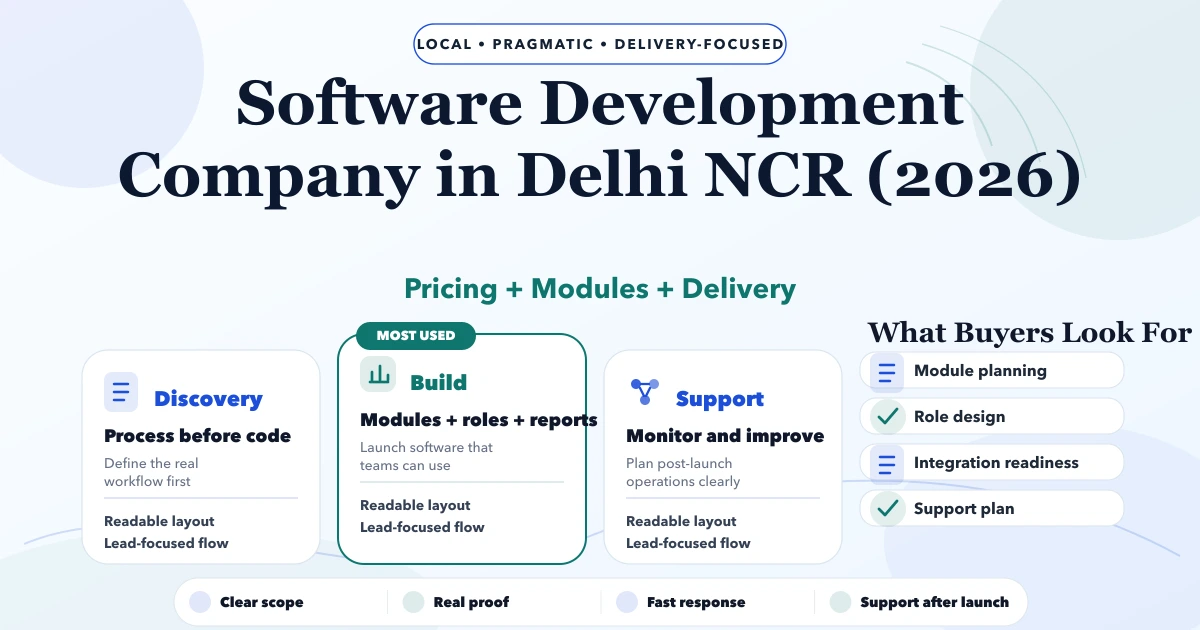
Service-area note: VASUYASHII is based in Delhi NCR and supports businesses remotely across India. A city-focused guide describes service and planning context; it does not claim a physical office in every location mentioned.
Explore the parent topic: Custom Software, CRM and ERP Hub →Choosing a software development company in Delhi NCR should start with the business process that needs to change, not a list of fashionable technologies. A distributor may need controlled orders and stock visibility. A service company may need lead ownership, approvals, jobs, and collections. A multi-company business may need separated data, permissions, and consolidated reporting.
This guide explains how to scope a replacement for spreadsheets, disconnected tools, or a legacy system without turning phase one into an uncontrolled ERP project. It focuses on discovery, data, roles, integrations, acceptance, rollout, and ownership.
Shortlist a software partner that can map the current workflow, identify exceptions, define the source of truth, limit phase one, and show how users will accept the result. The proposal should separate configuration, custom logic, migration, integrations, training, support, and third-party costs.
Do not approve development from a feature list alone. Require representative scenarios, role boundaries, acceptance tests, and a release plan that the operating team can review.
“We need CRM” or “we need ERP” is not a sufficient requirement. Name the current failure and its cost:
Choose one measurable first-release outcome. Examples include reducing duplicate data entry, making every order owner visible, producing a reliable due report, or allowing customers to retrieve approved documents without staff intervention.
The objective should describe an operating change, not a guaranteed financial result.
Discovery should cover the normal route and the exceptions. For each important record, document:
| Question | Why it matters |
|---|---|
| Who creates it? | Defines entry permissions and required fields |
| Who reviews or approves it? | Defines states and authority |
| What can change later? | Defines edit controls and history |
| Which other record depends on it? | Defines relationships and deletion rules |
| What happens when data is wrong? | Defines correction and reversal |
| Who needs a report? | Defines useful outputs |
| What must remain private? | Defines access and logging |
Walk through real examples with the people who perform the work. A manager may describe the ideal policy while staff reveal the actual exceptions. Both views are needed to build a system that is controlled and usable.
A custom system becomes unreliable when the same customer, product, amount, or status can be edited independently in several places. For every shared field, nominate the authoritative source.
If accounting software owns posted invoice totals, the custom application may display them without allowing arbitrary edits. If inventory is managed in the new system, imports and integrations need rules for duplicate SKUs, units, negative stock, reserved quantity, and failed syncs.
Document:
An integration should not silently overwrite valid data. The API integration service can be considered after these ownership rules are explicit.
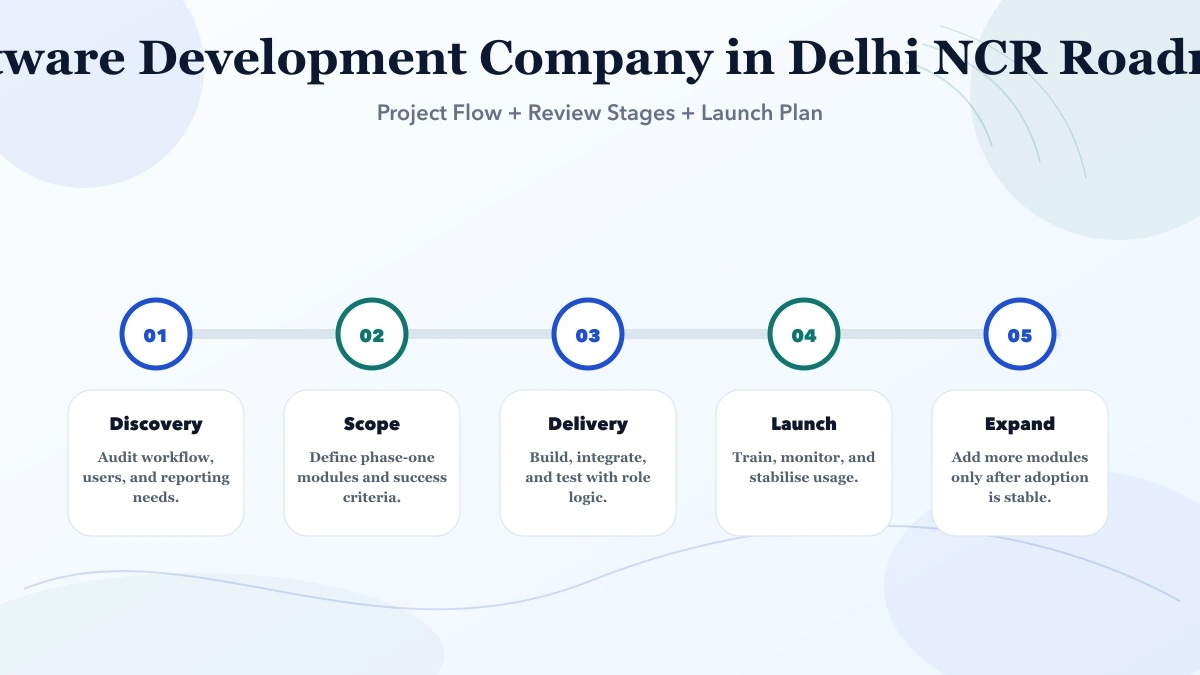
Phase one should complete one useful workflow from start to finish. A half-built set of ten modules is harder to adopt than two connected modules that staff can use in daily work.
For example, a service-operations release might include:
Leave advanced automation, secondary reports, rare exception flows, and additional departments for later unless they are essential to the first outcome. Record deferred items so they are not mistaken for forgotten scope.
Migration is not “upload the Excel file.” Existing records may contain duplicate customers, inconsistent dates, missing codes, merged columns, obsolete products, and values that no longer match current rules.
Prepare a migration register:
| Migration item | Required decision |
|---|---|
| Customer or vendor master | Duplicate and inactive-record policy |
| Product master | SKU, unit, tax, variant, and stock rules |
| Opening balance or stock | Authorised cut-off and reconciliation |
| Historical transactions | Full history, summary, or archive |
| Documents | File naming, ownership, and access |
| User accounts | Identity, role, company, and activation |
Run a sample import first. Produce a validation report showing accepted, rejected, transformed, and duplicate rows. Obtain business approval before the final cut-over. Preserve the original export and document the rollback path.
“Admin,” “manager,” and “staff” mean different things in different companies. Build a permission matrix around actions such as view, create, edit, approve, cancel, export, configure, and manage users.
Consider company and branch boundaries as well. A user may be able to create invoices for one company without seeing another company’s clients or reports. Sensitive actions should create an audit record and may require stronger approval.
Test permissions with representative accounts. Verify both allowed and denied actions. Hiding a button in the interface is not sufficient if the API still accepts the operation.
Use the role-based access guide and permission matrix template to prepare the review.
Payment, WhatsApp, email, accounting, inventory, CRM, and document integrations need more than a provider name. Define credentials, environment, event direction, duplicate handling, timeout, retry, signature verification, rate limits, logging, and reconciliation.
For a payment event, the system must not mark an order paid simply because a browser returns to a success page. Server-side verification and idempotent webhook handling may be required. For notifications, distinguish queued, sent, delivered where supported, failed, and manually retried.
The user interface should show when external data is stale. Staff need a recovery route when a provider is unavailable instead of repeatedly clicking an action that creates duplicates.
Ask each provider to state:
A fixed-price quote is meaningful only when inputs and acceptance are stable. A phased or time-based model may be more honest for discovery-heavy work, but it still needs budget controls, review intervals, and visible outputs.
Avoid percentage-complete reporting without demonstrable scenarios. A working record journey is better evidence than a dashboard full of placeholder numbers.
Acceptance tests should describe what a real user does and what the system must record.
Example:
A sales user creates an order for an existing customer. A manager approves a discount above the permitted threshold. Stock is reserved once. The order appears in the owner report. An unauthorised user cannot approve or export it. The audit log records both actions.
Cover normal, invalid, duplicate, cancelled, reversed, and permission-denied scenarios. Use non-production test data and keep expected results visible.
Before launch, verify:
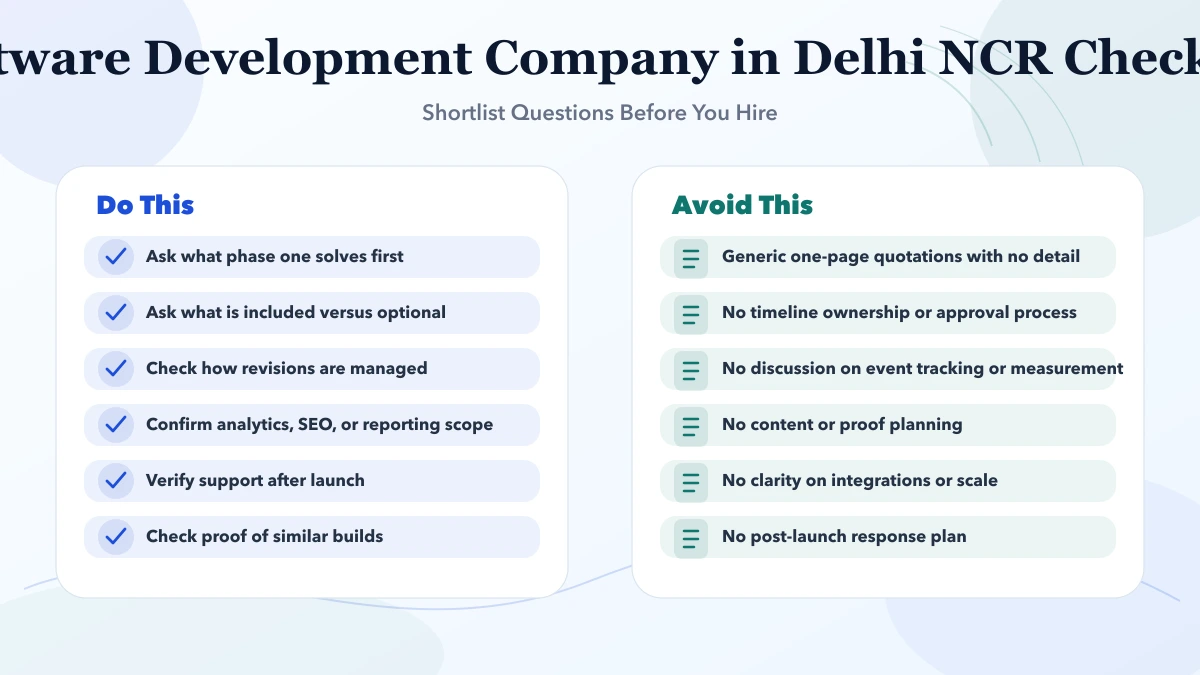
Choose a pilot group that represents the real workflow. Train users on the process and exception route, not only the buttons. Define where questions are logged and who can approve a policy change.
During stabilisation, review failed imports, abandoned records, permission denials, repeated support questions, integration errors, and report differences. Correct defects against the approved scope before expanding to more teams.
Do not automate a broken policy merely because the first version is live. Record improvement requests, prioritise them, and release controlled changes with regression checks.
The business should control the domain or application URL, deployment account, production data, backups, analytics, notification providers, and authorised administrator access. The contract should state source-code rights, third-party licence boundaries, export format, and the process when support ends.
Handover documentation should cover architecture, environments, configuration, deployment, data model, roles, integrations, scheduled jobs, backup, restore, monitoring, and known limitations. Secrets belong in controlled environment storage, not the document itself.
Ask for a recovery demonstration. A backup that has never been restored is an assumption, not verified continuity.
VASUYASHII currently presents custom software development, web application development, and integration services. VASUYASHII Business Suite is positioned separately as GST billing, inventory, purchase, payment, expense, reporting, PDF, WhatsApp-sharing, and multi-company business software for Indian SMEs.
That product context demonstrates the type of business workflows currently described by VASUYASHII. It does not prove a Delhi NCR office, a named client deployment, a specific cost saving, or guaranteed operational results.
For a scoped discussion, share one real workflow, representative records, user roles, existing systems, migration size, and the first outcome through contact.
Prepare one workflow, its users, current records, major exceptions, reports, integrations, and the first outcome you want to improve.
No. Keep a reliable system as the source of truth when replacement has no clear value. Integrate only after ownership and failure rules are defined.
Budget from workflow depth, roles, migration, integrations, reports, environments, testing, rollout, and support. Module names alone are not enough.
Yes, after profiling, cleaning, mapping, sample import, reconciliation, and approval. Do not upload raw production records without a migration plan.
Weak acceptance criteria and unclear data ownership frequently create serious risk because the team cannot prove whether the system is correct.
It should be defined separately. Specify the stabilisation period, defect boundary, response route, maintenance scope, and process for new features.
Write one end-to-end scenario and identify its record owner before requesting proposals. Use the software project requirement template, then share the workflow through contact for a focused phase-one discussion.
Related Articles
March 28, 2026
Software development company in Delhi NCR: pricing, process, deliverables, timelines, and how businesses choose the right partner in 2026.
Read article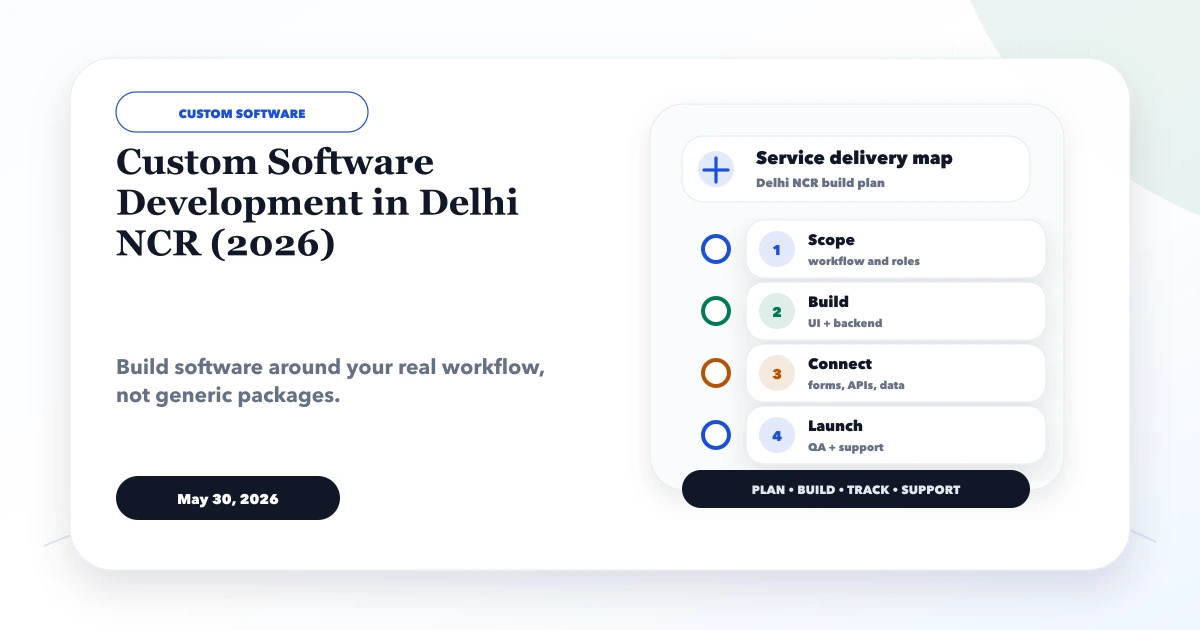
May 30, 2026
Plan custom software in Delhi NCR with build-versus-buy criteria, module scope, data controls, pricing bands, delivery stages and vendor checks.
Read article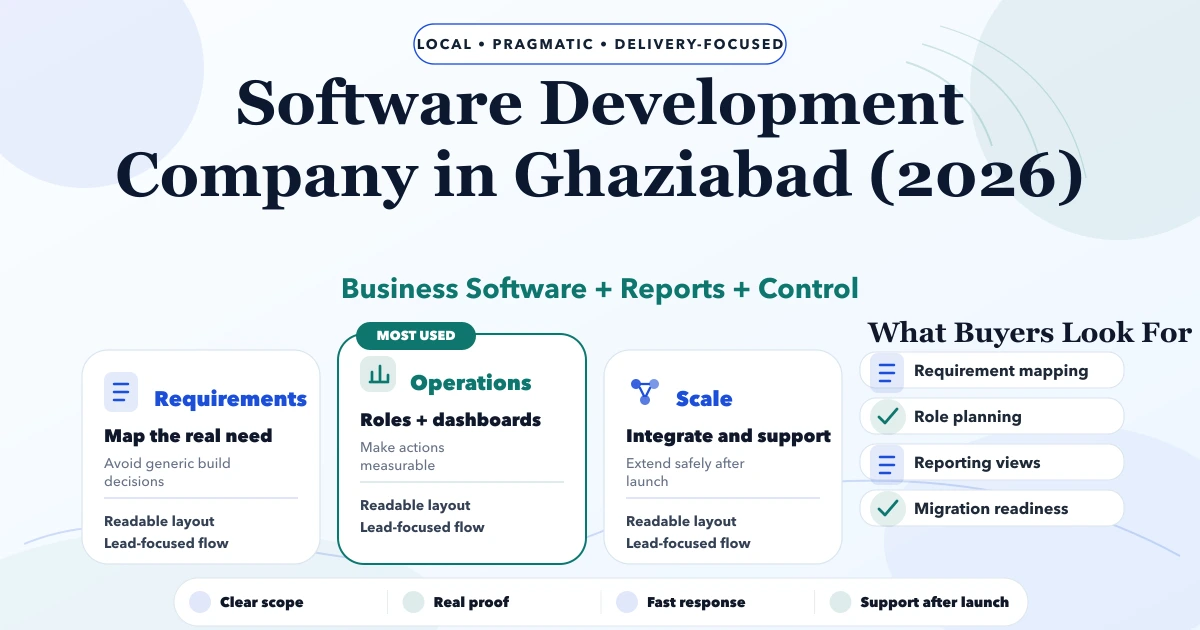
May 5, 2026
Software Development Company in Ghaziabad (2026) guide with pricing, process, timeline, deliverables, proof links, and practical planning for businesses in.
Read article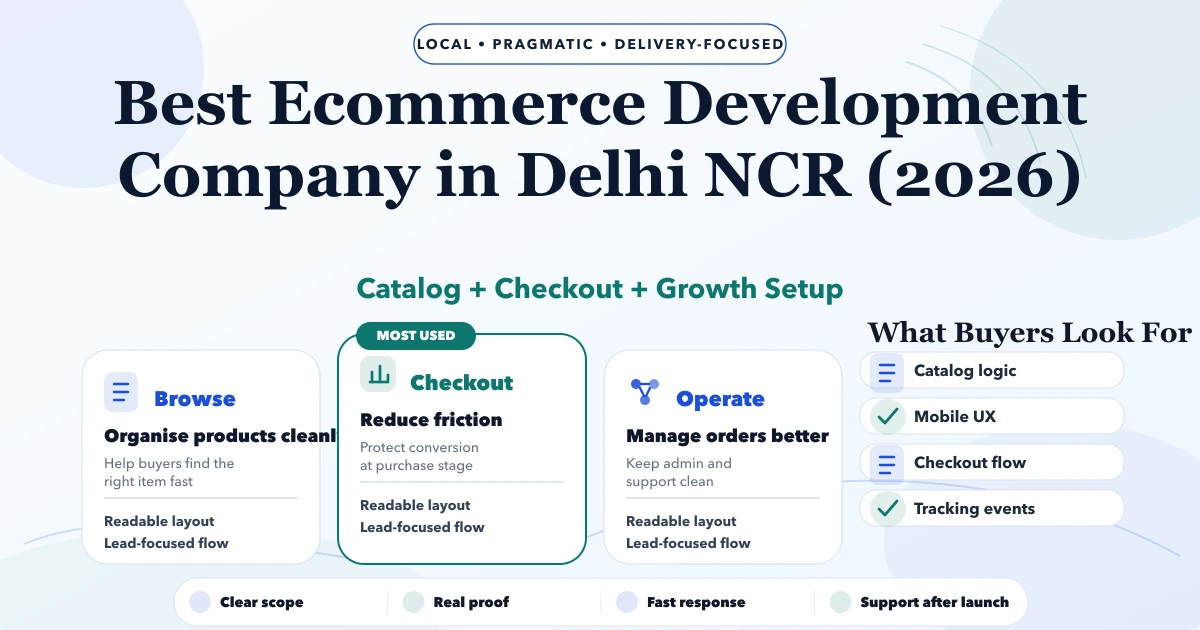
May 7, 2026
Best Ecommerce Development Company in Delhi NCR (2026) guide with pricing, process, timeline, deliverables, proof links, and practical planning for.
Read article