
May 17, 2026
RBAC Implementation Guide: Roles, Flow and Testing
Implement role-based access control with a permission matrix, server-side checks, tenant scope, audit logs, RBAC testing and a phased rollout plan.
Read articlePublished Updated
Use this permission matrix template to define role, module, action, data-scope, approval, export and admin access for SaaS platforms and business web apps.
A permission matrix template turns vague role names into testable access rules. It is for SME owners, product managers, and developers planning SaaS platforms, admin dashboards, portals, billing systems, or internal tools where users should not all see or change the same data.
The matrix should define the role, company or branch scope, module, action, approval boundary, export right, and exception owner. It becomes the shared contract between business stakeholders, designers, backend developers, and QA.
By Tushar C. (Founder, VASUYASHII). Reviewed by VASUYASHII Editorial for field experience, buyer usefulness, SEO clarity, and practical implementation relevance.
A permission matrix template lists roles against modules and actions such as view, create, edit, delete, approve, export, assign, refund, and settings access.
Start with the most sensitive module and list every action a user can attempt. “Invoice access” is not specific enough; separate view, create, edit, approve, cancel, record payment, export, and delete or restore rights. Then add company, branch, department, or record ownership scope.
The VASUYASHII Business Suite documents multi-company separation and role or permission-based access where configured. Its billing, stock, purchase, payment, expense, report, backup, and settings modules illustrate why a single “staff” role is too vague. A user who prepares invoices does not automatically need permission to restore backups, change company settings, export every report, or manage other users.
The practical lesson is to write permissions as actions rather than menu visibility. “Can see Invoices” is incomplete. The matrix should distinguish viewing, creating, editing, cancelling, recording payment, downloading a PDF, sharing a document, exporting records, and restoring deleted data.
The matrix is complete only when every cell is allow, deny, or a written condition. Blank cells create inconsistent assumptions between business, design, backend, and QA teams.
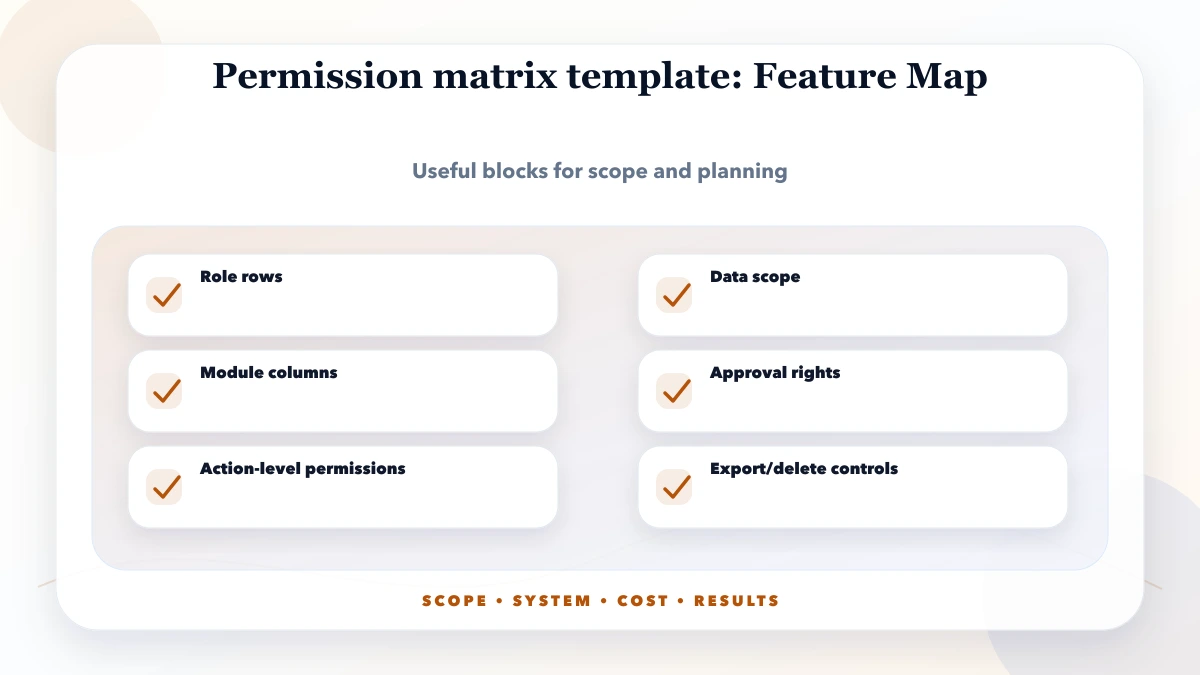
Use one row per role and one permission group per module. Keep data scope separate from action rights because a manager may approve invoices for one company without being allowed to view another company.
| Module/action | Owner | Manager | Operator | Viewer |
|---|---|---|---|---|
| View assigned company records | Allow | Allow | Allow | Allow |
| Create invoice or purchase | Allow | Allow | Allow | Deny |
| Edit an approved transaction | Allow with reason | Conditional | Deny | Deny |
| Record or reverse payment | Allow | Conditional | Conditional | Deny |
| Export customer or financial data | Allow | Conditional | Deny | Deny |
| Manage users and permissions | Allow | Deny | Deny | Deny |
| Backup or restore company data | Allow with confirmation | Deny | Deny | Deny |
| Change platform-level settings | Deny unless platform admin | Deny | Deny | Deny |
Conditional must be replaced with a real rule before development, such as amount limit, branch scope, approval status, or owner confirmation. Every allowed action should have a matching denied test for another role.
Extend the sheet with these columns: role, company scope, module, action, allow or deny, approval required, audit required, data fields hidden, owner, and test case ID. Then use the RBAC security guide to translate the matrix into server-side authorization.
| Scope | Practical price range | Typical timeline |
|---|---|---|
| Permission planning workshop | ₹8,000 to ₹30,000 | 1 to 3 days |
| Matrix + RBAC SRS | ₹30,000 to ₹90,000 | 1 to 2 weeks |
| RBAC build support | ₹90,000 to ₹3 lakh+ | 3 to 8 weeks |
These are planning ranges rather than fixed quotes. Permission work becomes more expensive when rules depend on company, branch, ownership, amount limits, approval chains, field-level visibility, exports, and historical records. A signed matrix reduces rework because ambiguous access decisions are resolved before API and database implementation.
Do not compress the review into a final-day security check. Business owners should approve the matrix before backend implementation, developers should map each cell to policy code, and QA should test allowed and denied paths with separate accounts.
The spreadsheet or document is only the planning layer. Real enforcement belongs in backend policy code and tenant-scoped queries. Frontend route guards and hidden buttons improve usability but must never be treated as the security boundary.
The largest cost driver is rule interaction. Five roles across ten modules are manageable when access is simple; the same matrix becomes complex when approvals depend on amount, branch, owner, transaction status, or previous action. Count decision rules and negative test cases, not only role names.
Use three questions for every permission:
If nobody can justify an access right, default to deny. If a right is temporary, record an expiry or review date. If an action changes money, stock, identity, access, or historical records, add confirmation, reason capture, and audit requirements where appropriate.
Indian SMB software often begins with broad labels such as owner, admin, accountant, sales, or operator. Convert those labels into actual work before development. For example, an accountant may record payment but not change product prices; a salesperson may view assigned customers but not export the complete database; a branch manager may approve a discount only up to a stated limit.
Also plan for staff turnover and multiple firms. Access should be removable without sharing passwords, and the selected company must be verified by the server on every protected request.
Maintain the matrix beside the product change log. When a new module, export, approval, integration, or support tool is added, update the matrix and its denied tests in the same release. Review privileged and dormant accounts quarterly, and immediately after a role or employment change.
Track denied requests, permission changes, sensitive exports, restores, and approval overrides. A sudden pattern can reveal training problems, outdated roles, or attempted misuse.
OWASP's Top Ten is a practical awareness baseline for web application security risks, and permission checks should be handled on the server side.
The matrix fails when staff borrow an owner account to complete ordinary work. That usually means the role model is incomplete, the approval flow is too slow, or support has not explained the correct process. Fix the workflow instead of normalizing shared credentials.
Bring the role list, module list, company or branch structure, and sensitive actions to the first scoping discussion. VASUYASHII can turn those inputs into a reviewable matrix, backend authorization scope, and acceptance-test plan.
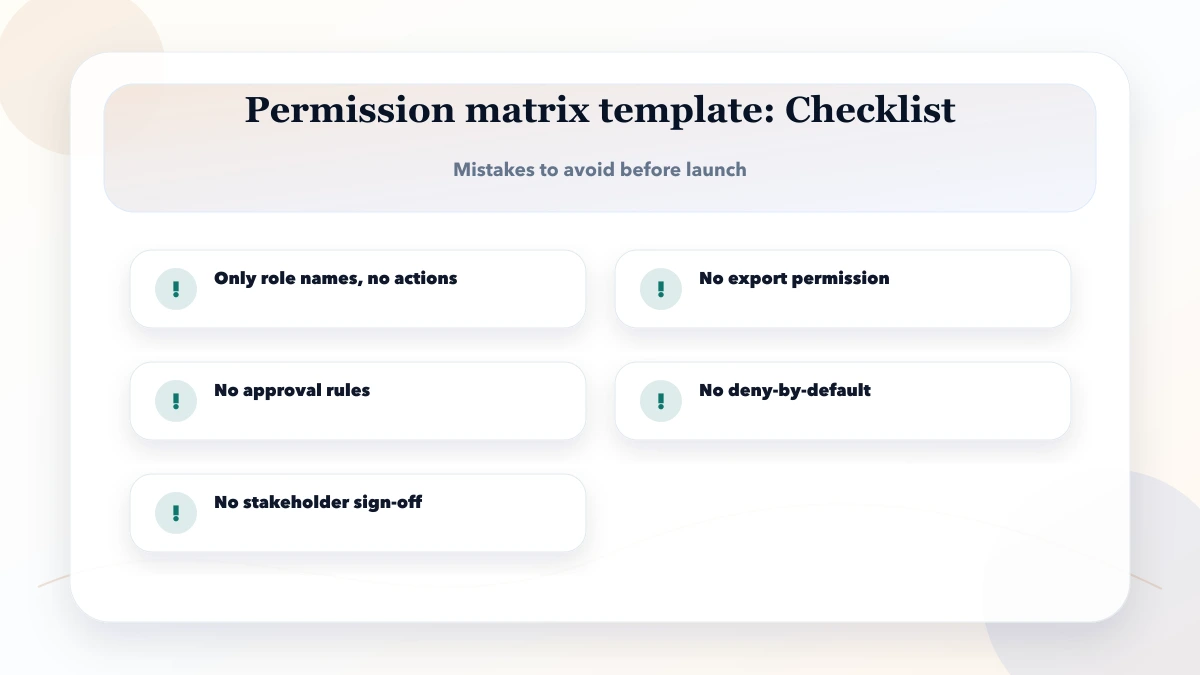
It is for SME owners, product managers, and developers planning permissions for business apps, SaaS platforms, and admin dashboards. The goal is to make planning practical, not theoretical.
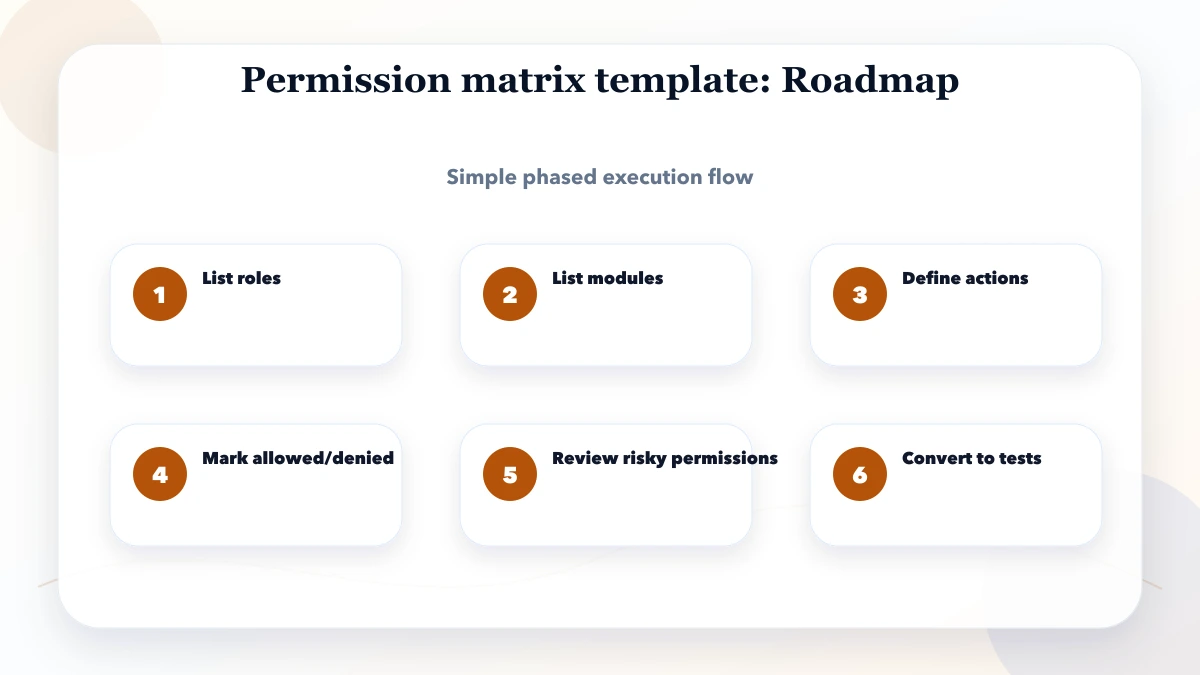
List roles, then choose one sensitive module such as payments, invoices, users, or backups. Define its actions and data scope fully before expanding the pattern to the rest of the app.
Use the pricing table as a planning range. Final cost depends mainly on role count, modules, conditional approvals, tenant scope, audit depth, data migration, and the number of allowed and denied cases QA must verify.
Yes. Finalize high-risk modules first, then apply the approved policy pattern to lower-risk modules. Do not launch a partially enforced role where the UI is restricted but the API remains open.
Track denied requests, permission changes, privileged exports, approval overrides, dormant accounts, and support incidents caused by missing access. Review whether users are sharing accounts to bypass the matrix.
The biggest mistake is treating hidden navigation as authorization. The backend must reject the action and scope the underlying data even when a user calls the API directly.
VASUYASHII can help map roles, company scope, module actions, approvals, exports, audit events, and denied test cases for a business web app.
Connect the matrix to backend enforcement, session controls, recovery, and abuse tests with the secure app login and roles guide.
Related Articles
May 17, 2026
Implement role-based access control with a permission matrix, server-side checks, tenant scope, audit logs, RBAC testing and a phased rollout plan.
Read article
April 6, 2026
Web app security guide to RBAC, least privilege, permission matrices, server-side authorization, audit logs, testing, and safer access reviews.
Read article
May 23, 2026
Design role-based access for owners, managers and staff with object, action and scope permissions, least privilege, audit logs and user lifecycle.
Read article
May 17, 2026
audit logs for admin panels: practical 2026 guide with checklist, cost, roadmap, tools, mistakes, FAQs, and next steps for Indian SMBs today safely today.
Read article