
May 17, 2026
RBAC Implementation Guide: Roles, Flow and Testing
Implement role-based access control with a permission matrix, server-side checks, tenant scope, audit logs, RBAC testing and a phased rollout plan.
Read articlePublished Updated
Build secure app login and roles with account lifecycle rules, safe sessions, backend authorization, tenant isolation, recovery, audit logs, and abuse tests.
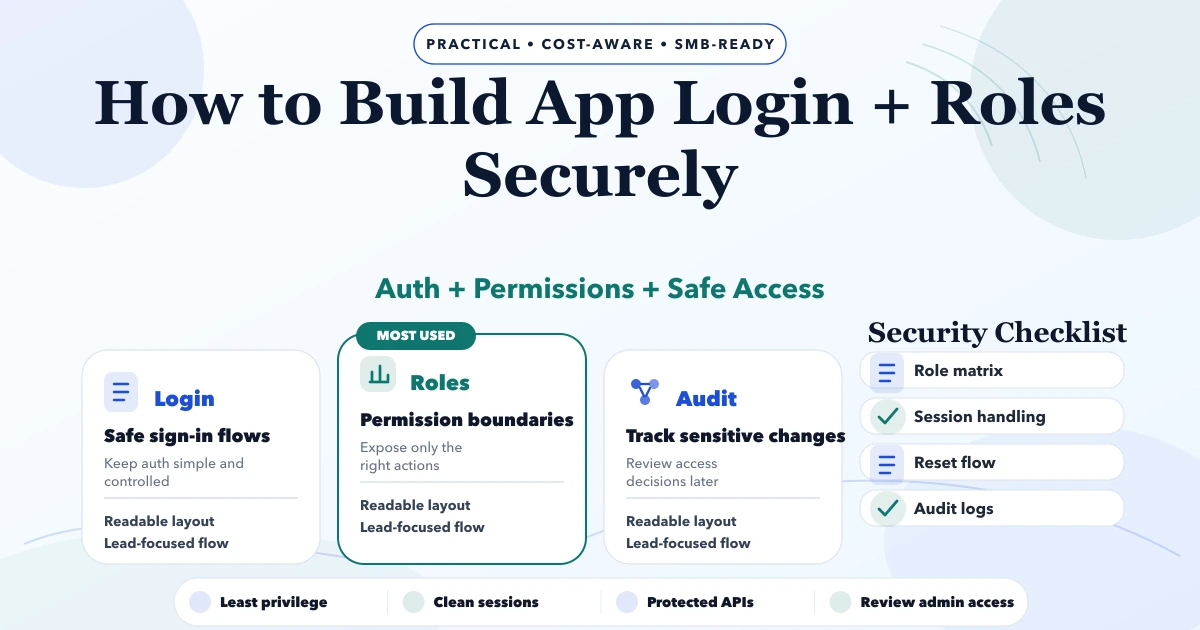
Secure login is not one screen and role-based access is not a hidden menu. Authentication proves which account is making a request. Session management preserves that identity between requests. Authorization decides whether the account can perform a specific action on a specific record. All three must work together on the backend.
This guide is for business web apps, mobile apps, internal tools, SaaS products, and multi-company systems. It explains the decisions a founder or product owner should approve before implementation. It is not a penetration-test report or a substitute for a security review of a deployed system.
A secure first release should:
OWASP treats authentication, session management, and authorization as separate controls. Its Authentication Cheat Sheet, Session Management Cheat Sheet, and Authorization Cheat Sheet are useful implementation references.
Do not begin by naming roles admin and user. Describe the people, resources, actions, and boundaries.
| Question | Example answer |
|---|---|
| Who signs in? | Owner, manager, billing operator, warehouse staff, customer |
| How is an account created? | Owner invitation, staff import, customer self-registration |
| What data is protected? | Invoices, customer details, stock, reports, company settings |
| What action needs stronger control? | Refund, export, delete, role change, company switch |
| What is the tenancy boundary? | One company, multiple firms, branch, assigned customer |
| How is access removed? | Immediate disable, session revocation, membership removal |
| What evidence is required? | Audit event, approver, timestamp, old and new state |
This brief becomes the basis for API permissions, interface states, tests, support procedures, and audit reports.
Authentication answers: “Which account is this?” It may use a password, OTP, passkey, identity provider, or another approved method.
Authorization answers: “May this account perform this action?” A valid login must not automatically grant access to every route, API, export, or file.
Data scope answers: “Which records may this account act on?” Two users can share the same role but belong to different companies. A manager may view only assigned branches. A customer may see only their own orders.
Most serious business-app access bugs occur when one of these checks is missing. Hiding a button in the frontend improves usability but does not protect the API.
| Method | Suitable use | Main design questions |
|---|---|---|
| Email and password | Staff or customer accounts with conventional recovery | Verification, password storage, reset, rate limiting, MFA |
| Phone OTP | Phone-first customer or field workflows | SIM change, OTP abuse, delivery failure, recovery, cost |
| Passkey | Strong phishing-resistant sign-in where device support fits | Enrollment, recovery, fallback, multi-device use |
| Enterprise SSO | Business customers using an identity provider | Tenant mapping, account linking, role source, offboarding |
| Magic link | Lower-friction email access | Link expiry, single use, email security, device transfer |
Do not choose OTP only because it looks simple. The product still needs abuse limits, identity recovery, account linking, and a safe response when a phone number changes.
Define explicit states:
An invitation should be short-lived, single-use, tied to the intended account, and invalidated when replaced. Verification should not grant a role that was never approved. Disabling an account should stop future requests and revoke active sessions where the architecture supports it.
For staff systems, offboarding is part of security. Removing a person from the team should also address sessions, API credentials, company memberships, assigned work, approval queues, and shared-device access.
When passwords are used:
Support teams should not ask users to share passwords or OTPs. An administrator should not set a permanent known password and send it over WhatsApp.
Once a user signs in, the session credential may be as valuable as the login method. Define:
For browser apps, HttpOnly, Secure, and appropriate SameSite cookie settings can reduce common exposure paths when cookies fit the architecture. Avoid placing long-lived secrets in URLs or analytics events. Mobile apps should use platform secure storage rather than ordinary preferences.
Create a permission matrix before coding.
| Resource | Action | Owner | Manager | Operator | Viewer |
|---|---|---|---|---|---|
| Invoice | View | Yes | Scoped | Scoped | Scoped |
| Invoice | Create | Yes | Yes | Yes | No |
| Invoice | Cancel | Yes | Approval | No | No |
| Payment | Record | Yes | Yes | Scoped | No |
| Product | Change price | Yes | Approval | No | No |
| Report | Export | Yes | Scoped | No | No |
| Team | Change role | Yes | No | No | No |
The real matrix should define record scope and conditions, not only yes/no. “Manager can approve” may mean only their branch, below an amount threshold, and not their own request.
Apply three principles from the OWASP authorization guidance:
Every protected operation should derive trusted identity and membership from the authenticated session. Do not accept companyId, userId, price, ownership, or role from the client without verifying it against server-side rules.
Check list, detail, create, update, delete, export, search, file, and bulk endpoints separately. A secure list endpoint does not prove a guessed detail URL is secure.
In a multi-company SaaS product, a role is incomplete without membership context. A user may own Company A, view Company B, and have no access to Company C.
Controls should include:
Current VASUYASHII Business Suite architecture uses authenticated company-scoped APIs and multi-company data separation for its business workflows. This is first-party architecture evidence, not a claim that every external project automatically receives the same controls.
Consider reauthentication, approval, or explicit confirmation for:
Admin impersonation, if genuinely required, should be restricted, time-limited, visible, and audited. It must not become a convenient bypass for normal permissions.
Log security-relevant business actions:
Record actor, action, target, company context, time, result, and approved metadata. Do not log passwords, OTPs, reset tokens, full session tokens, or unnecessary personal data.
| Test | Expected result |
|---|---|
| Anonymous user calls a protected API | Denied without data leakage |
| Viewer sends an update request manually | Denied by backend |
| User guesses another company's record ID | Denied or safely not found |
| Disabled user reuses an old session | Session rejected |
| Reset token is reused | Second attempt rejected |
| Role changes during an active session | New permission state applies safely |
| Two requests submit the same sensitive action | No unintended duplicate outcome |
| Export URL is shared with another user | Access is checked again |
| Mobile app goes offline and reconnects | Stale permission does not bypass server rules |
Add unit, integration, and end-to-end tests around authorization. Security testing should cover negative cases, not only the happy path.
Authentication cost is influenced by:
A reusable framework can reduce implementation time, but business authorization remains specific. Request a scope against a real permission matrix rather than a price for “login page plus admin.”
Users can call APIs without using your interface. Enforce rules on the server.
Broad permanent access increases impact when an account is misused.
Derive and validate company scope from authenticated membership.
Recovery can bypass an otherwise strong login.
Access removal should be verified across sessions, memberships, keys, and devices.
Auditability must not create a new credential leak.
VASUYASHII can design authenticated web apps, mobile-app backends, company-scoped APIs, role matrices, and business workflows under a written project scope. VASUYASHII Business Suite uses JWT authentication, multi-company access, team permissions where configured, and company-scoped data.
Exact MFA, SSO, passkey, device management, regulatory controls, and independent penetration testing are not implied unless they are specified and quoted. Review web application services, software development services, and the permission-matrix guide before finalising requirements.
No. Authentication identifies an account. Authorization checks whether that account may perform a requested action on a particular resource.
No. Hidden controls improve the interface, but the backend must validate the permission for every protected request.
JWT is one possible session mechanism, not a universal security answer. Choose session architecture based on clients, revocation, storage, scaling, and operational needs.
Risk determines the requirement. Administrator, financial, export, and sensitive-data accounts deserve stronger protection. The selected method must include recovery and support procedures.
Use the smallest set that represents real responsibility boundaries. Add conditional permissions or new roles only when a genuine workflow requires them.
Create users in separate companies and attempt list, detail, edit, export, file, and related-record requests using the other tenant's identifiers. Each route must enforce scope independently.
Prepare a matrix with users, resources, actions, record scope, approval conditions, and sensitive events. Then use the permission matrix template, role-based access security guide, and software requirement template to turn it into acceptance tests. For a scoped review, contact VASUYASHII.
Related Articles
May 17, 2026
Implement role-based access control with a permission matrix, server-side checks, tenant scope, audit logs, RBAC testing and a phased rollout plan.
Read article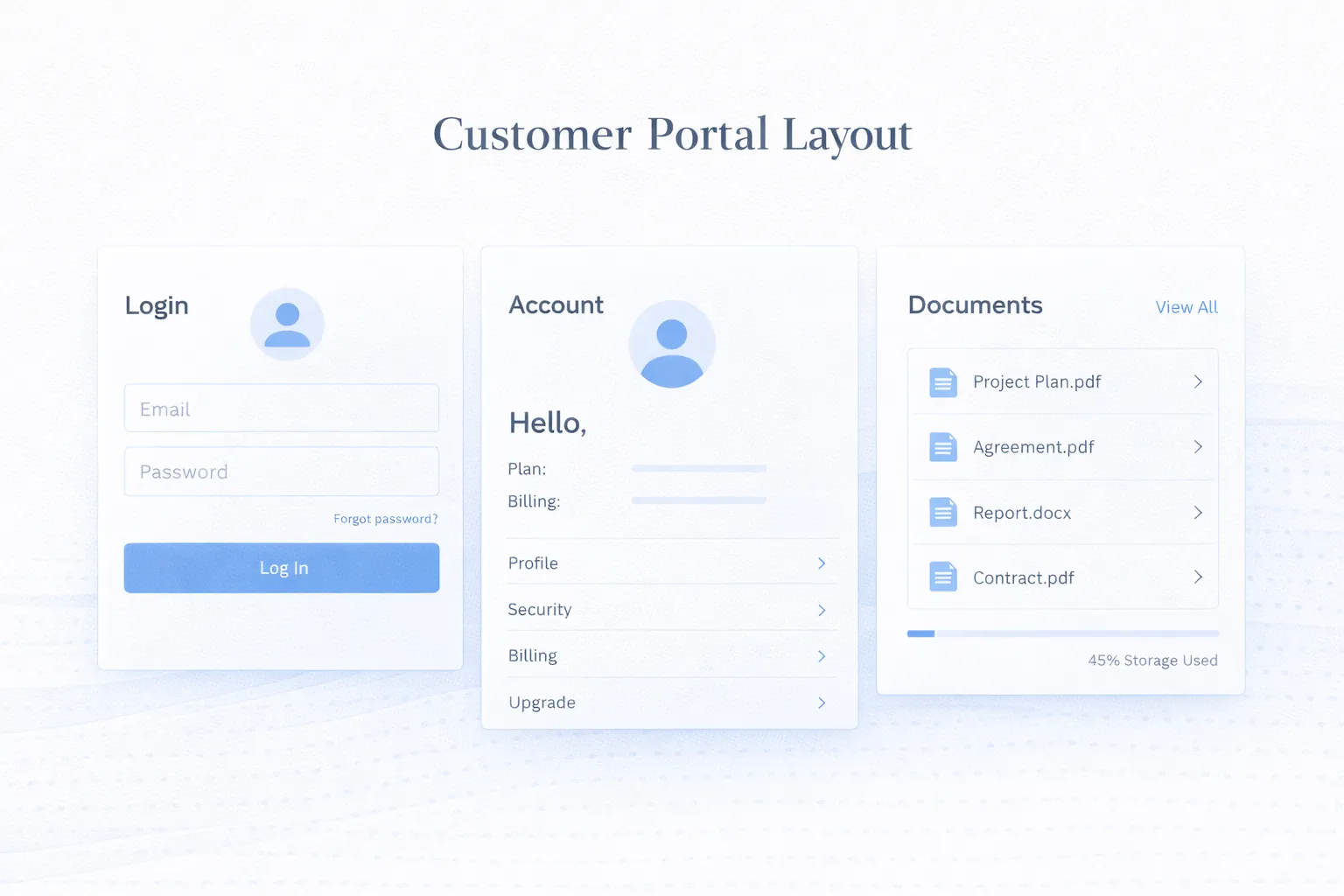
March 25, 2026
Customer portal development guide for 2026: secure login, roles, data access, portal features, integrations, and best practices for self-service experiences.
Read article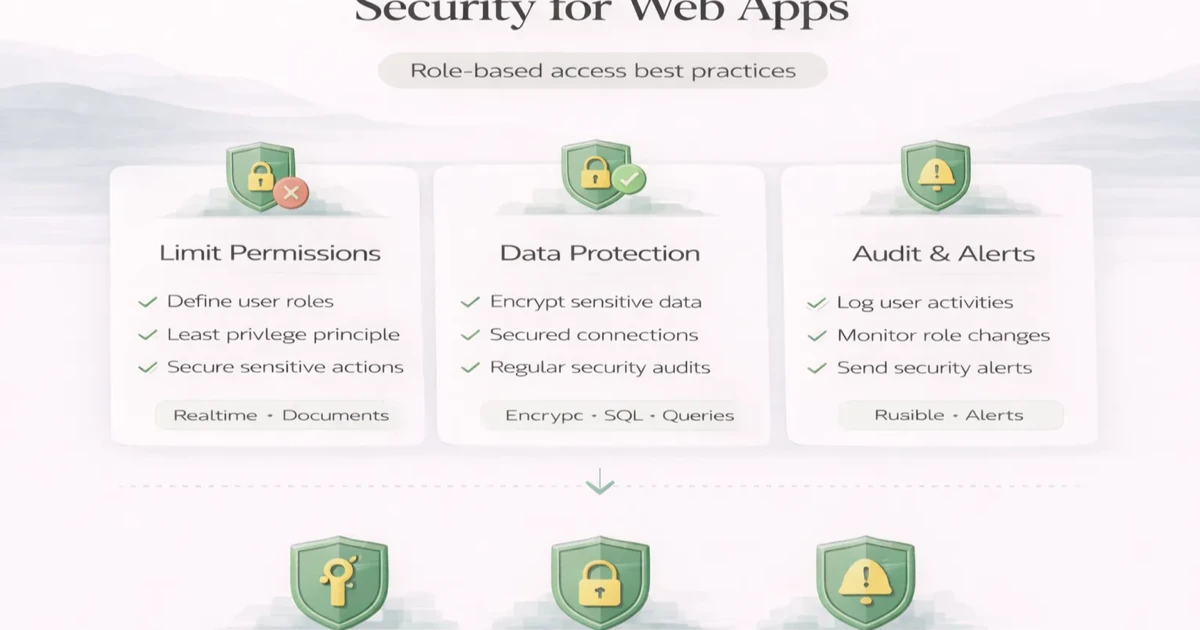
April 6, 2026
Web app security guide to RBAC, least privilege, permission matrices, server-side authorization, audit logs, testing, and safer access reviews.
Read article
May 23, 2026
Plan multi-branch business software with company scope, branch permissions, stock transfers, shared masters, approvals, consolidation, and reliable reports.
Read article