
April 22, 2026
Customer Portal vs Admin Dashboard: Key Differences
Compare customer portals and admin dashboards by users, data scope, workflows, permissions, documents, payments, support, security, cost, and implementation.
Read articlePublished Updated
Customer portal development guide for 2026: secure login, roles, data access, portal features, integrations, and best practices for self-service experiences.
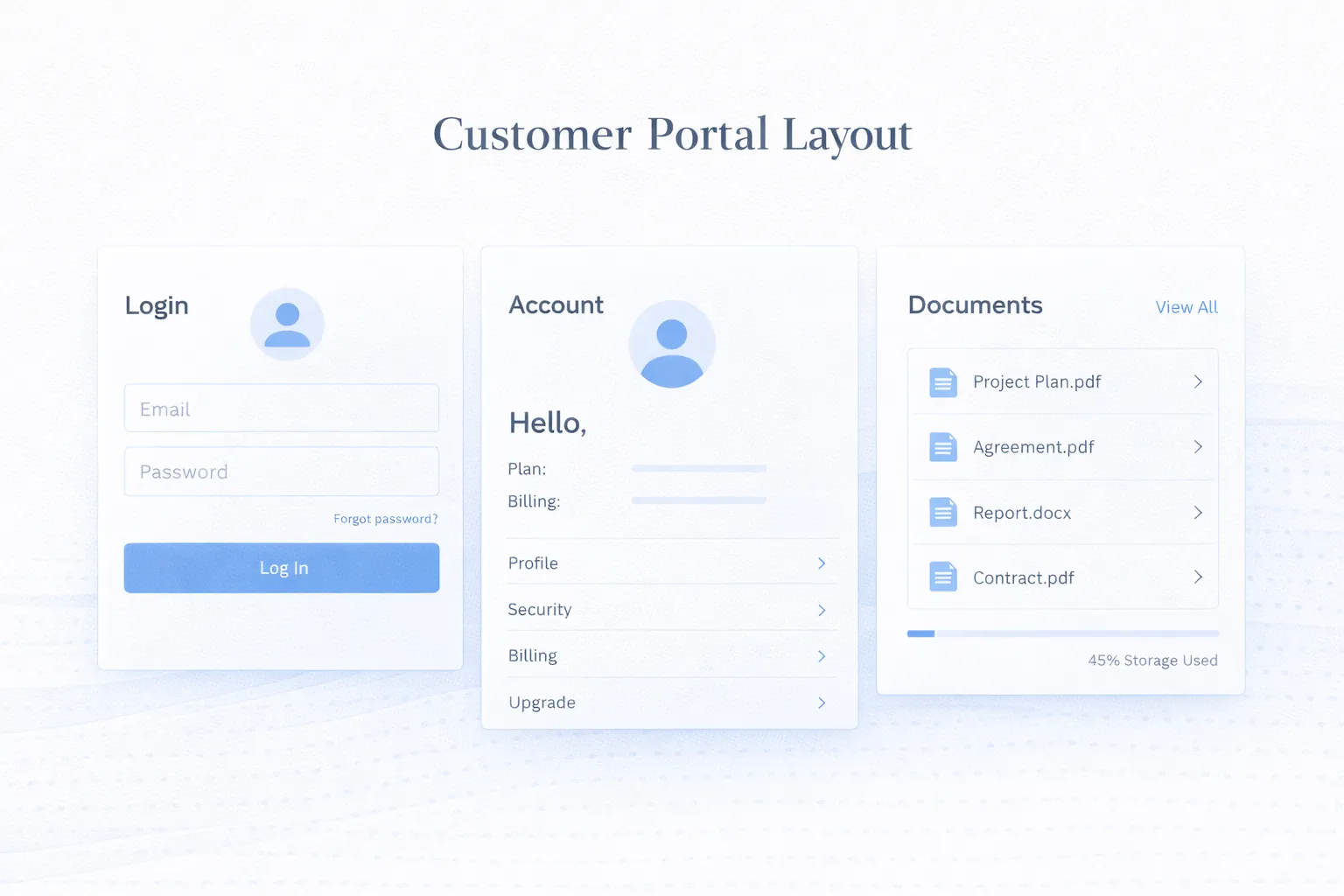
Businesses often want a portal because customers keep asking for the same information: status updates, documents, invoices, tickets, or account details. If every answer still depends on someone manually checking and replying, the process does not scale well.
In 2026, users expect secure account access and self-service visibility as a basic part of digital service. That does not mean every portal has to be large. It means the experience should be focused, role-aware, and trustworthy.
This guide covers:
A customer portal is a secure self-service layer where clients, users, or partners can log in, view the right information, and complete tasks without depending on manual support for every update.
Define the external user, account relationship, visible data, allowed actions, and support owner before selecting login technology. A useful portal exposes a narrow, accurate self-service boundary rather than a copy of the internal application.
Portal development matters because it touches both user experience and internal operations. A portal only works well when it protects data correctly and reflects the underlying business workflow cleanly.
Email-password login, invite-based onboarding, OTP flows, SSO, or role-based account creation all change how users enter the system and how support handles access issues. This changes the outcome because identity design influences trust, convenience, and the operational burden of account support.
Some portals need one owner account, some need teams under one customer, and some need very different views for admins, staff, or external partners. This changes the outcome because role clarity is essential for showing the right data without creating security risk.
Not everything should be editable or even visible. The project should define what customers can view, download, upload, approve, or request on their own. This changes the outcome because self-service boundaries shape portal usefulness and internal control.
Portals often sit on top of CRM, billing, order management, or support systems. That means data sync and status accuracy matter from day one. This changes the outcome because integration quality determines whether the portal feels live or outdated.
When portals expose documents, billing details, statuses, or support history, logs and permission checks become essential operational features. This changes the outcome because security planning protects both customer trust and compliance posture.
Even simple portals need invite flows, welcome guidance, and support options so users do not abandon the experience after login. This changes the outcome because good onboarding increases adoption and reduces support tickets.
Portal quality depends on authorization at every data access point, not only a successful login. The design also needs account recovery, invitations, session handling, audit history, support inspection, and safe removal of access.
The portal should have a login flow that matches the audience, plus sensible password, invite, or verification policies.
This is the first layer of trust users experience, so it cannot feel improvised. When this layer is done properly, the product becomes easier to onboard, easier to support, and easier to improve later.
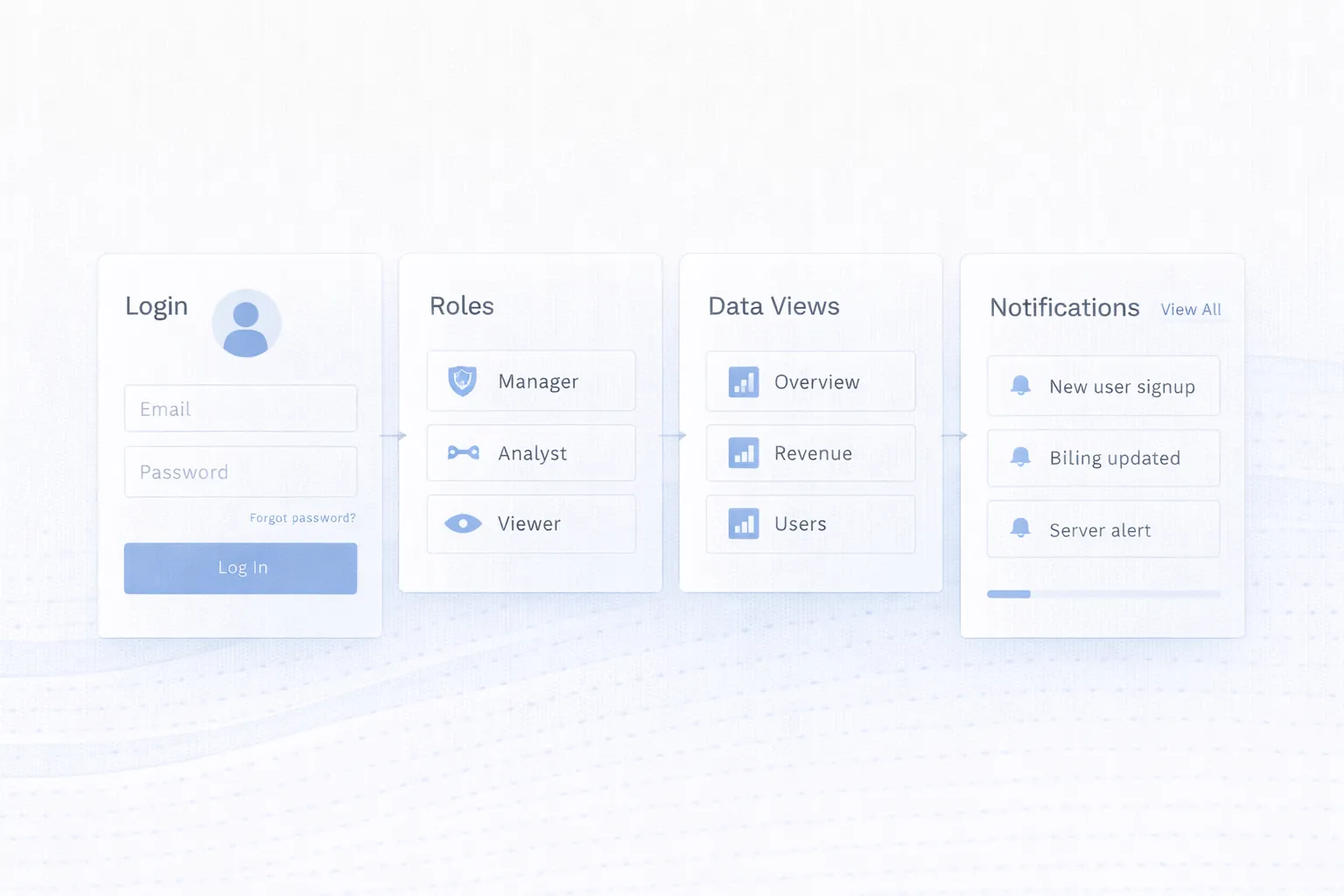
Admins should be able to control which users exist under an account and what each role can see or do.
That keeps the portal usable for teams while still protecting sensitive records. When this layer is done properly, the product becomes easier to onboard, easier to support, and easier to improve later.
Common modules include orders, documents, invoices, service tickets, reports, profile settings, and communication history.
The best first version focuses on the few modules customers actually need most often. When this layer is done properly, the product becomes easier to onboard, easier to support, and easier to improve later.
Emails, WhatsApp notices, and in-portal status changes should align so users know what changed and what action is expected from them.
This reduces confusion and repeat support enquiries. When this layer is done properly, the product becomes easier to onboard, easier to support, and easier to improve later.
Internal teams should be able to inspect account activity, access issues, and important actions without digging manually through several systems.
Support becomes faster and safer when account history is easy to understand. When this layer is done properly, the product becomes easier to onboard, easier to support, and easier to improve later.
Many users will check portals from phones, so core views should still feel clear on smaller screens even if advanced admin tasks stay desktop-first.
A responsive portal improves adoption because access feels convenient instead of fragile. When this layer is done properly, the product becomes easier to onboard, easier to support, and easier to improve later.
| Resource or action | Customer owner | Customer member | Internal support | System rule |
|---|---|---|---|---|
| View account profile | Own account | Own account, if permitted | Support scope only | Tenant/account filter on every request |
| View invoice or document | Own eligible records | Role-dependent | Logged support access | Object ownership checked server-side |
| Upload or request change | Allowed fields only | Role-dependent | Review or correct through admin flow | File/type/size validation and state rules |
| Invite or remove member | Usually owner only | No | Recovery path only | Prevent orphaned accounts and privilege escalation |
| Export data | Owner or approved role | Usually restricted | Audited assistance | Complete export with authorization and rate controls |
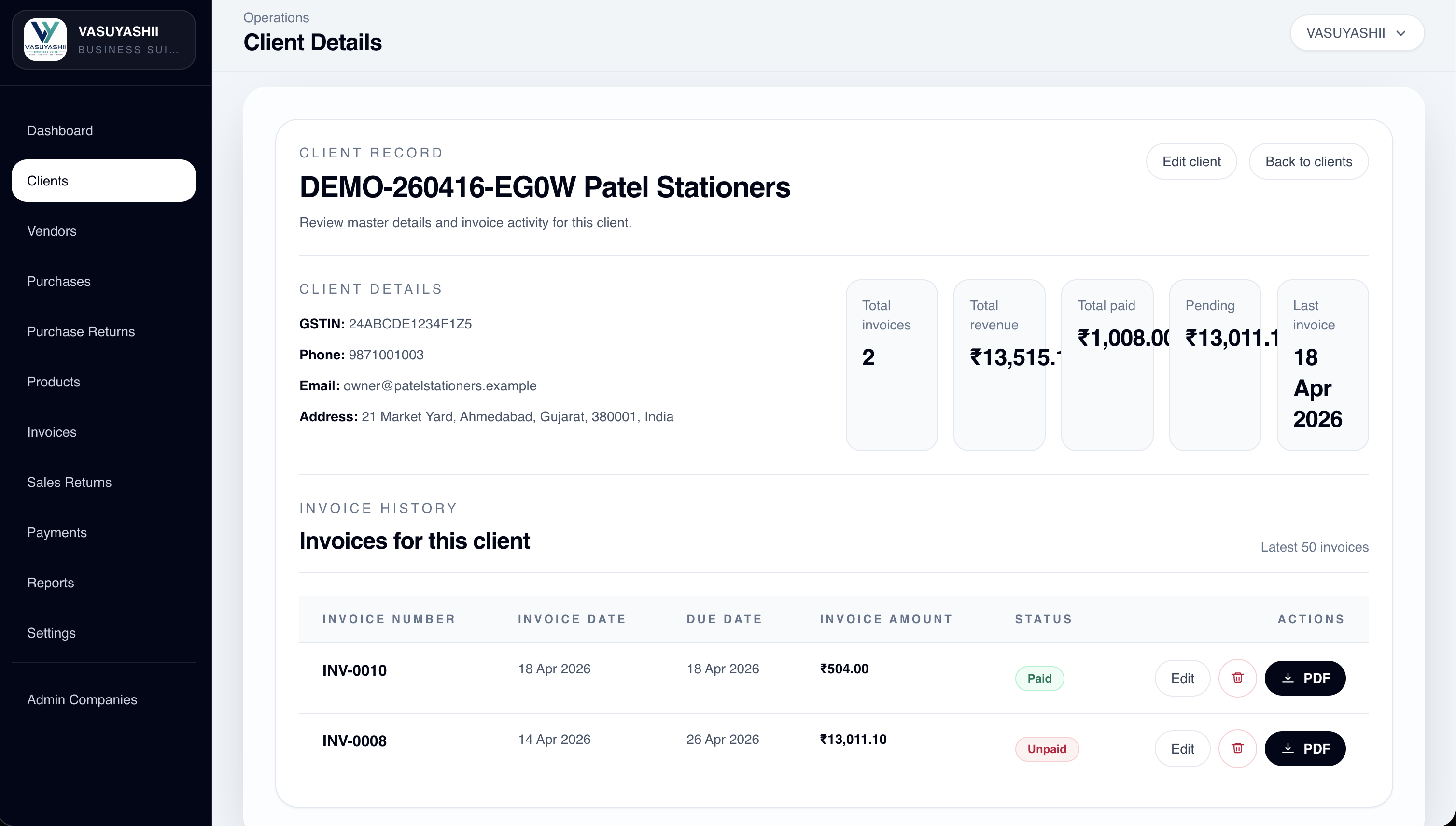
This screenshot is first-party evidence of an implemented internal client-detail view. It is not a public customer portal, customer login, external self-service flow, or proof that every field shown is appropriate for external users. A portal would need a separately defined and tested exposure boundary.
Use the OWASP API Security Top 10 as a primary threat-model reference, especially for object-level authorization, authentication, resource consumption, and unsafe API consumption.
Clients can log in to review approved deliverables, invoices, tickets, status updates, and shared files.
Validate whether the portal actually reduces repeat enquiries after adoption; do not assume the outcome from feature availability.
Suppliers or partners may need access to selected orders, documents, payment status, or required actions within a secure account space.
Supplier records, commercial terms, and cross-vendor data require especially careful object-level authorization.
Customers can view authorized invoices, payment status, plan information, or service history in one self-service interface.
Payment and invoice states need a named source of truth and a clear refresh timestamp.
Users can raise tickets, review updates, respond to requests, and track resolution history.
Test notification delivery, attachment handling, reopening, escalation, and account closure before launch.
Bring the external-user types, account relationships, five sample records, allowed actions, internal source systems, and recovery process. Those inputs make a portal phase testable.
If permissions are not defined at account, object, field, and action levels, users may see the wrong data. Test authorization server-side for every sensitive resource.
Customers do not need the same interface internal teams use. Create an explicit external data contract instead of hiding fields only in the frontend.
Test invitation expiry, resend, account recovery, changed email or phone, locked user, and removed employee scenarios.
If customer-facing statuses lag behind internal data, trust drops quickly. Show the last updated state and define behavior during synchronization failure.
Portals expose account information and actions, so access control, logging, rate limits, file handling, and security testing need more attention than a marketing site.
Login does not prove authorization, and a role name does not prove object ownership. Every request must validate the current user, account, resource, action, and state. Browser-hidden fields and route guards are not sufficient security controls.
The first release should test cross-account access attempts, removed users, expired invites, password or OTP recovery, direct object URLs, unsafe uploads, rate limits, audit records, and support escalation. VASUYASHII does not claim a live public customer portal or a measured support reduction from the internal screenshot above.
Portal cost depends on login complexity, role depth, system integrations, document handling, and how much data customers can act on directly. A read-only account area is much simpler than a portal with uploads, approvals, and support workflows.
If your portal is part of a broader software system, Website Security Best Practices and Web Application Development Guide are especially relevant because security and workflow clarity are foundational to portal quality.
A practical first version usually focuses on the highest-value self-service need: status visibility, documents, billing, or support. That creates customer value quickly without forcing every internal process into version one.
Usually to give customers secure, self-service access to information or actions that otherwise require manual support, such as documents, statuses, invoices, or tickets.
Start with the few features customers ask for most often: secure login, core status visibility, documents, account details, or support requests.
Dashboards are typically internal and action-heavy. Portals are external-facing, permission-sensitive, and focused on self-service visibility or controlled user actions.
Yes, especially when users view or change account-related information. Audit history helps with support, accountability, and security investigations.
Yes. In fact, many portals depend on internal systems for accurate customer data, invoice states, ticket status, or document access.
Confusing login, weak onboarding, inaccurate data, limited usefulness, or support teams continuing to bypass the portal manually are common causes.
At least the core self-service tasks should. Many users will check account status or documents from mobile even if deeper admin controls stay desktop-oriented.
Compare external and internal responsibilities in customer portal versus admin dashboard. For service operations, connect customer visibility to a controlled job-card system rather than exposing internal records directly.
Share the account model, user roles, external data contract, actions, source systems, and recovery cases. We can use those artifacts to define a secure first portal release.
Related Articles
April 22, 2026
Compare customer portals and admin dashboards by users, data scope, workflows, permissions, documents, payments, support, security, cost, and implementation.
Read article
May 17, 2026
Implement role-based access control with a permission matrix, server-side checks, tenant scope, audit logs, RBAC testing and a phased rollout plan.
Read article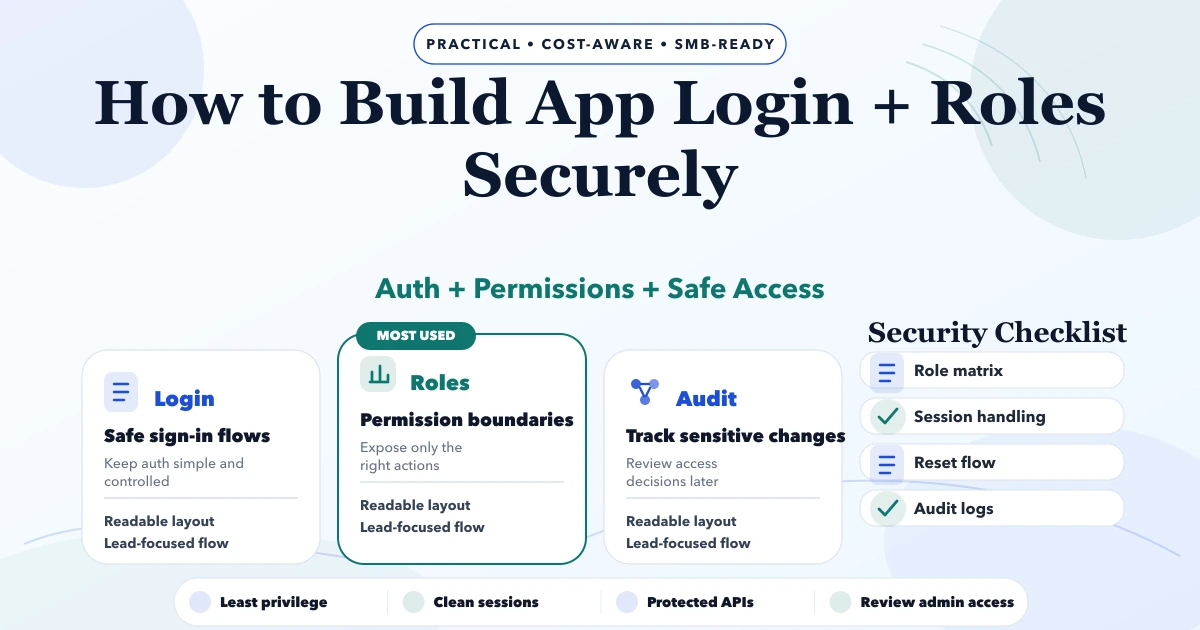
May 4, 2026
Build secure app login and roles with account lifecycle rules, safe sessions, backend authorization, tenant isolation, recovery, audit logs, and abuse tests.
Read article
March 22, 2026
Plan secure SaaS architecture with tenant isolation, authentication, database patterns, billing, jobs, caching, observability, and practical scaling decisions.
Read article