
May 23, 2026
Admin Dashboard Development: Features, Cost, Checklist
Plan admin dashboard development with a feature checklist, indicative India pricing, timeline, roles, reports, audit logs, integrations, and launch controls.
Read articlePublished Updated
Compare customer portals and admin dashboards by users, data scope, workflows, permissions, documents, payments, support, security, cost, and implementation.
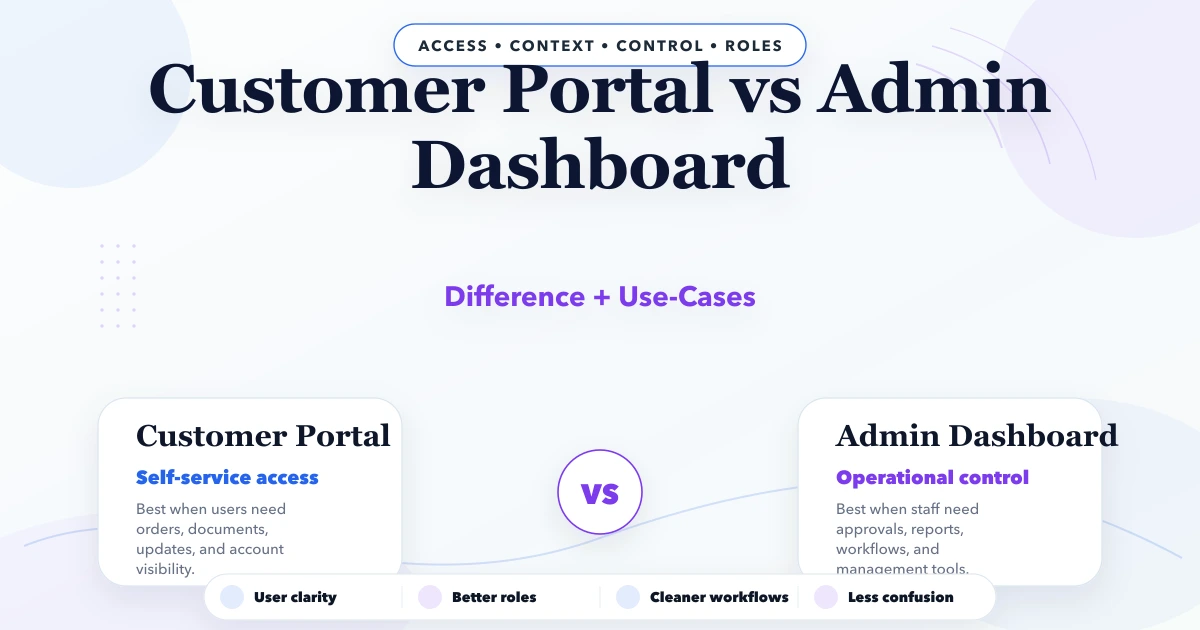
A customer portal lets an external customer securely view or perform actions related to their account. An admin dashboard helps authorised internal staff operate the business, manage records, handle exceptions, control access, and review reports. They may use the same backend data, but their users, permissions, language, risk, and workflows are different.
Building one interface for both groups usually exposes too much complexity to customers or removes controls staff need. Design the shared domain model first, then create role-appropriate experiences.
| Area | Customer portal | Admin dashboard |
|---|---|---|
| Primary user | Customer/account contact | Owner, manager, operator, support |
| Data scope | Own authorised account/records | Assigned team, branch, company, or platform scope |
| Main purpose | Self-service and visibility | Operations, control, exception handling, reporting |
| Language | Customer-friendly | Operational and policy-specific |
| Actions | Submit, approve, pay, download, track | Create, review, assign, approve, adjust, export |
| Security risk | Cross-customer exposure | Privilege misuse and broad data access |
| Support need | Clear help and recovery | Training, audit, escalation, and admin controls |
Both require backend-enforced authorization. Hiding a menu item is not a permission rule.
A portal may allow customers to:
The portal should expose only records the authenticated person is entitled to view. A user may belong to one account, several accounts, or a sub-entity such as a branch.
An internal dashboard may support:
These actions can change business state and need stronger controls than customer self-service.
Both interfaces may read the same order, invoice, ticket, or project. The customer sees a safe projection; staff see operational context according to role.
For an order:
Create explicit API serializers or response models. Do not send private fields to the browser and merely hide them with CSS.
Customer identity is not always one email equals one account. B2B portals may need account owners, billing contacts, buyers, viewers, and external auditors. Invitations need expiry, accepted identity, role, and revocation.
Admin identities require company/branch/team scope, stronger authentication, session controls, and prompt removal after role or employment changes.
Document:
Portal rules often use relationship attributes: user is an active member of account that owns this invoice. Admin rules may use role, branch, assignment, record state, and approval limit.
Test authorization across:
Use the multi-tenant SaaS security checklist when portals support several customer organisations.
Keep choices understandable and reversible where possible. Show status, next step, required information, deadline, confirmation, and support fallback.
Support queues, bulk work, validation, approvals, exceptions, audit, and high-density tables. Staff may need keyboard efficiency and saved filters.
When a customer approves an estimate, uploads a document, or pays an invoice, the backend should create an authoritative event. The admin queue updates from that event. Retries must not duplicate approvals, files, or payments.
Portals often deliver invoices, statements, certificates, reports, or project files. Use secure access linked to current account membership. Avoid exposing private storage URLs.
Control:
Admins need review/quarantine tools without broad unrestricted downloads.
A customer portal may show amount due, invoices, payment links, receipts, credits, or subscription plan. Define whether figures come from billing, accounting, or payment providers and display last-updated time.
Admin users may record allocations, refunds, adjustments, or reconciliation under permission. Never expose internal notes, provider secrets, other customers, or unrestricted financial exports.
Payment success should be verified server-side. The portal should handle pending, failed, reversed, and duplicate events safely.
Portal notifications should show customer-relevant events and preferences. Admin notifications should lead to operational queues. Keep internal notes separate from customer-visible messages.
Every message needs author, audience, timestamp, related record, delivery state, edit policy, and attachment scope. A mistaken internal note must not be published by toggling a fragile frontend flag.
Provide customers with contextual help, ticket submission, and record references. Support staff need enough context to diagnose issues, but access should follow least privilege.
If impersonation exists:
Customer portals should prioritise clarity, mobile use, plain language, and confidence. Admin dashboards may prioritise information density and repeated action, but still need accessibility and responsive constraints.
Do not reuse an admin table unchanged for customers. Customer status labels and next actions need translation from internal workflow states.
The admin dashboard cost guide explains why roles, workflows, reports, and integrations drive scope beyond screens.
A portal may be enough when internal work already happens reliably in an ERP, CRM, billing, or service platform with APIs. Build a customer layer for selected records and actions rather than replacing the operational system.
Confirm source ownership, sync timing, provider limits, failure handling, and how portal events return to the source.
An internal dashboard may be the first priority when staff still coordinate through spreadsheets, paper, and messages and customers do not require self-service. Stabilise records, states, roles, and reports before exposing them externally.
Customer notifications can provide visibility until the portal has enough value to justify its security and support surface.
Build one domain model and event flow with separate applications or clearly separated route/layout boundaries. Shared design tokens and components are possible, but permissions and response data remain explicit.
A phased sequence often works:
Admin reports may include workload, exceptions, approvals, turnaround, collections, product/branch performance, portal adoption, and data-quality issues.
Customer reporting should be limited to authorised account outcomes: own orders, documents, usage, tickets, payments, or service results. Explain formula and freshness for important totals.
Track portal success through task completion, error rate, repeat contact, support escalation, accessibility, and authorised adoption, not only logins.
Portal and dashboard cost depends on:
A portal can cost more than an internal dashboard when account delegation, public exposure, payments, documents, and support are complex.
Our implementation workshop uses one record, such as an order or service job, and writes separate customer, operator, manager, finance, and support views. We list fields each role may read or change, allowed transitions, error states, notifications, and audit evidence. Two seeded customer accounts are used for cross-account access tests.
This method clarifies boundaries; it does not certify security or guarantee self-service adoption. Ongoing testing, process ownership, and customer education remain required.
No. Login authenticates a user. A portal also needs account membership, authorised data, workflows, support, and secure recovery.
They can share a platform, but route, data, permission, and UX boundaries must remain explicit. Separate interfaces are often easier to reason about.
Usually no. Translate internal states into accurate customer-friendly wording and next actions without hiding meaningful delays.
Yes, when APIs, identity mapping, source ownership, sync, errors, rate limits, and provider support are understood.
Stabilise the source workflow and data. Then expose the highest-value, lowest-risk customer self-service actions in phases.
Measure completed customer tasks, errors, repeat support, adoption by eligible accounts, time saved under a valid method, security events, and customer feedback.
Choose one record customers repeatedly ask about and write the safe customer view, staff view, transitions, documents, and support path. Contact VASUYASHII for a focused portal and admin dashboard scope.
Related Articles
May 23, 2026
Plan admin dashboard development with a feature checklist, indicative India pricing, timeline, roles, reports, audit logs, integrations, and launch controls.
Read article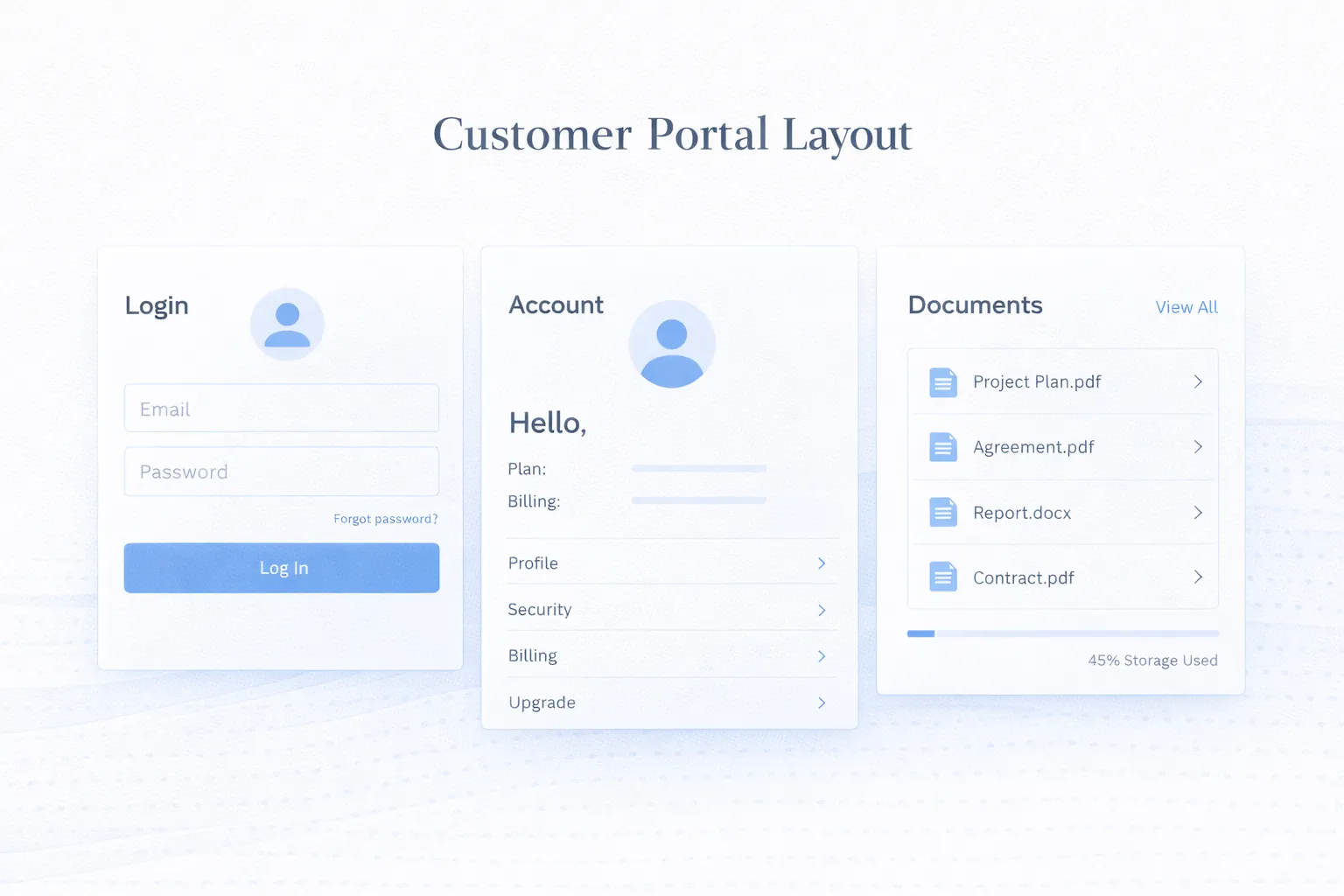
March 25, 2026
Customer portal development guide for 2026: secure login, roles, data access, portal features, integrations, and best practices for self-service experiences.
Read article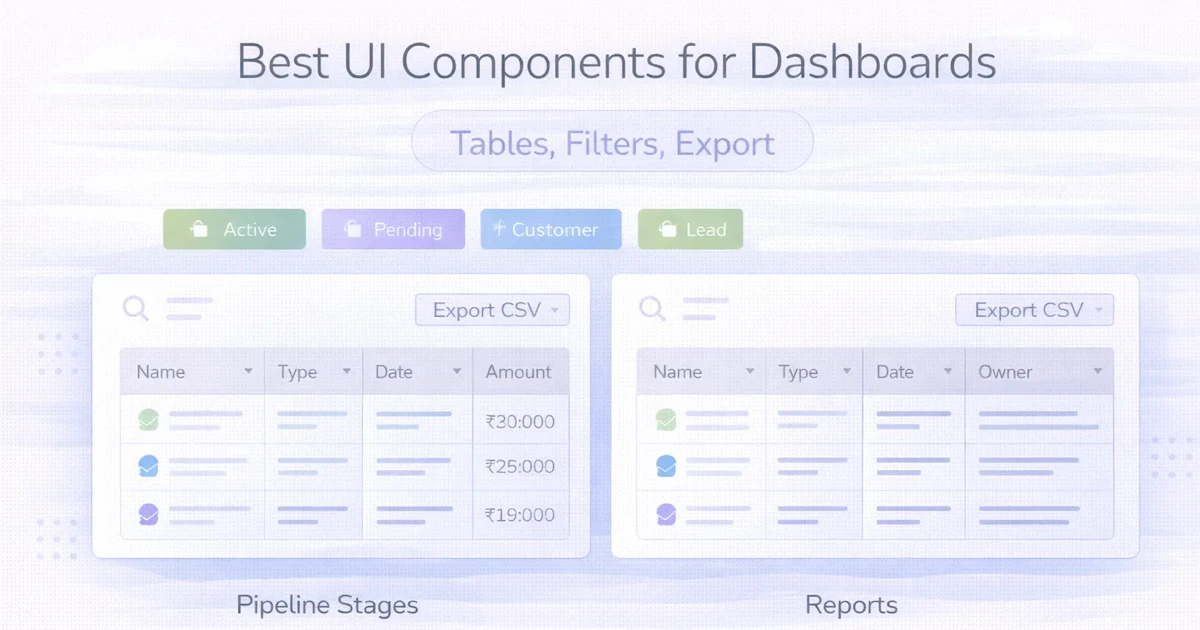
April 2, 2026
Design operational dashboards with usable tables, predictable filters, secure exports, bulk actions, responsive layouts, permissions and complete data states.
Read article
May 22, 2026
Automate business reports with validated data, scheduled snapshots, WhatsApp or email delivery, failure alerts, access controls, and audit logs.
Read article